Console Visuals Wiki
Introduction#
Welcome to the unofficial Console Visuals Wiki by TJGM! This wiki is based on v2.1 of Console Visuals.
Many assets were changed between the PC and console versions of GTA IV, the mod Console Visuals aims to restore those assets and also improve some of them. This wiki aims to provide as much information about the mod as possible.
Keep in mind Console Visuals isn't always just a direct port of console assets. The authors of the mod have improved many of the assets themselves using upscaling methods, recreating certain textures or cleaning up textures by hand.
Below you'll find how to download and install the mod, discover what each component of the mod does, my recommendations as well as direct texture and in-game comparisons when possible.
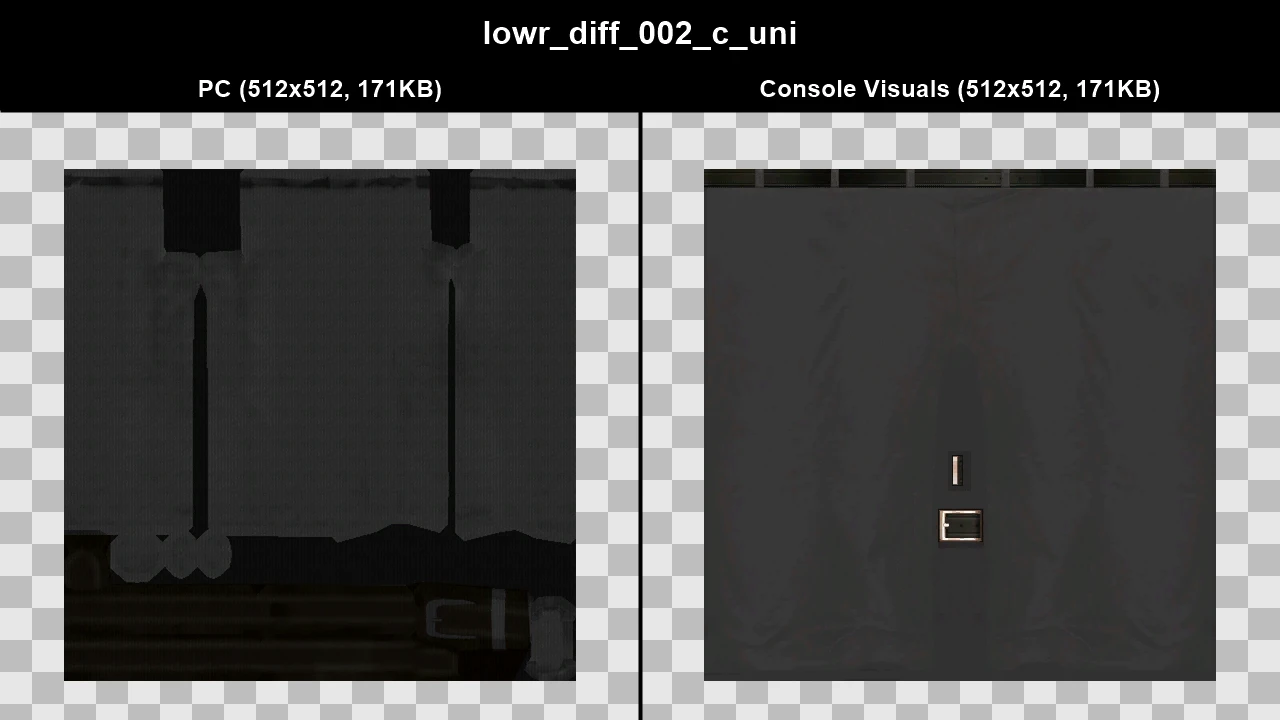
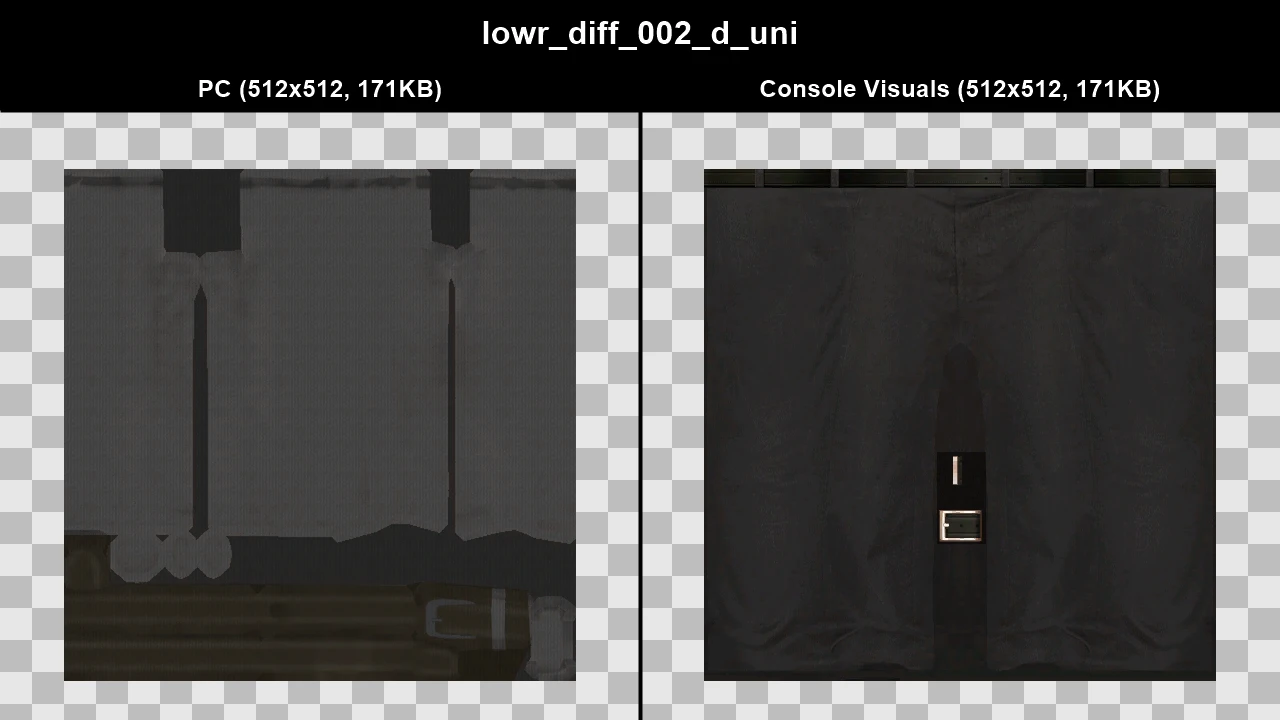
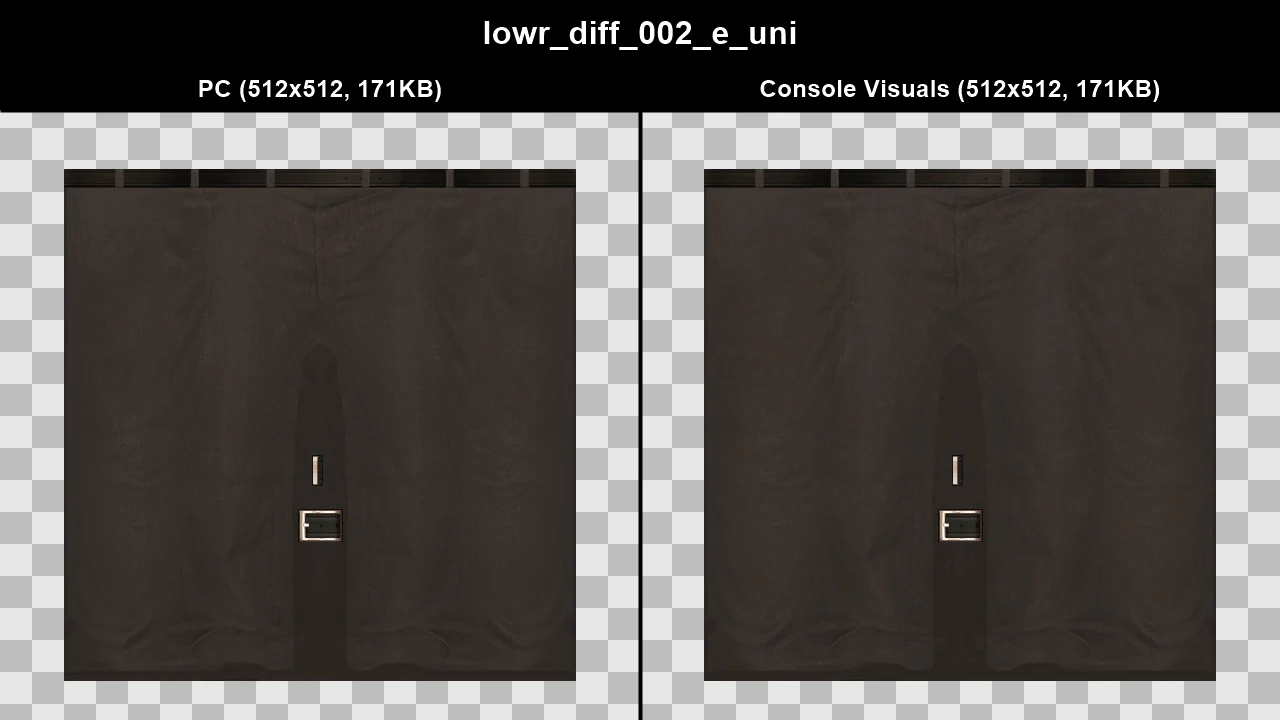
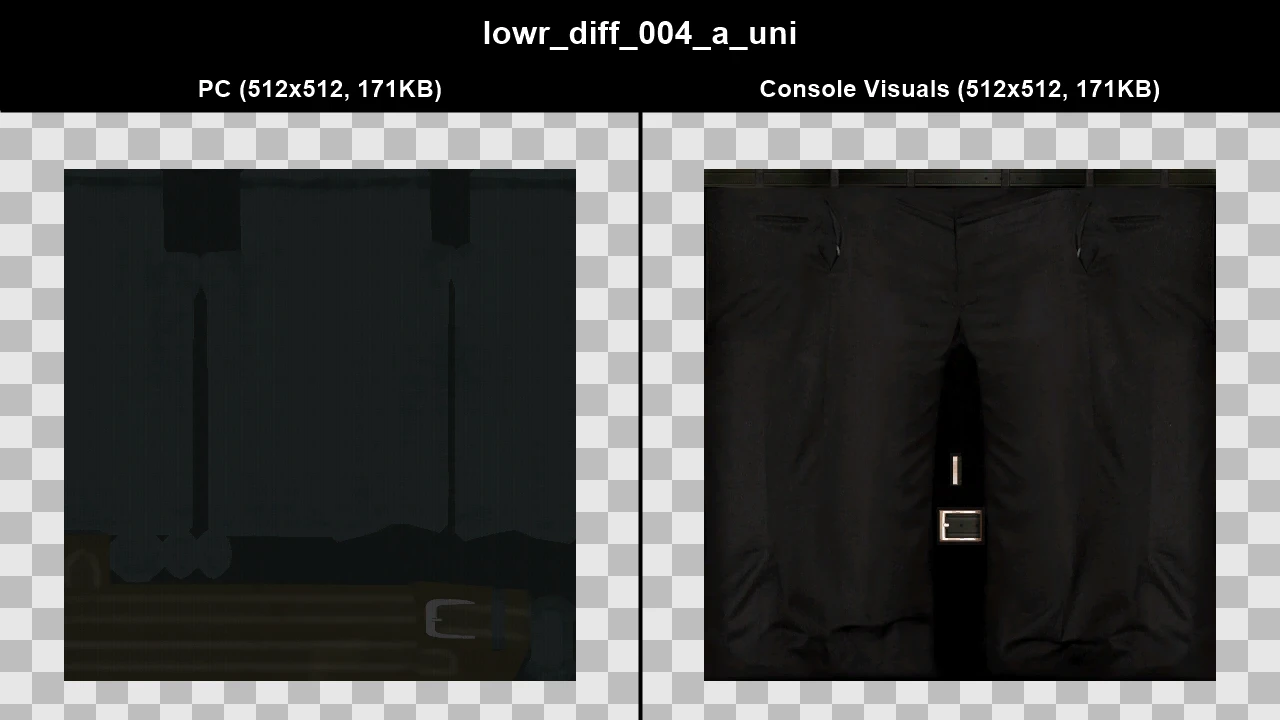
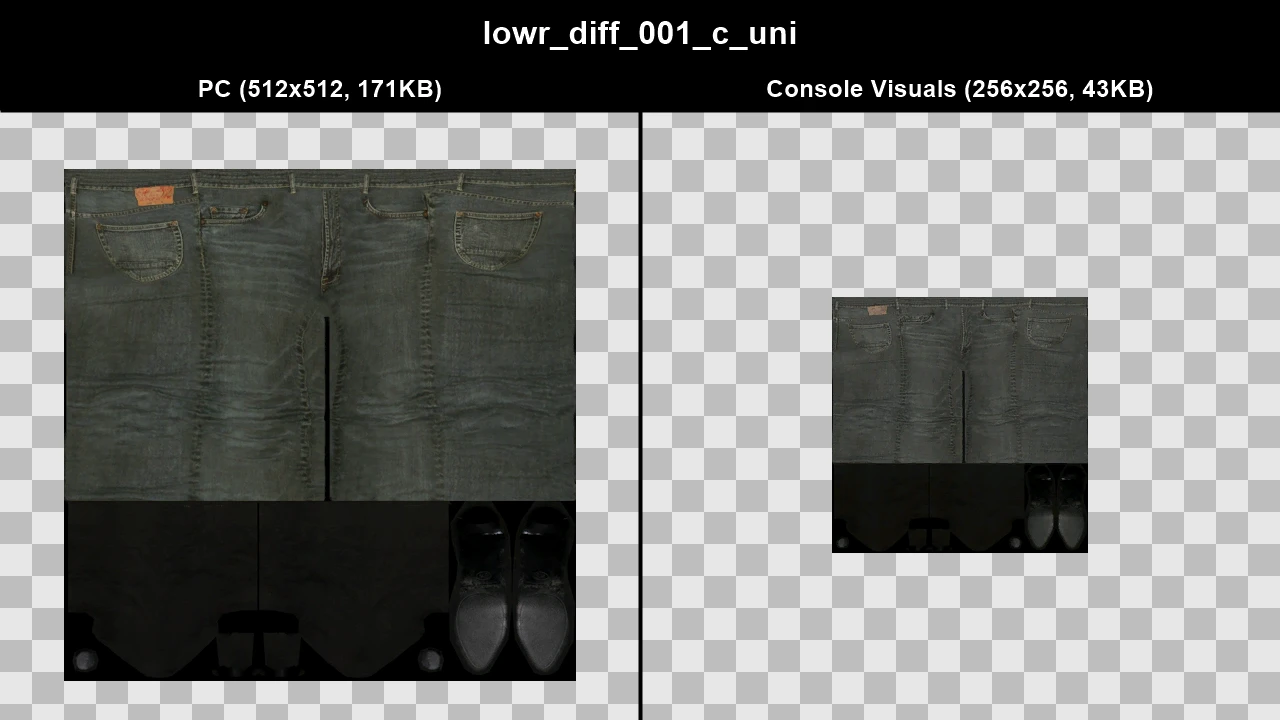
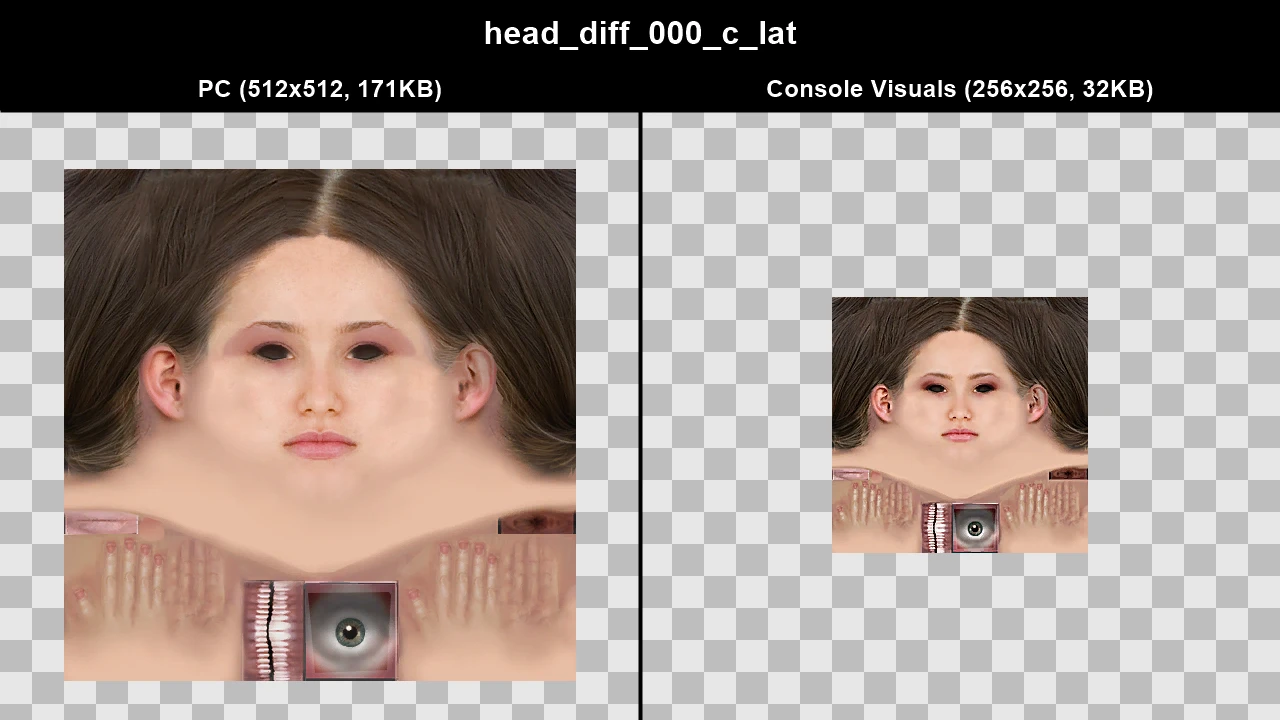
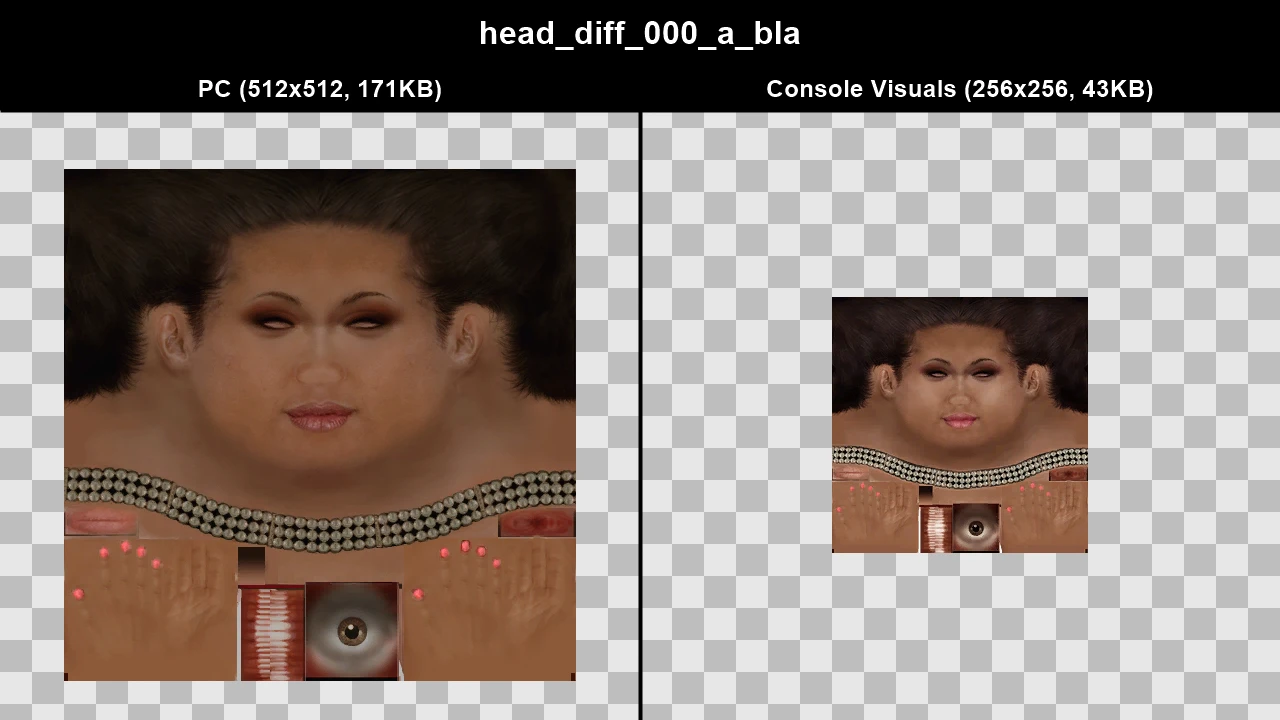
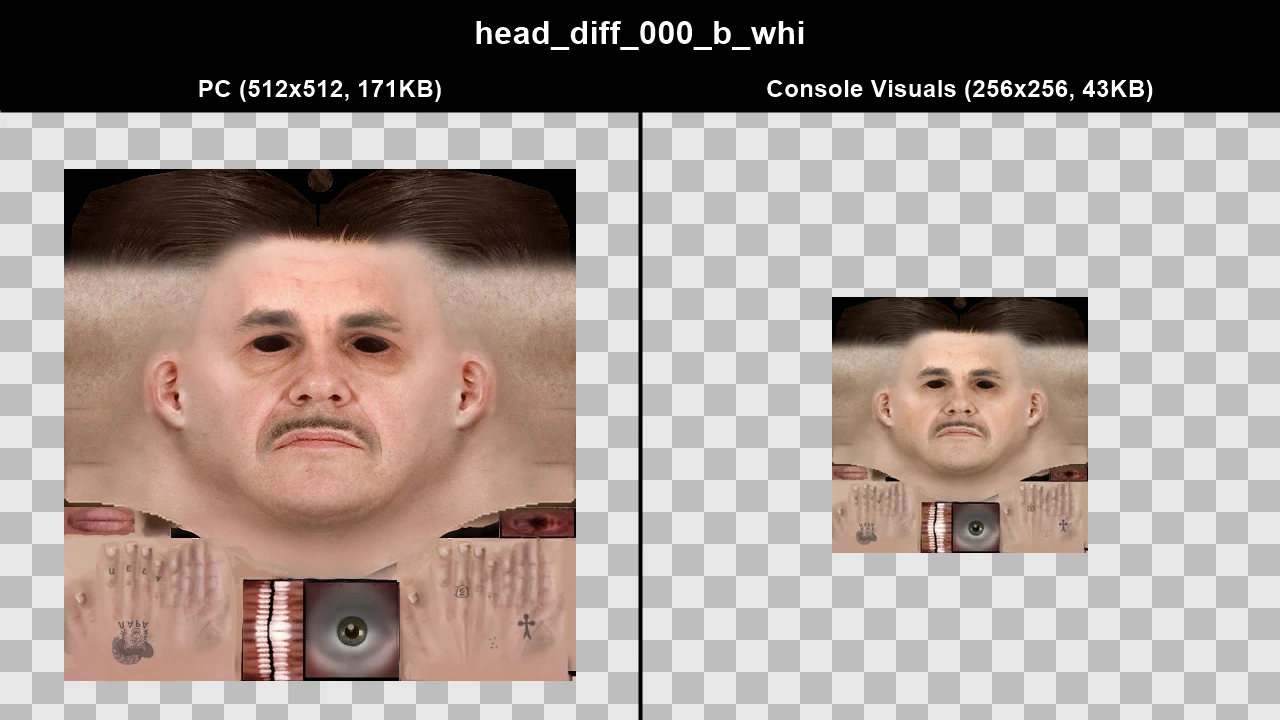
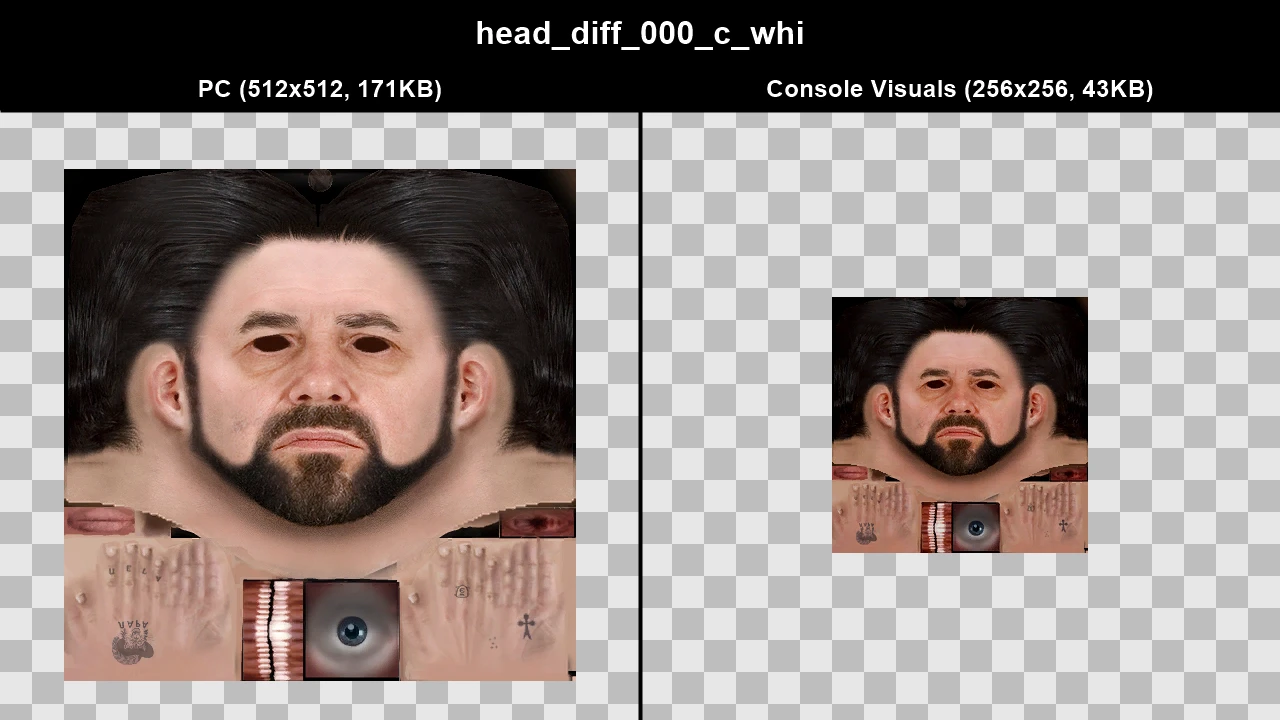
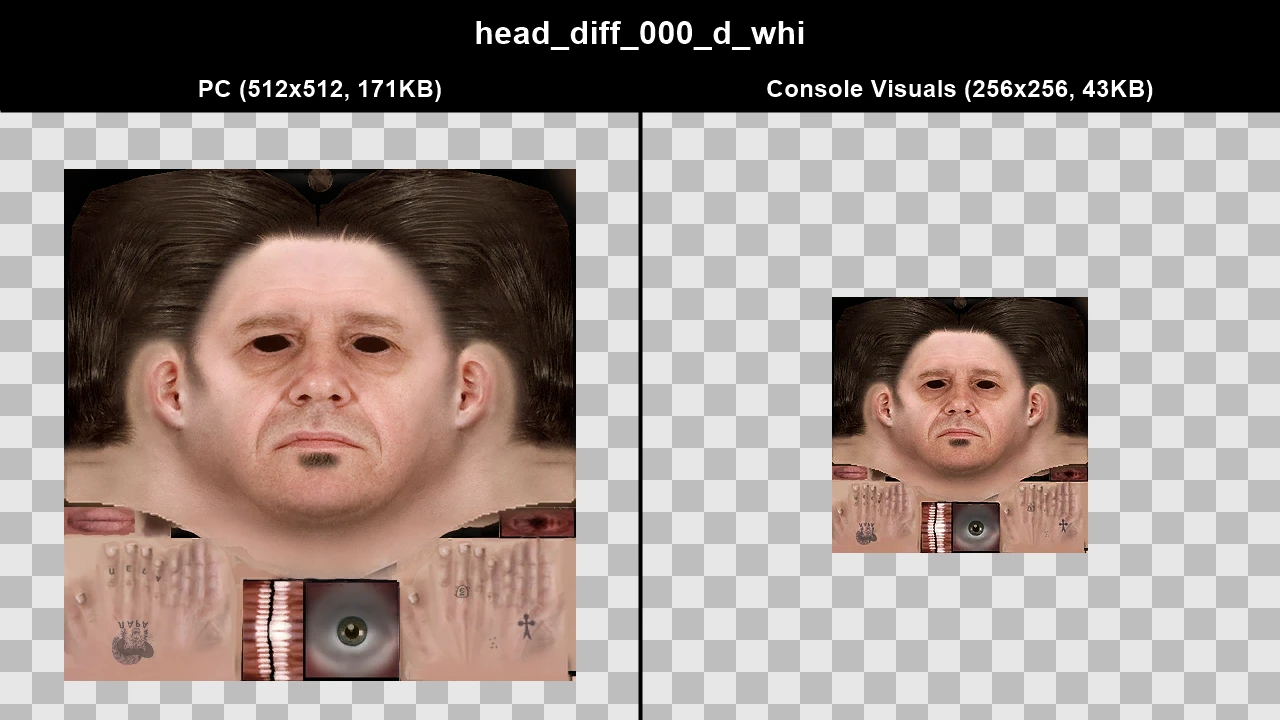
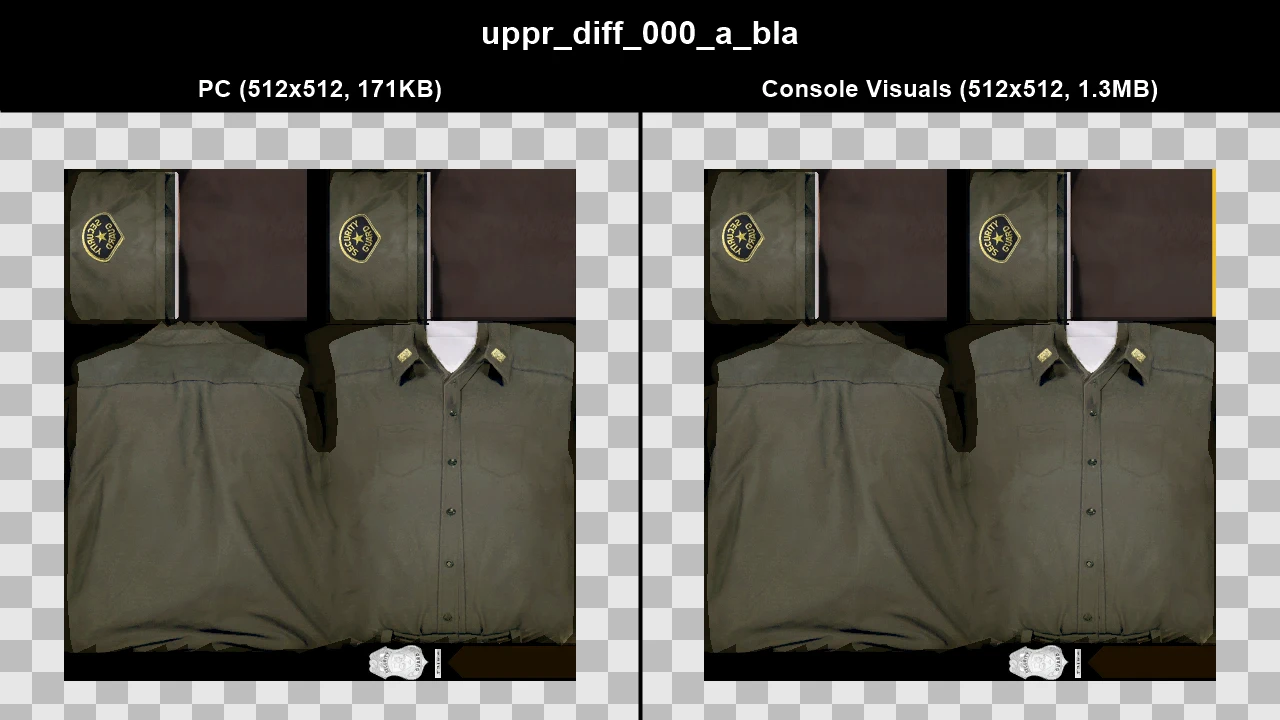
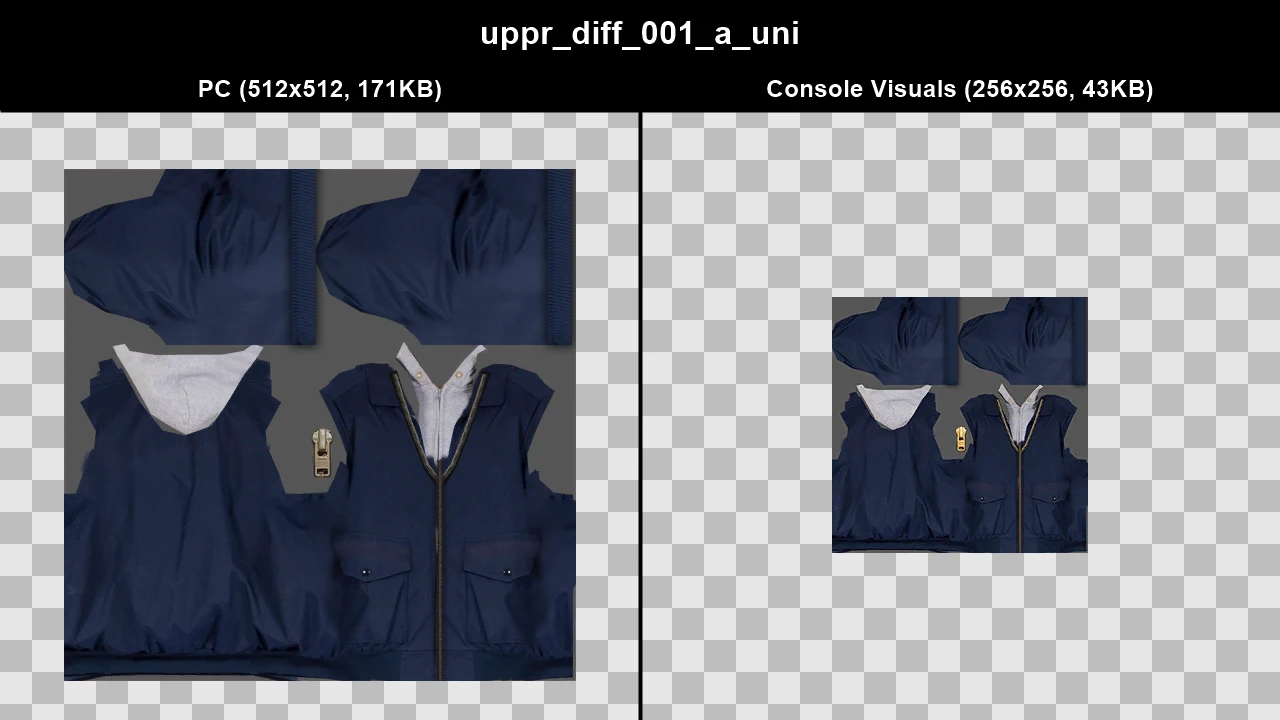
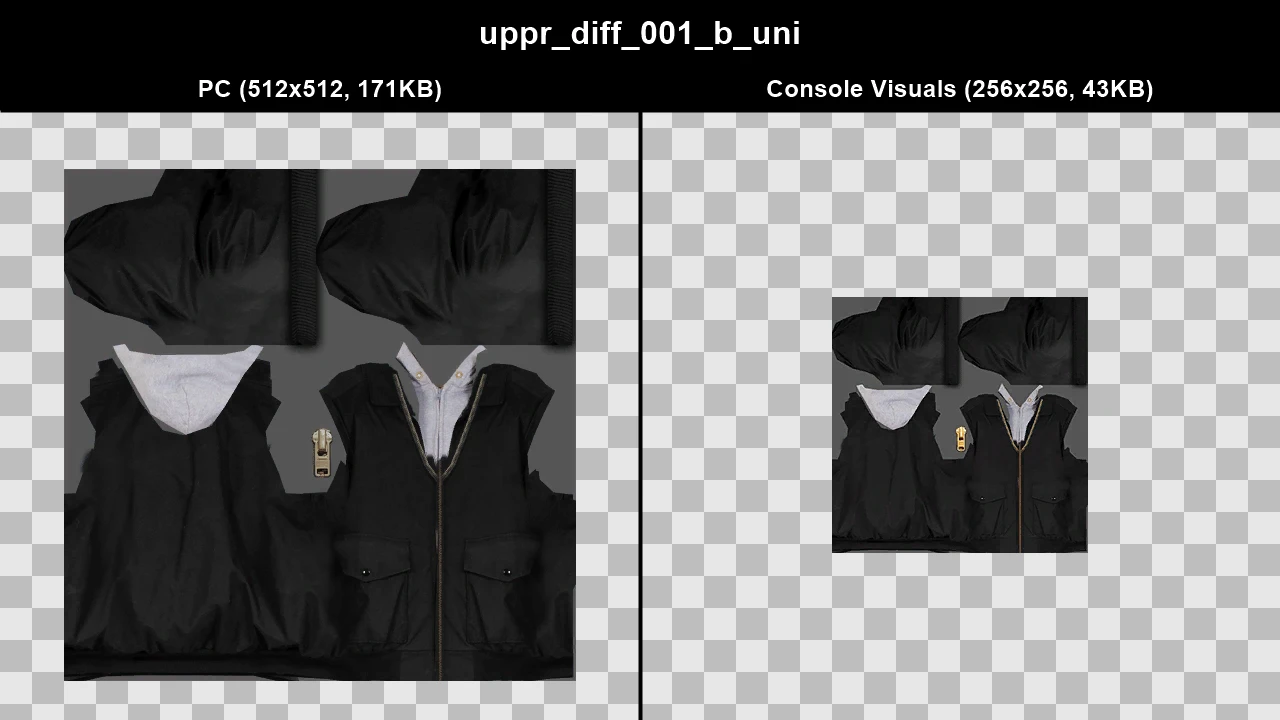
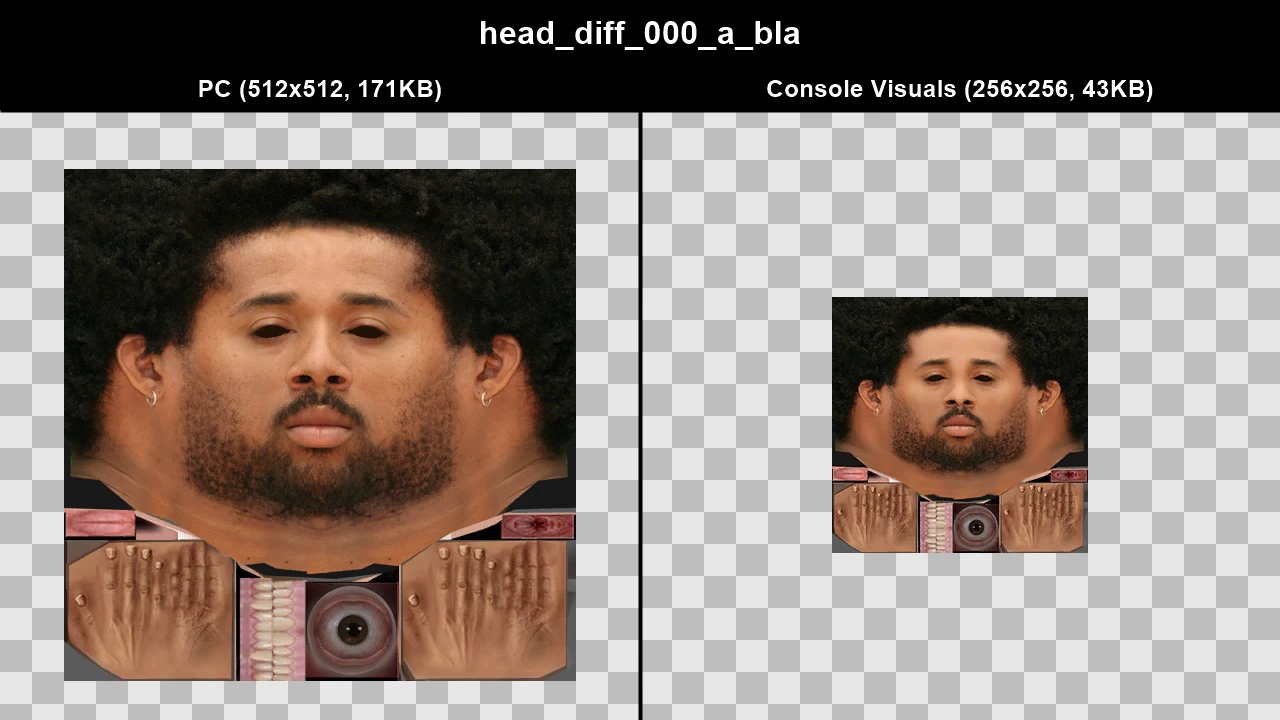
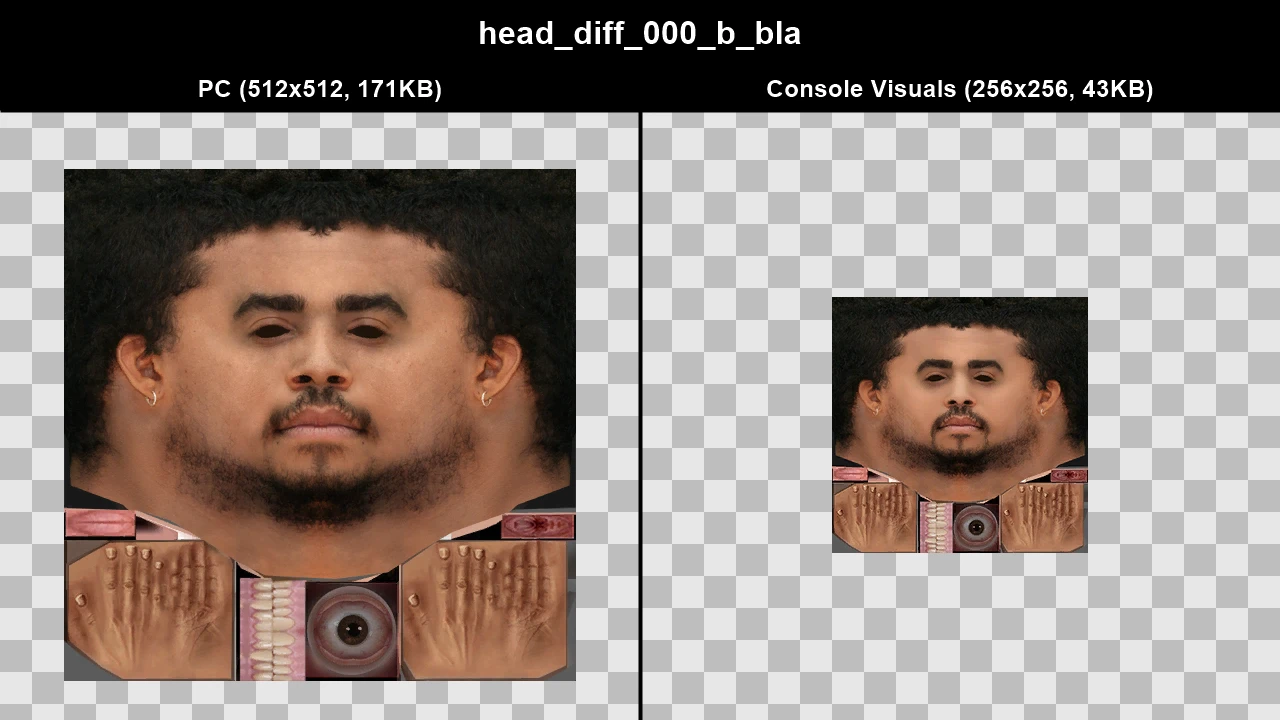
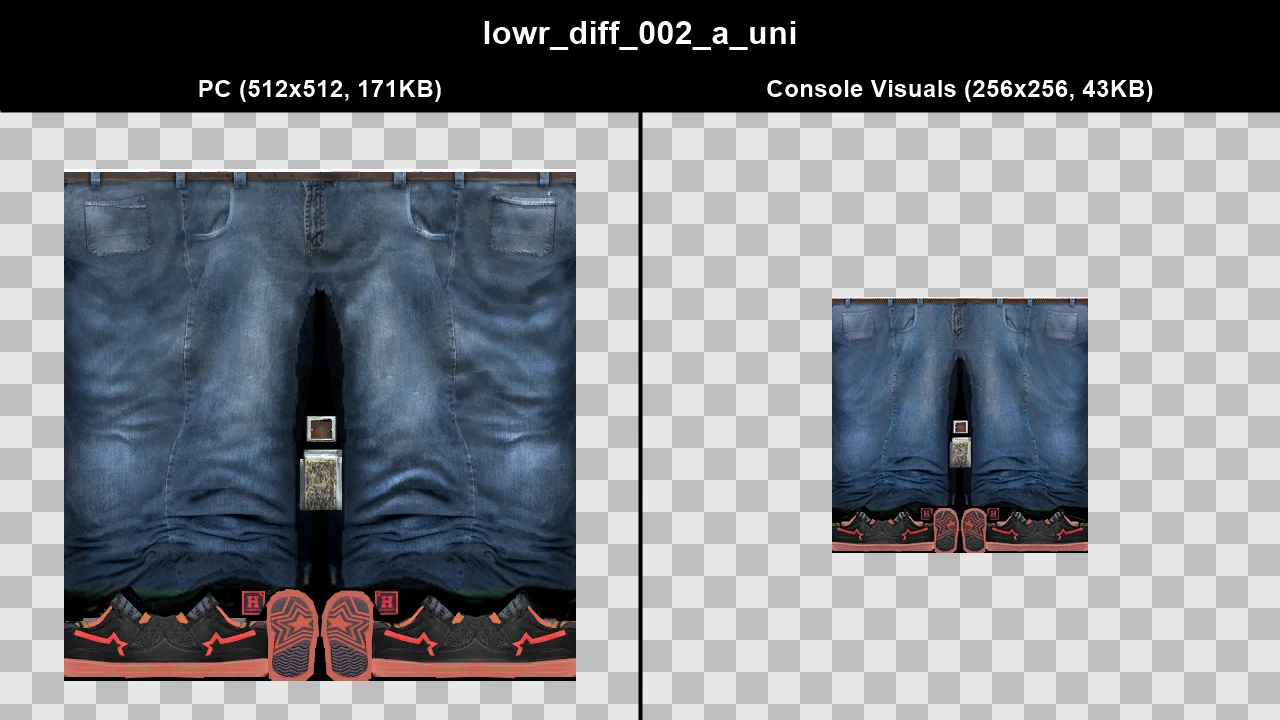
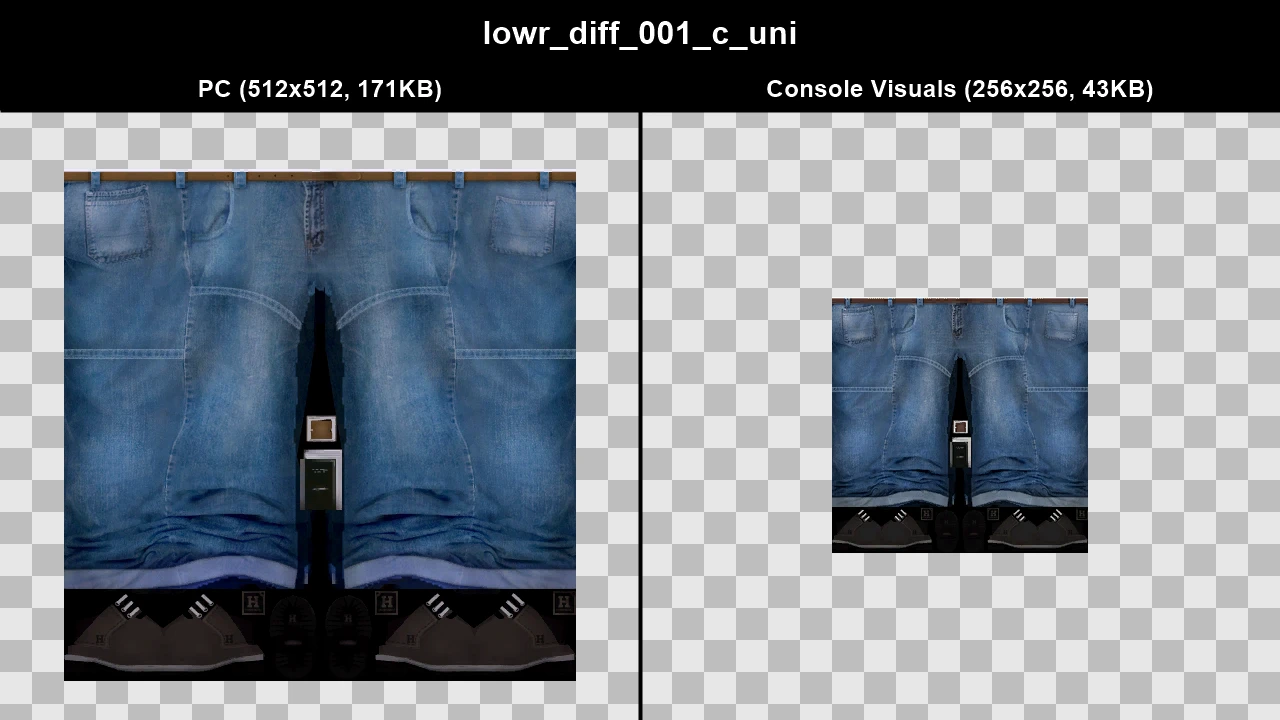
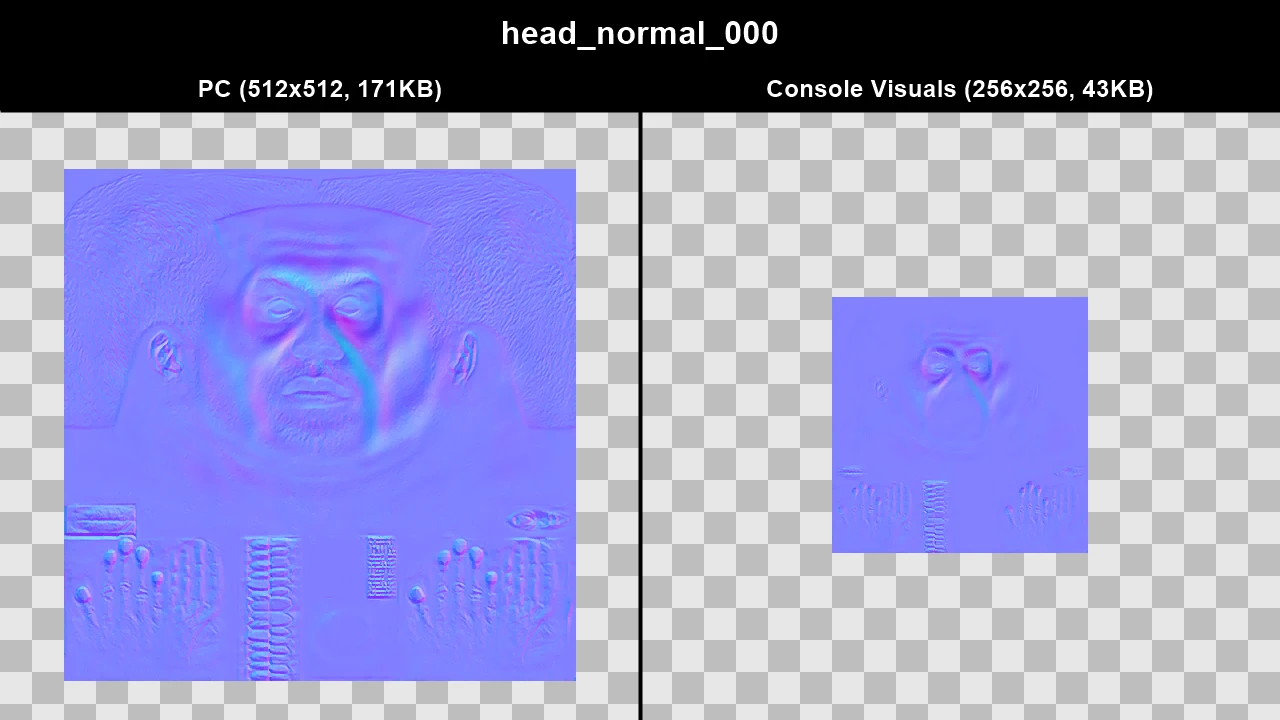
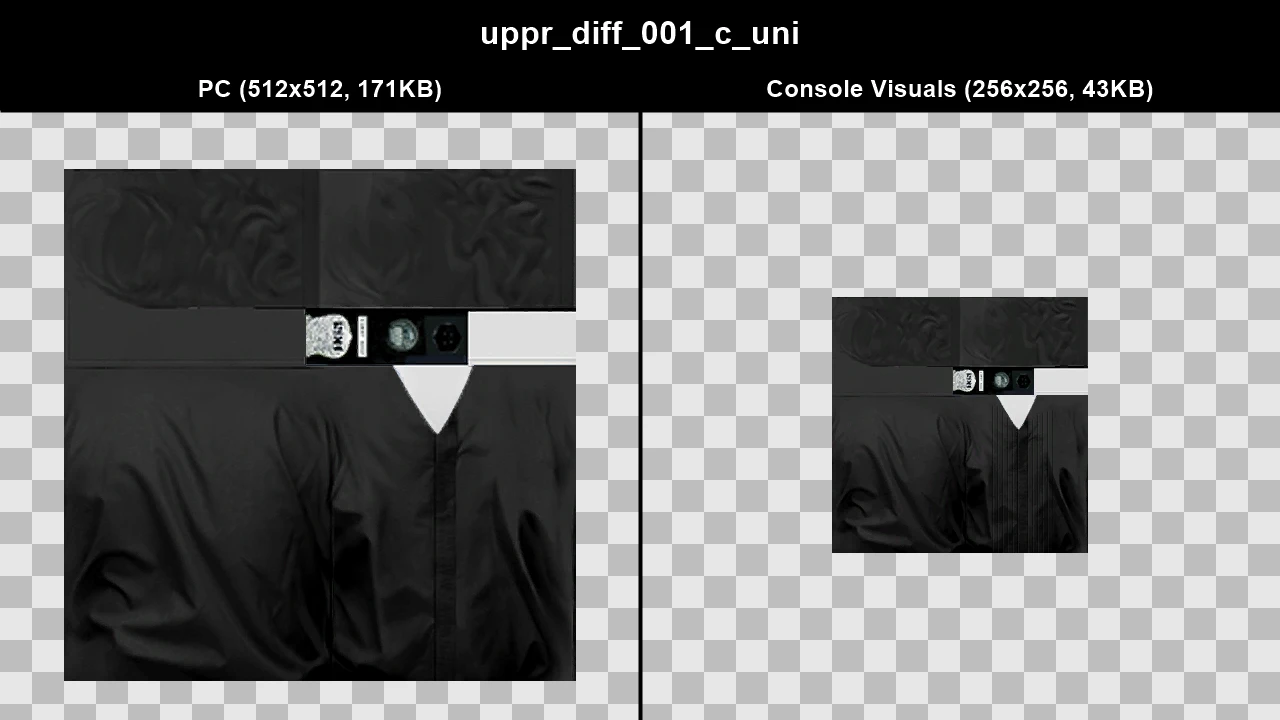
For texture comparisons, the resolution and file size of all the textures will be displayed to give you a better idea of what texture might be better. File size is taken directly from the texture exported as a .dds, so file size will often be similar for images as long as they're the same resolution, but the size should give you a better idea regarding compression and mipmaps.
Download and Installation#
Console Visuals is a modular mod, so it's split up into seperate components and you can pick and choose exactly what you want to download and install.
The mod is made exclusively for The Complete Edition of GTA IV and it uses Fusion Overloader (which comes with Fusion Fix) to work. This means the mod doesn't replace any game files and installation is a simple drag and drop.
You can learn more about Fusion Overloader on my Fusion Fix wiki!
-
Download the Console Visuals components you want from the latest release page.
-
Open the archive(s) you downloaded and copy the
updatefolder from the archive into your game folder whereGTAIV.exeis located.
Tip
If you're not sure how to find your game folder...
-
Steam: You can find it by right clicking on
Grand Theft Auto IV: The Complete Editionin your Steam library, going toManageand then clickingBrowse Local Files. TheGTAIVfolder is whereGTAIV.exeis located. -
Rockstar Games Launcher: You can find it by clicking on
Settingsin the Rockstar Games Launcher, clickGrand Theft Auto IV: The Complete Editionin your installed games list, findView installation folderand then clickOpennext to it. TheGTAIVfolder is whereGTAIV.exeis located.
Console Clothes#
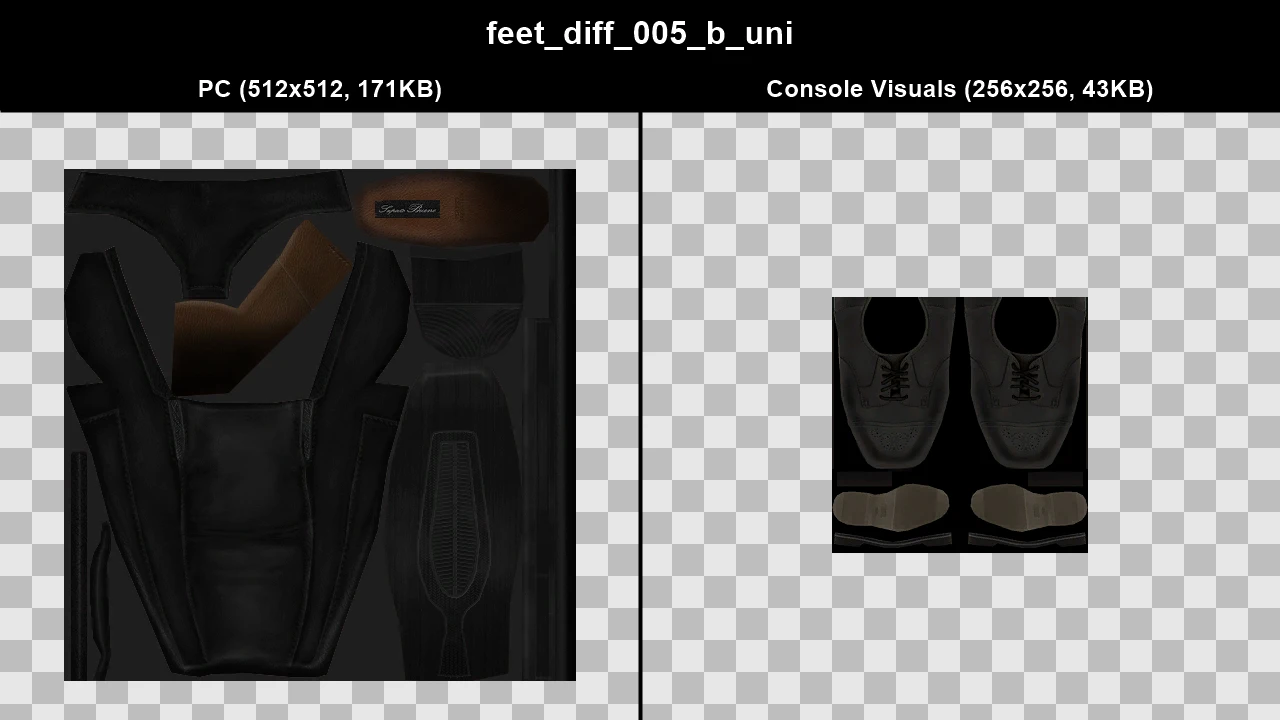
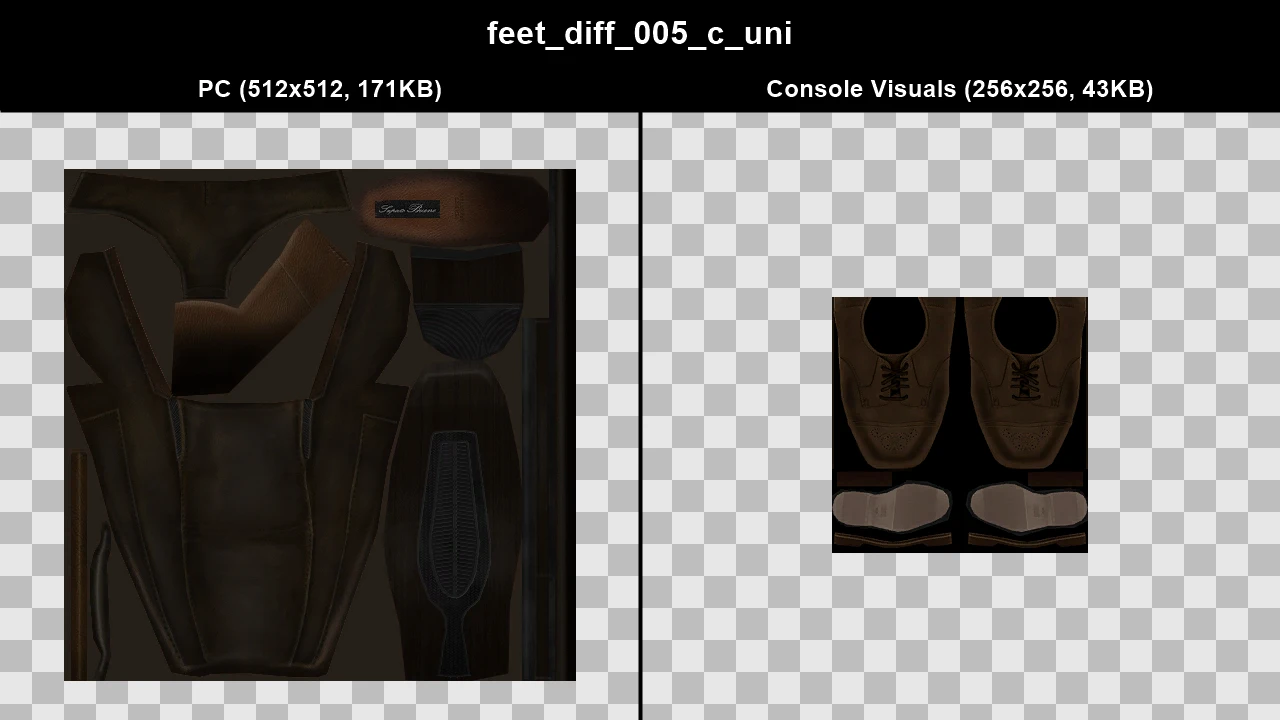
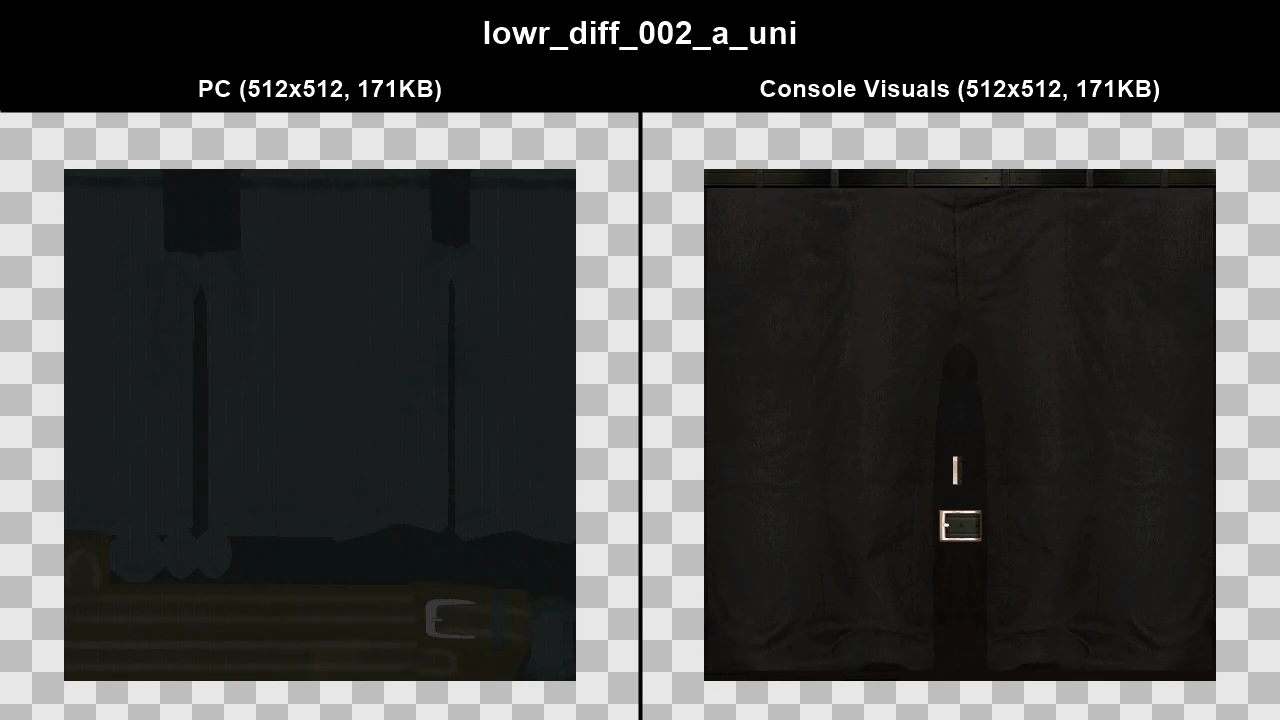
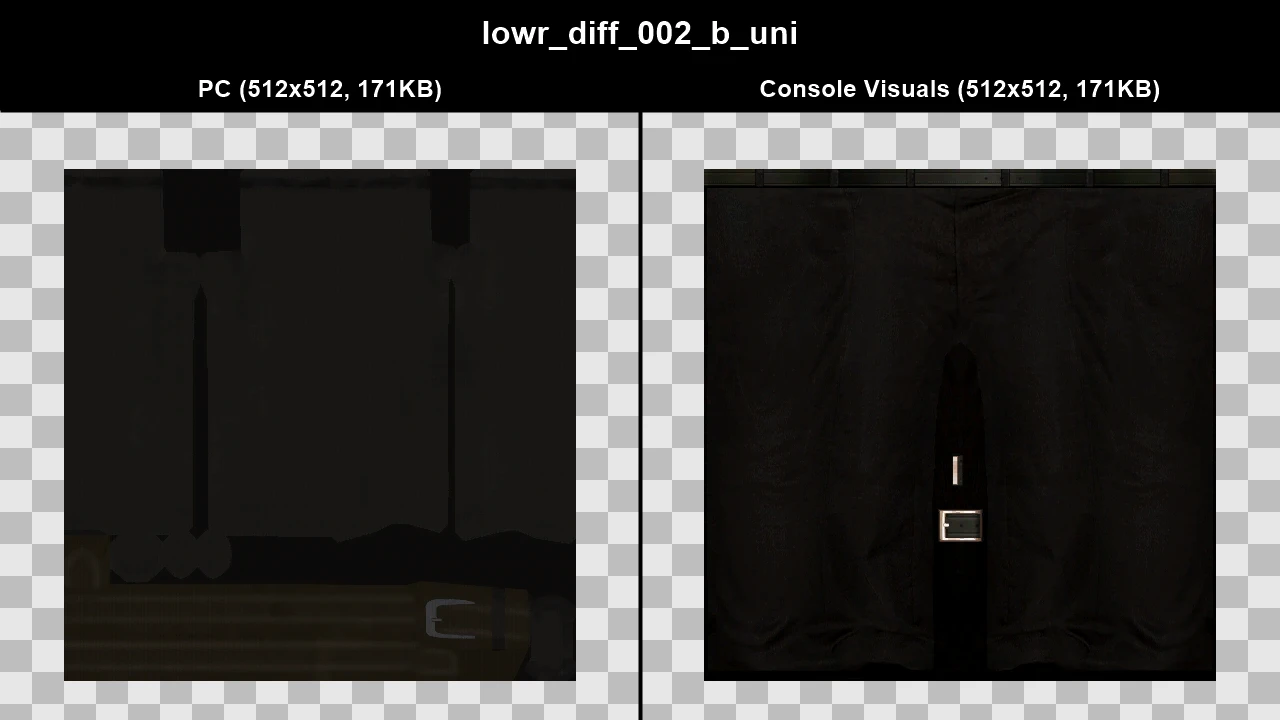
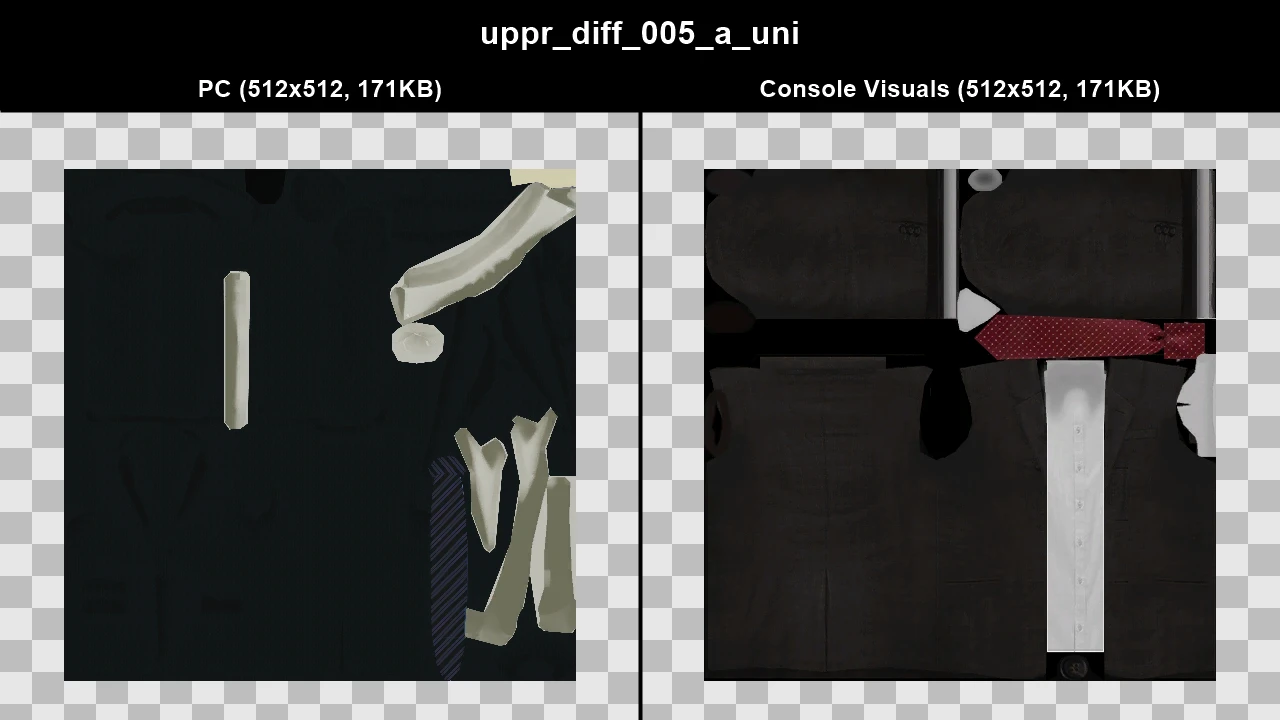
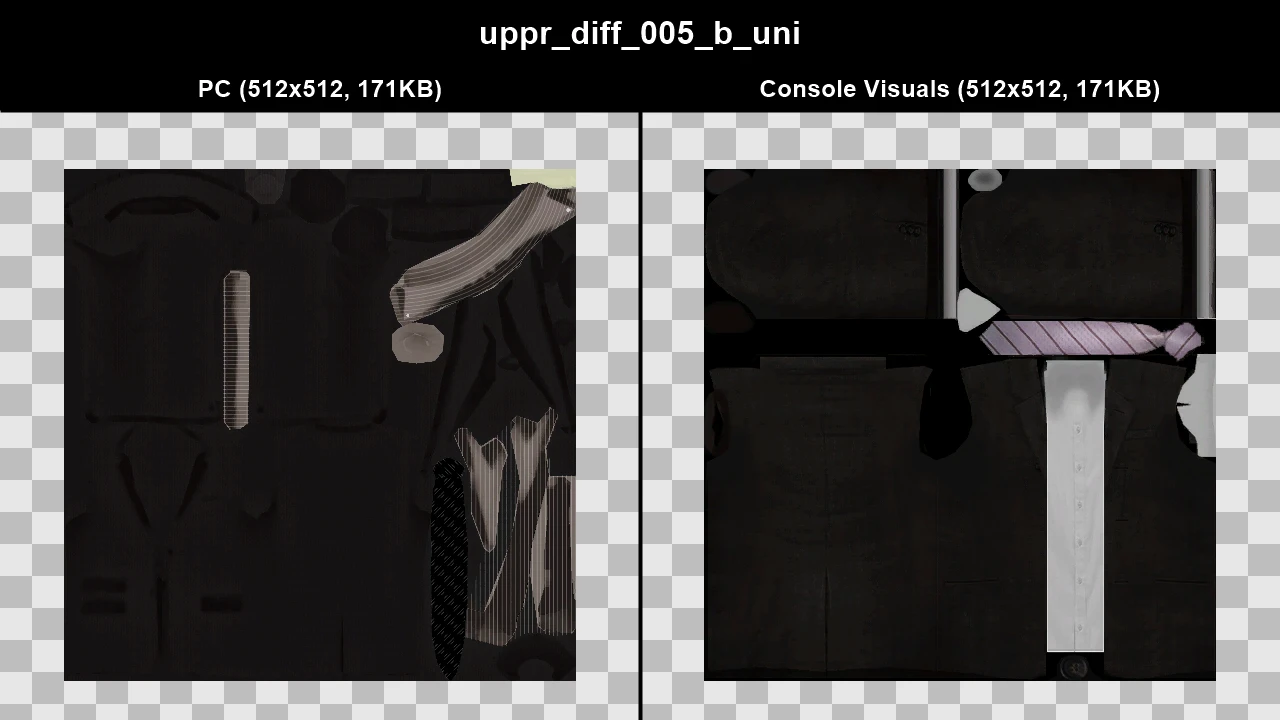
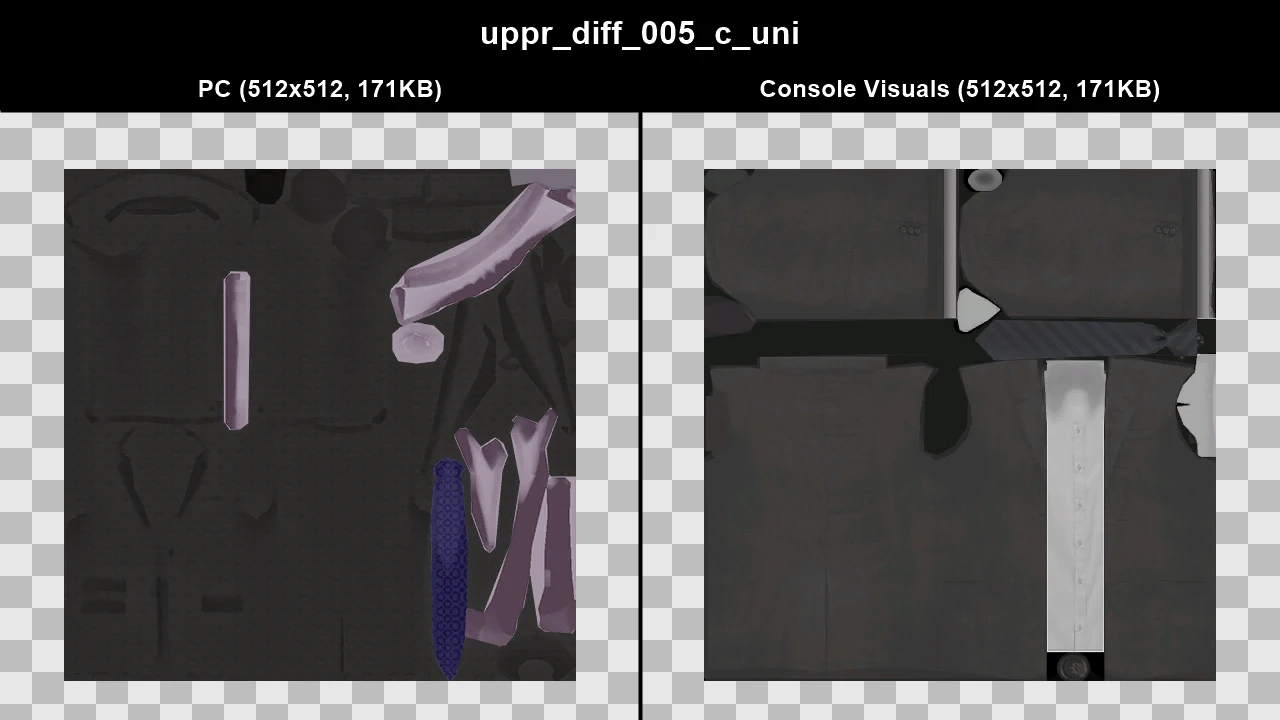
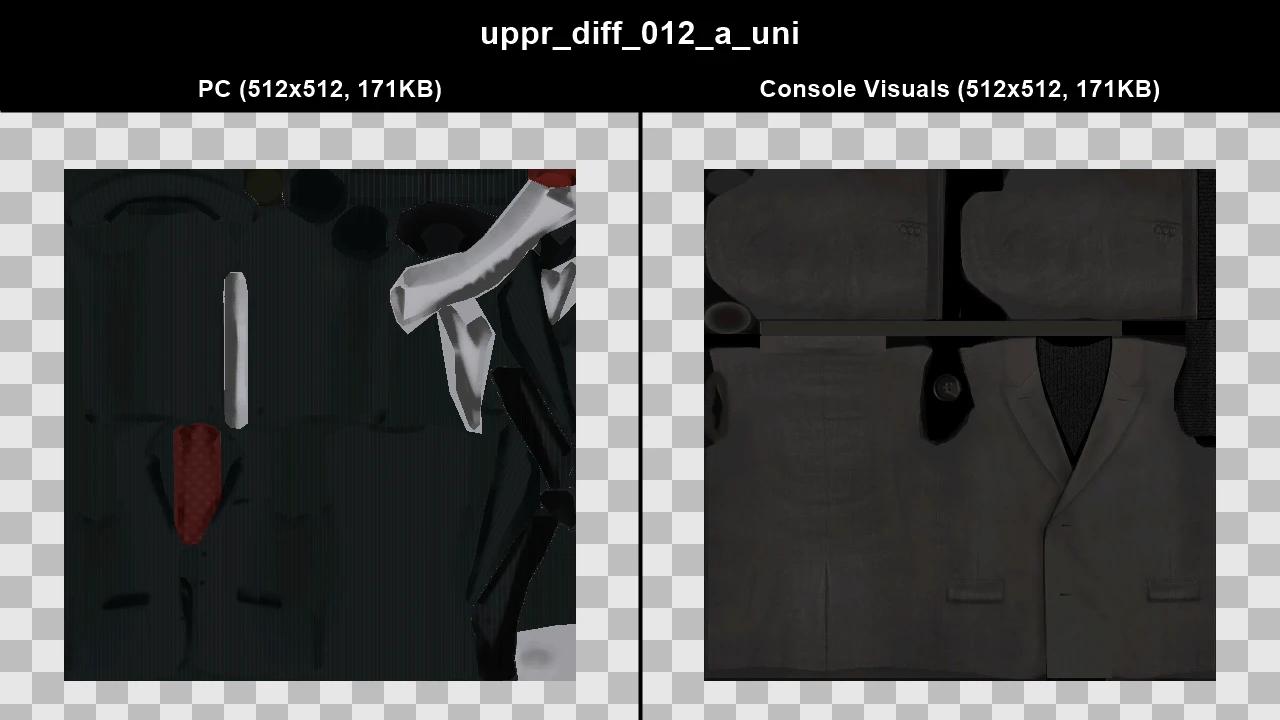
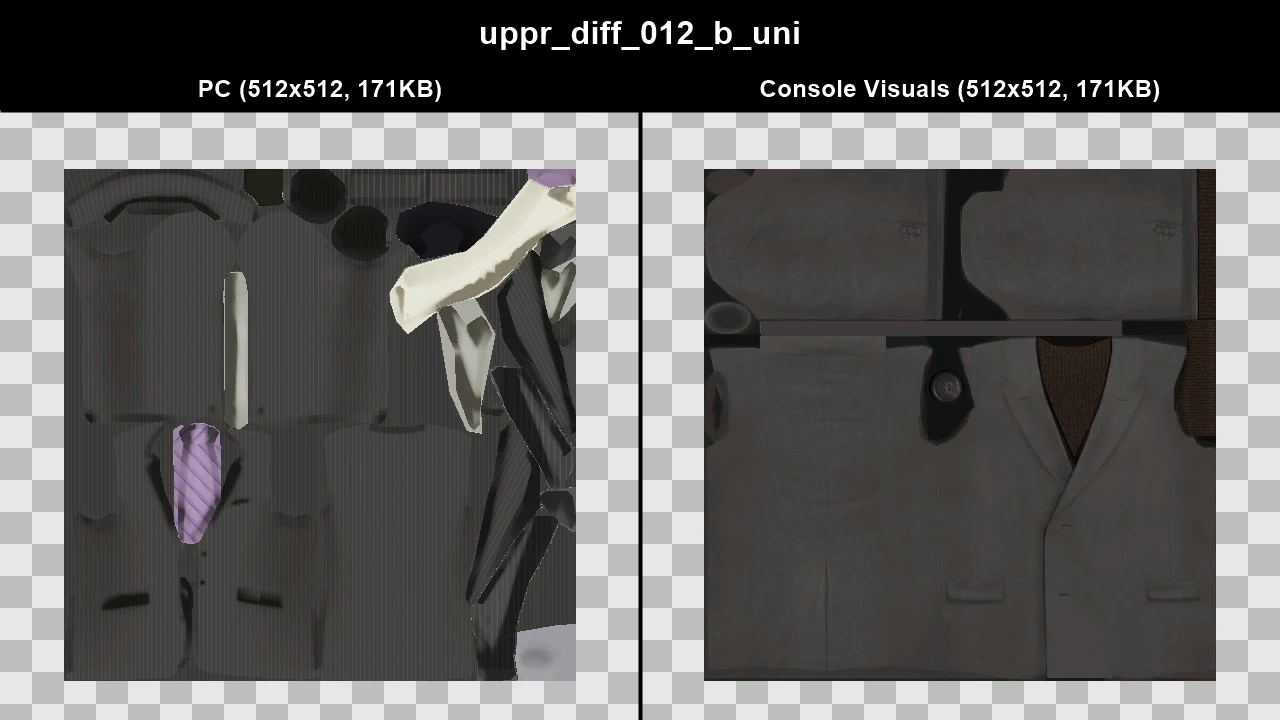
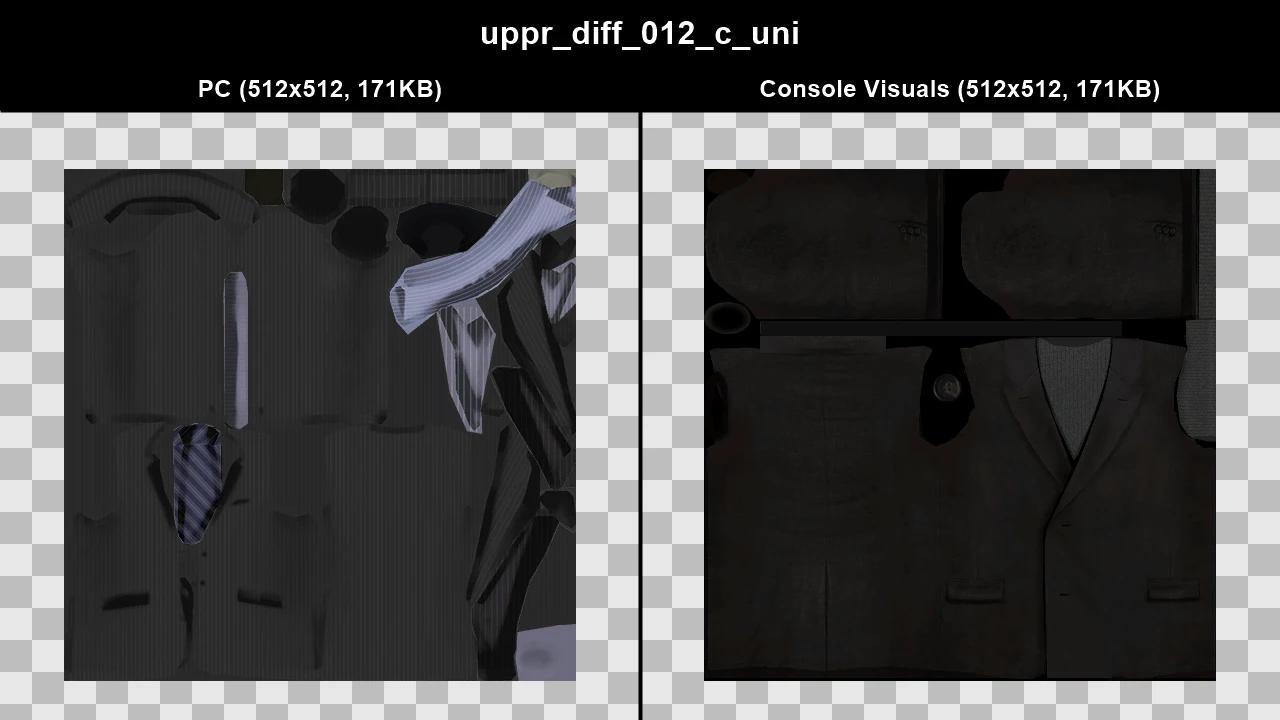
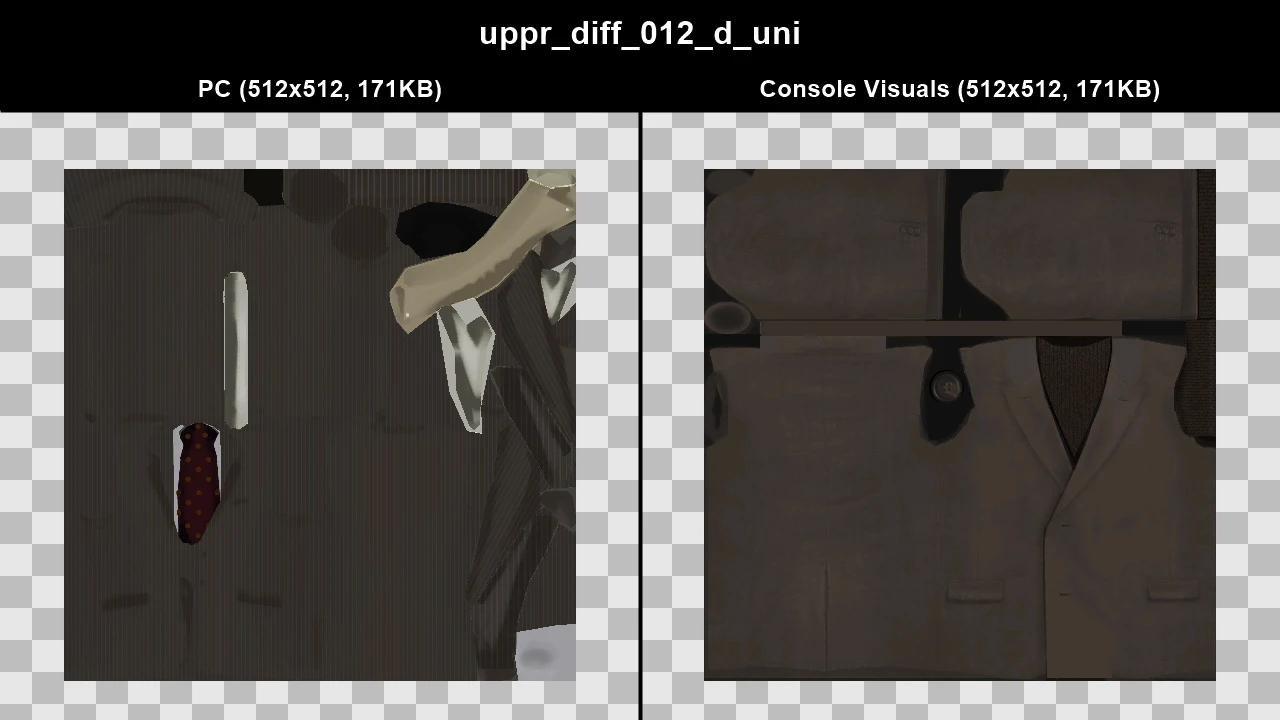
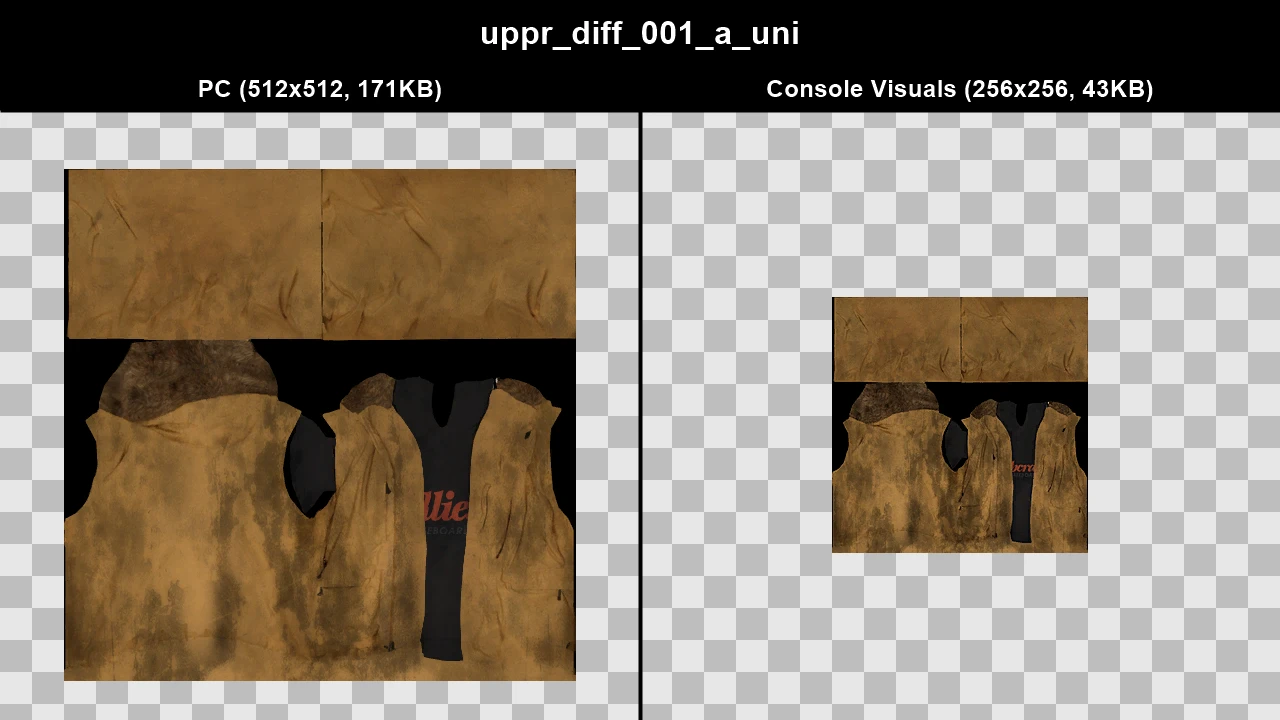
Several clothes (mainly the suits) were completely changed on PC, clothing racks in shops were also changed to reflect these changes. Console Visuals restores the console clothes, including the clothing racks seen on console.
TJGM Recommendation: 🤷♂️ Subjective. I prefer Console Clothes myself as I feel they fit the games atmosphere a bit more, plus who doesn't love a turtle neck?
In-Game Comparisons#
Click to view images
WTD: feet_diff_002_a_uni
.webp)
.webp)
WTD: feet_diff_002_b_uni
.webp)
.webp)
WTD: feet_diff_002_c_uni
.webp)
.webp)
WTD: feet_diff_005_a_uni
.webp)
.webp)
WTD: feet_diff_005_b_uni
.webp)
.webp)
WTD: feet_diff_005_c_uni
.webp)
.webp)
WTD: lowr_diff_002_a_uni
.webp)
.webp)
WTD: lowr_diff_002_b_uni
.webp)
.webp)
WTD: lowr_diff_002_c_uni
.webp)
.webp)
WTD: lowr_diff_002_d_uni
.webp)
.webp)
WTD: lowr_diff_002_e_uni
.webp)
.webp)
WTD: lowr_diff_004_a_uni
.webp)
.webp)
WTD: lowr_diff_004_b_uni
.webp)
.webp)
WTD: lowr_diff_004_c_uni
.webp)
.webp)
WTD: lowr_diff_004_d_uni
.webp)
.webp)
WTD: lowr_diff_004_e_uni
.webp)
.webp)
WTD: uppr_diff_005_a_uni
.webp)
.webp)
WTD: uppr_diff_005_b_uni
.webp)
.webp)
WTD: uppr_diff_005_c_uni
.webp)
.webp)
WTD: uppr_diff_012_a_uni
.webp)
.webp)
WTD: uppr_diff_012_b_uni
.webp)
.webp)
WTD: uppr_diff_012_c_uni
.webp)
.webp)
WTD: uppr_diff_012_d_uni
.webp)
.webp)
Texture Comparisons#
Click to view images
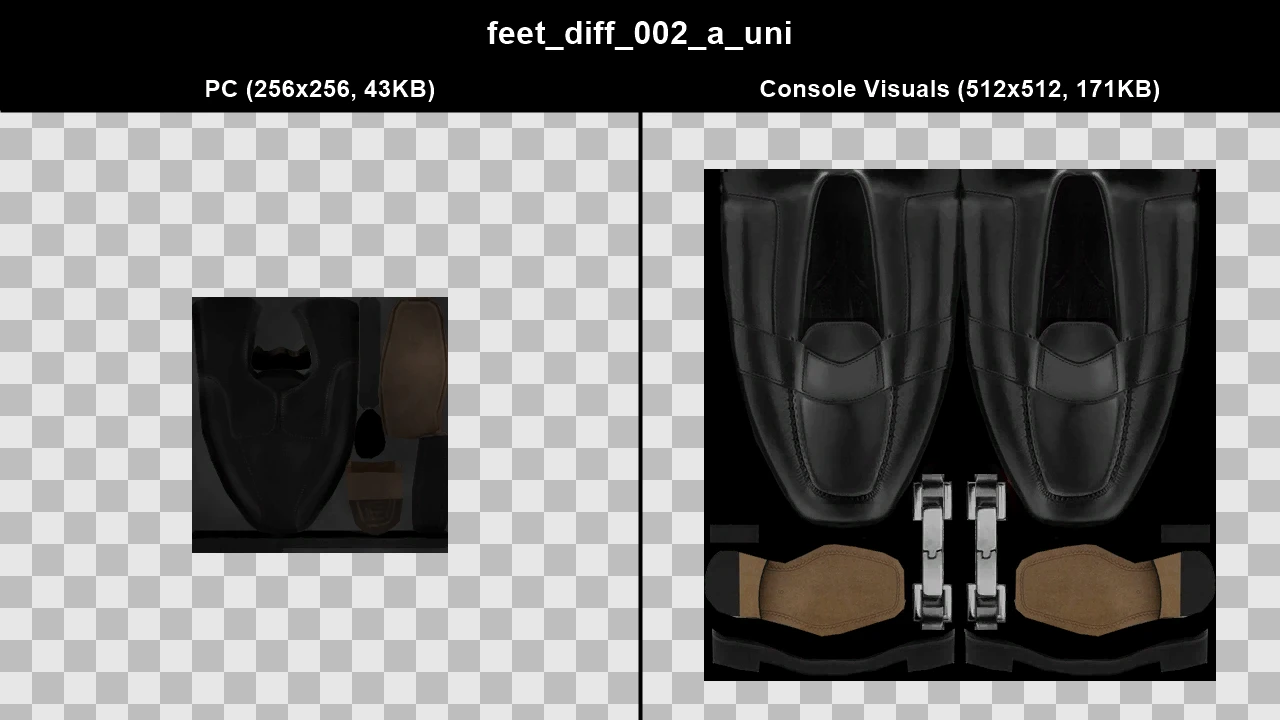
WTD: feet_diff_002_a_uni
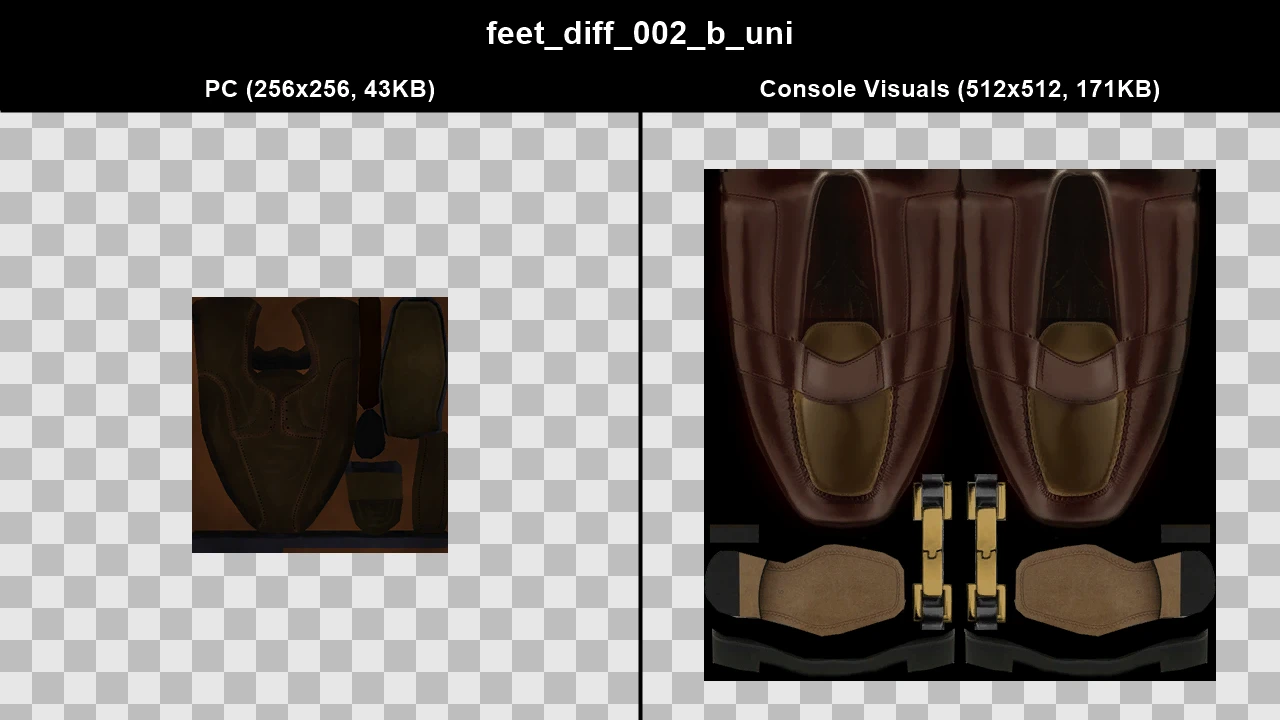
WTD: feet_diff_002_b_uni
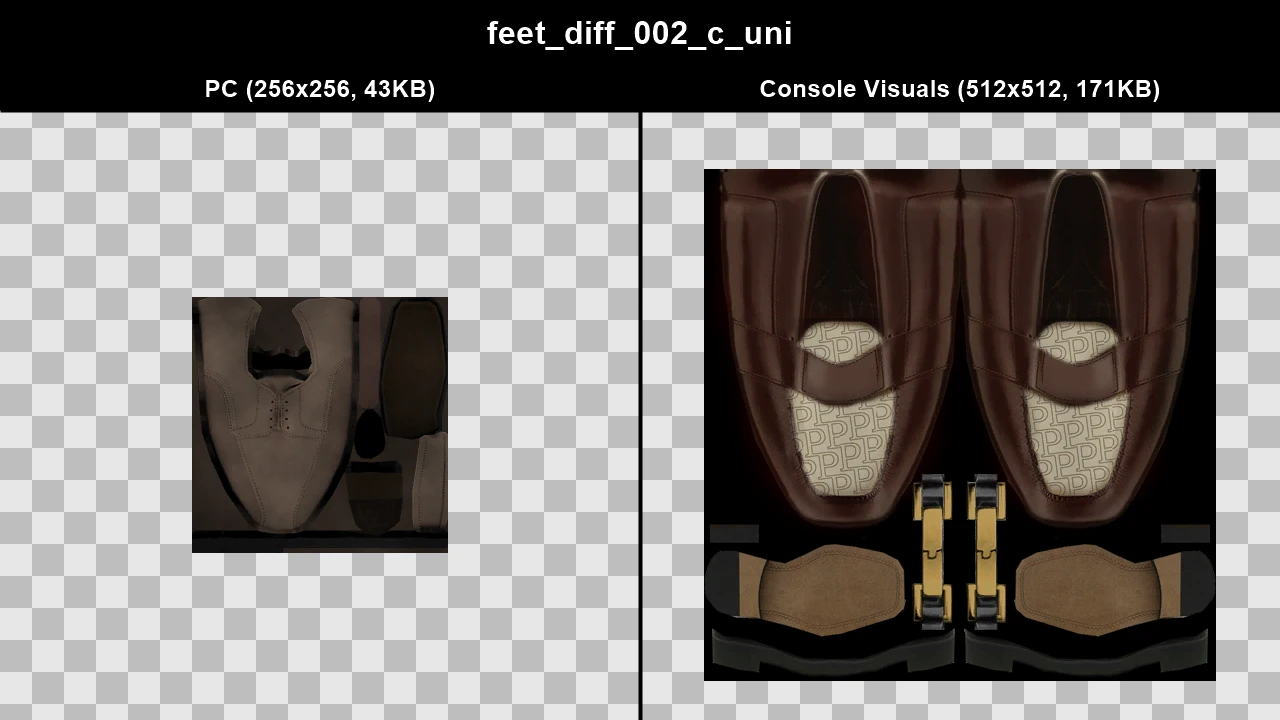
WTD: feet_diff_002_c_uni
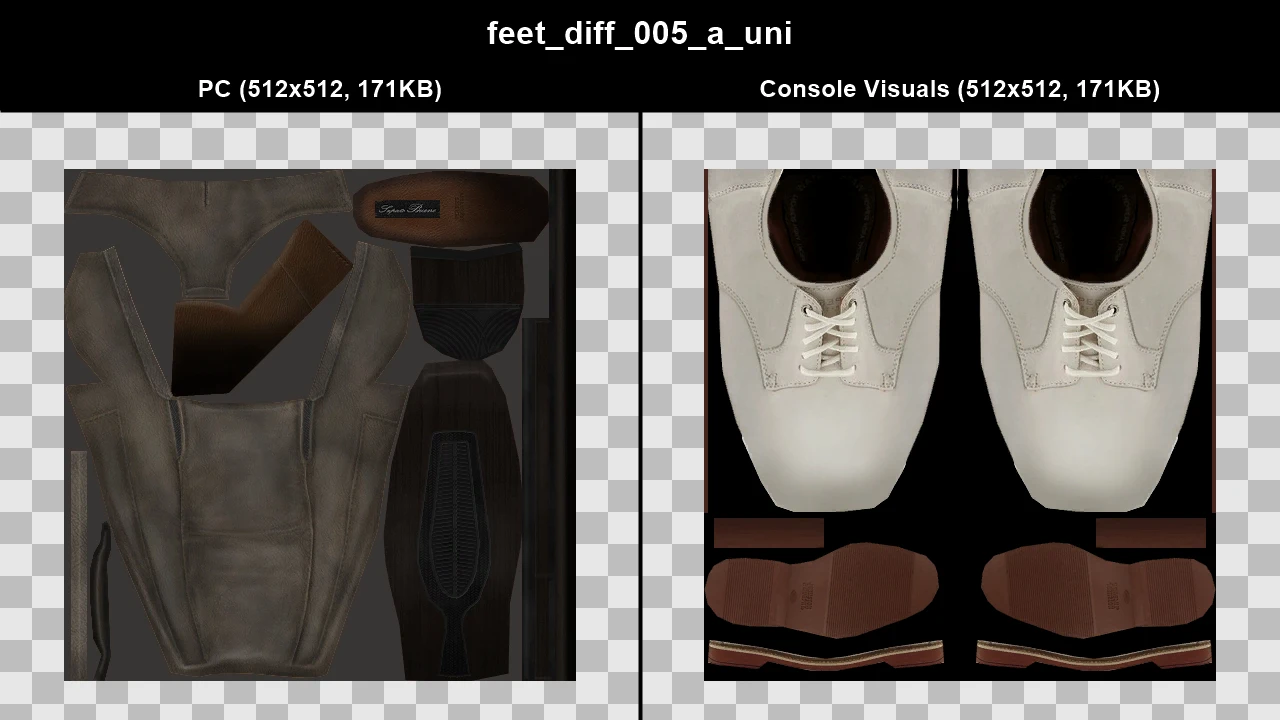
WTD: feet_diff_005_a_uni
WTD: feet_diff_005_b_uni
WTD: feet_diff_005_c_uni
WTD: lowr_diff_002_a_uni
WTD: lowr_diff_002_b_uni
WTD: lowr_diff_002_c_uni
WTD: lowr_diff_002_d_uni
WTD: lowr_diff_002_e_uni
WTD: lowr_diff_004_a_uni
WTD: lowr_diff_004_b_uni
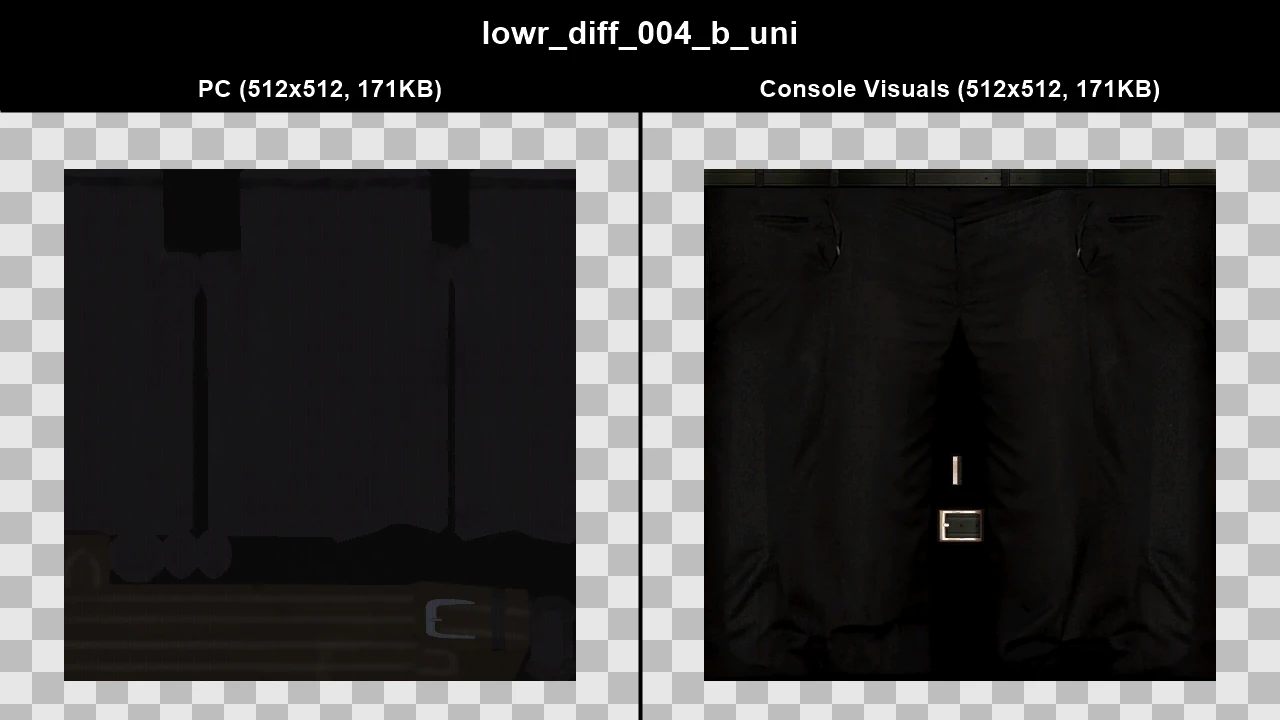
WTD: lowr_diff_004_c_uni
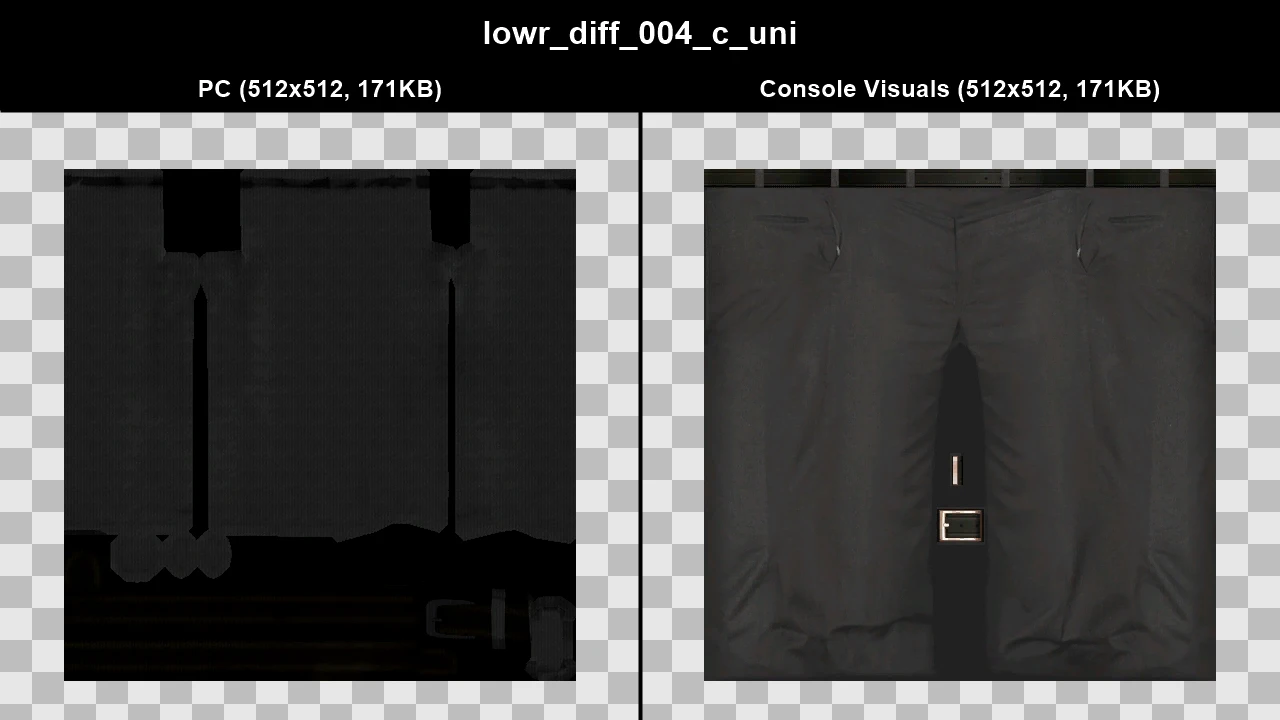
WTD: lowr_diff_004_d_uni
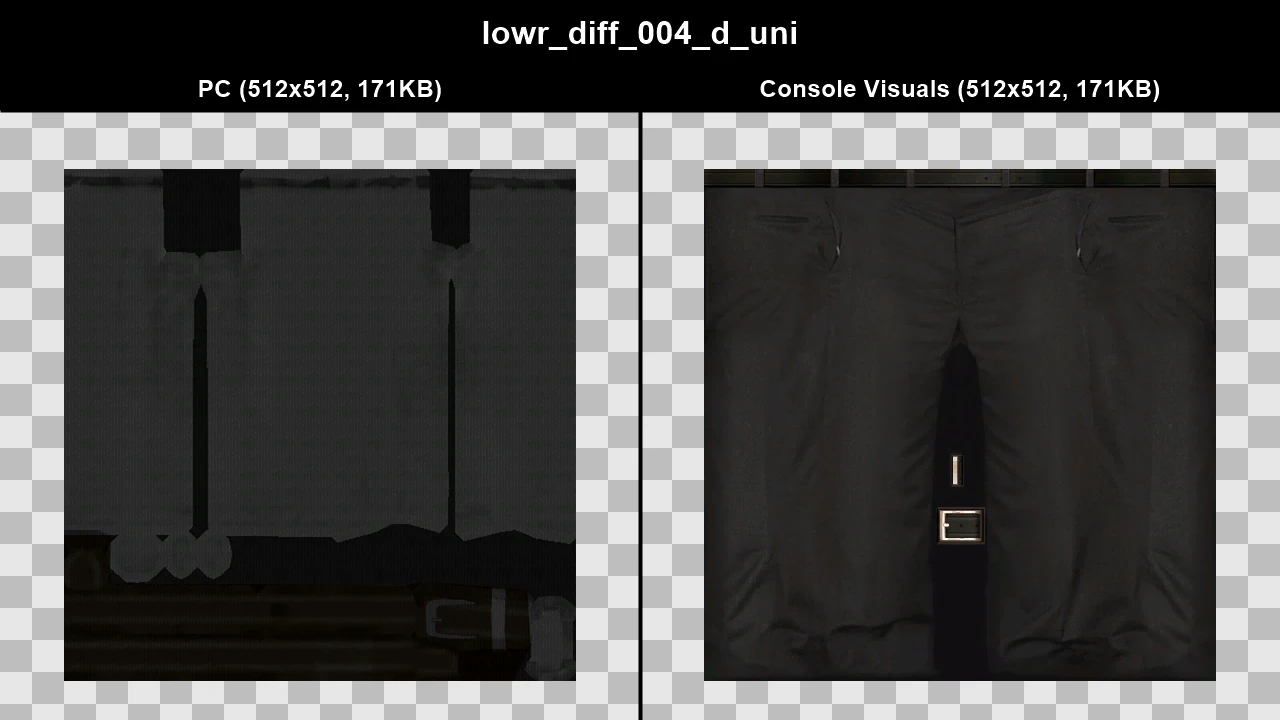
WTD: lowr_diff_004_e_uni
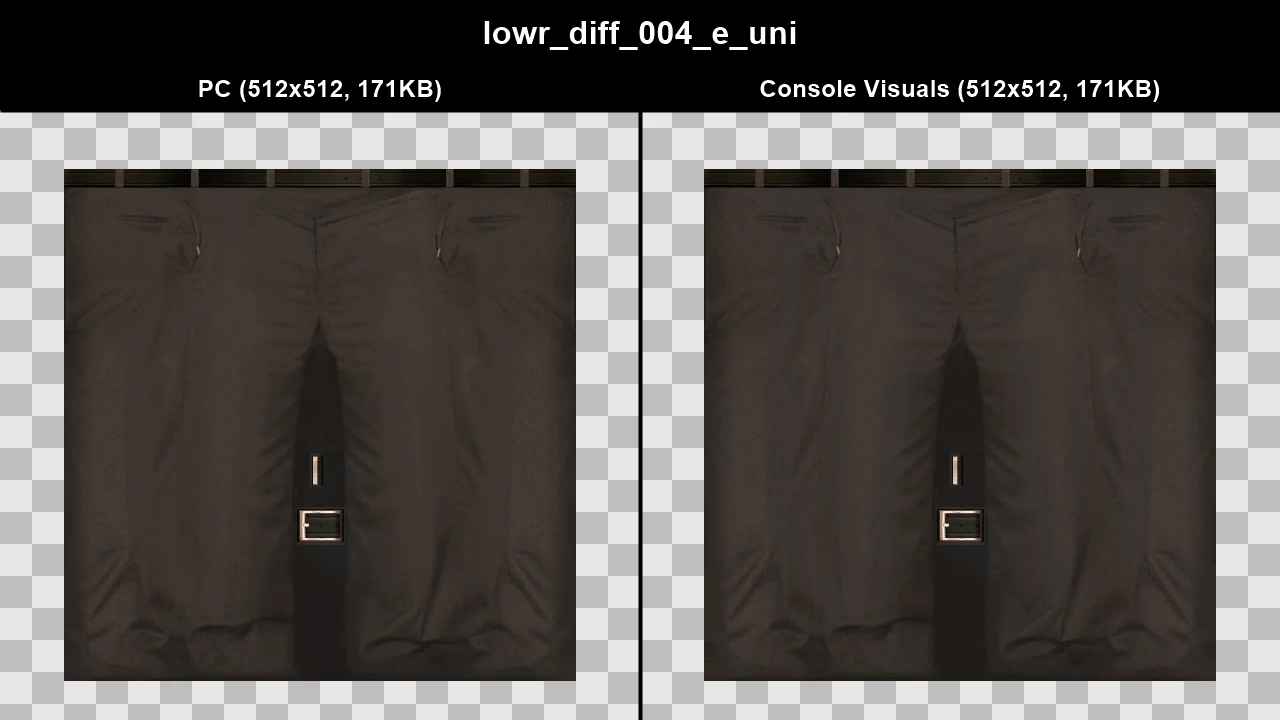
WTD: uppr_diff_005_a_uni
WTD: uppr_diff_005_b_uni
WTD: uppr_diff_005_c_uni
WTD: uppr_diff_012_a_uni
WTD: uppr_diff_012_b_uni
WTD: uppr_diff_012_c_uni
WTD: uppr_diff_012_d_uni
Console Peds#
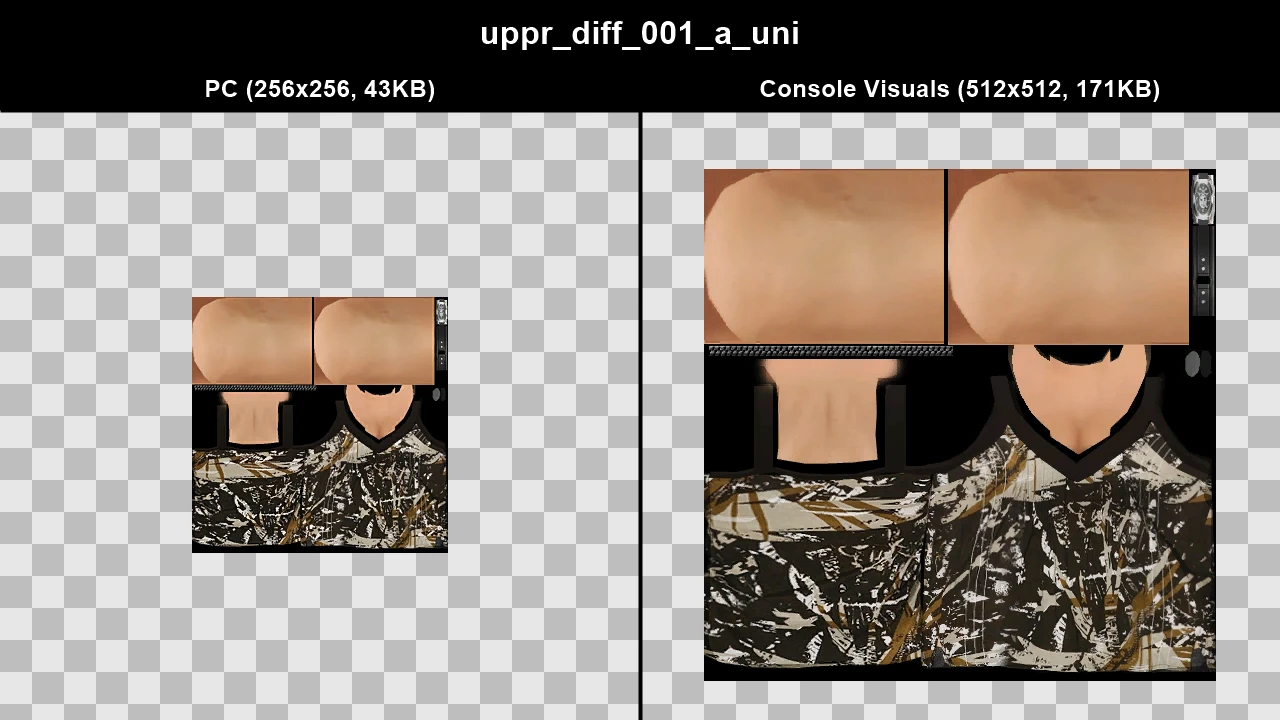
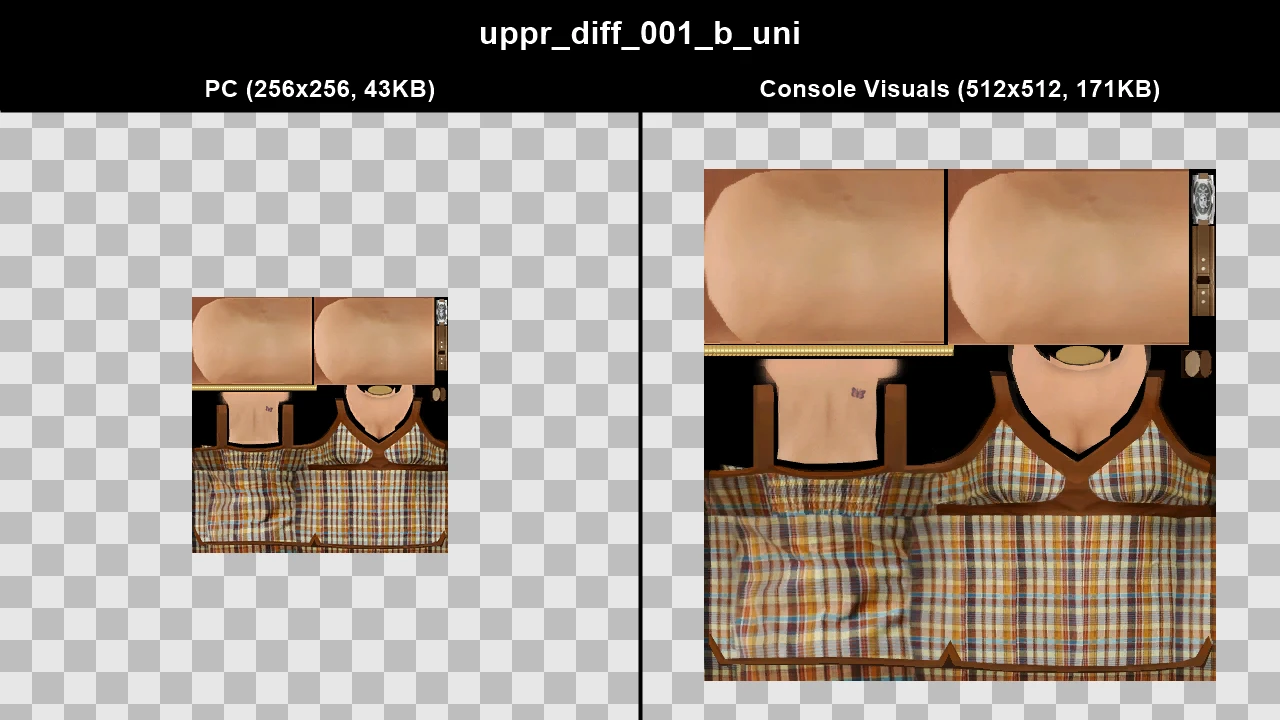
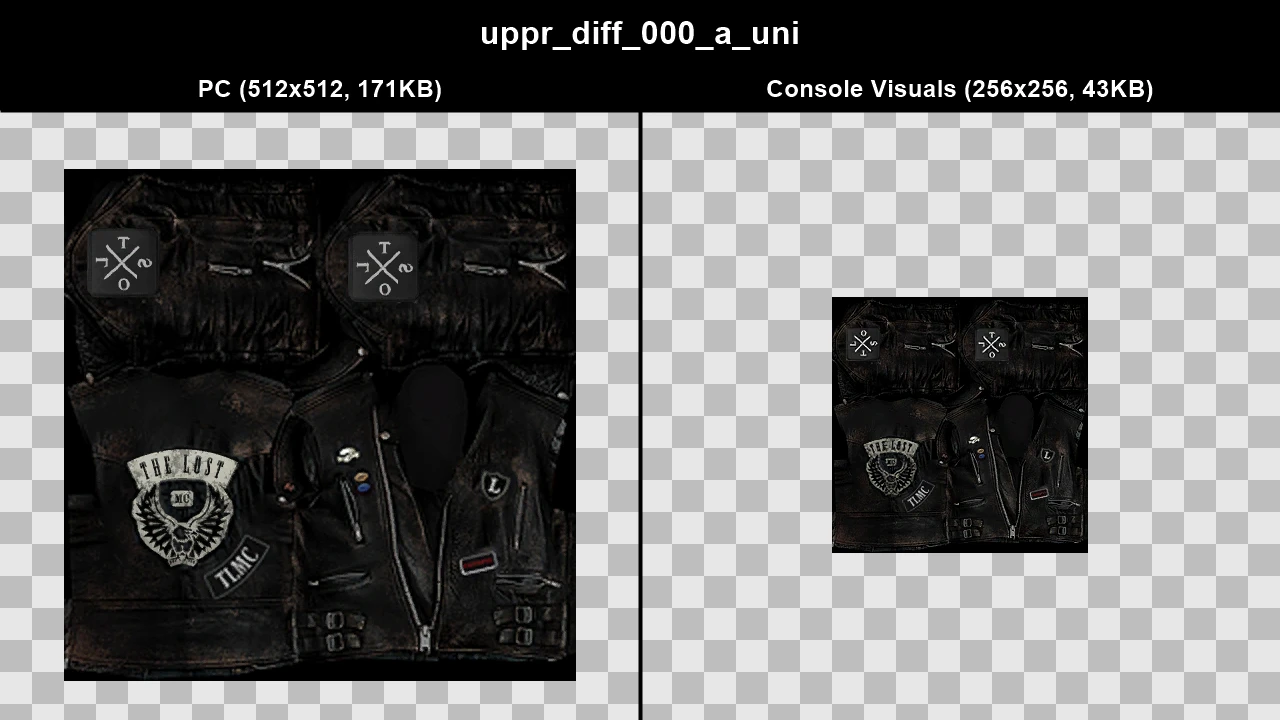
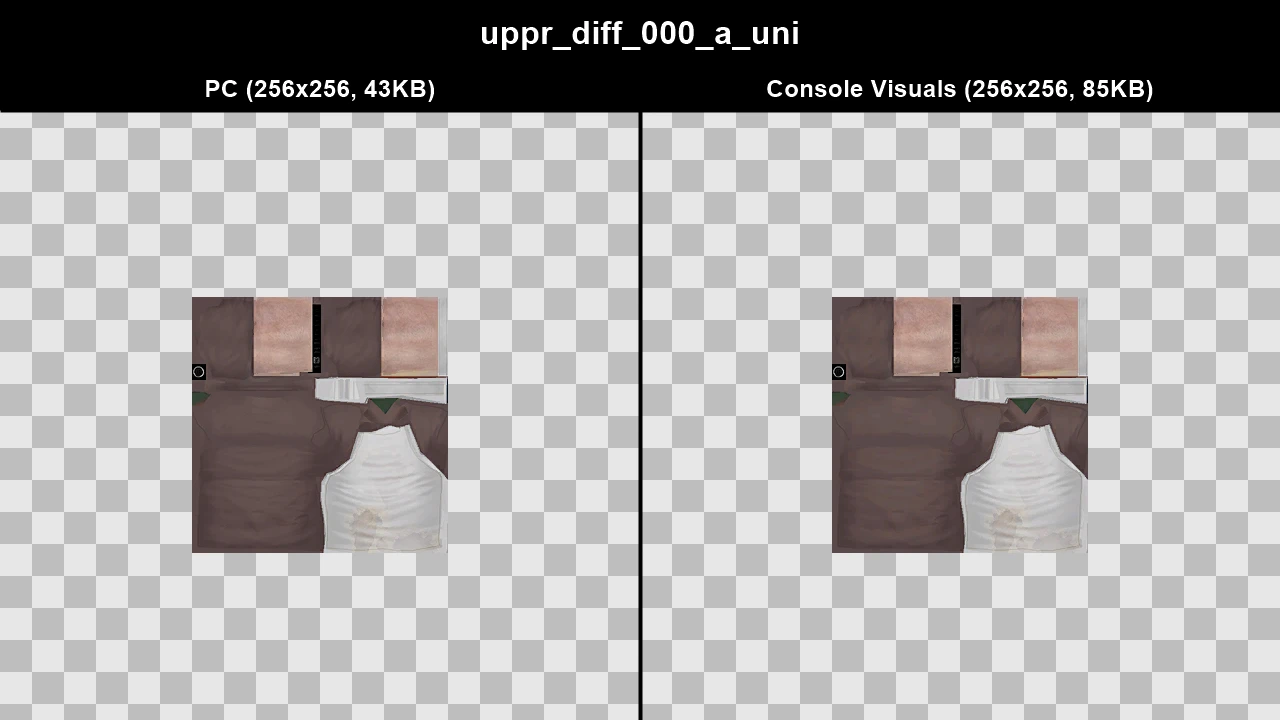
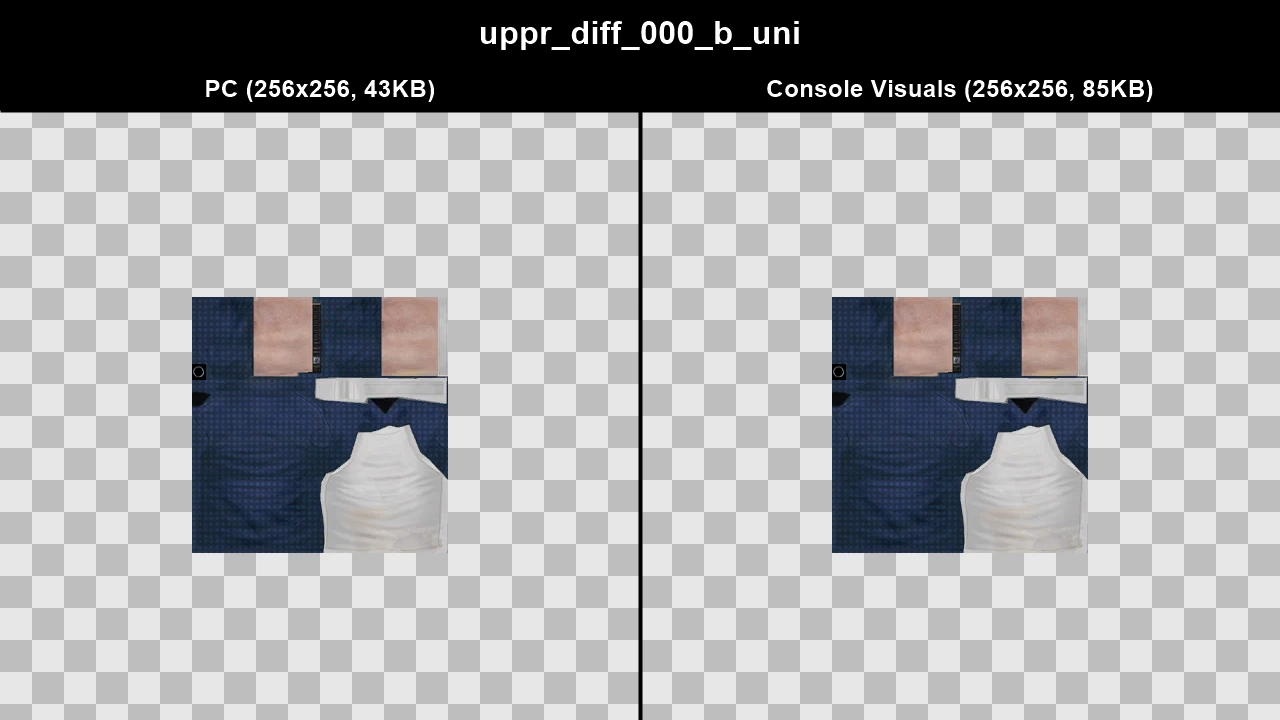
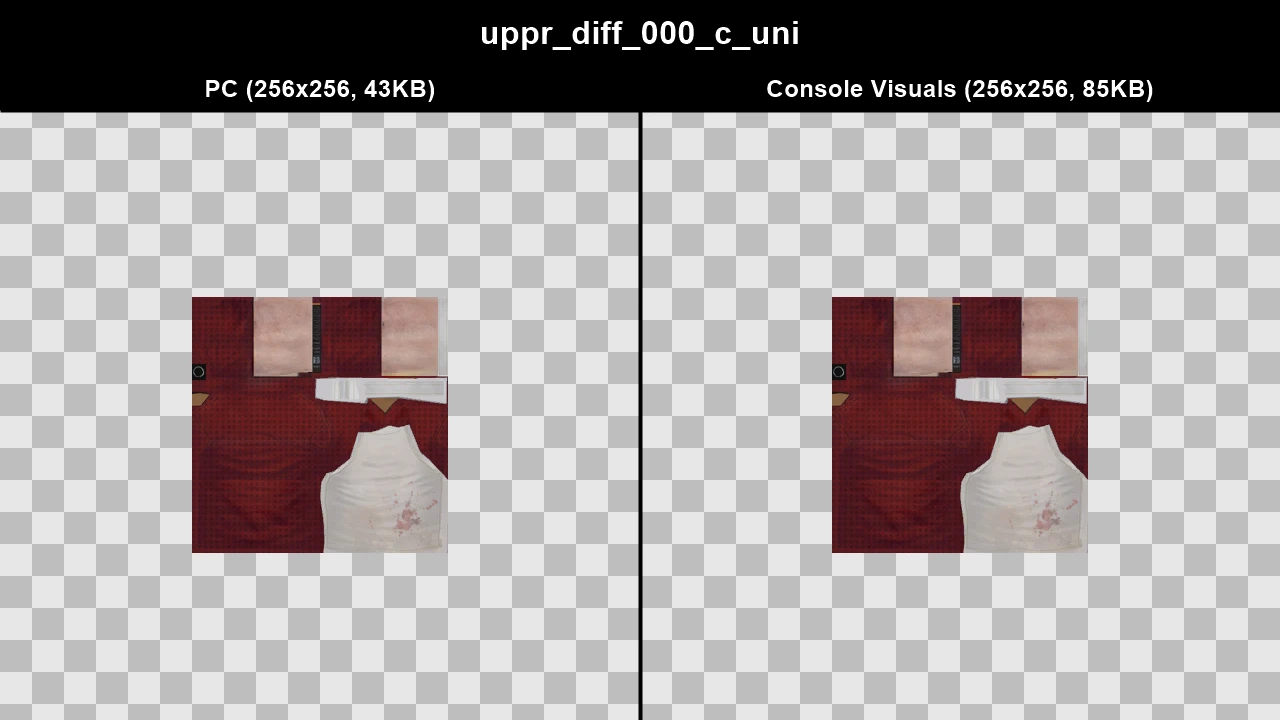
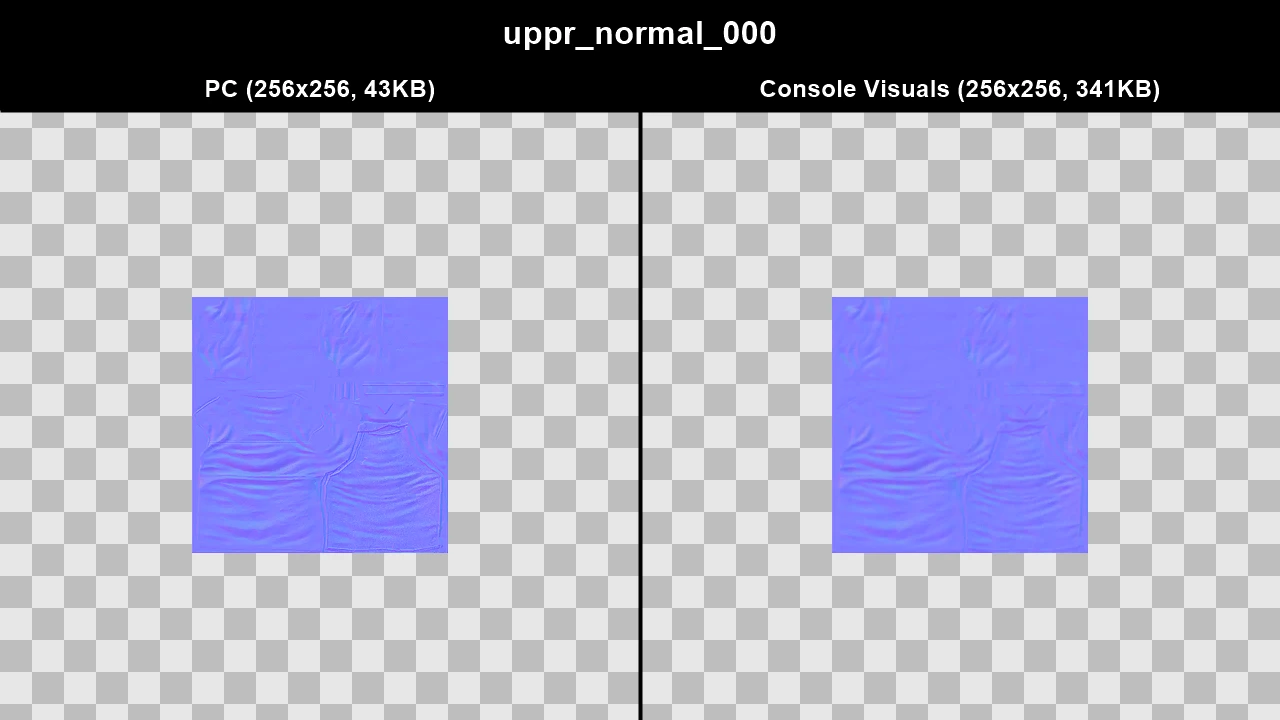
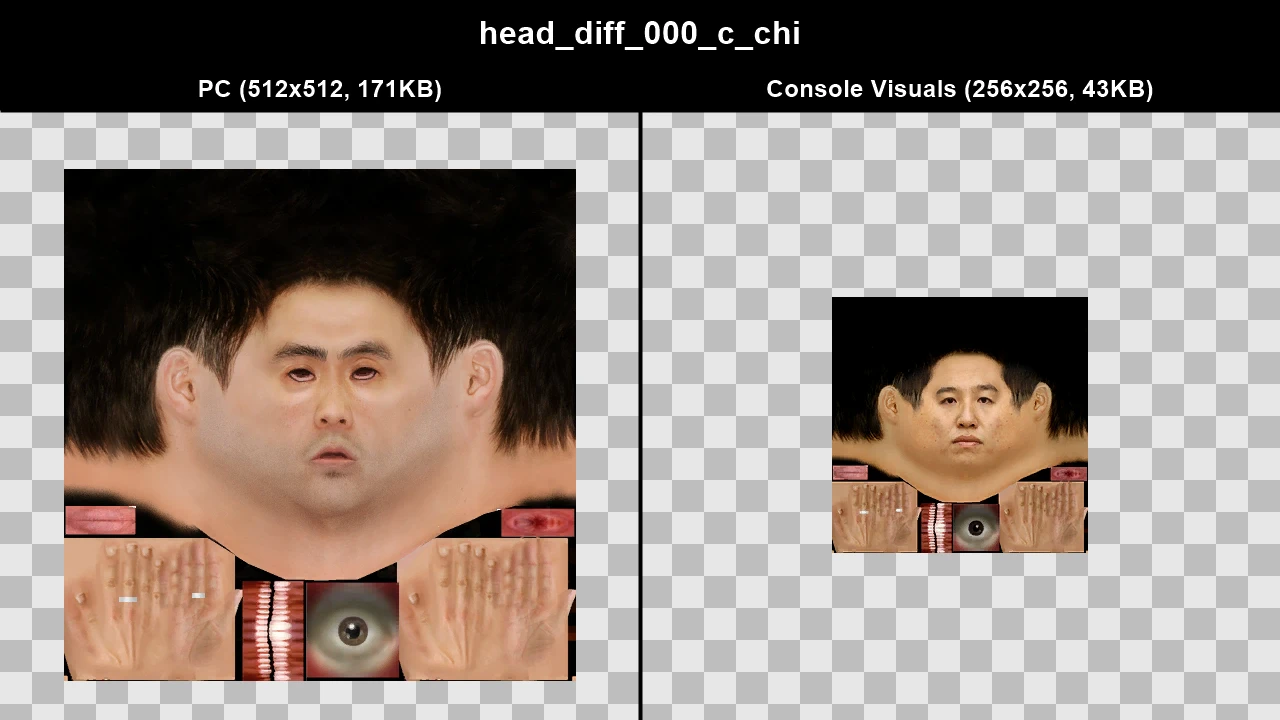
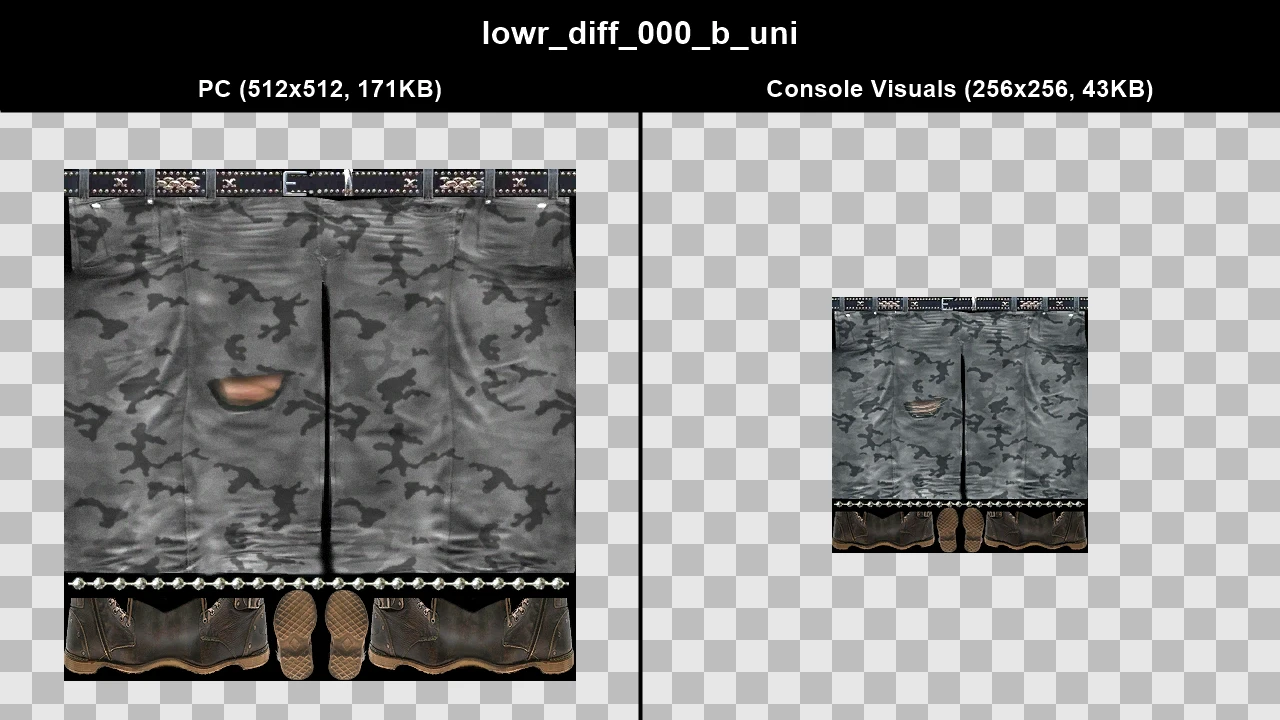
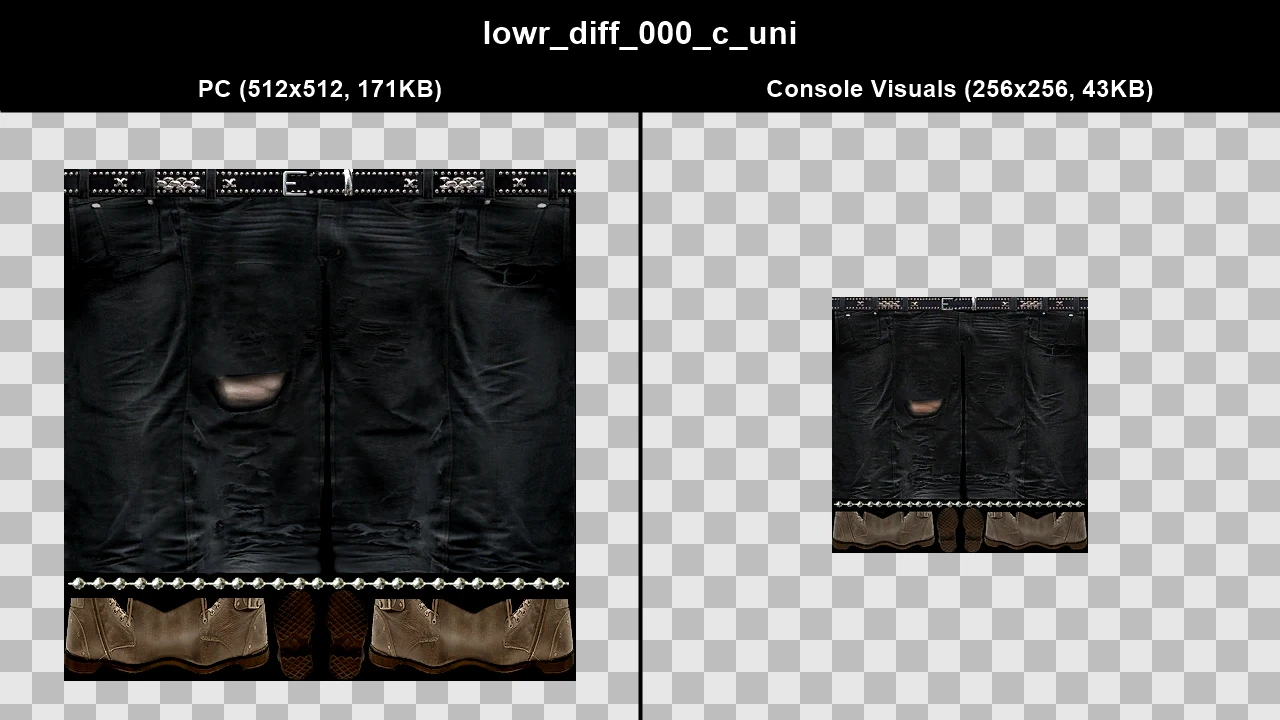
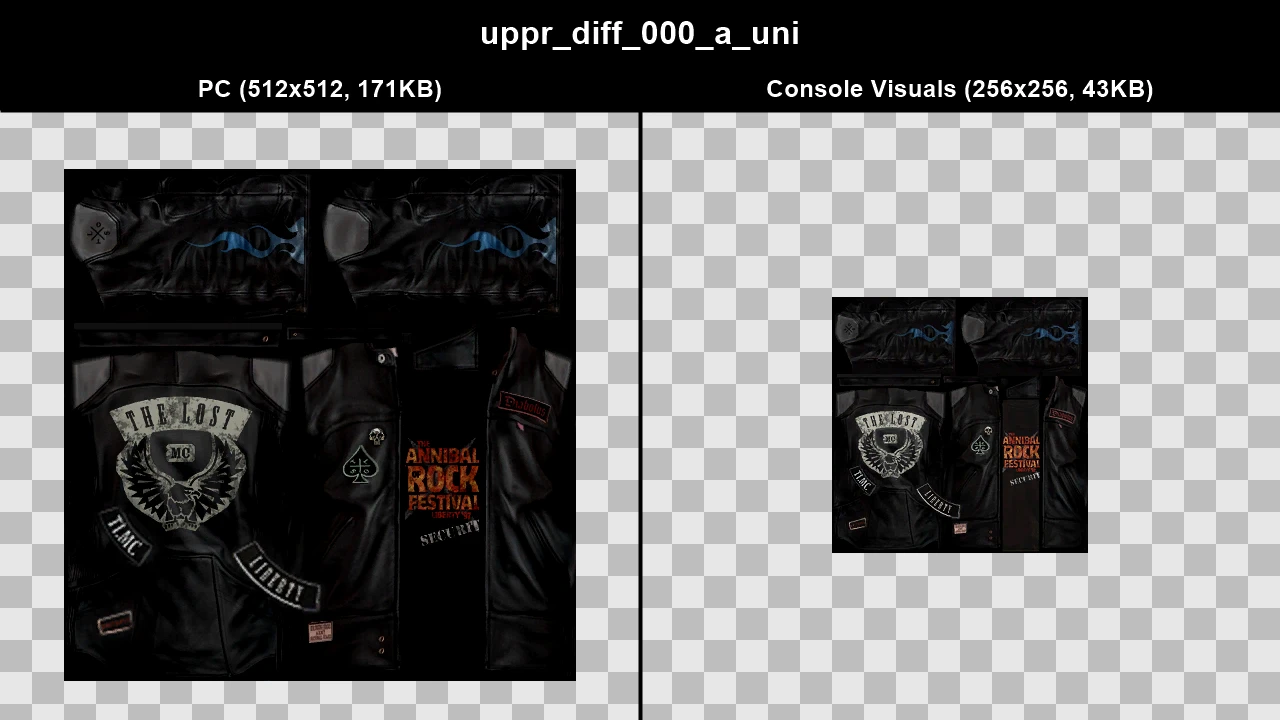
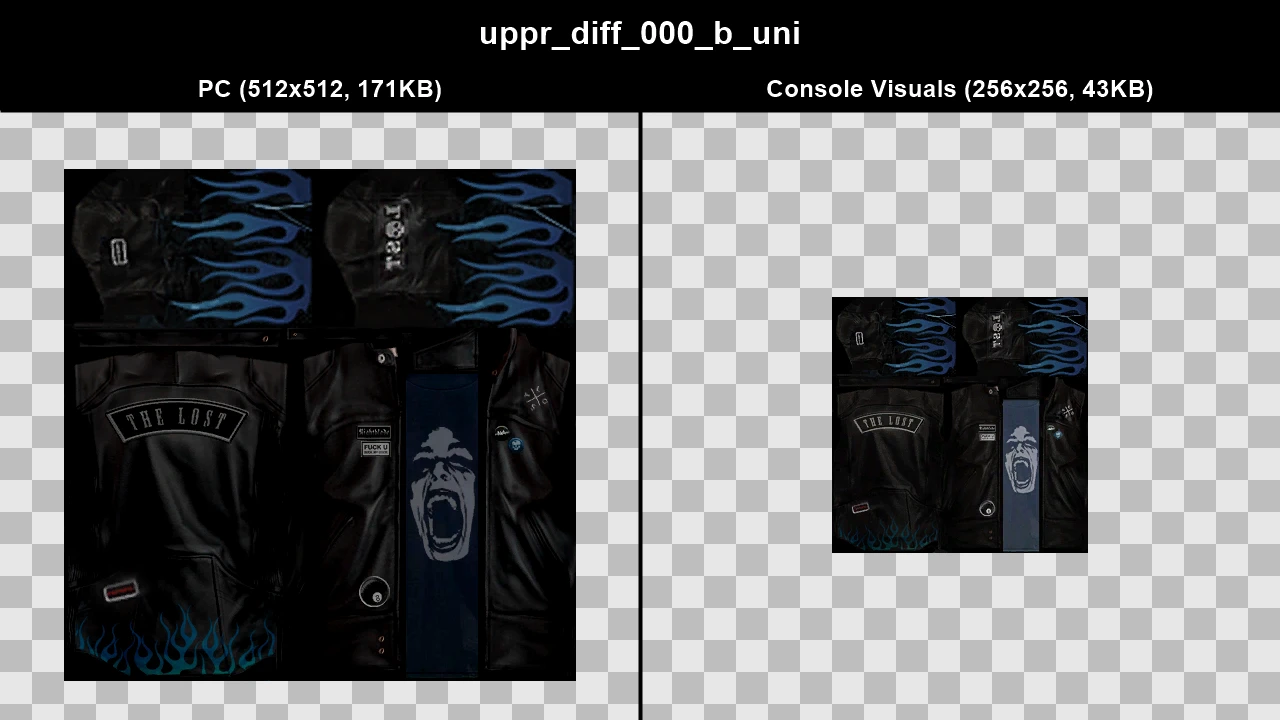
Some pedestrians on PC were higher quality than pedestrians on console, while some were lower quality. Certain pedestrians were completely different, clothing and skin colours could be different due to different levels of compression. One pedestrian is broken on PC due to their textures being changed incorrectly.
Console Visuals restores the pedestrians from console, although a lot of these textures are lower resolution compared to the PC textures.
TJGM Recommendation: ❌ While PC pedestrians have issues, they're generally higher resolution than the console pedestrians. Either use PC pedestrians or use the mod Various Fixes, which combines the best of both PC and console peds.
In-Game Comparisons#
Below is just a selected few in-game comparisons of the changes between console and PC.
Click to view images
Pedestrian: ig_pgirl_01
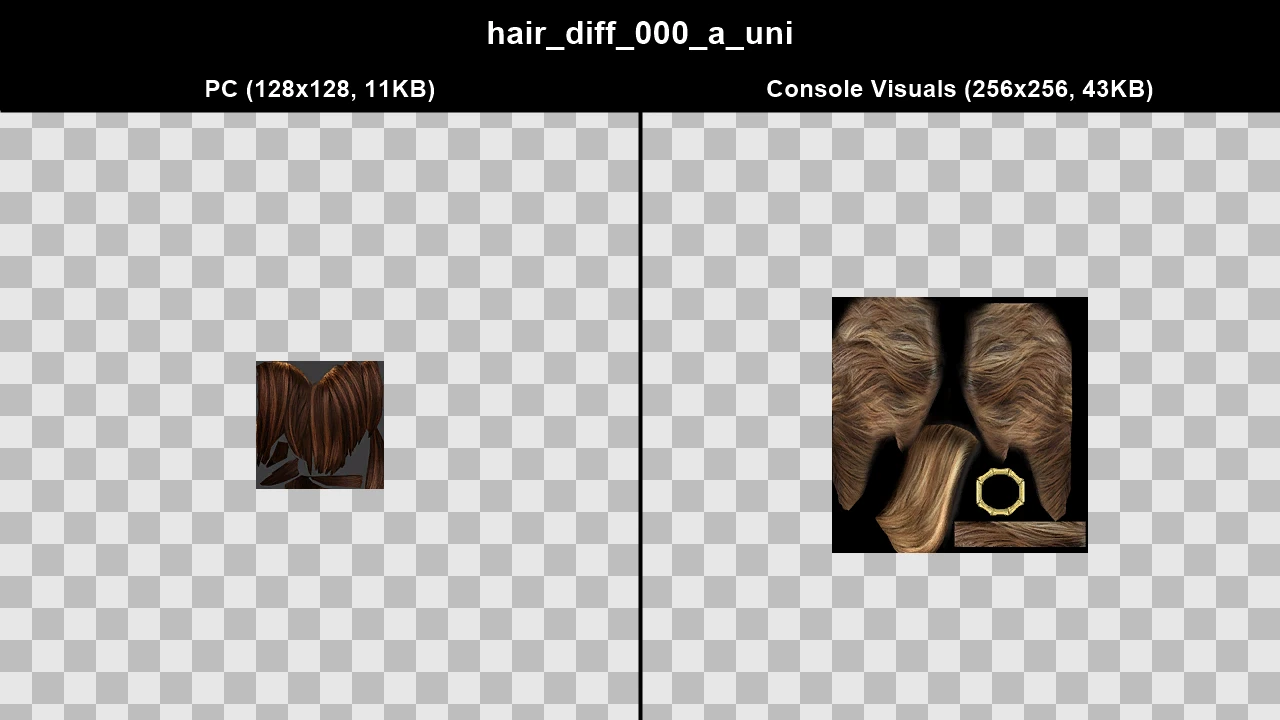
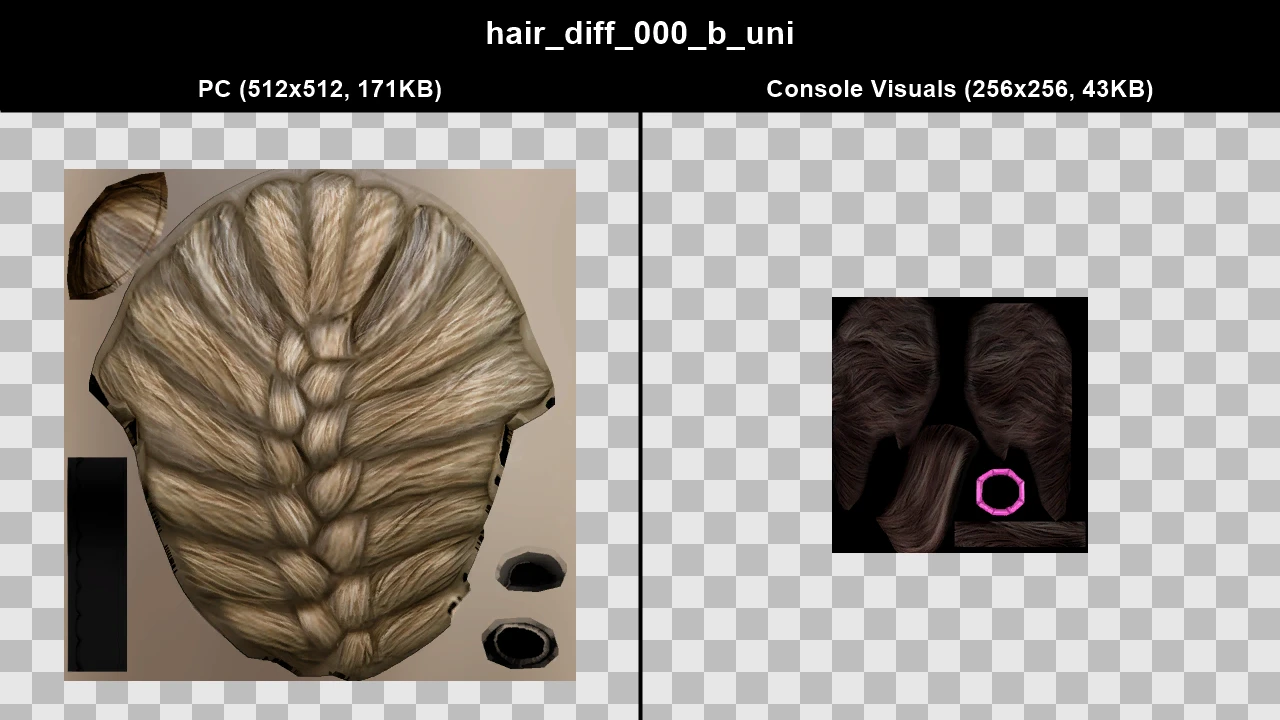
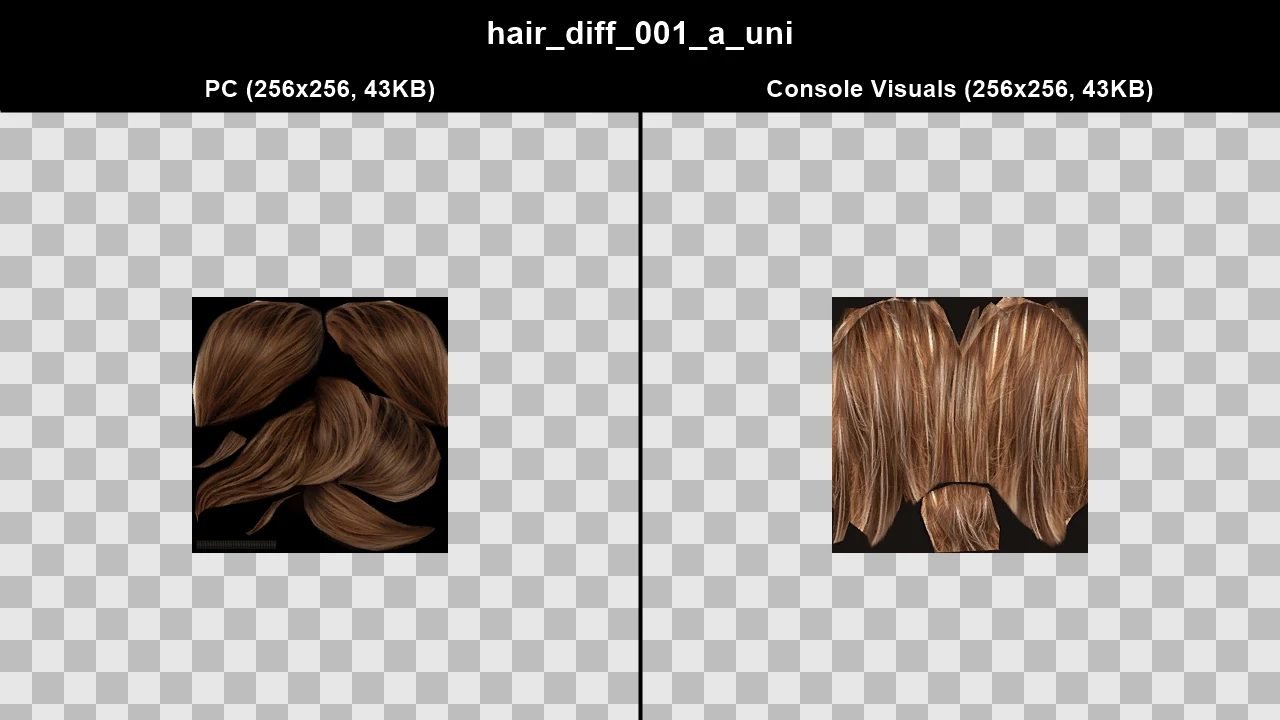
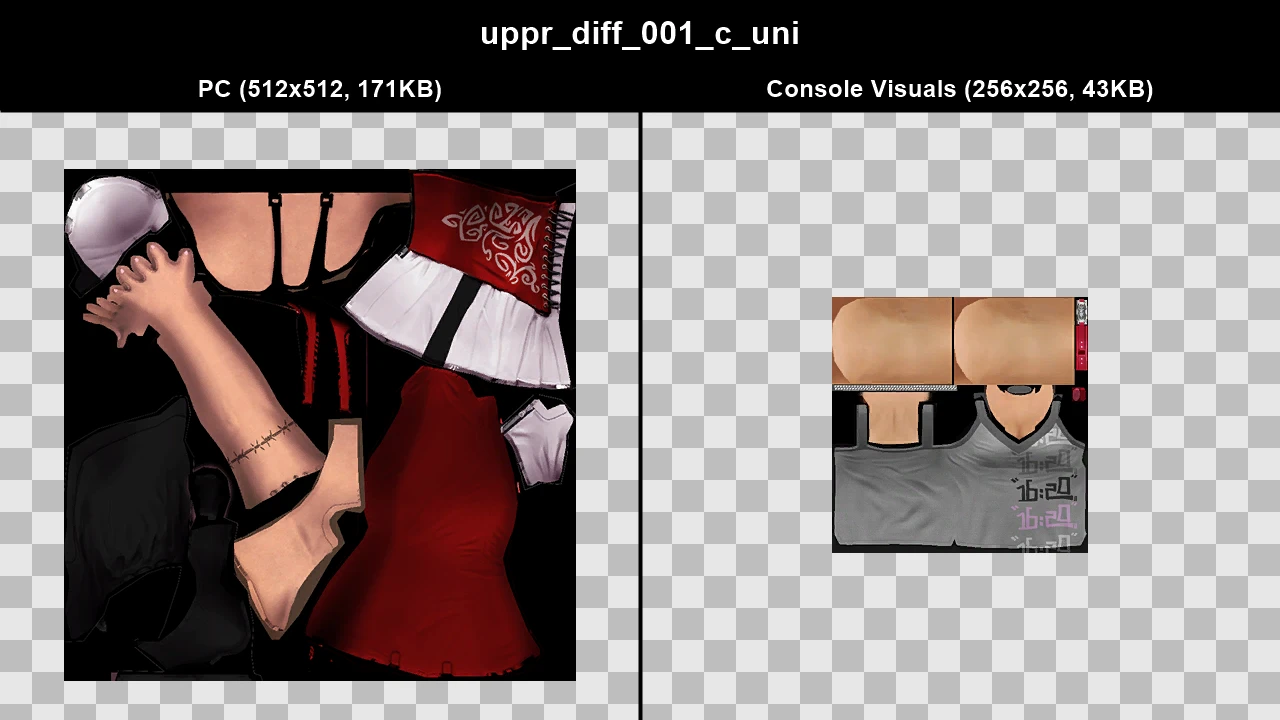
This pedestrian is from The Lost and Damned and is by far the most broken pedestrian in the game, on both platforms the alpha of her necklace is broken.
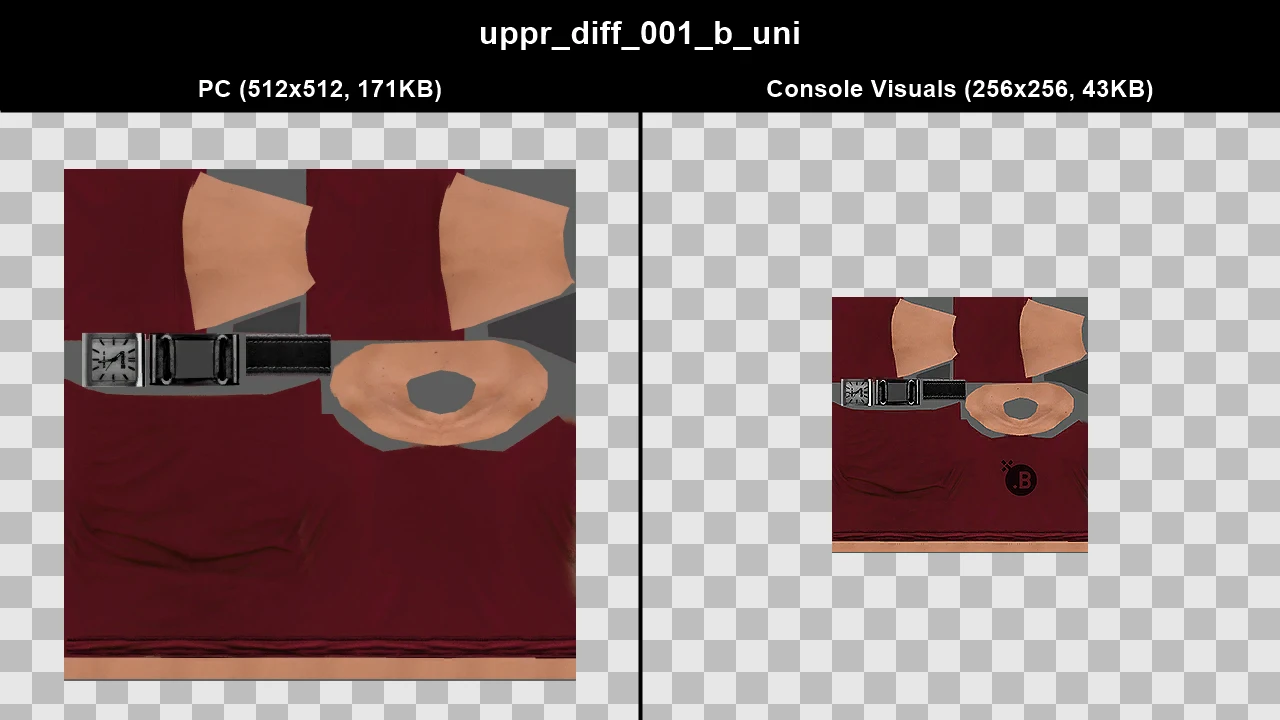
On PC, she's extra broken as her textures are lower resolution and Rockstar replaced several of her textures incorrectly, for example they use a ponytail texture for her blonde hair on PC even when she hasn't got a ponytail, her first hat uses hair as a texture, her second hat uses a bandana texture which even replaces her hair texture under the hat and one of her upper body textures was replaced incorrectly which leads to the texture applying over her arms, chest and shoulders even though they should be skin.
Texture: hair_diff_000_a_uni
.webp)
.webp)
Texture: hair_diff_000_b_uni
.webp)
.webp)
Texture: hair_diff_002_a_uni
.webp)
.webp)
Texture: hair_diff_002_b_uni
.webp)
.webp)
Texture: uppr_diff_000_b_uni
.webp)
.webp)
Texture: uppr_diff_001_c_uni
.webp)
.webp)
Pedestrian: m_o_pjersey_01
Texture: uppr_diff_000_a_whi
.webp)
.webp)
Pedestrian: m_y_chinvend_01
Texture: head_diff_000_c_chi
.webp)
.webp)
Pedestrian: m_y_construct_03
Texture: uppr_diff_000_b_uni
.webp)
.webp)
Texture: uppr_diff_001_b_uni
.webp)
.webp)
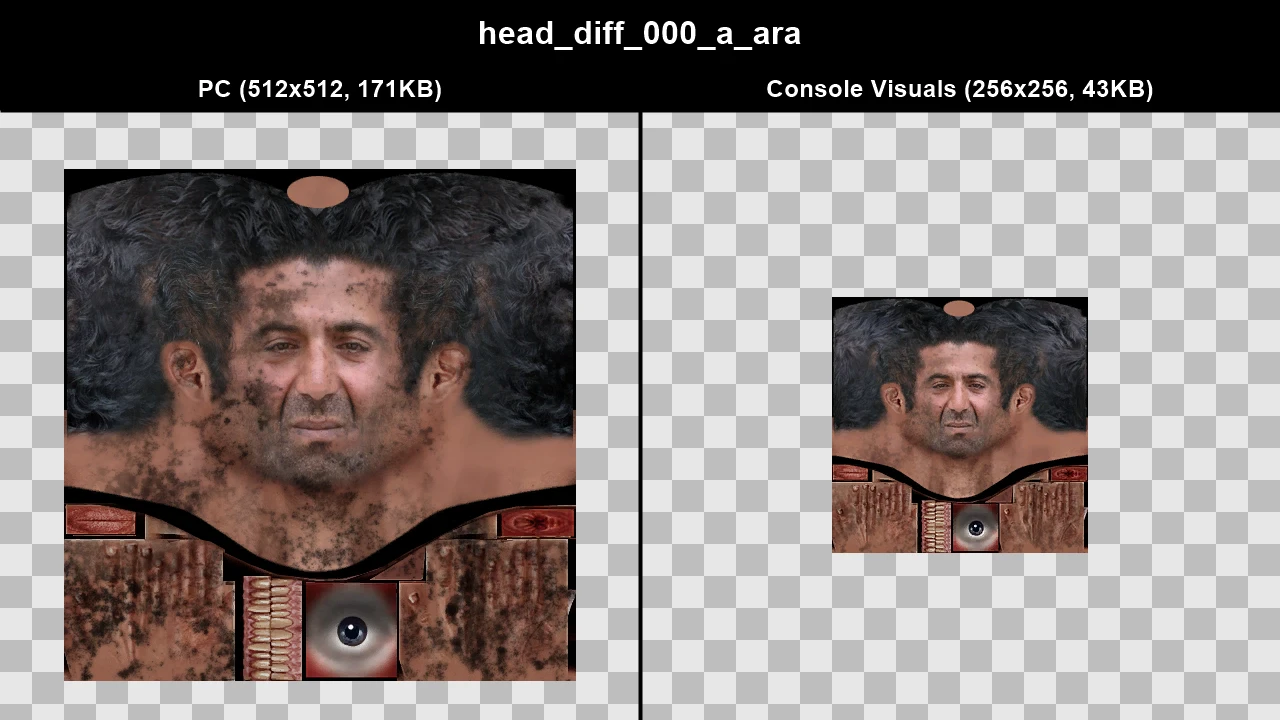
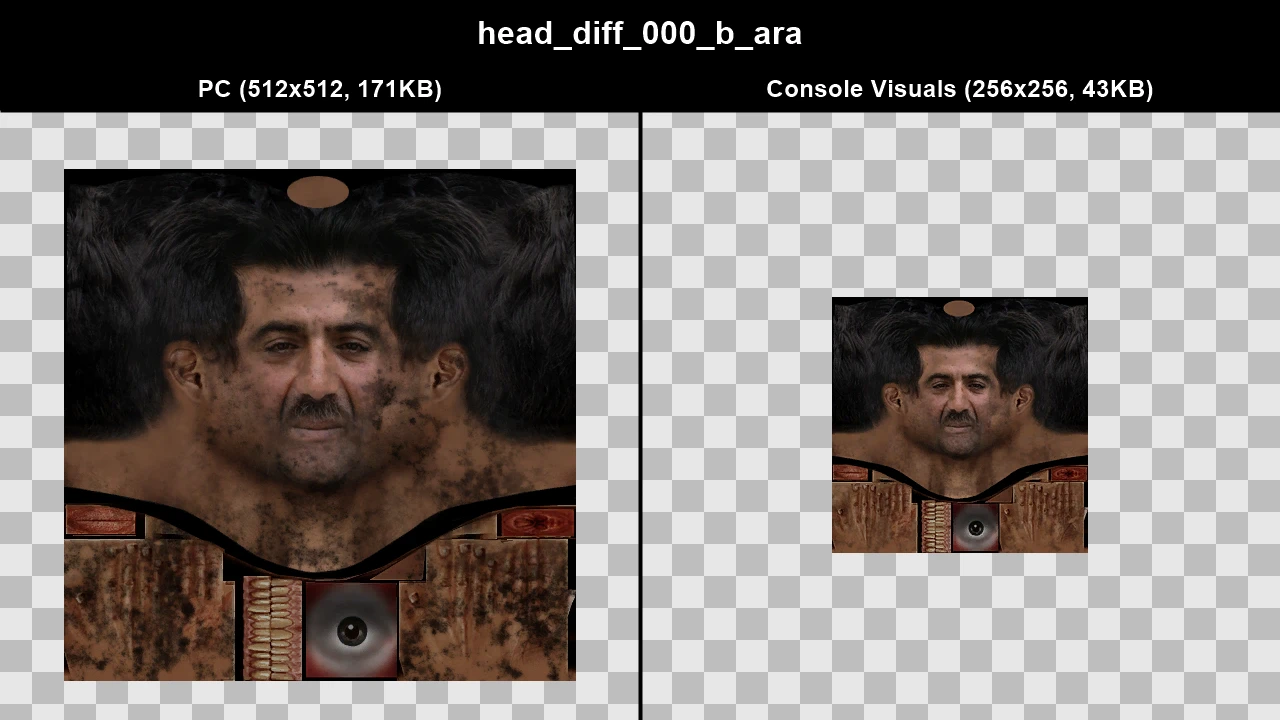
Pedestrian: m_y_mechanic_02
Texture: head_diff_000_a_ara
.webp)
.webp)
Texture: head_diff_000_b_ara
.webp)
.webp)
Pedestrian: m_y_prison
Texture: uppr_diff_000_a_uni
.webp)
.webp)
Texture Comparisons#
Click to view images
WTD: f_y_emidtown_01
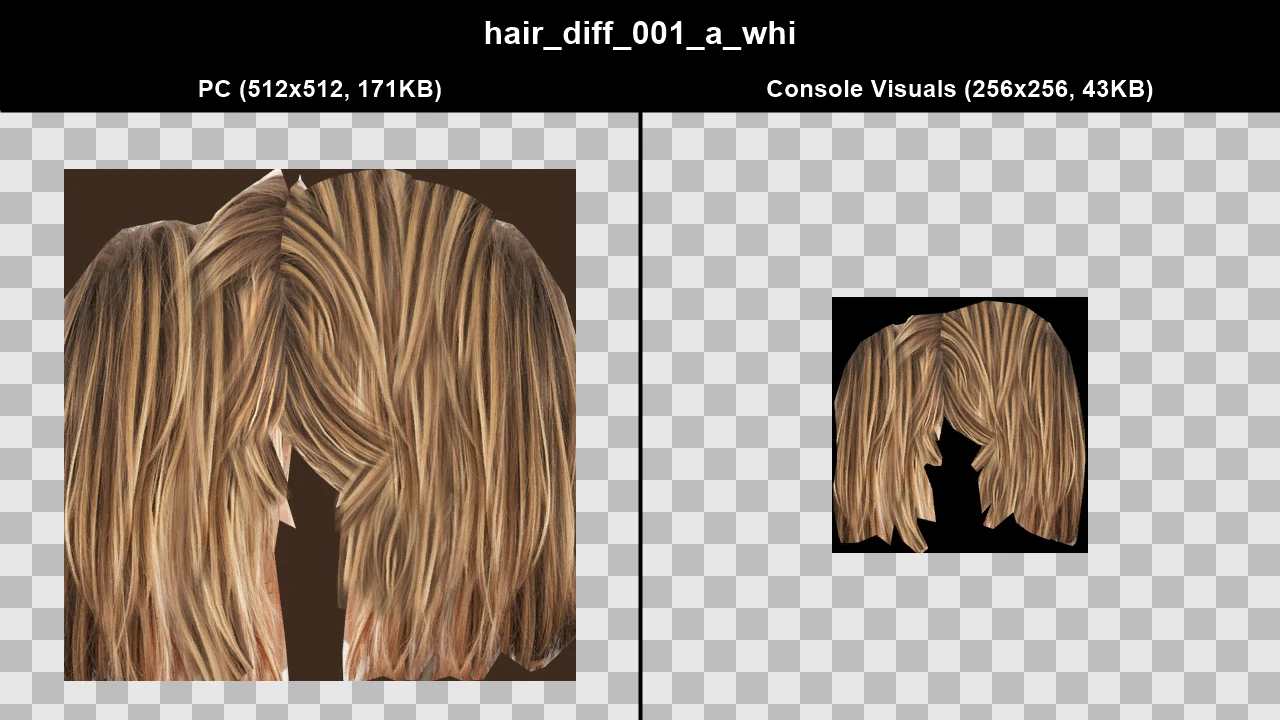
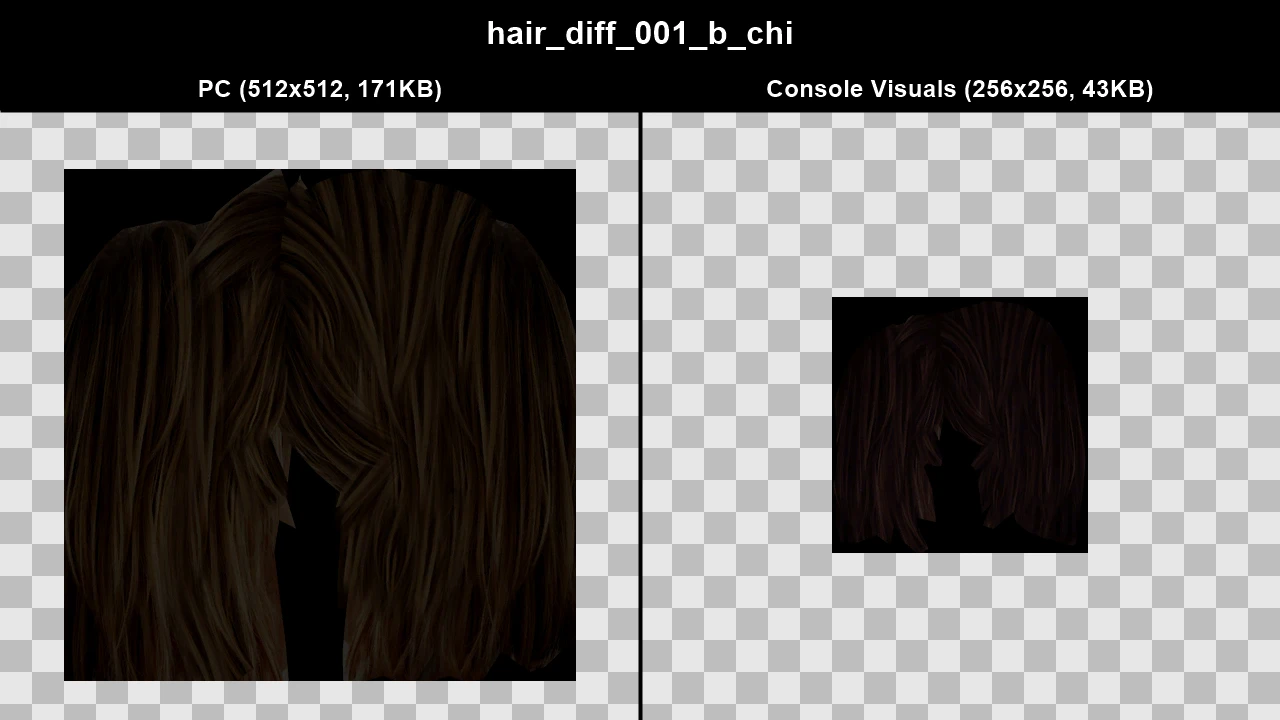
WTD: f_y_gangels_01
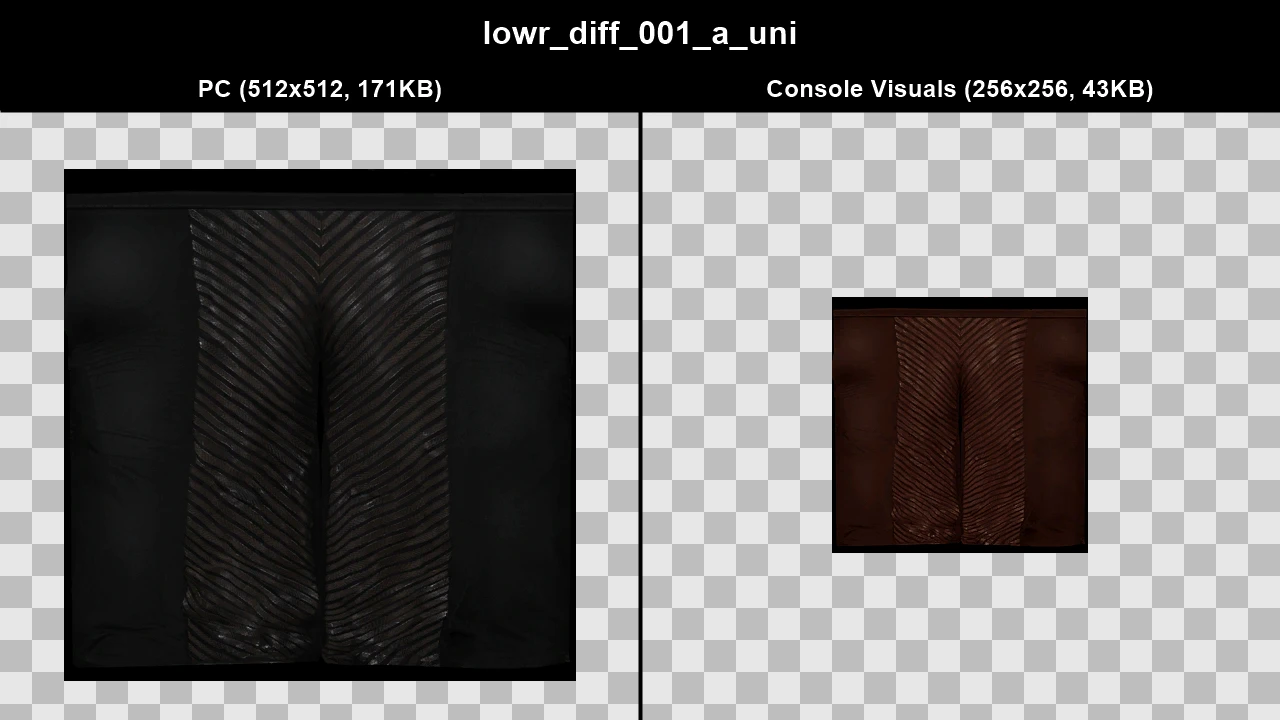
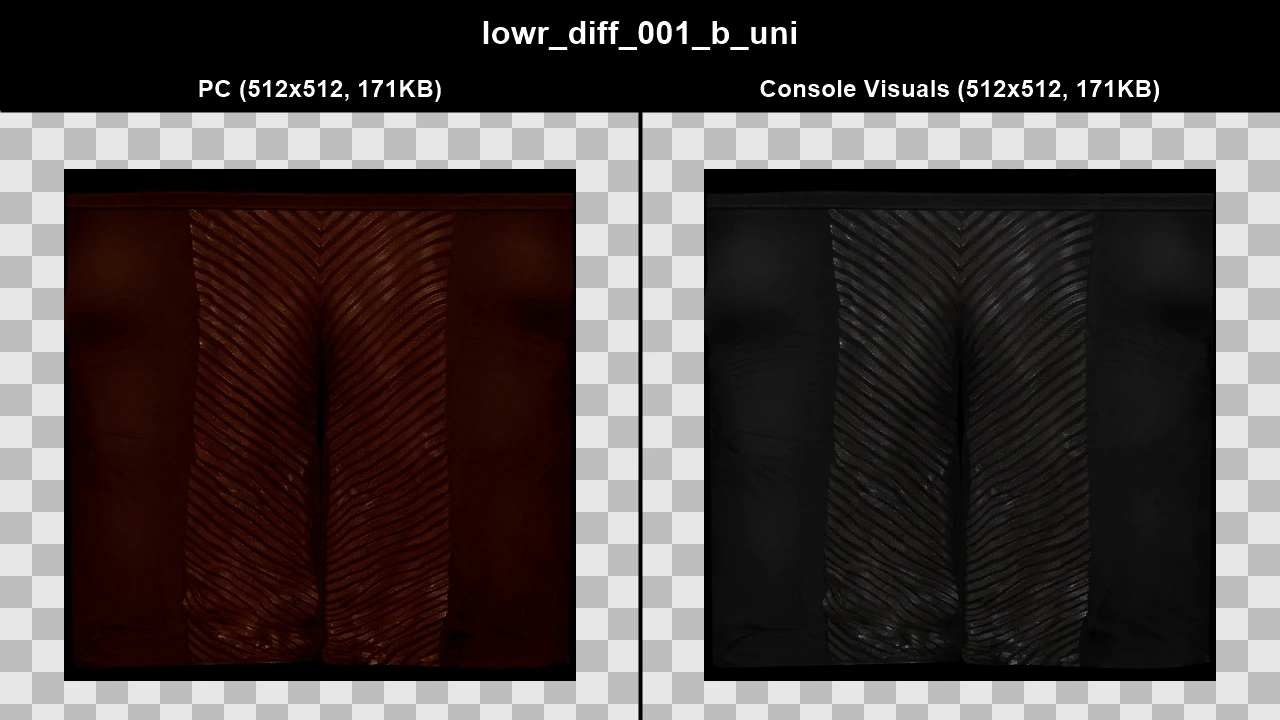
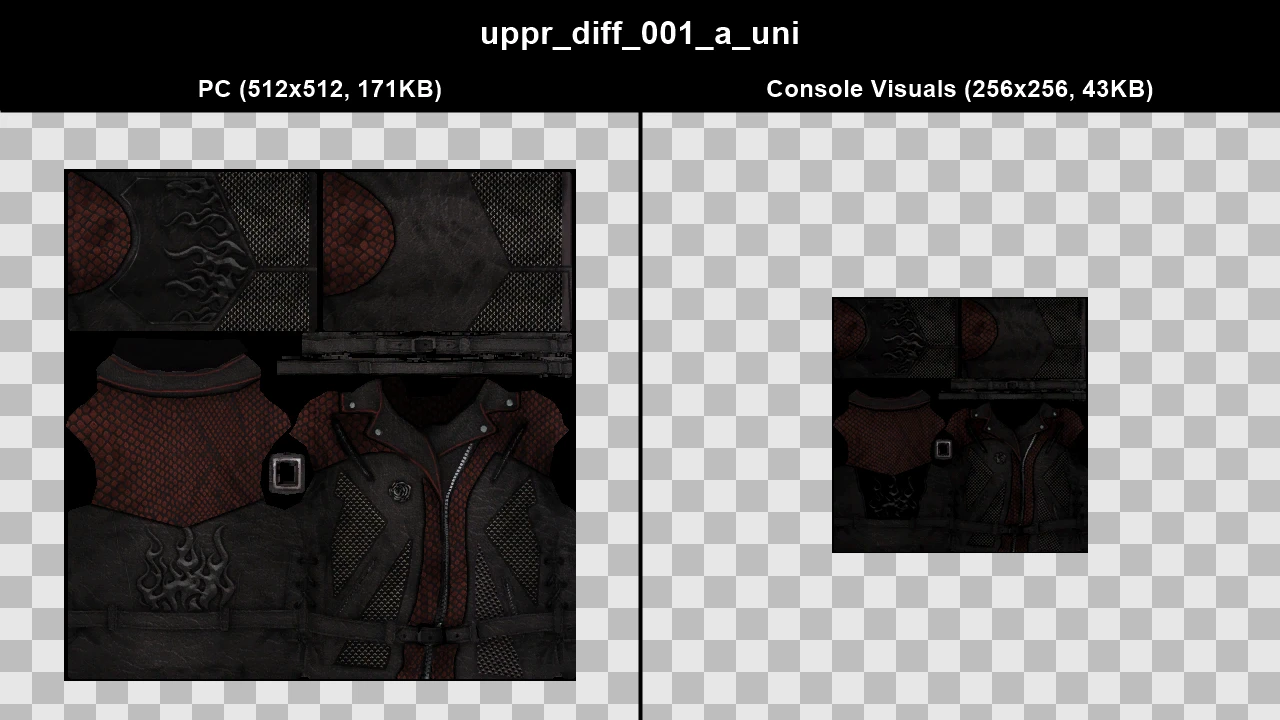
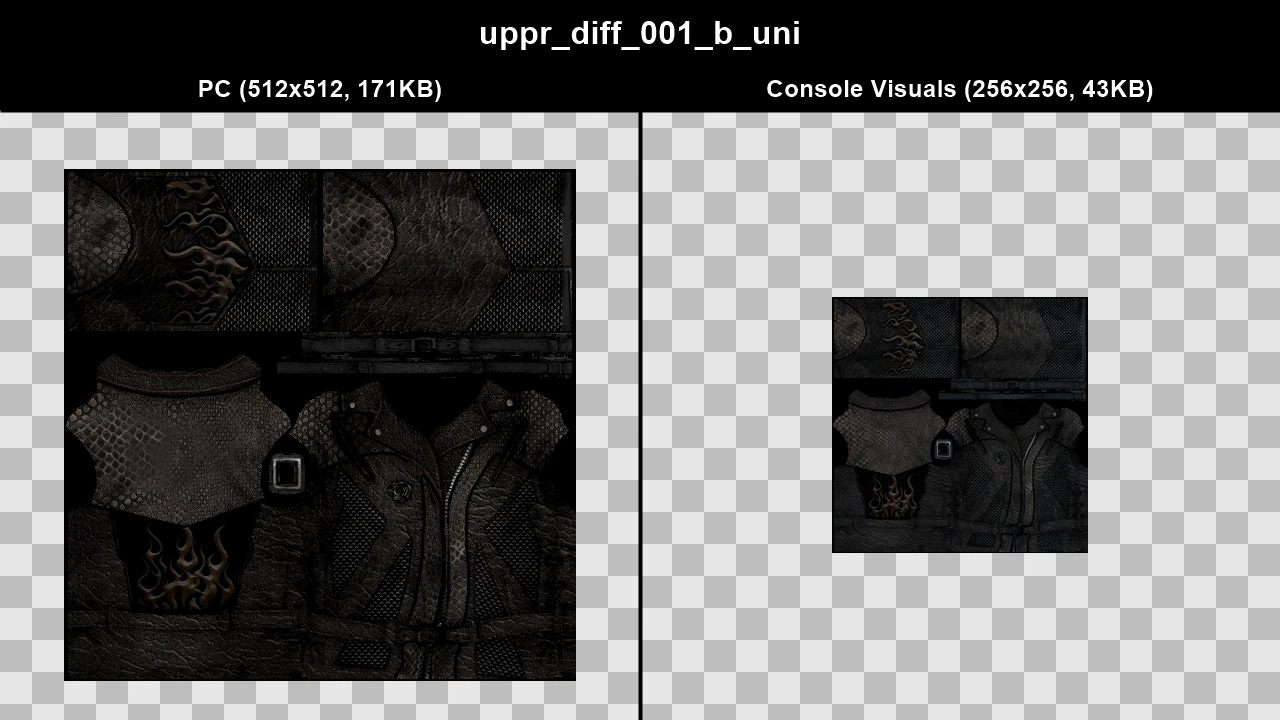
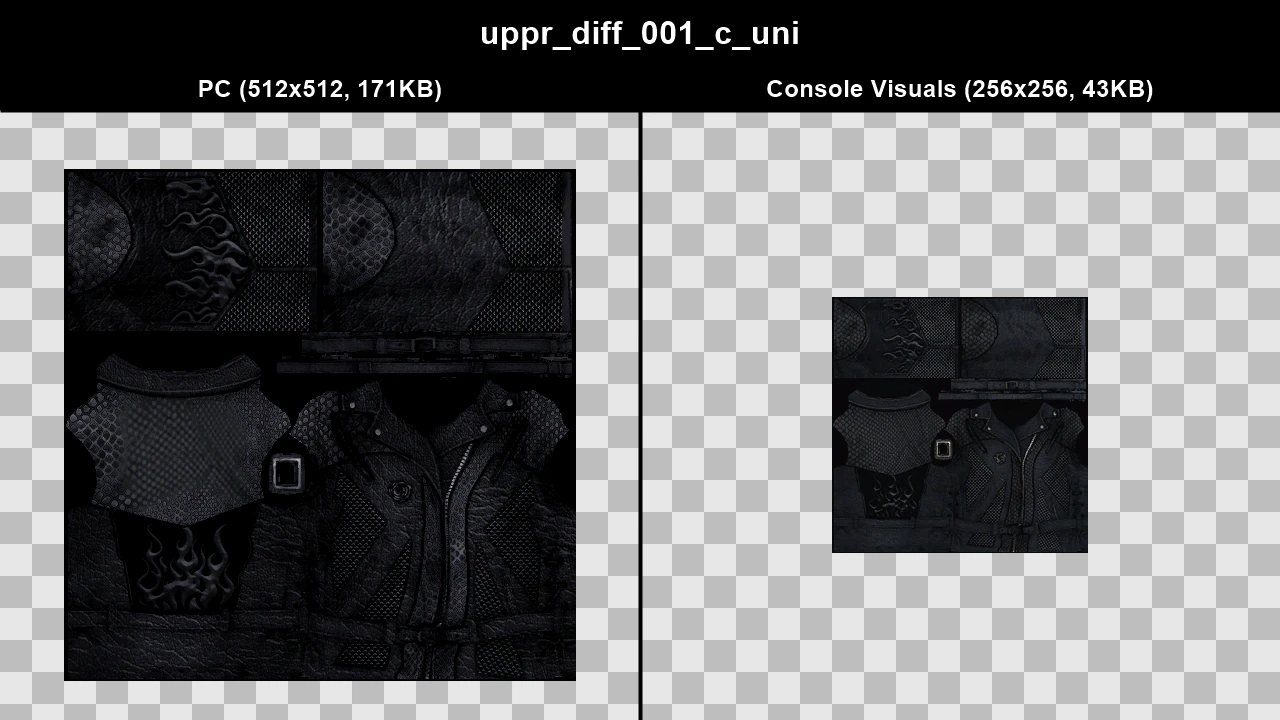
WTD: f_y_gangels_02
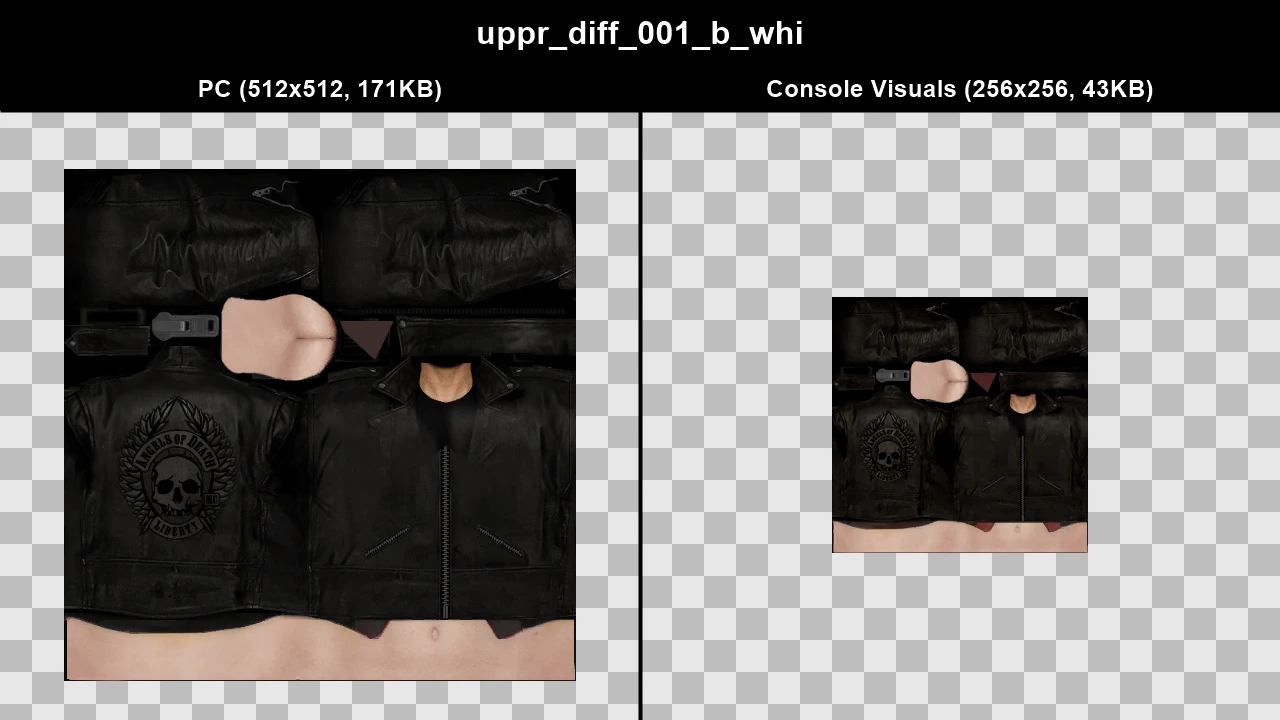
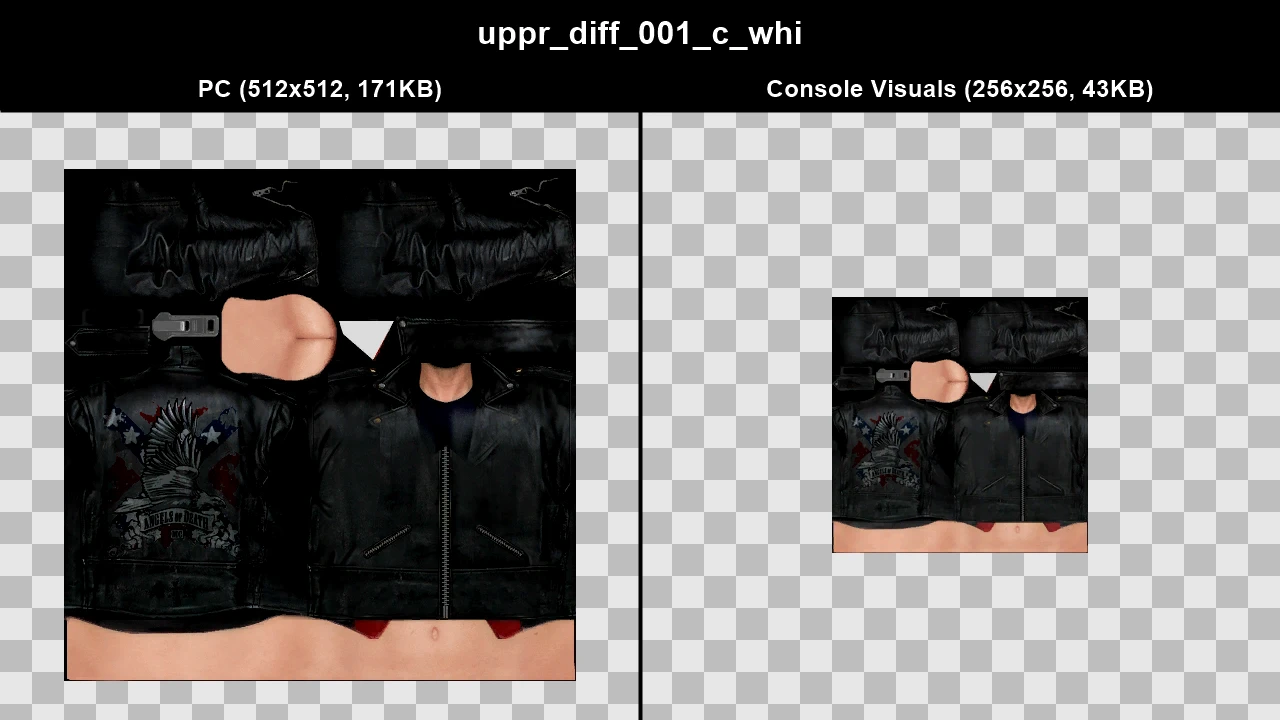
WTD: f_y_pcool_02
WTD: f_y_socialite
WTD: f_y_stripperc02
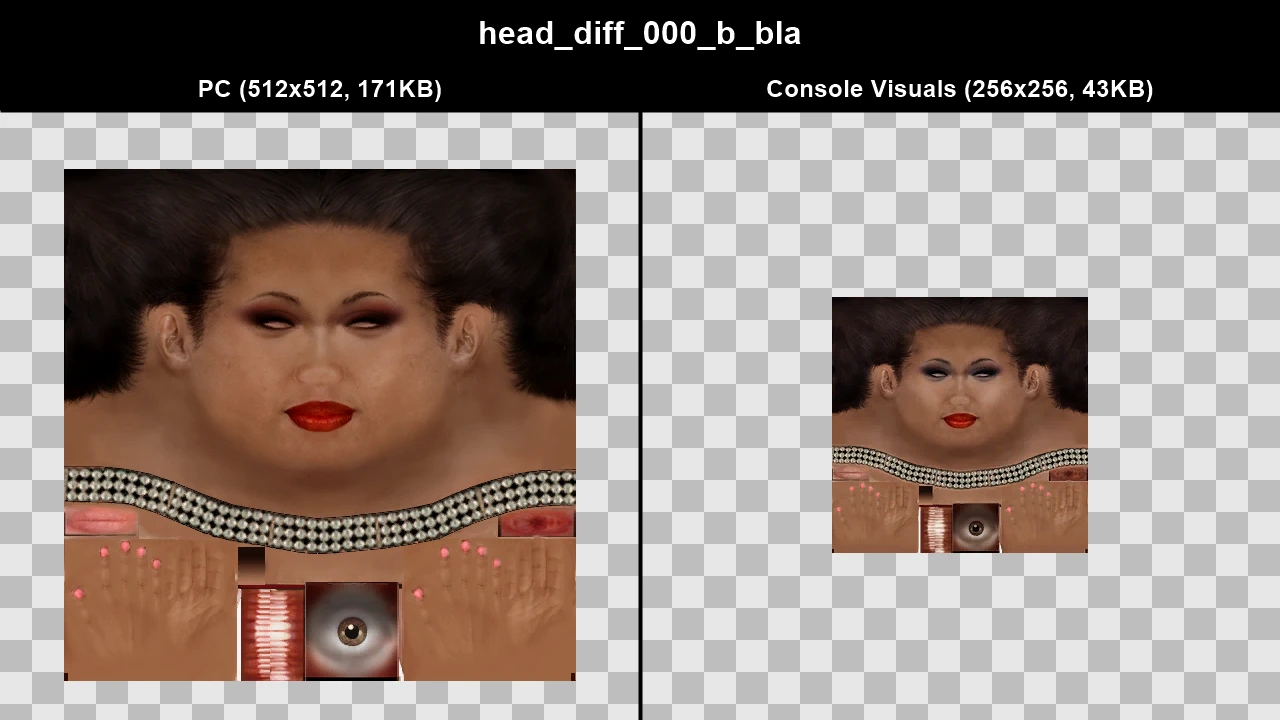
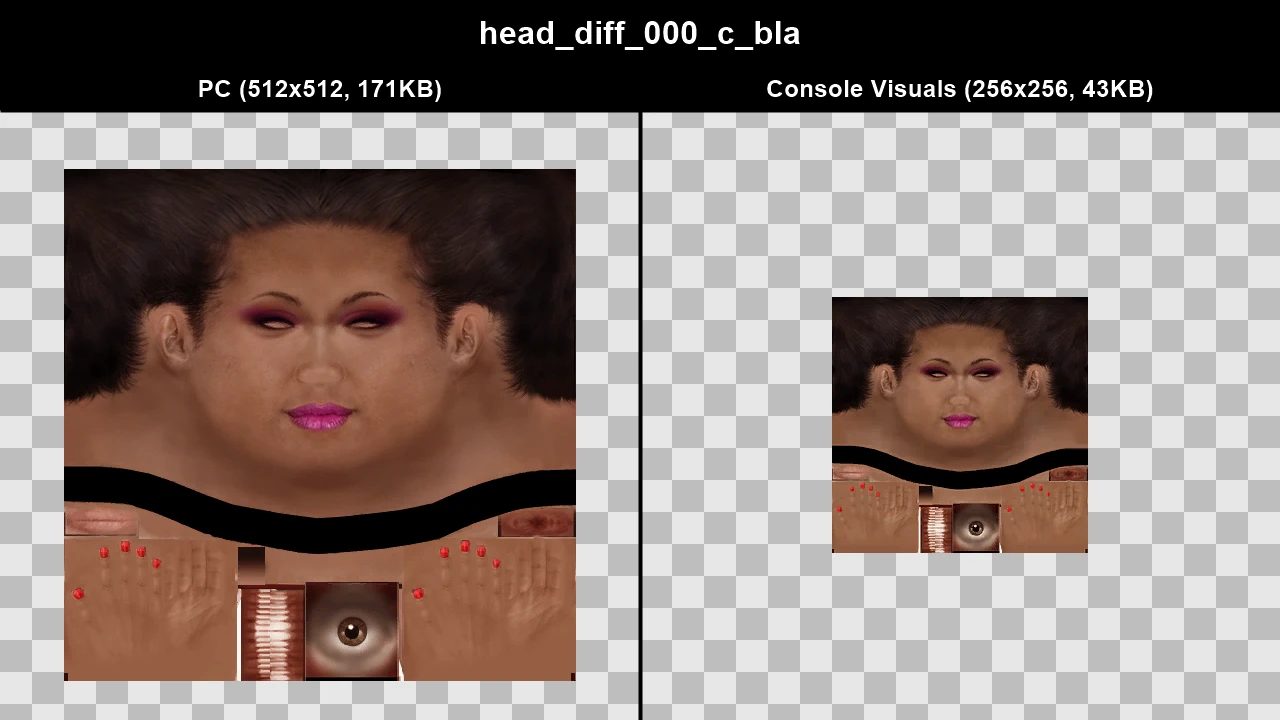
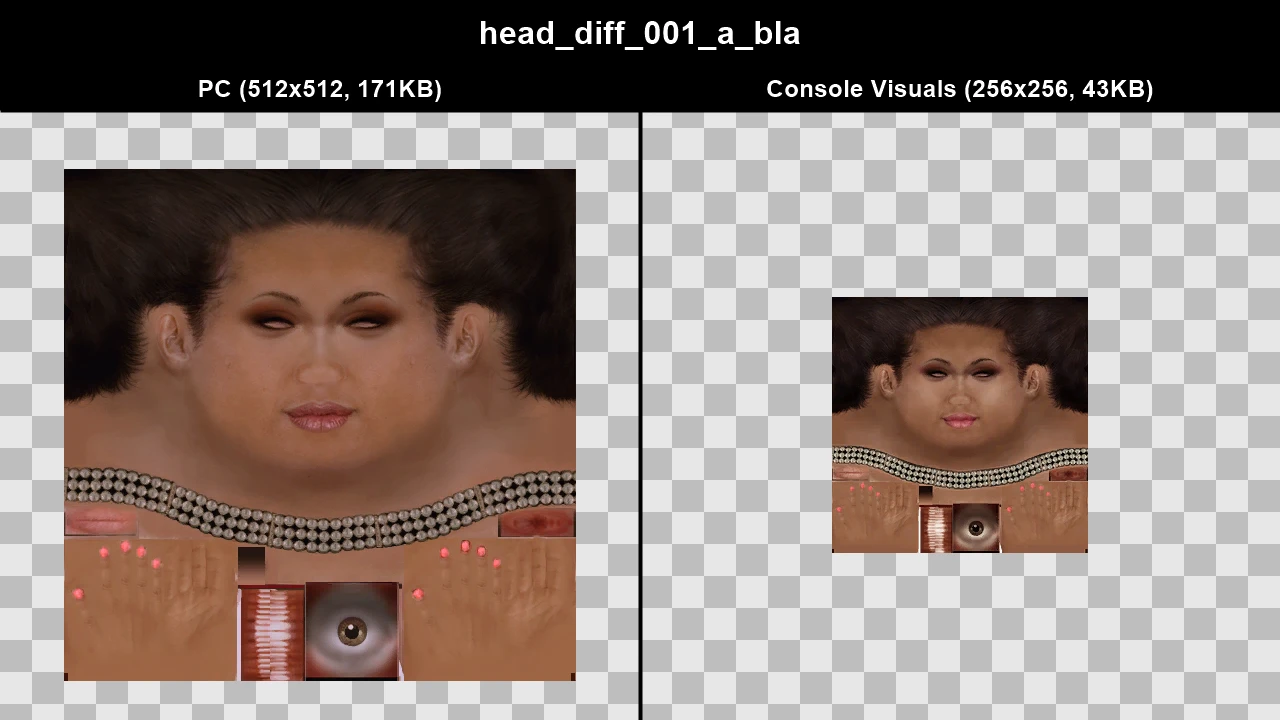
WTD: f_y_villbo_01
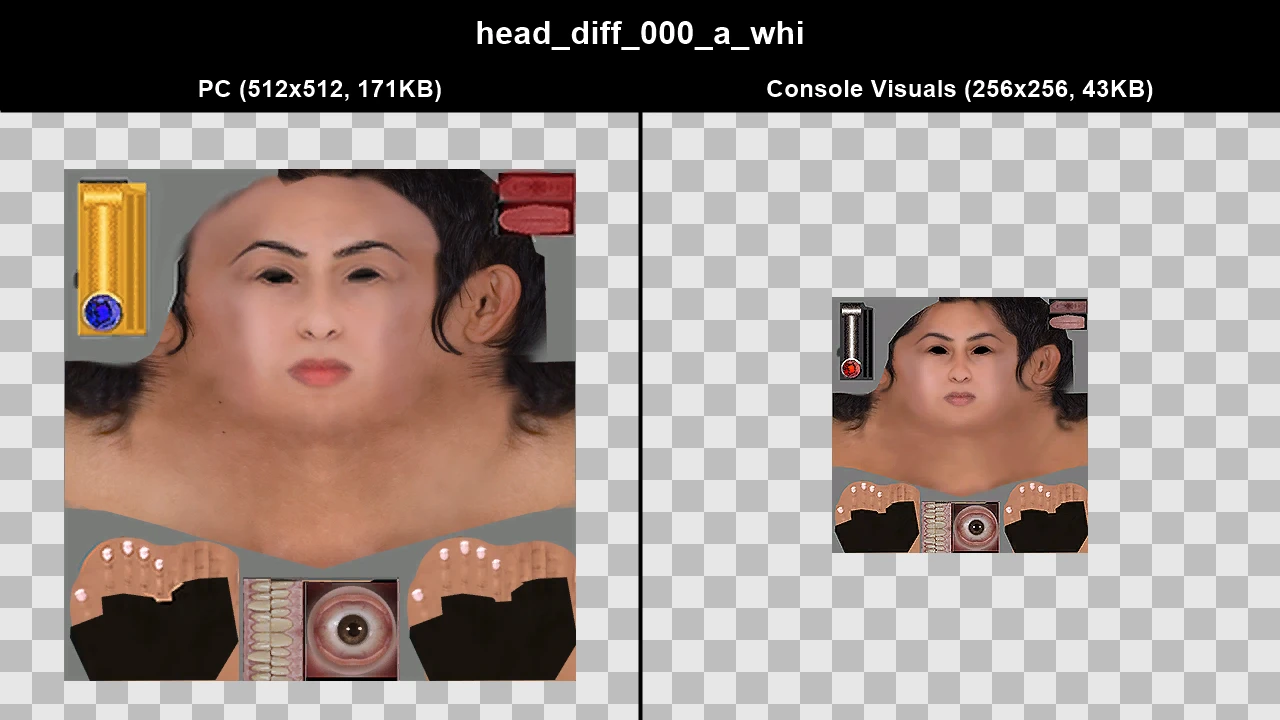
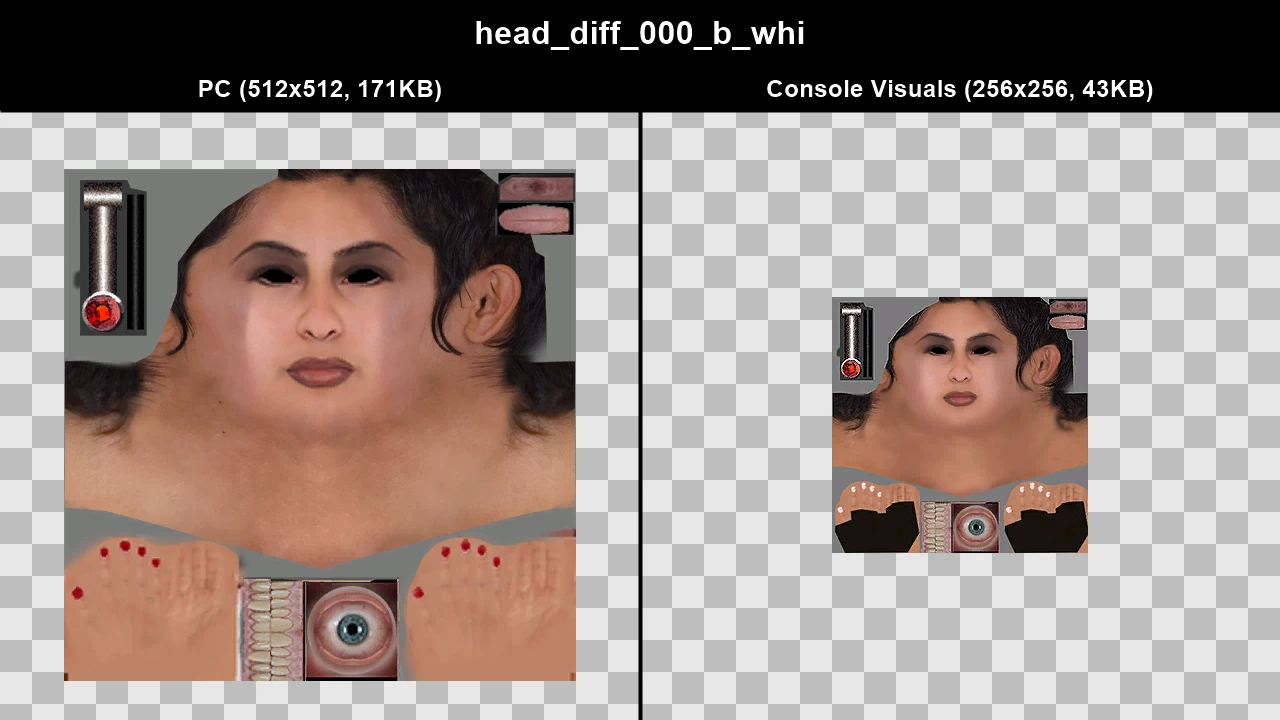
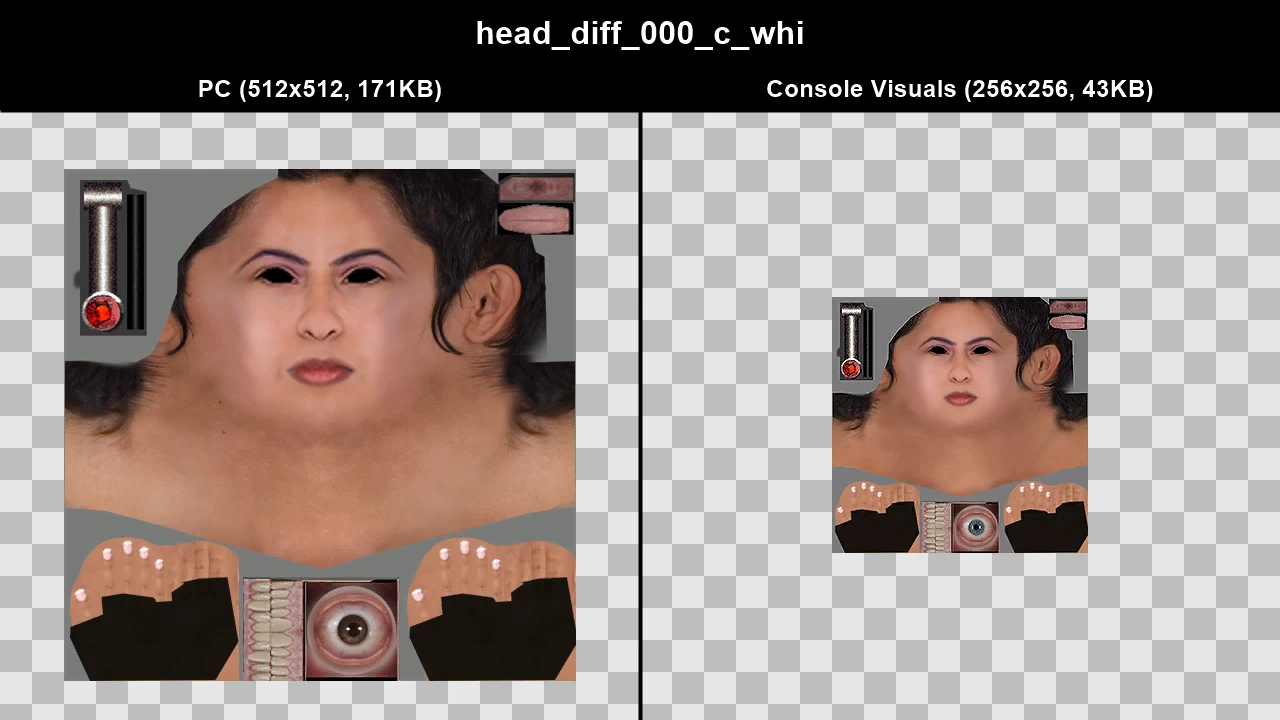
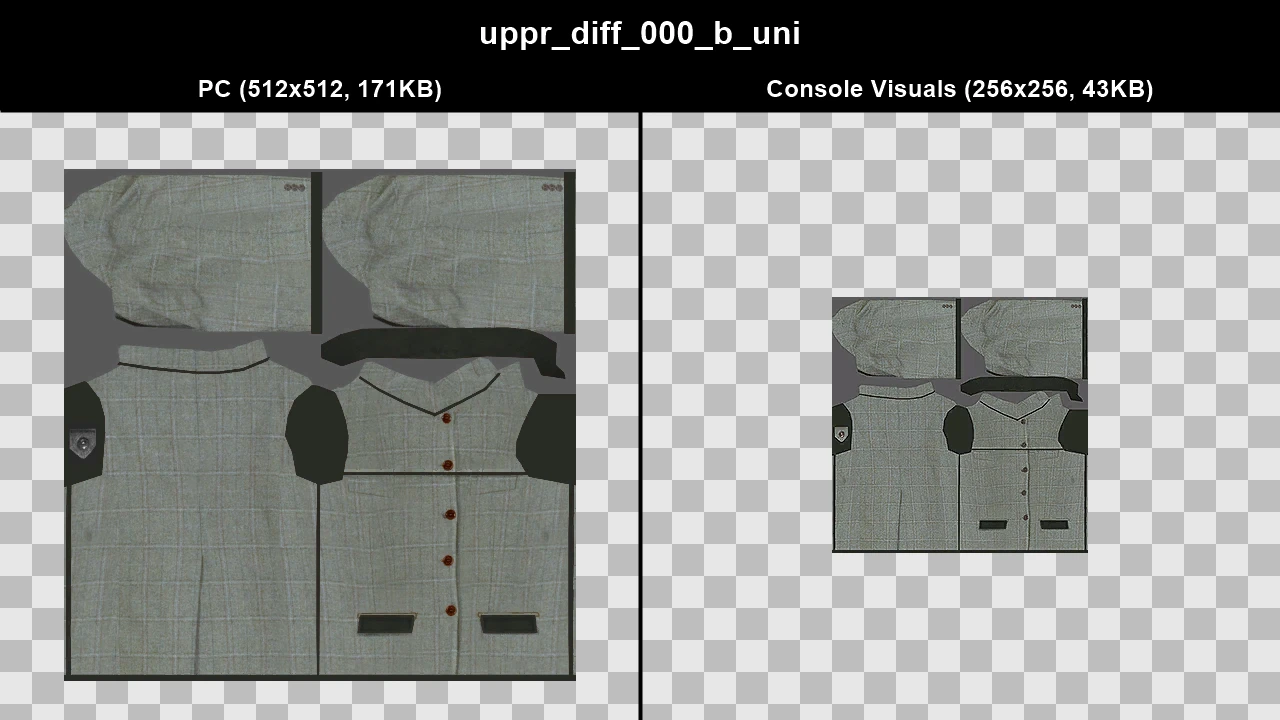
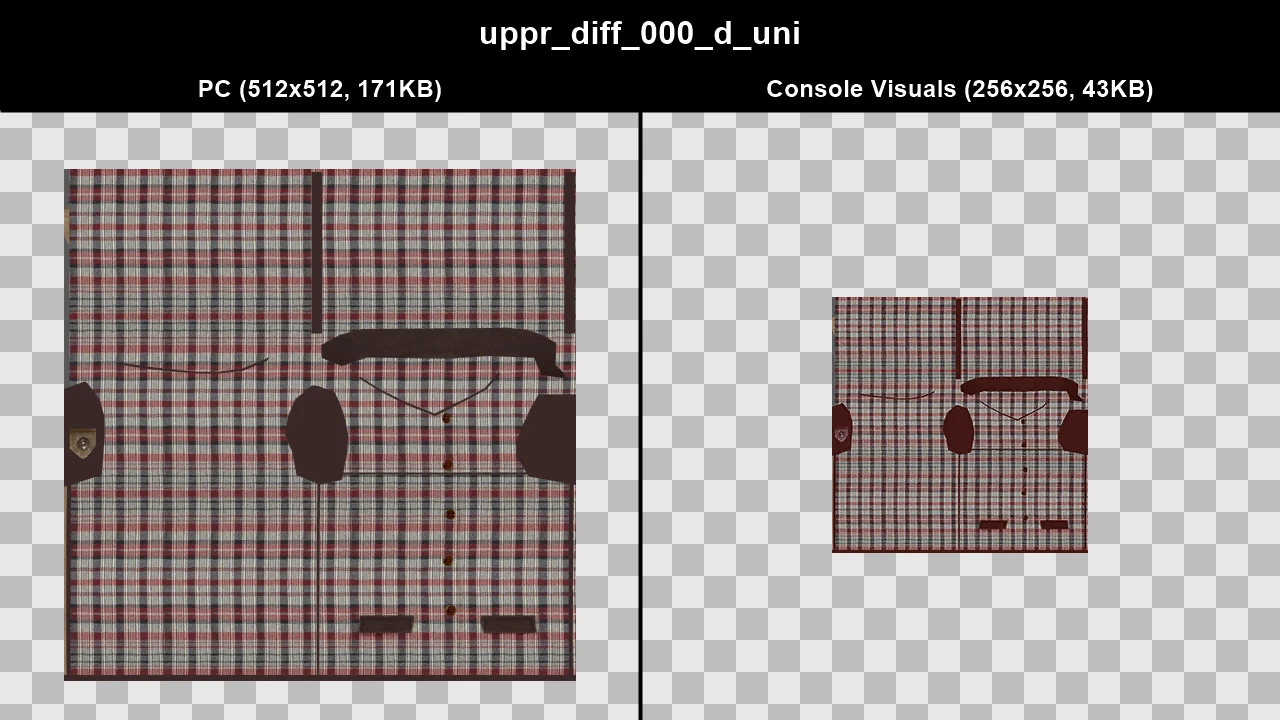
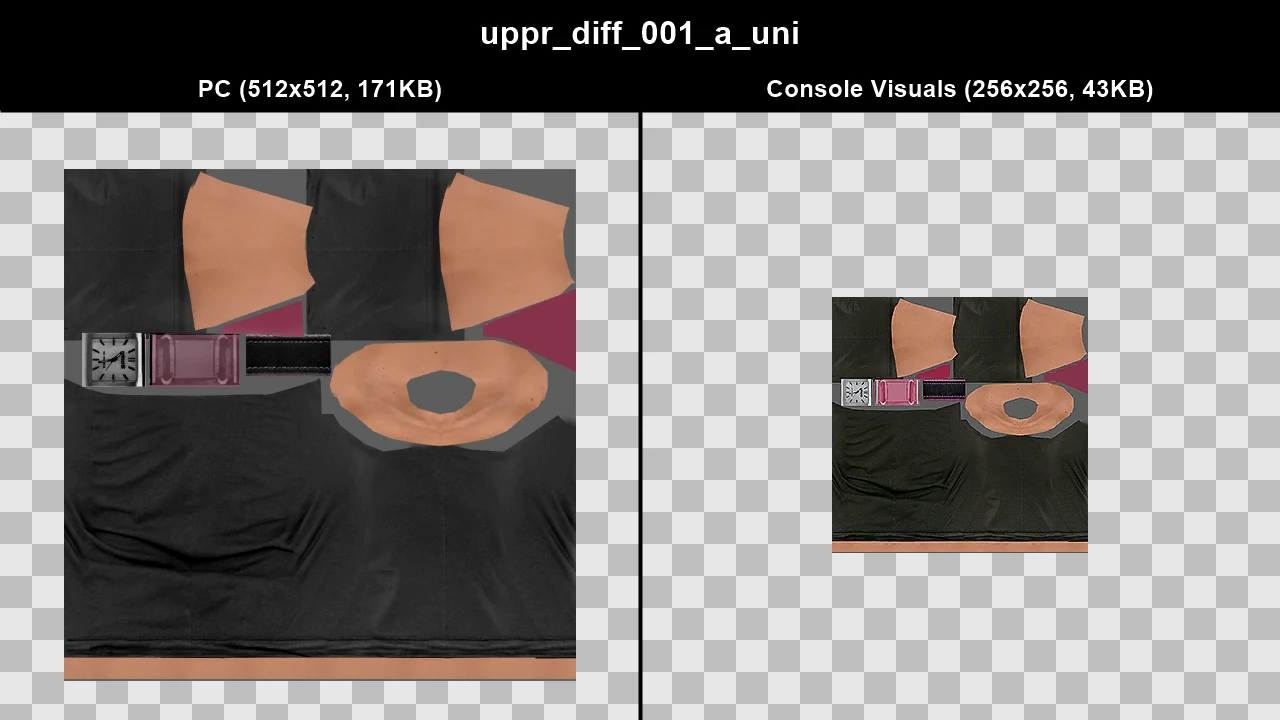
WTD: ig_pgirl_01
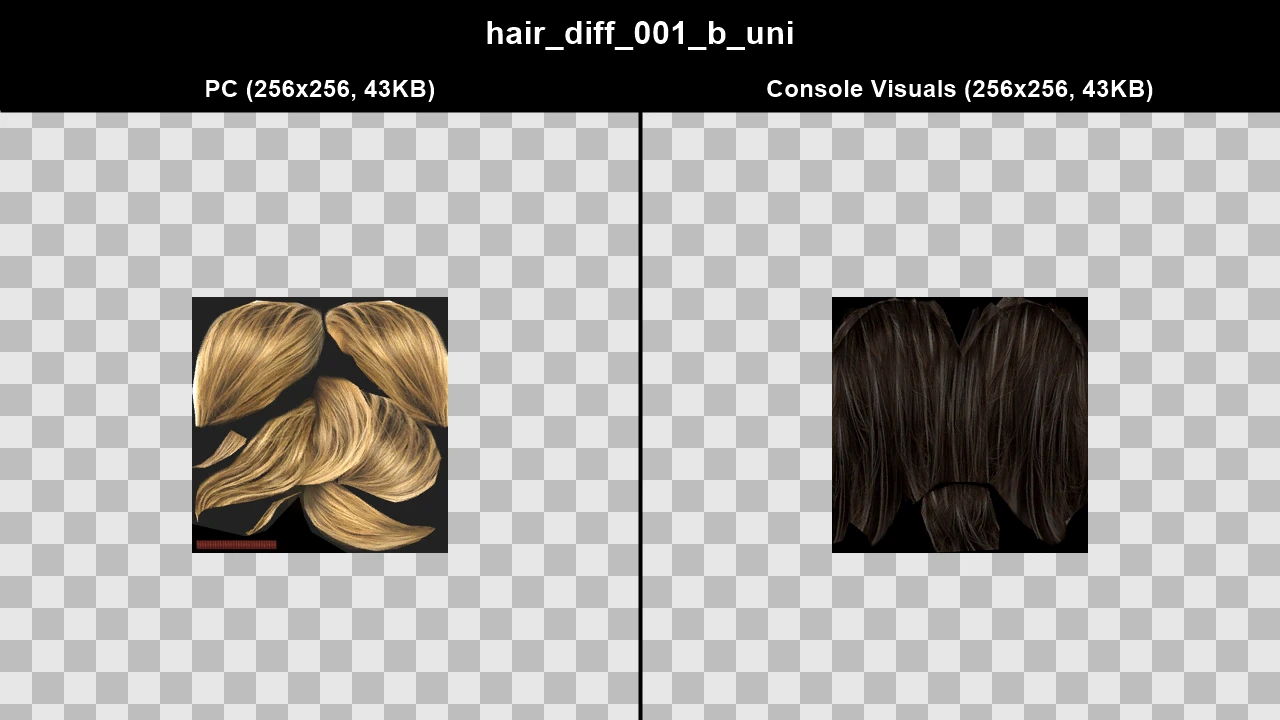
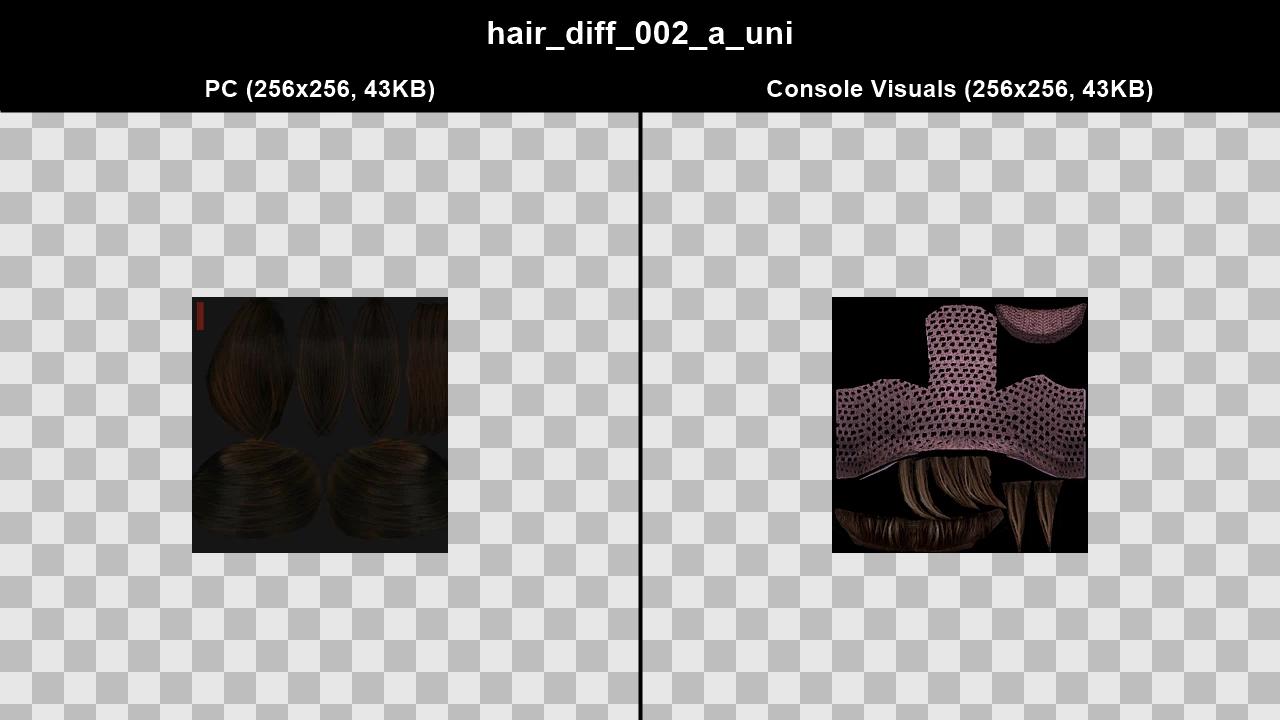
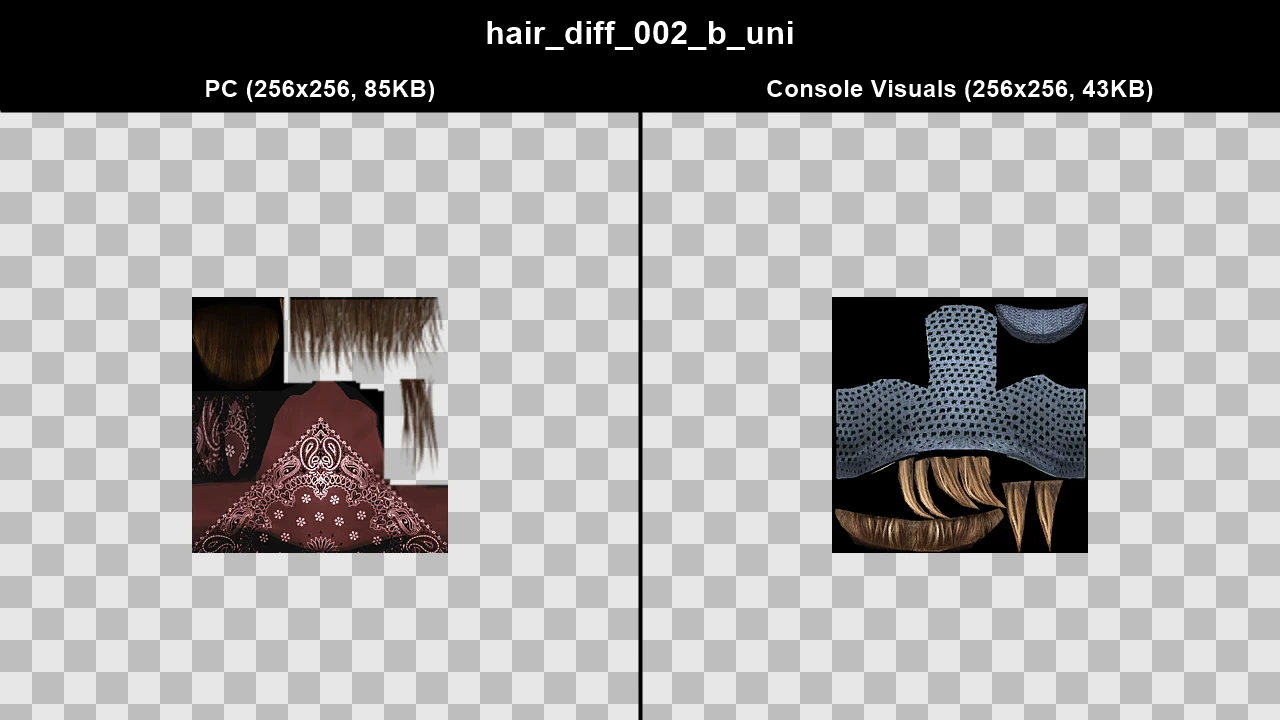
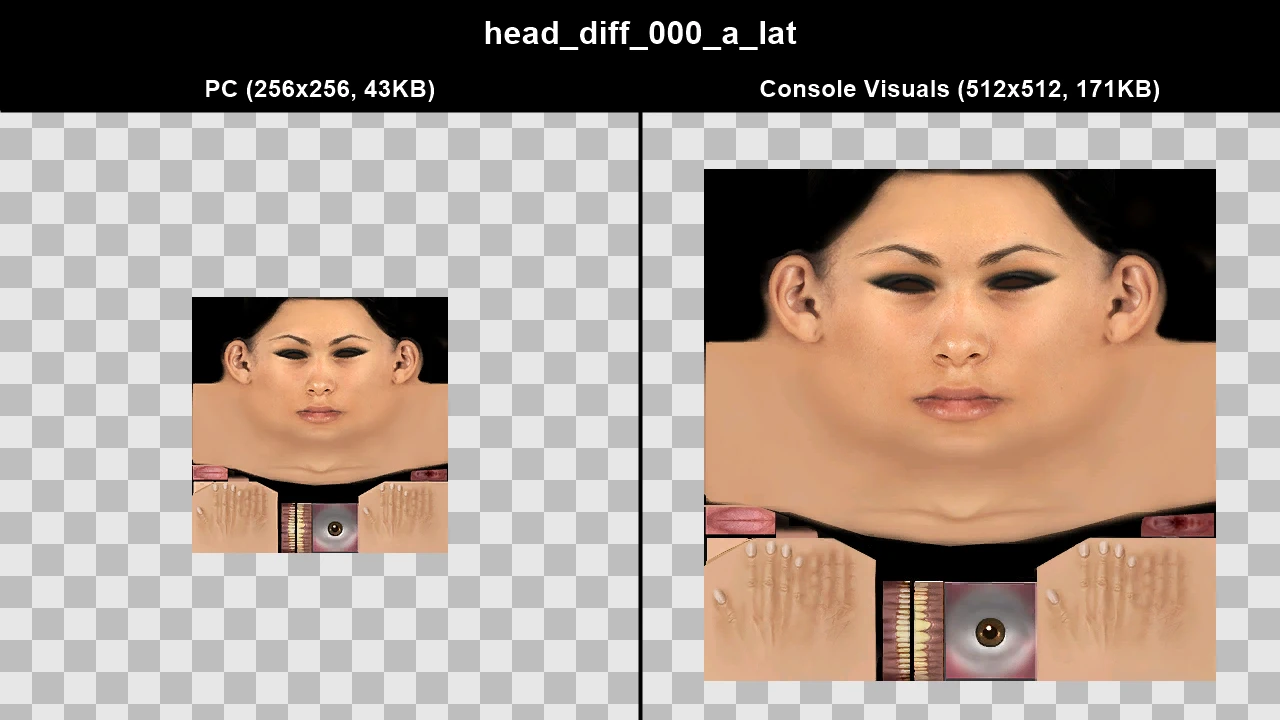
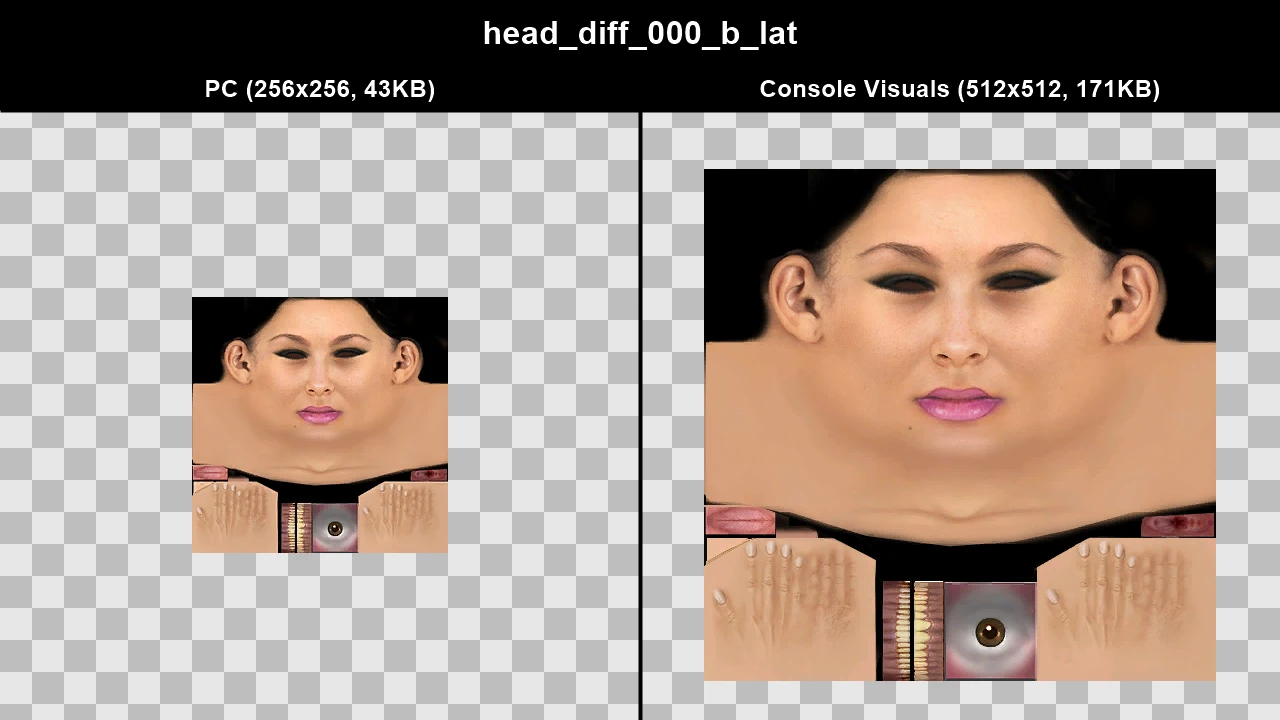
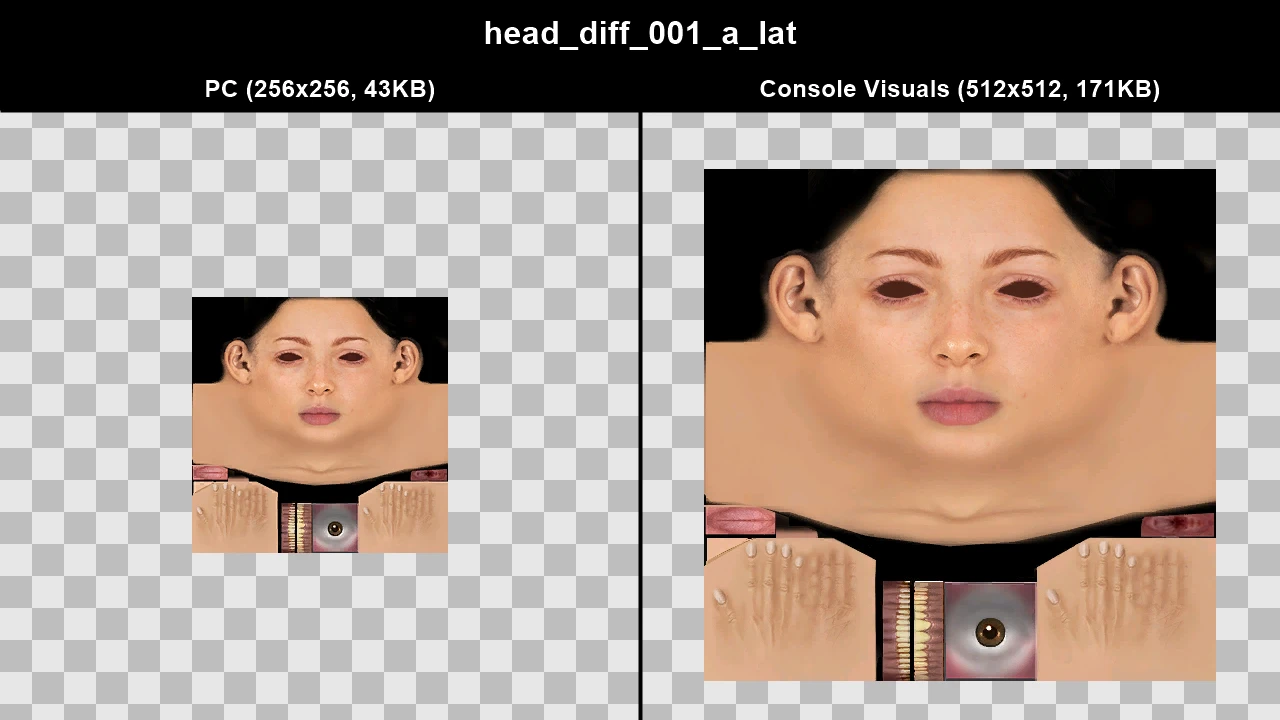
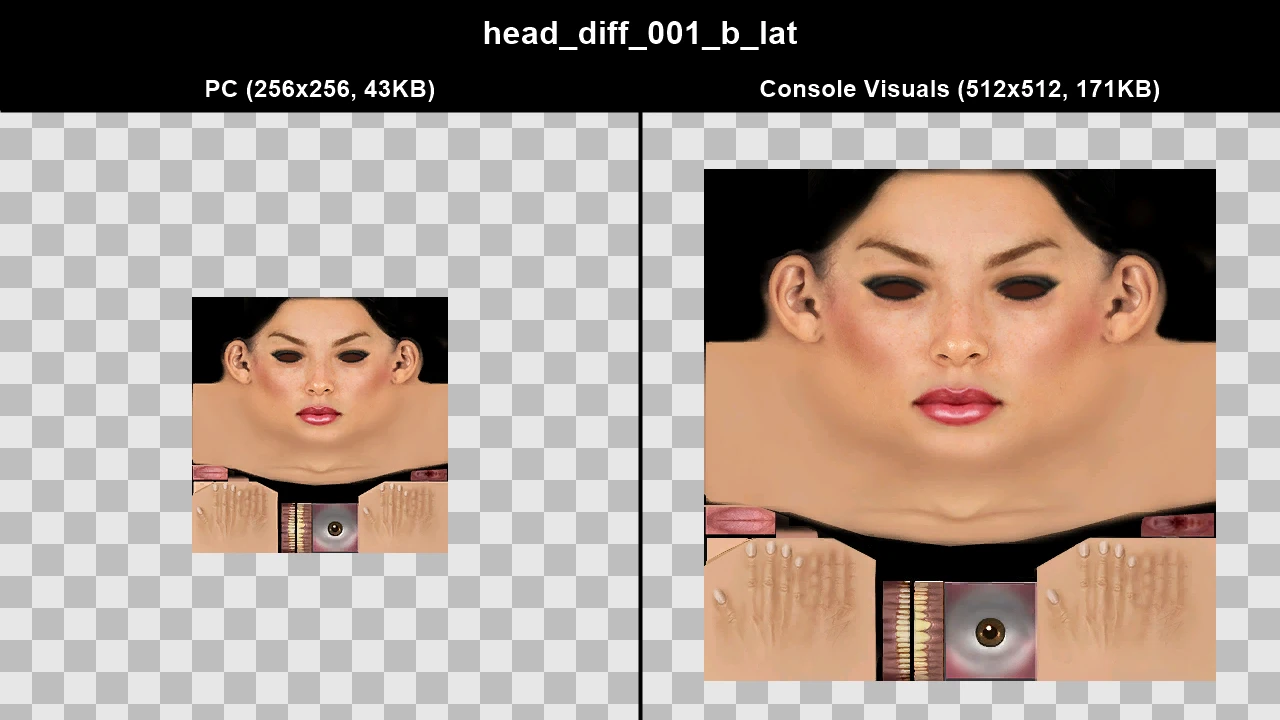
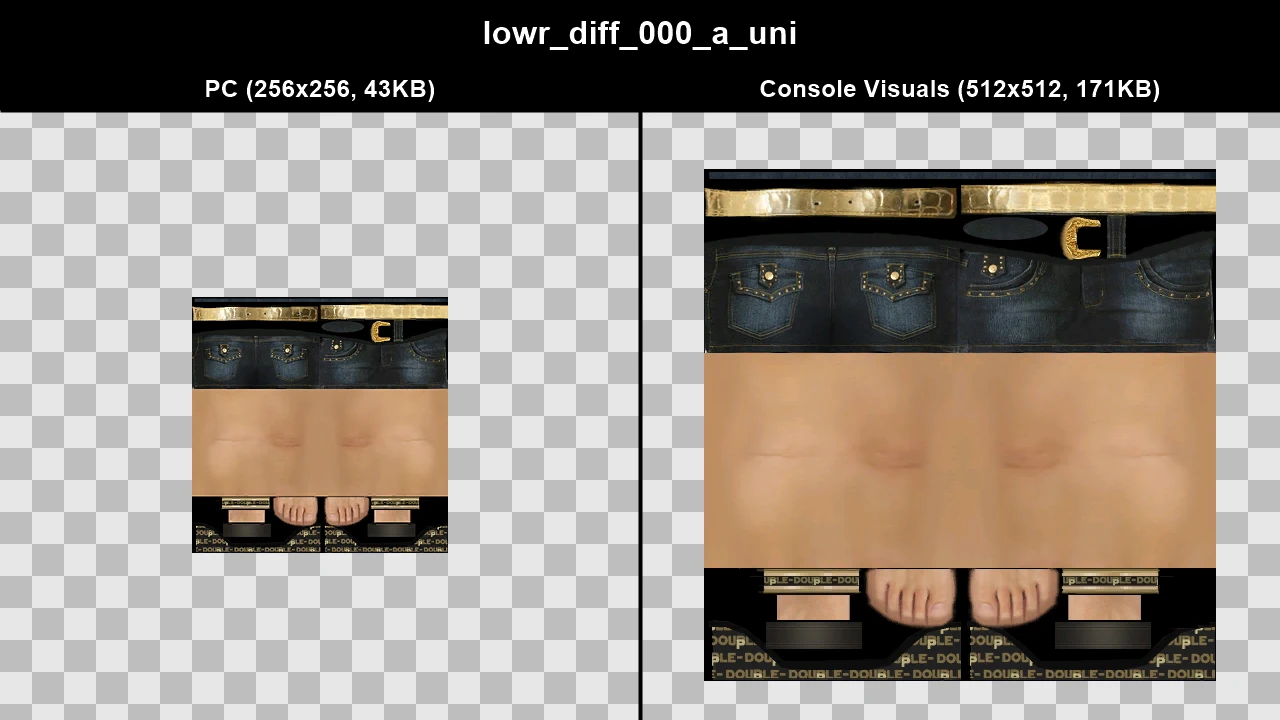
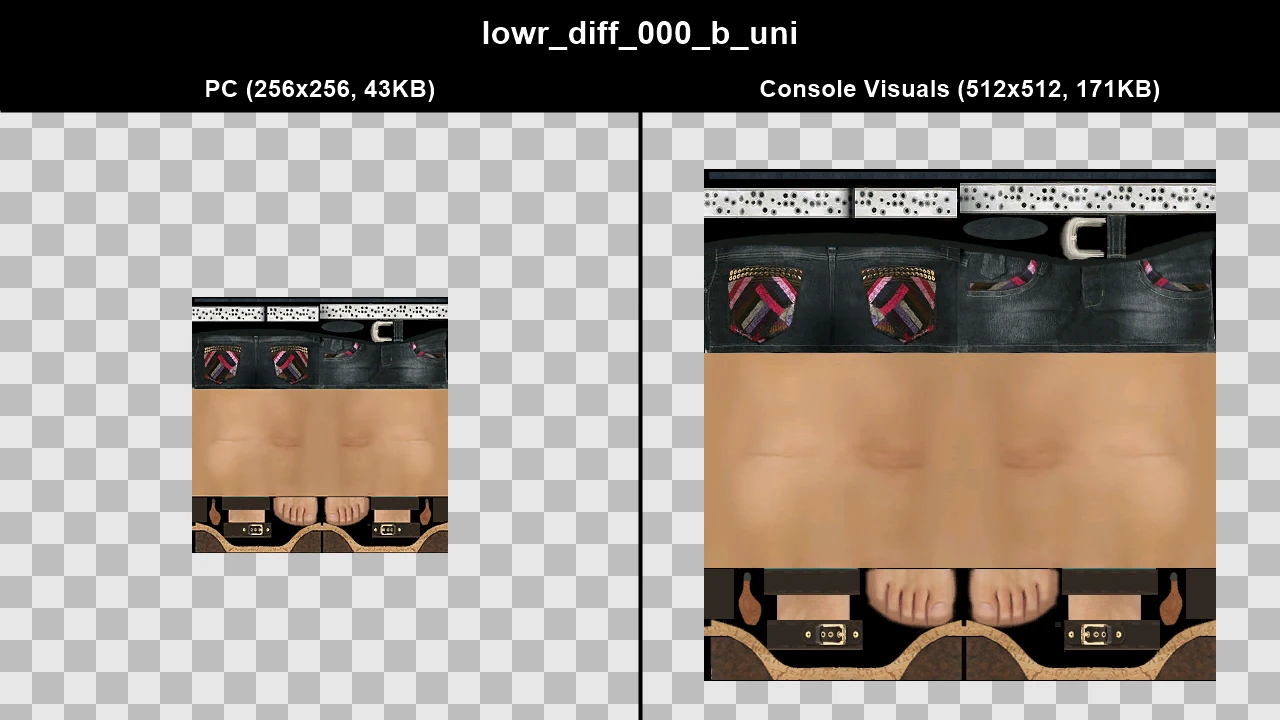
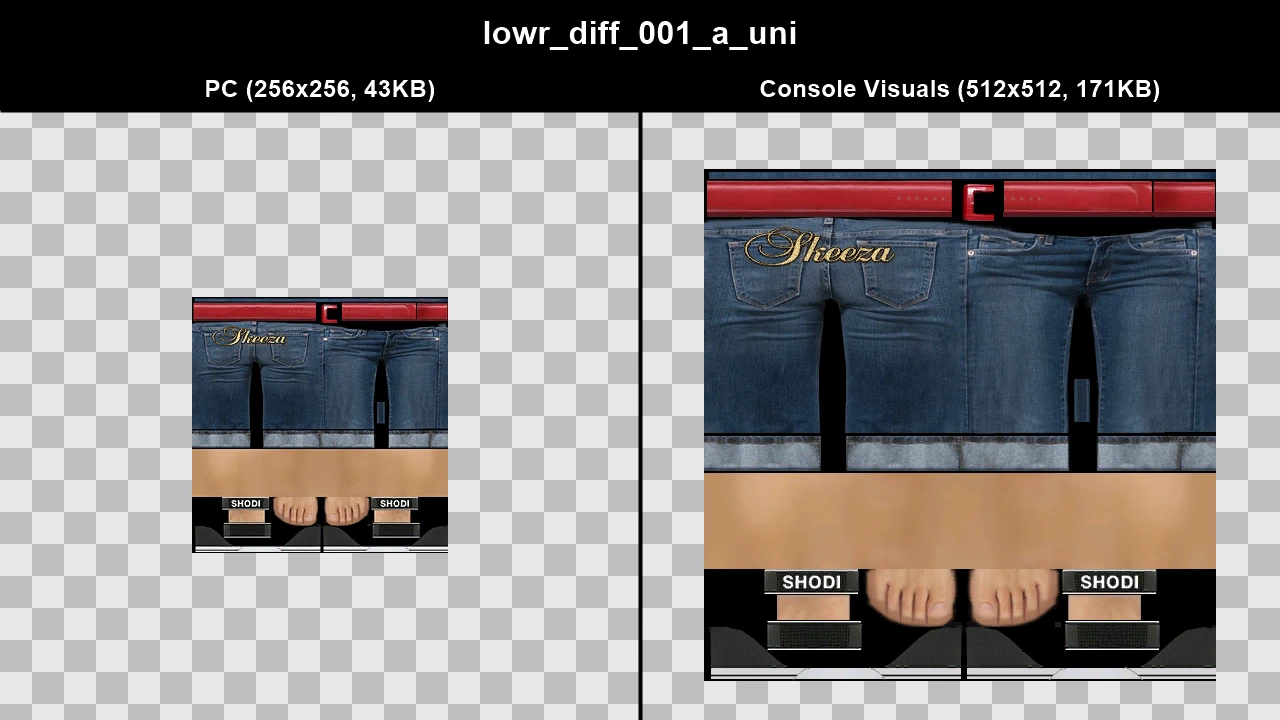
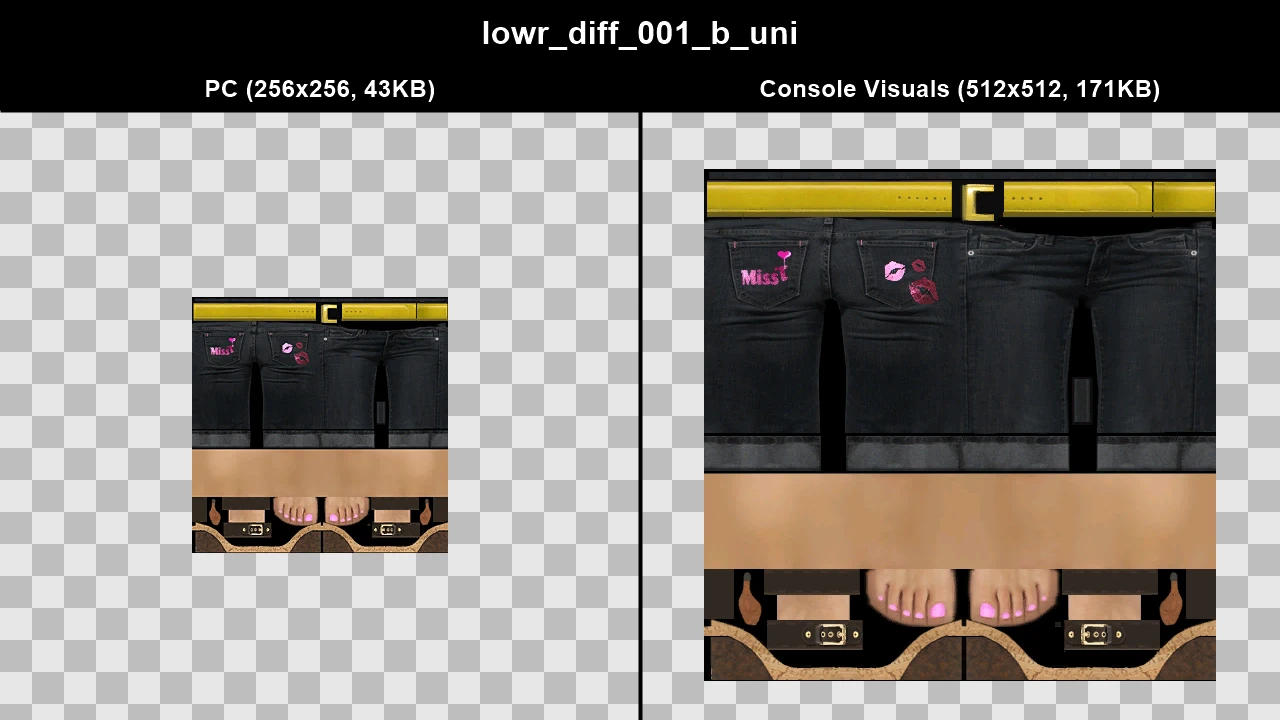
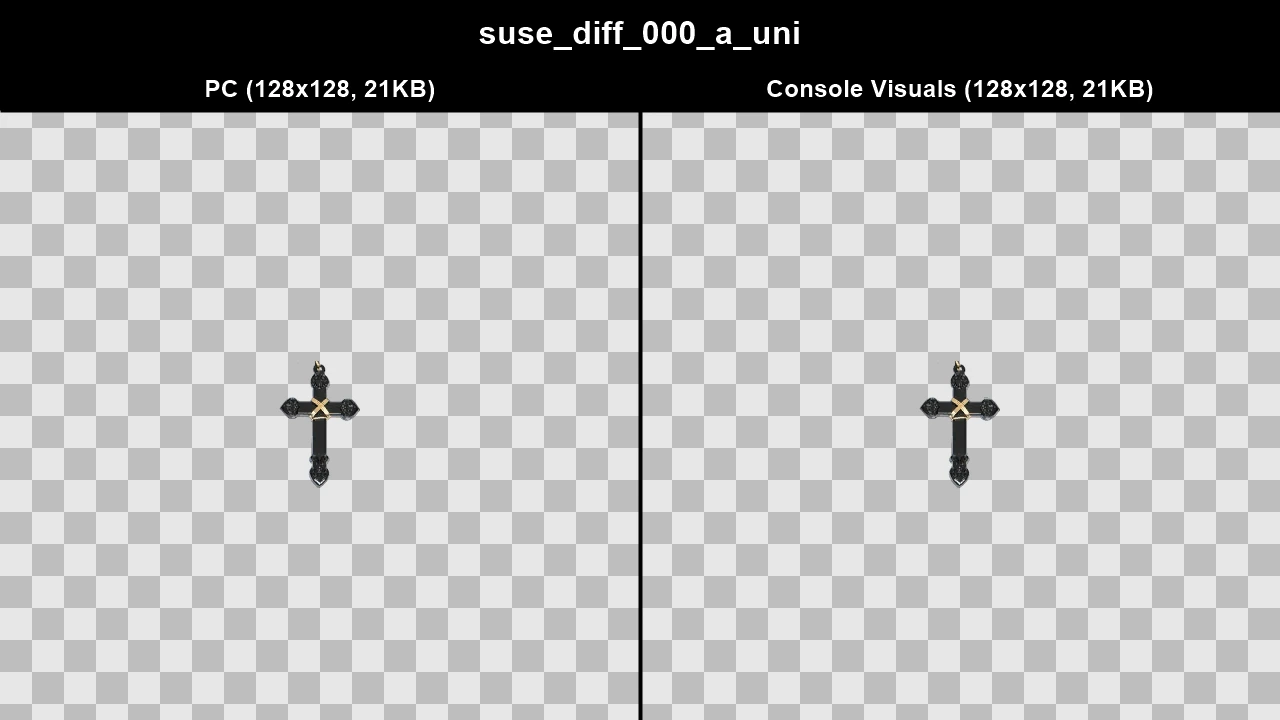
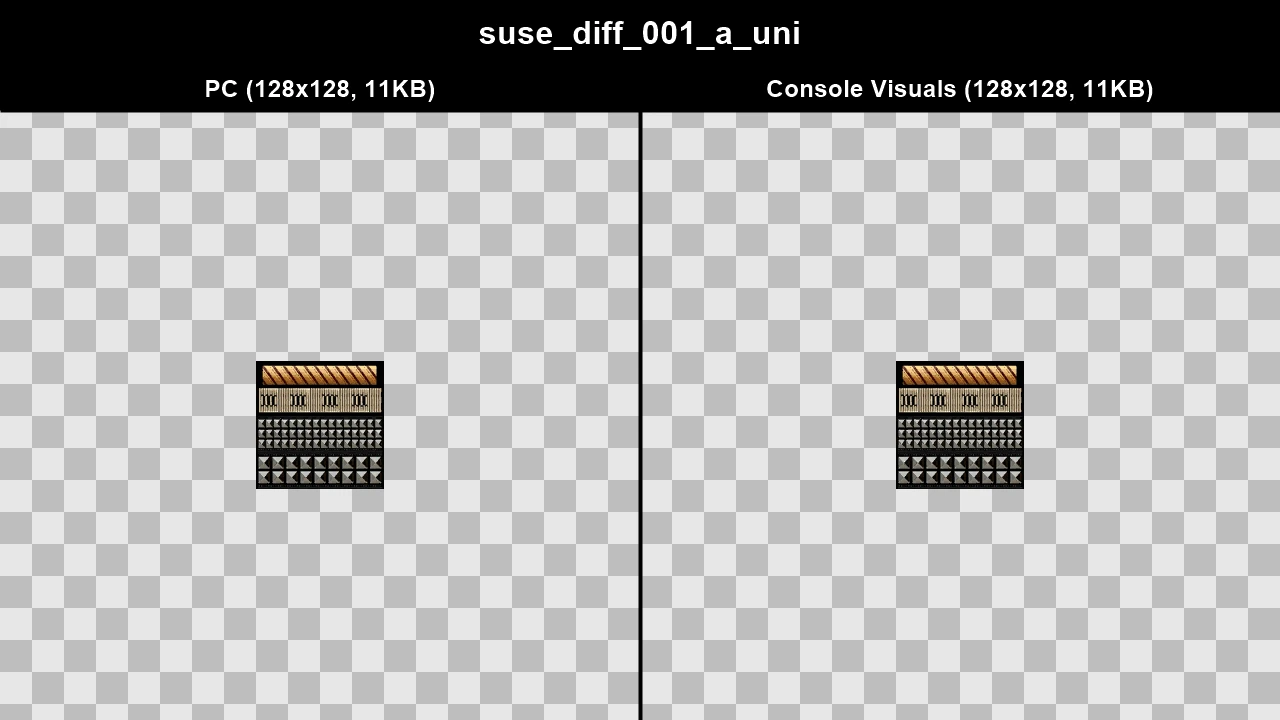
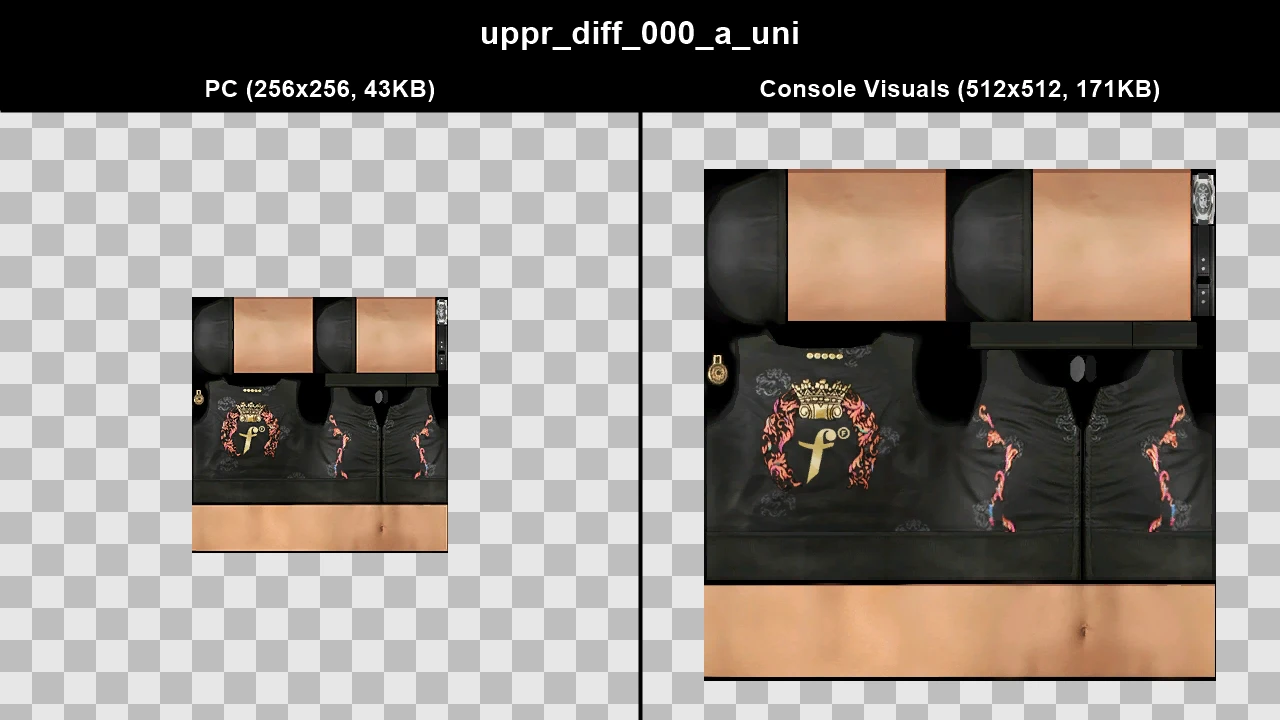
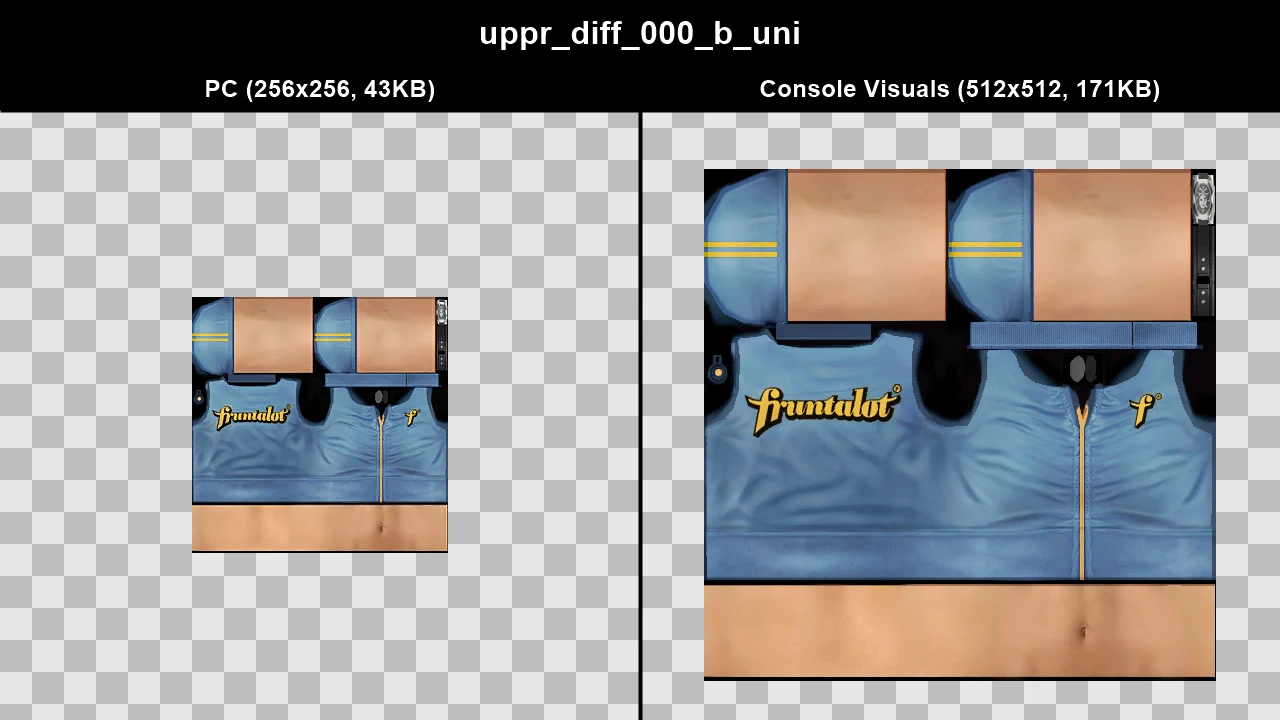
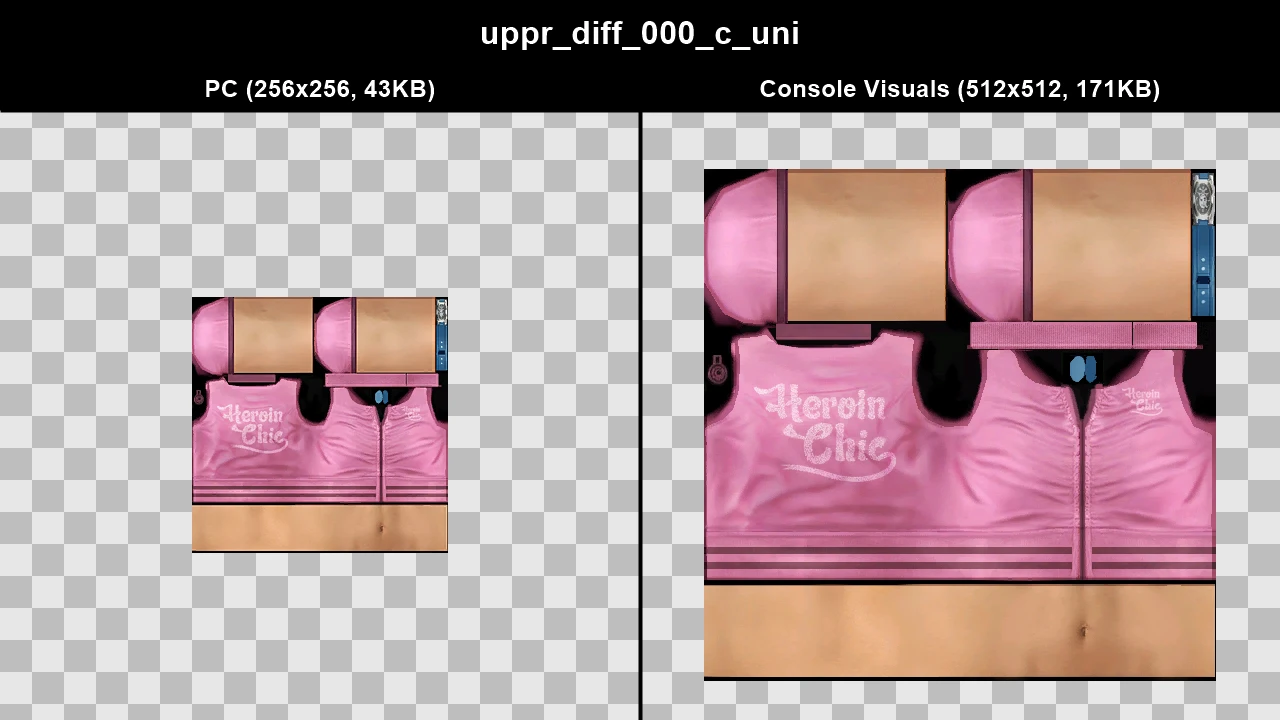
WTD: lostbuddy_01
WTD: lostbuddy_06
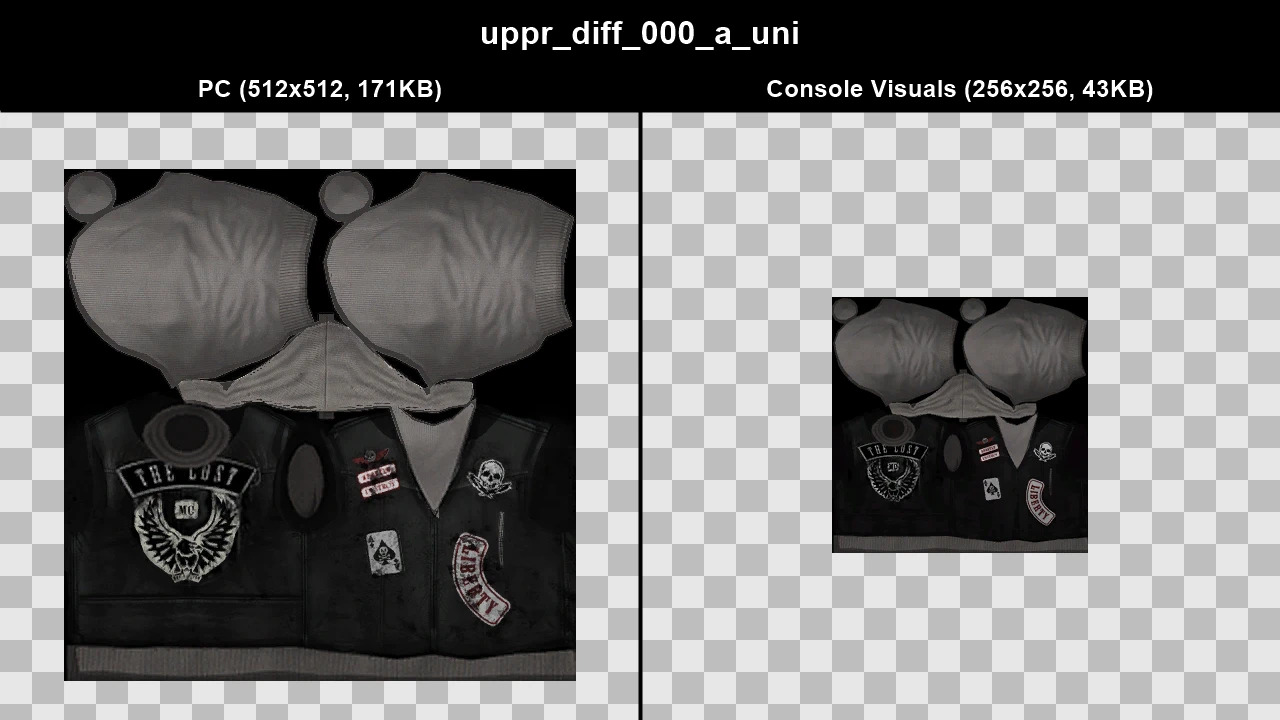
WTD: lostbuddy_07
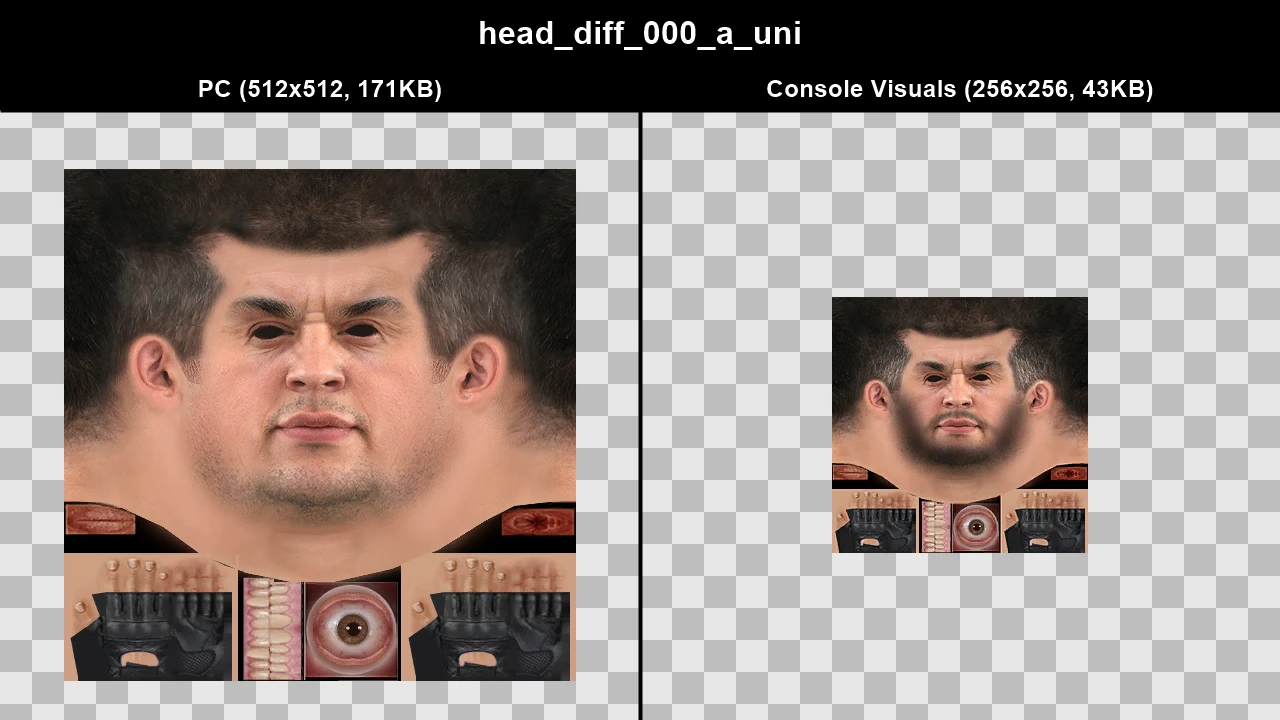
WTD: lostbuddy_13
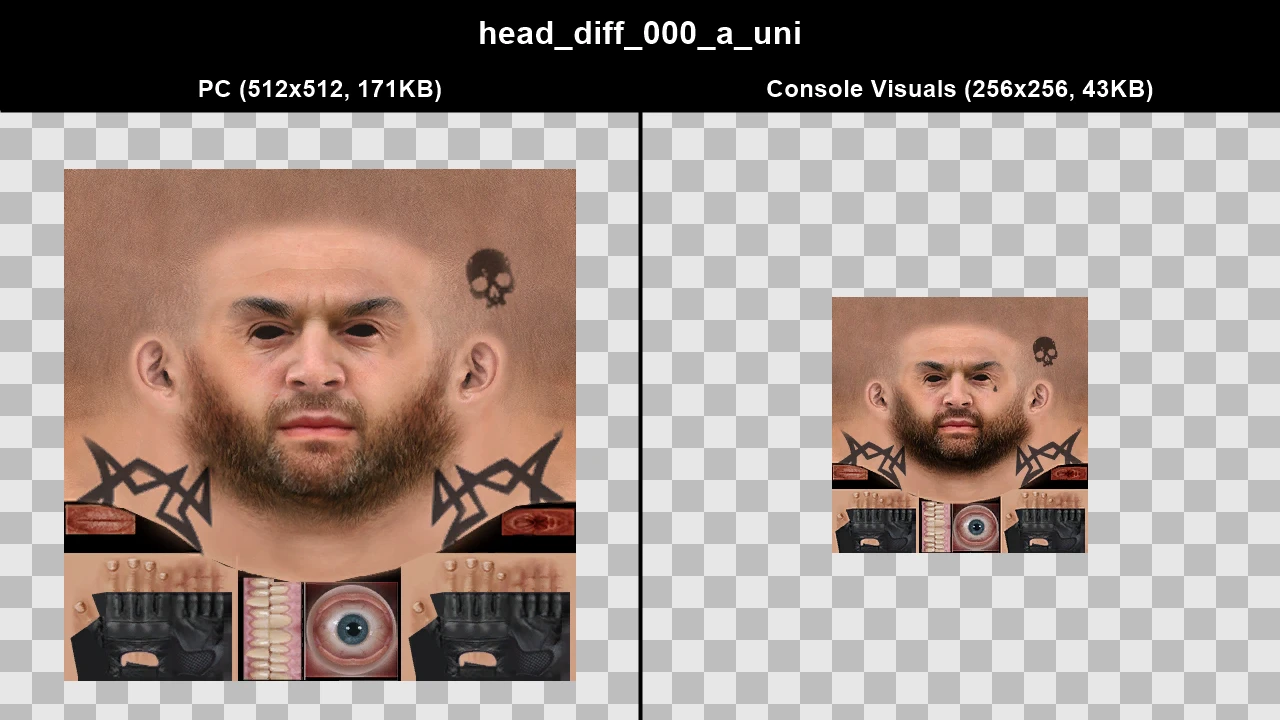
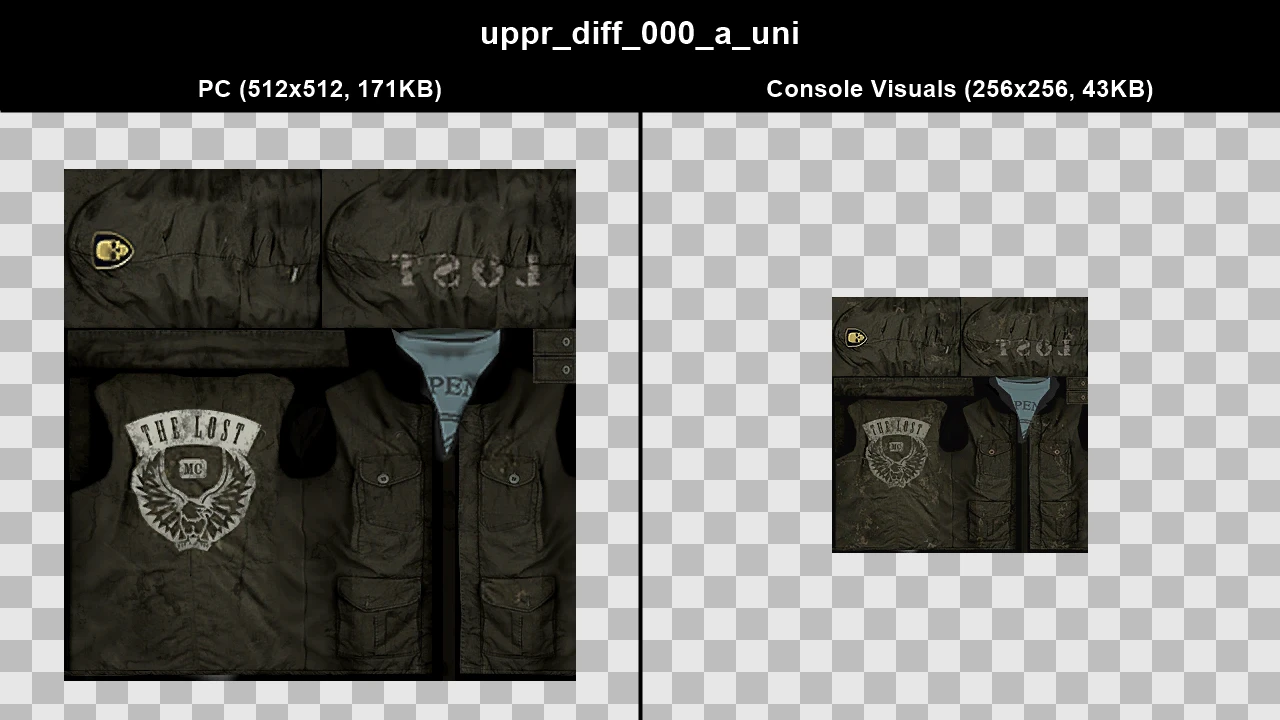
WTD: m_m_eecook
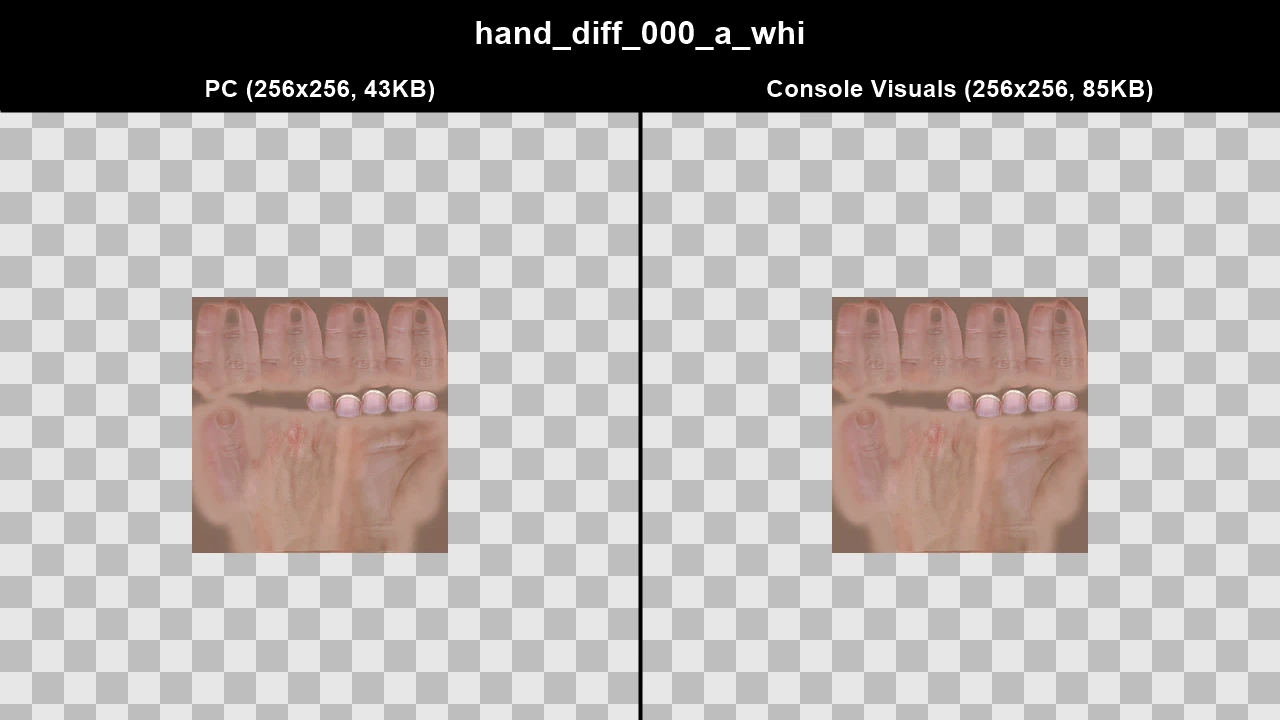
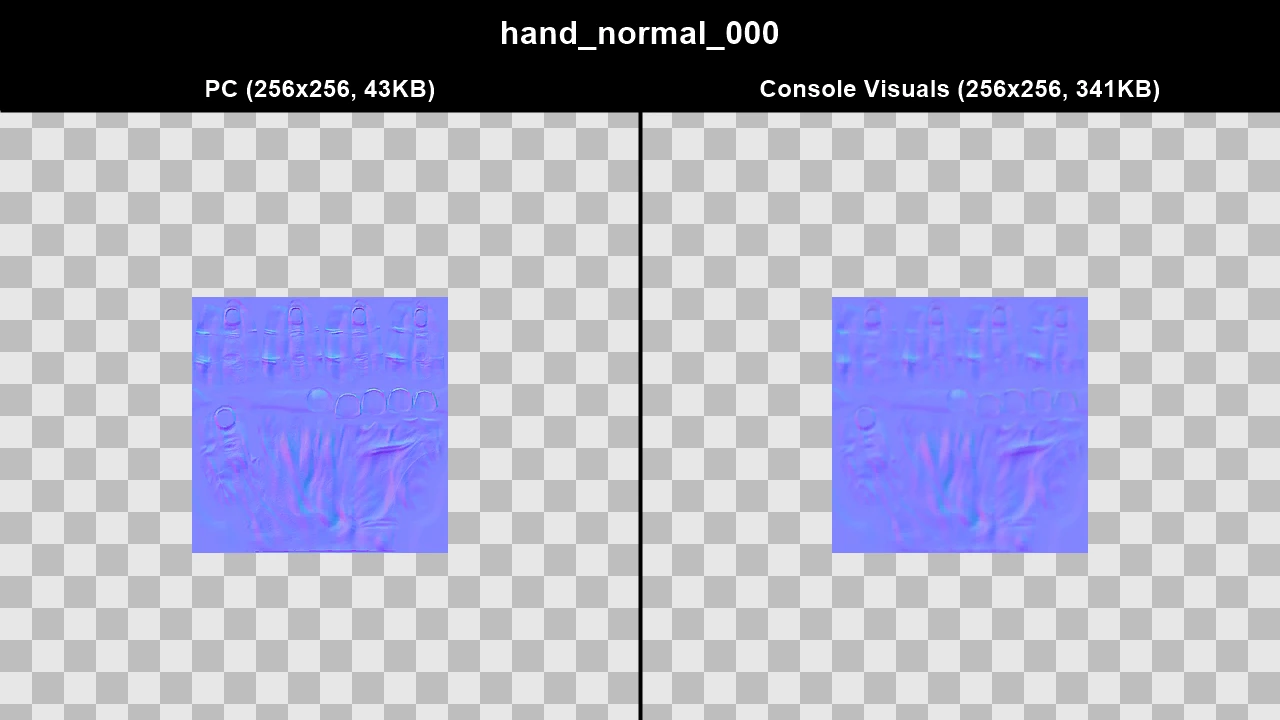
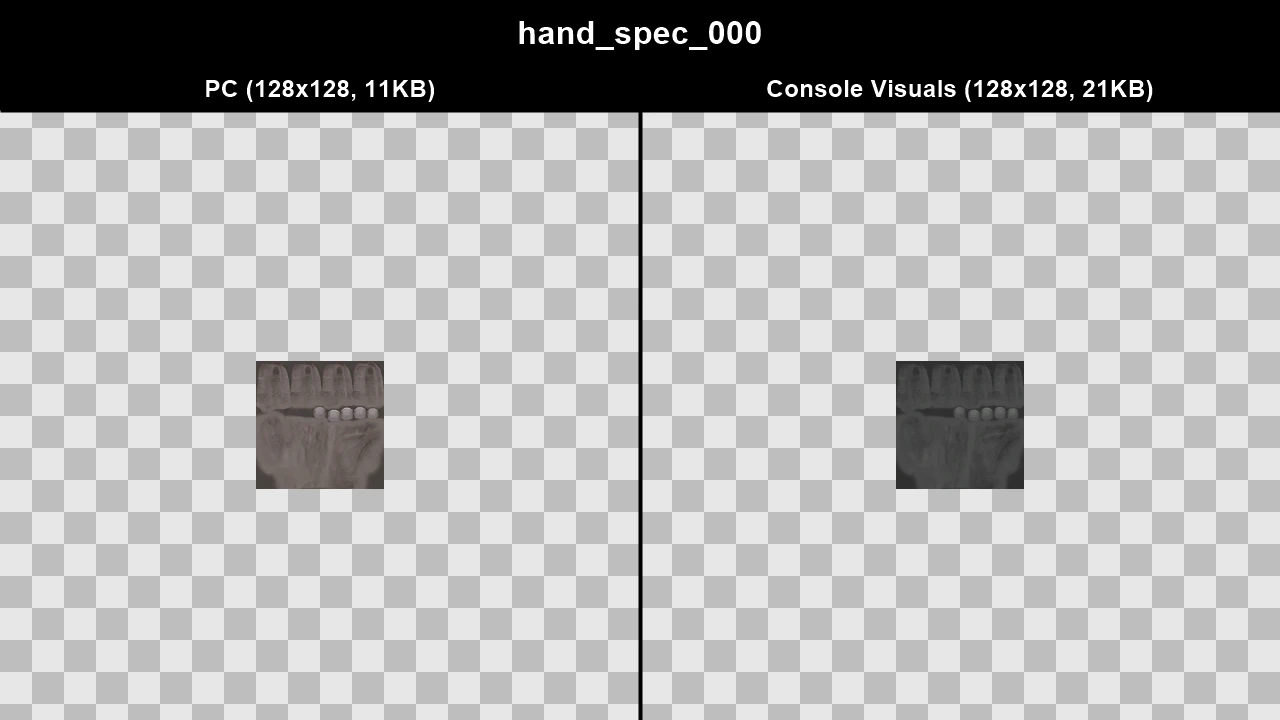
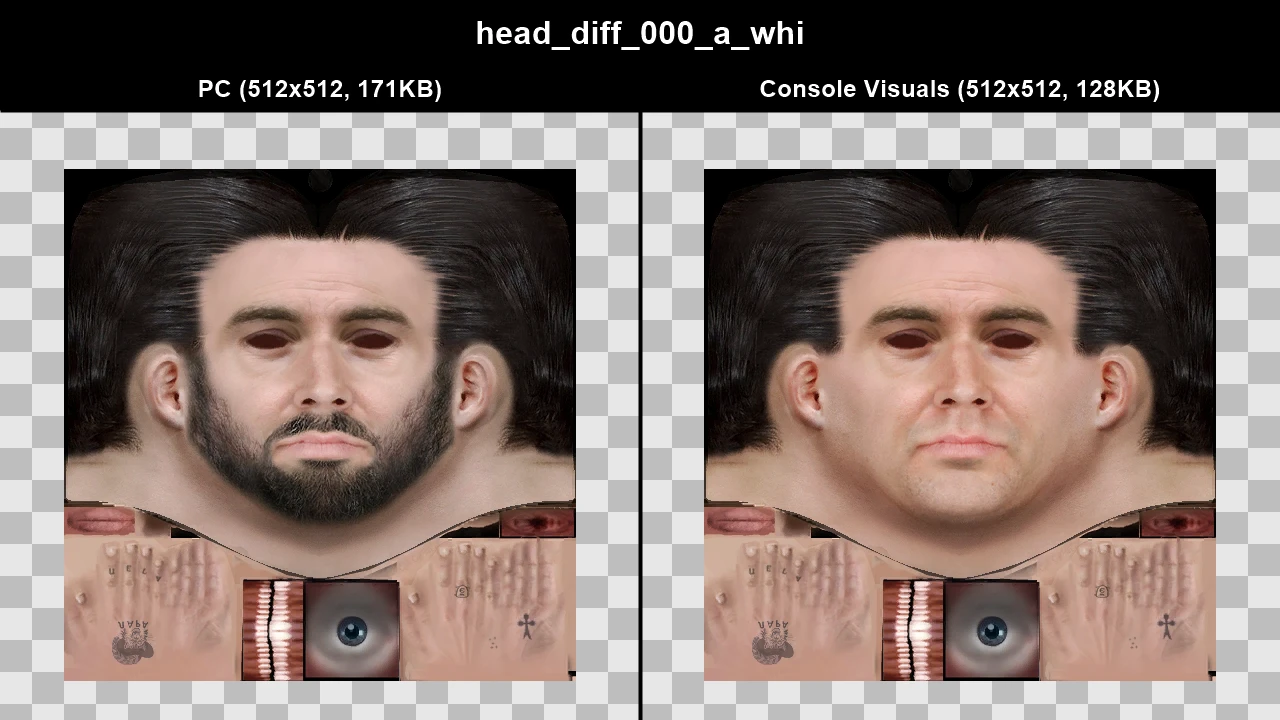
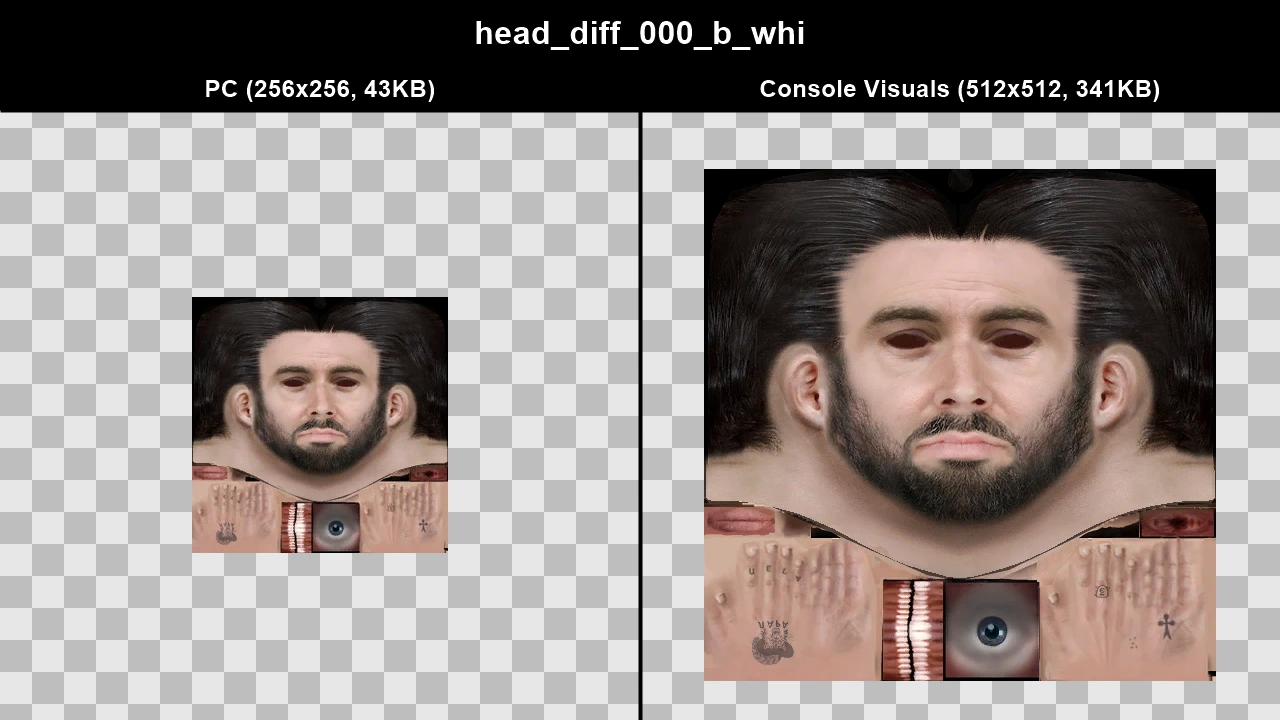
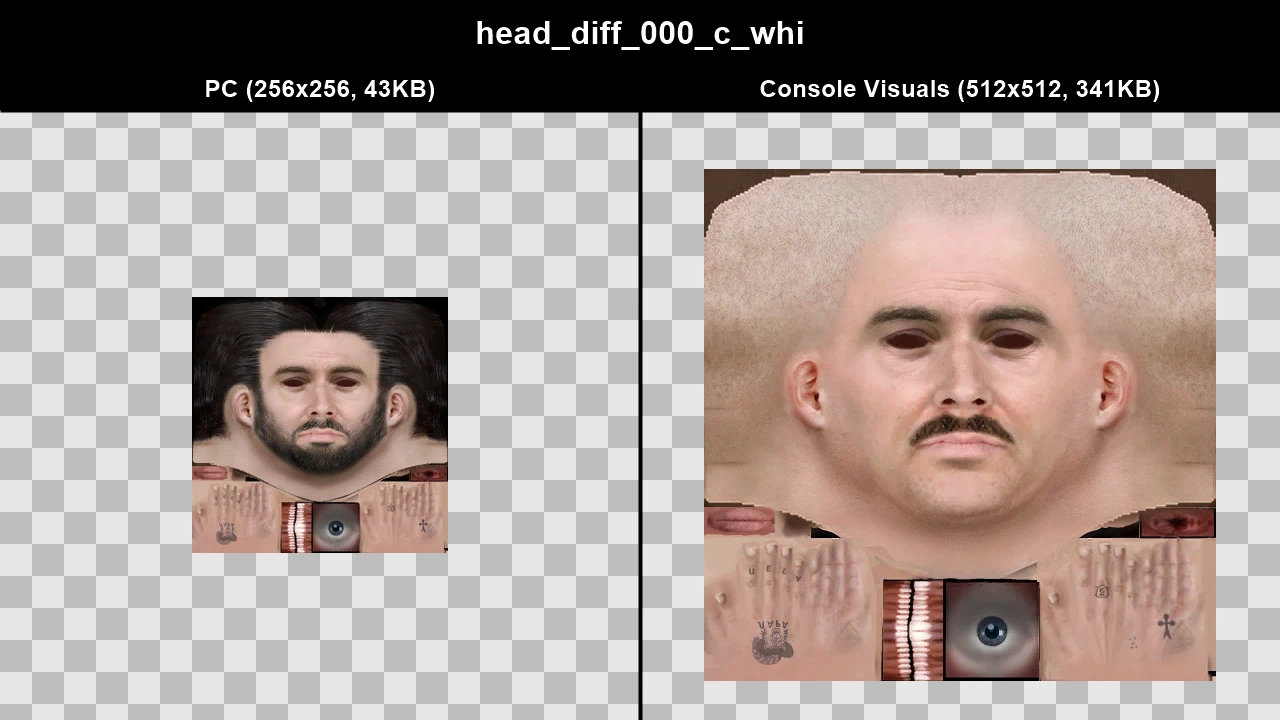
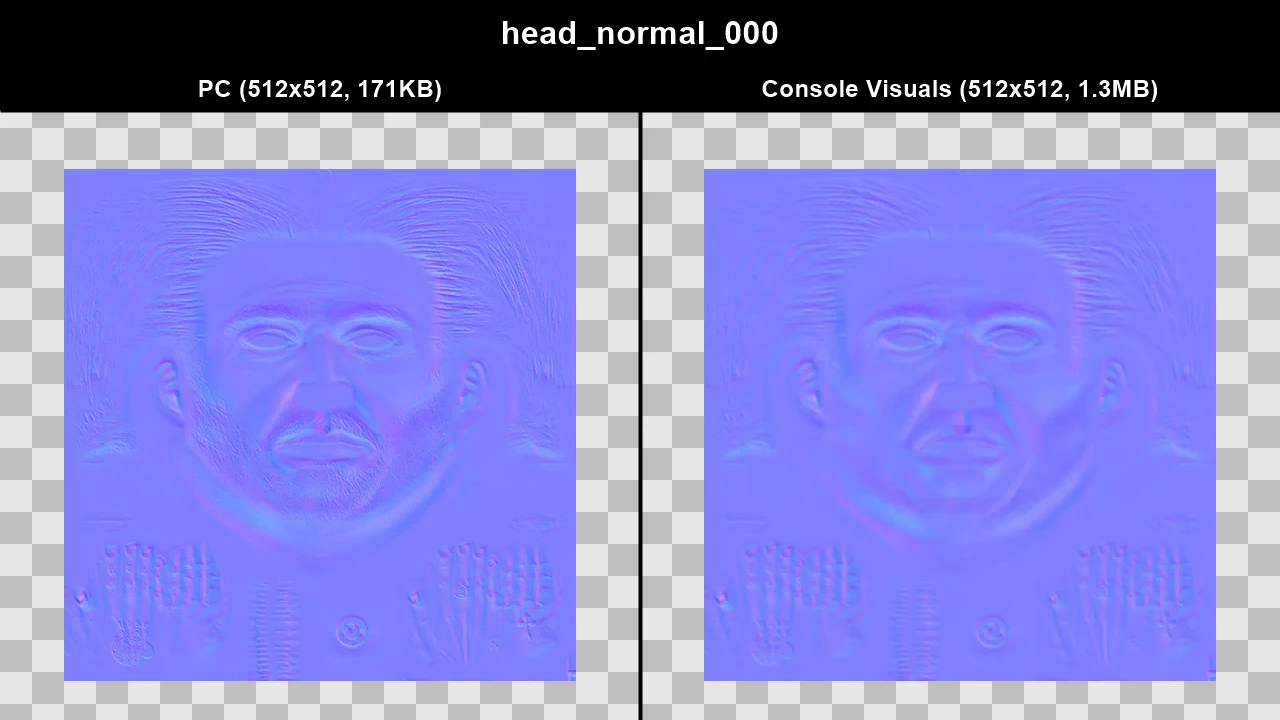
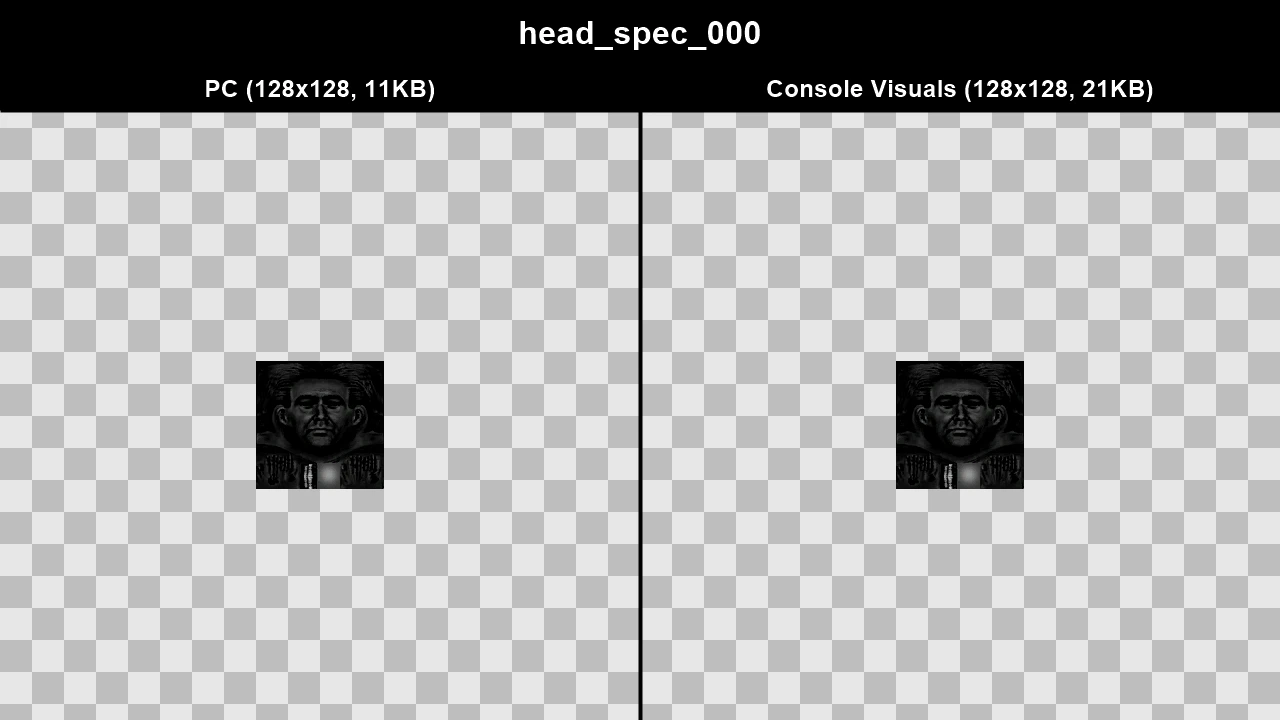
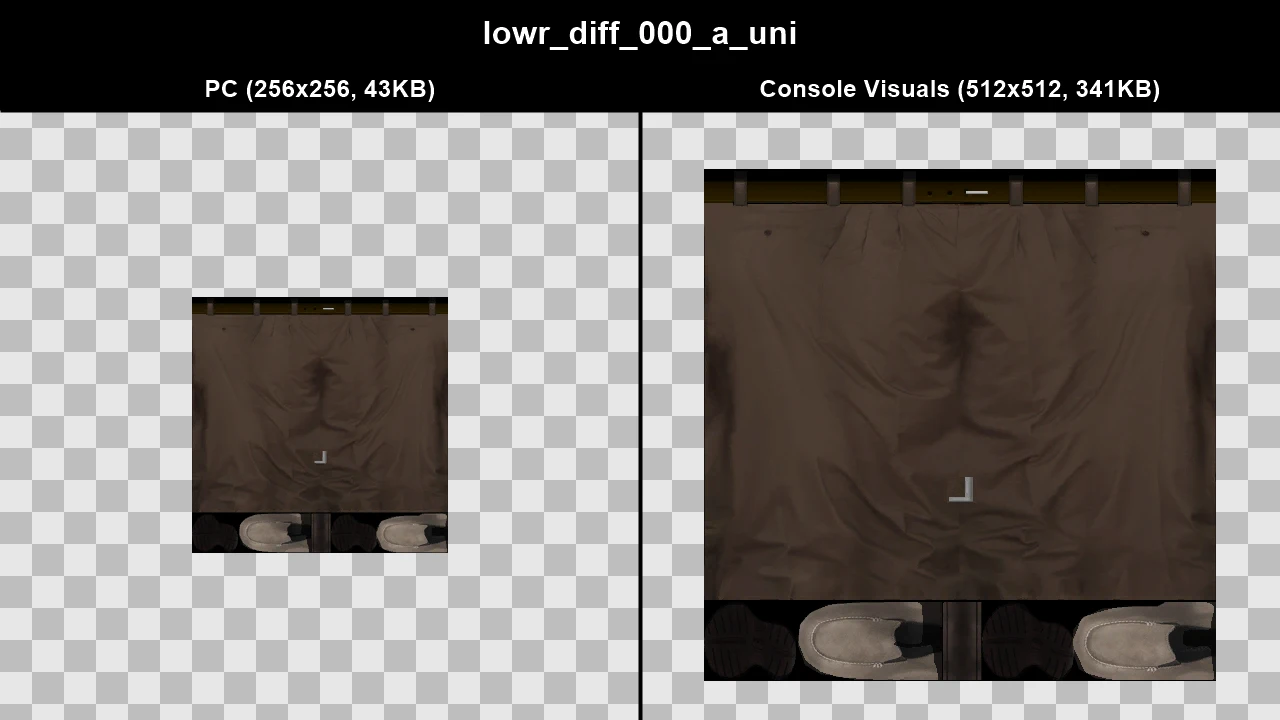
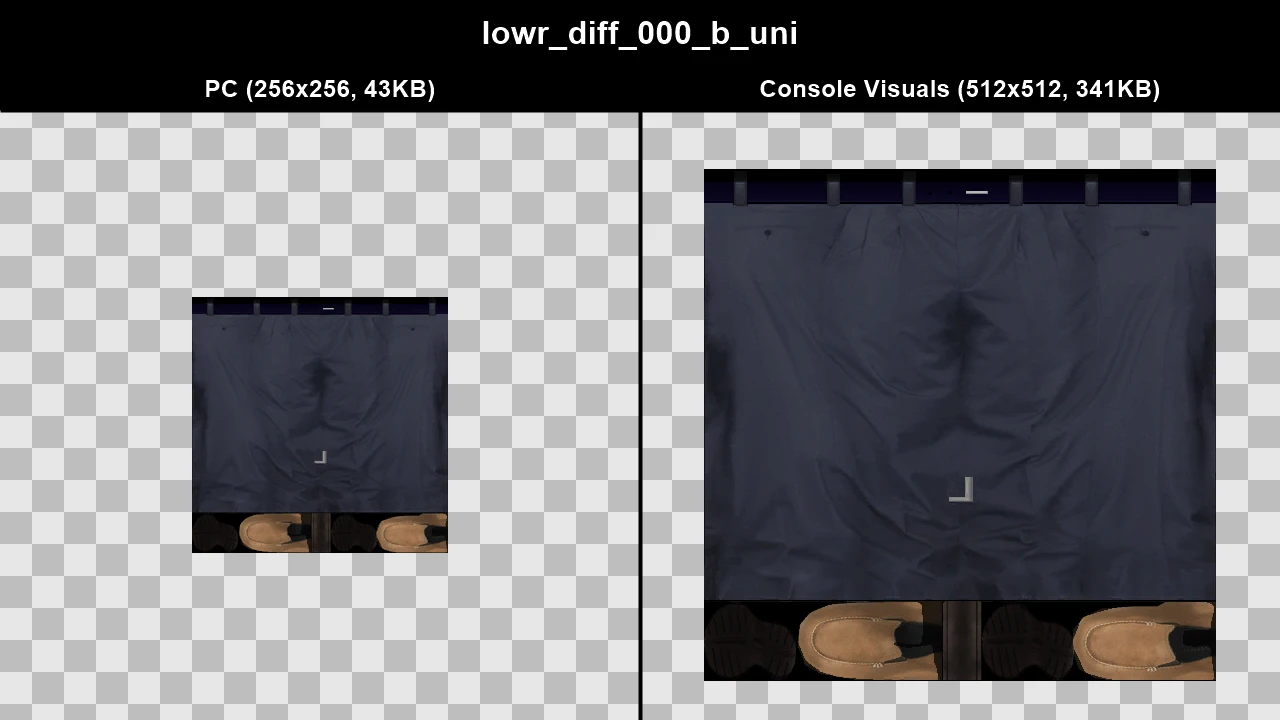
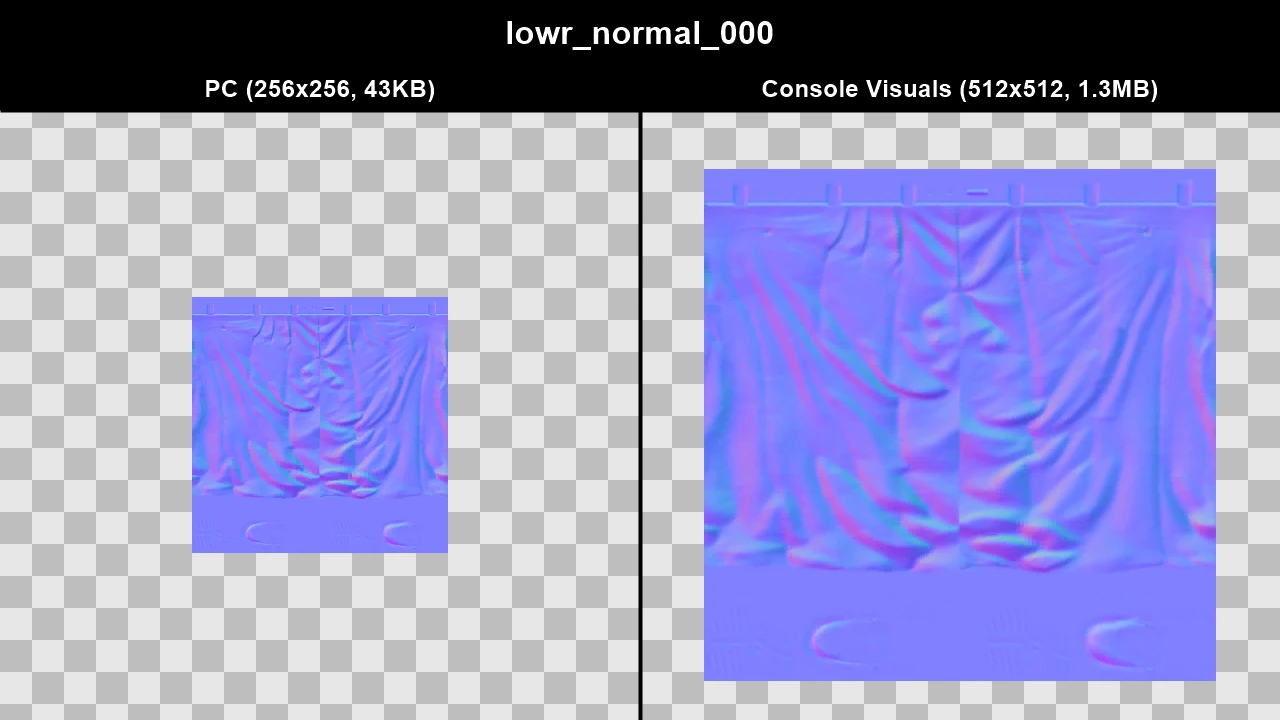
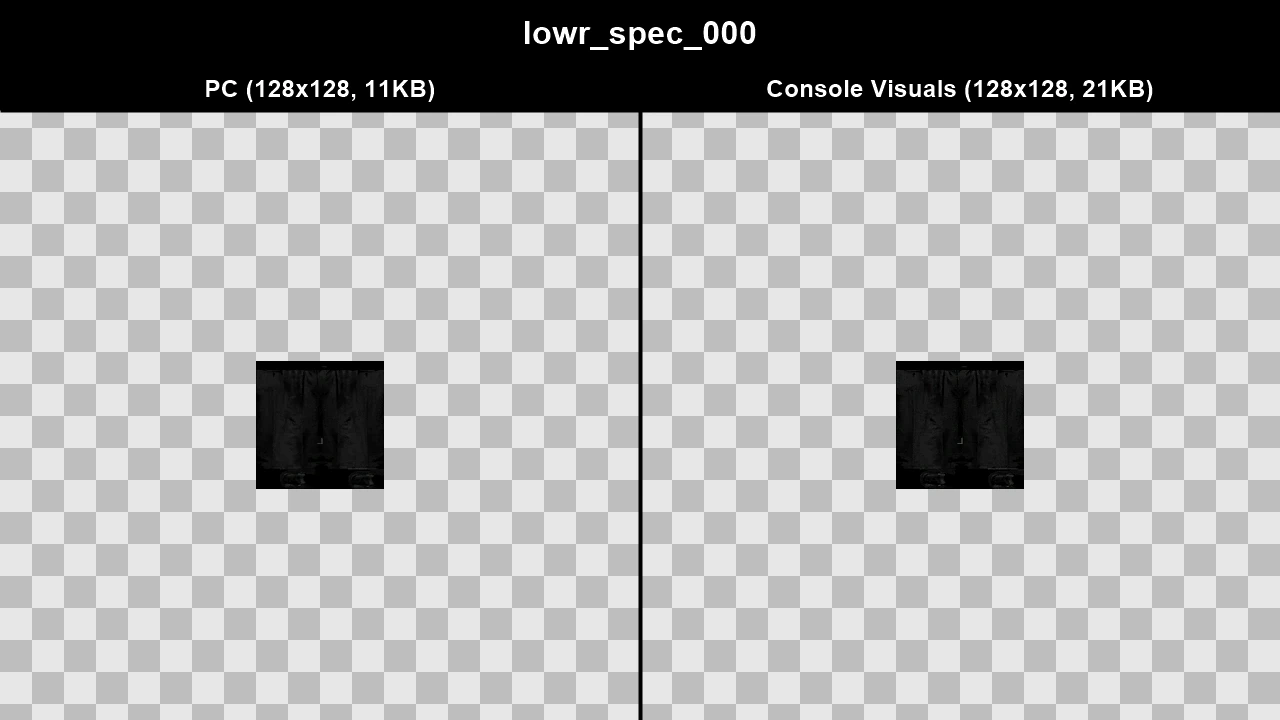
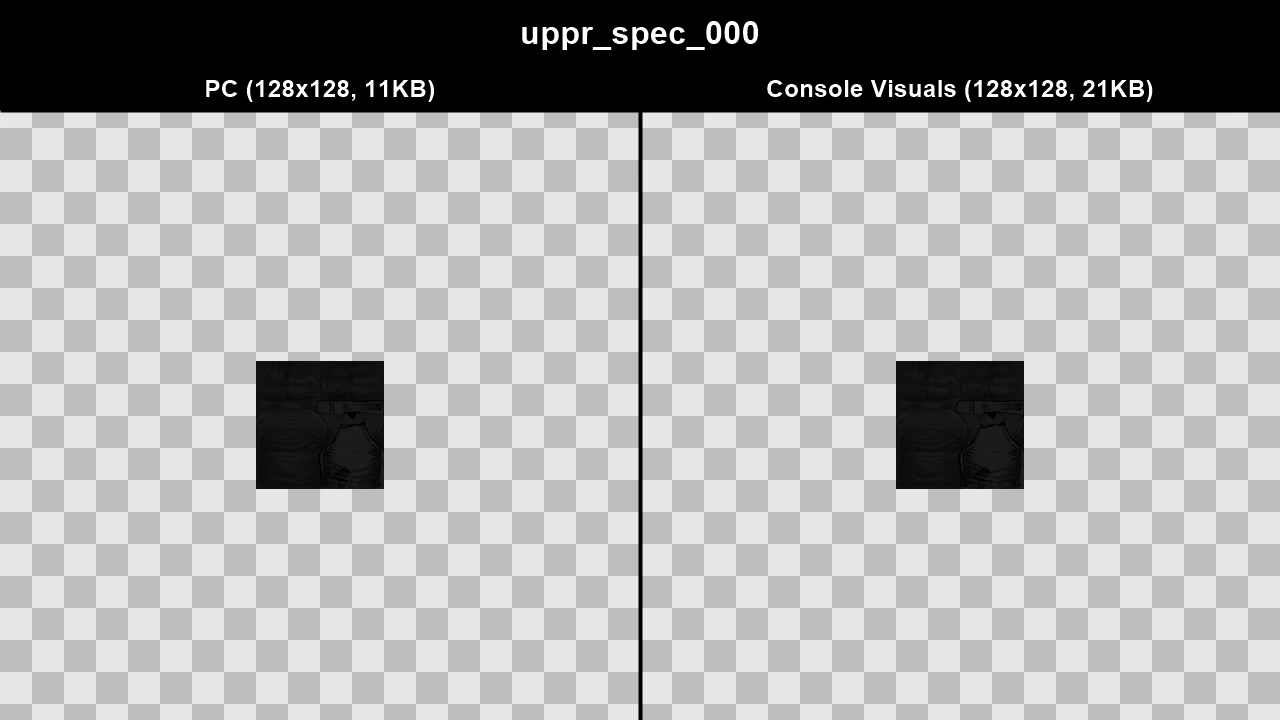
WTD: m_m_fatmob_01
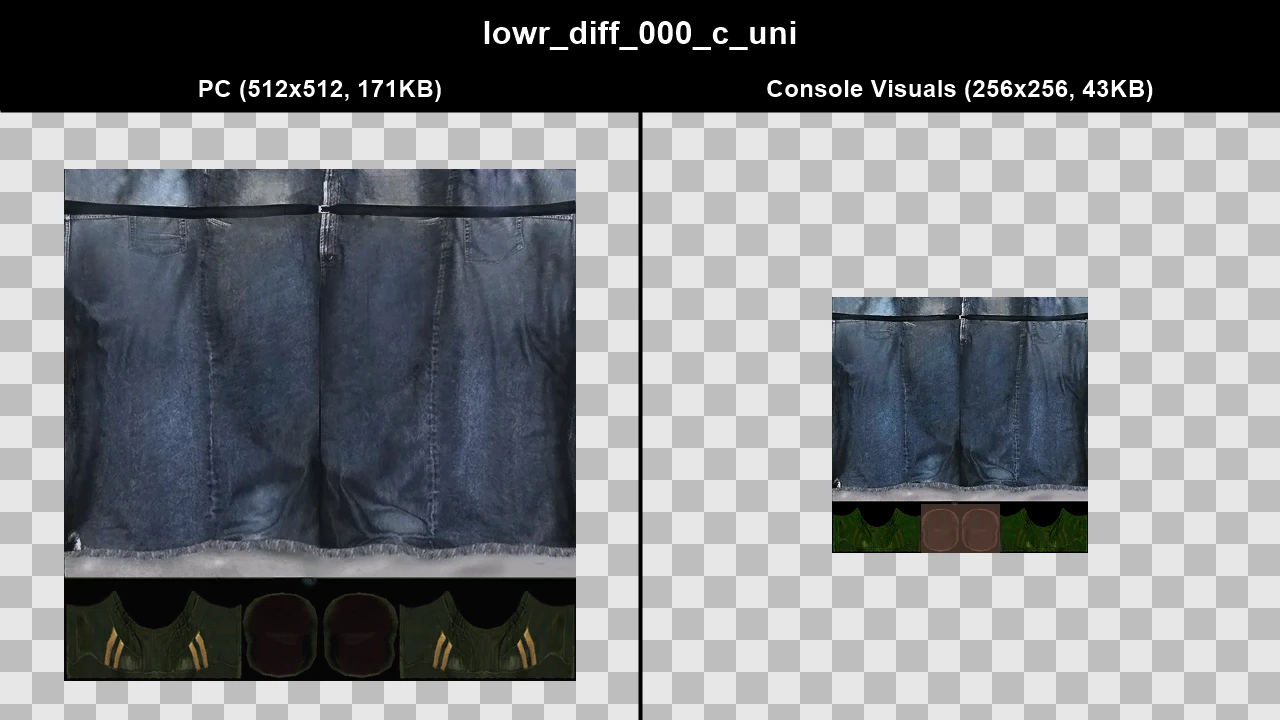
WTD: m_m_loonywhite
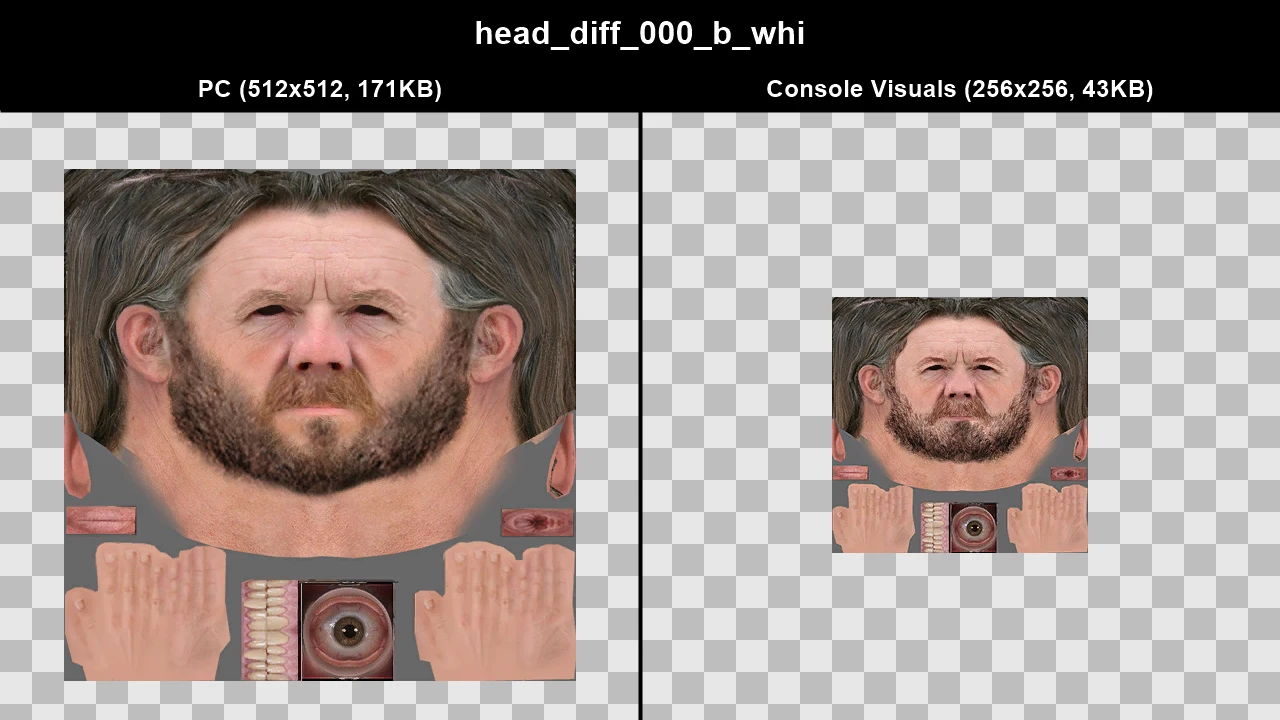
WTD: m_m_peasteuro_01
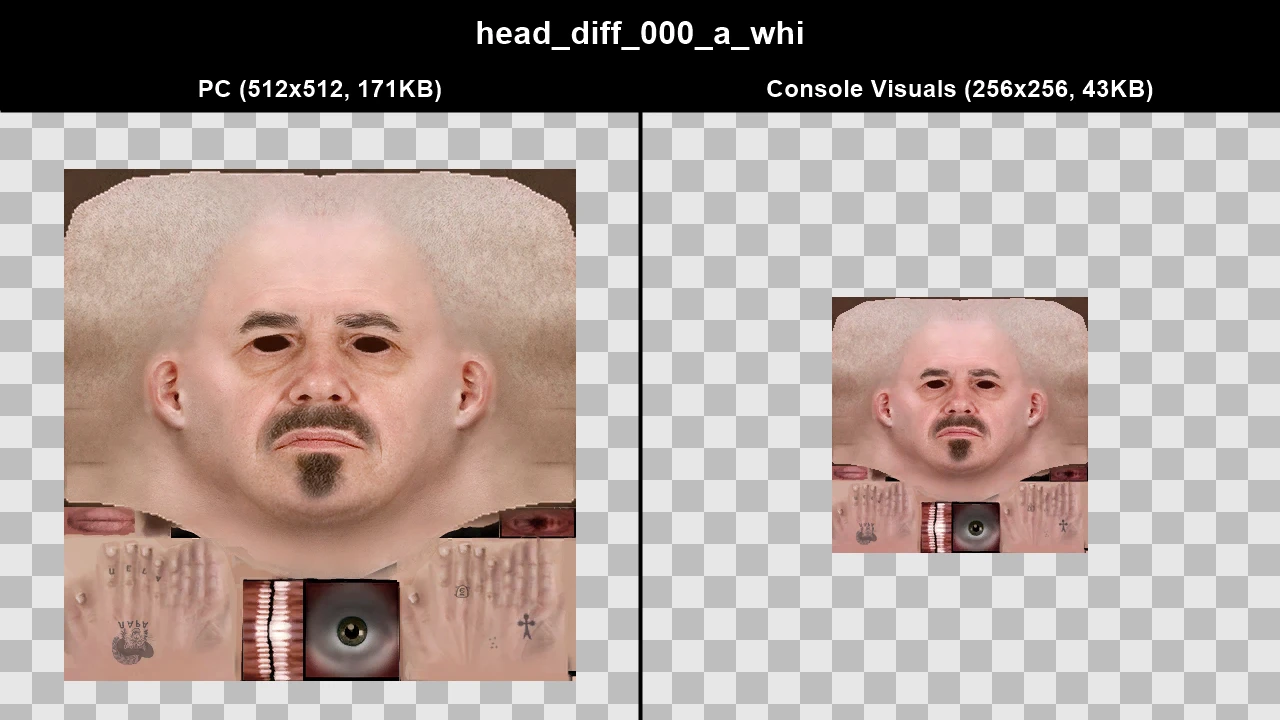
WTD: m_m_securityman
WTD: m_o_grus_hi_01
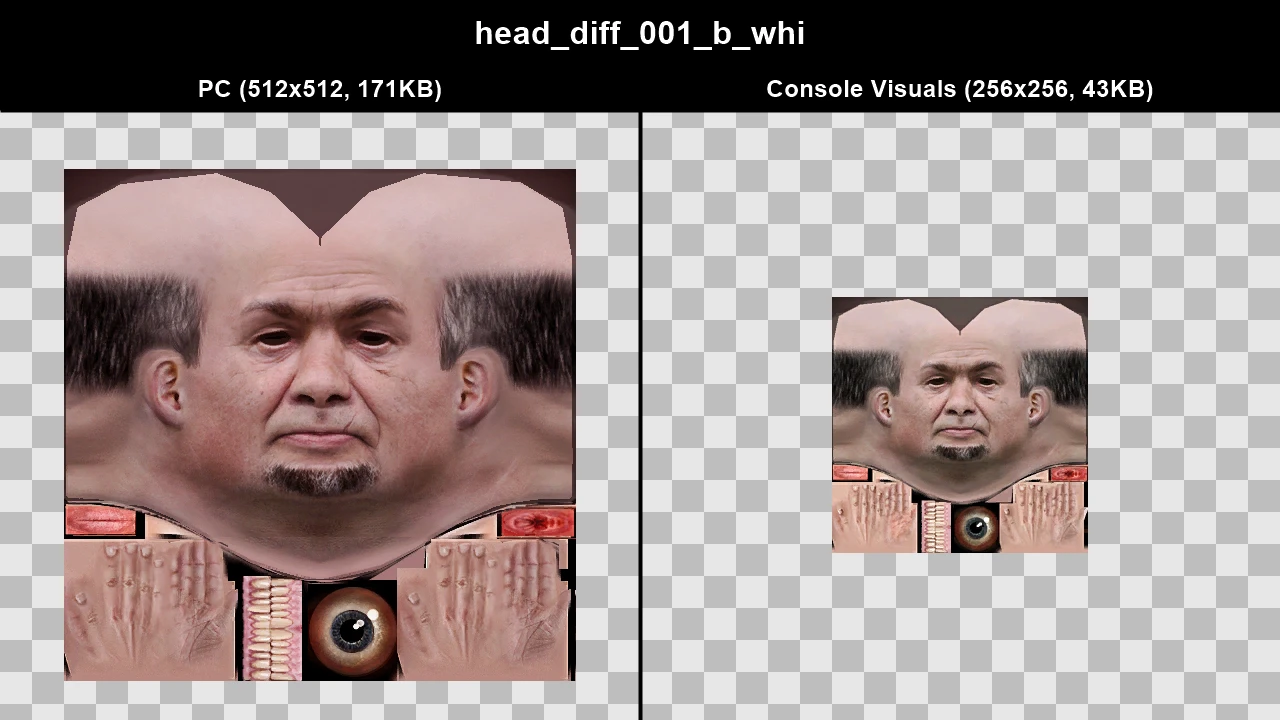
WTD: m_o_mobster
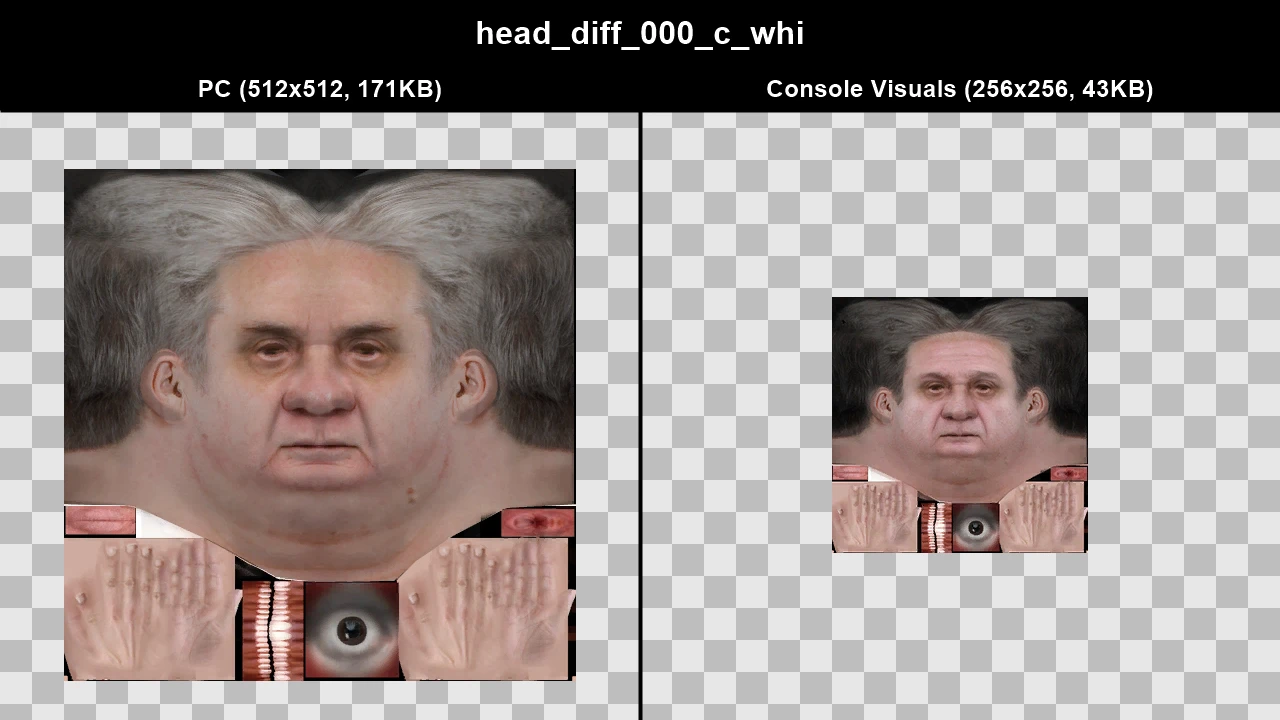
WTD: m_o_pharbron_01
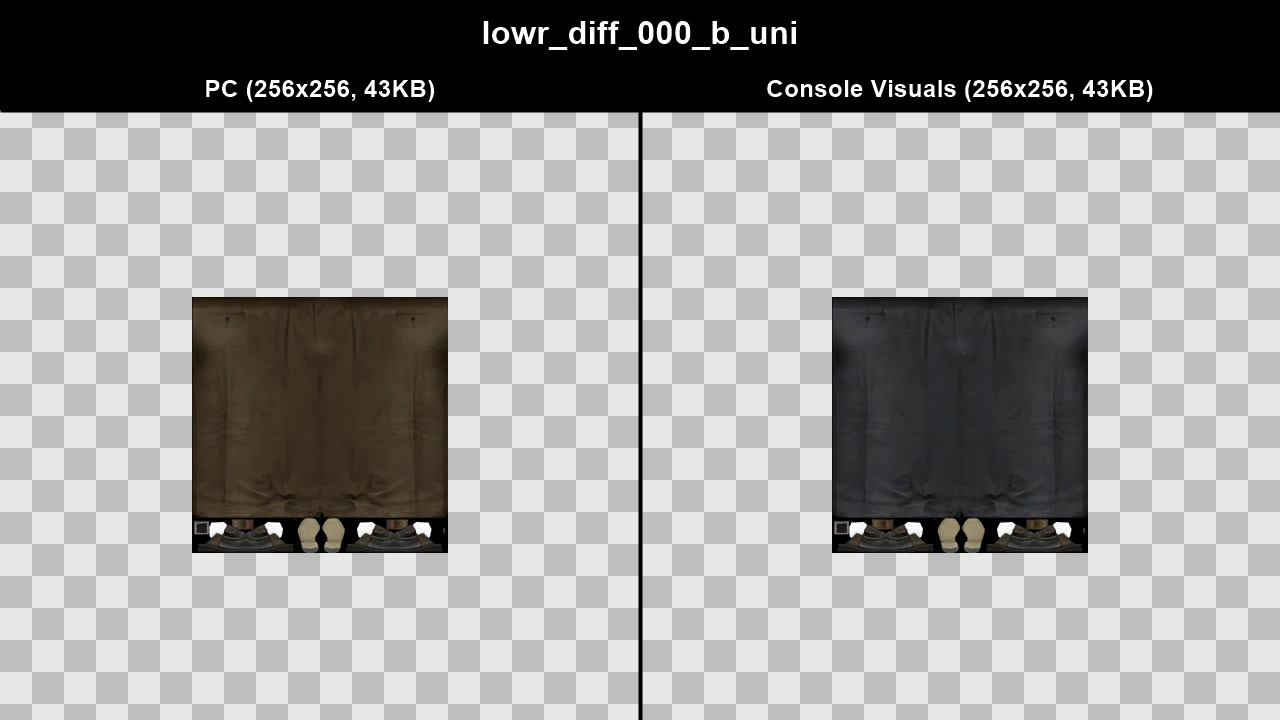
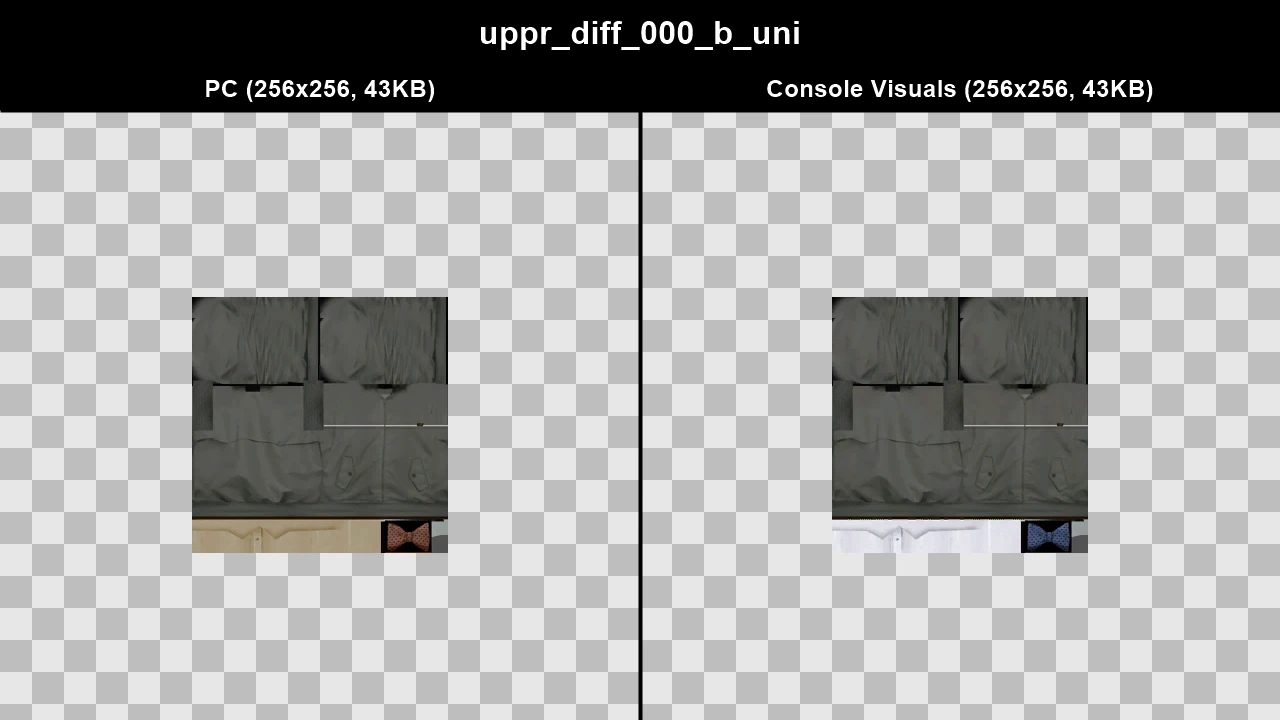
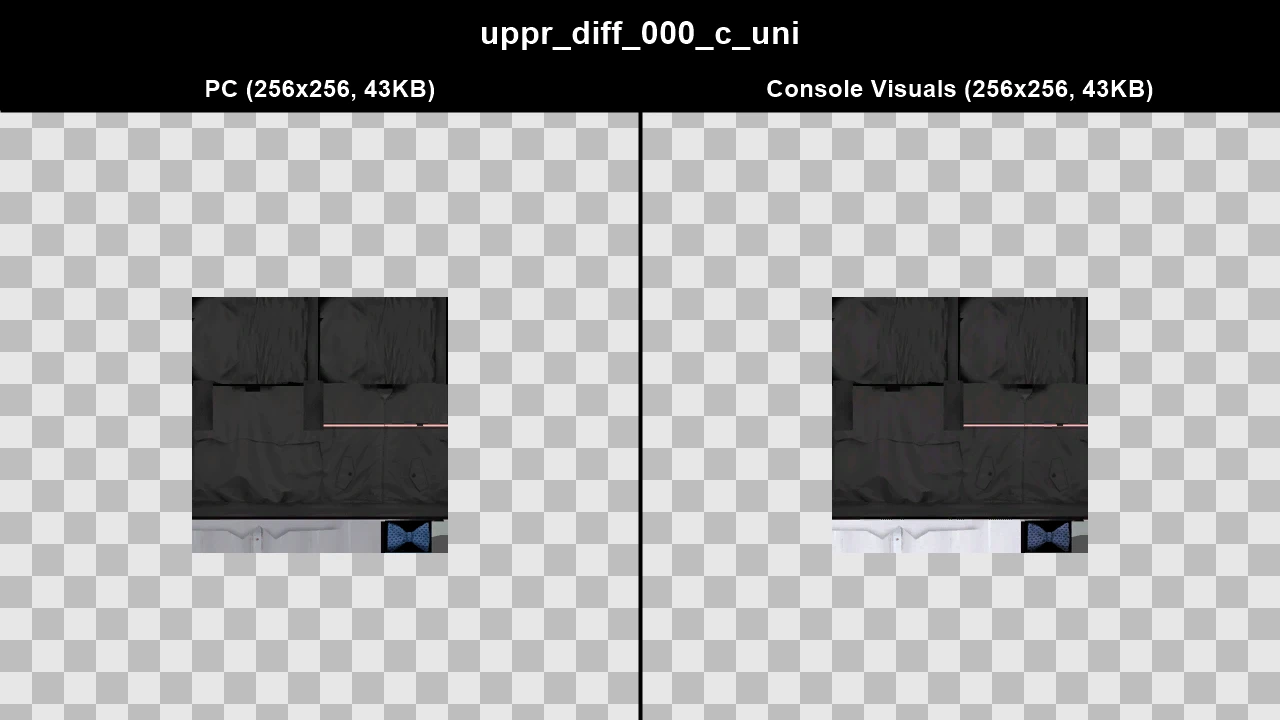
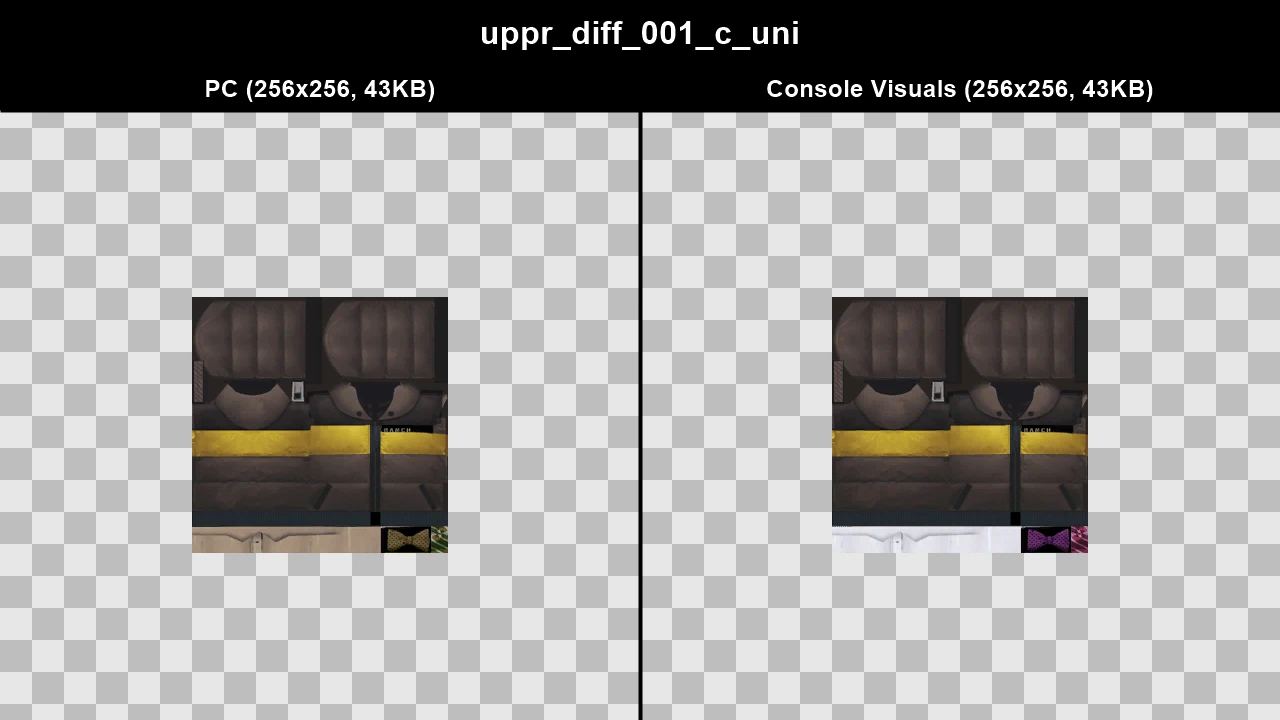
WTD: m_o_pjersey_01
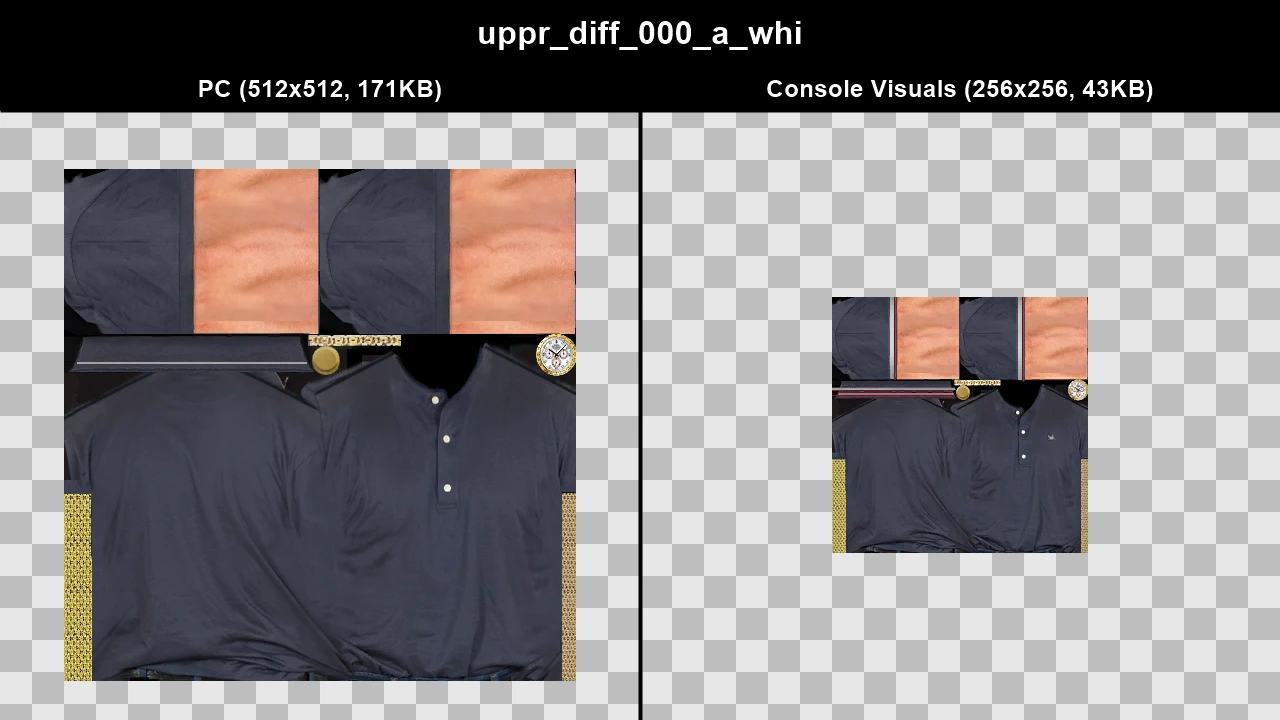
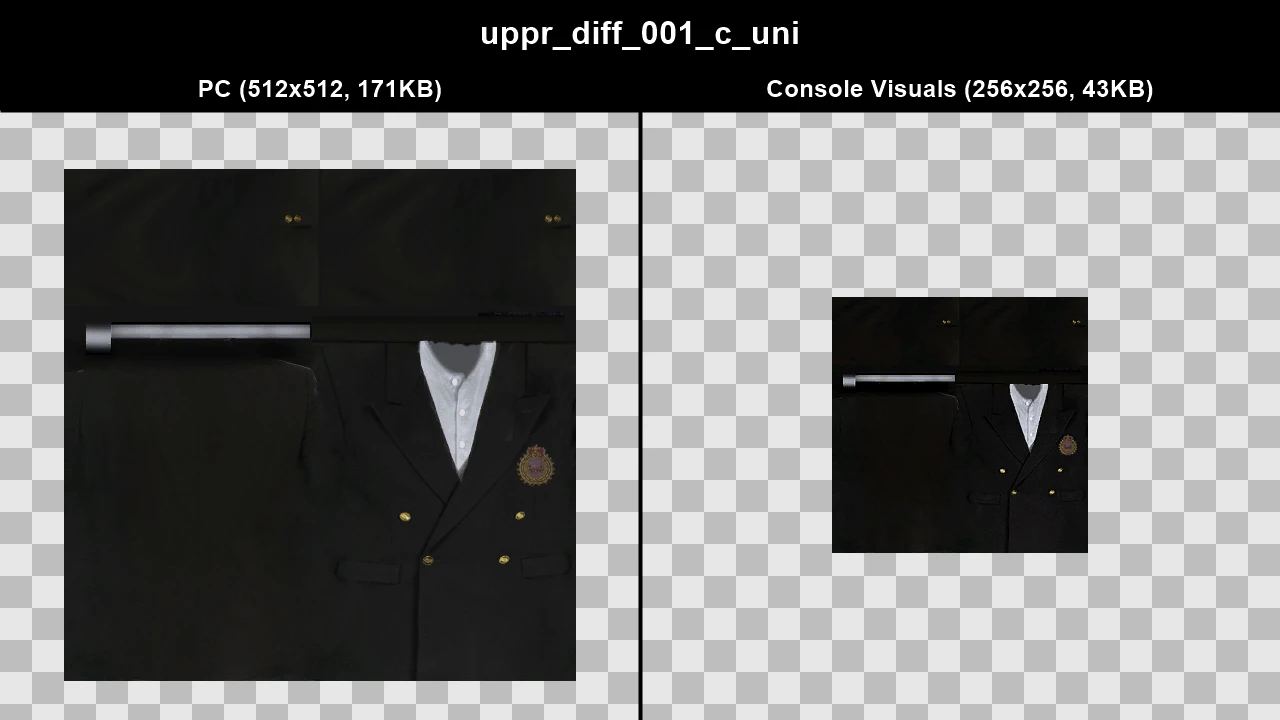
WTD: m_o_suited
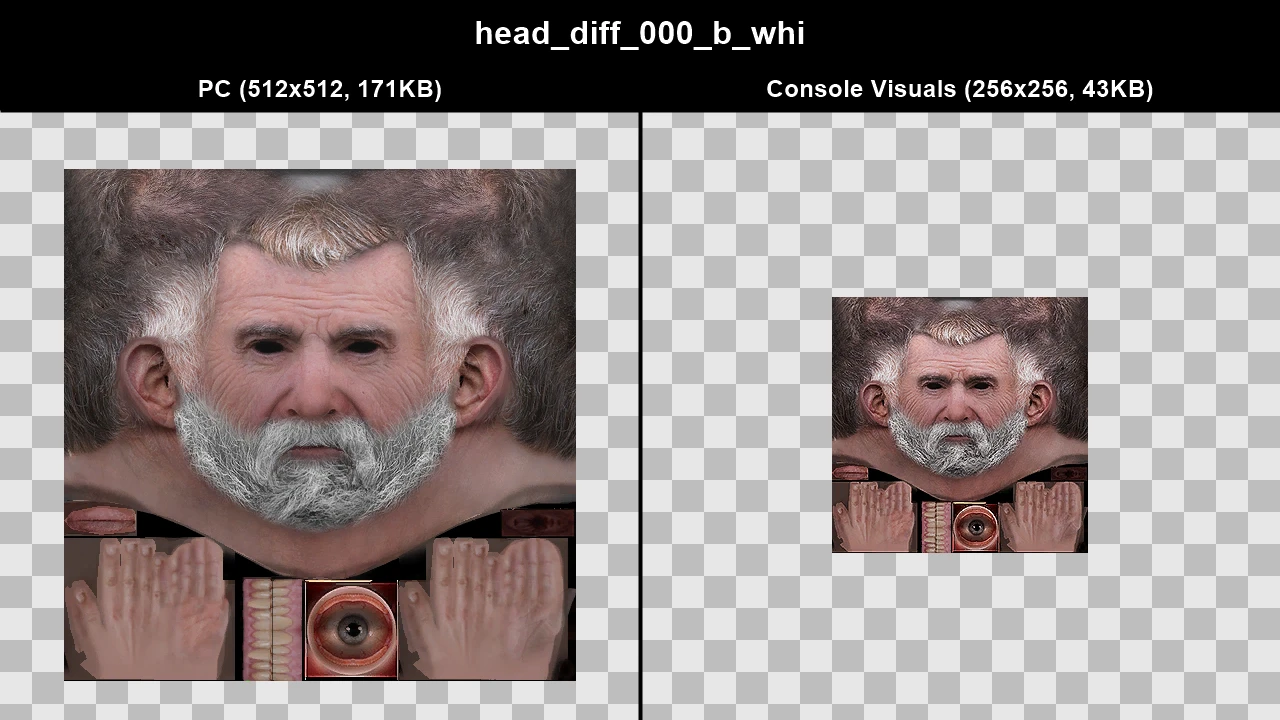
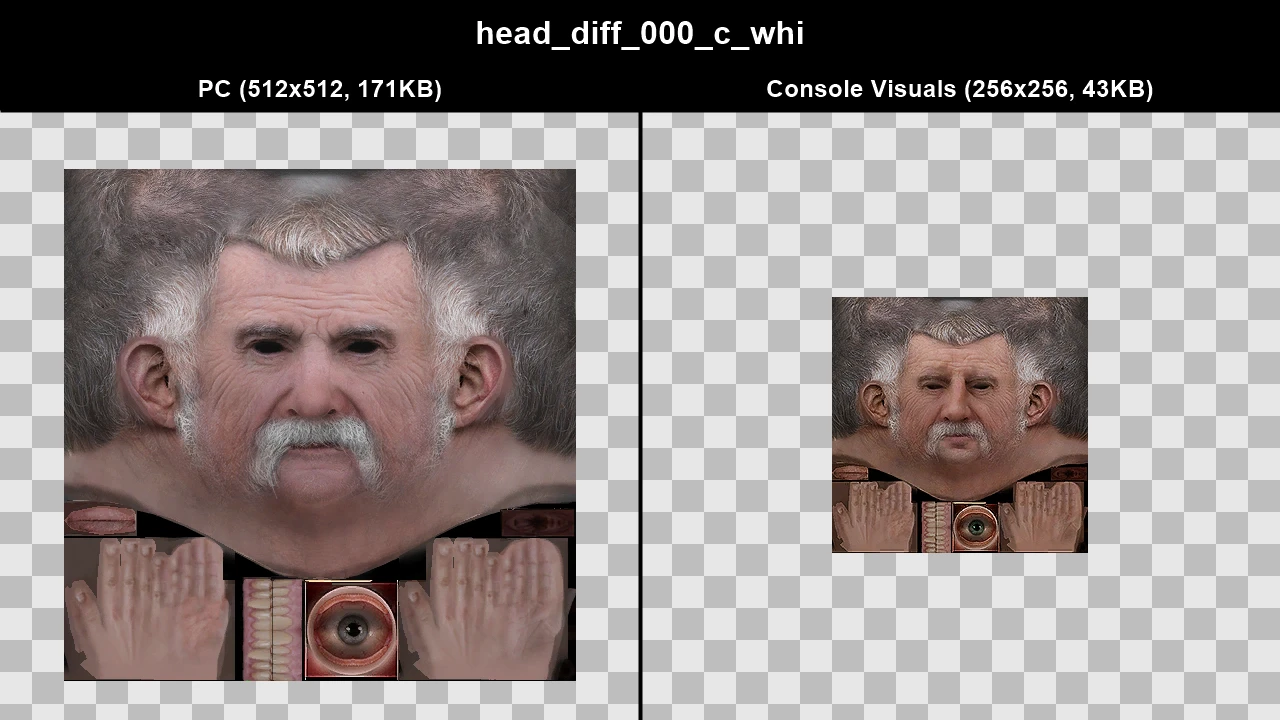
WTD: m_y_business_01
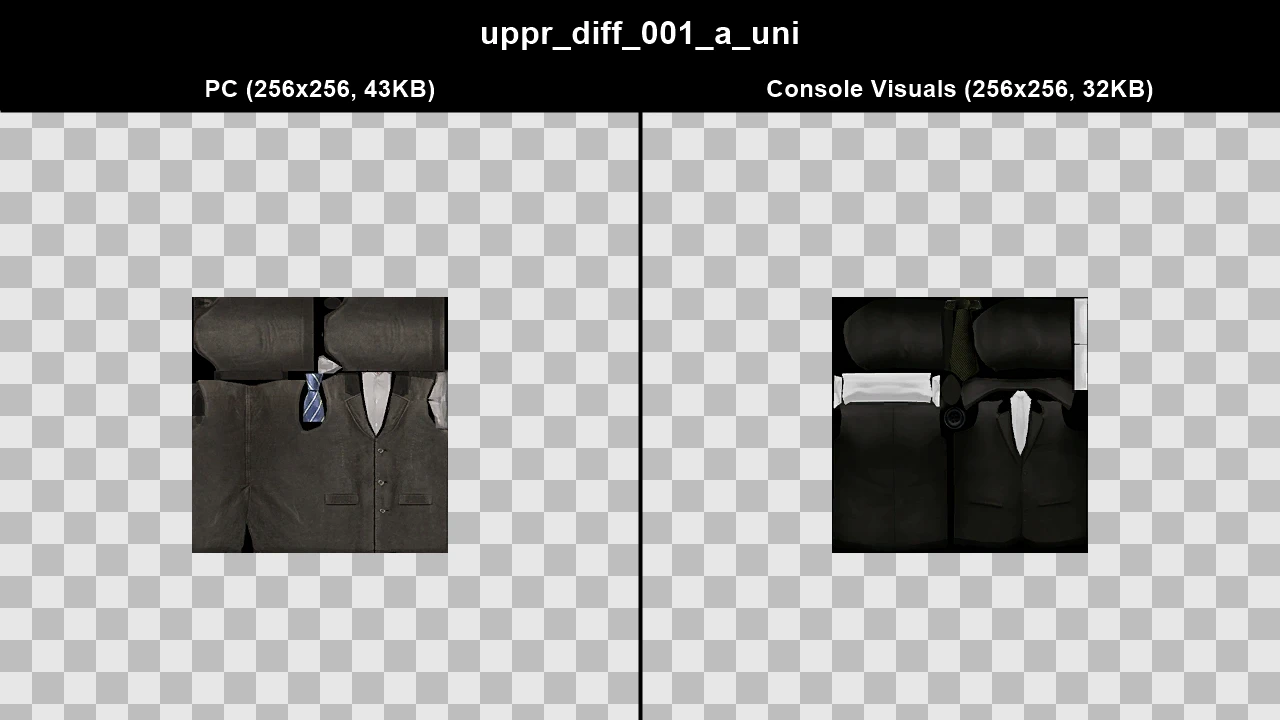
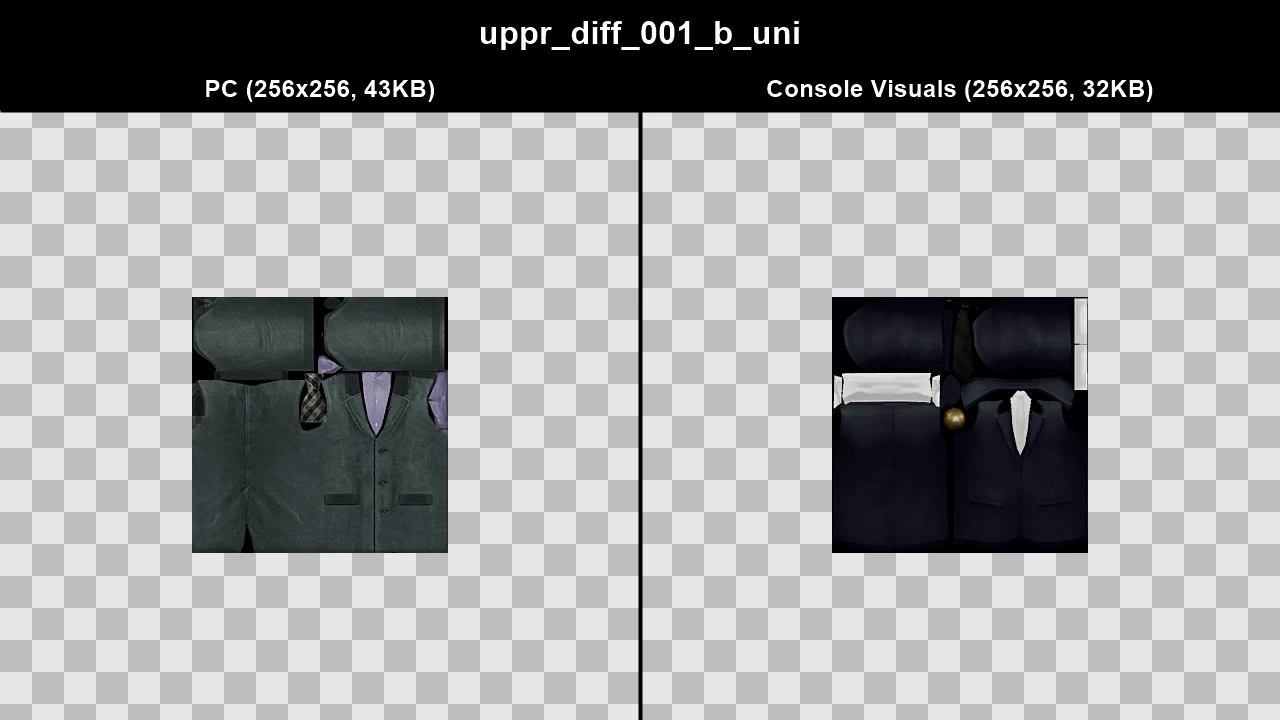
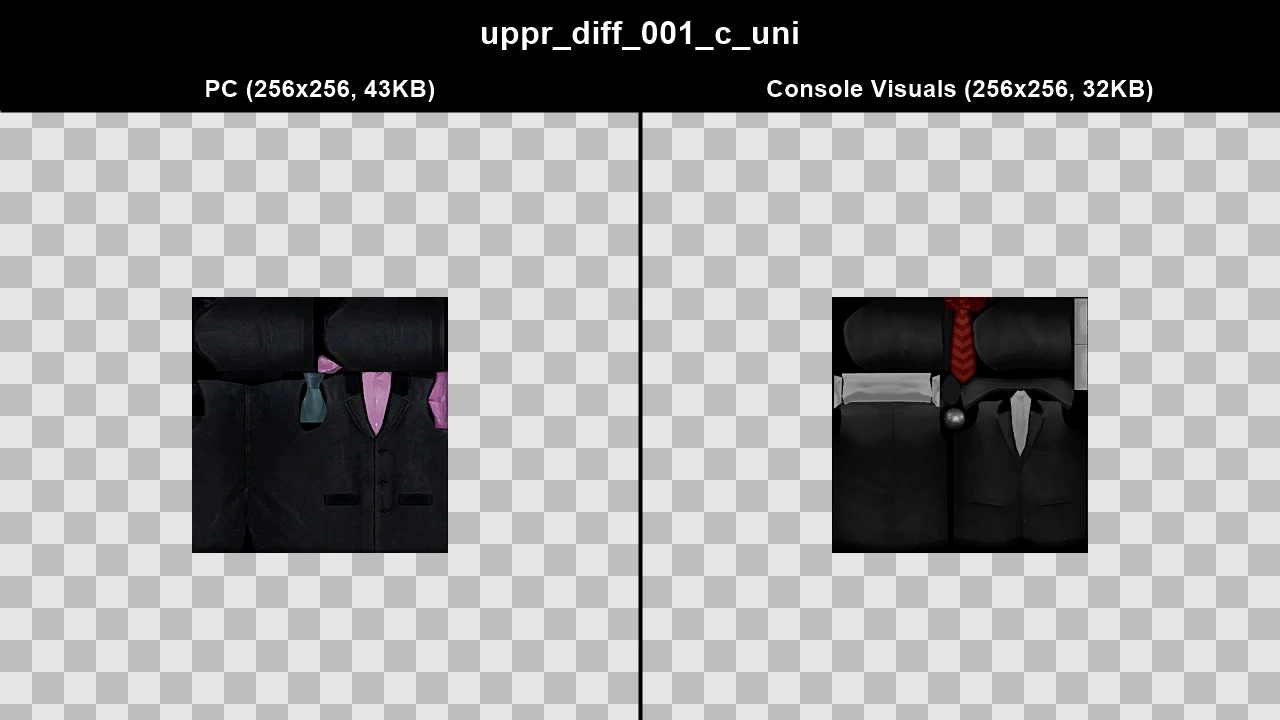
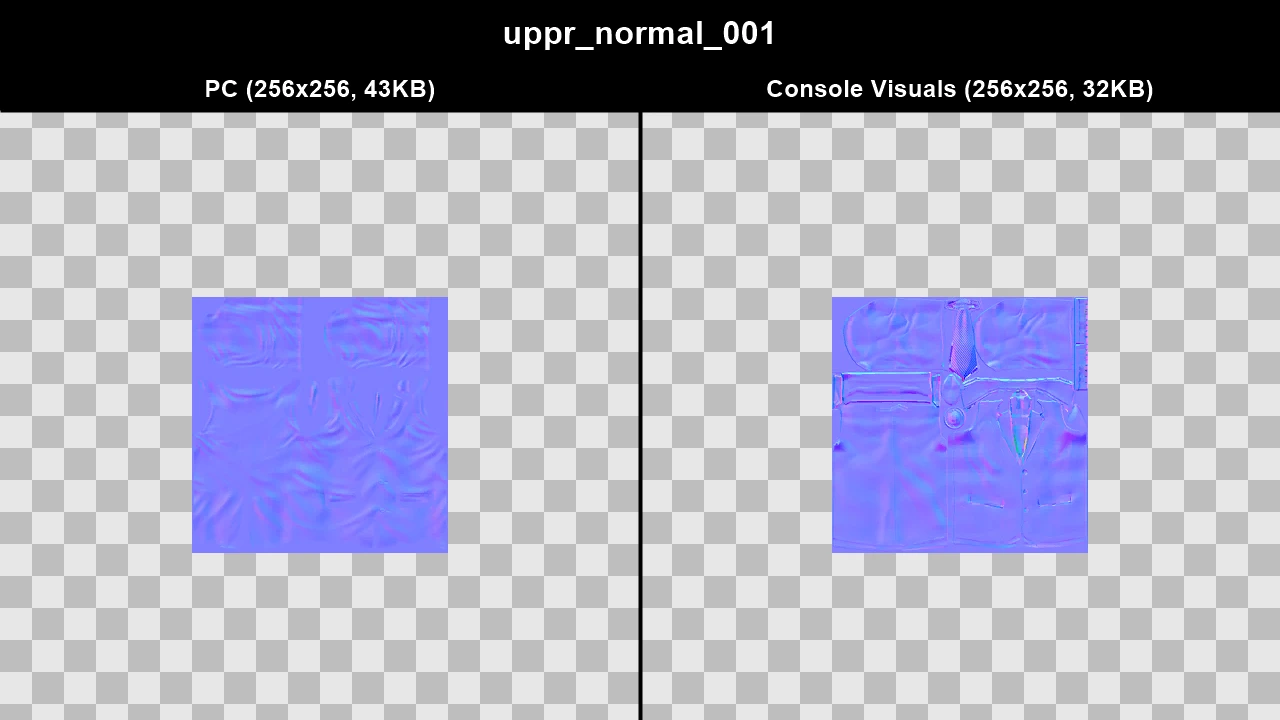
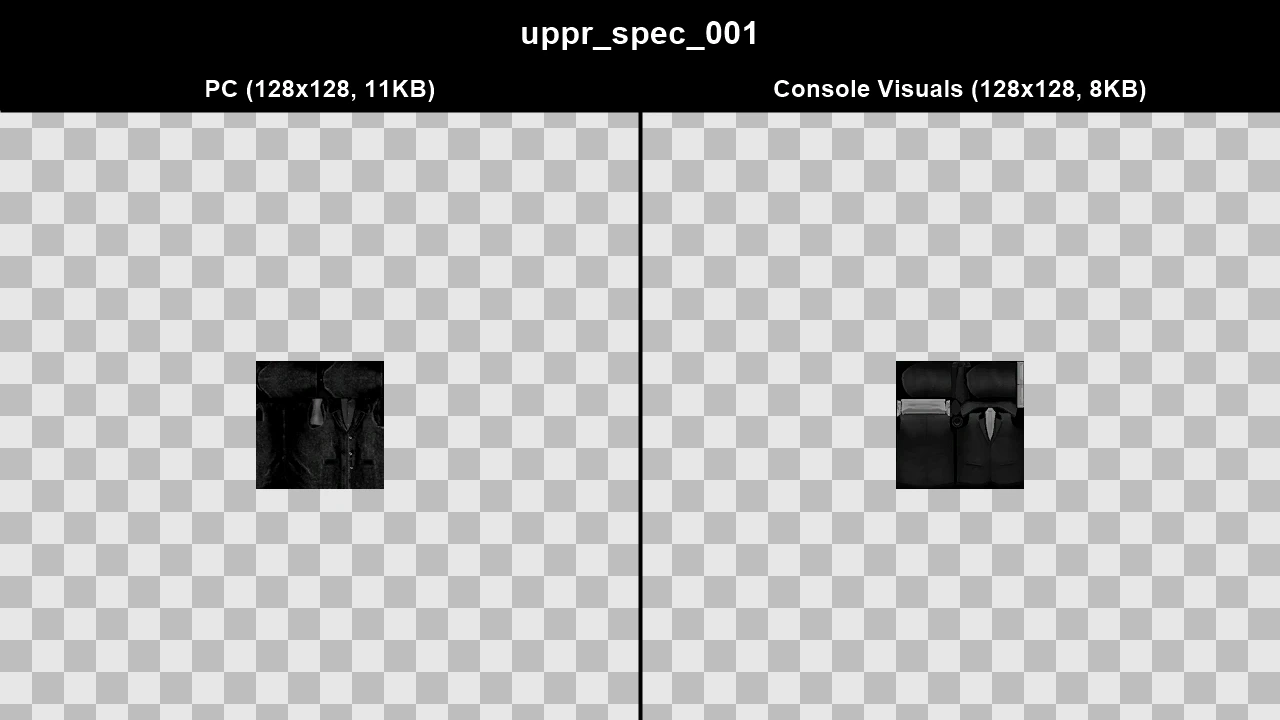
WTD: m_y_chinvend_01
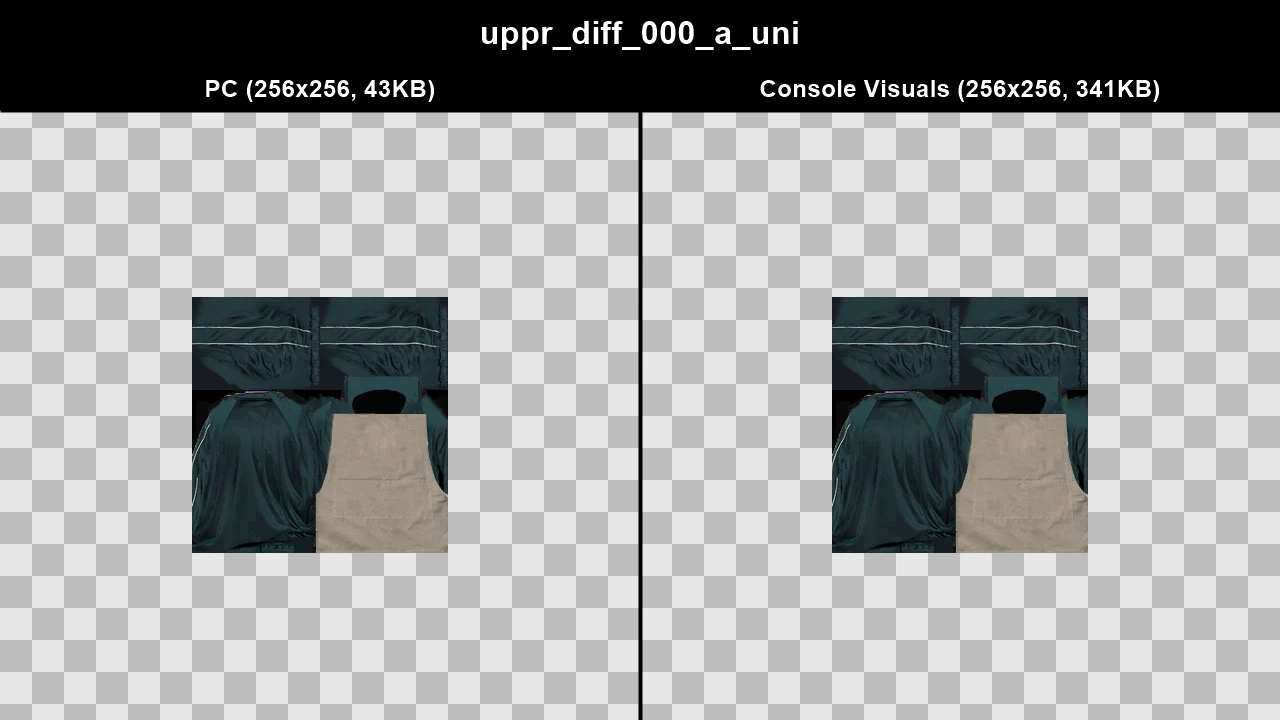
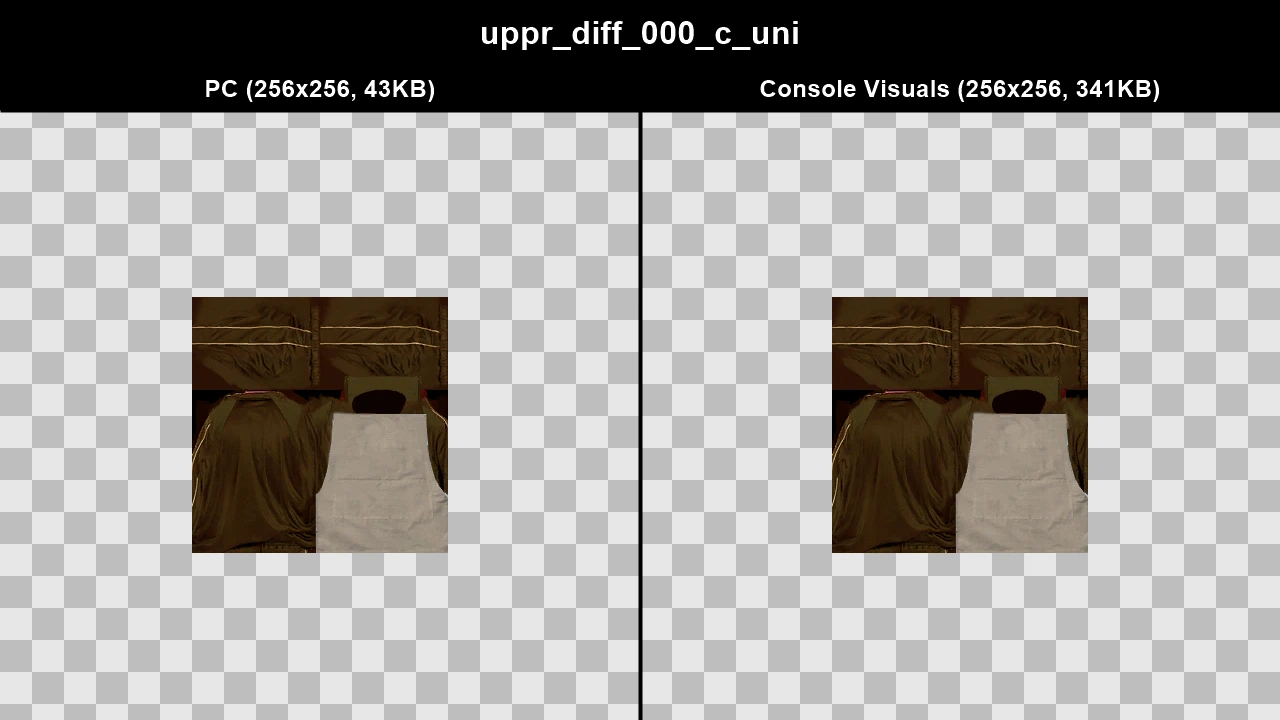
WTD: m_y_construct_03
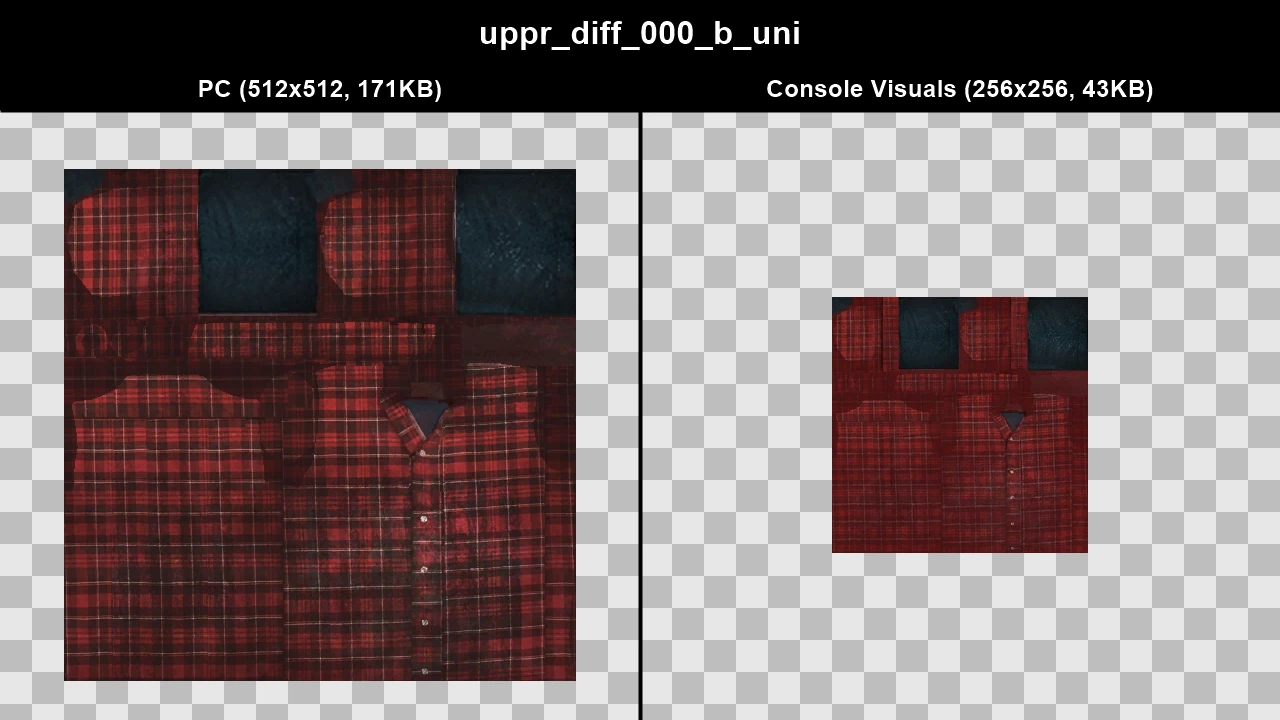
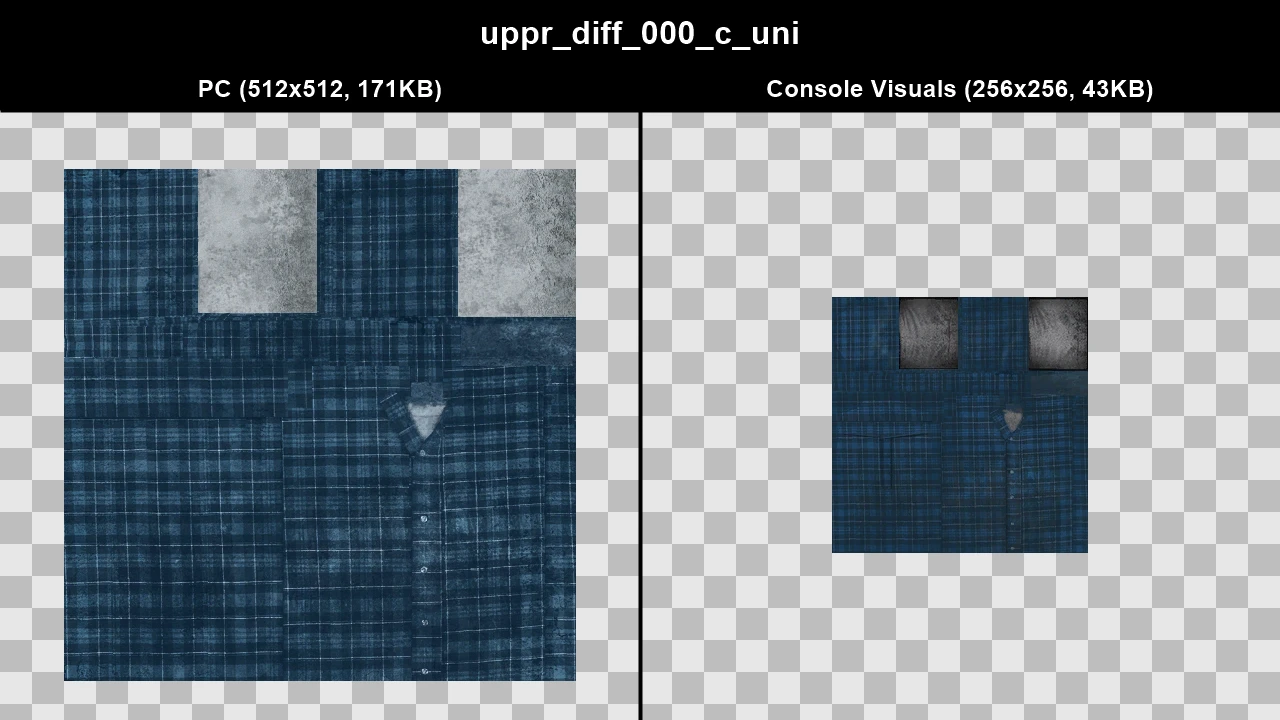
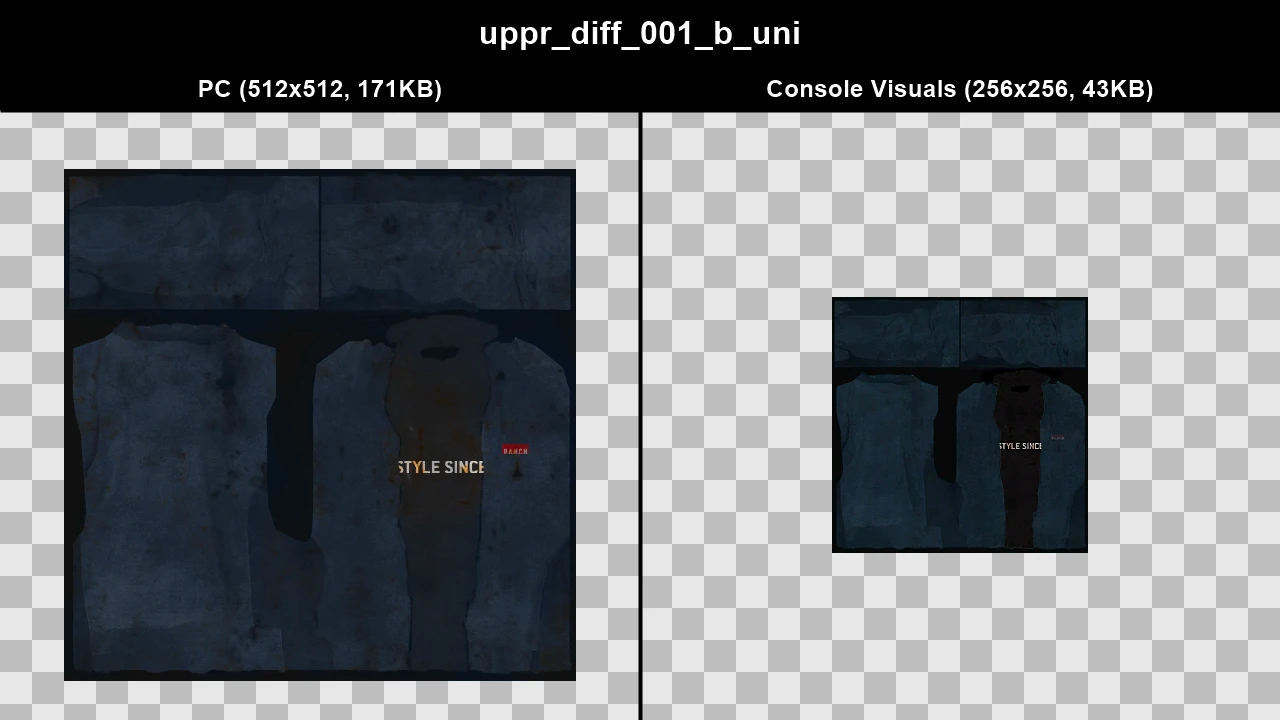
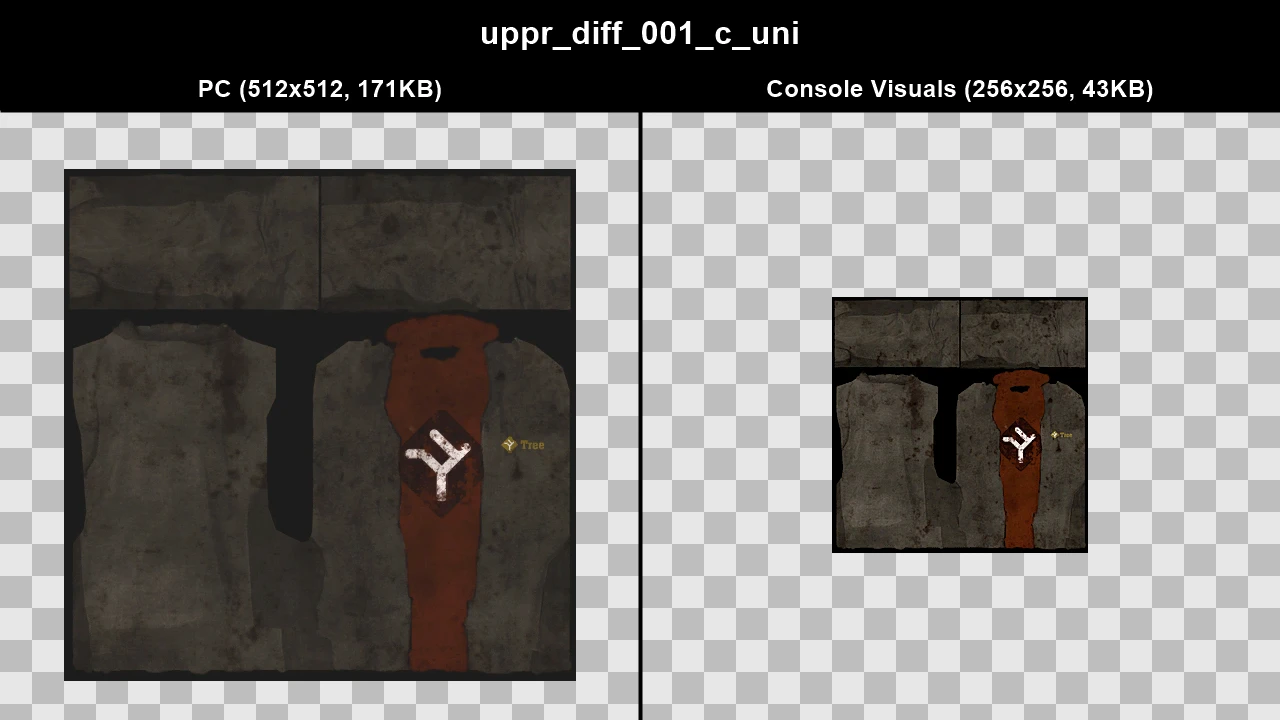
WTD: m_y_gangels_01
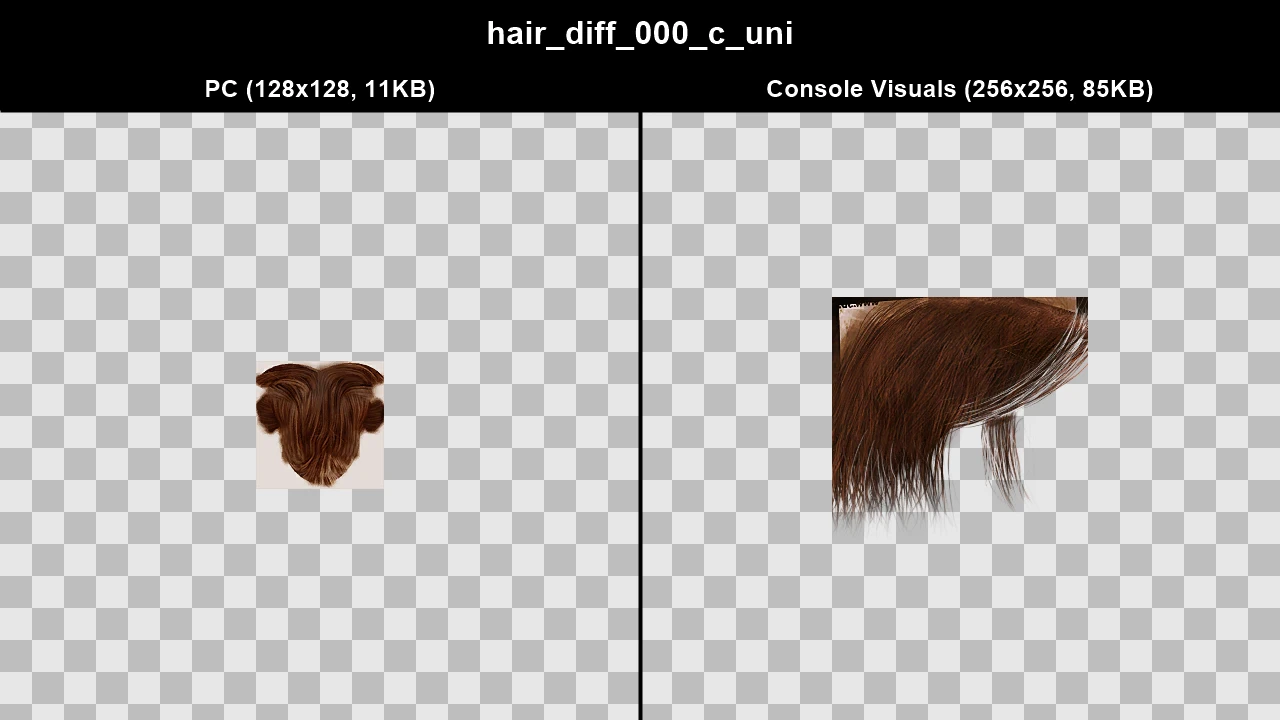
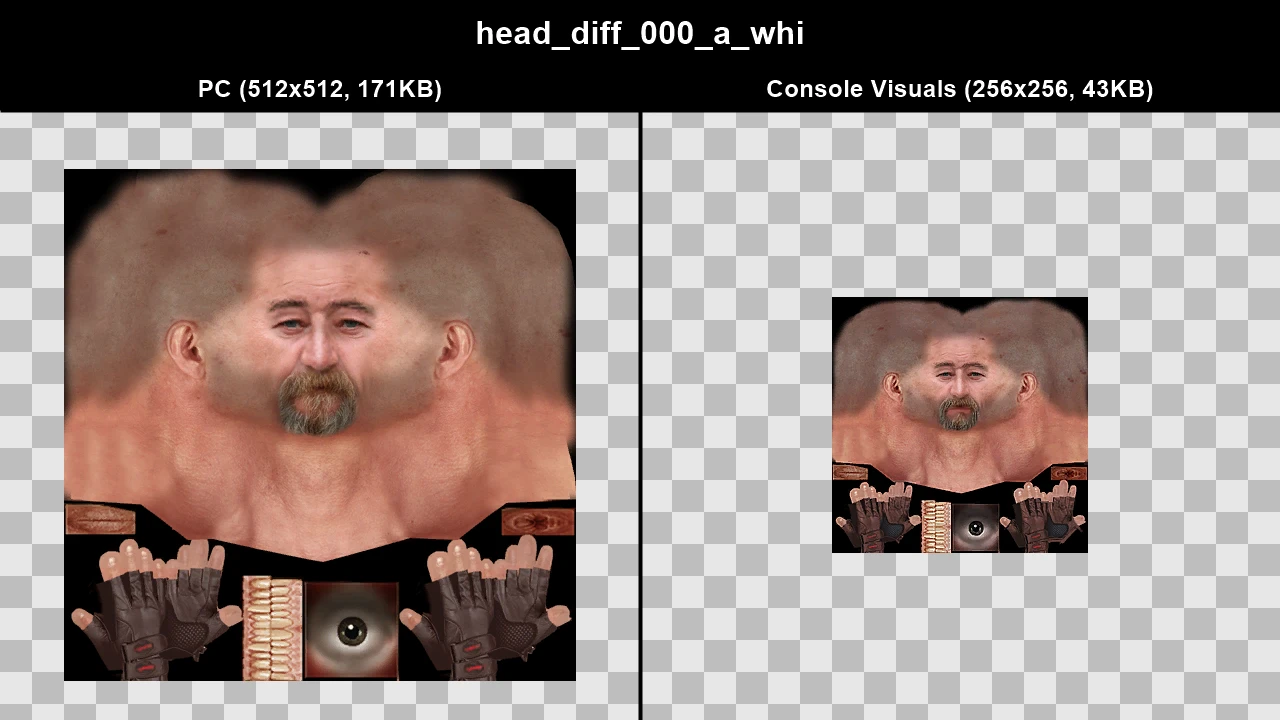
WTD: m_y_gangels_03
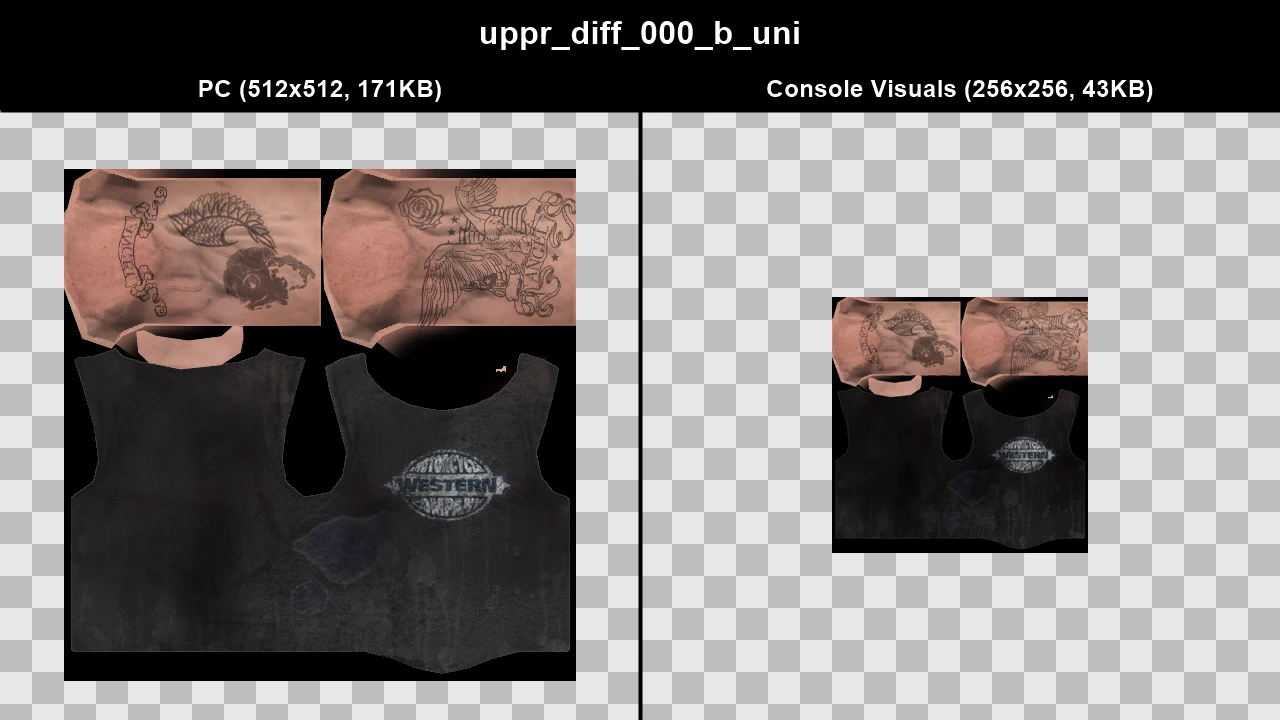
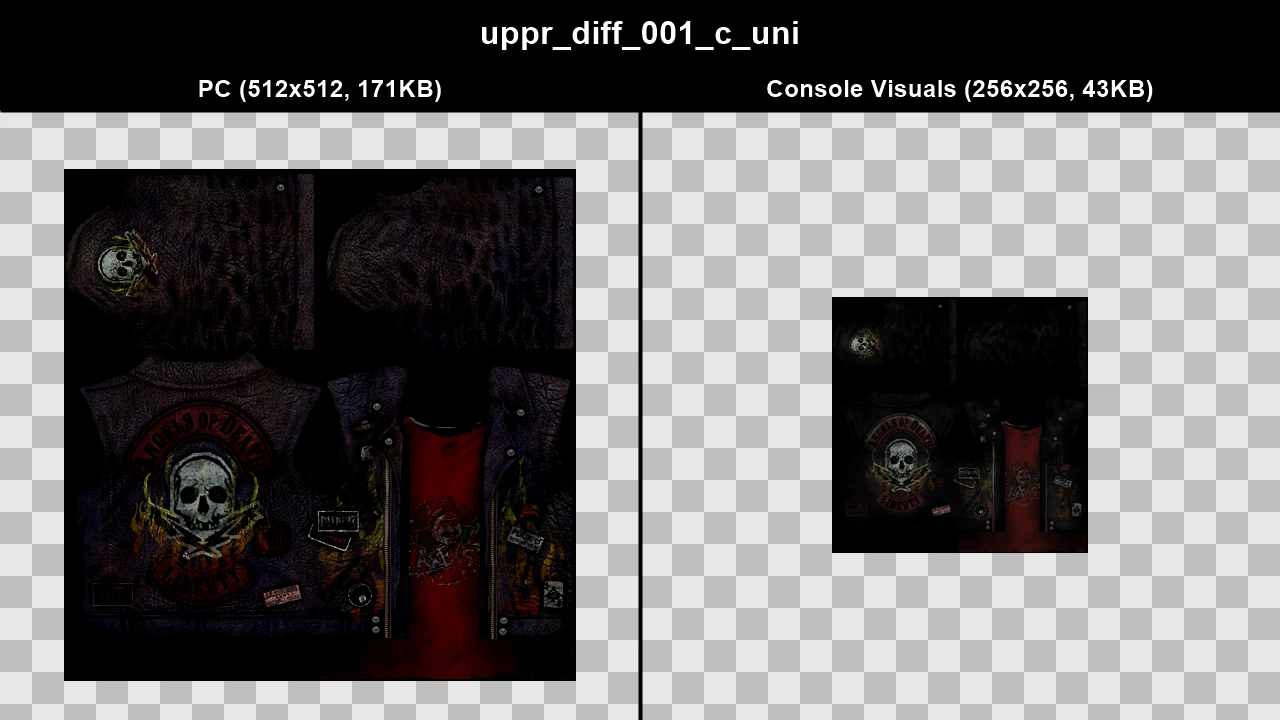
WTD: m_y_gangels_05
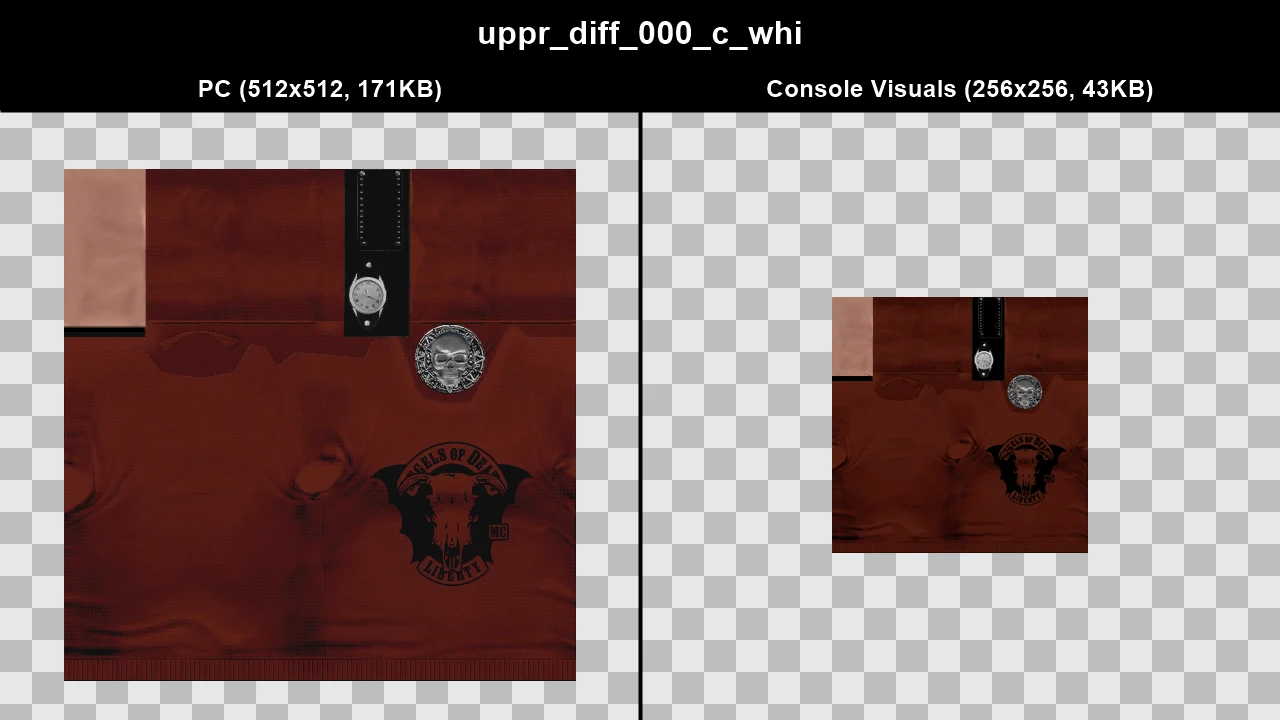
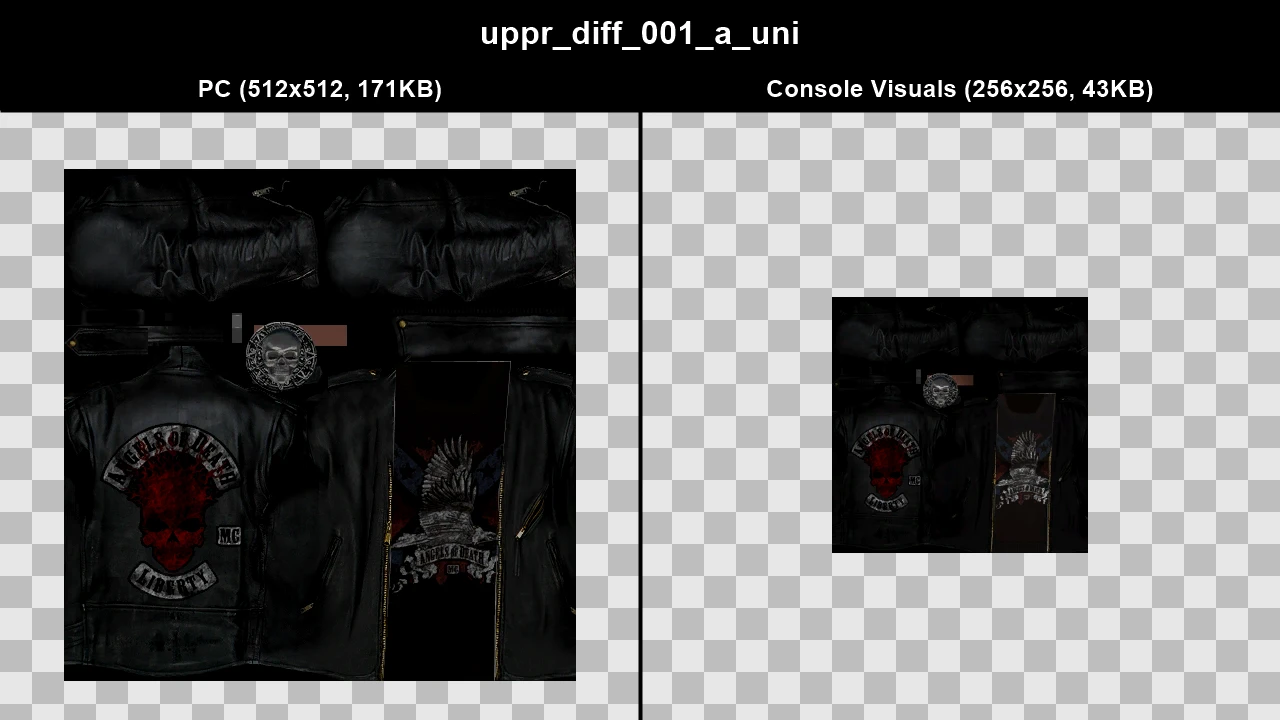
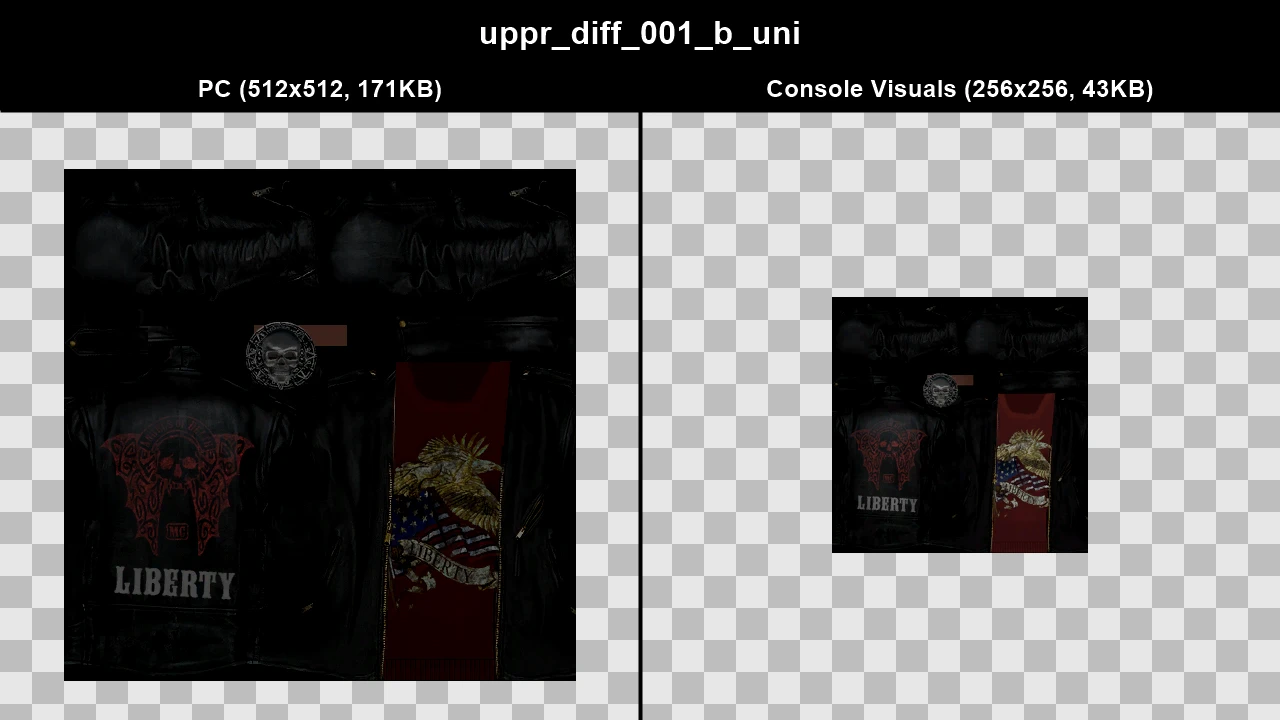
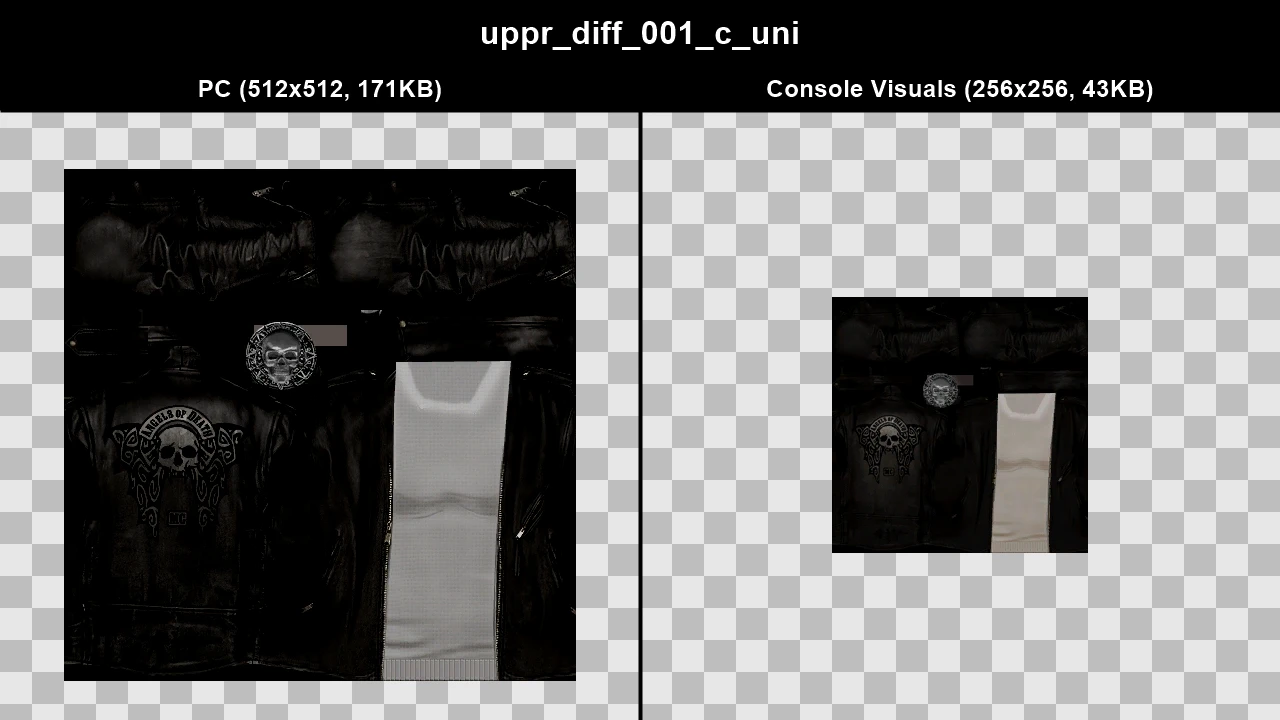
WTD: m_y_gangels_06
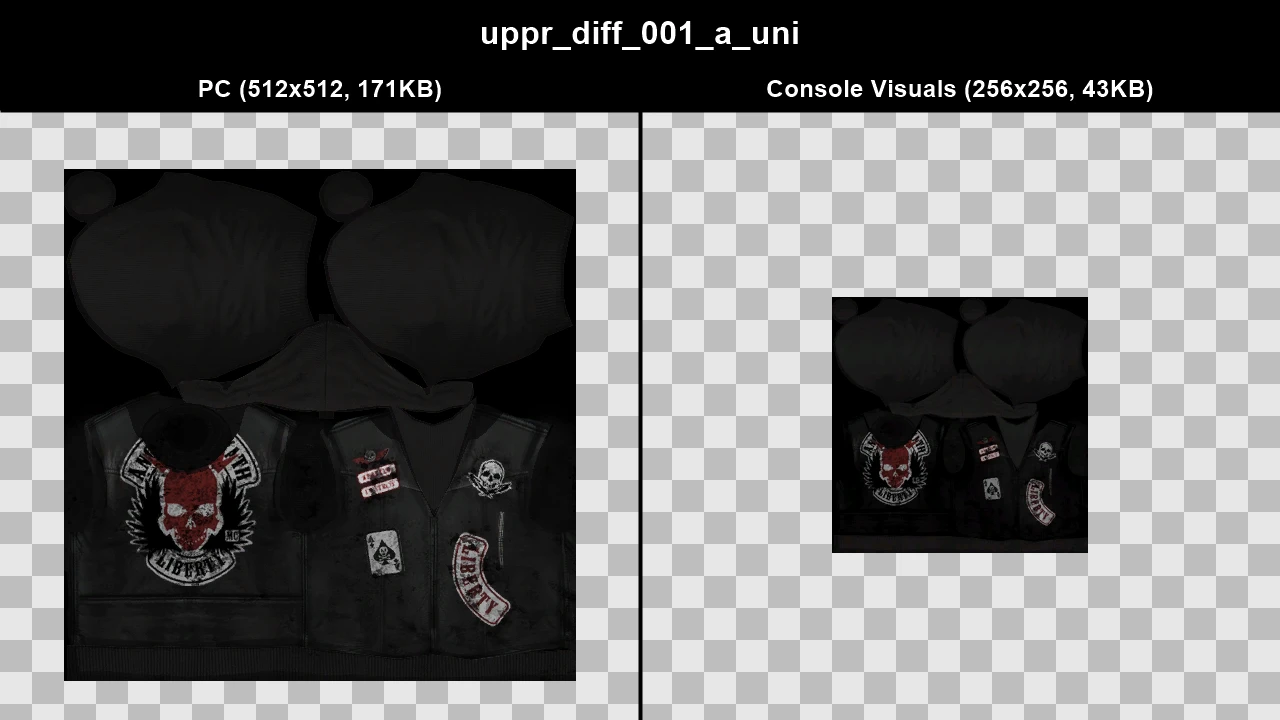
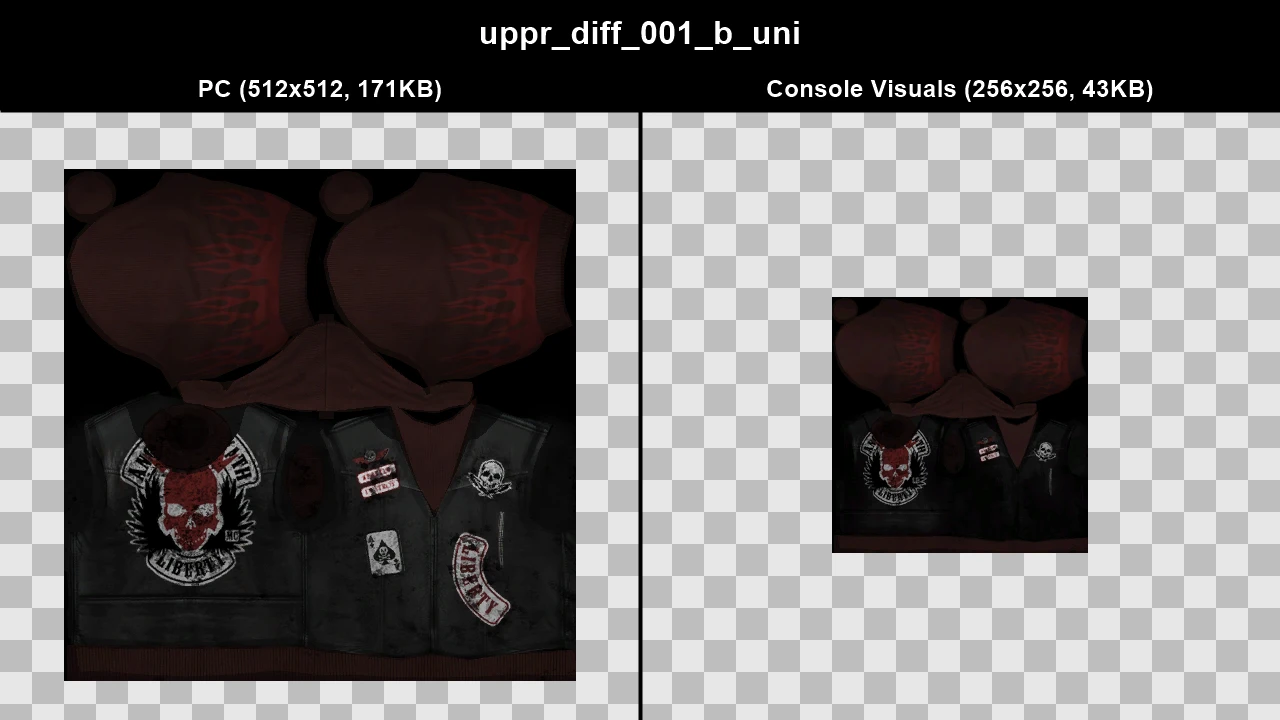
WTD: m_y_glost_01
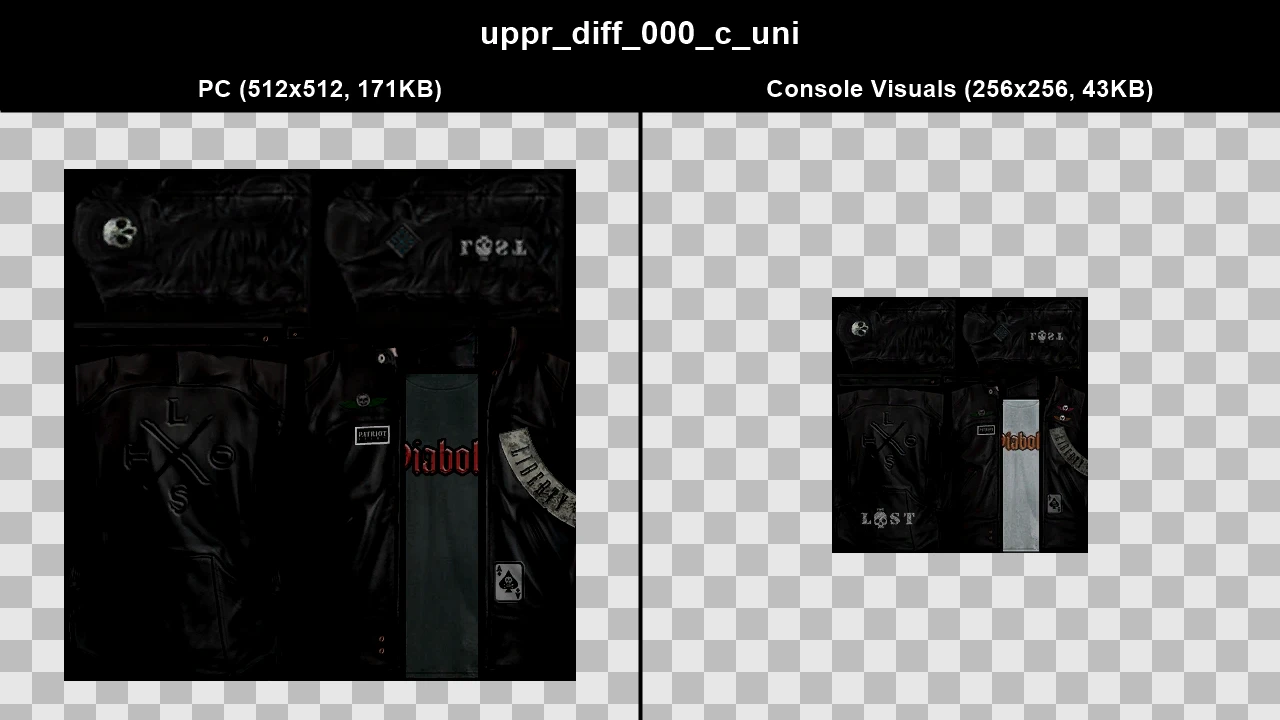
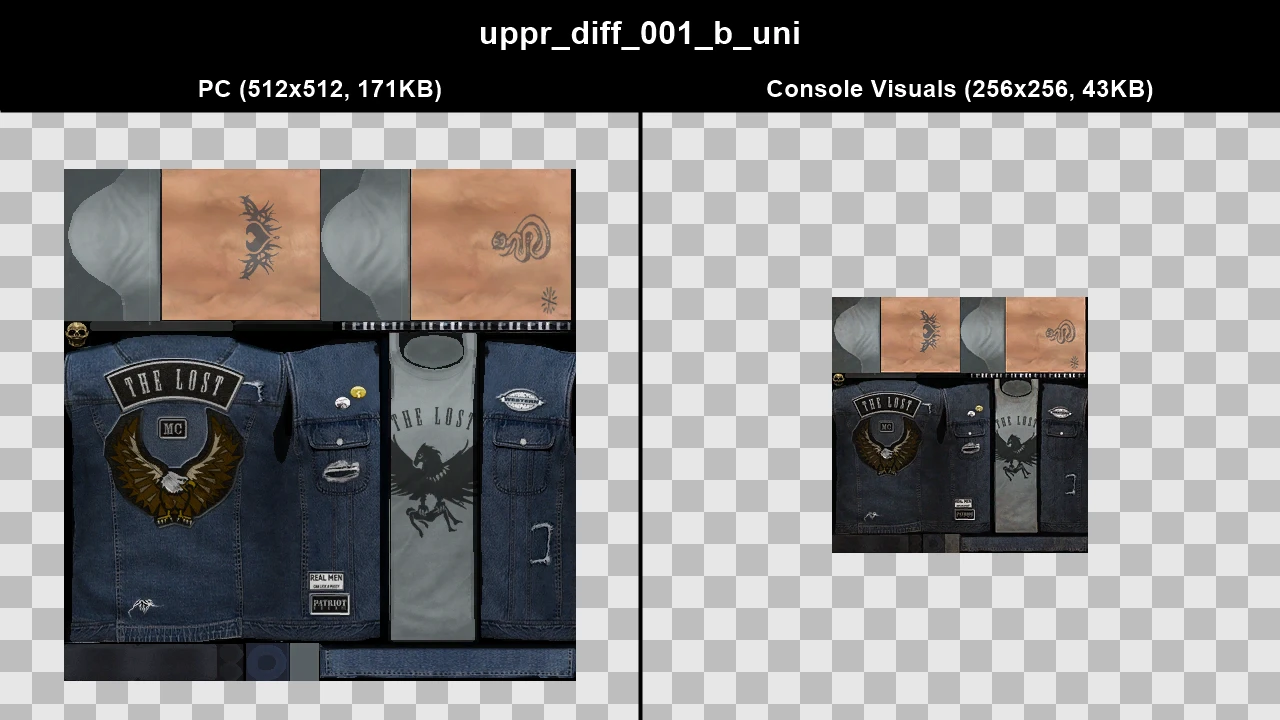
WTD: m_y_glost_02
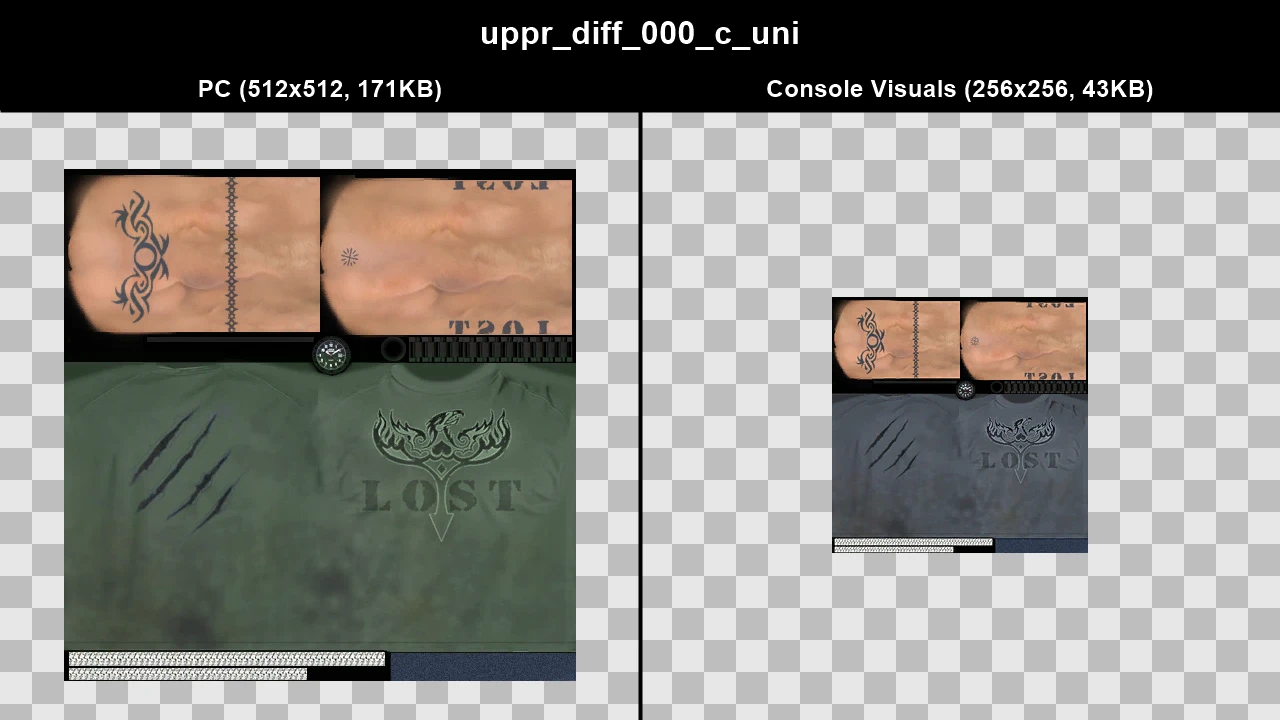
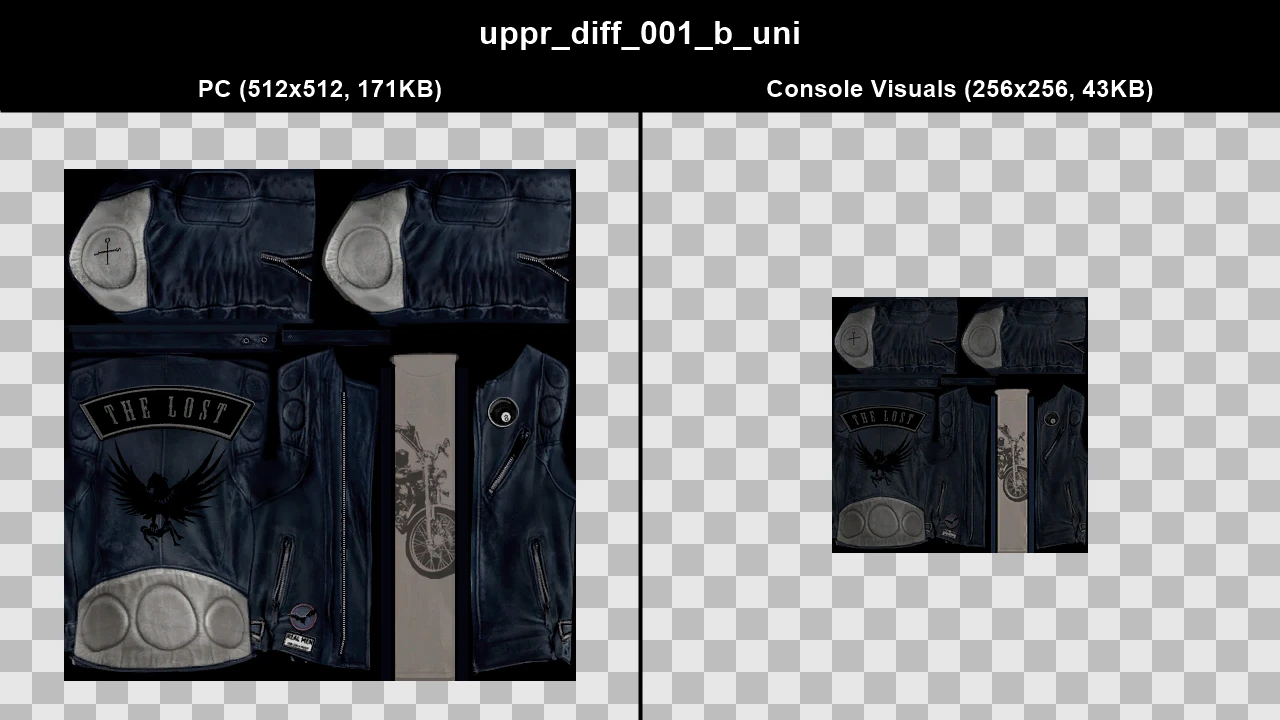
WTD: m_y_glost_03
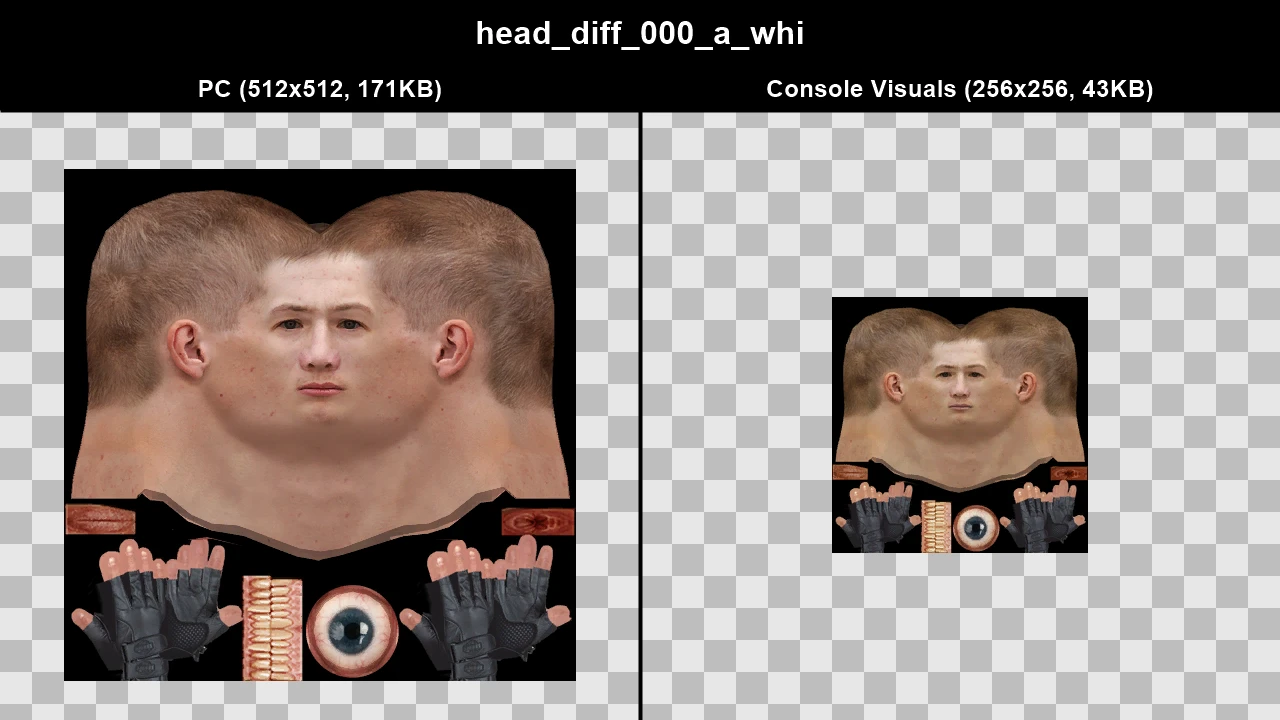
WTD: m_y_grus_hi_02
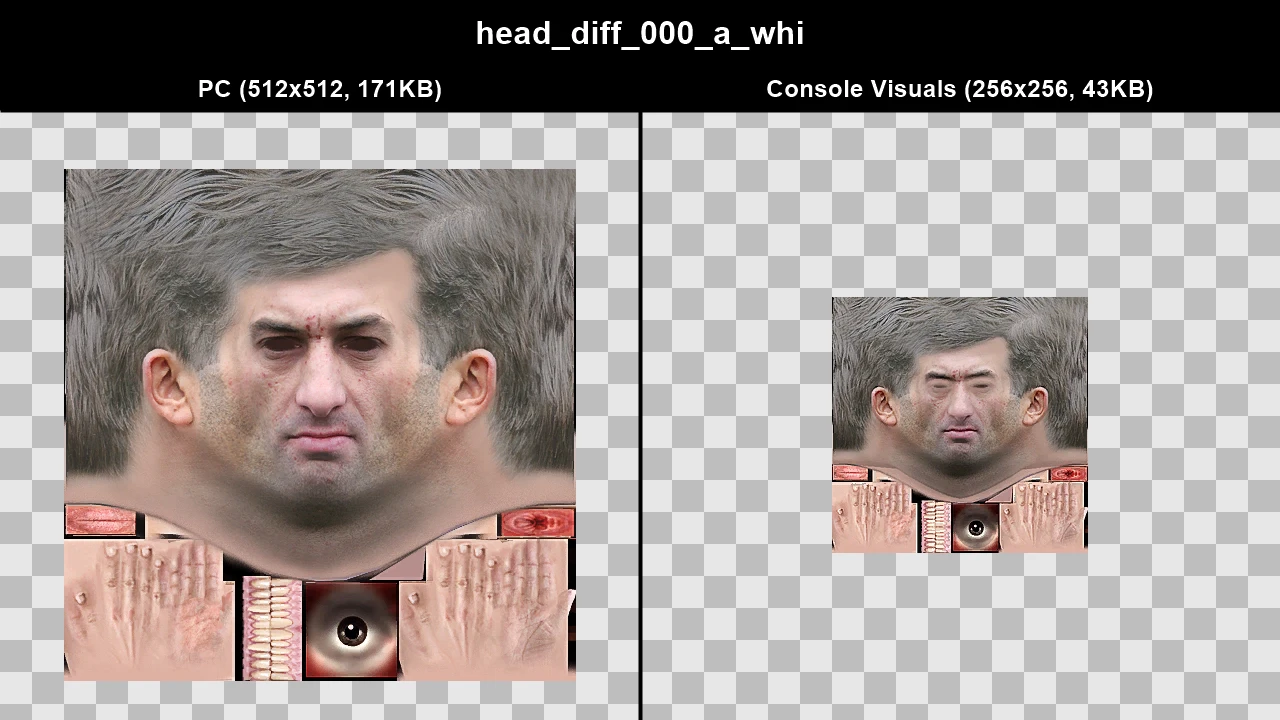
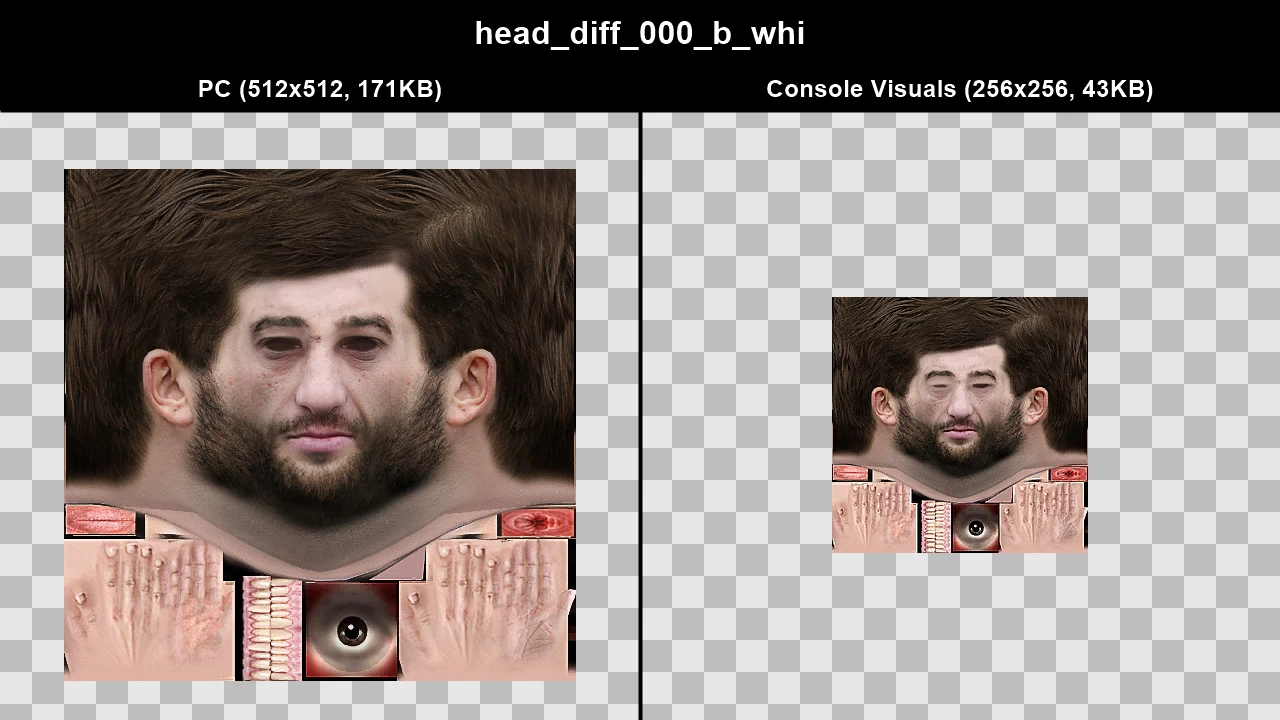
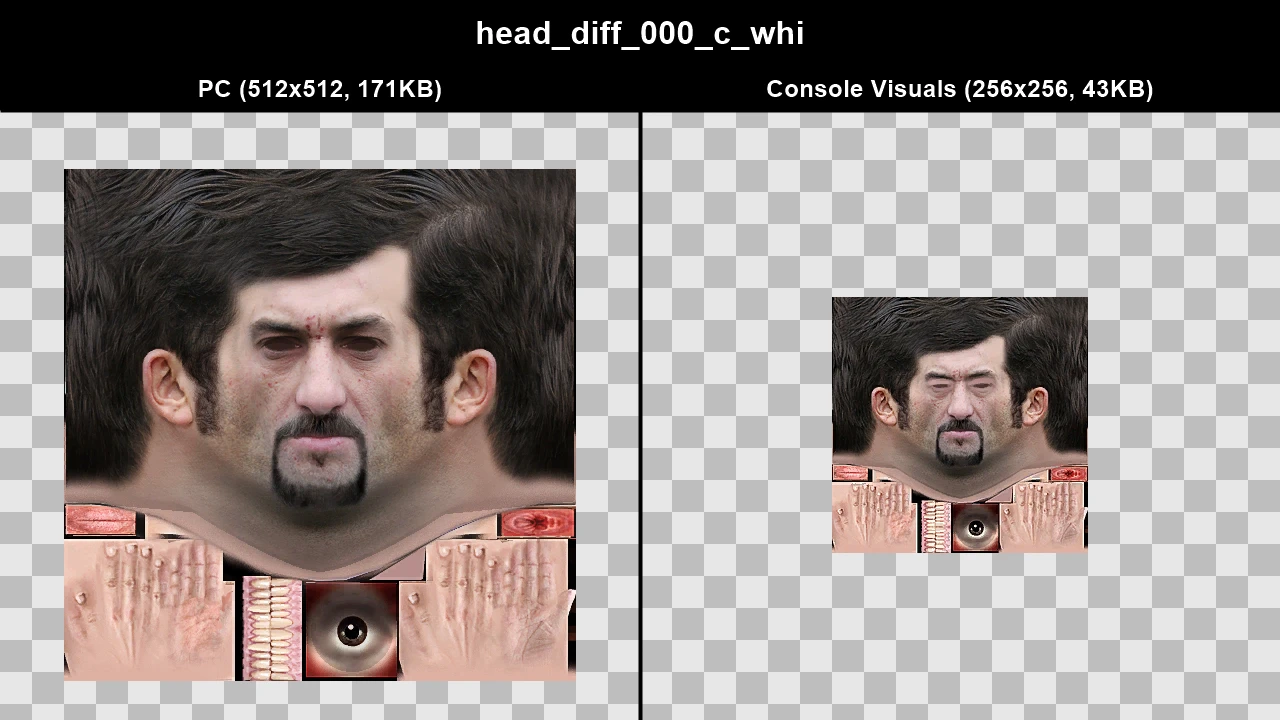
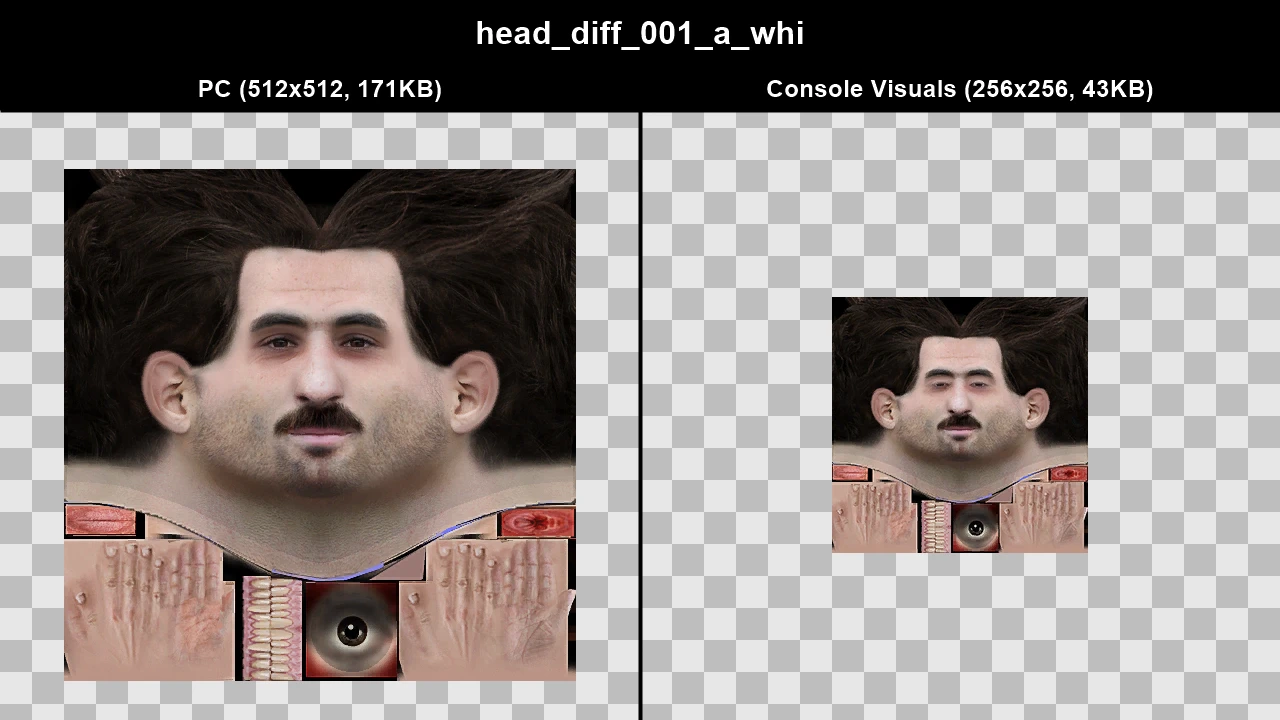
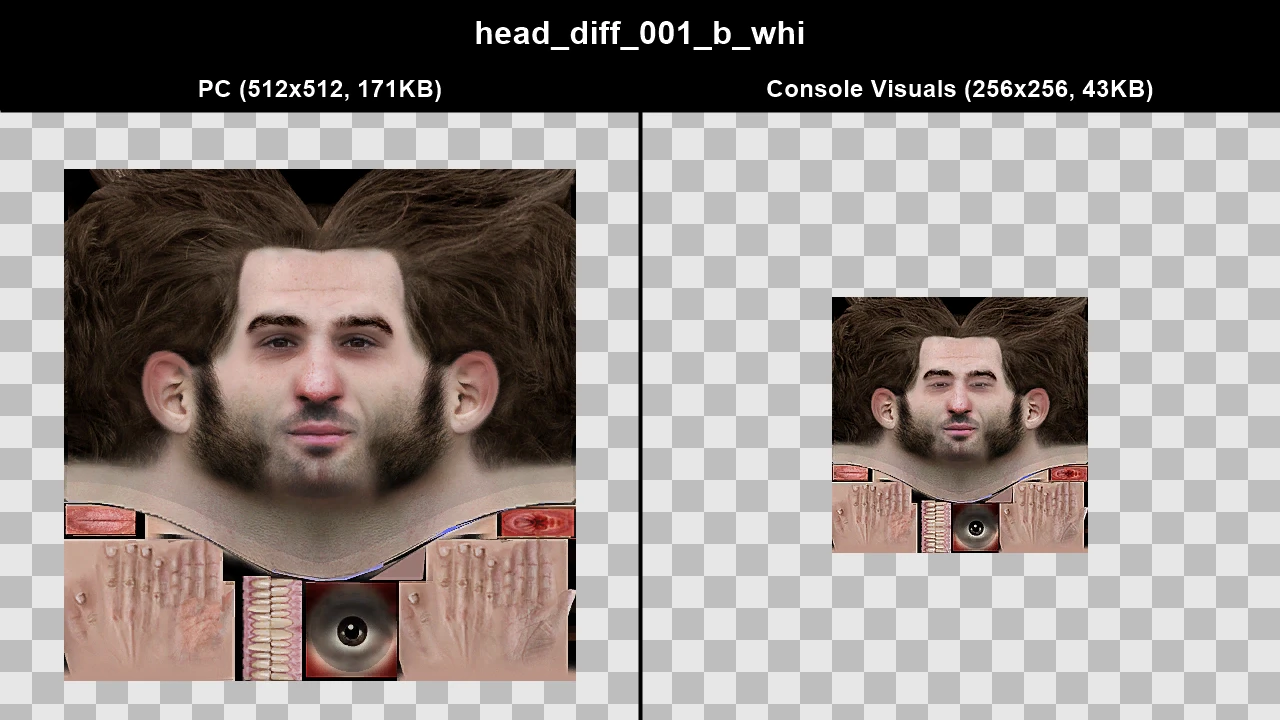
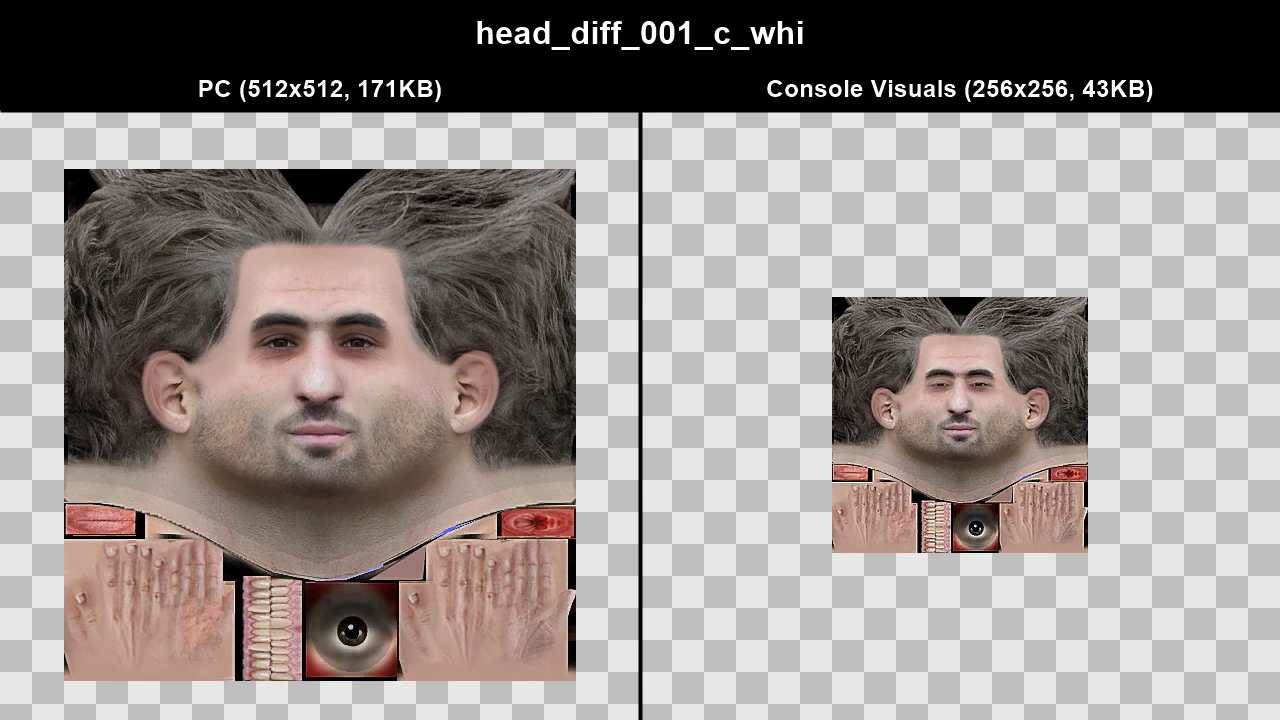
WTD: m_y_grus_lo_02
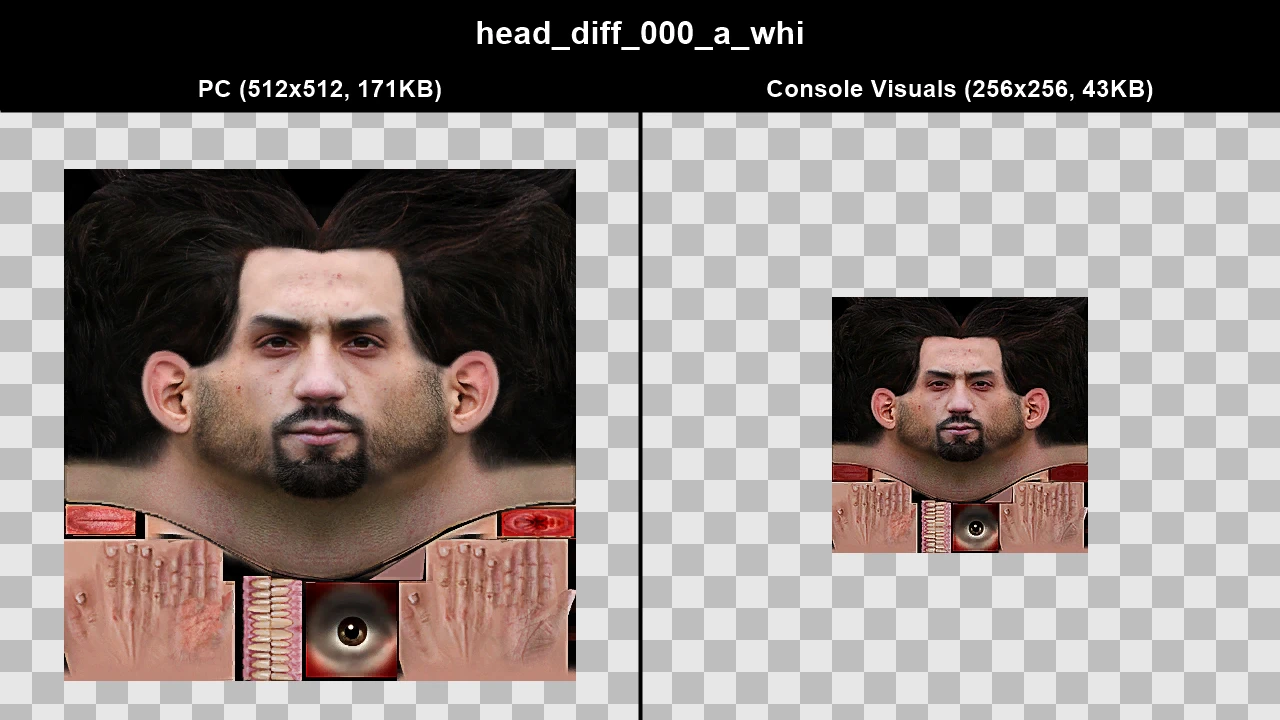
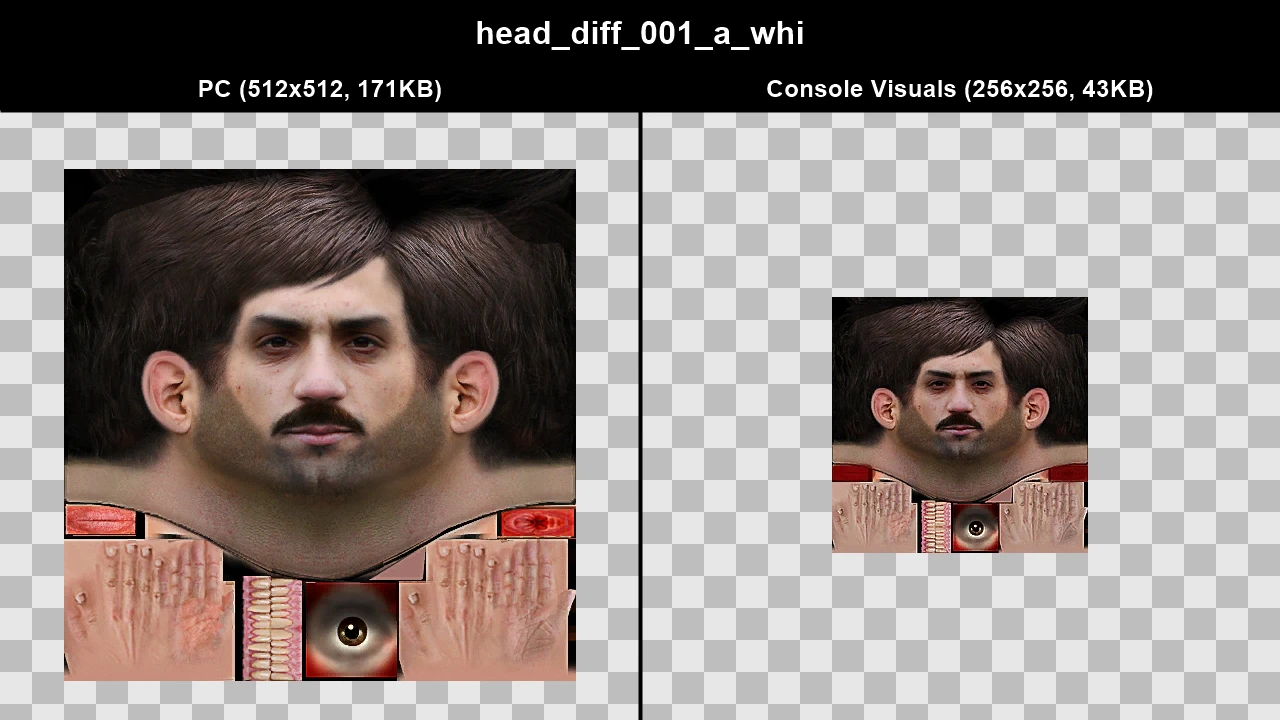
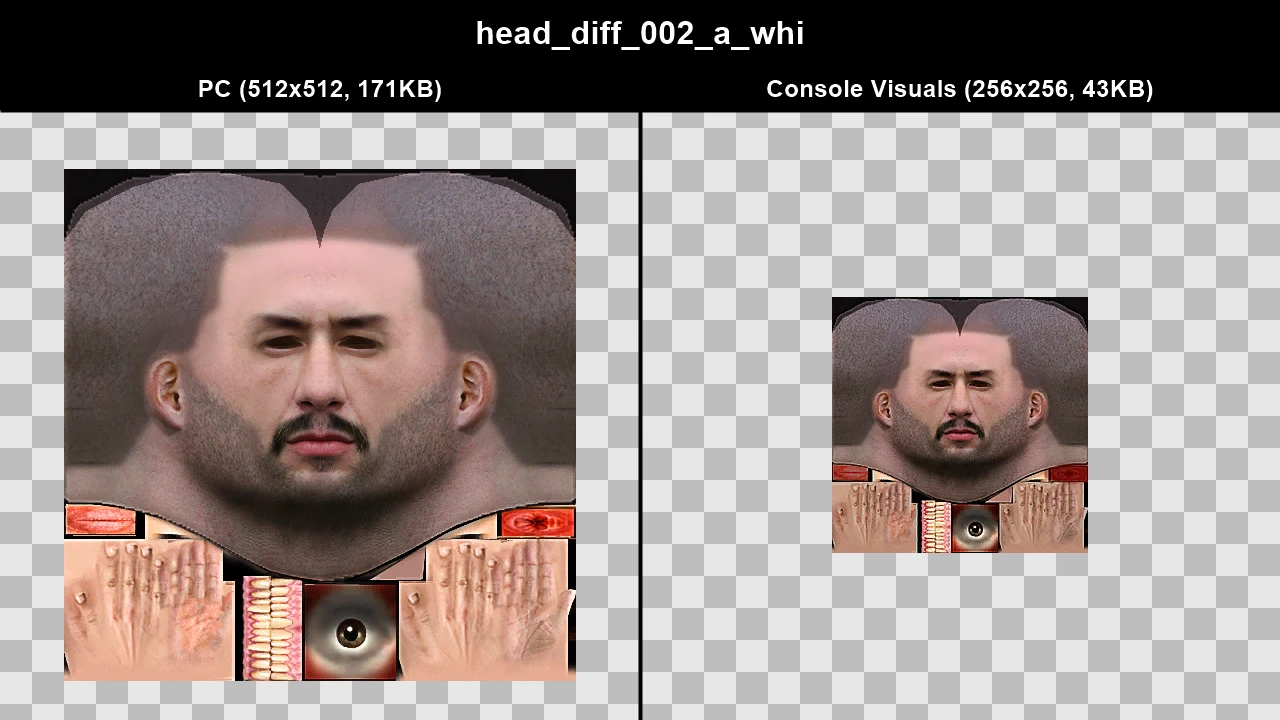
WTD: m_y_gymguy_01
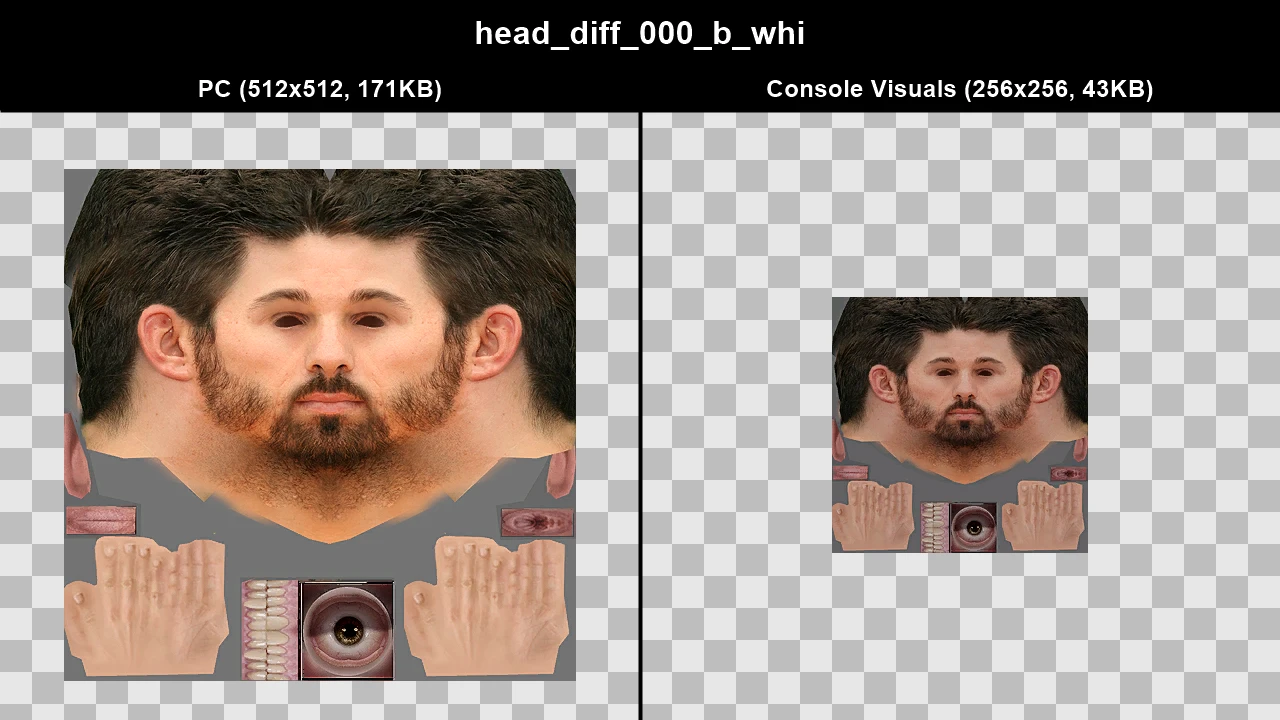
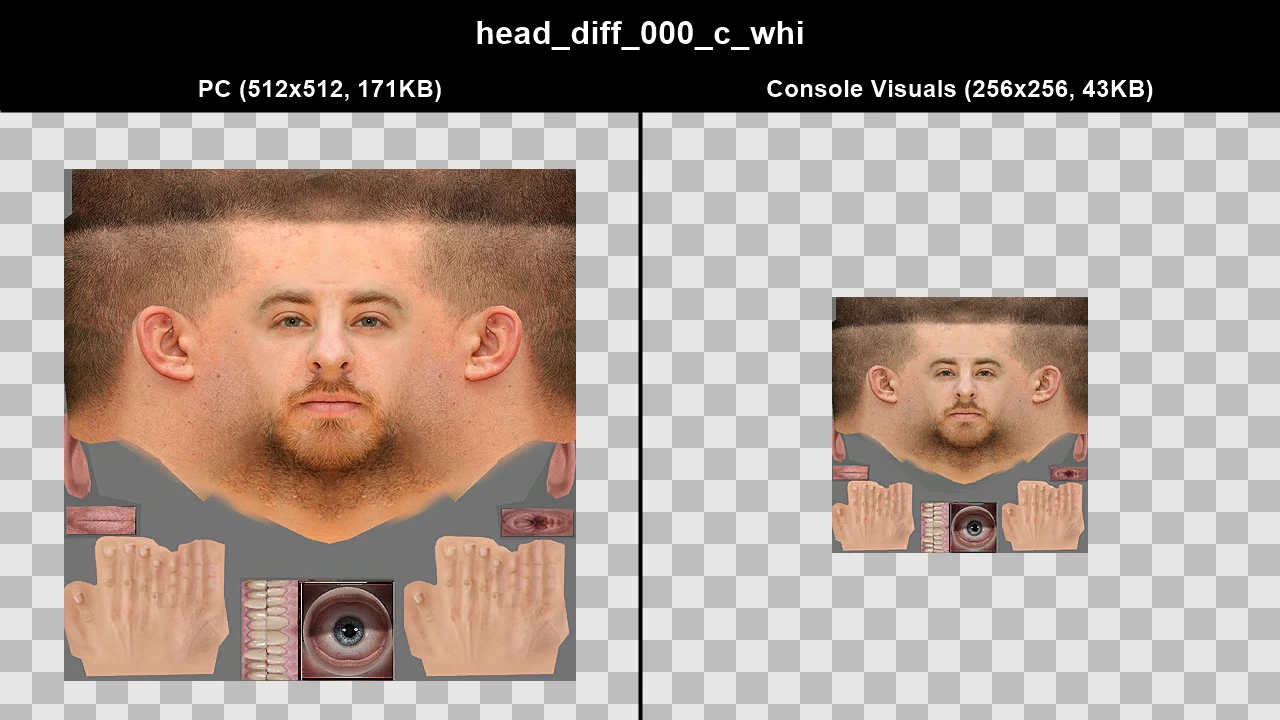
WTD: m_y_hardman_01
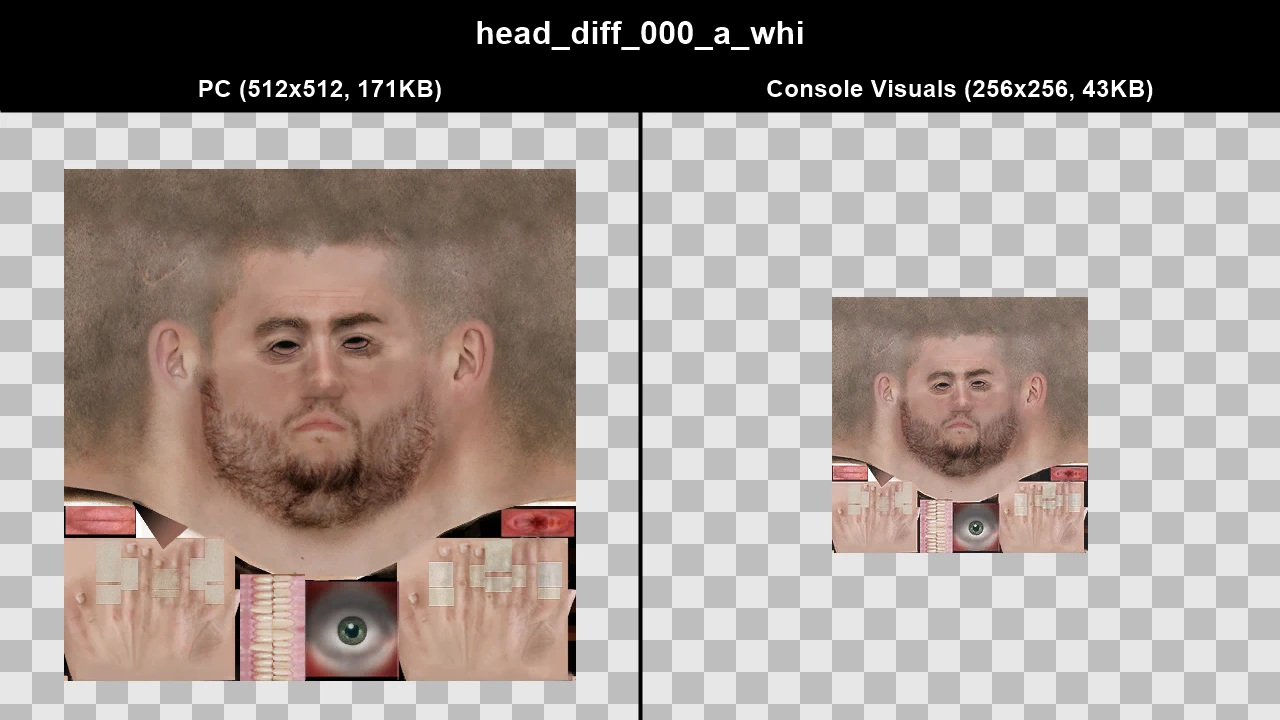
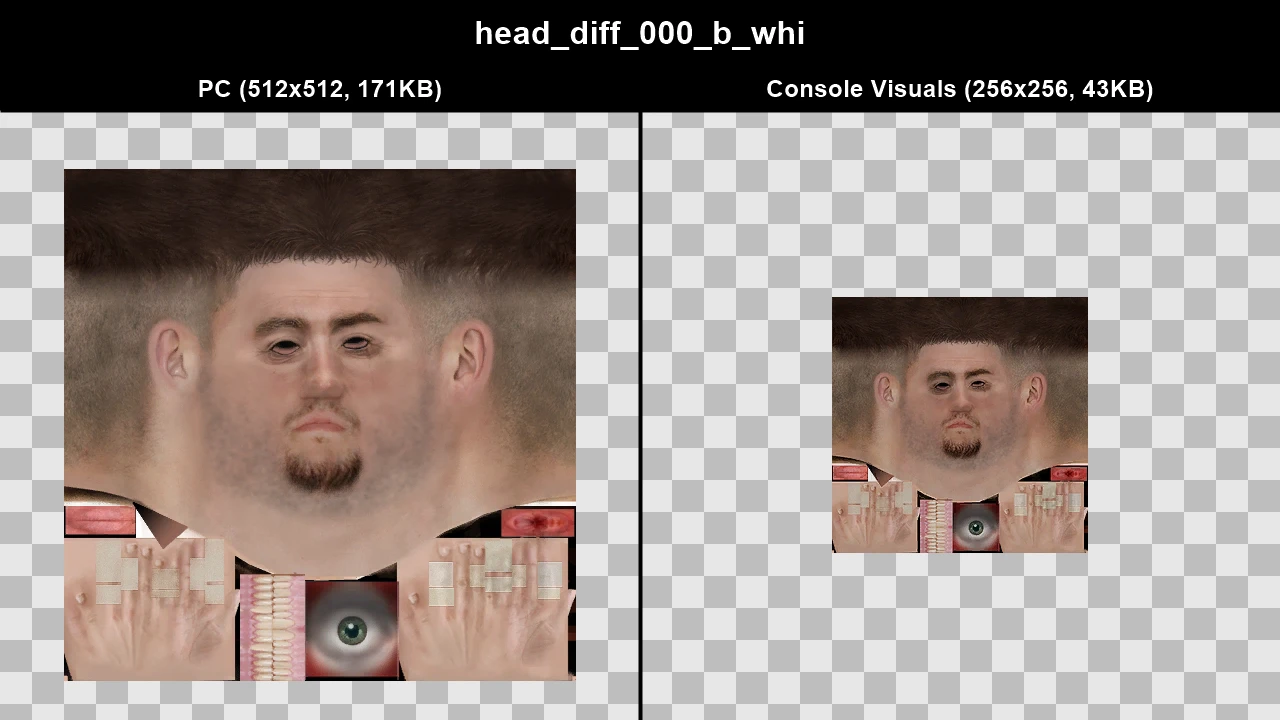
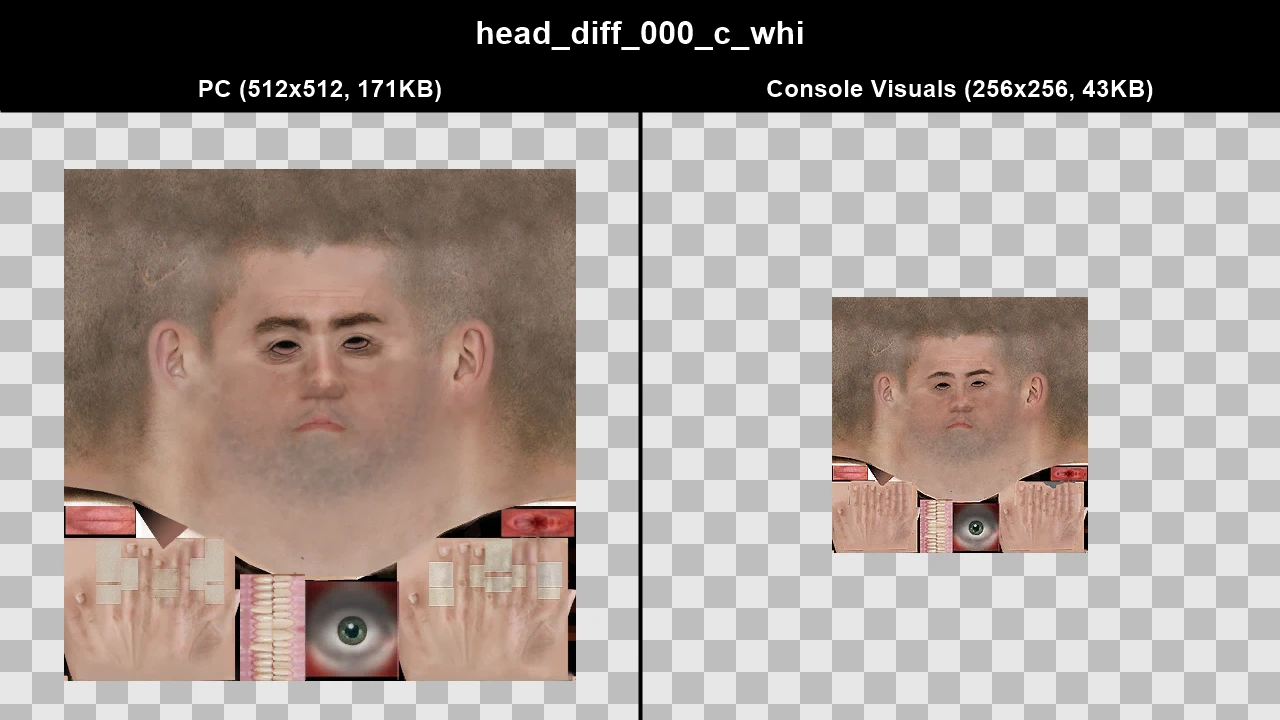
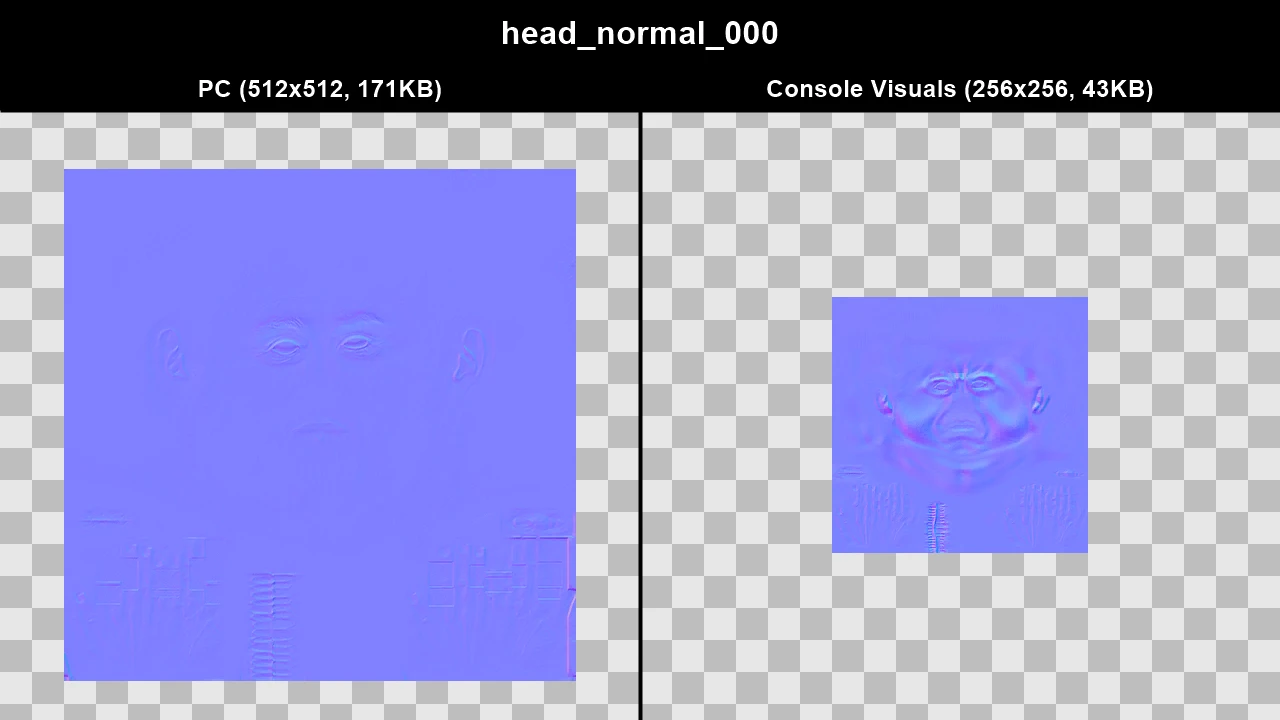
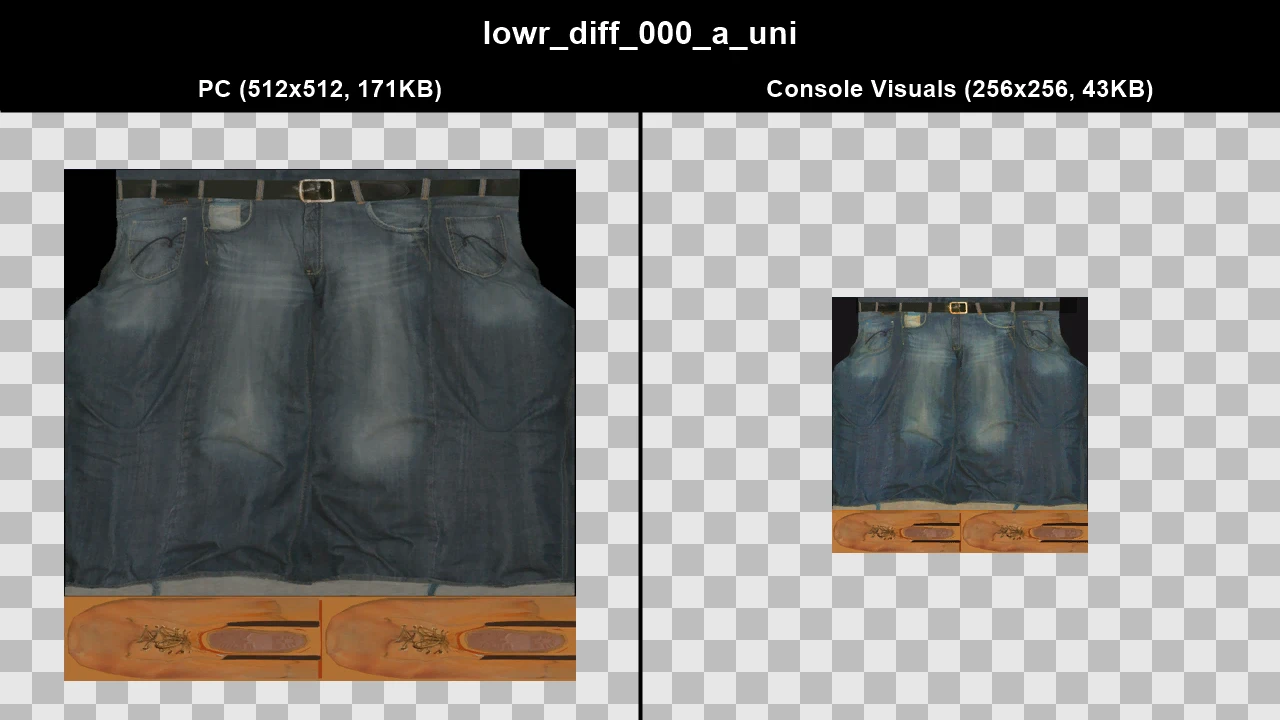
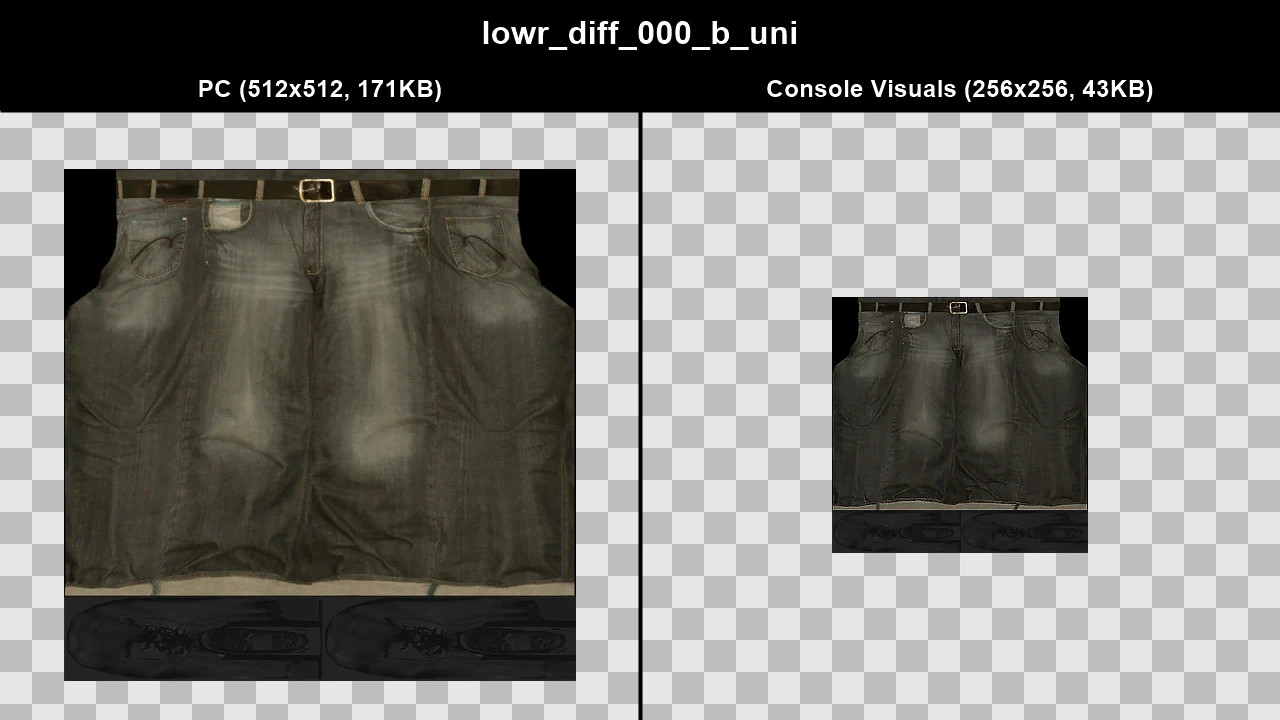
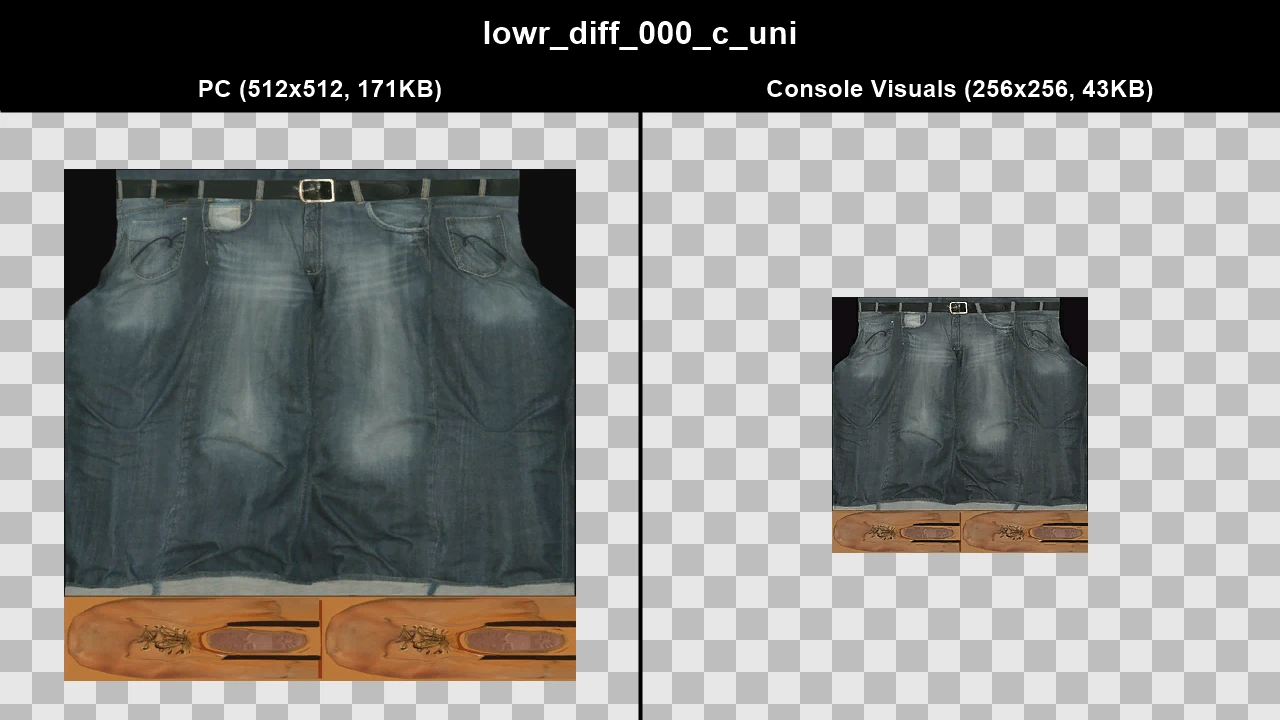
WTD: m_y_harlem_02
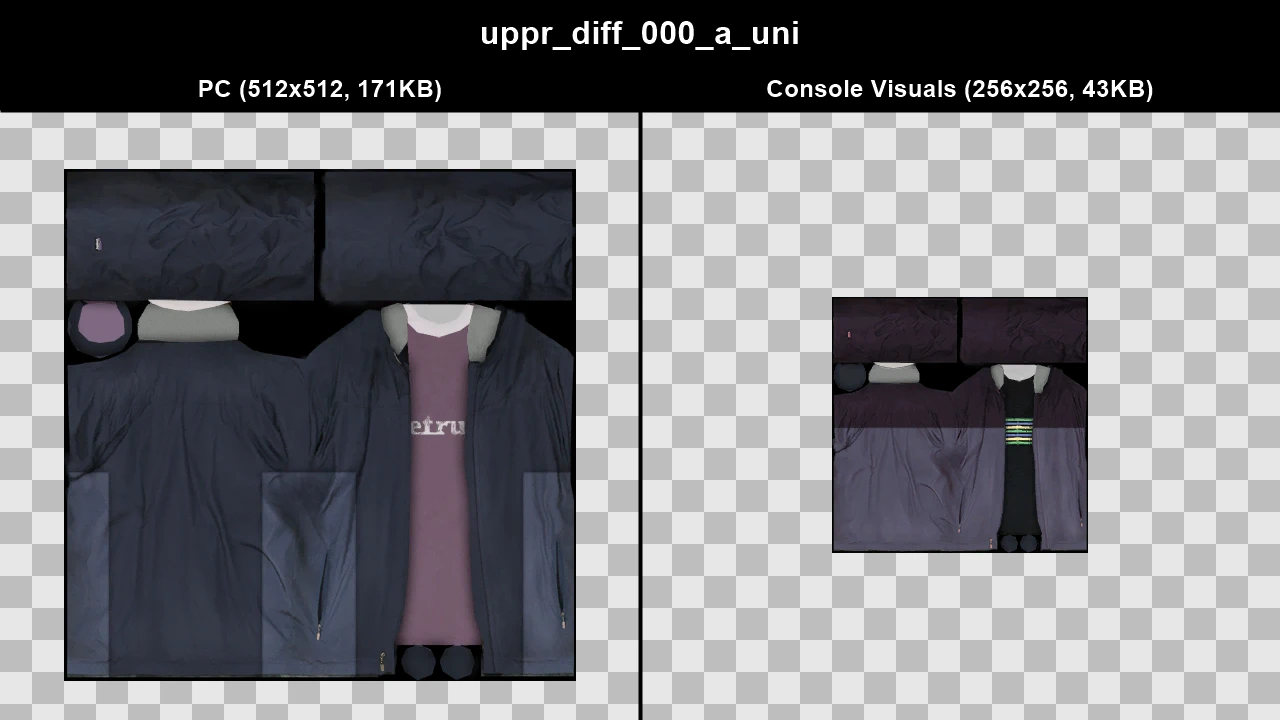
WTD: m_y_leastside_01
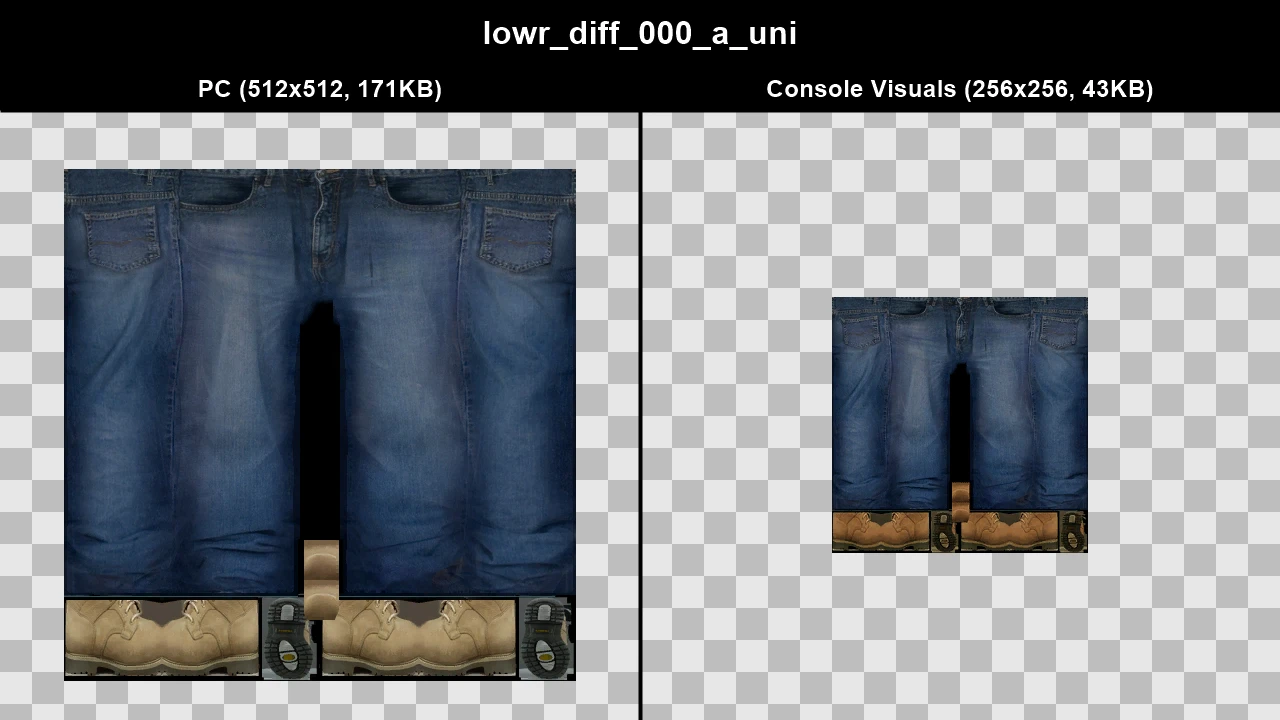
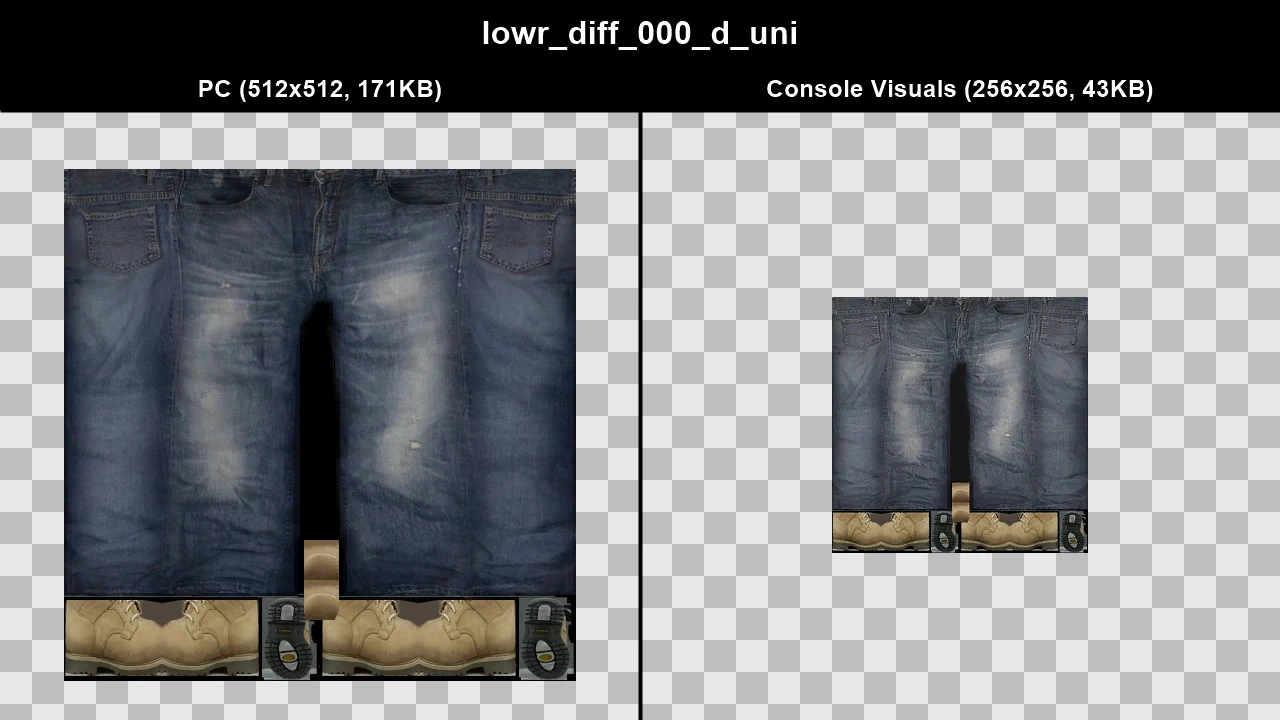
WTD: m_y_mechanic_02
WTD: m_y_pharlem_01
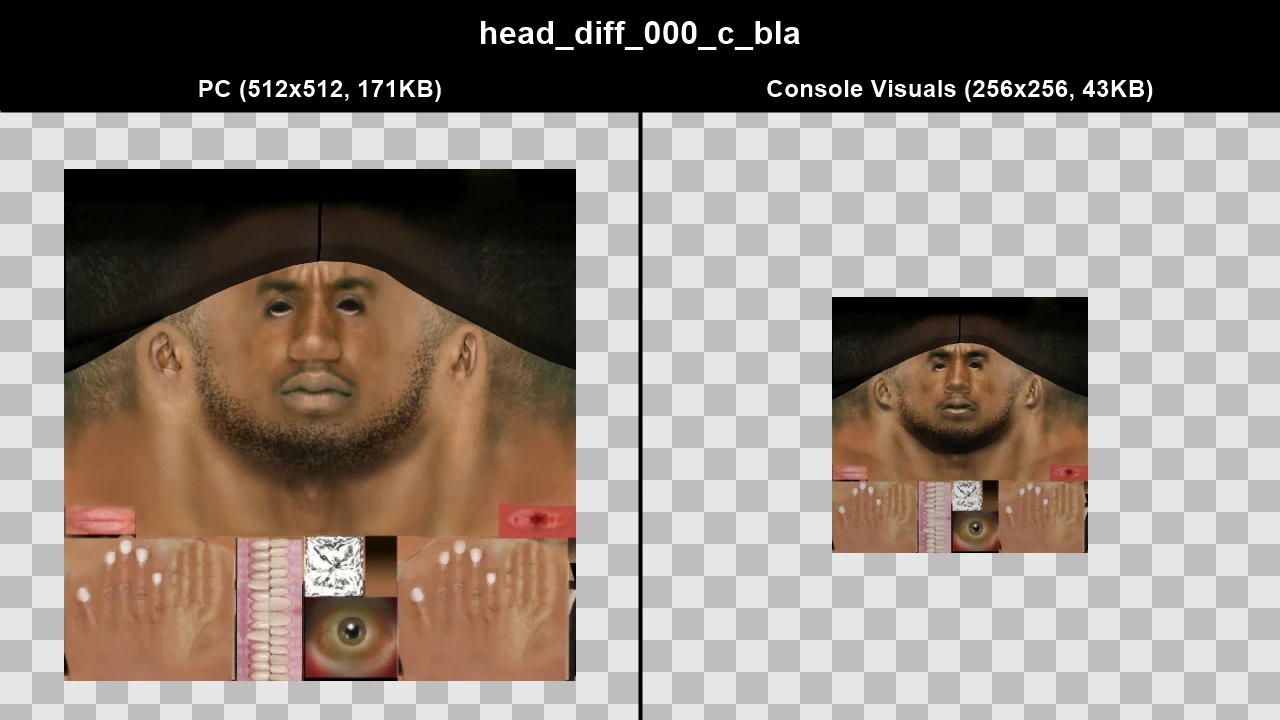
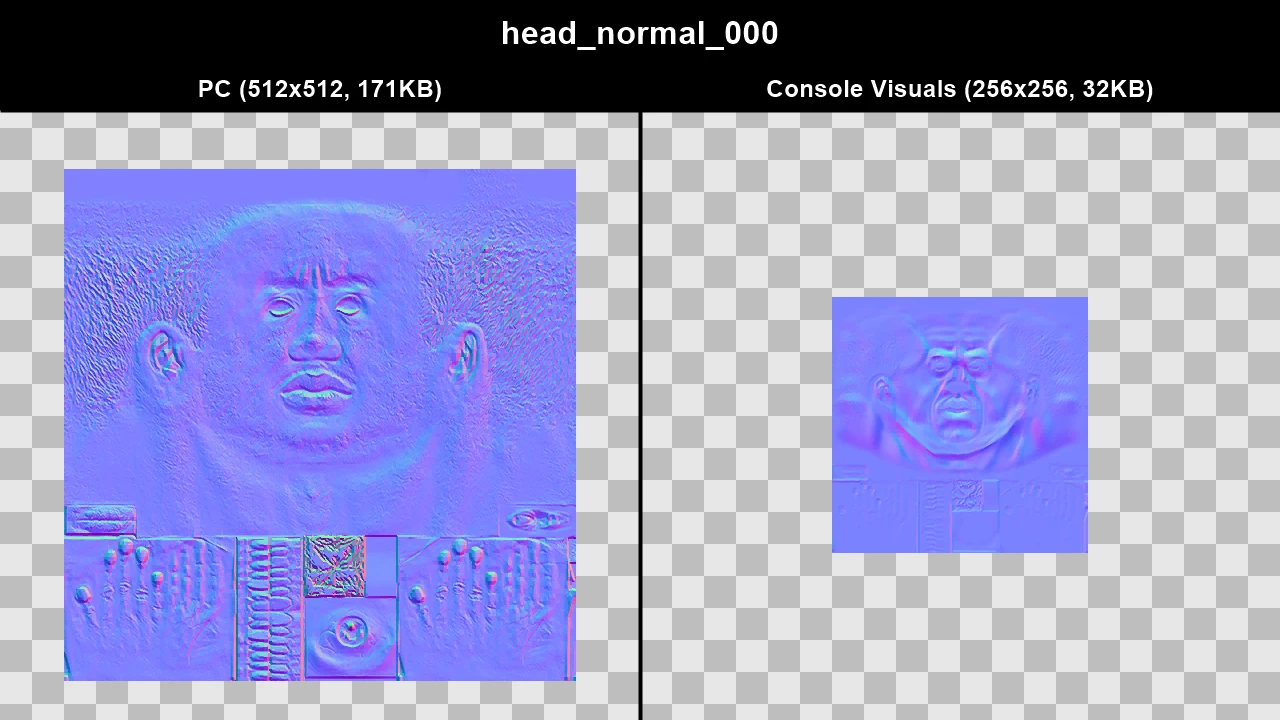
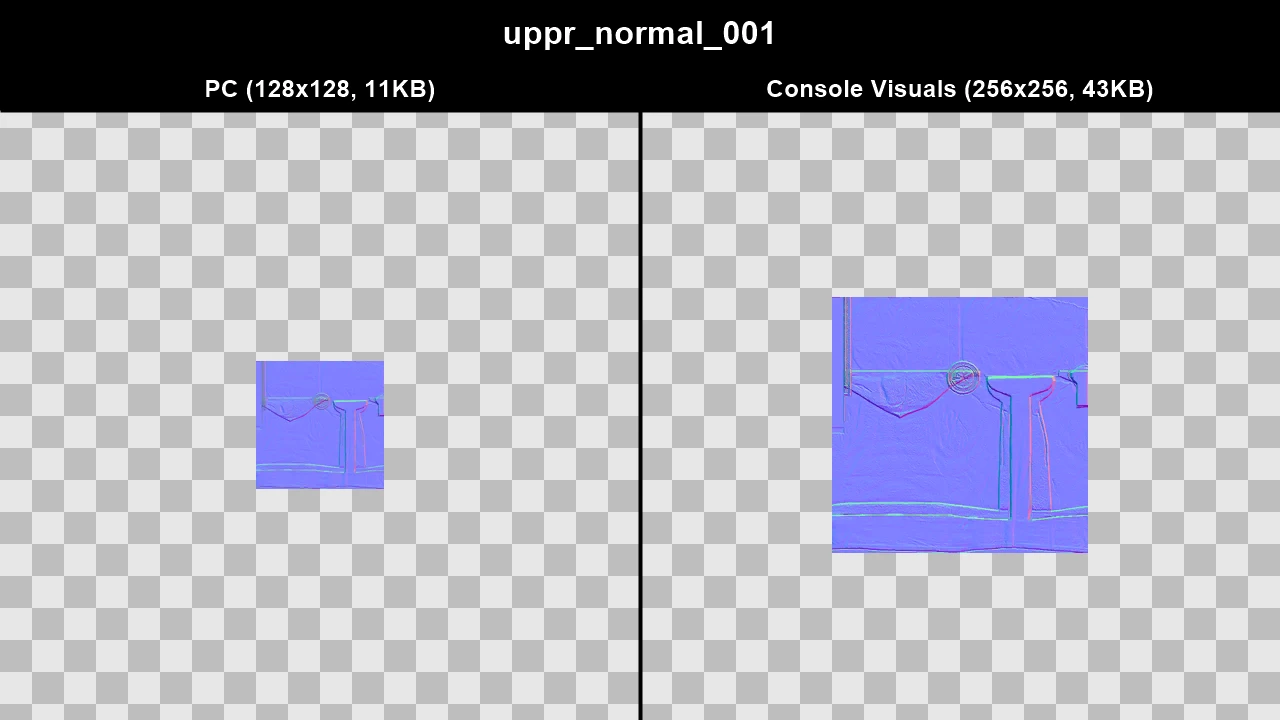
WTD: m_y_pindus_01
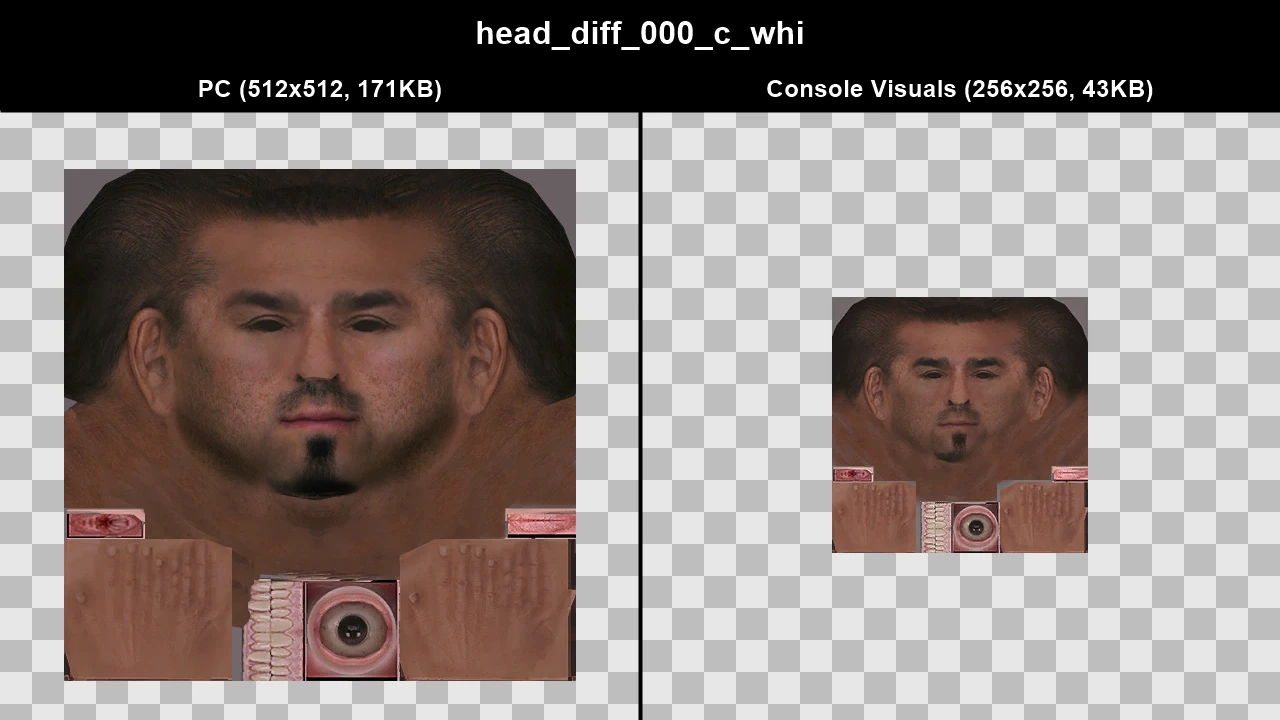
WTD: m_y_pindus_02
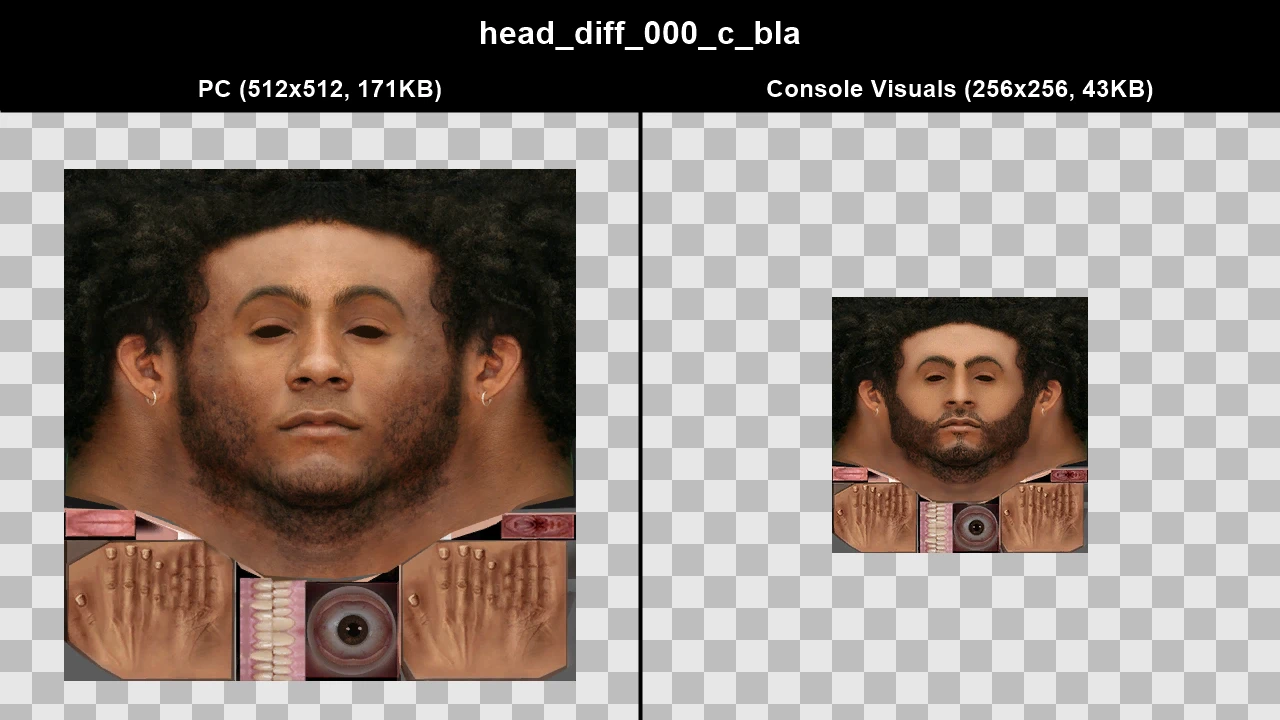
WTD: m_y_pindus_03
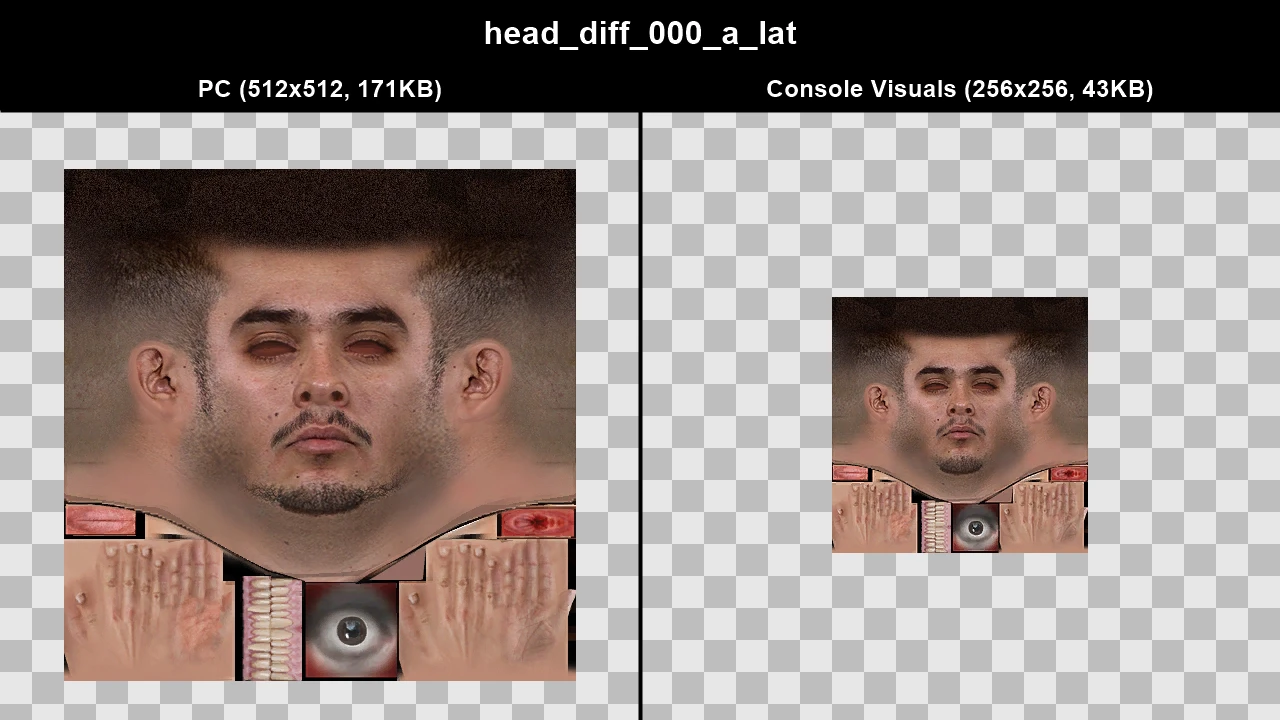
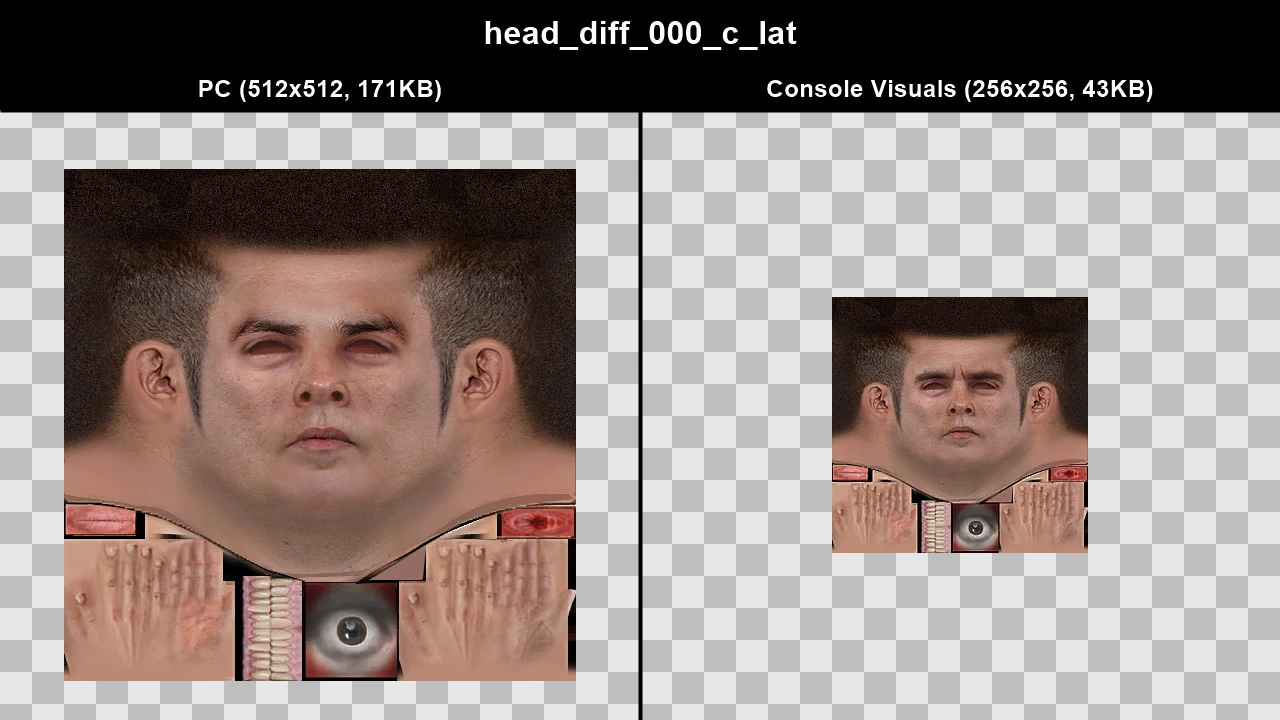
WTD: m_y_pjersey_01
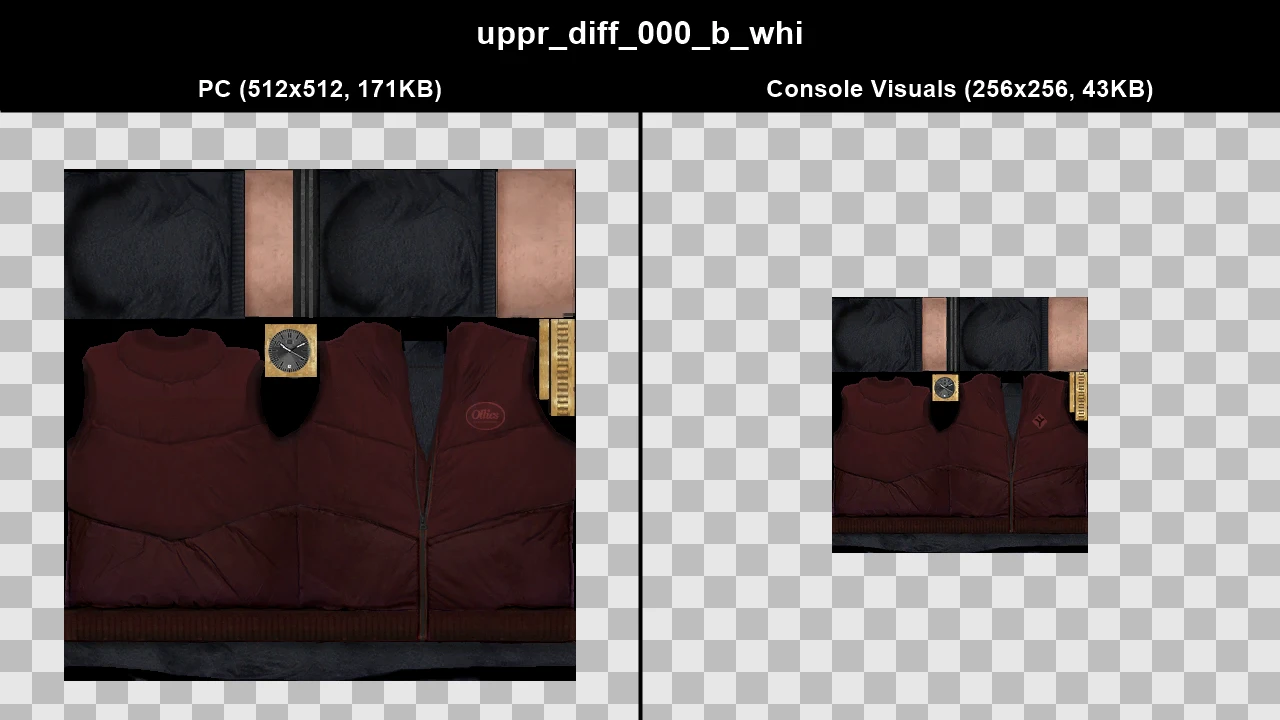
WTD: m_y_platin_01
WTD: m_y_platin_03
WTD: m_y_pmanhat_02
WTD: m_y_prison
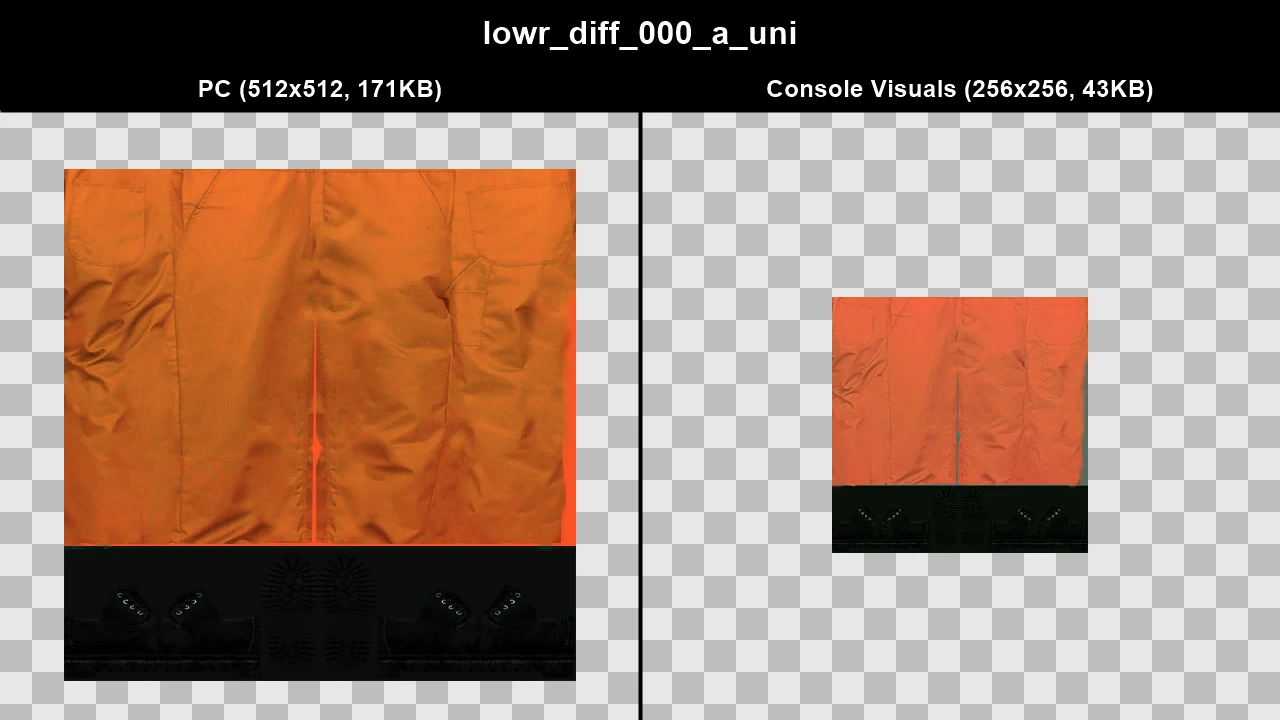
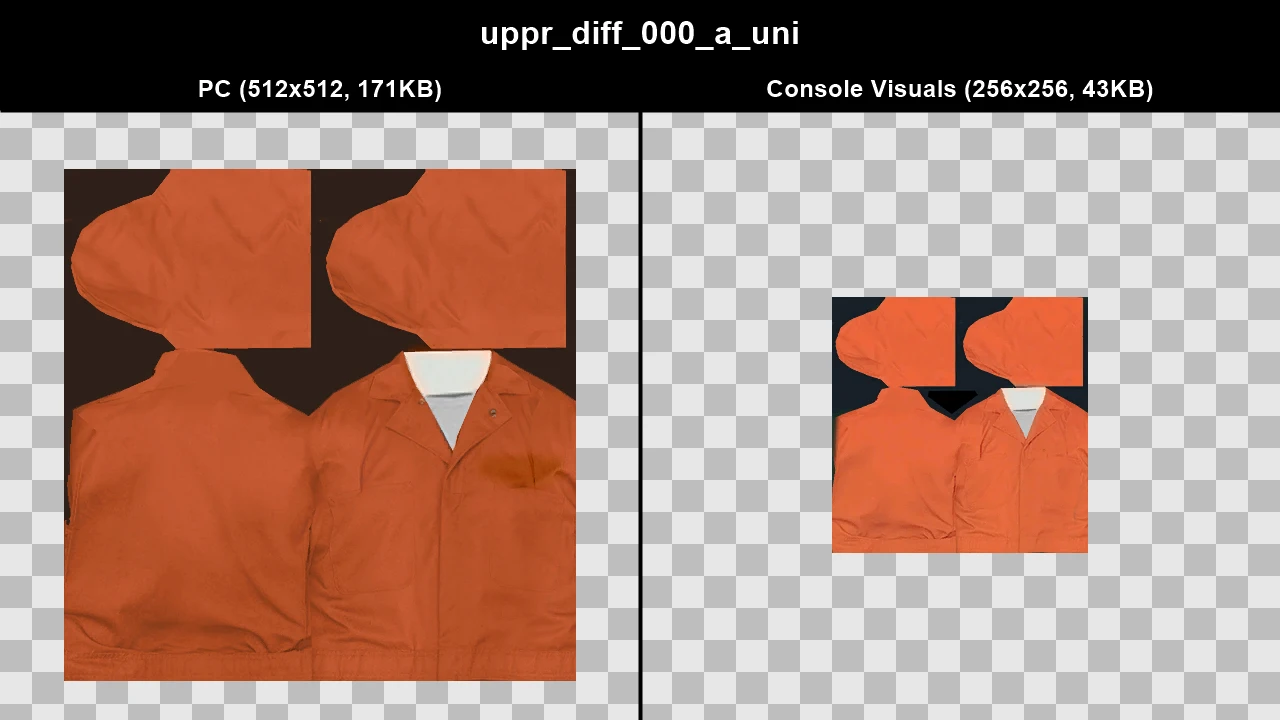
WTD: m_y_prisonblack
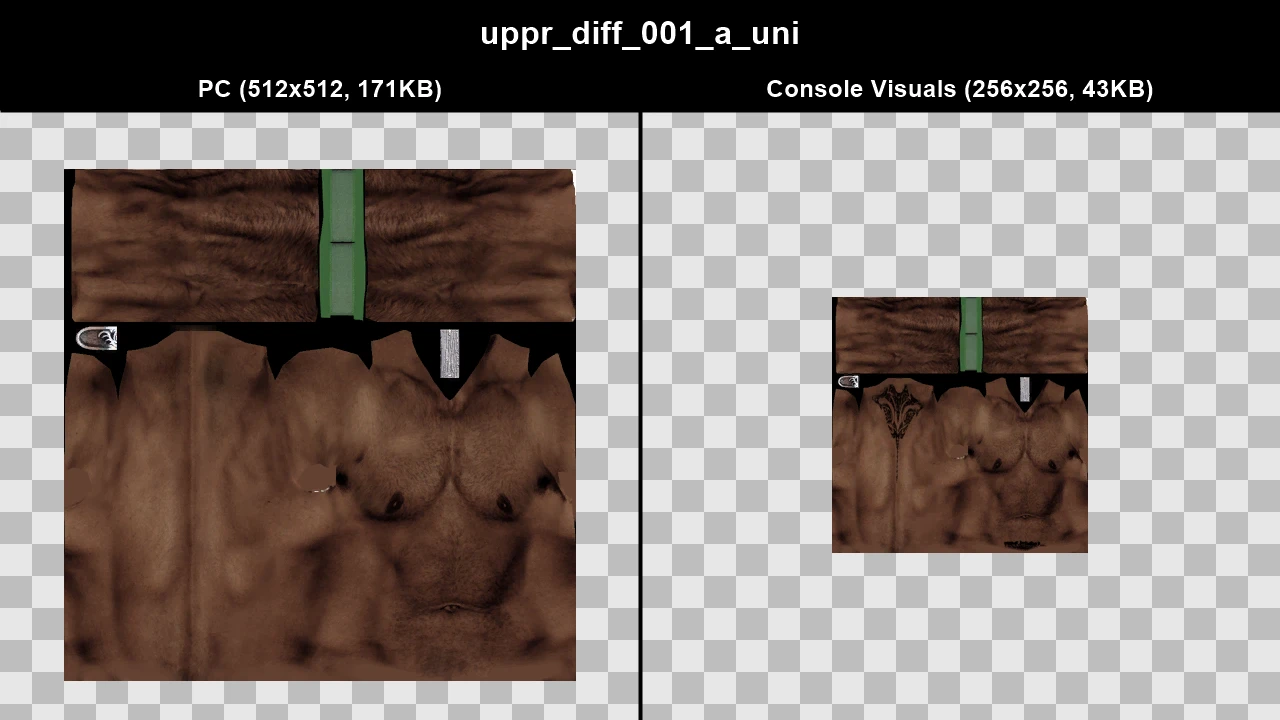
WTD: m_y_pvillbo_01
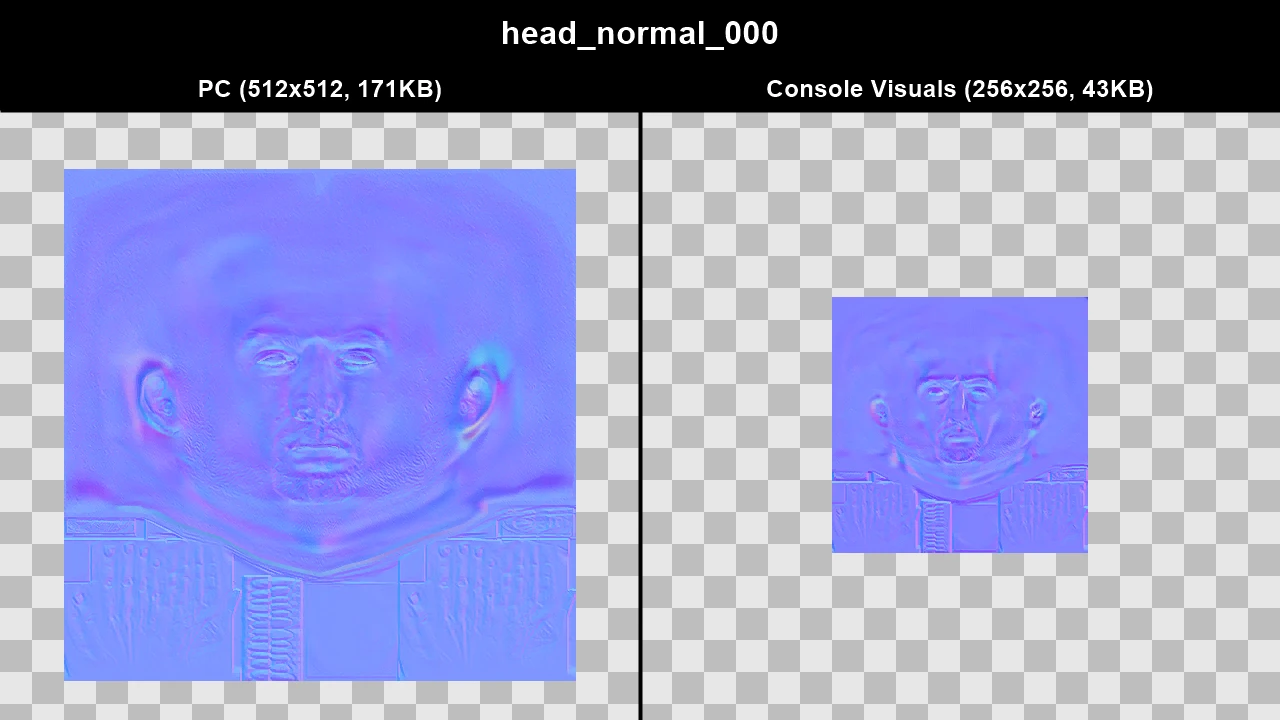
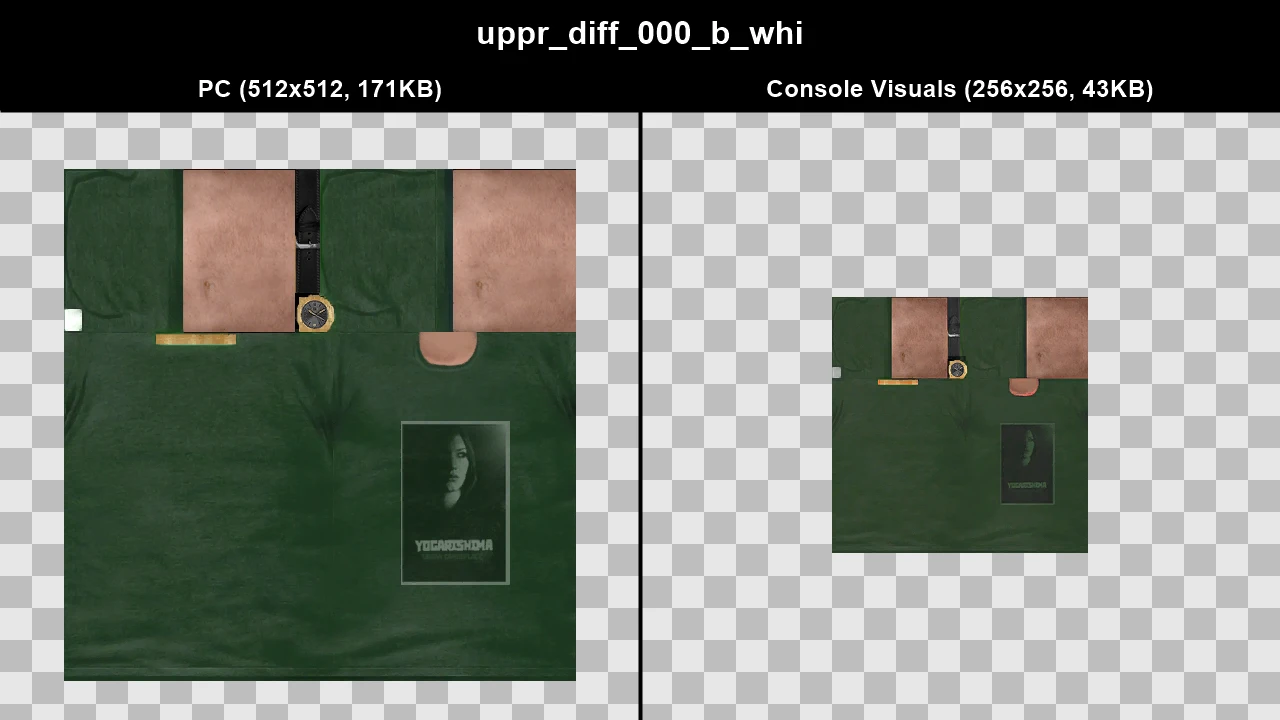
WTD: m_y_pvillbo_03
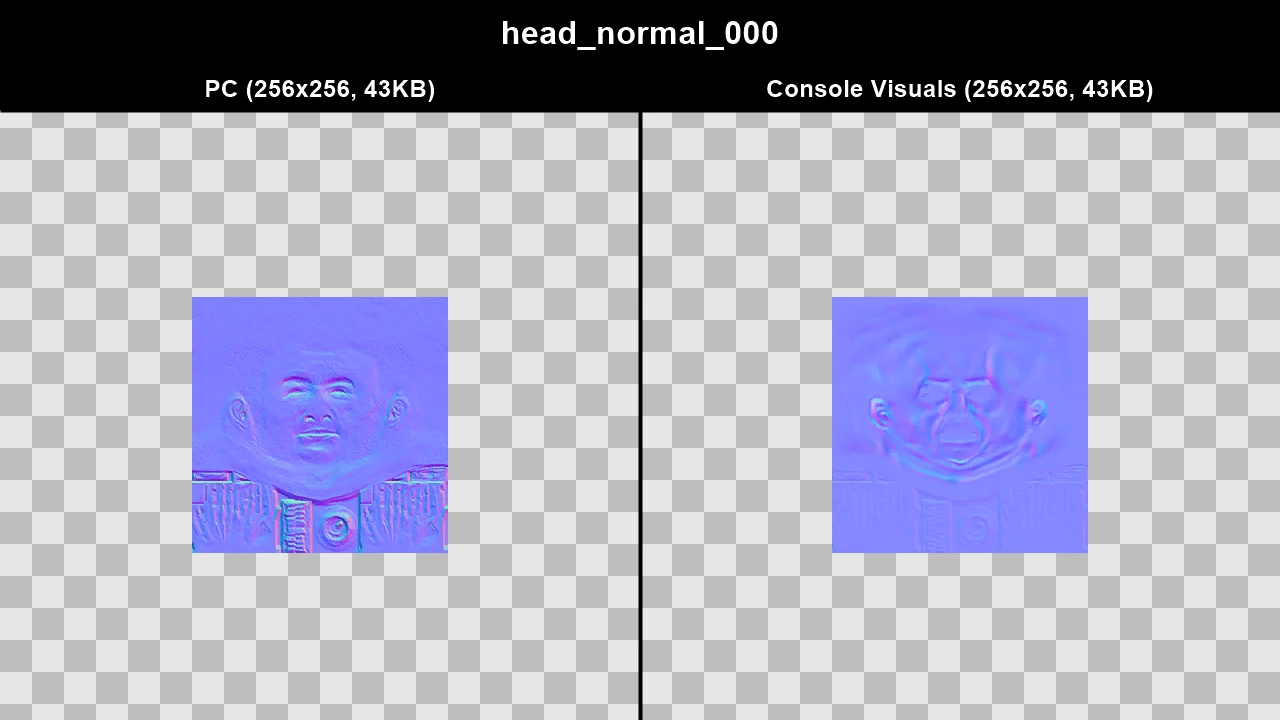
WTD: m_y_queensbridge
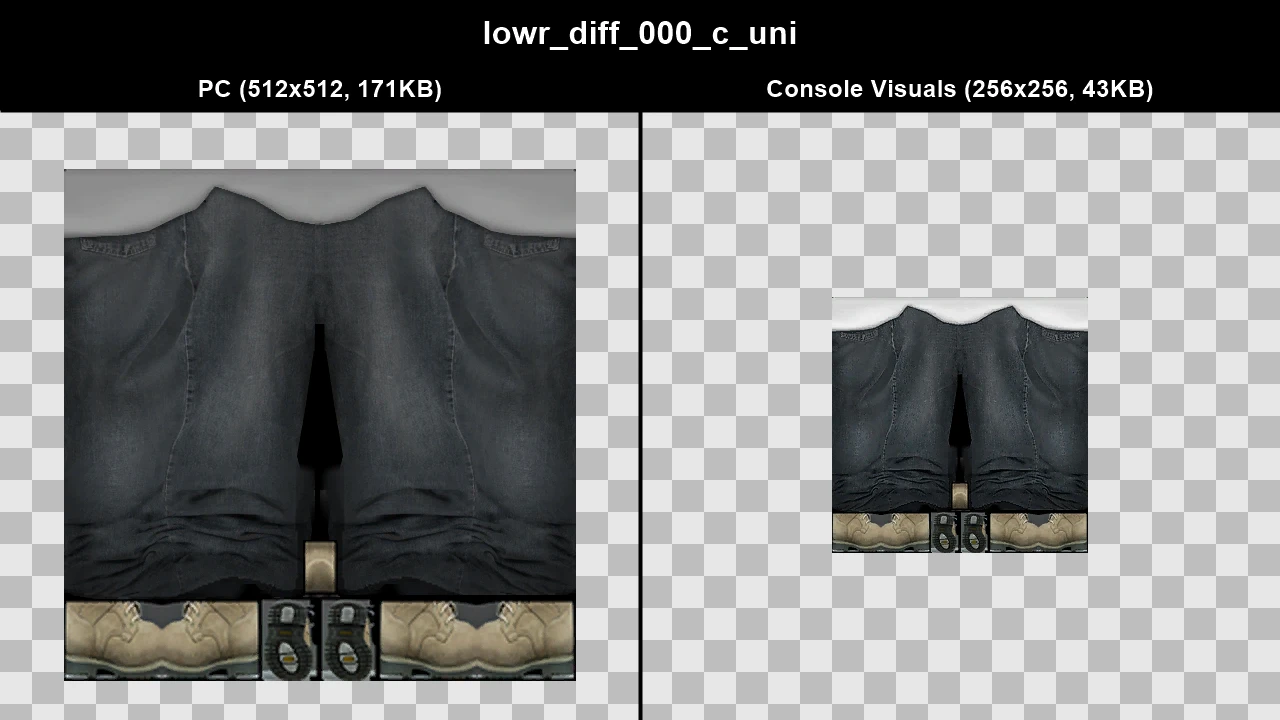
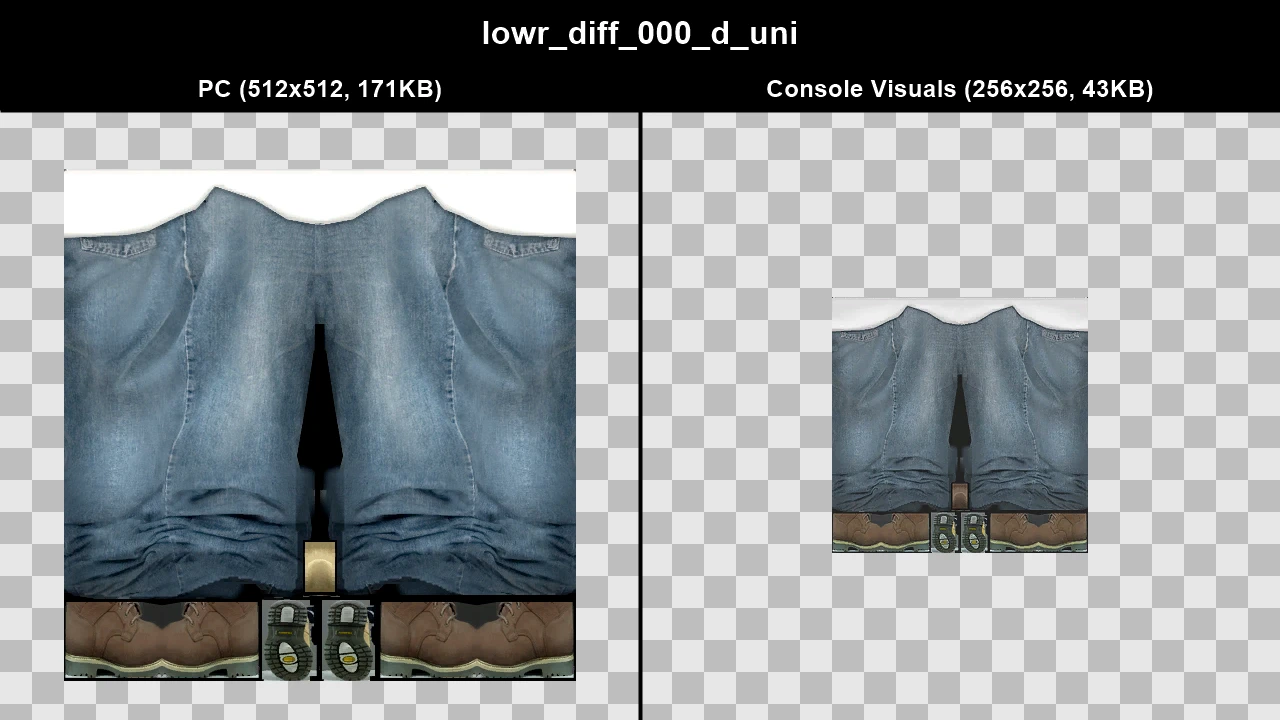
WTD: m_y_runner
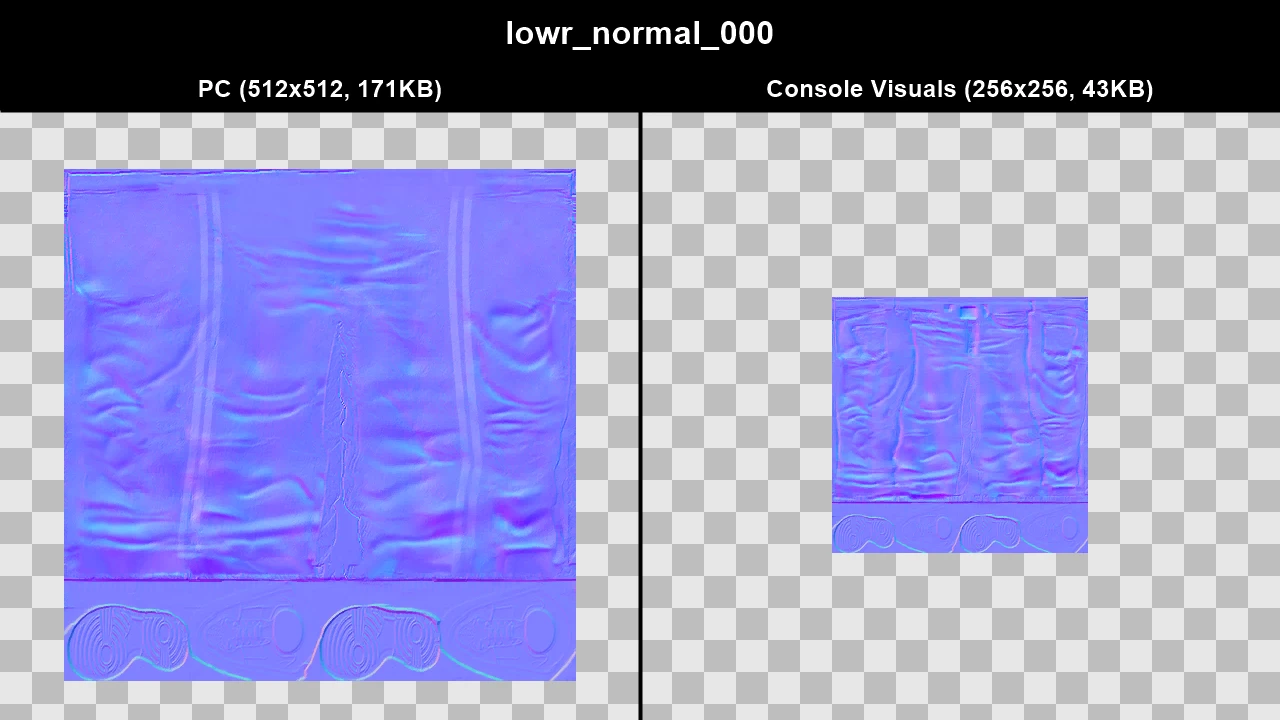
WTD: m_y_streetblk_03
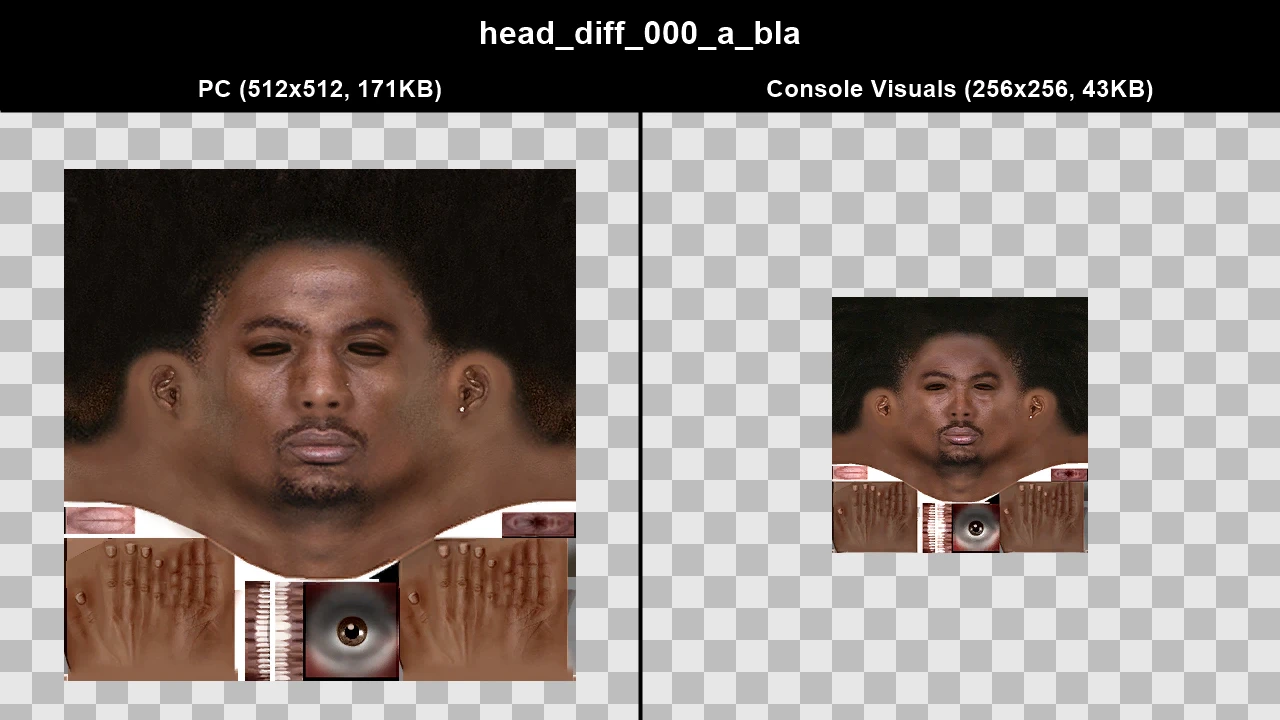
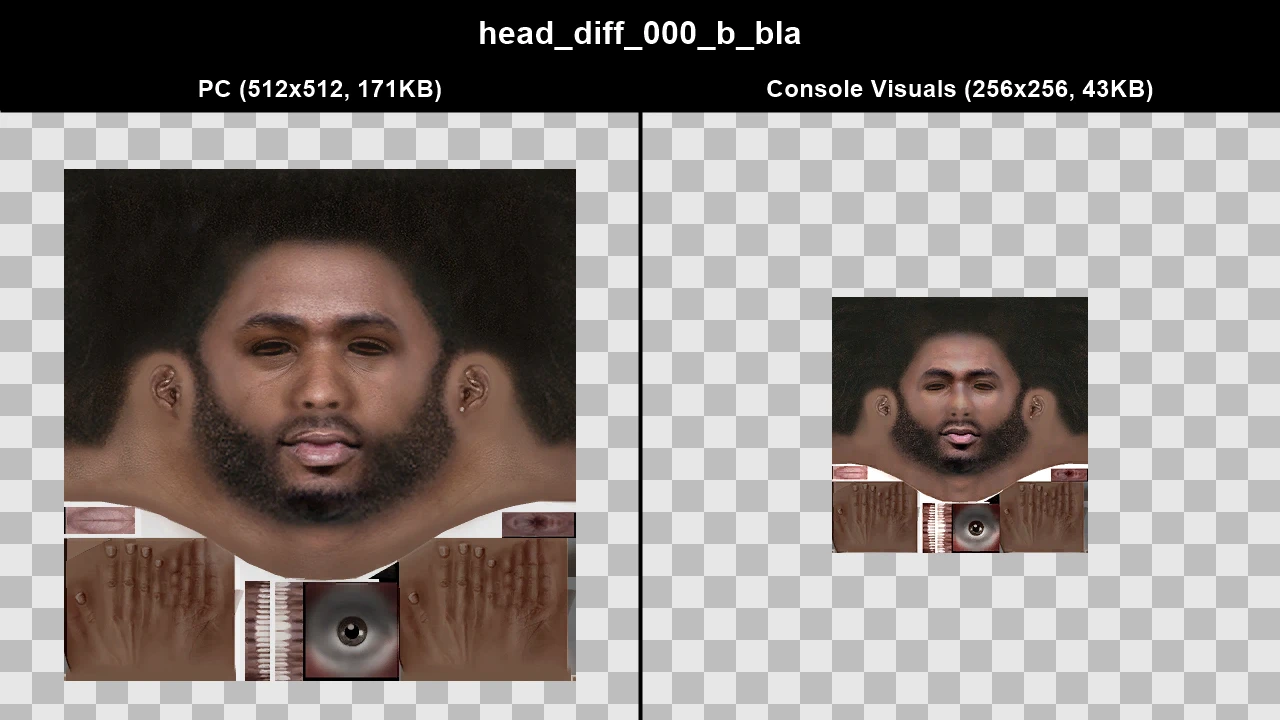
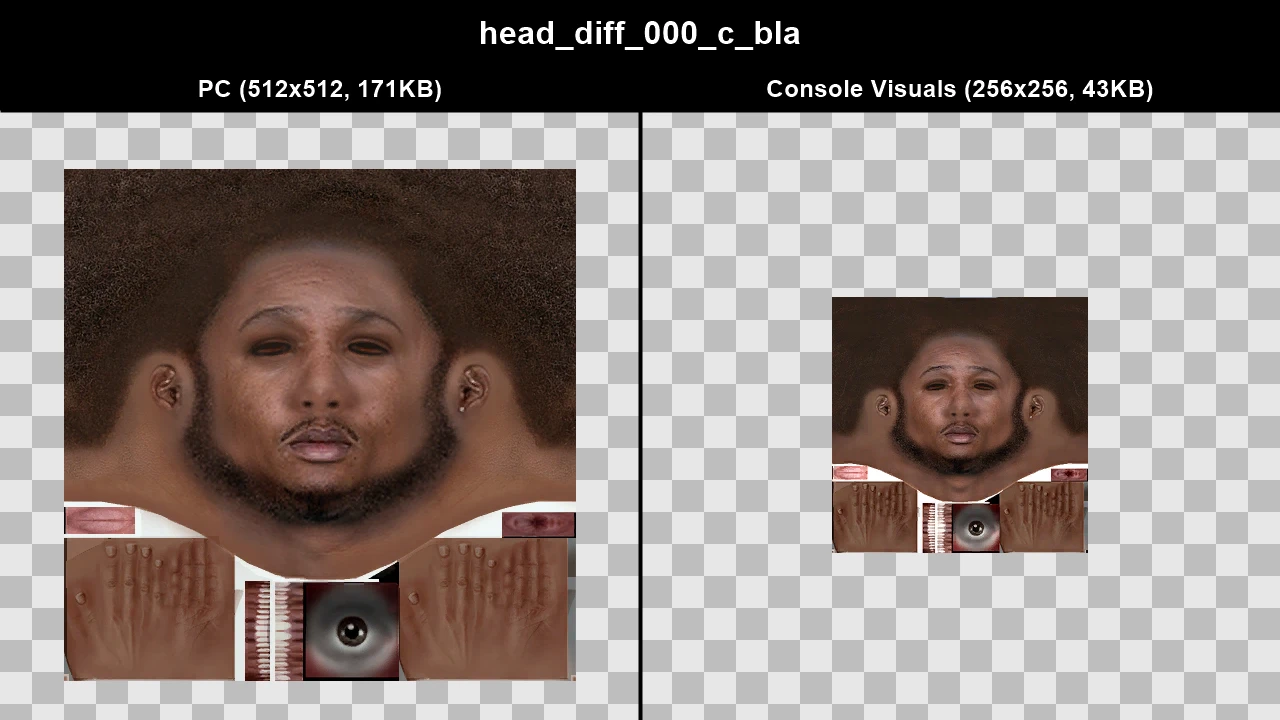
WTD: m_y_streetpunk_05
Console Vegetation#
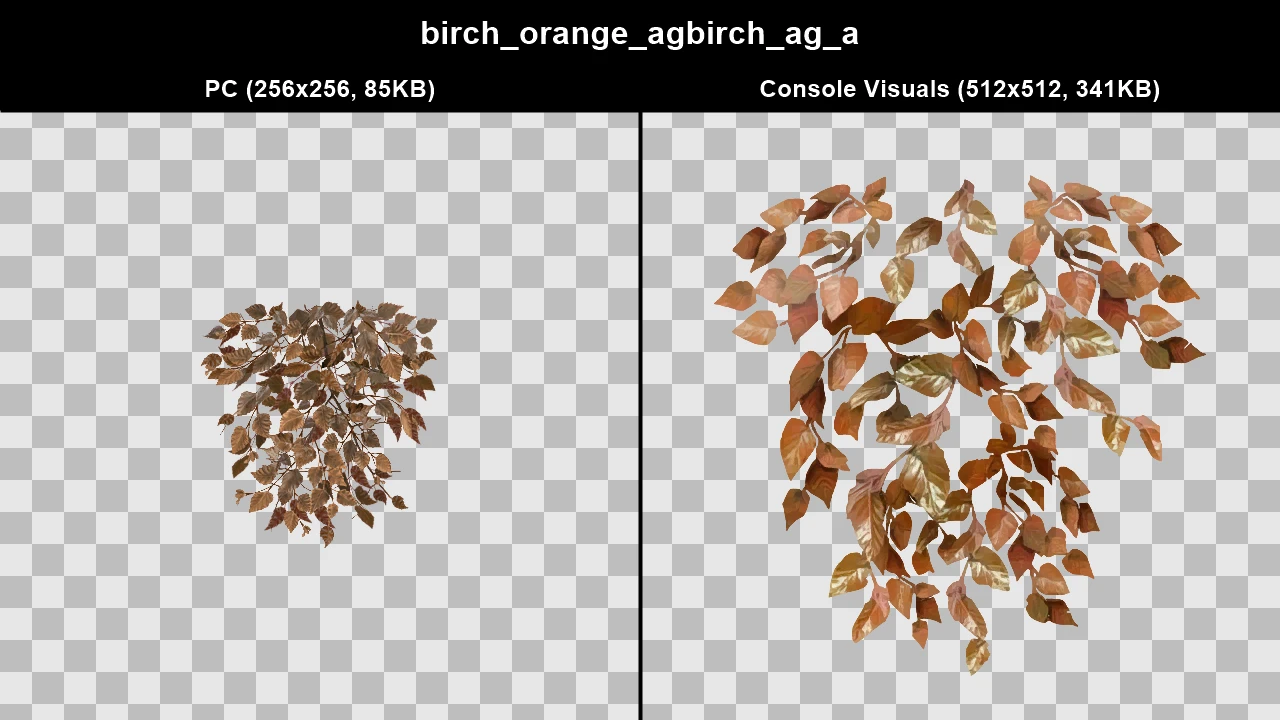
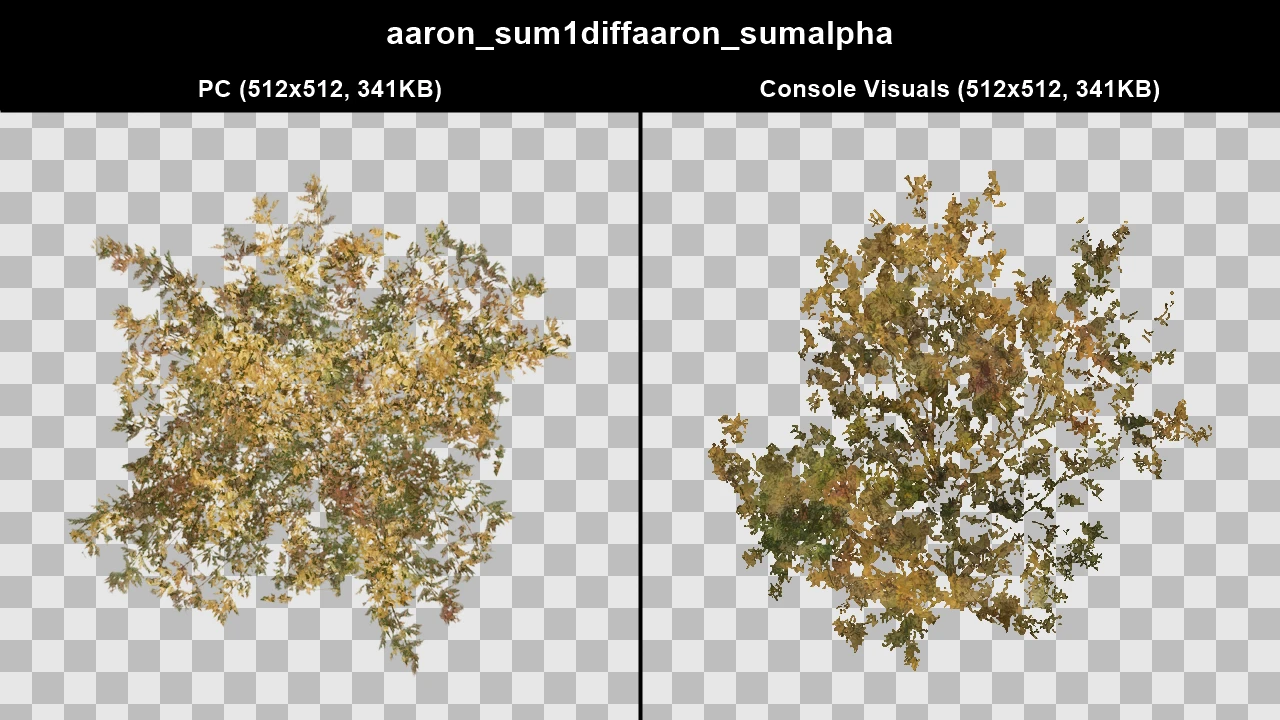
Vegetation was completely overhauled on PC. Trees are generally less colourful on PC and the PC grass models are offset incorrectly so they spawn mostly underground.
Console Visuals doesn't just restore the console vegetation from the console version of GTA IV, it also improves them. Rockstar reused the console GTA IV vegetation throughout Max Payne 3 and the textures there were higher quality than GTA IV's. Console Visuals uses these textures and they've also been touched up by artists to clean up imperfections. The LOD textures for trees in Console Visuals were also completely recreated to be more accurate to the actual tree models/textures.
TJGM Recommendation: 🤷♂️ Subjective. I prefer the console vegetation myself, however since Fusion Fix now fixes the PC grass, there's no downside to using the PC vegetation if that's what you prefer (as long as you're using Fusion Fix, which you should be).
Grass In-Game Comparisons#
On PC, some procedural grass models are offset too low, so they appear mostly under the ground, console grass doesn't have this problem. Fusion Fix does fix the issue with the PC grass however, so I'll show you how it looks with that as well vs both the PC and console grass.
Click to view images
.webp)
.webp)
.webp)
.webp)
.webp)
.webp)
Trees In-Game Comparisons (PC vs Console)#
These in-game comparisons were made with the "Tree Lighting" and "Tree Alpha" options added by Fusion Fix set to "PC" for PC screenshots and "Console" for console screenshots, which more accurately represents how they look originally on both platforms.
Click to view images
.webp)
.webp)
.webp)
.webp)
.webp)
.webp)
.webp)
.webp)
.webp)
.webp)
.webp)
.webp)
.webp)
.webp)
.webp)
.webp)
.webp)
.webp)
.webp)
.webp)
.webp)
.webp)
.webp)
.webp)
.webp)
.webp)
.webp)
.webp)
Trees In-Game Comparisons (PC+ vs PC+)#
These in-game comparisons were made with the "Tree Lighting" and "Tree Alpha" options added by Fusion Fix set to "PC+", which most players will play with once Fusion Fix is installed.
Click to view images
.webp)
.webp)
.webp)
.webp)
.webp)
.webp)
.webp)
.webp)
.webp)
.webp)
.webp)
.webp)
.webp)
.webp)
.webp)
.webp)
.webp)
.webp)
.webp)
.webp)
.webp)
.webp)
.webp)
.webp)
.webp)
.webp)
.webp)
.webp)
Texture Comparisons#
Click to view images
WTD: agnew_londonp
WTD: agnew_tree_aut
WTD: beech
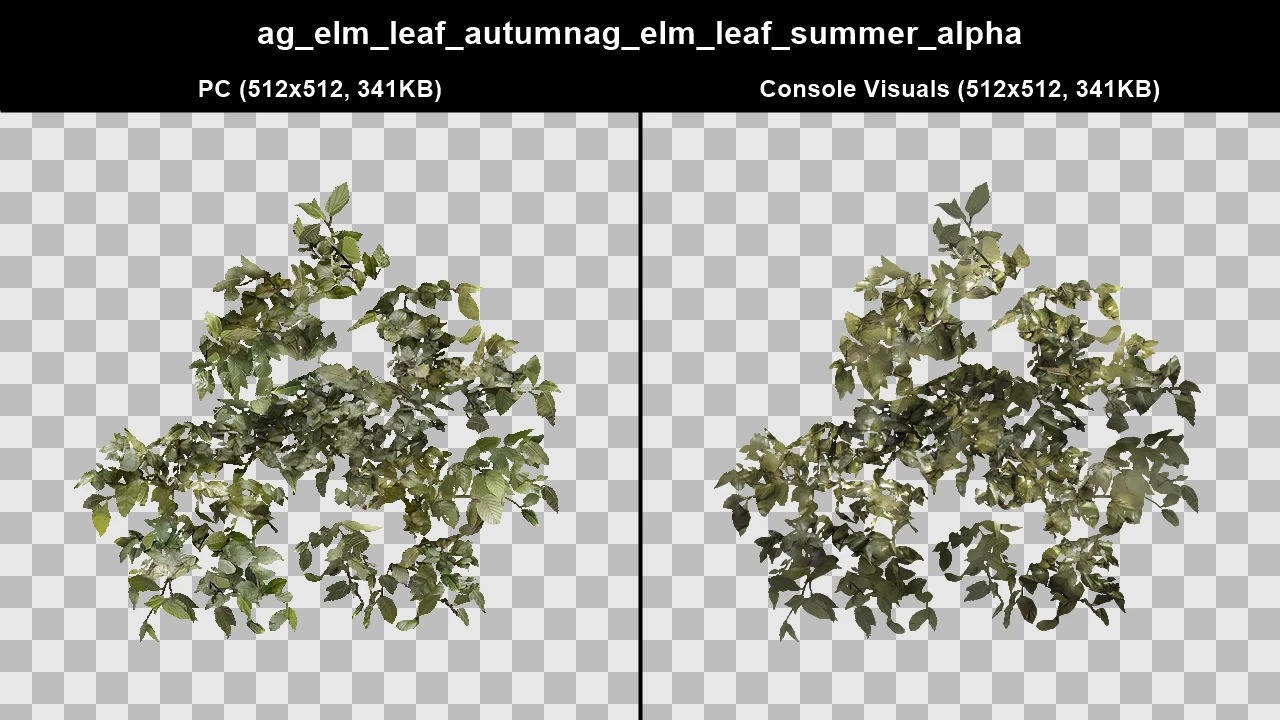
WTD: cj_ag_brown_bush
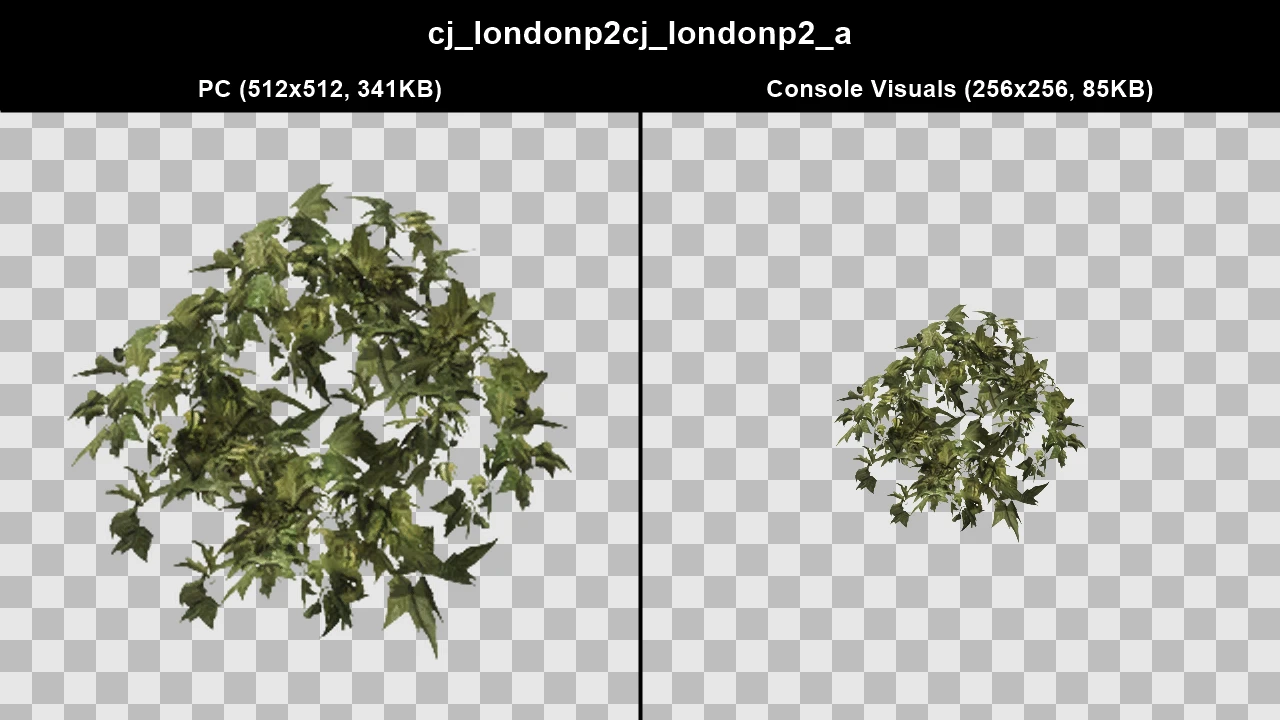
WTD: cj_ag_brown_bush2
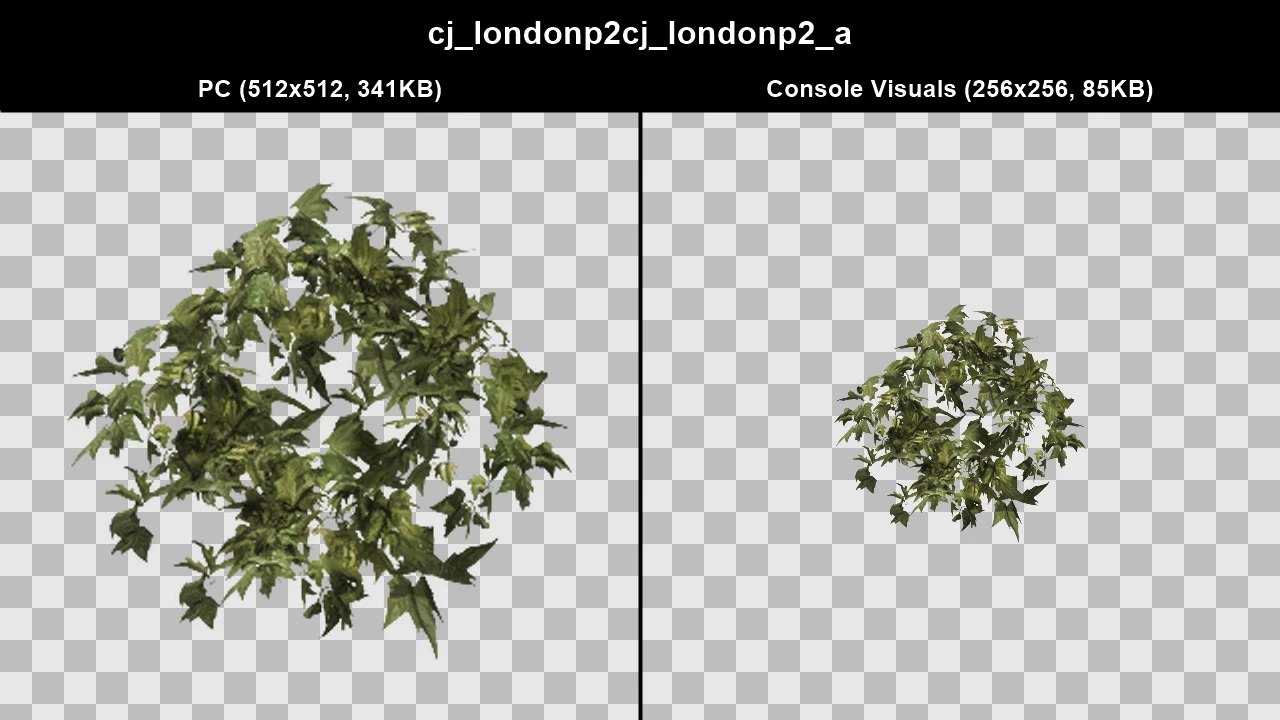
WTD: cj_ag_green_bush
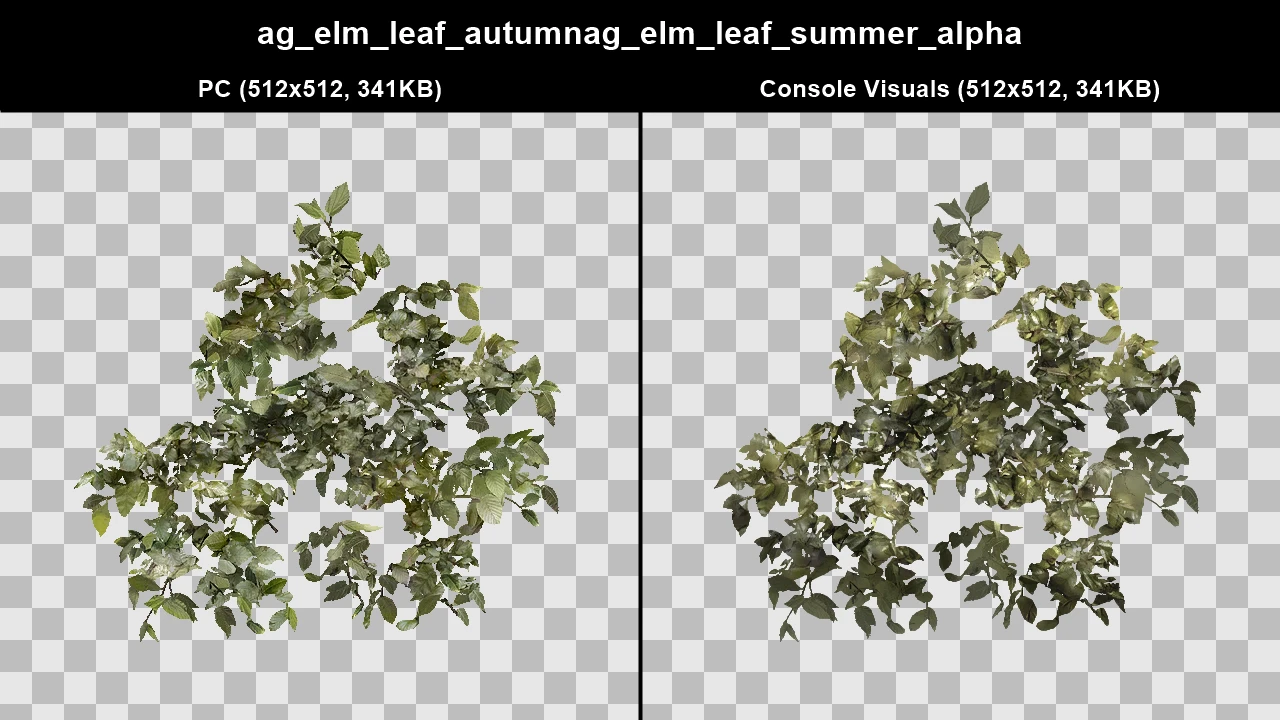
WTD: cj_ag_green_bush2
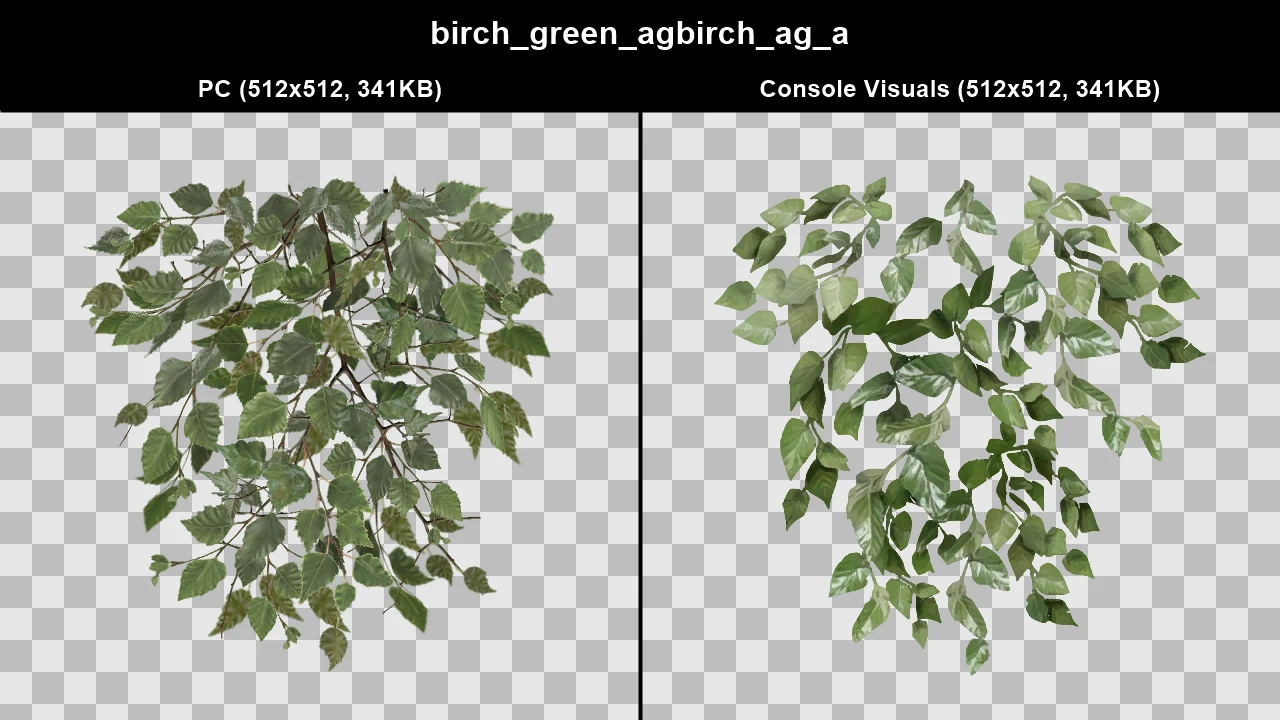
WTD: cj_ag_green_bush3
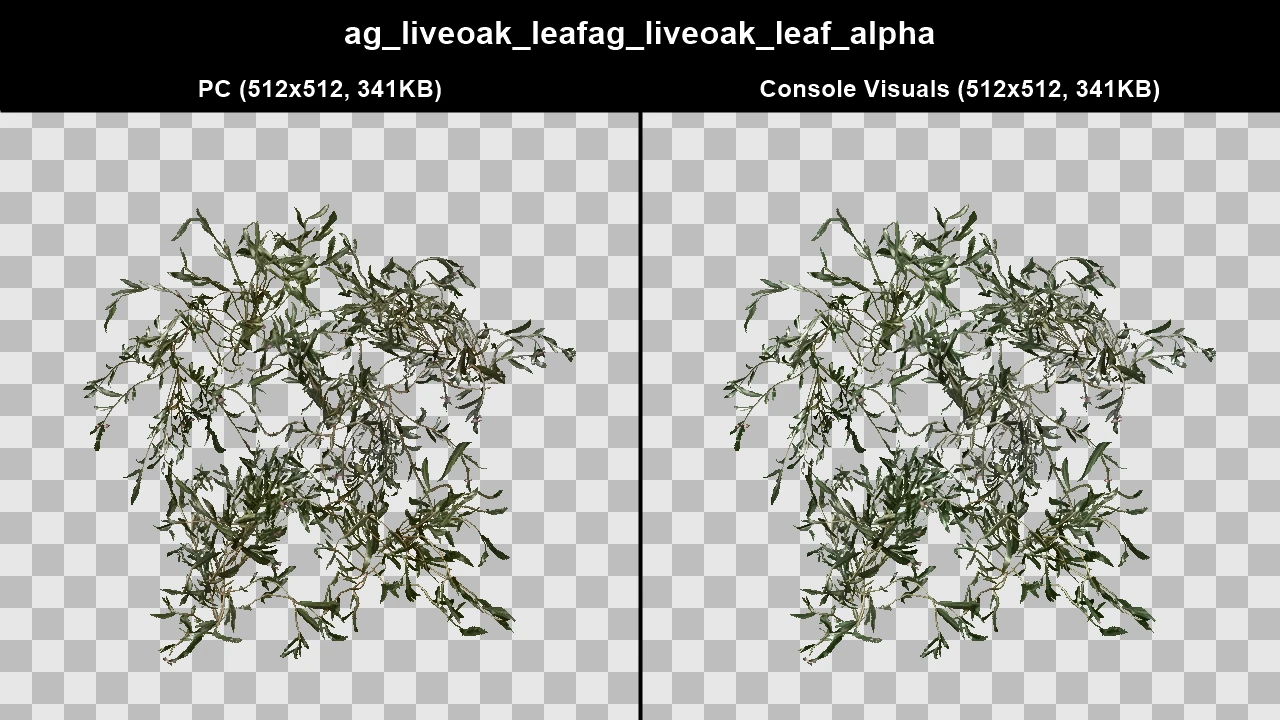
WTD: cj_p_grass
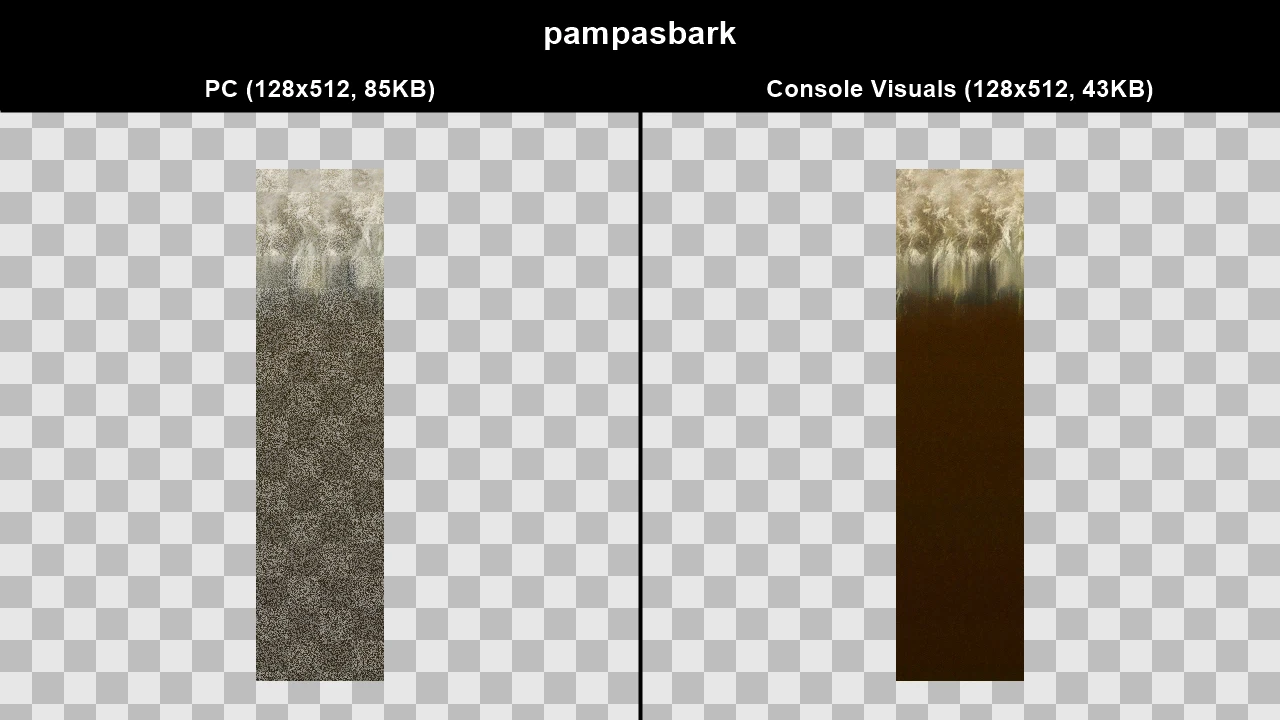
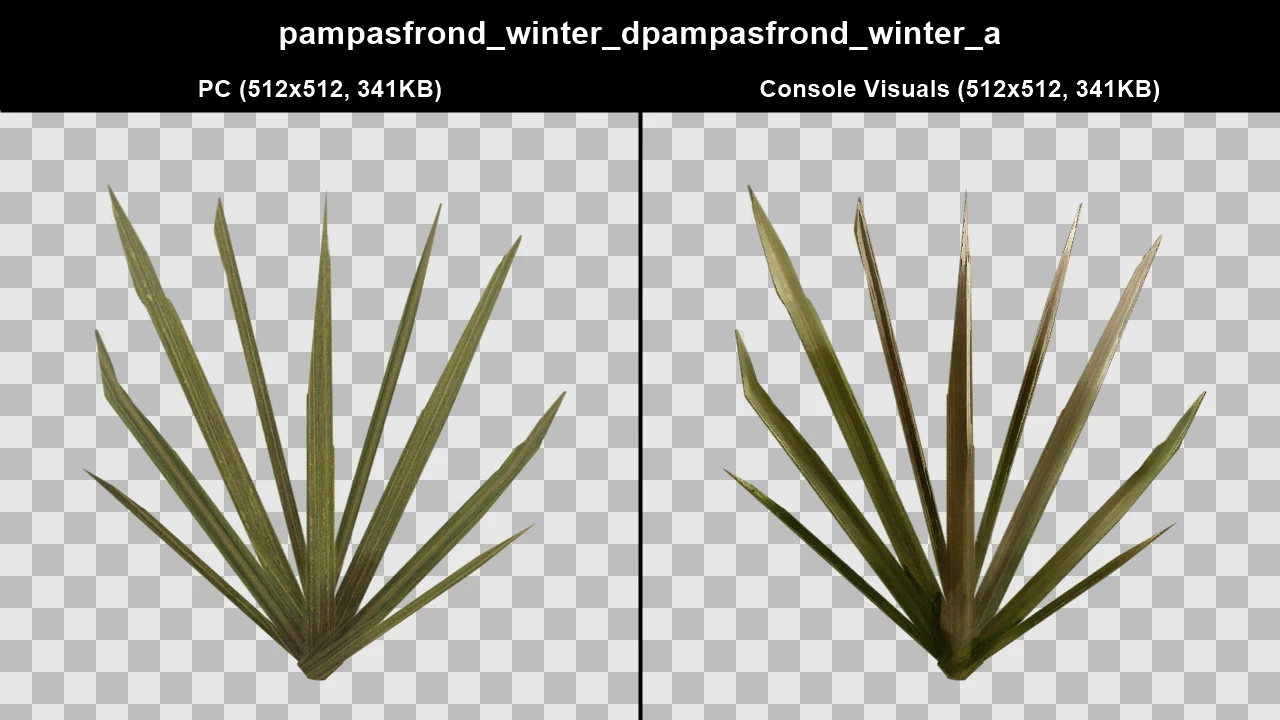
WTD: lod_trees_mh2
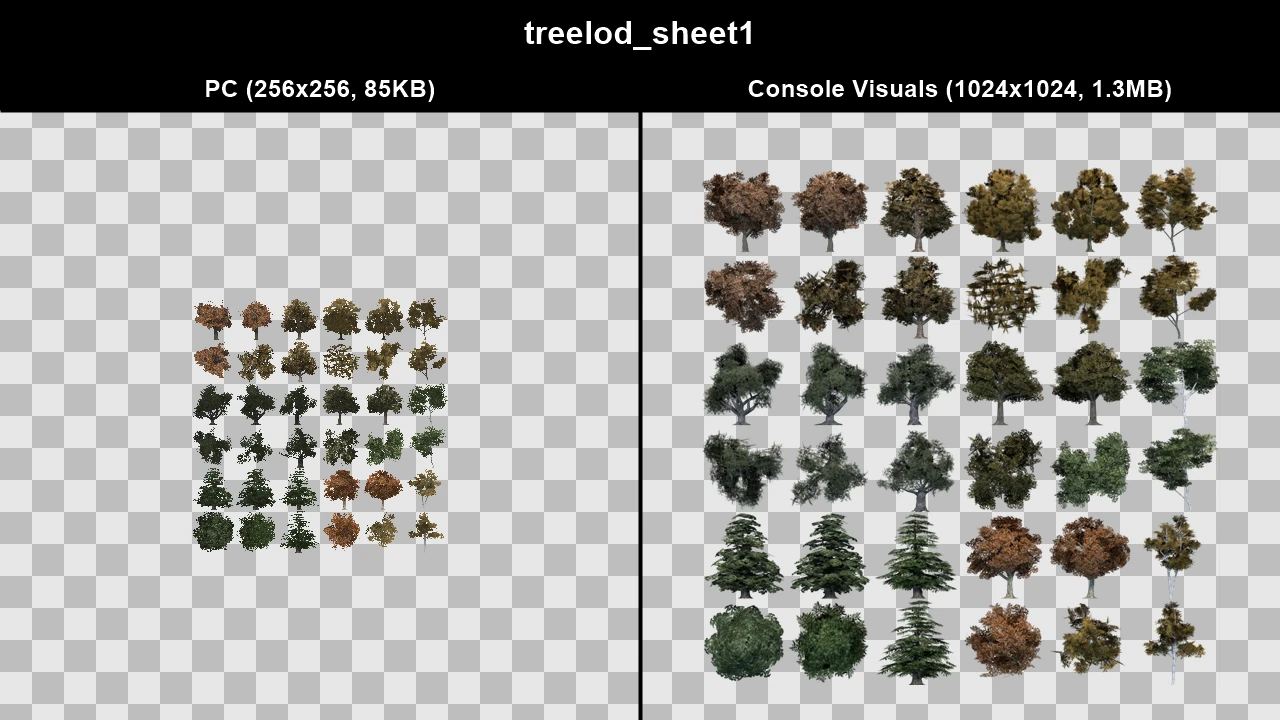
WTD: marco_treelod
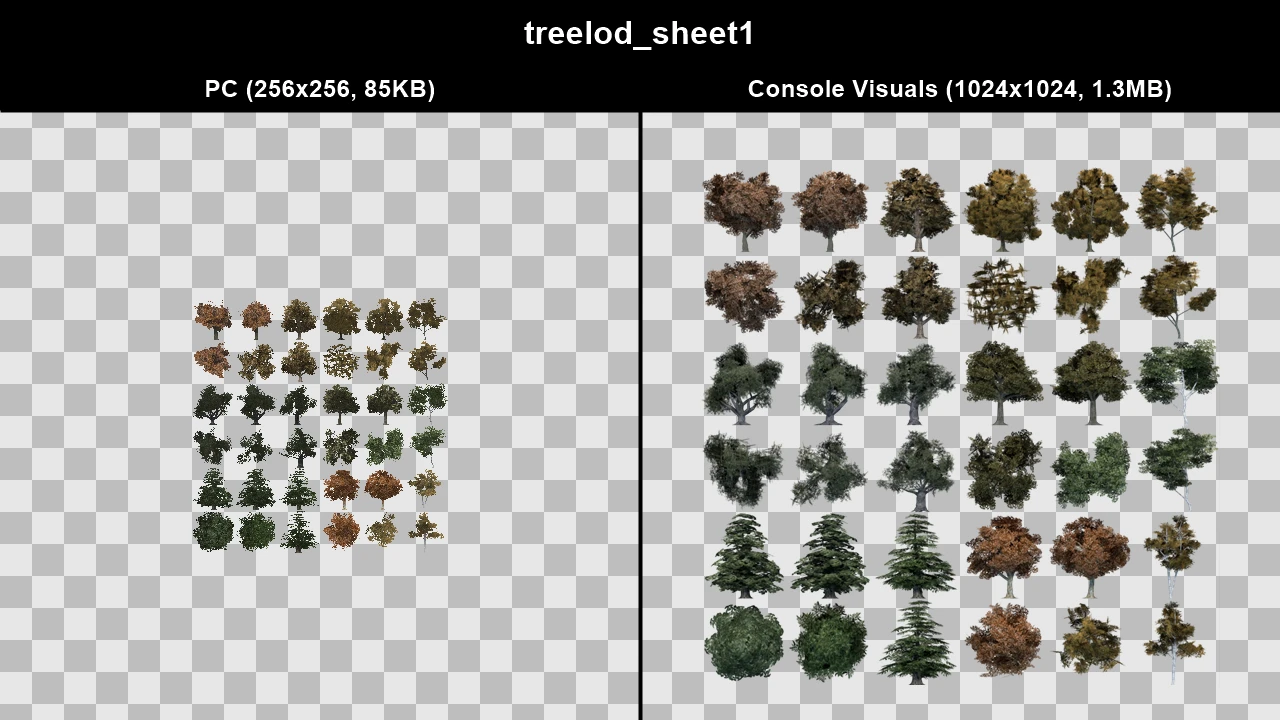
WTD: nj5_treelods
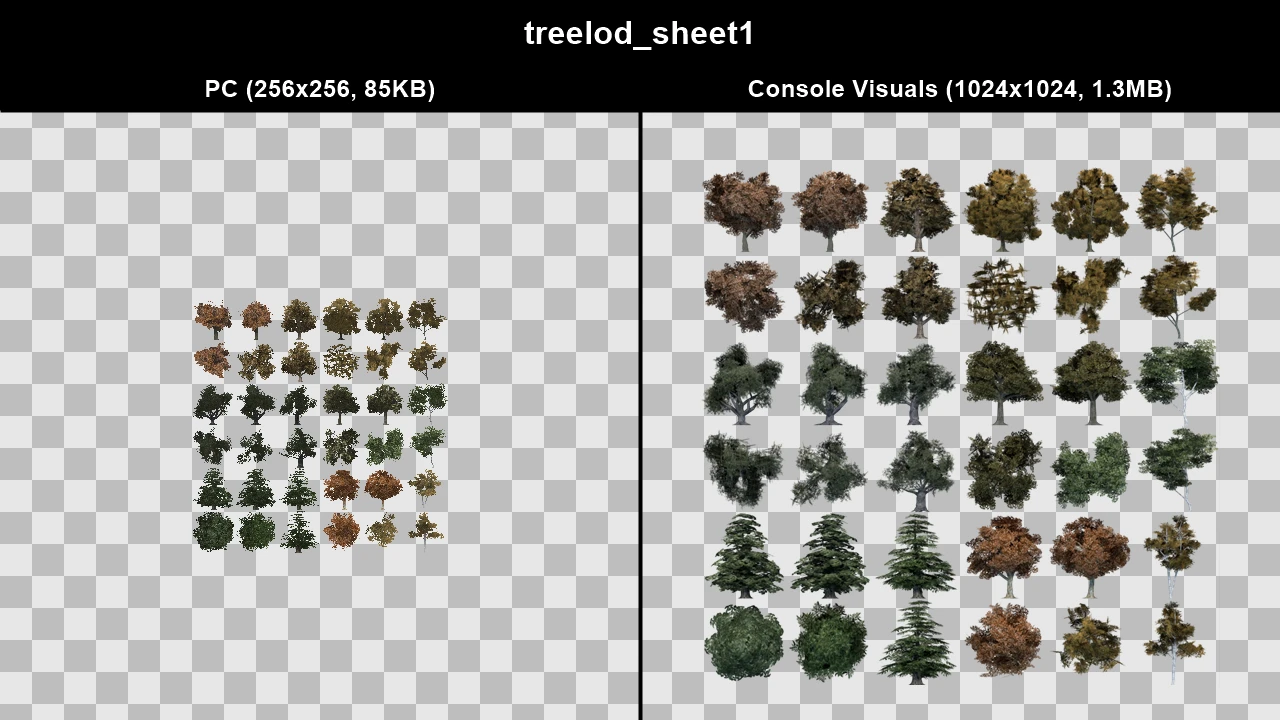
WTD: qw_treelods
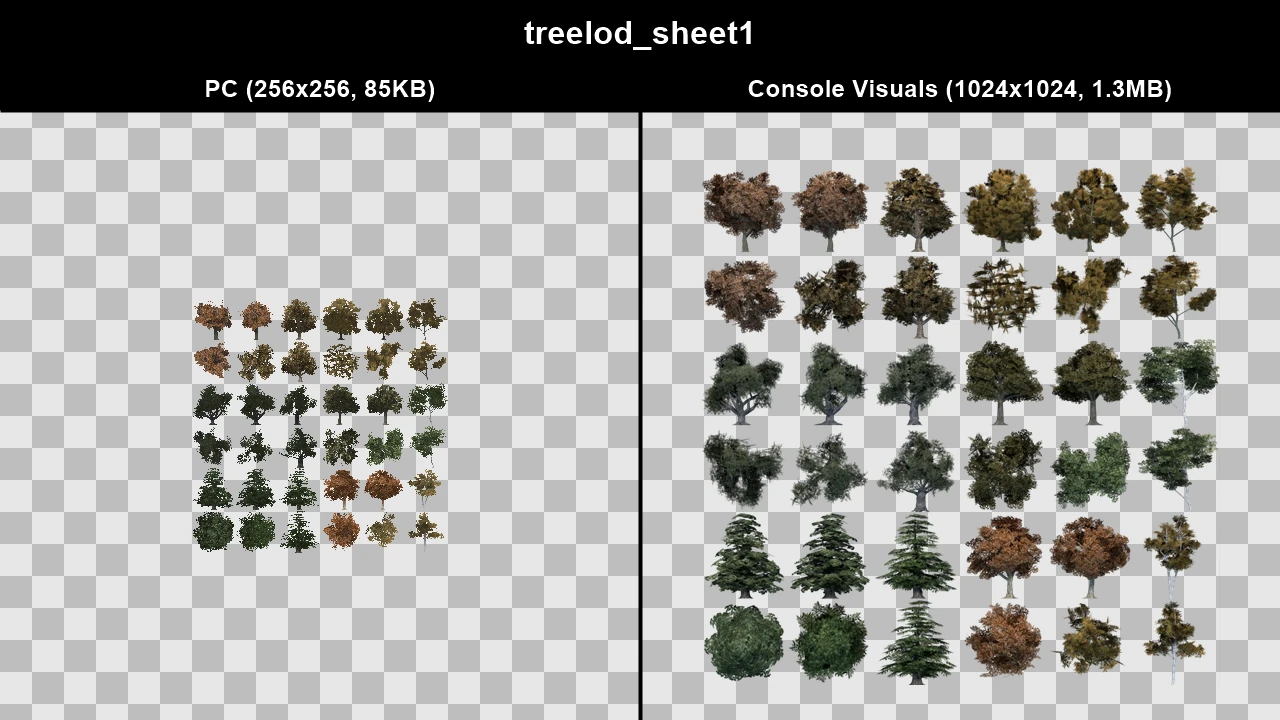
WTD: qw2_treelods
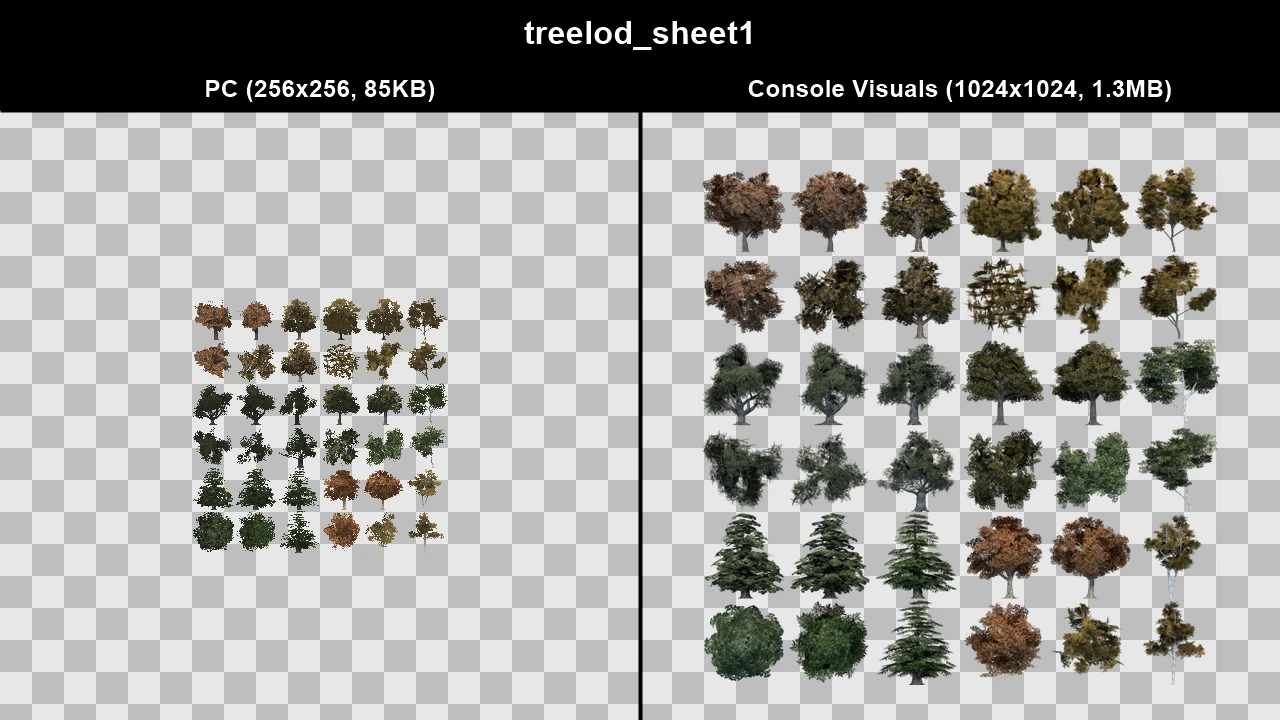
WTD: tree_lods
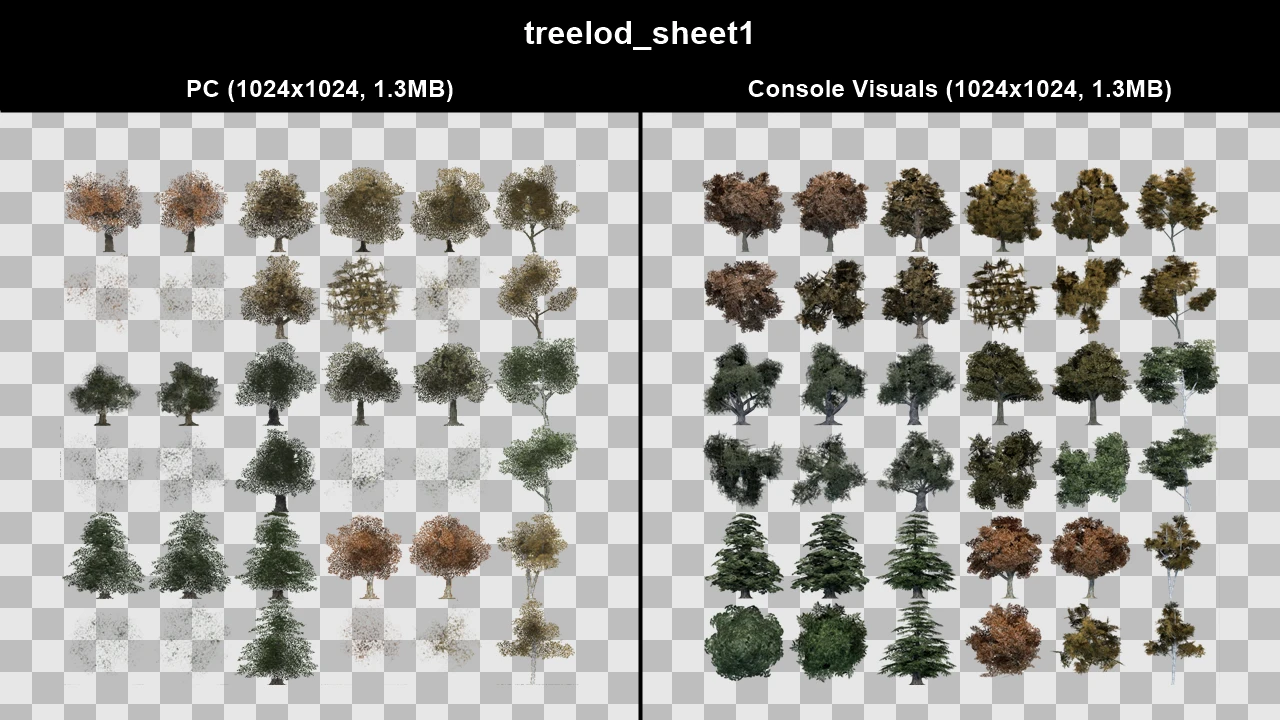
WTD: tree_lods_mh10
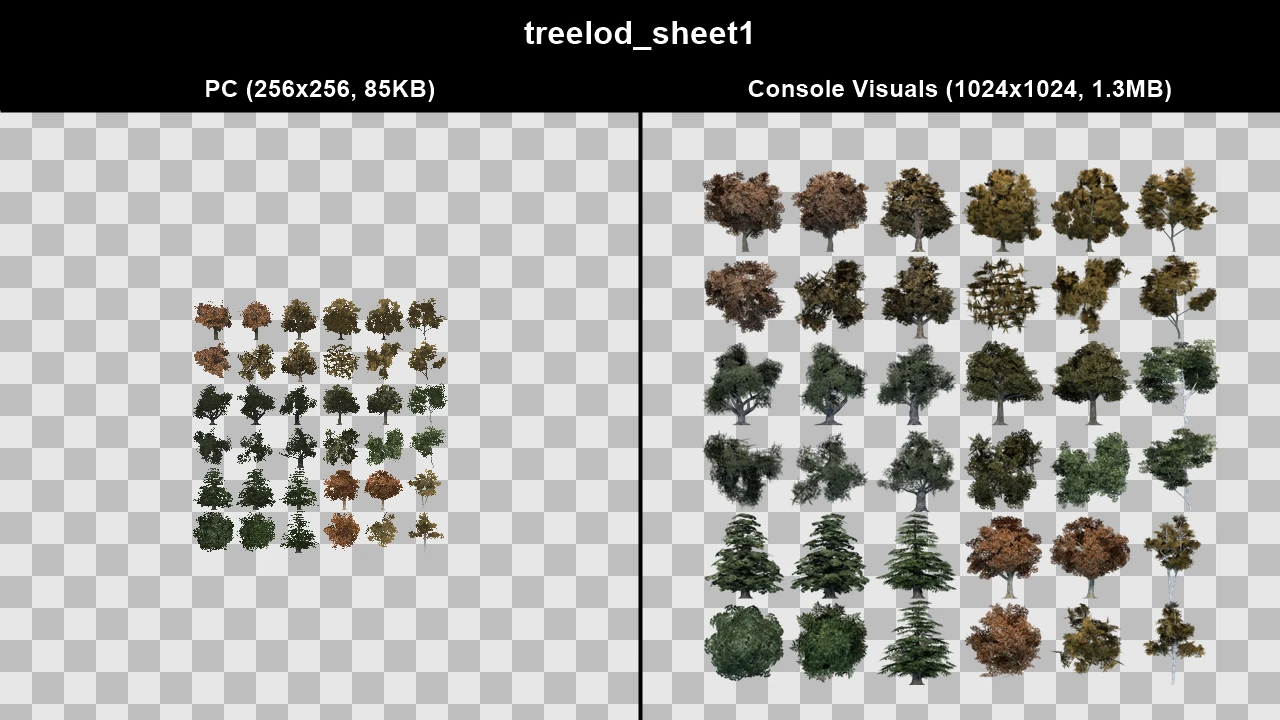
WTD: treelod_mh11
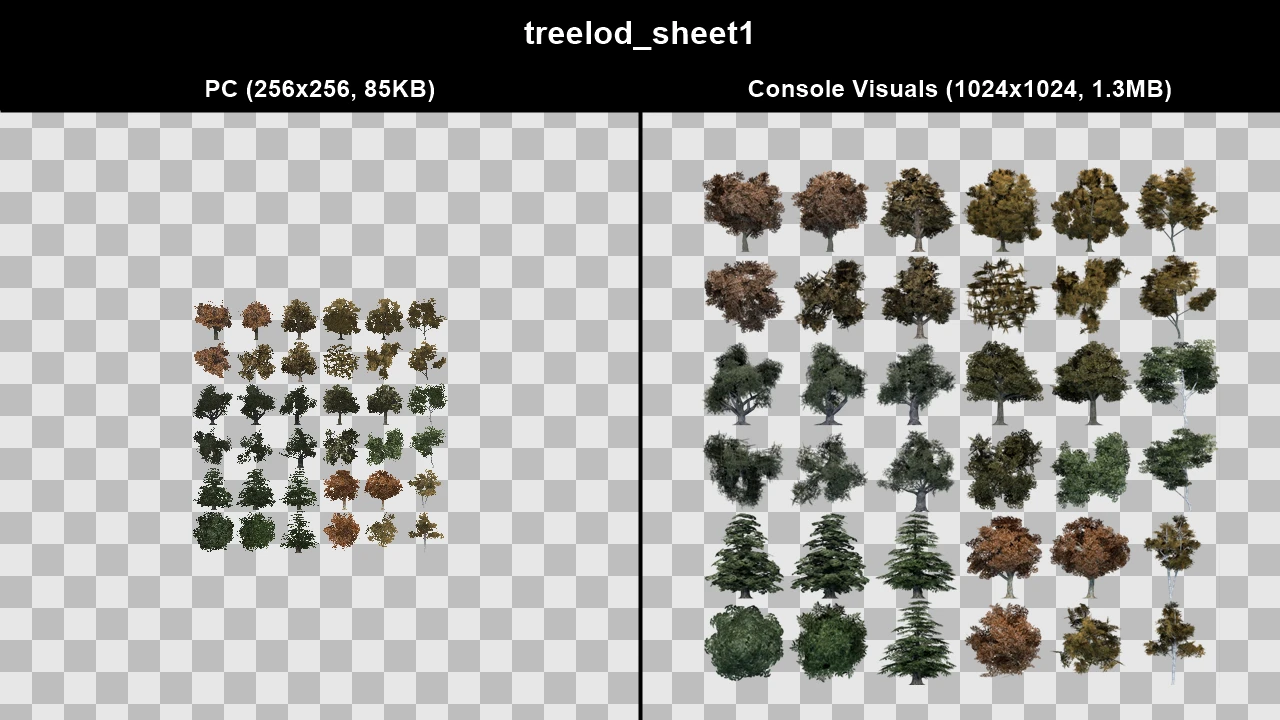
Console Fences#
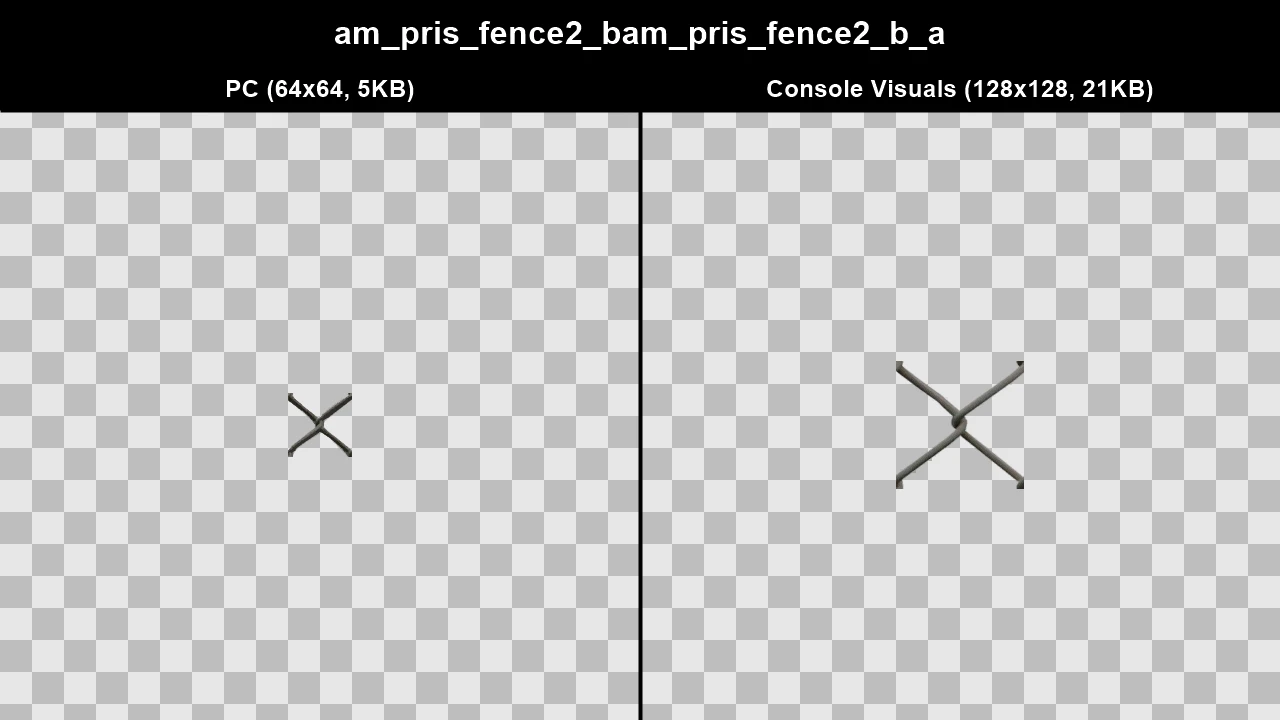
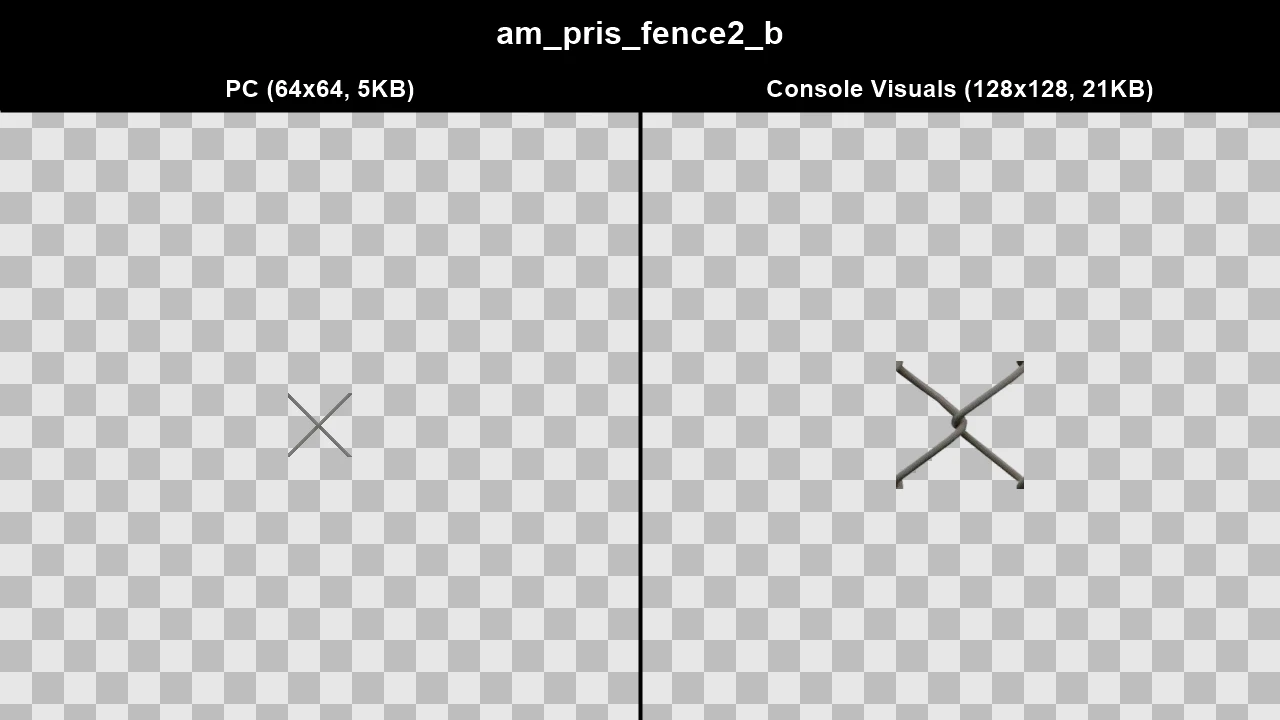
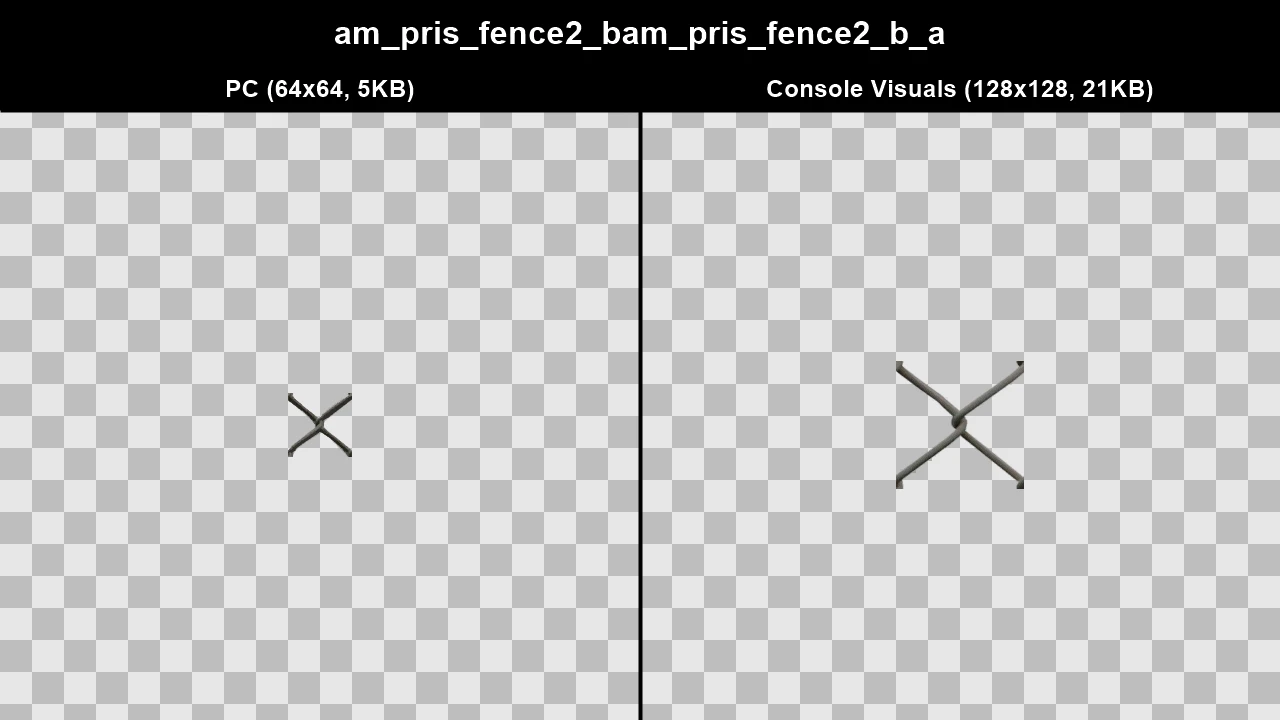
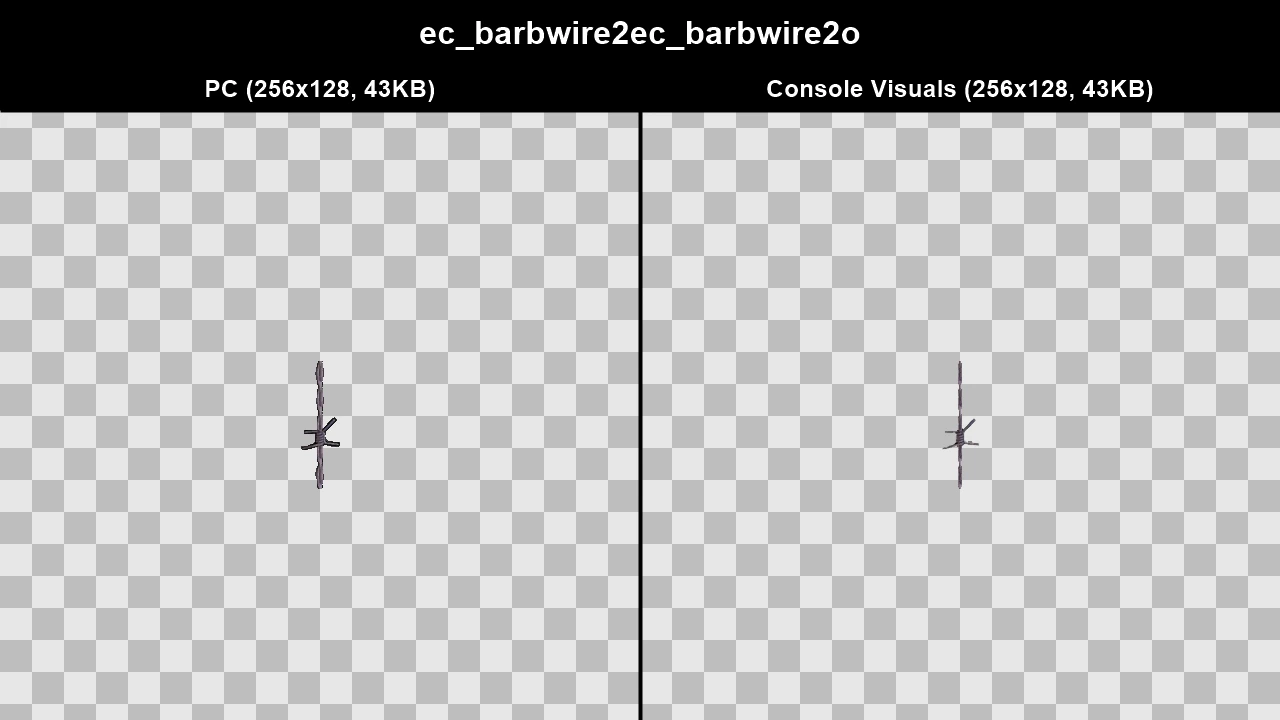
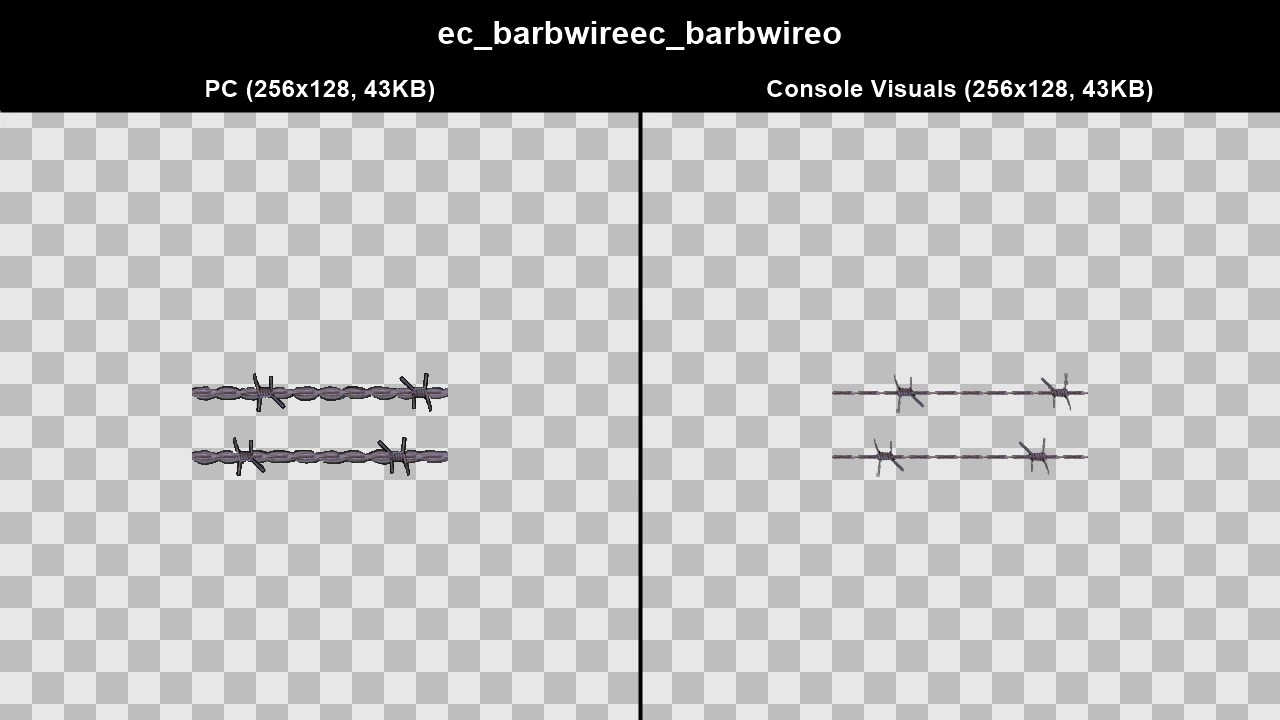
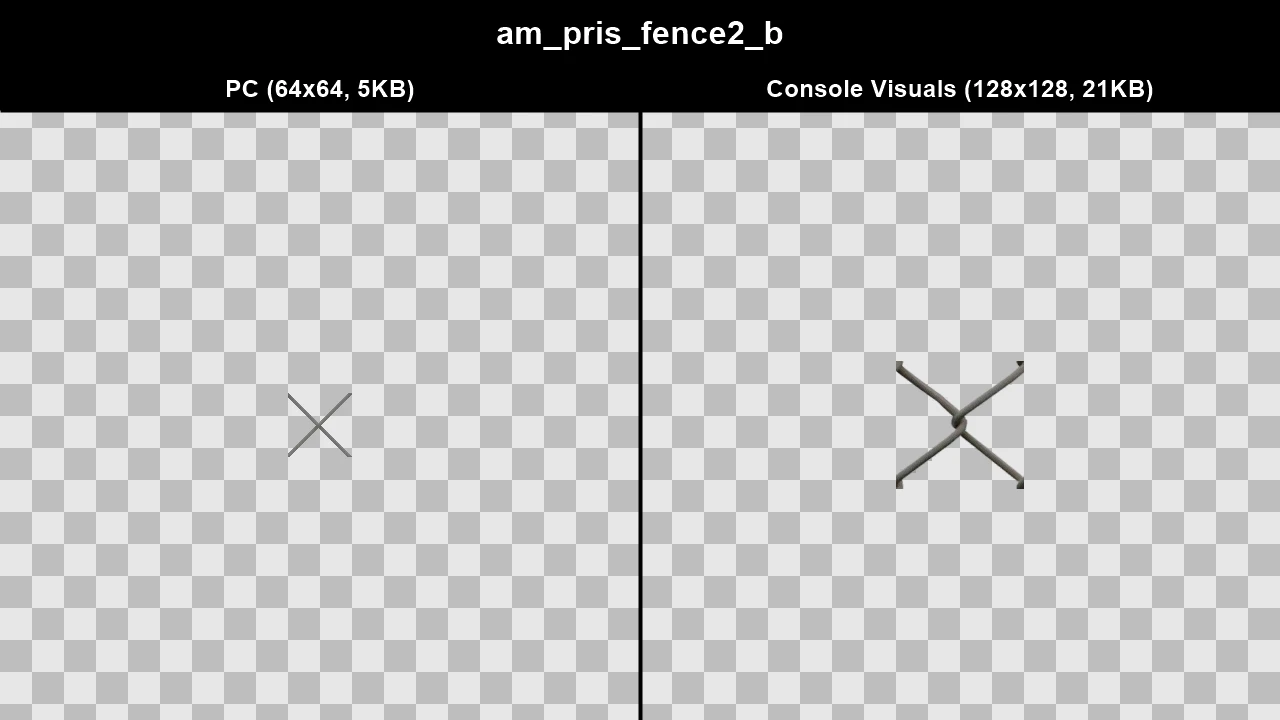
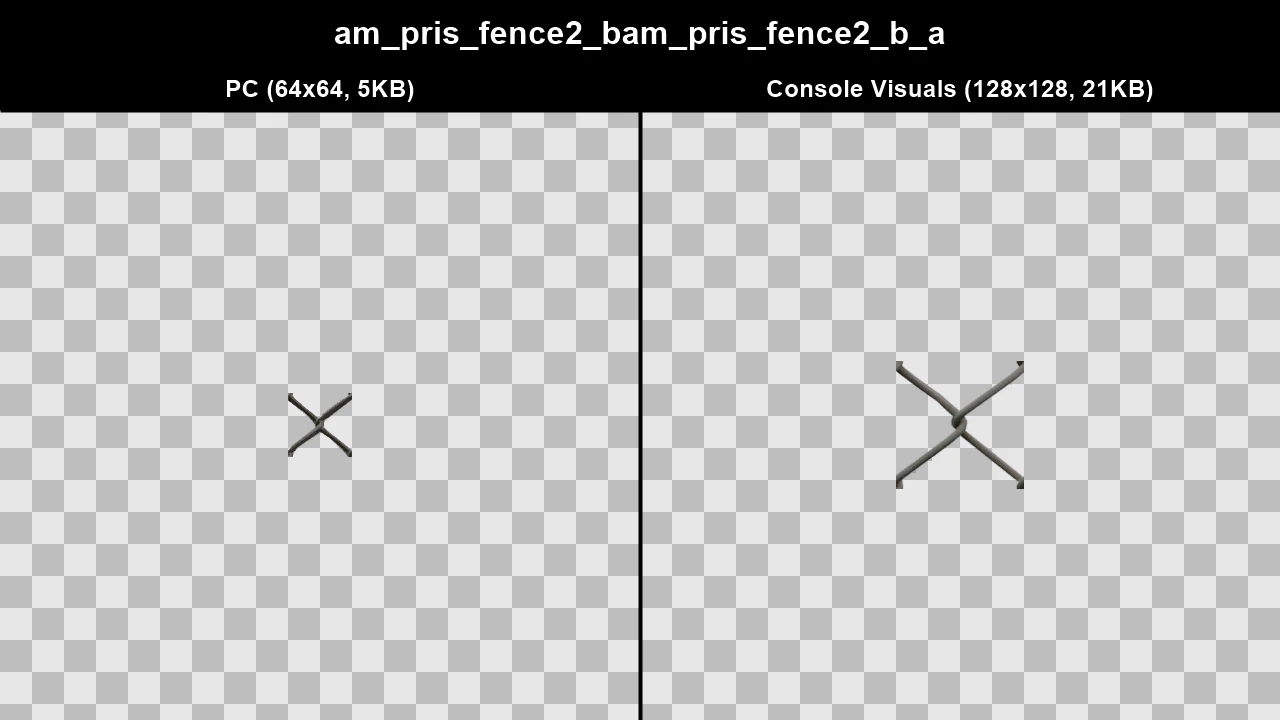
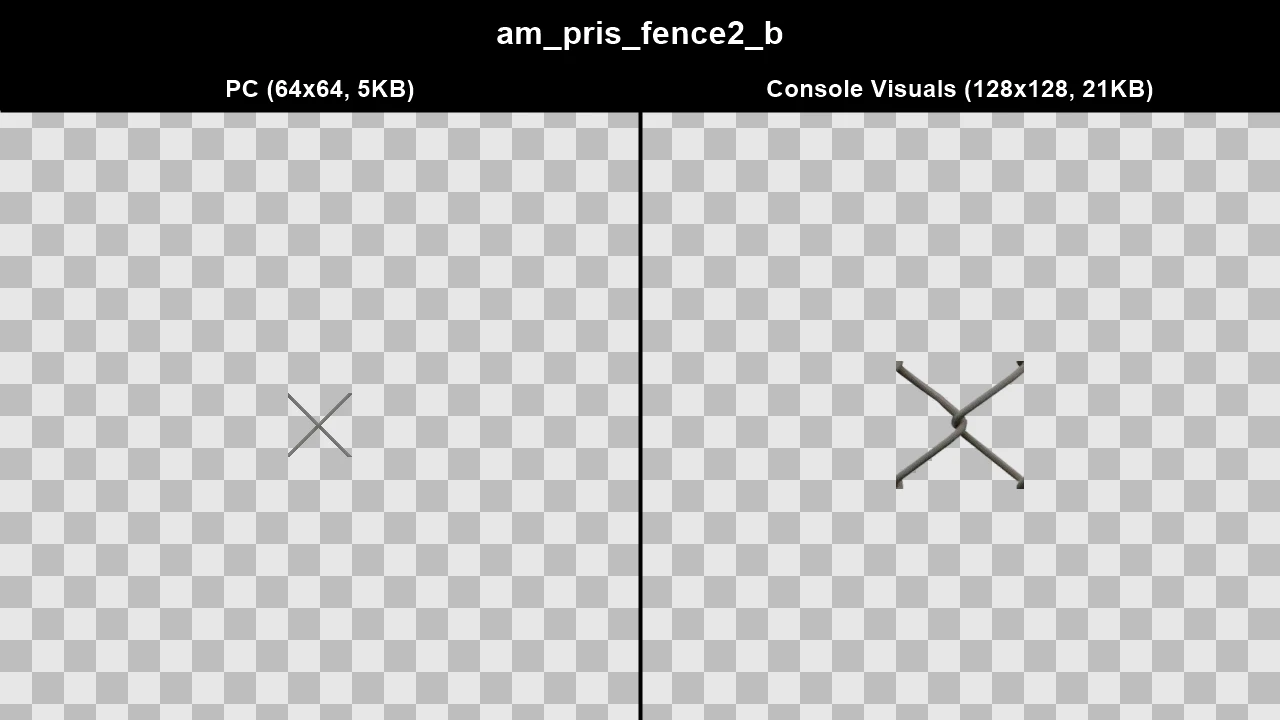
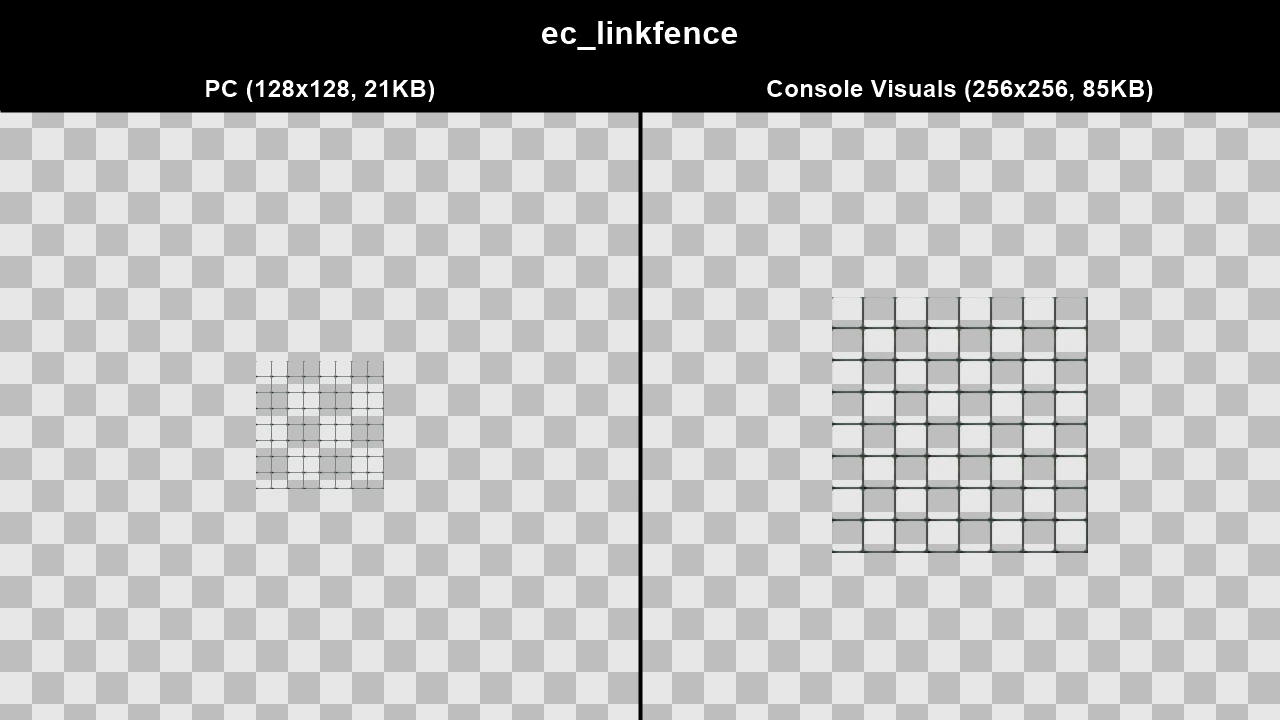
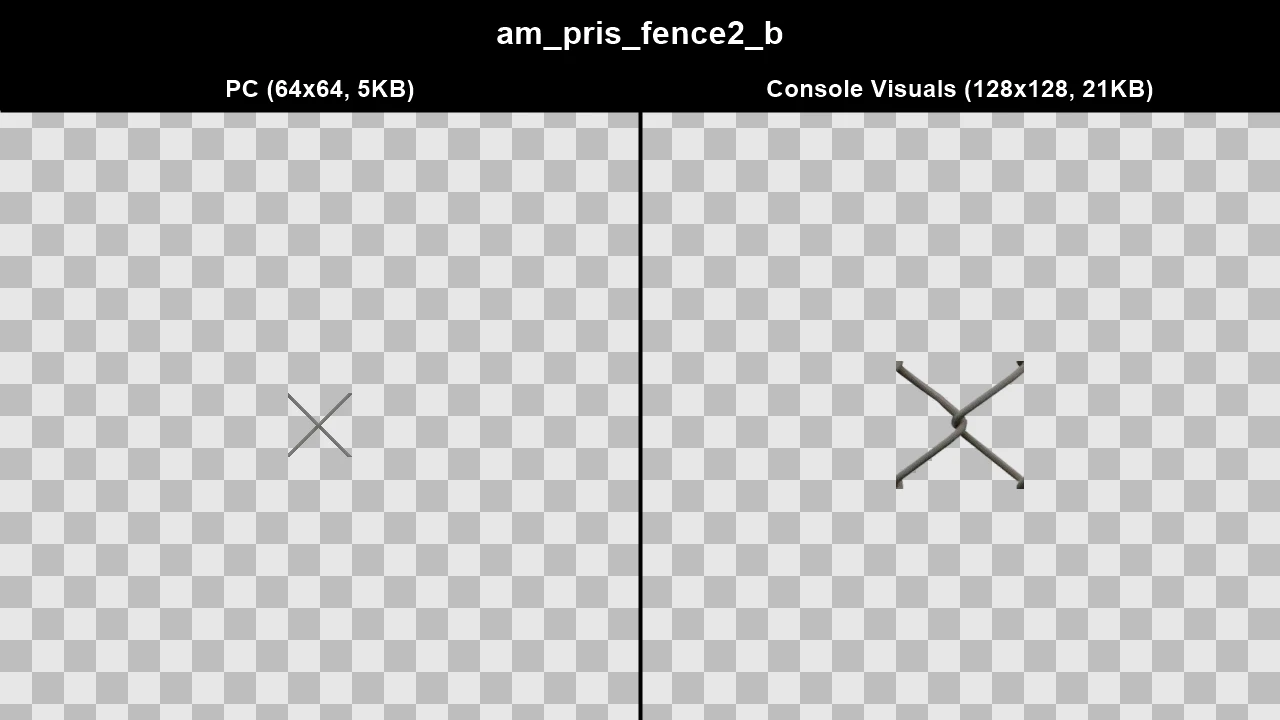
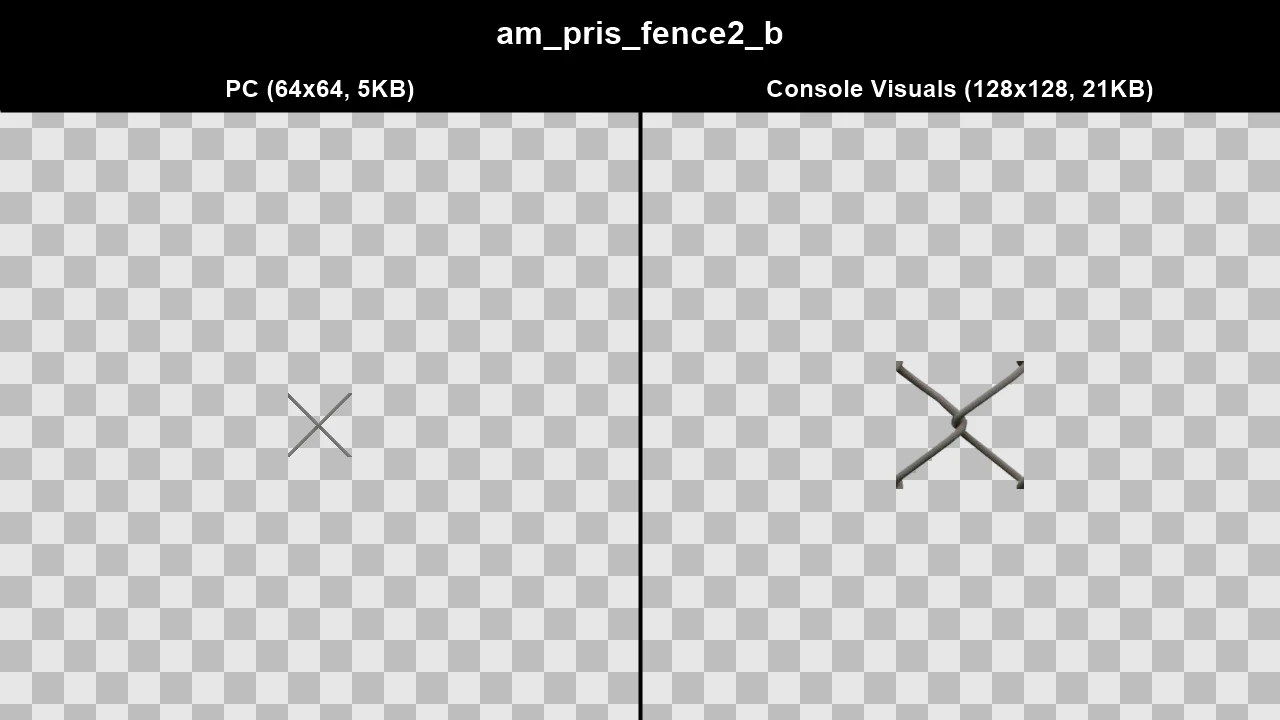
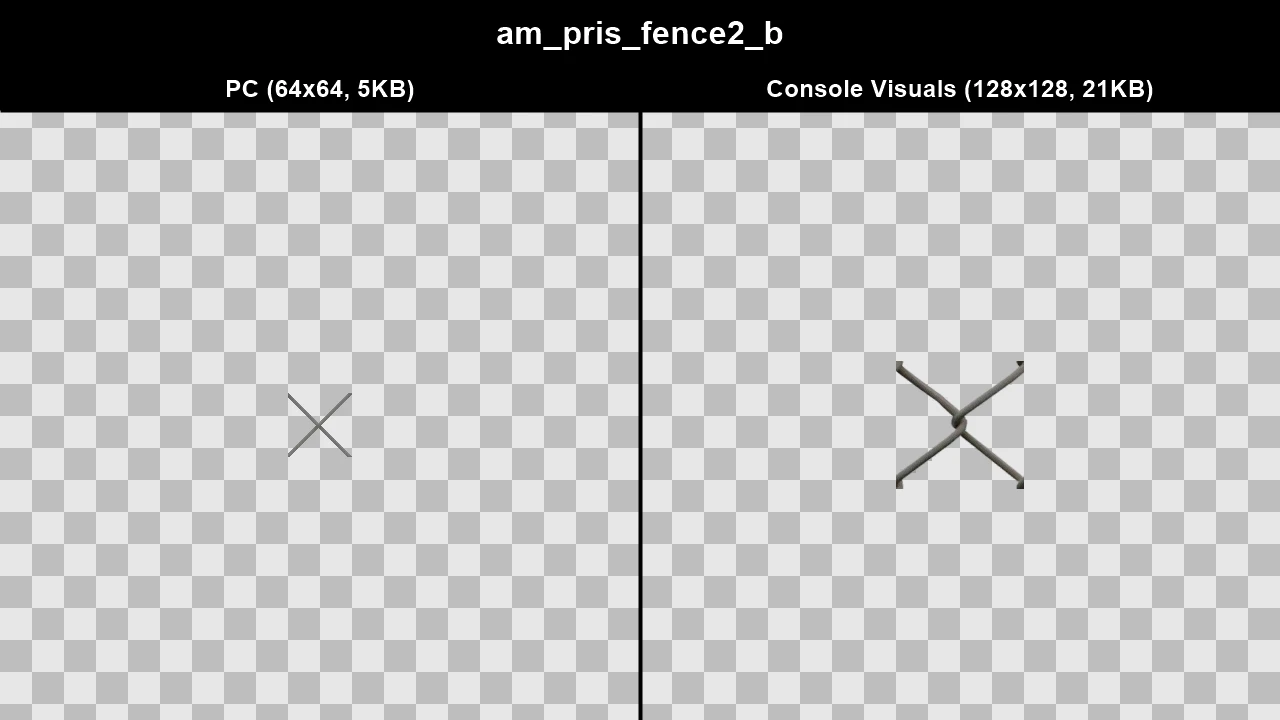
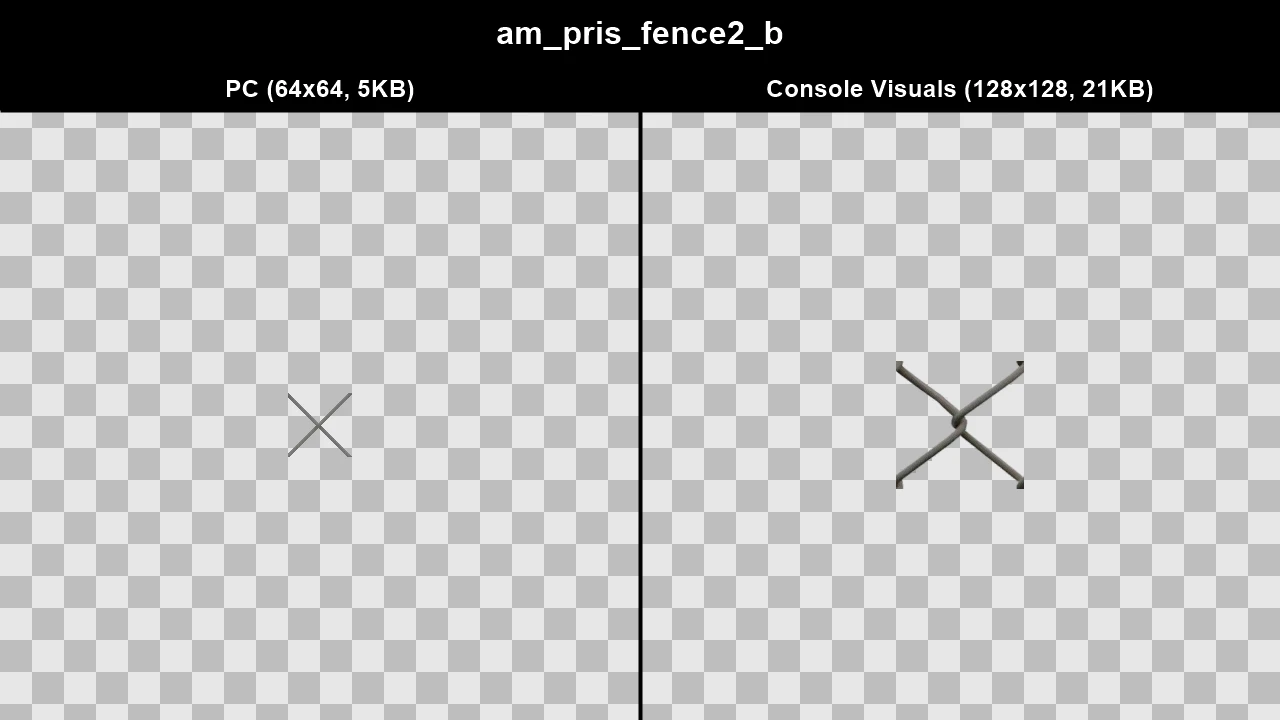
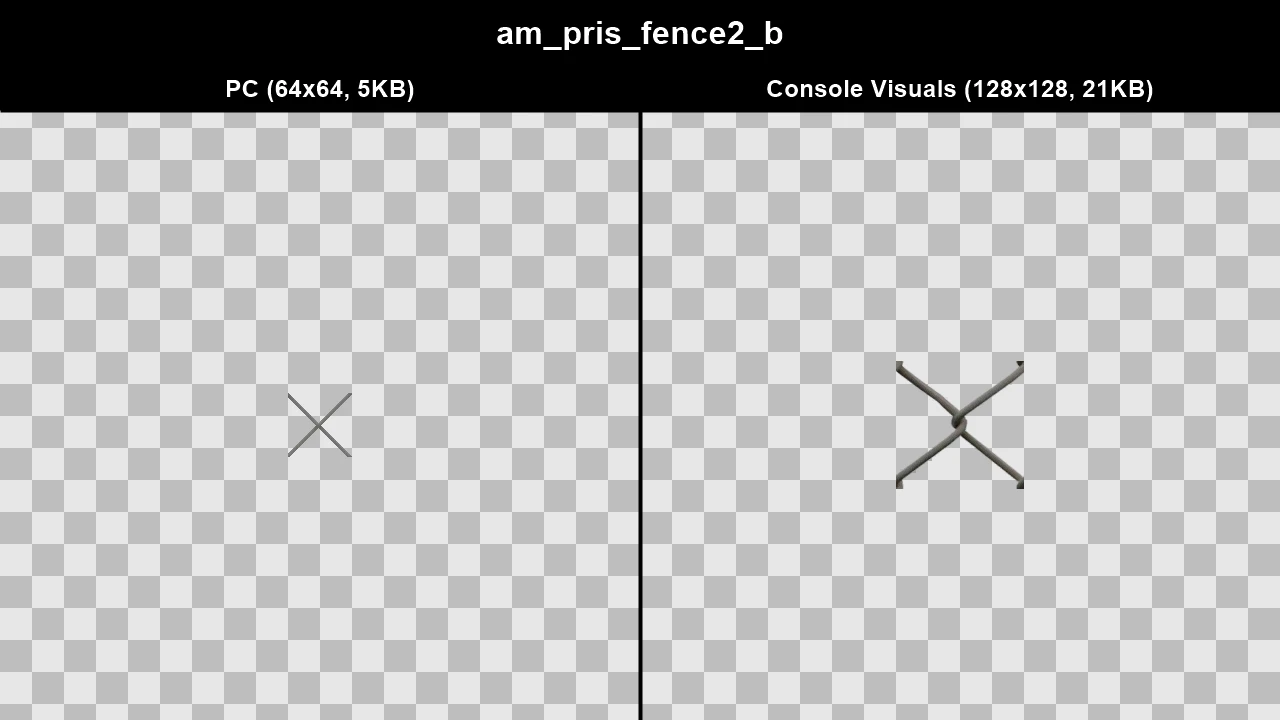
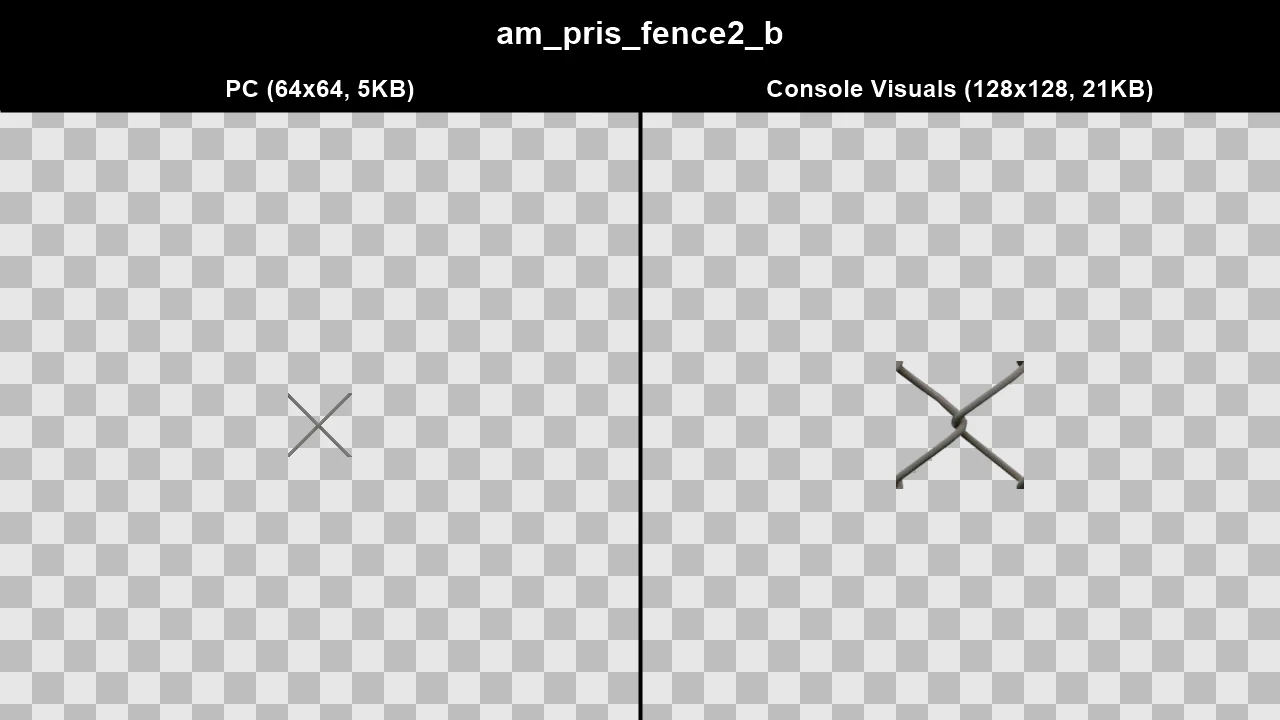
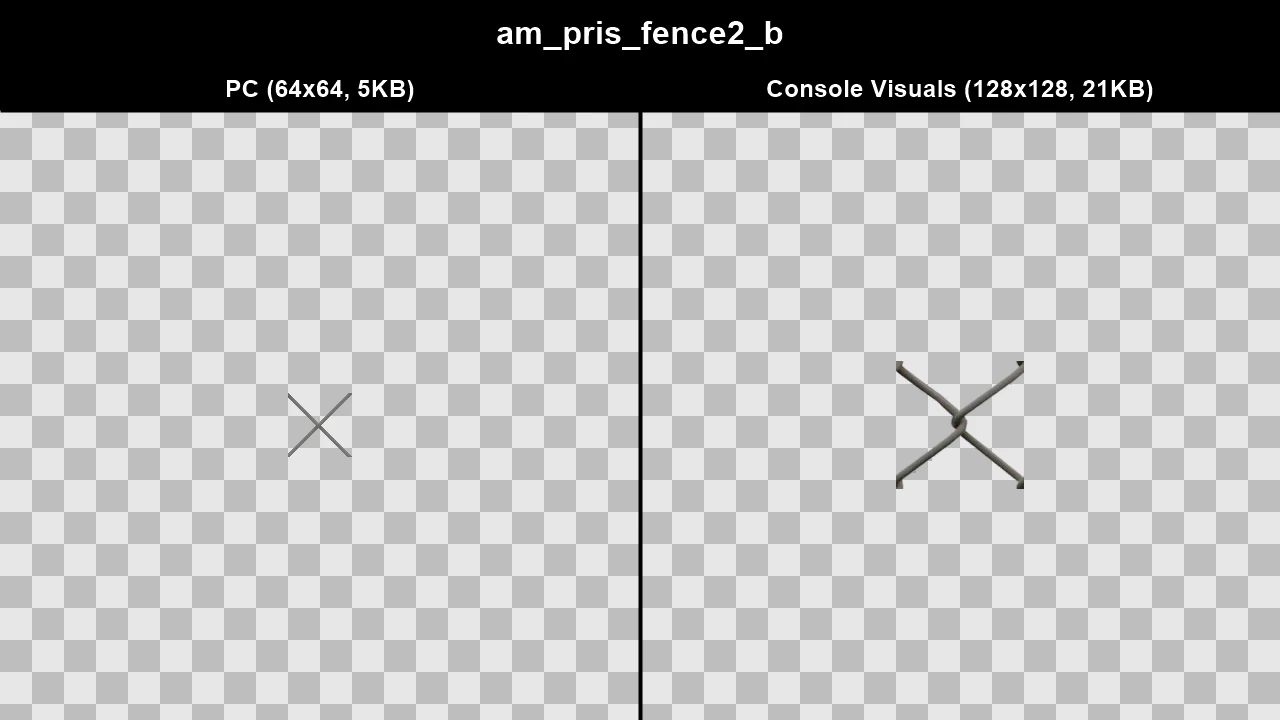
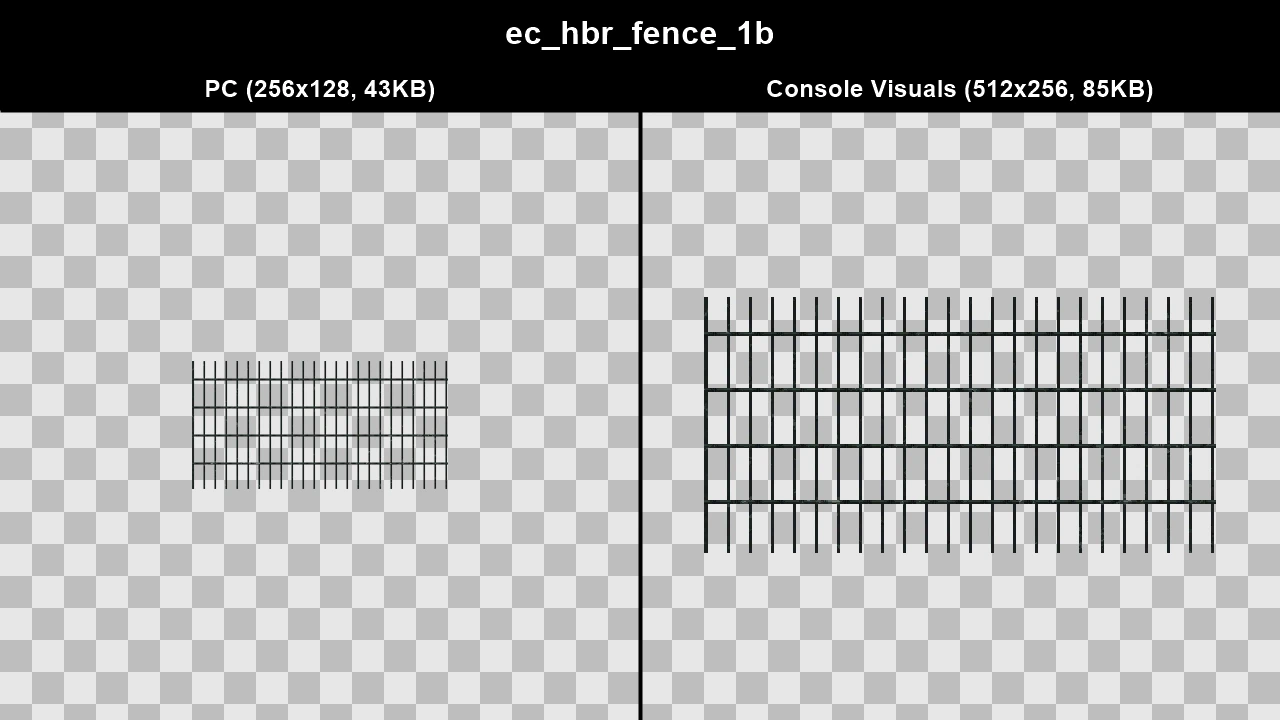
Console fences are higher quality on console than on PC across the board. The resolution is often higher and the alpha is usually cleaner as well.
TJGM Recommendation: ✅ Use Console Fences, there's no downside and they're better quality in every way.
In-Game Comparisons#
Click to view images
Texture: am_pris_fence2_b
.webp)
.webp)
Texture: am_pris_fence2_bam_pris_fence2_b_a
.webp)
.webp)
Texture: ec_barbwire2ec_barbwire2o and ec_barbwireec_barbwireo
.webp)
.webp)
Texture: ec_hbr_fence_1b
.webp)
.webp)
Texture Comparisons#
Click to view images
WTD: bm_fence2
WTD: cj_blue_cor_mesh
WTD: cj_cor_mesh_fence
WTD: cj_frag_fence
WTD: cj_gate
WTD: cj_gen_mesh_fen
WTD: cj_iron_fence
WTD: cj_mesh_fence_sign
WTD: cj_orange_fence
WTD: cj_red_cor_mesh
WTD: cj_stan_corr
WTD: cj_wire_fence_2
WTD: ec_er_gate
WTD: ec_harbour_fence
Console HUD#
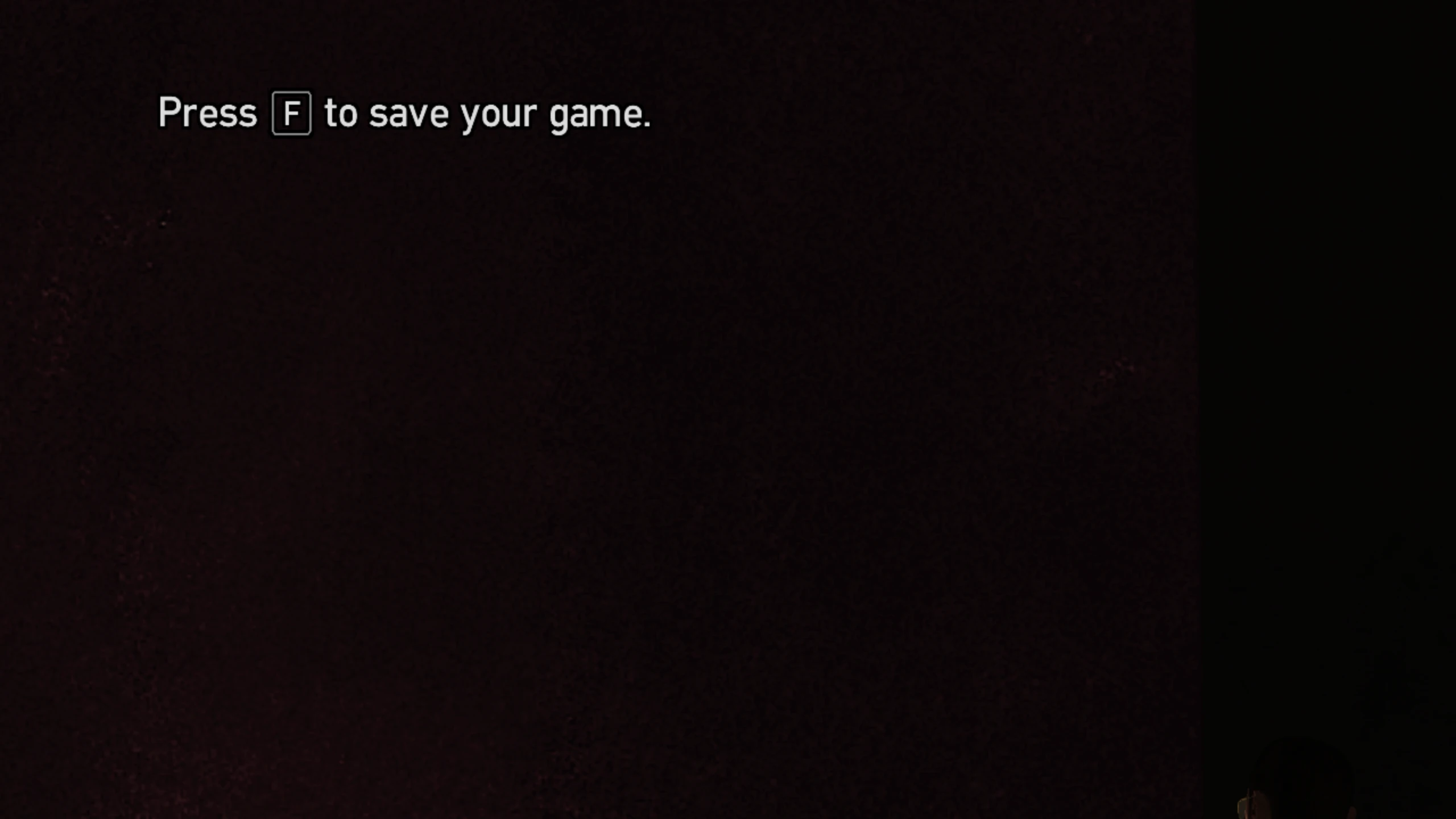
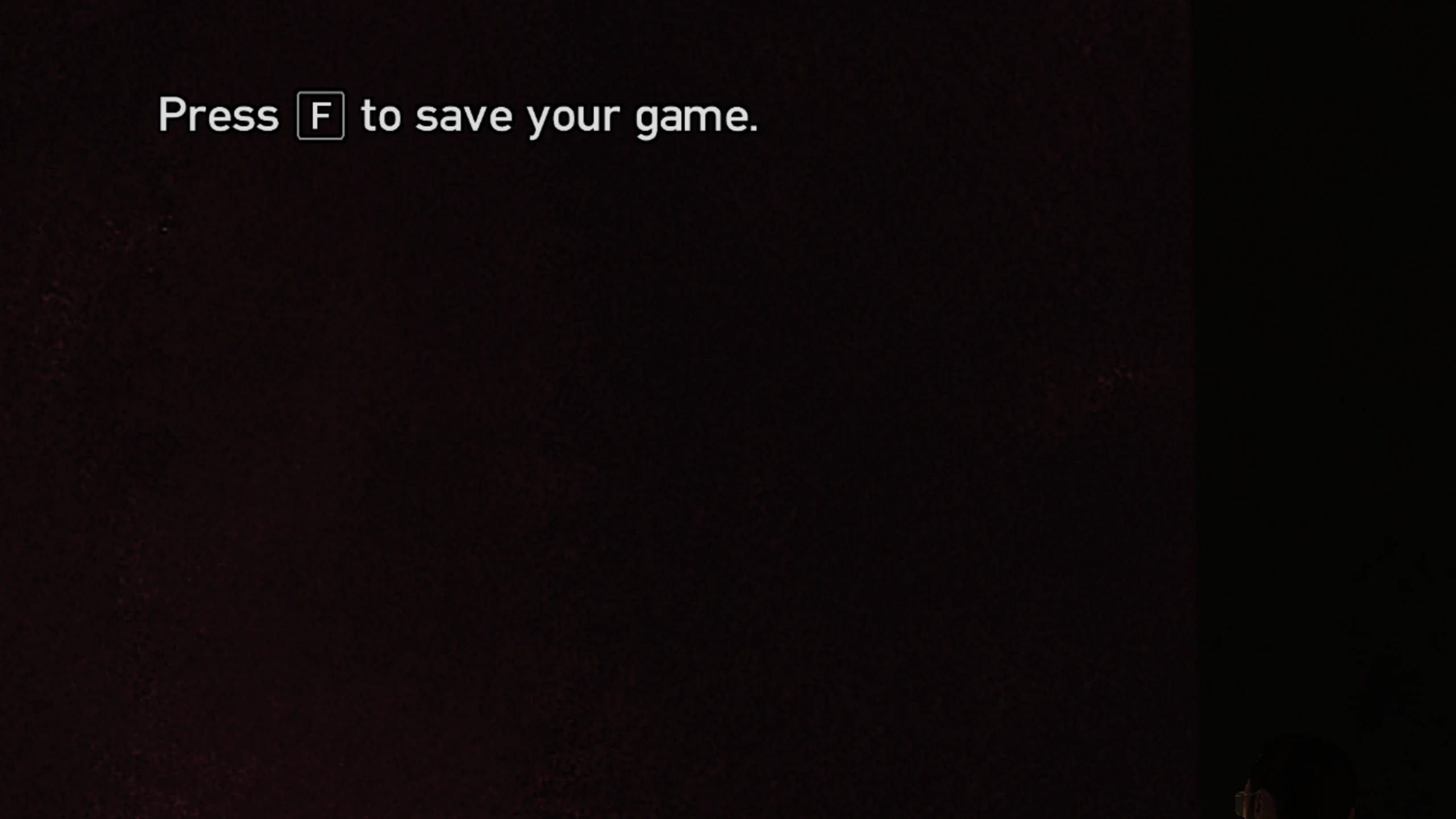
The help boxes in the top left corner of the screen were made smaller on PC compared to console.
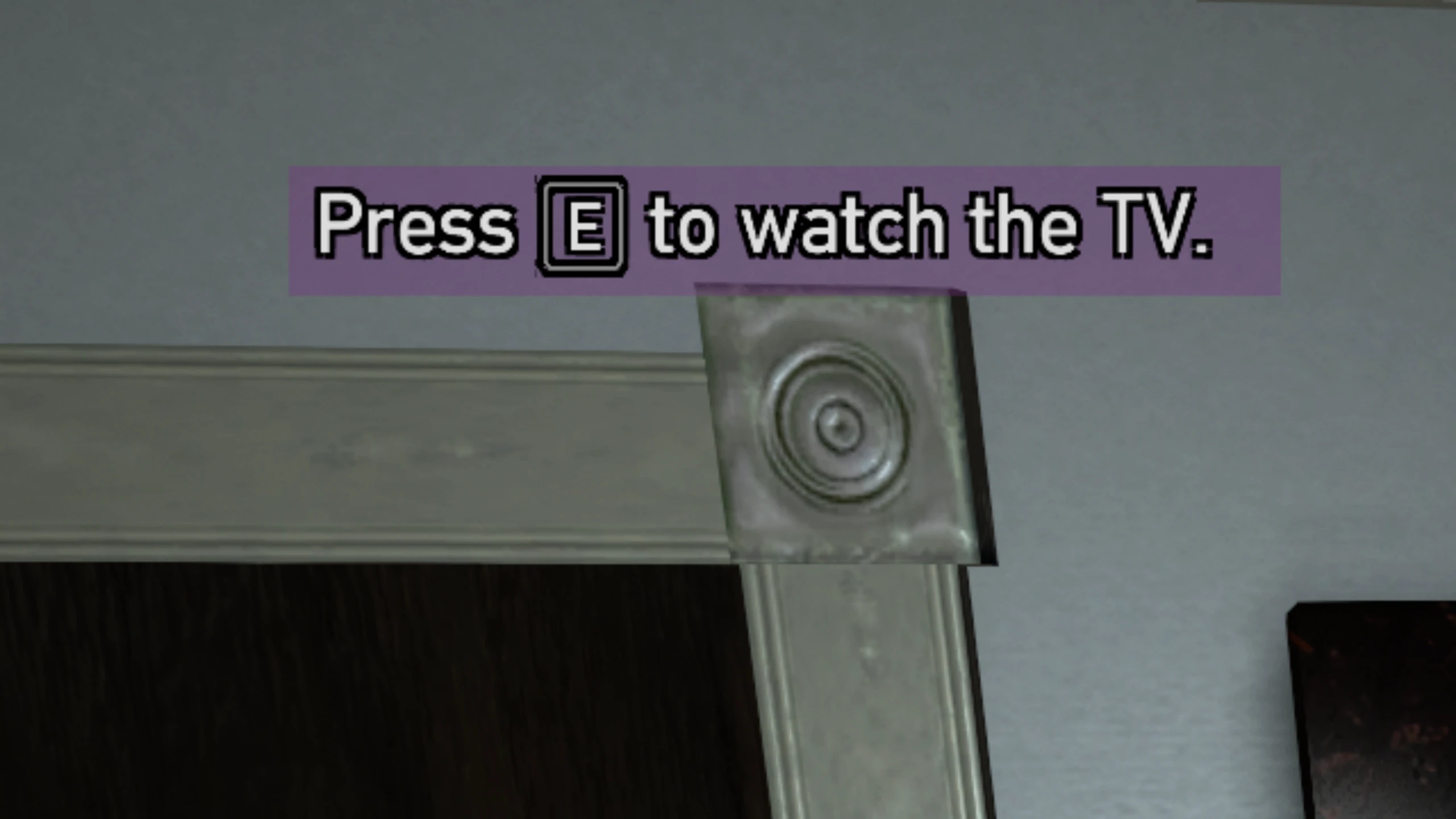
The Ballad of Gay Tony also had it's help boxes made less opaque on PC. The same was also done to certain icons in multiplayer, but that has been removed from The Complete Edition.
Console Visuals has two options... you can download Console.HUD.zip which contains the bigger console help boxes as well as the less opaque console help boxes for The Ballad of Gay Tony. Or if you want to keep the help boxes smaller as they always were on PC, you can download Console.TBoGT.Hud.Colors.zip which only includes the less opaque help boxes for The Ballad of Gay Tony.
TJGM Recommendation: 🤷♂️ Subjective. Not much to say really, I prefer The Ballad of Gay Tony help box colour on console, but the sizing makes no difference to me.
In-Game Comparisons#
Click to view images
Help box size (applies to base game and episodes)
The Ballad of Gay Tony colours (PC Size)
Console Loading Screens#
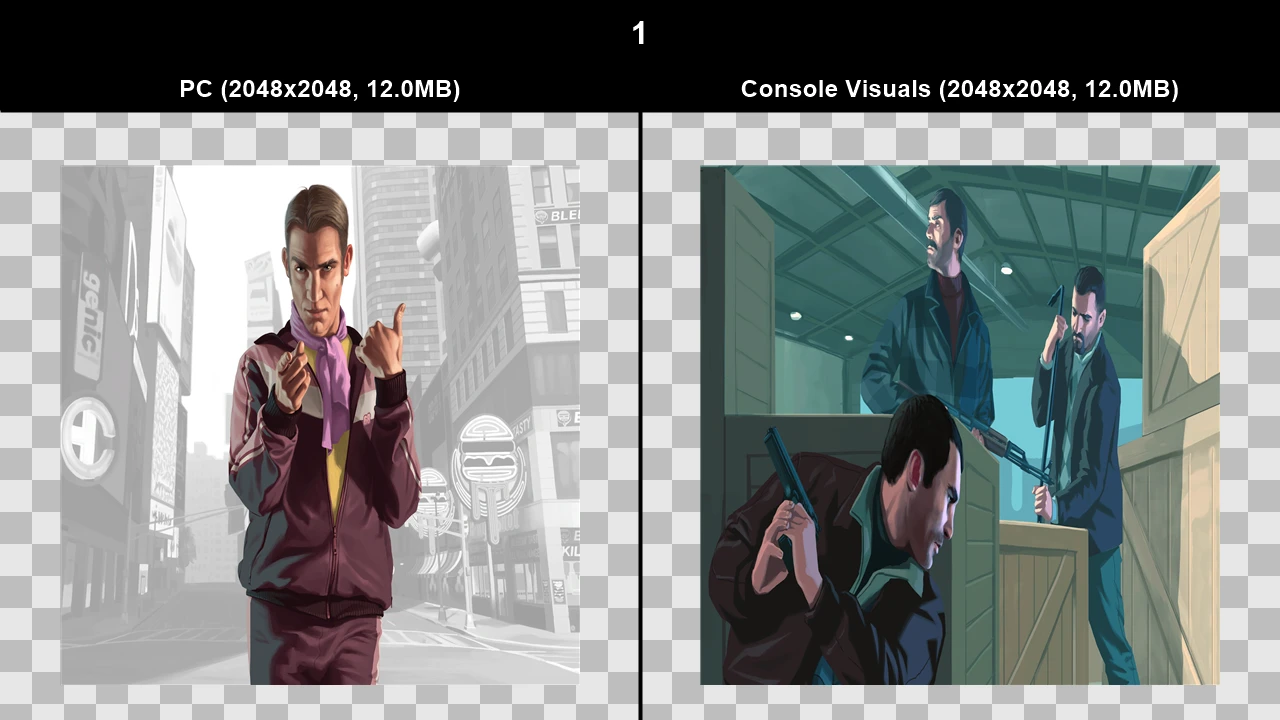
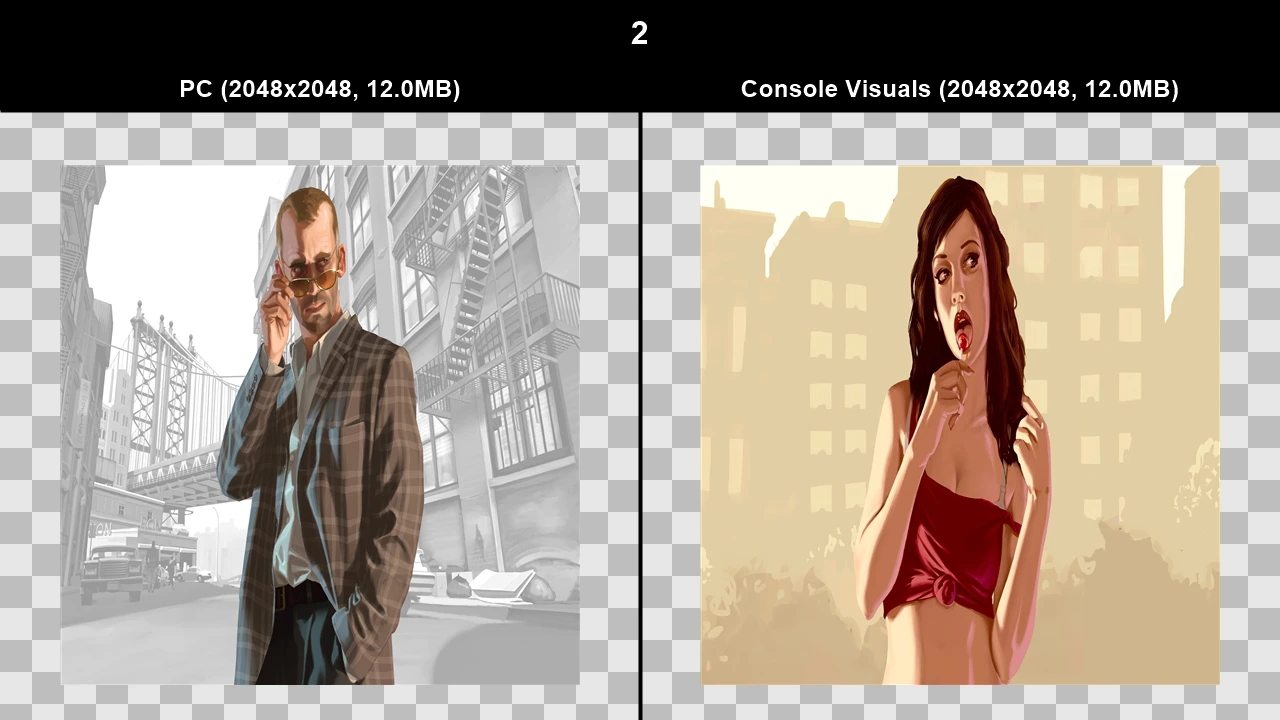
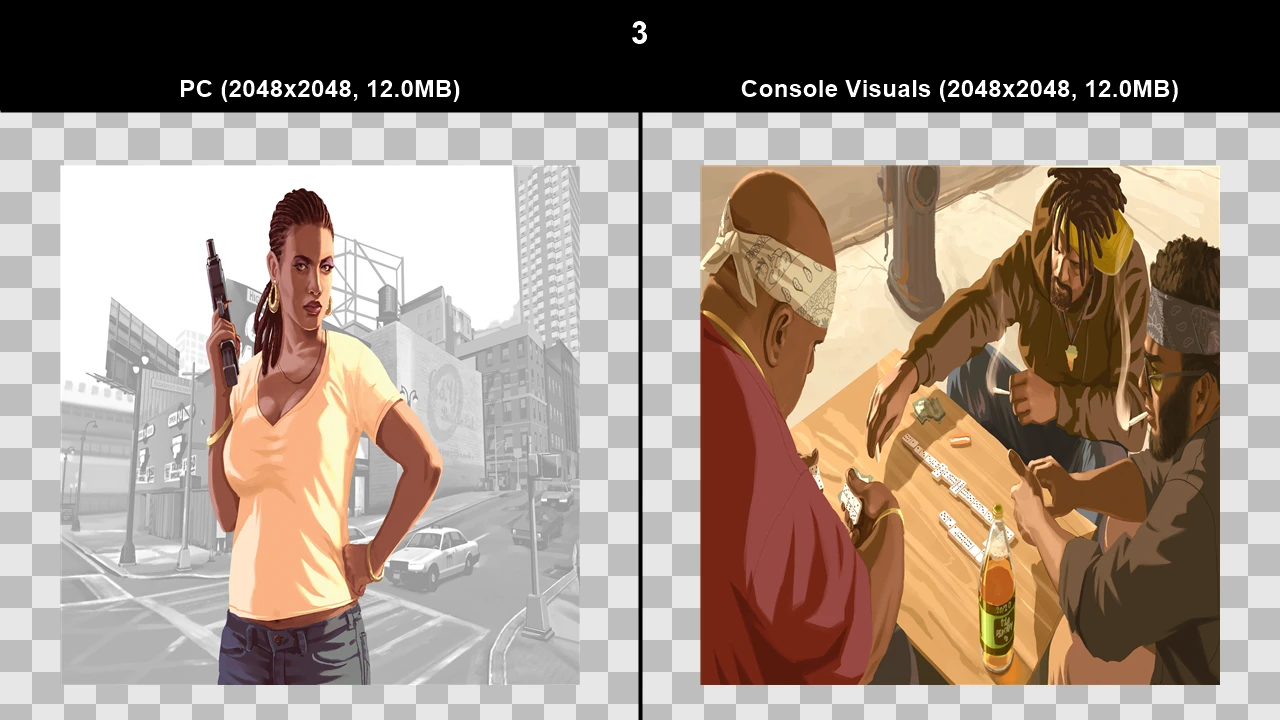
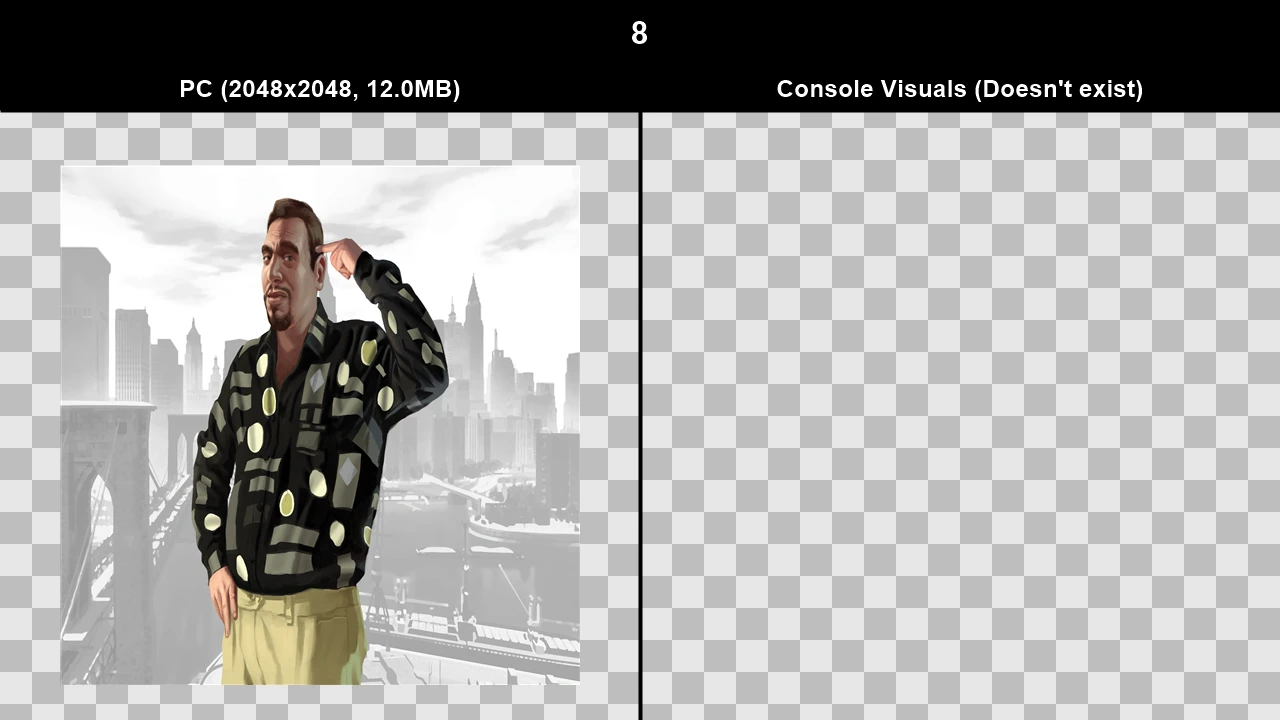
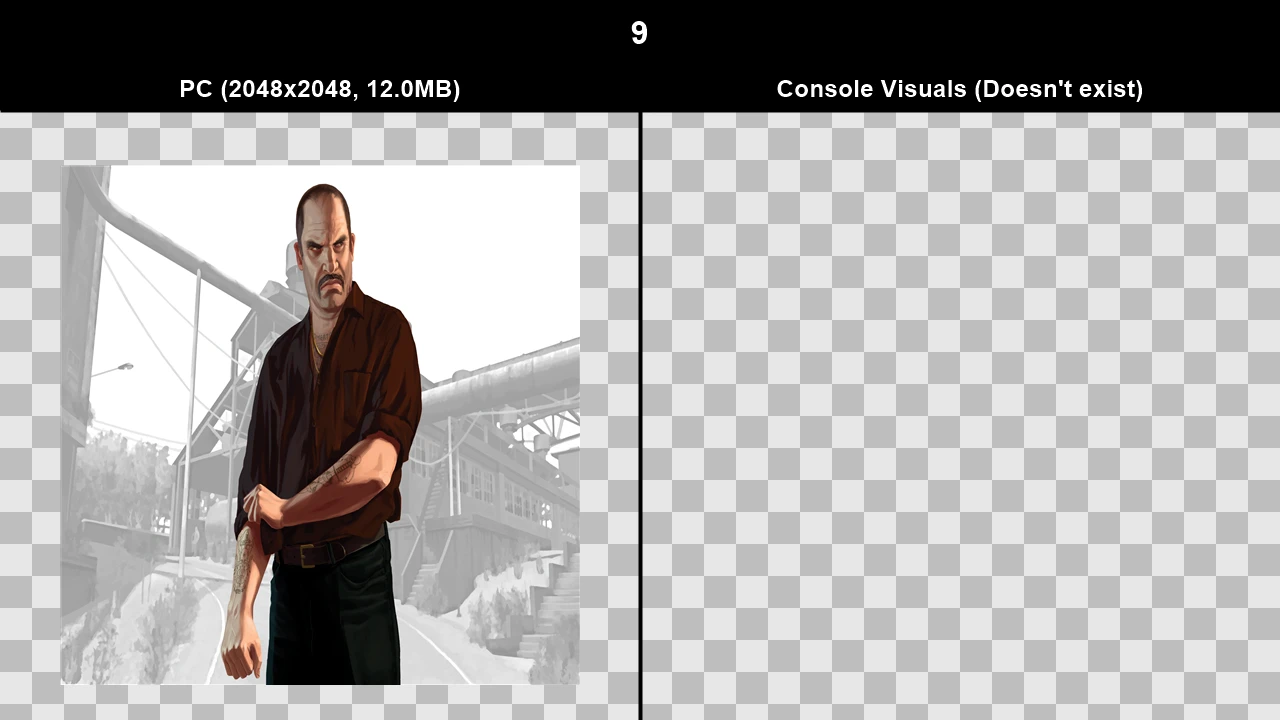
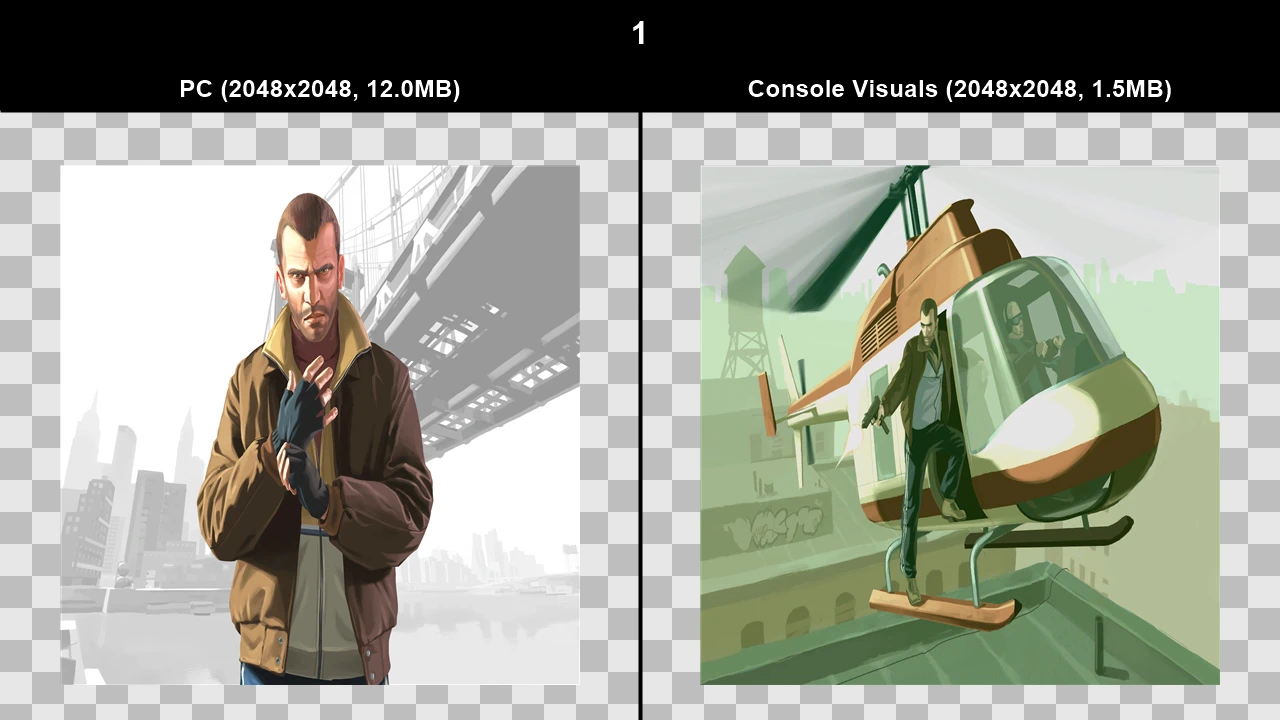
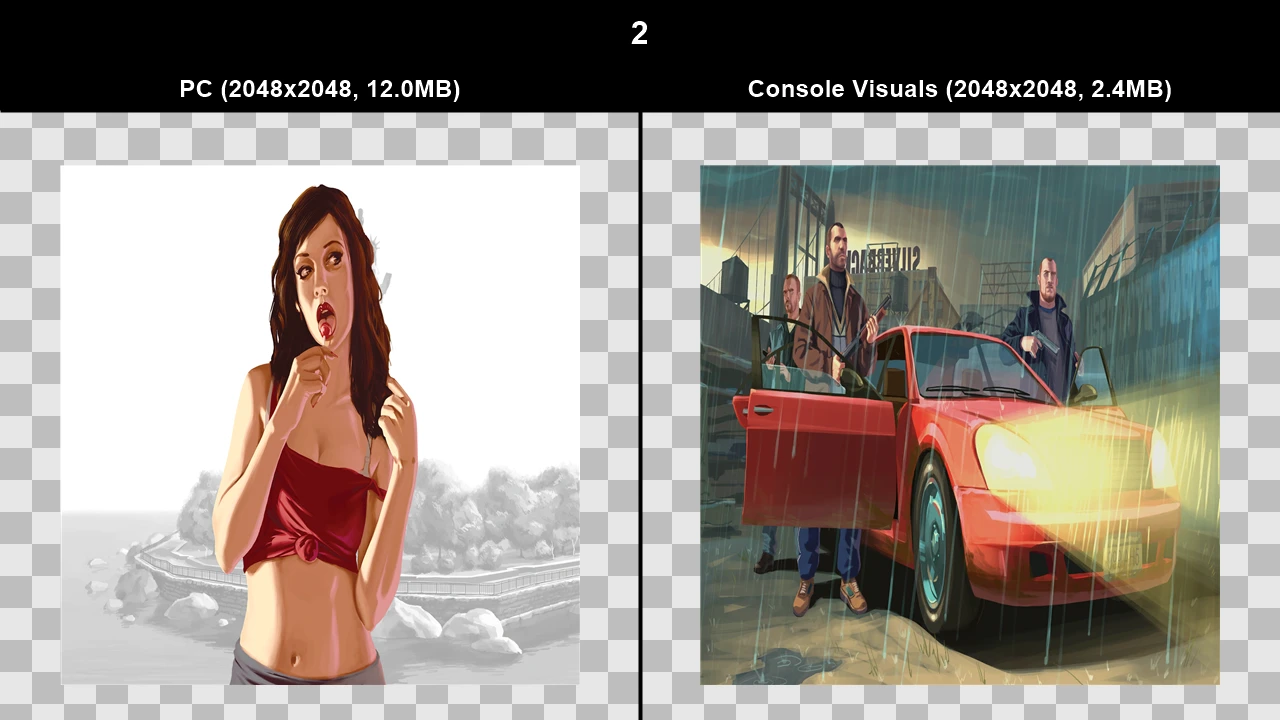
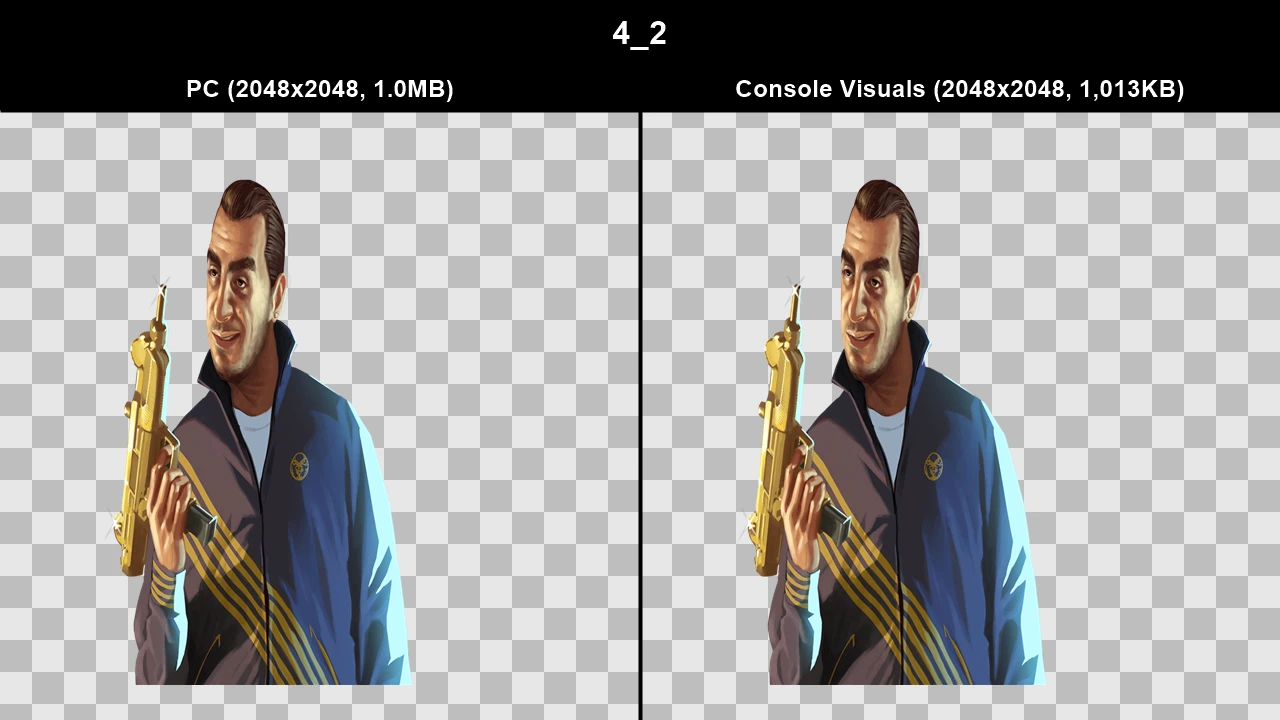
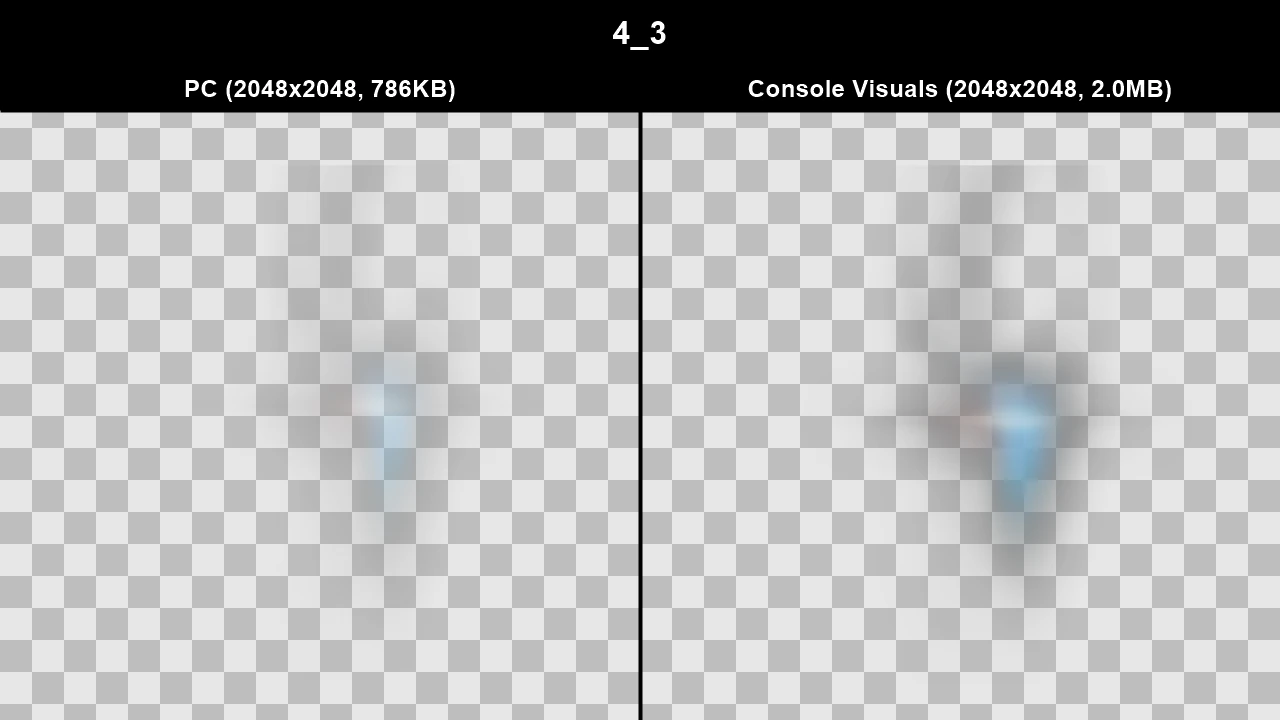
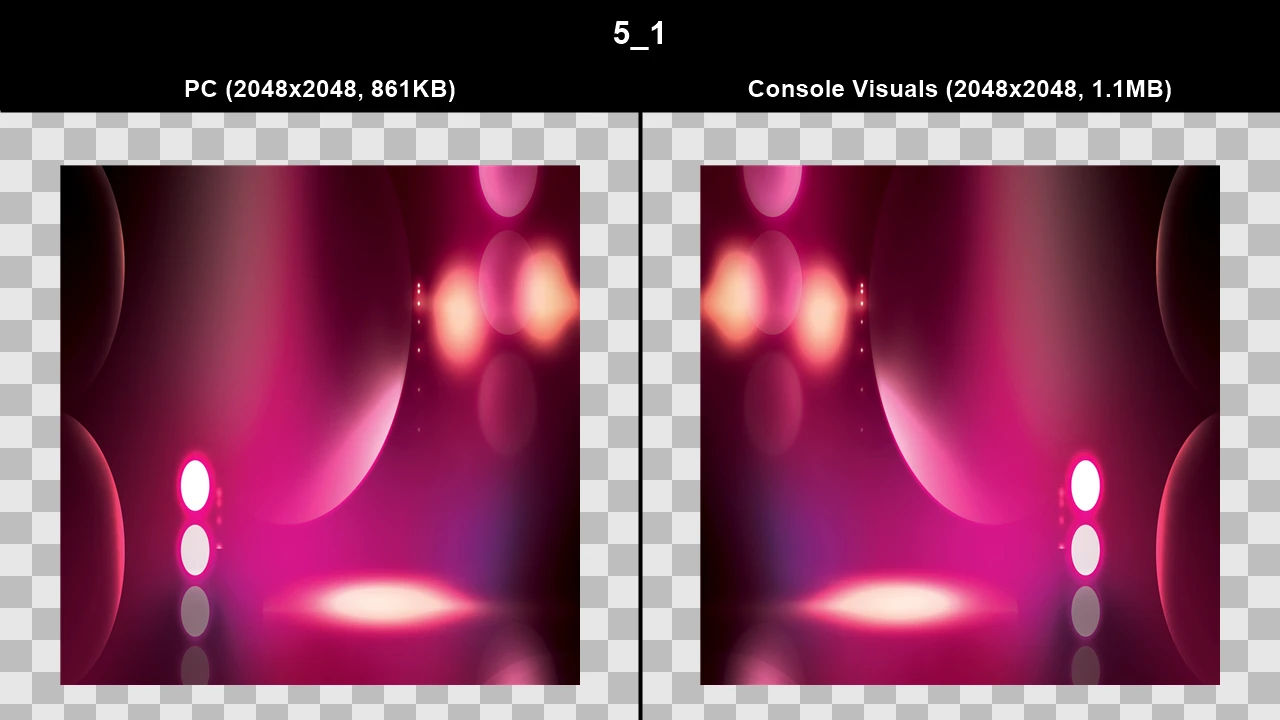
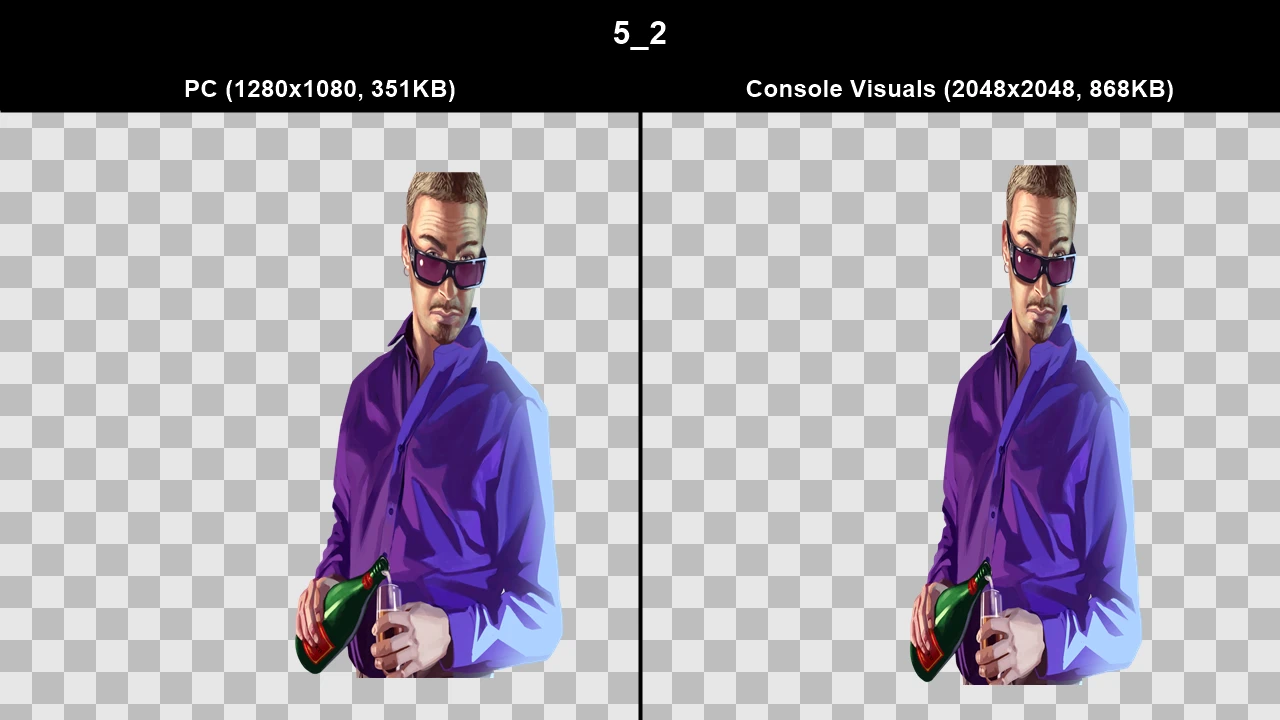
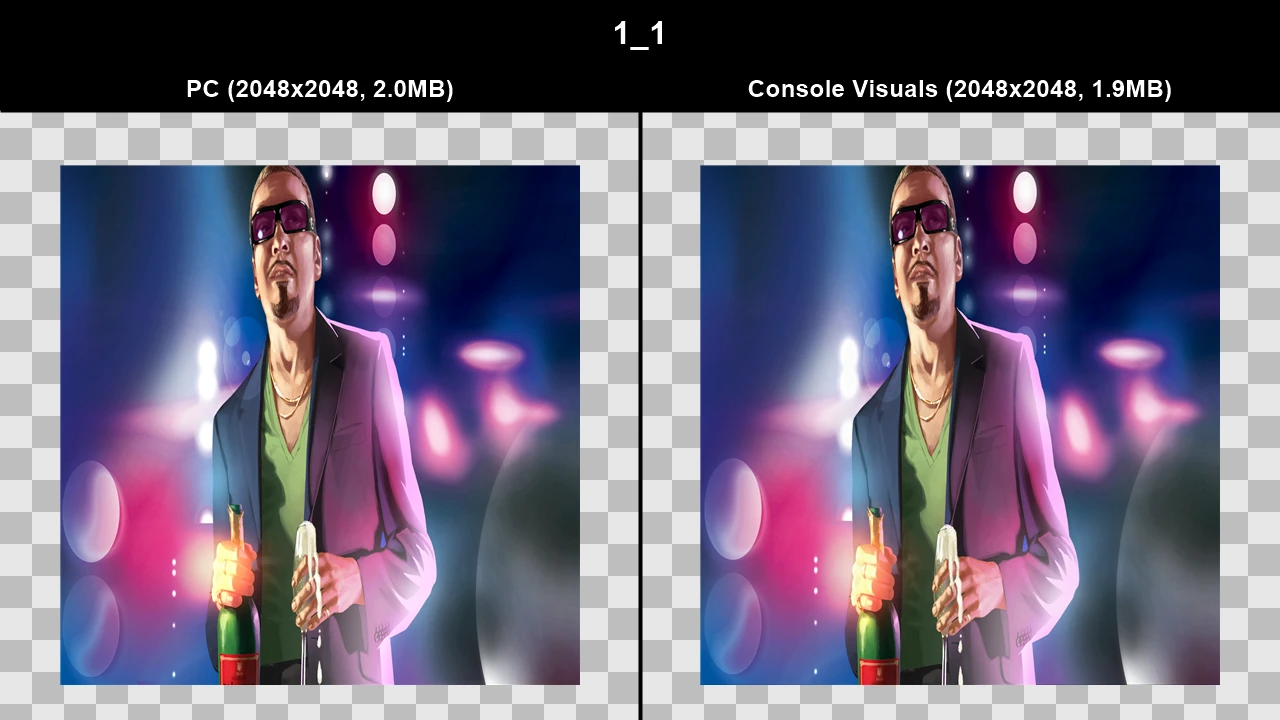
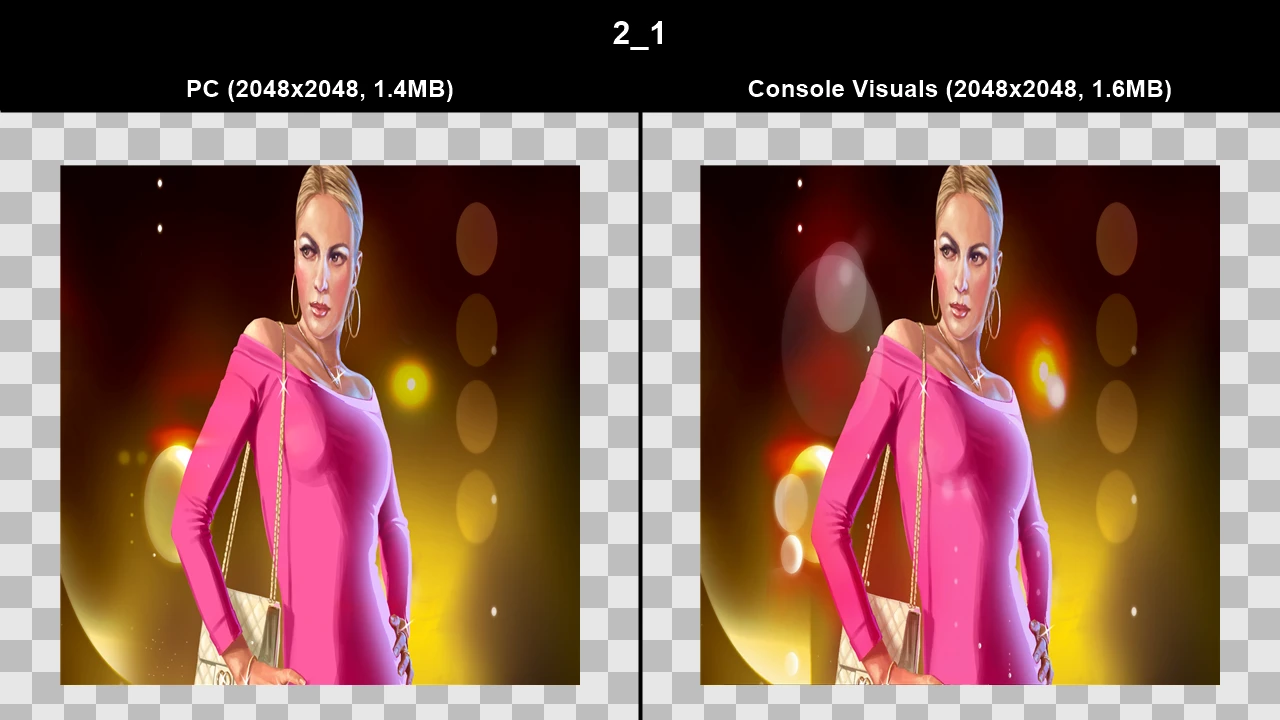
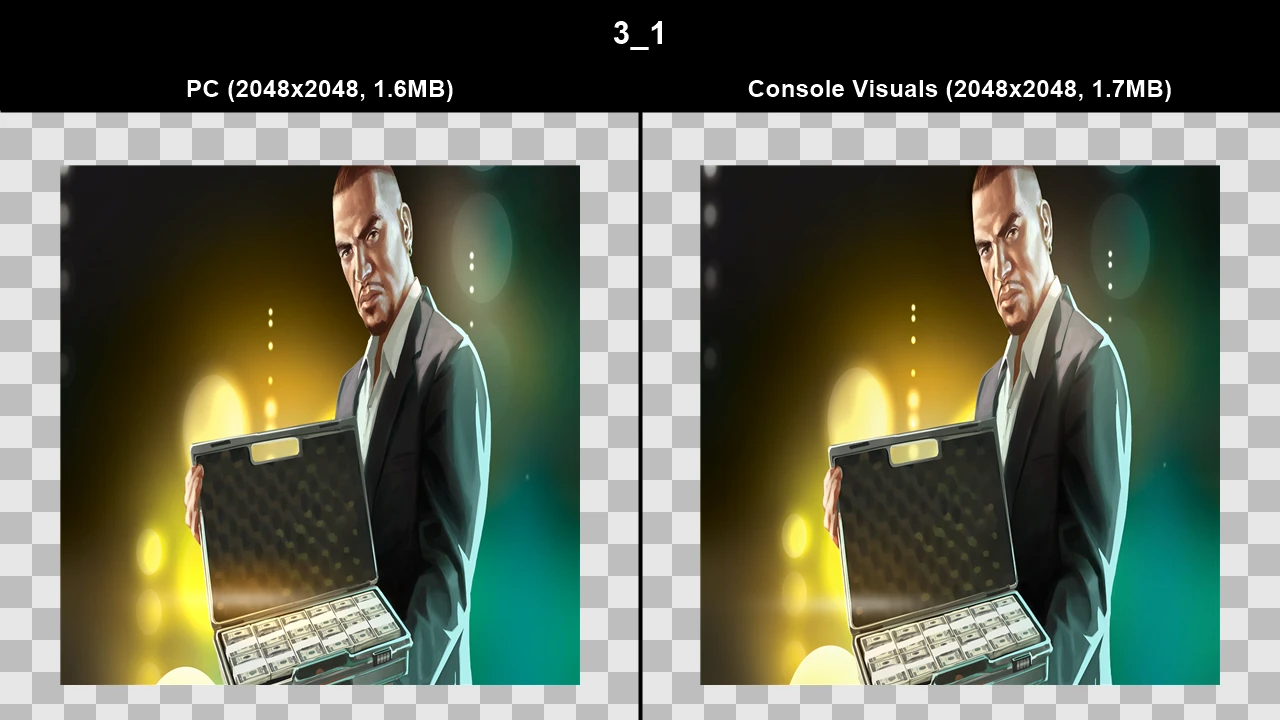
Loading screens are completely different on PC for base GTA IV and slightly different for The Ballad of Gay Tony.
Loading screens are seperated into two different texture archives, loadingscreens.wtd (these are the loading screens you see when you first boot the game) and loadingscreens_ingame.wtd (these are the loading screens you see when you're already in-game and you decide to load a save or start a new game).
For the base GTA IV game...
PC loadingscreens.wtd has 9 loading screens, with each loading screen being split up into 2 parts (a monotone background and a coloured character) which move as the loading screen progresses.
PC loadingscreens_ingame.wtd just reuses 3 loading screens from loadingscreens.wtd
Console loadingscreens.wtd has 6 loading screens, all loading screens except 1 are split up into 3 parts (a coloured background, a subject in the foreground and a subject in the midground), the lolipop girl loading screen only has 2 parts (a coloured background and the character).
Console loadingscreens_ingame.wtd has 3 additional loading screens, however these are only single images instead of being split into parts.
For The Ballad of Gay Tony...
Everything is the same except for some minor differences. Lens flare is tweaked in certain loading screens, the girl in the third loading screen is slightly transparent for some reason on PC, characters can be bigger or smaller, etc...
TJGM Recommendation: 🤷♂️ Subjective. I definitely prefer Console Loading screens for base GTA IV, but there's no definitive answer to this one.
Texture Comparisons (GTA IV)#
GTA IV loading screen textures below have been combined into single images for accurate comparisons.
Click to view images
WTD: loadingscreens
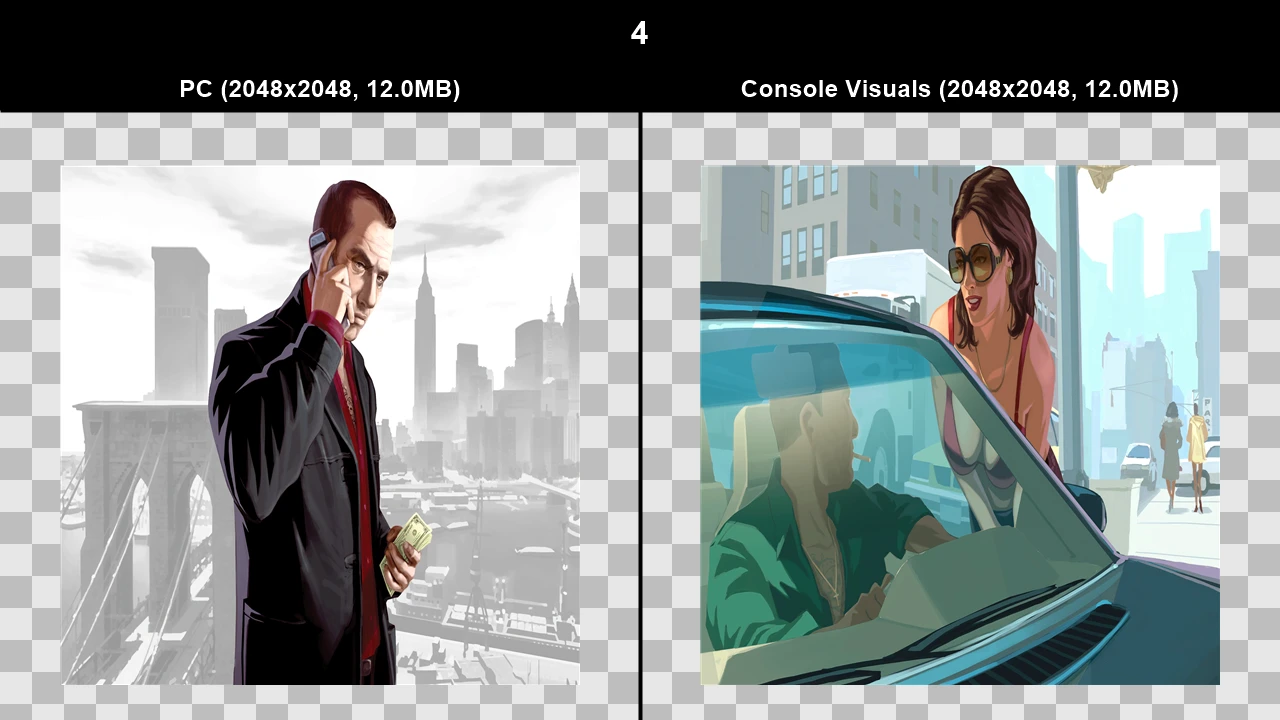
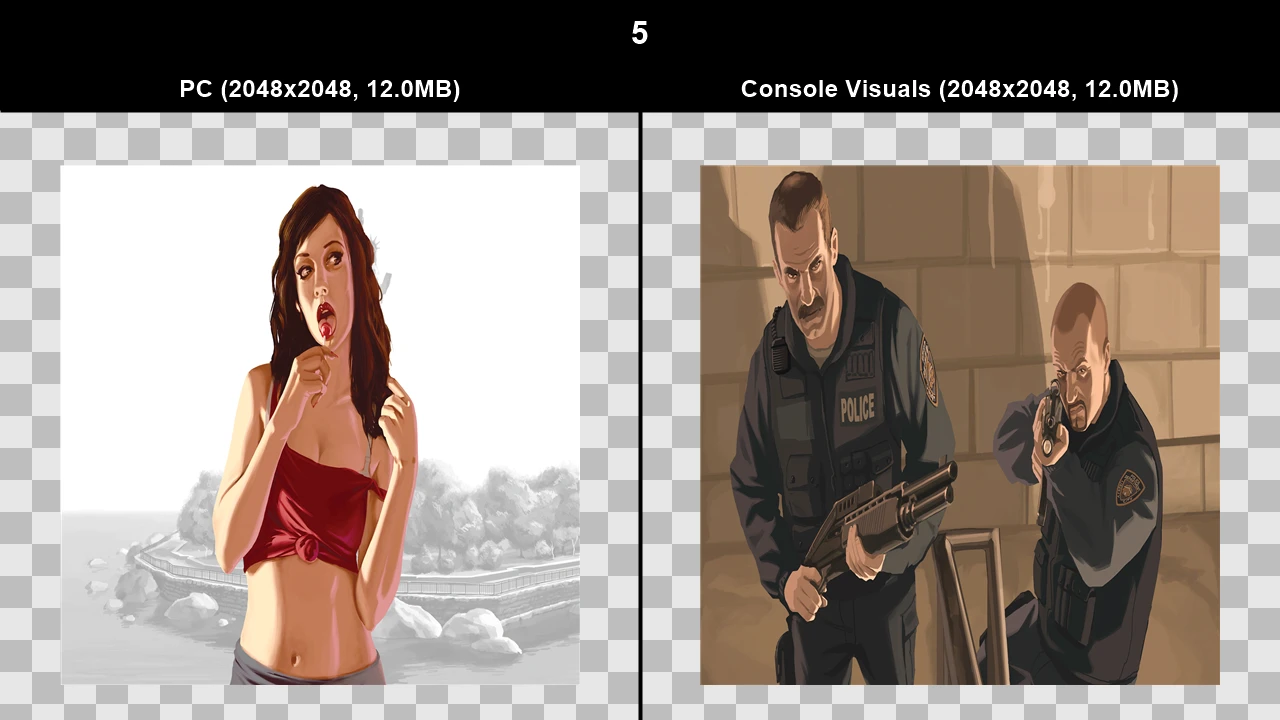
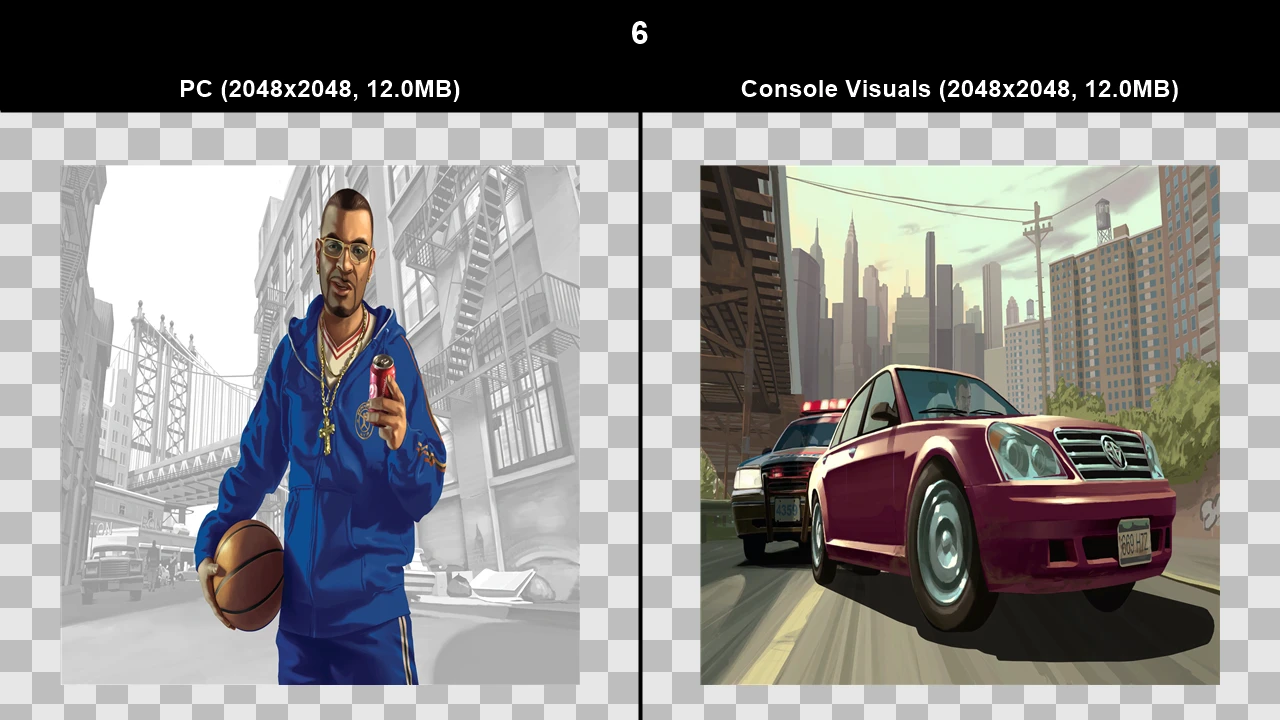
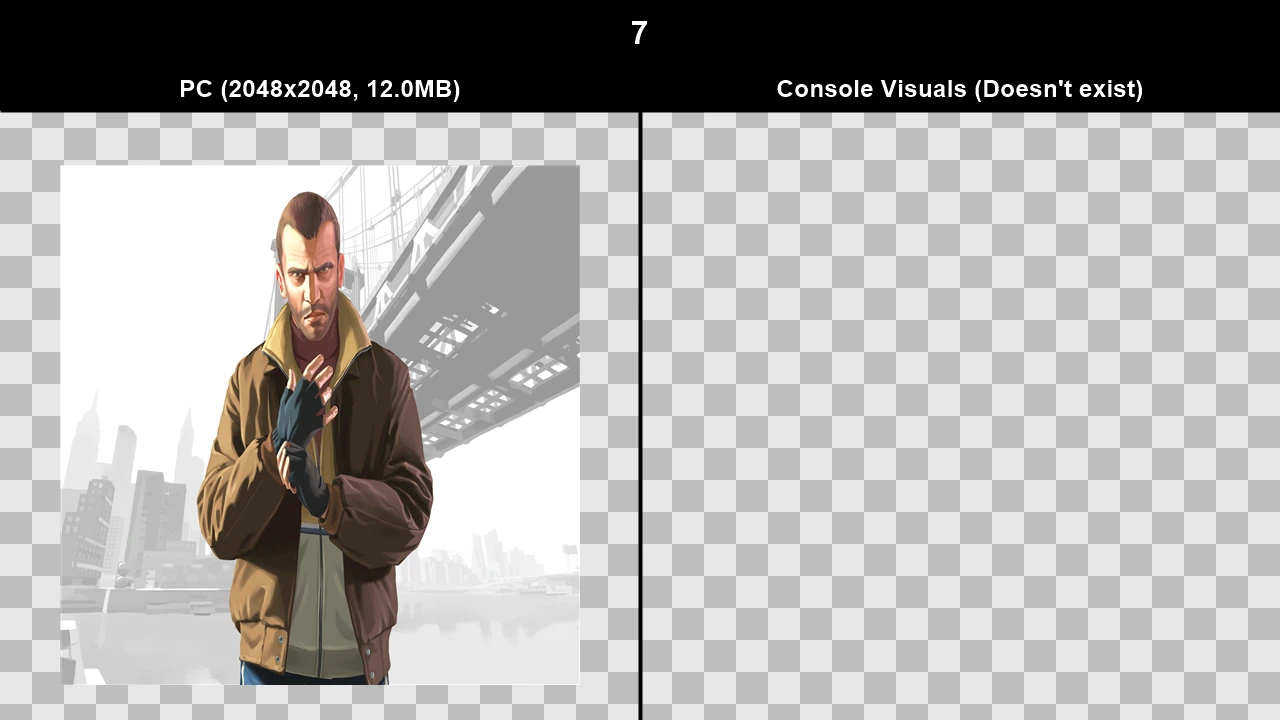
WTD: loadingscreens_ingame
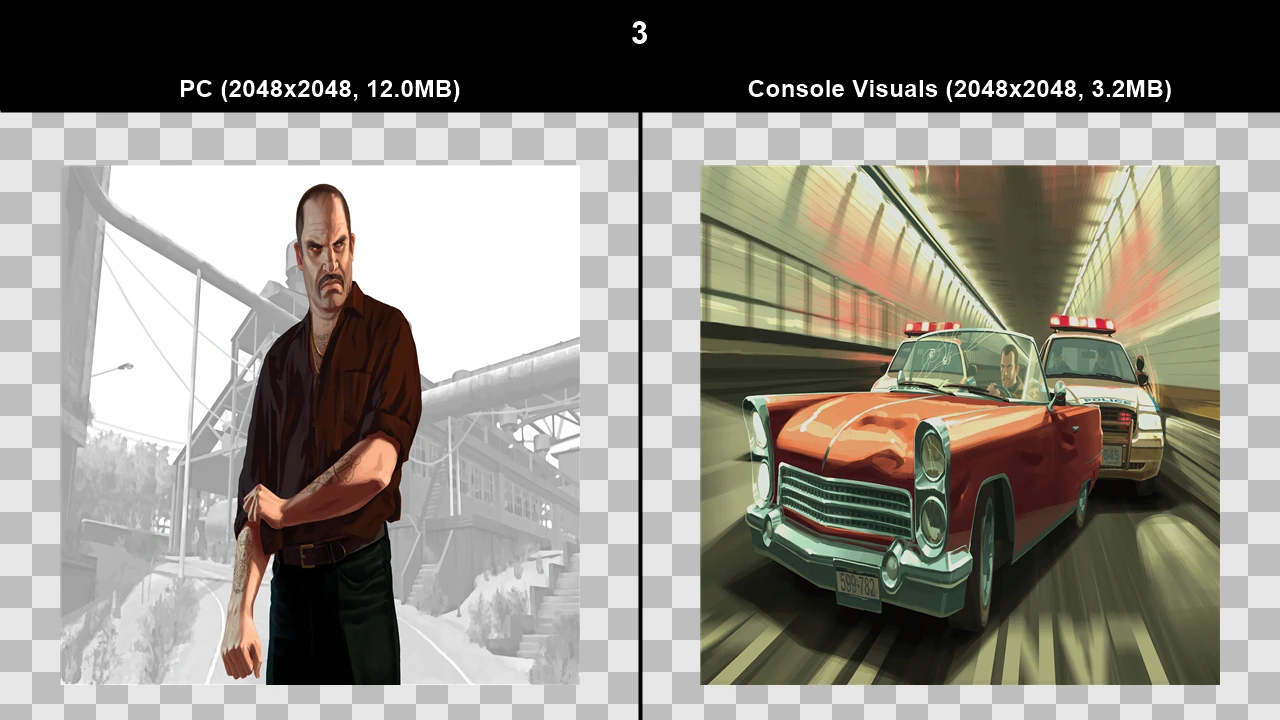
Texture Comparisons (The Ballad of Gay Tony)#
Click to view images
WTD: loadingscreens
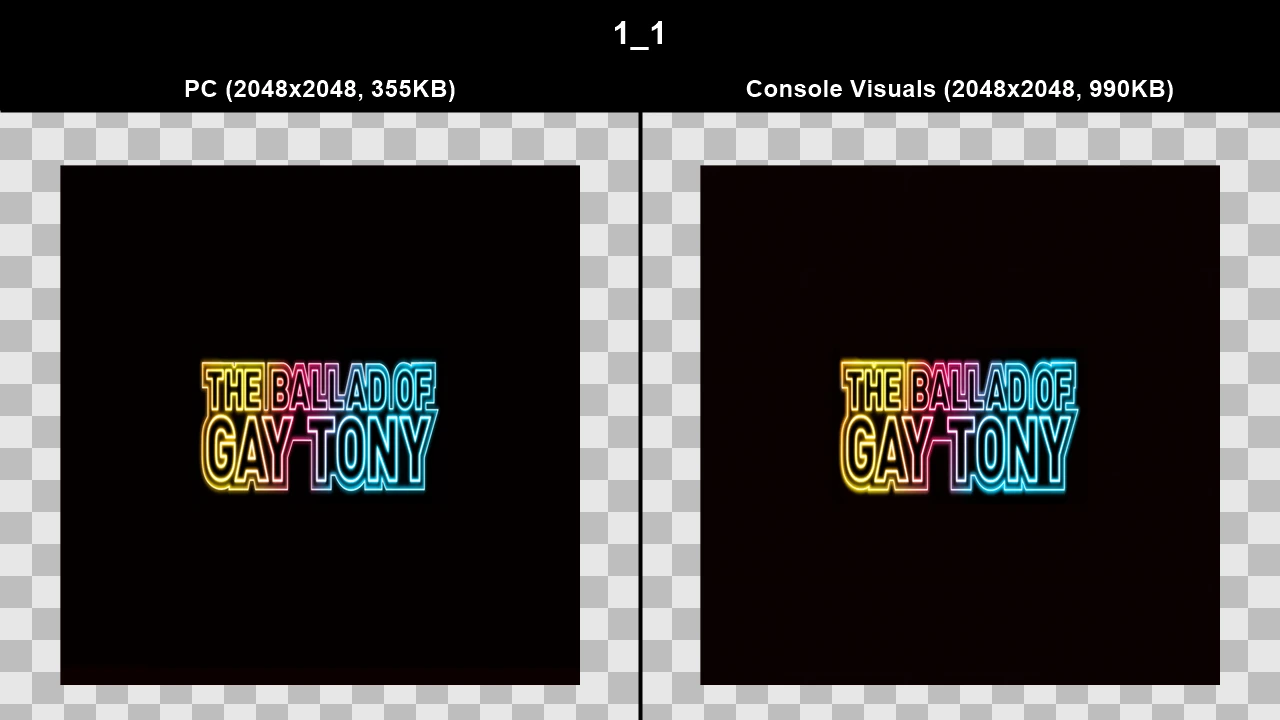
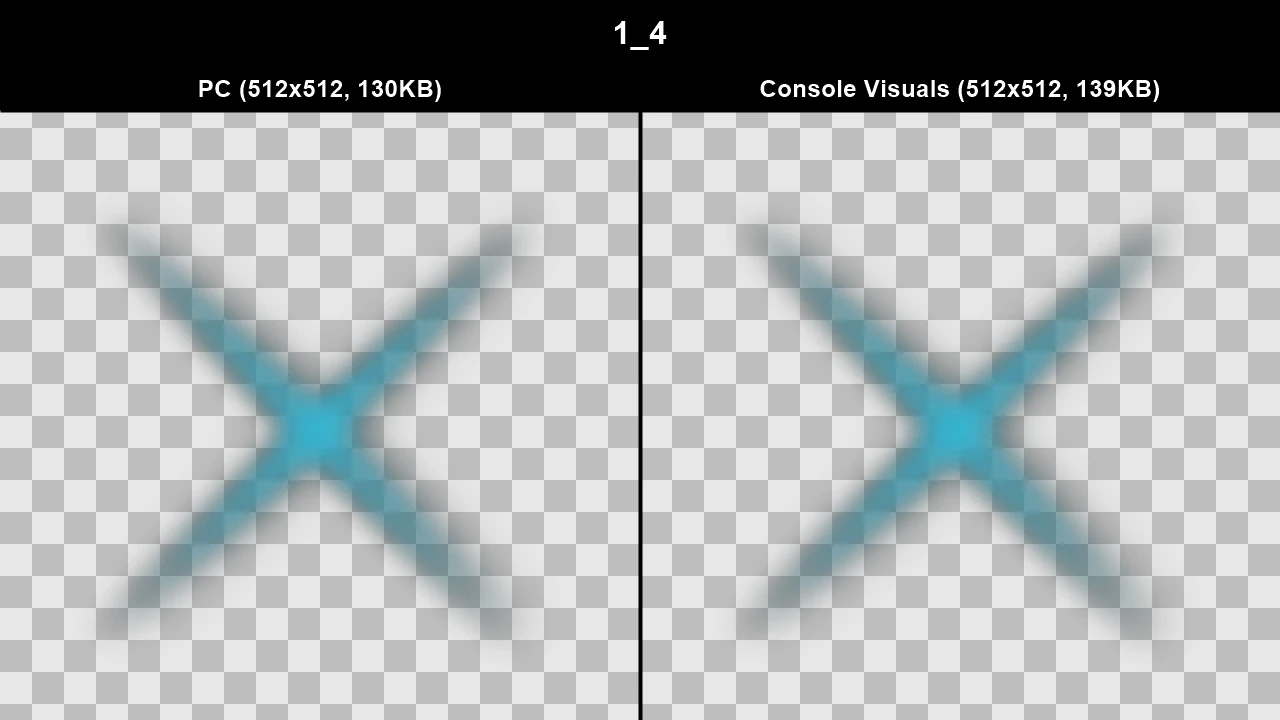
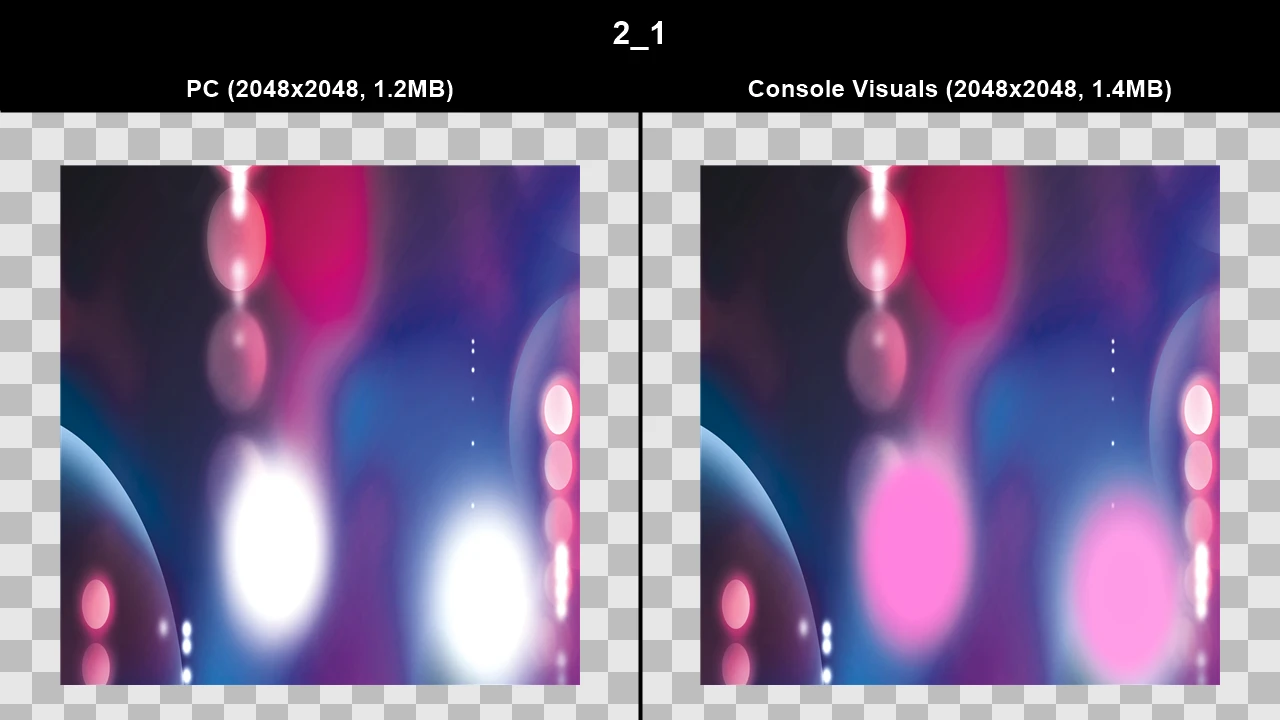
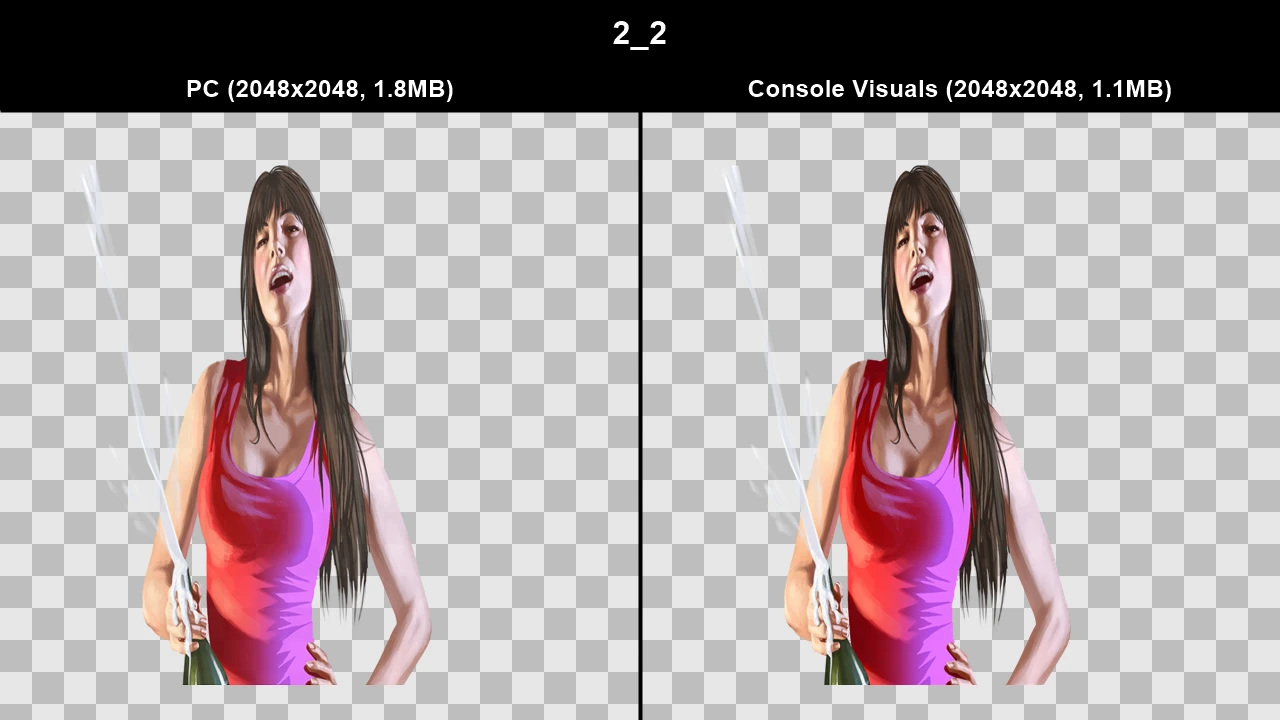
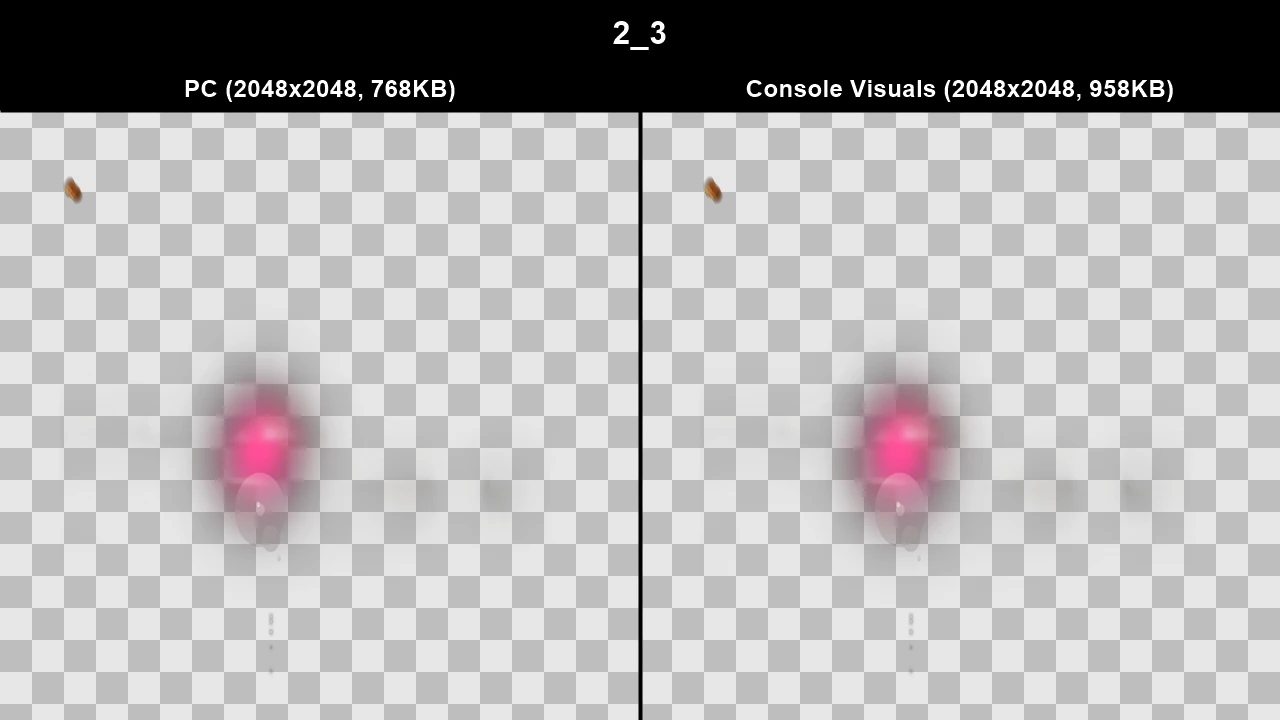
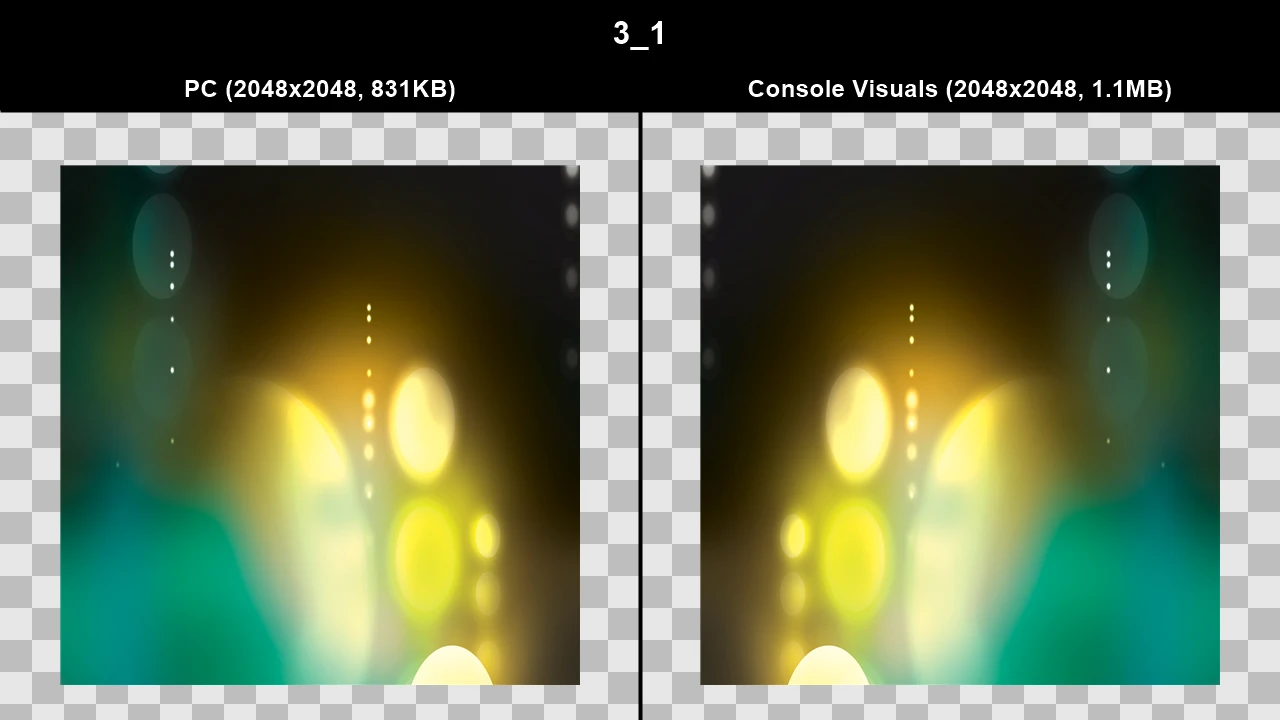
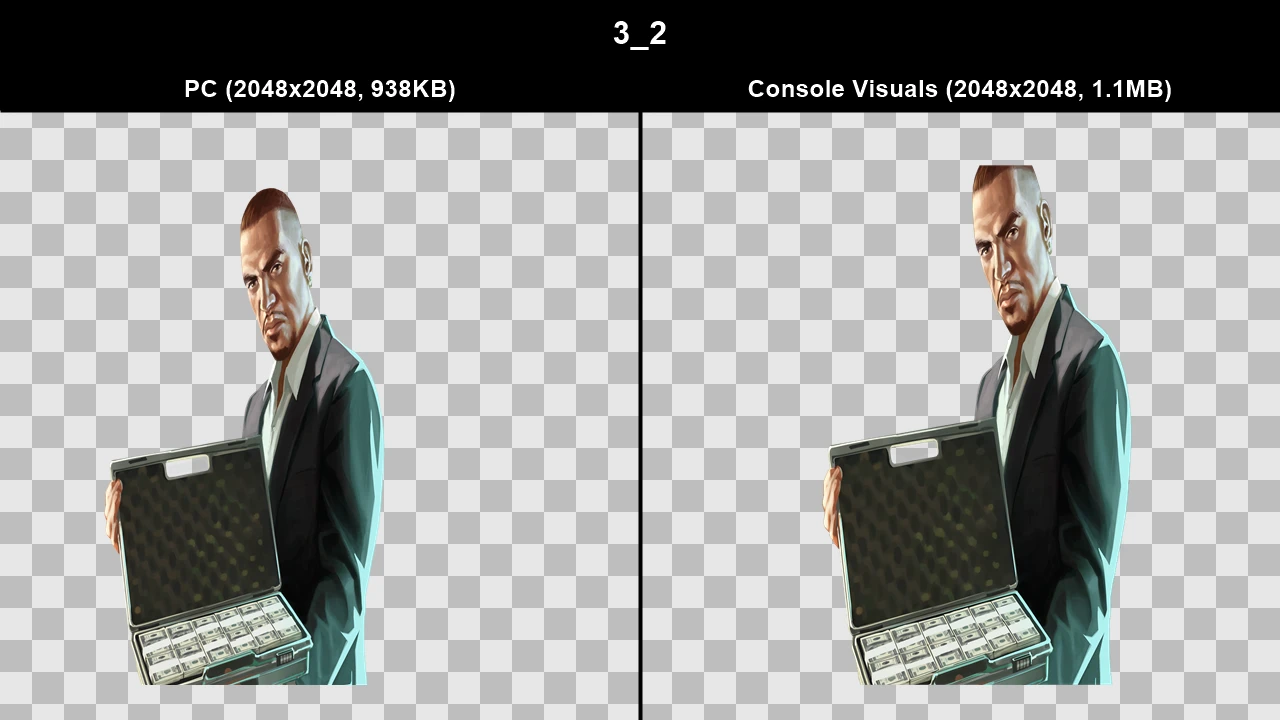
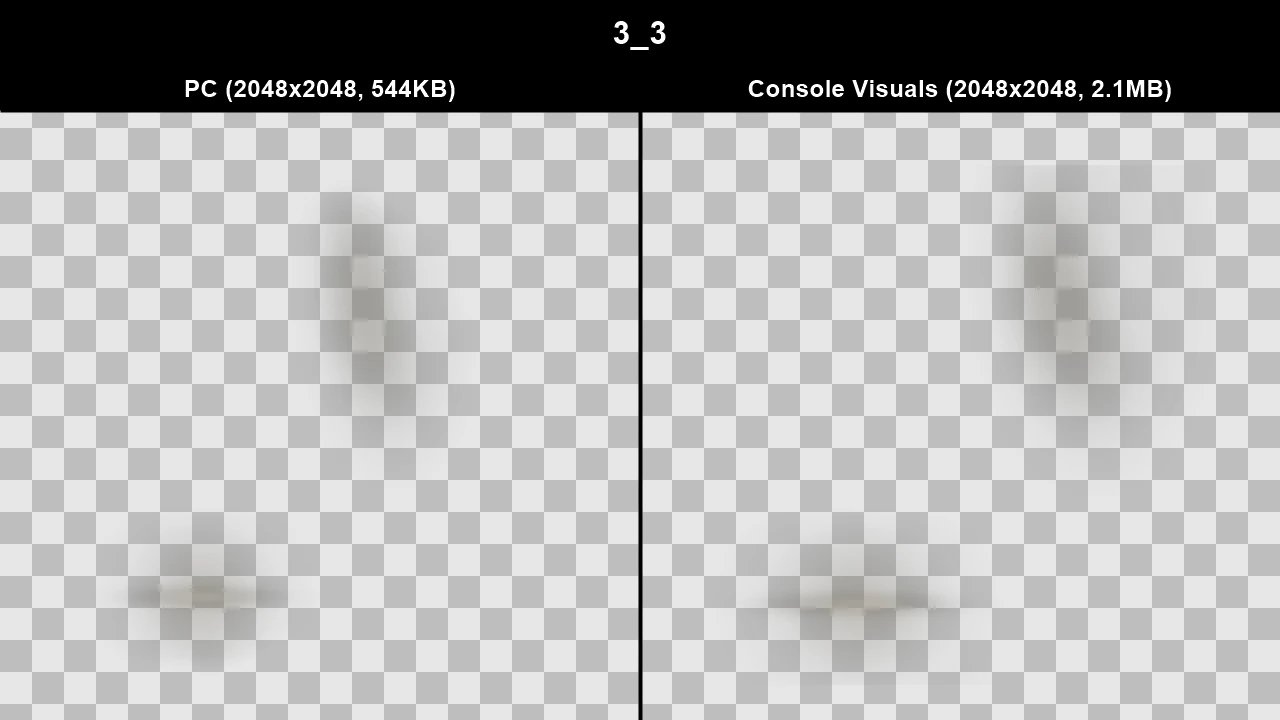
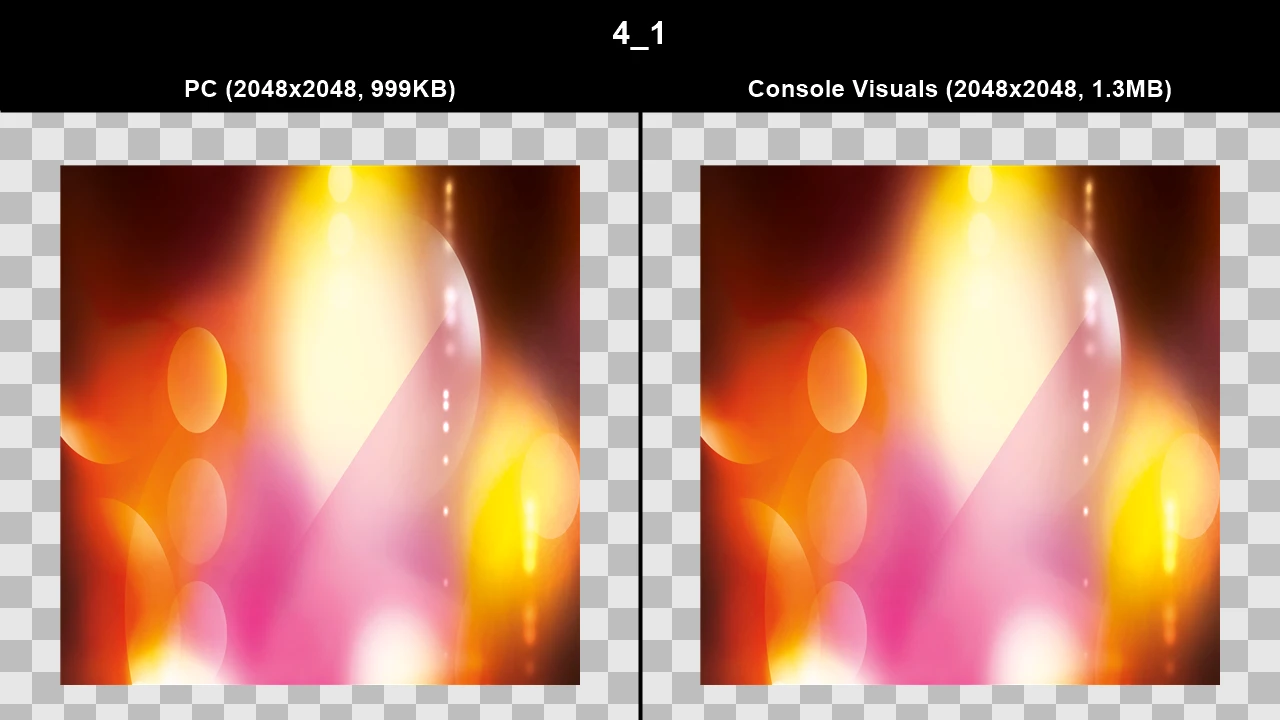
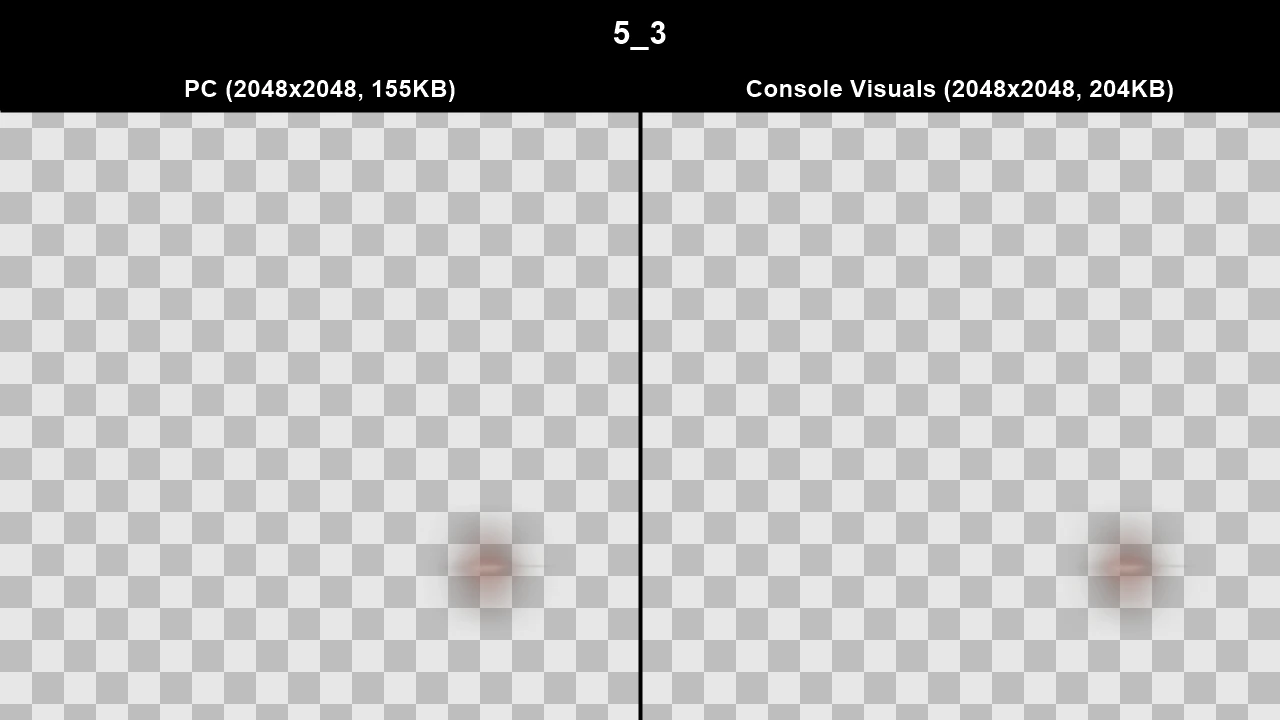
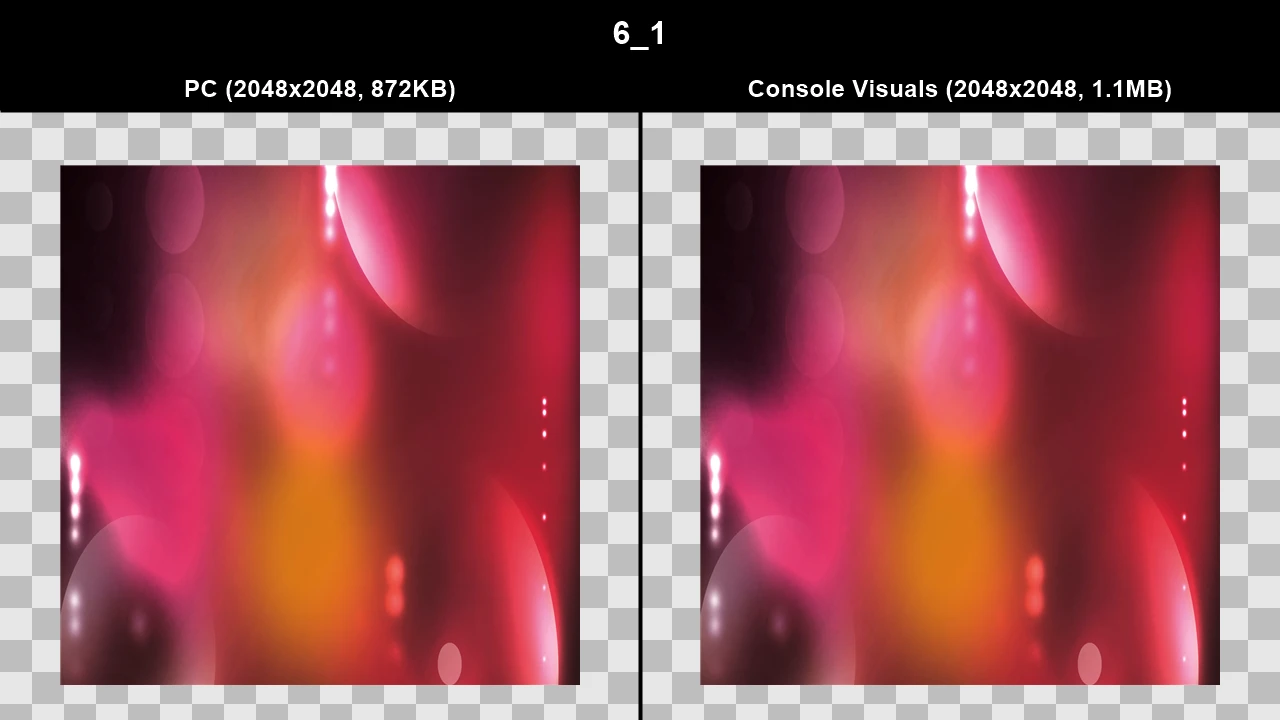
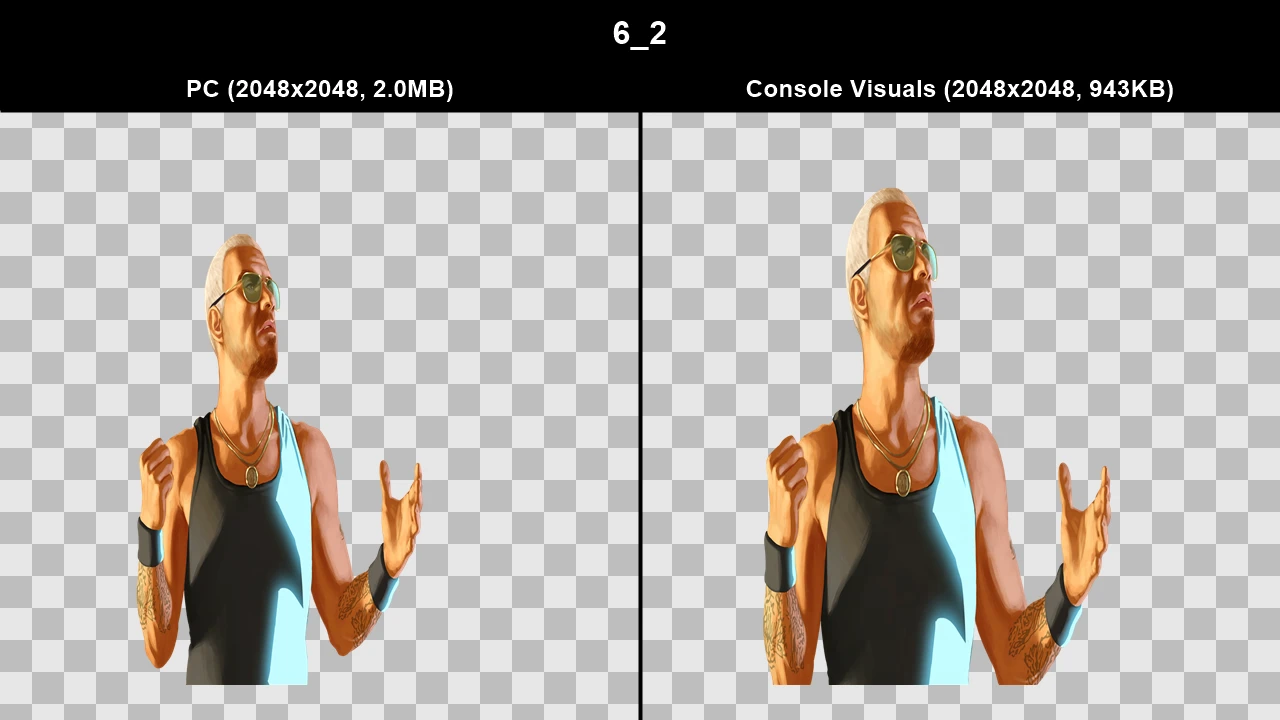
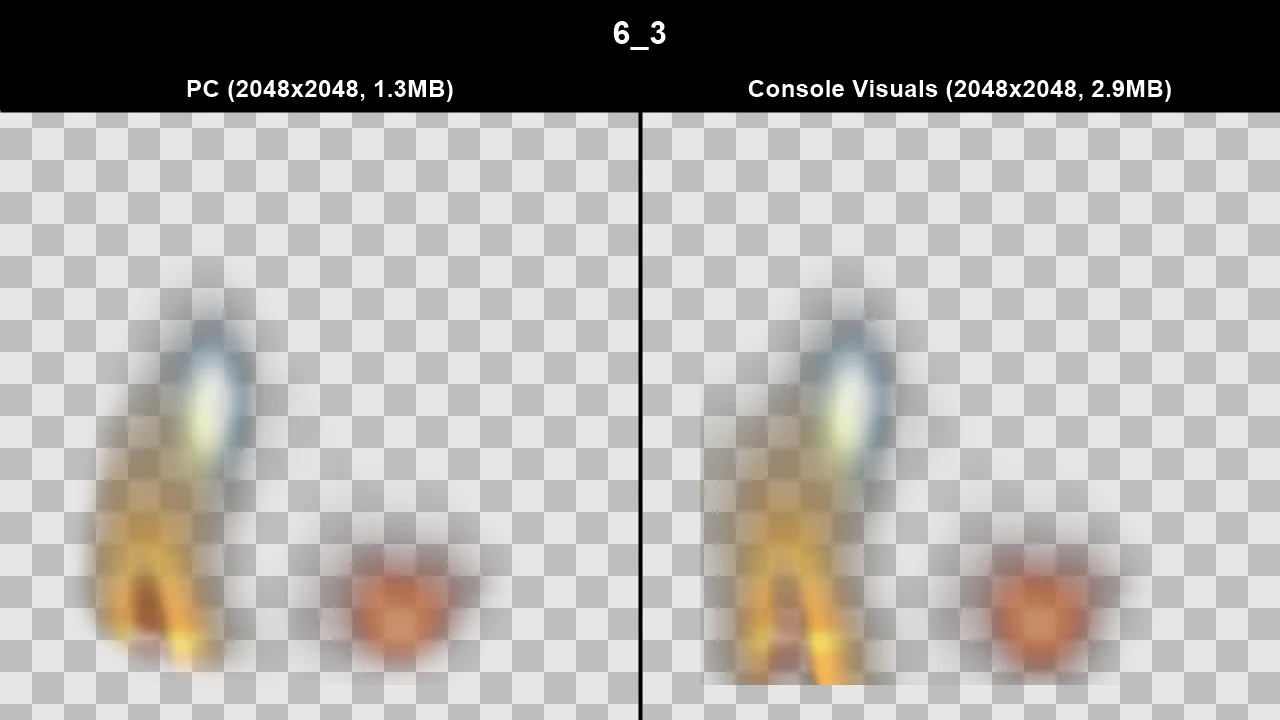
WTD: loadingscreens_ingame
Console Animations#
Many animations were changed or tweaked on the PC version. Most of these are just small, but some are a bit more obvious like the way Niko might hold a gun.
This section is a work-in-progress and will be updated in the future once I discover a better way to make animation comparisons.
TJGM Recommendation: 🤷♂️ Subjective for now. Until I can take a better look at the animation changes across the board, use this based on the handful of comparisons below.
In-Game Comparisons#
Here's some examples of the weapon animation changes. Most animation changes in general are only minor.
Click to view images/videos
.webp)
.webp)
.webp)
.webp)
.webp)
.webp)
.webp)
.webp)
Enjoy my work?
Gain benefits such as shout-outs at the end of videos, early access to TJGM videos, early access to TJGM mods, VIP Discord access and much more by supporting me and my work on Patreon, it's very much appreciated! ❤️
⭐ Support on Patreon