Fixes & Improvements
Introduction#
Fusion Fix fixes and improves so many things that it can be hard to know what does what.
This section of the Wiki tries to keep track of and explain as many of these fixes and improvements as possible.
Many of the Fusion Fix images in this section have the console gamma option enabled which is why the colours appear darker in some of the Fusion Fix comparisons.
This section is still a work-in-progress, so MANY things aren't included right now.
If you'd prefer to see many of these changes in video form...
This video covers almost everything significantly fixed, added and improved in Fusion Fix up to Fusion Fix 4.
This video covers most of the new additions added to Fusion Fix 5.
Other sections of the Fusion Fix Wiki.
Ambient Occlusion#
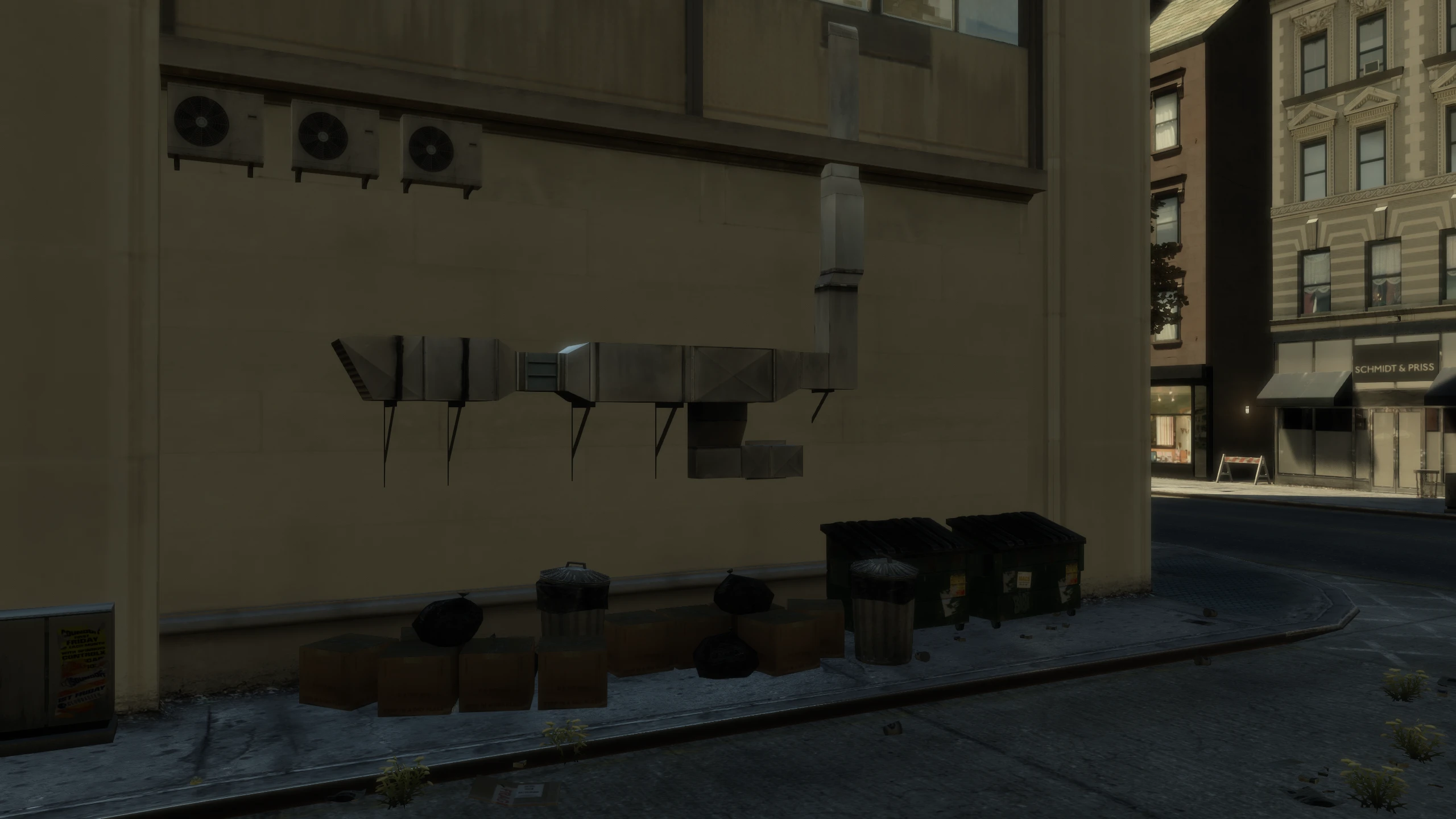
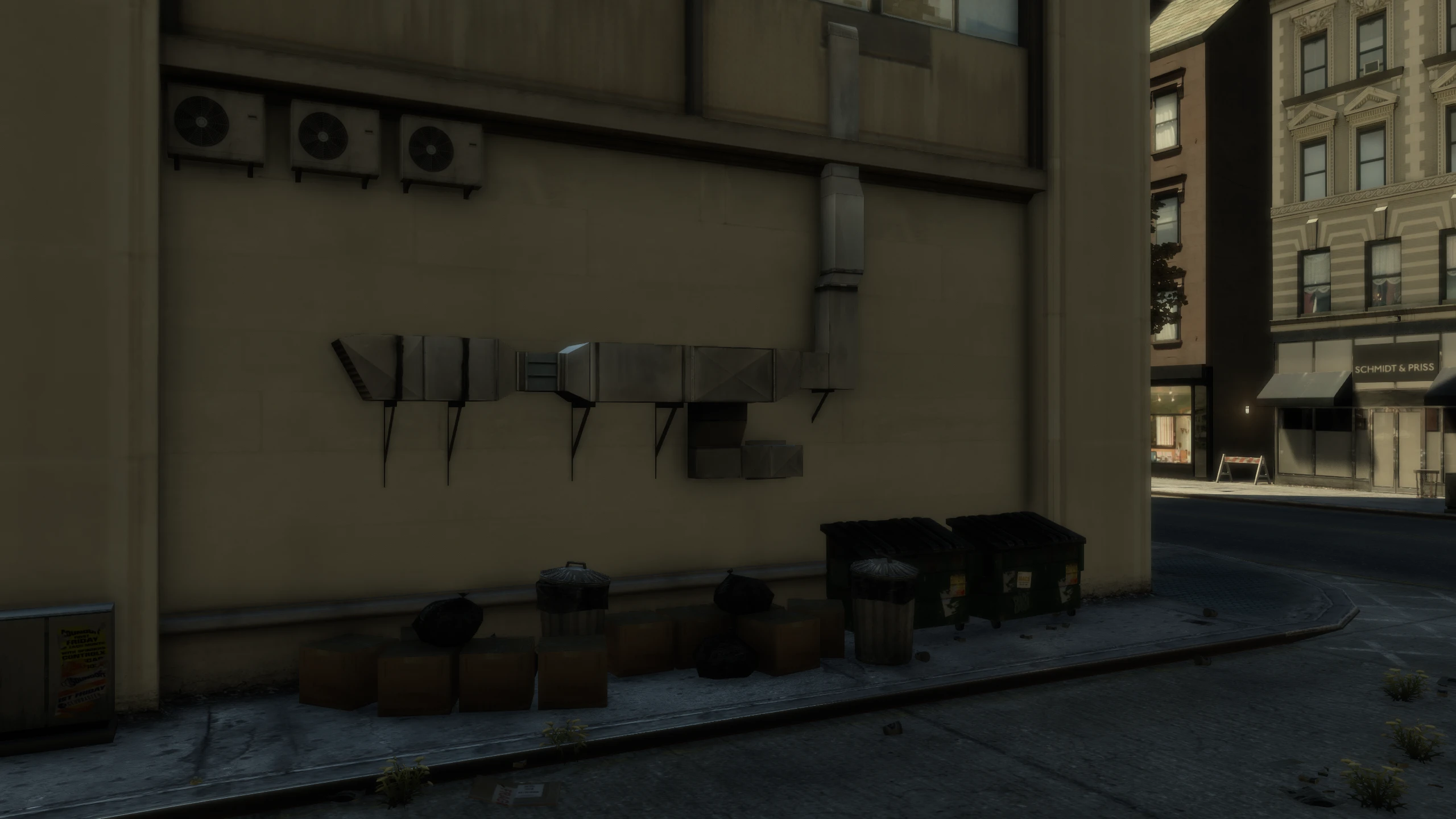
Fusion Fix adds an ambient occlusion option.
Ambient occlusion simulates light being blocked by objects, giving objects much more depth than before.
Anti-Aliasing#
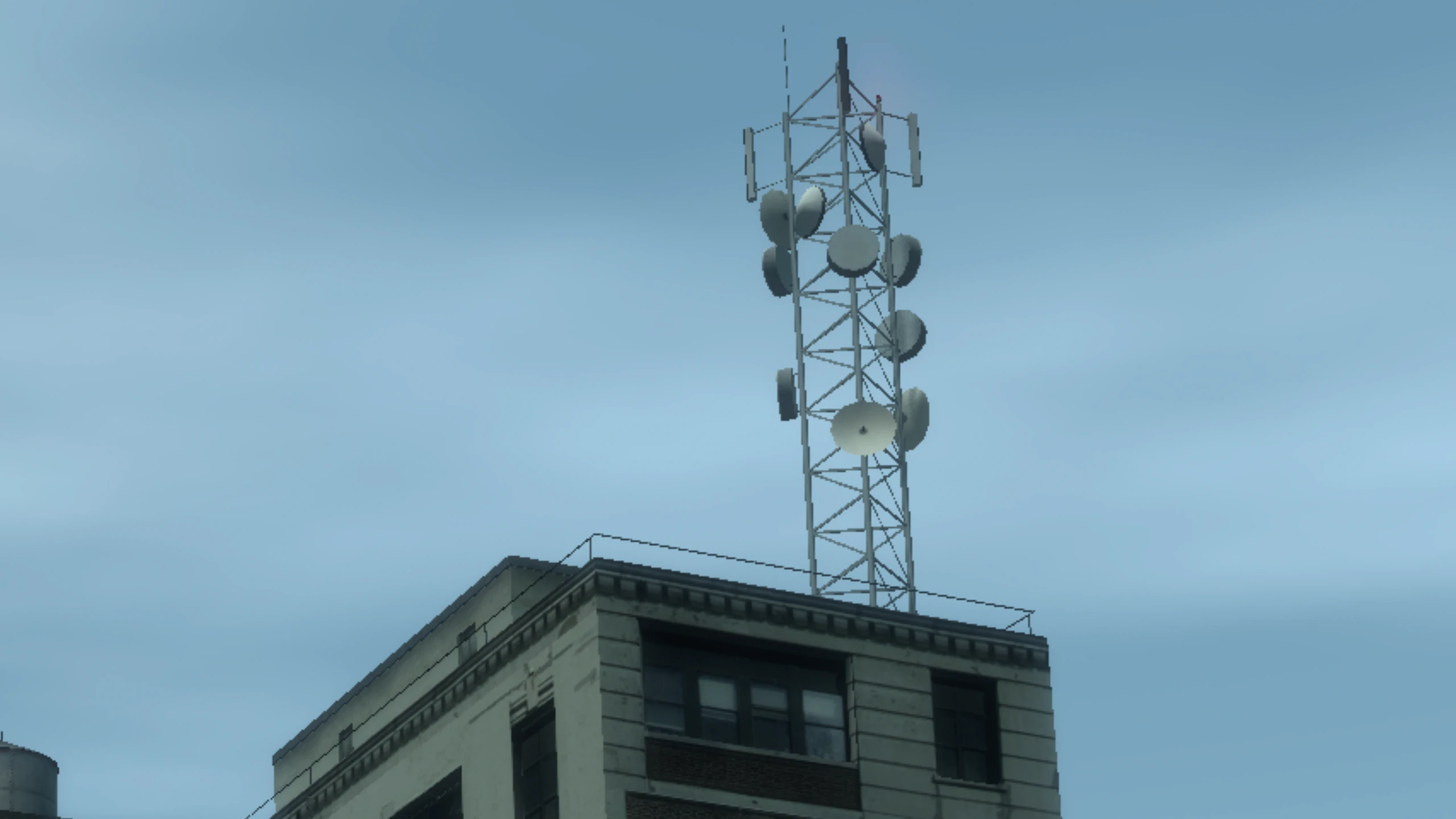
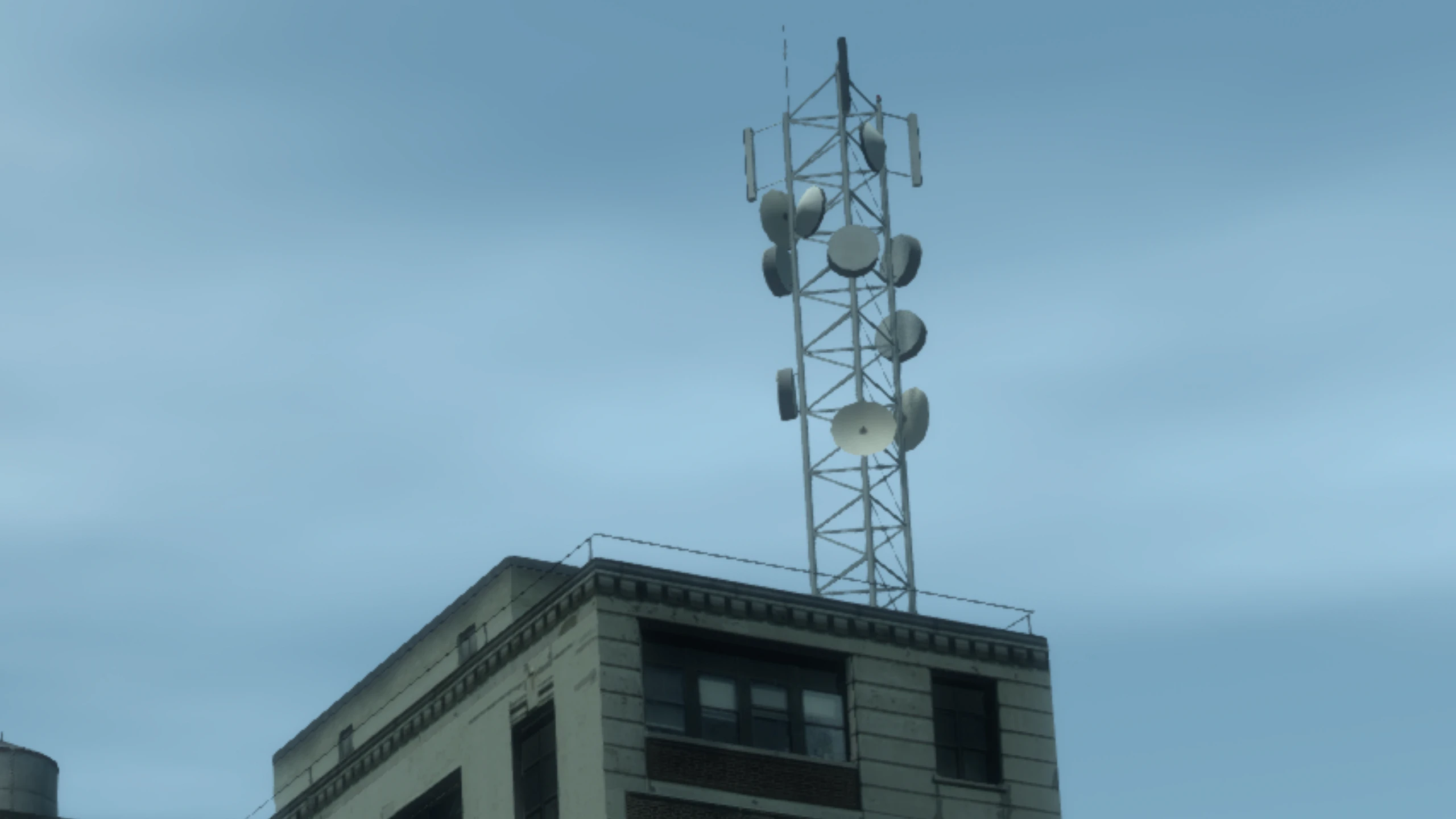
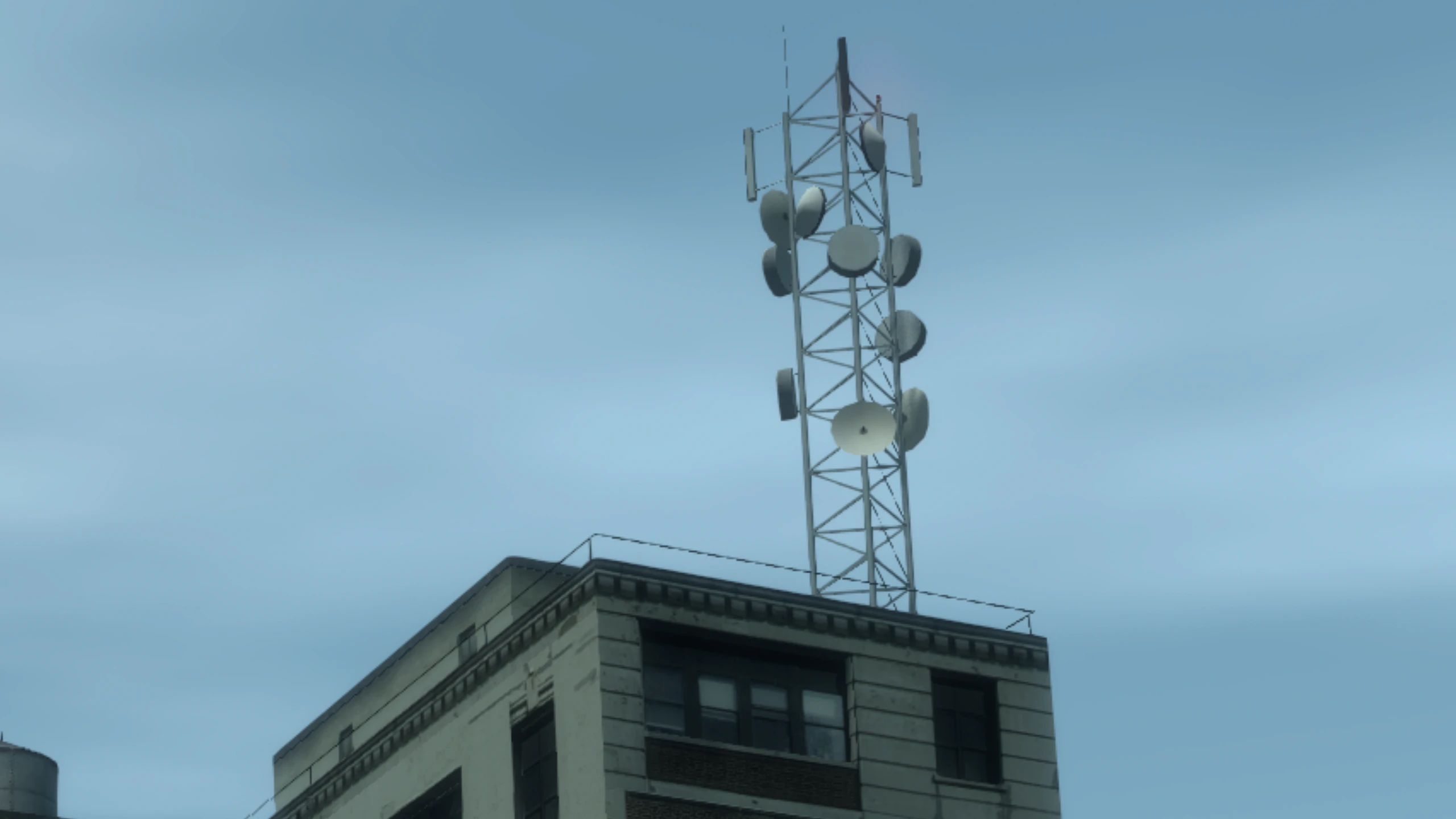
The Xbox 360 version of GTA IV ran at 1280x720 with 2x MSAA. Meanwhile the PC version lacked any anti-aliasing whatsoever.
Fusion Fix adds an anti-aliasing option that allows users to select either FXAA or SMAA, two simple and performance friendly AA solutions which do an excellent job at smoothing out jagged edges, especially at high resolutions.
Bloom#
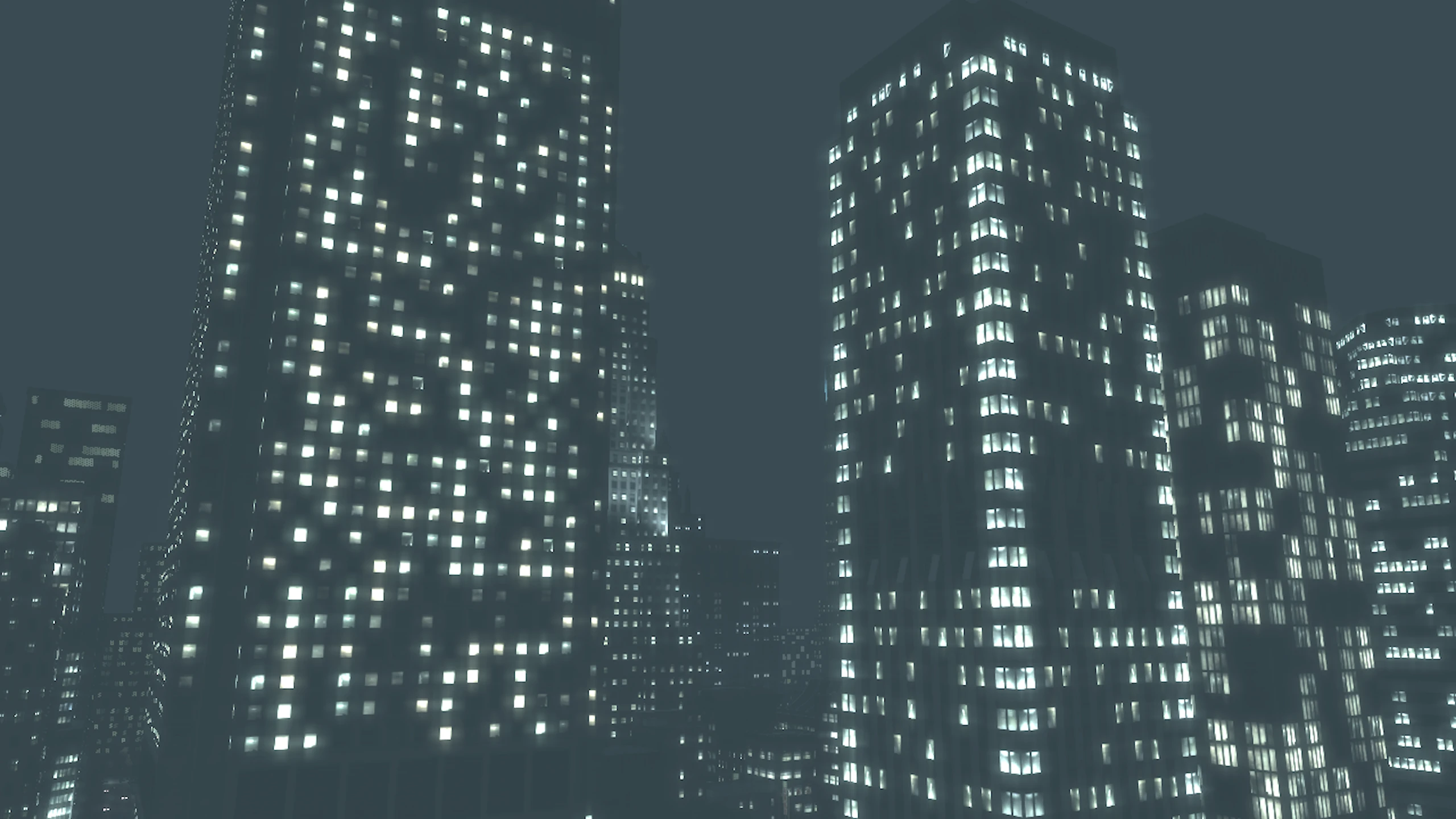
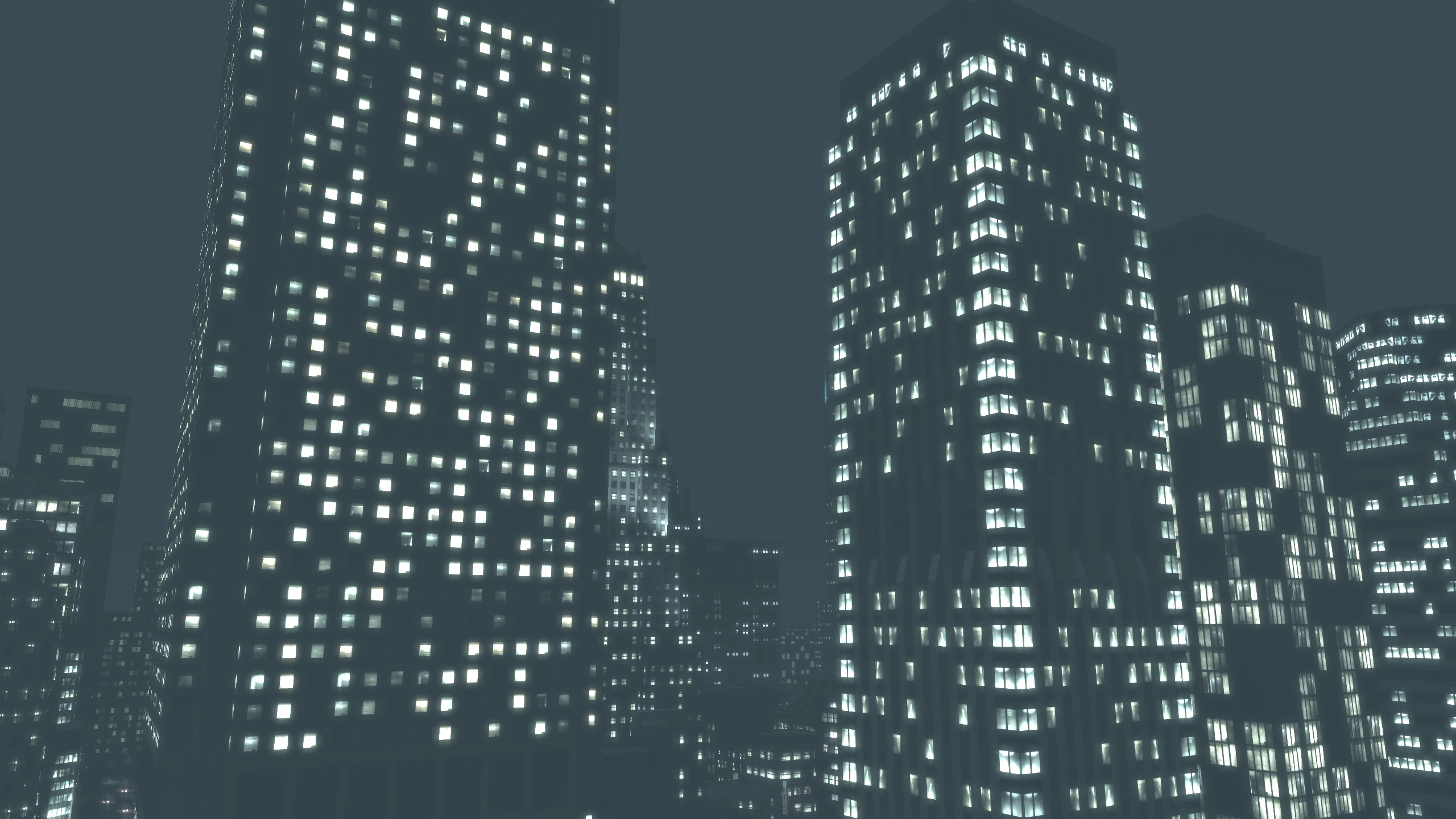
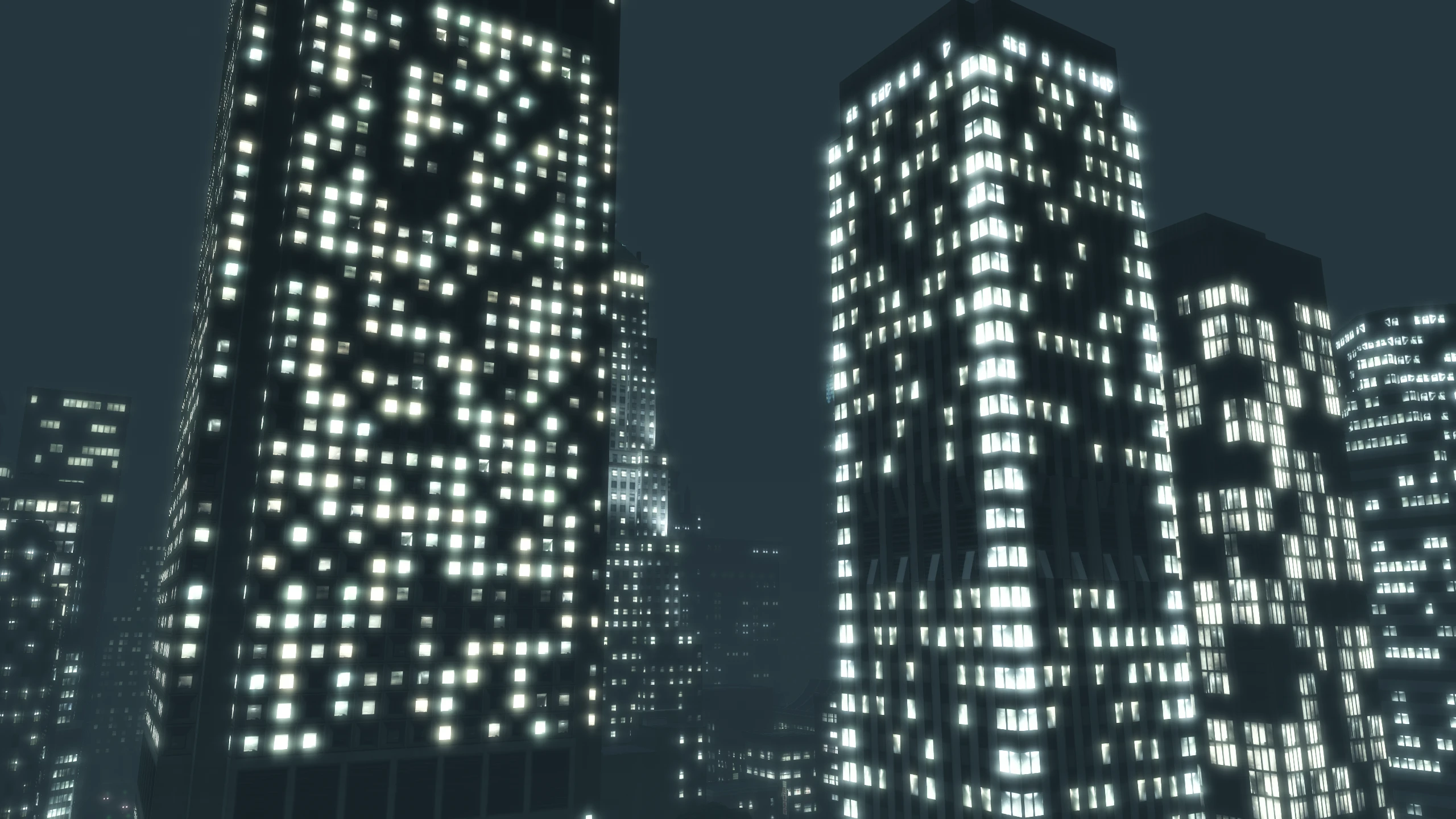
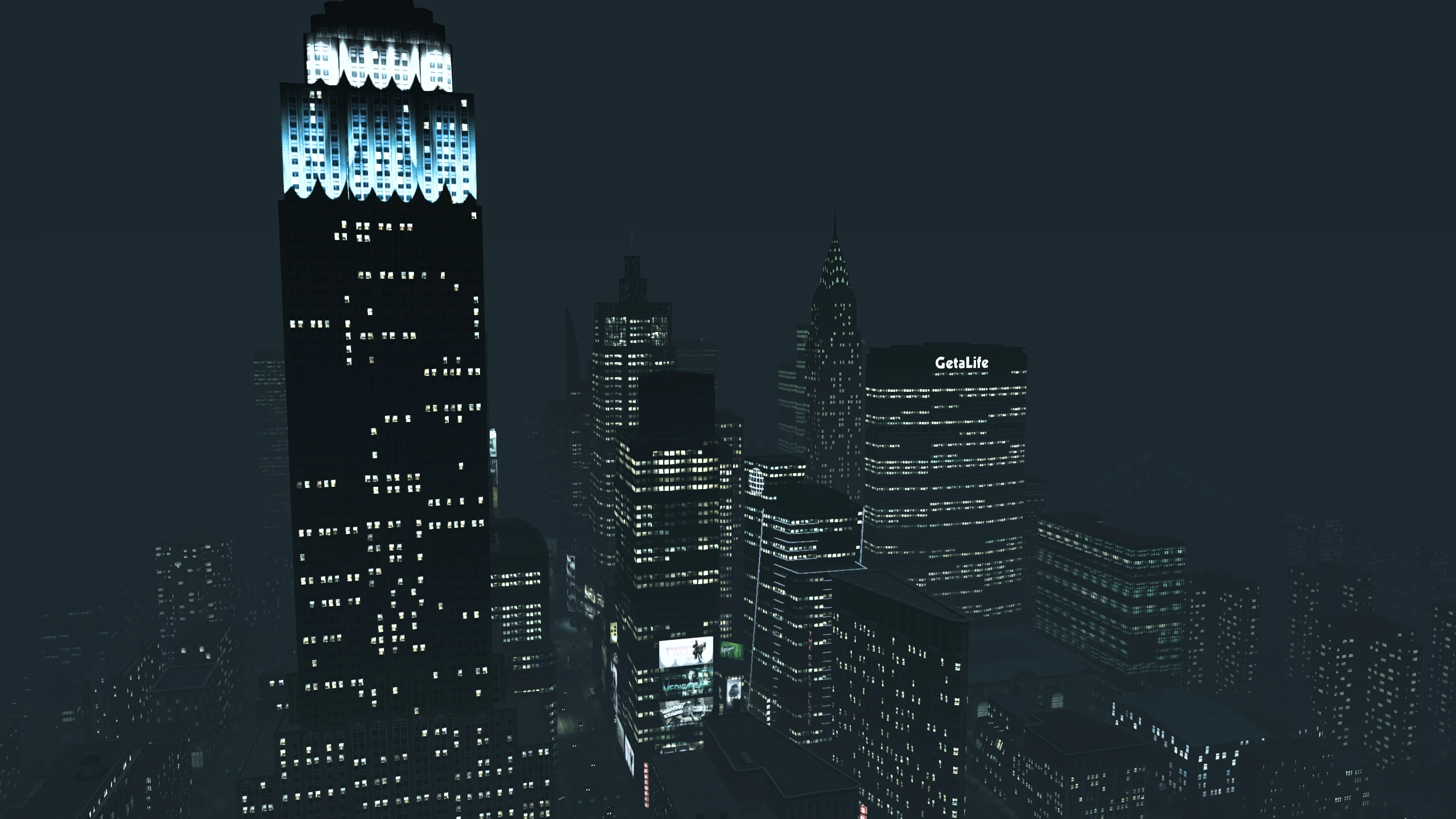
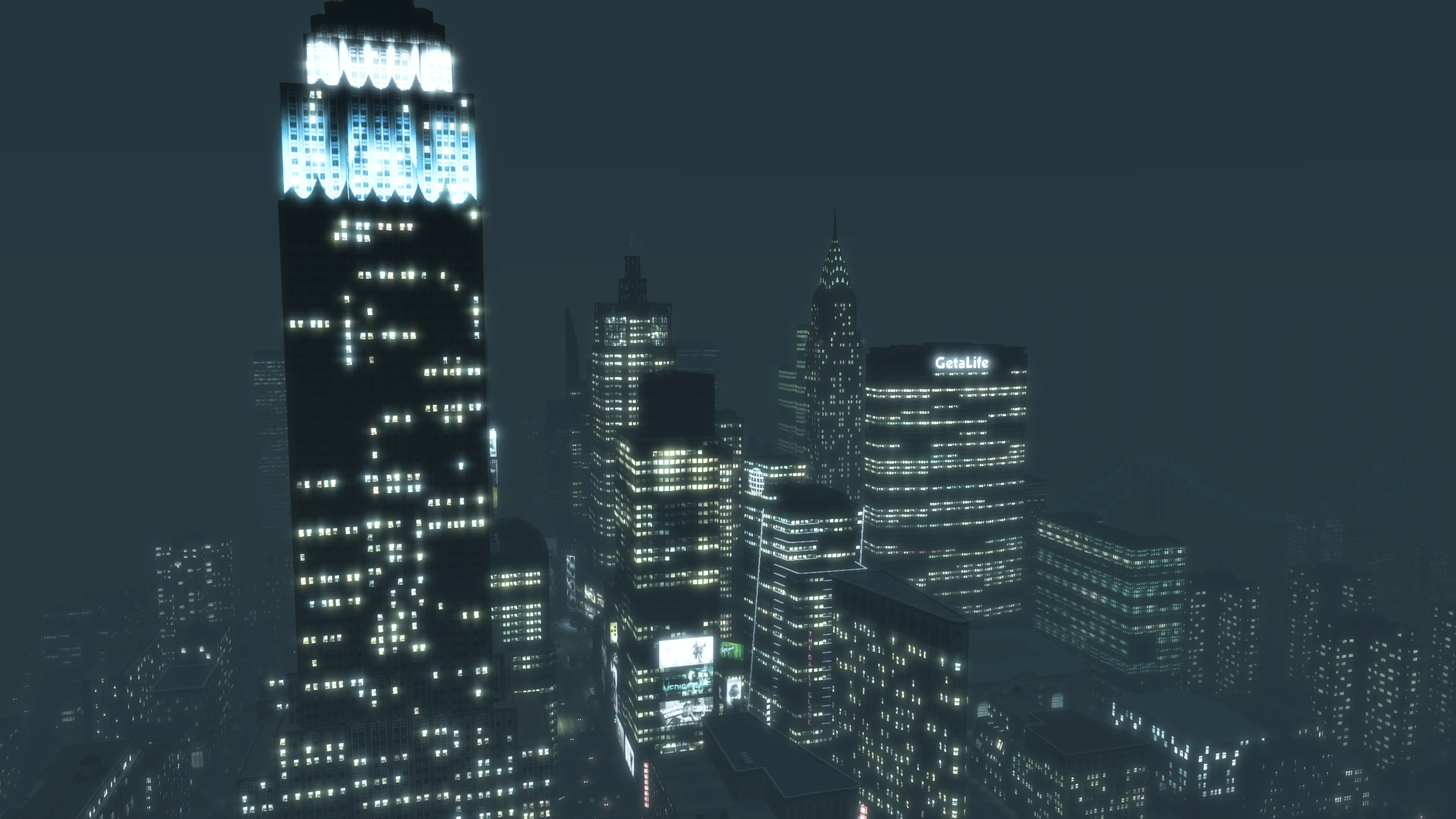
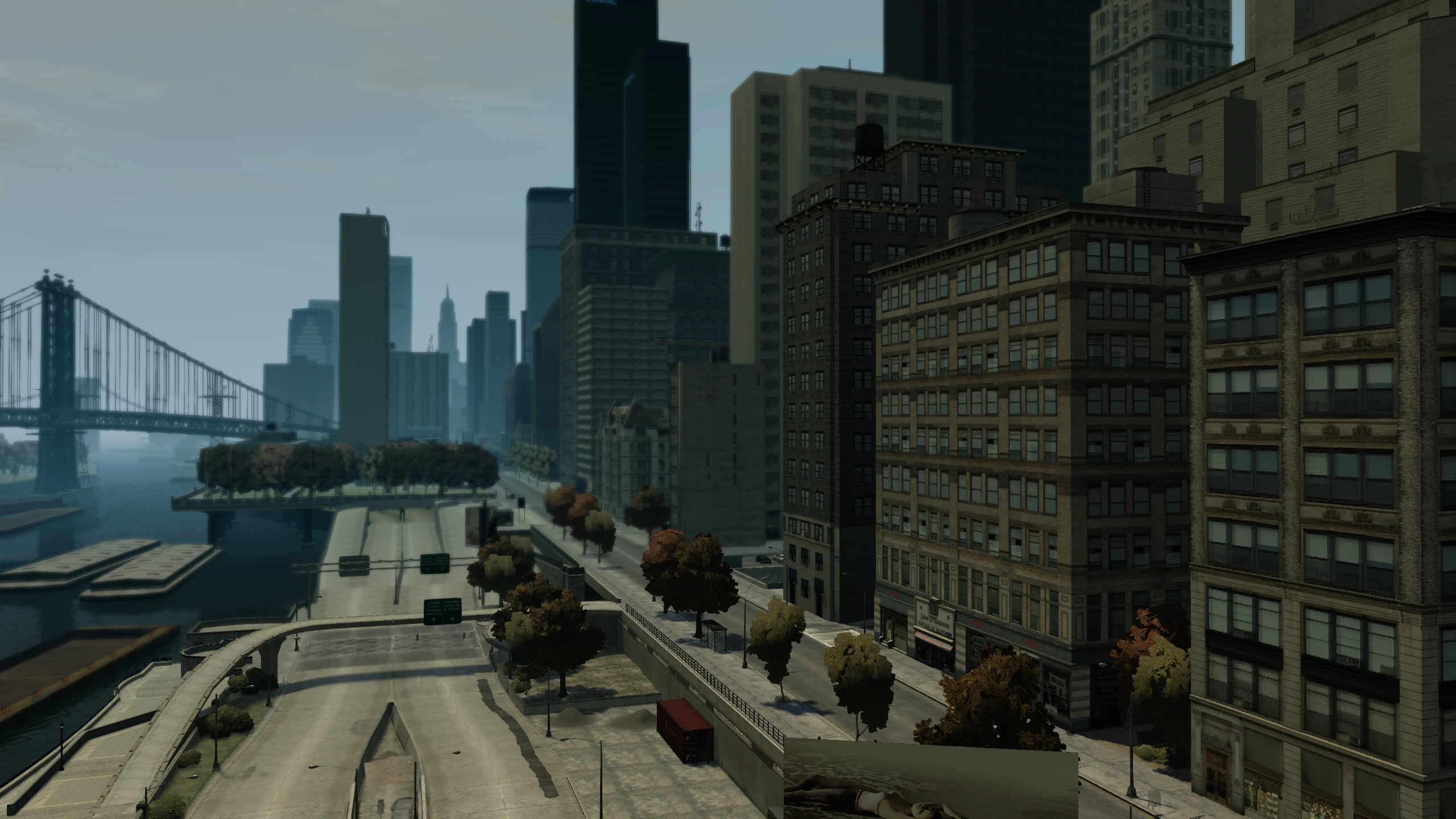
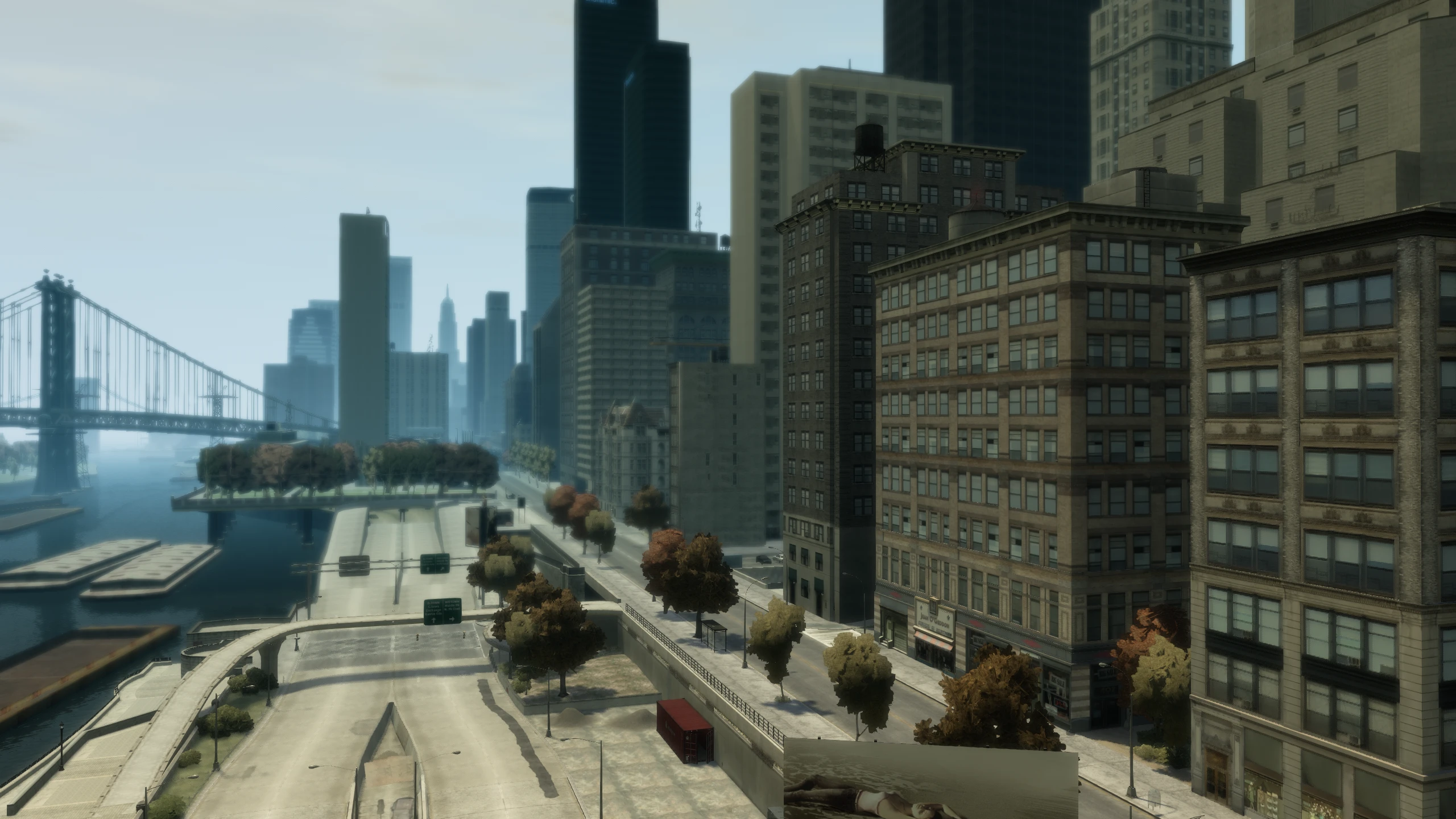
Bloom in the vanilla game didn't scale correctly with resolution, so the higher your resolution, the smaller bloom effects became.
Fusion Fix rewrites the bloom code so it now scales with resolution correctly and looks better overall. It also adds an option to enable and disable bloom completely.
Camera Shake#
The camera shake effect was broken above 30FPS, becoming weaker and almost invisible at higher frame rates.
Fusion Fix fixes this so the camera shake effect works correctly at all frame rates and it also adds an option to enable and disable the camera shake effect completely.
Cutscenes#
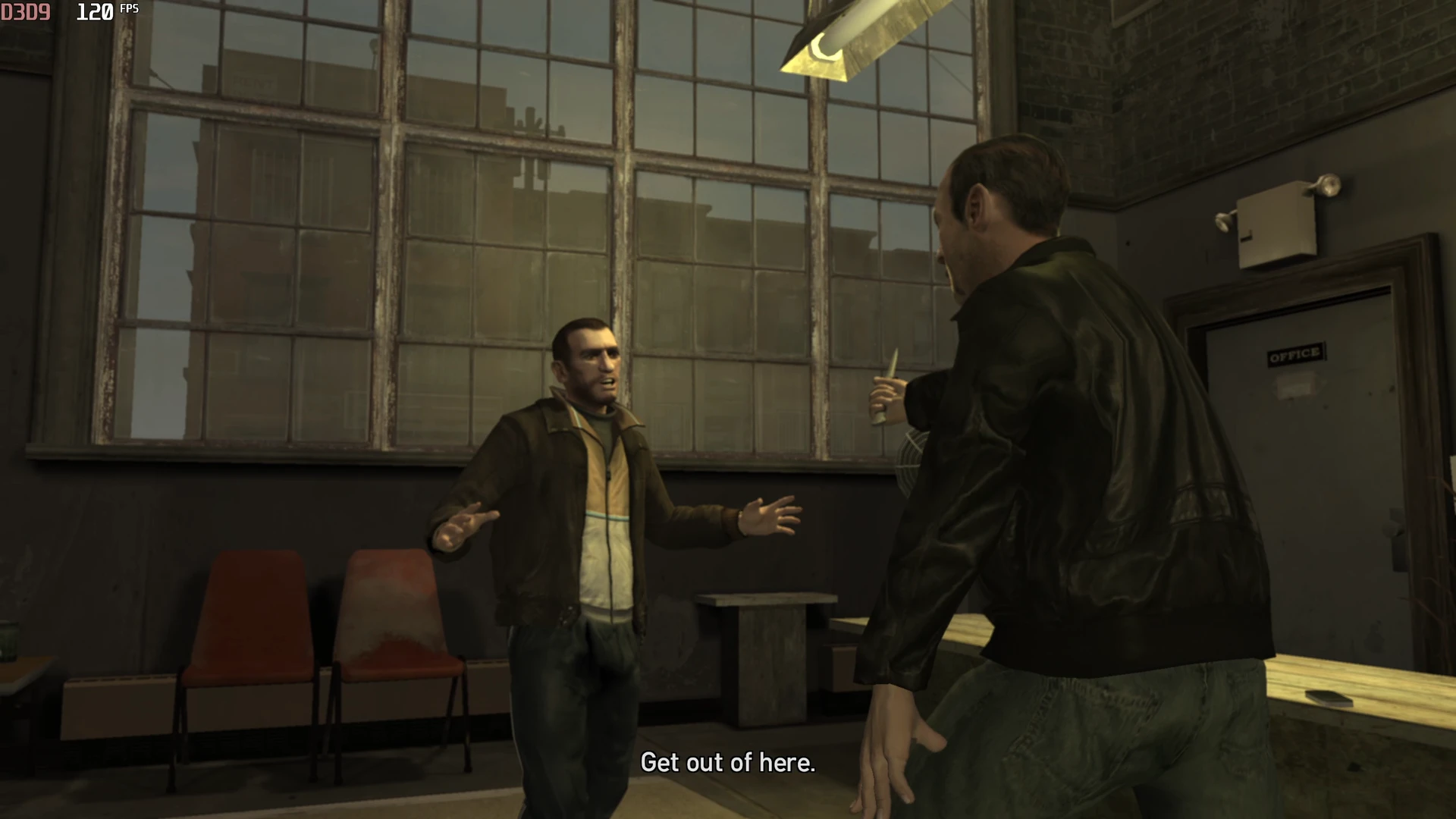
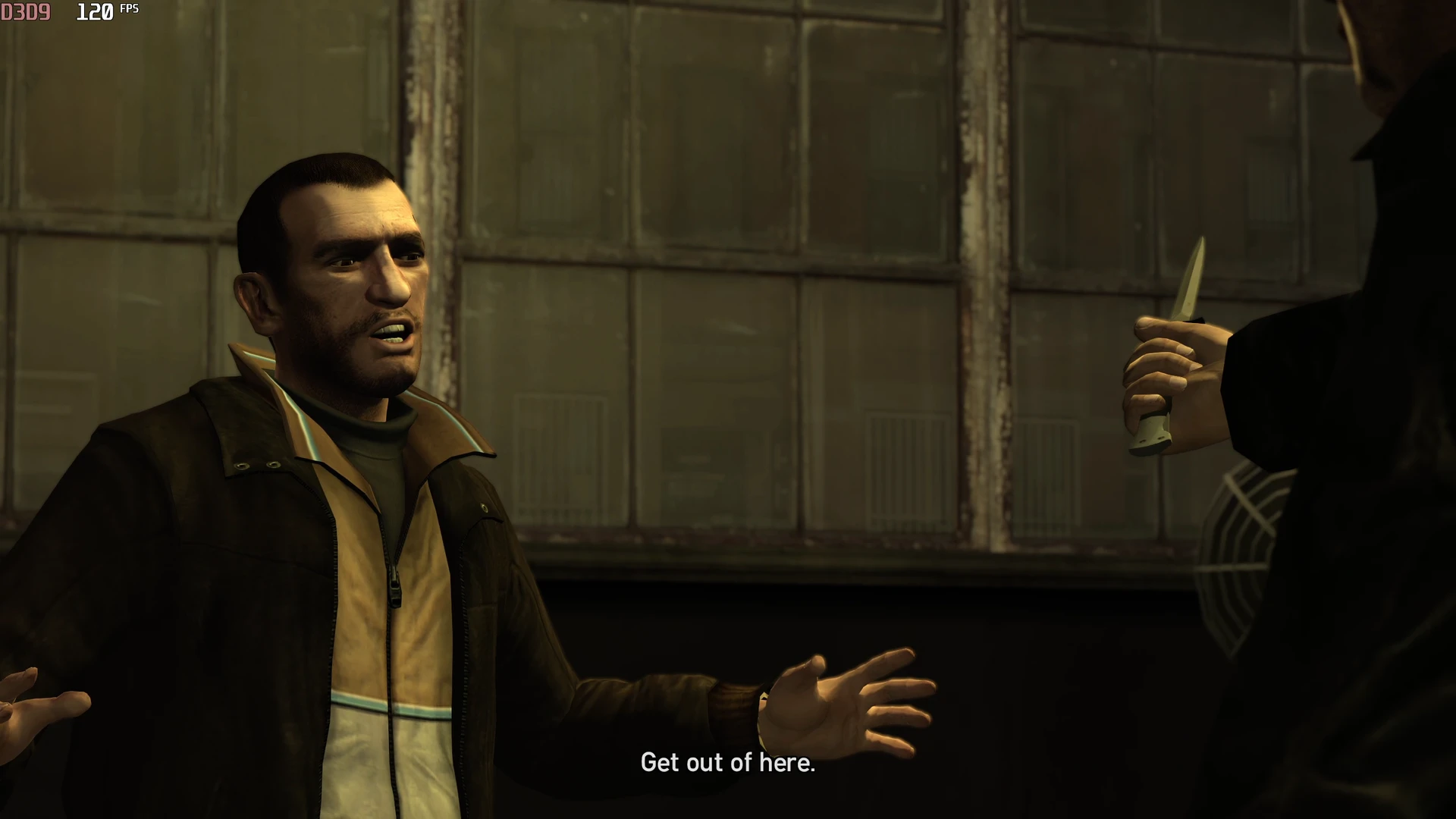
Cutscenes had major issues on PC at frame rates above 30.
Field of View#
The field of view could increase massively at higher frame rates, ruining scenes and how they were meant to be presented.
Fusion Fix fixes this so the field of view is always correct even at higher resolutions.
Stutters#
Higher frame rates also caused massive camera and character stuttering in cutscenes.
Fusion Fix fixes this, but some users have reported that this fix can cause audio desync in cutscenes. If you do get cutscene desync, use the Cutscene Audio Sync option to try an alternative fix or even disable this fix entirely. These options can be toggled in real time by pressing the up arrow on your keyboard during cutscenes.
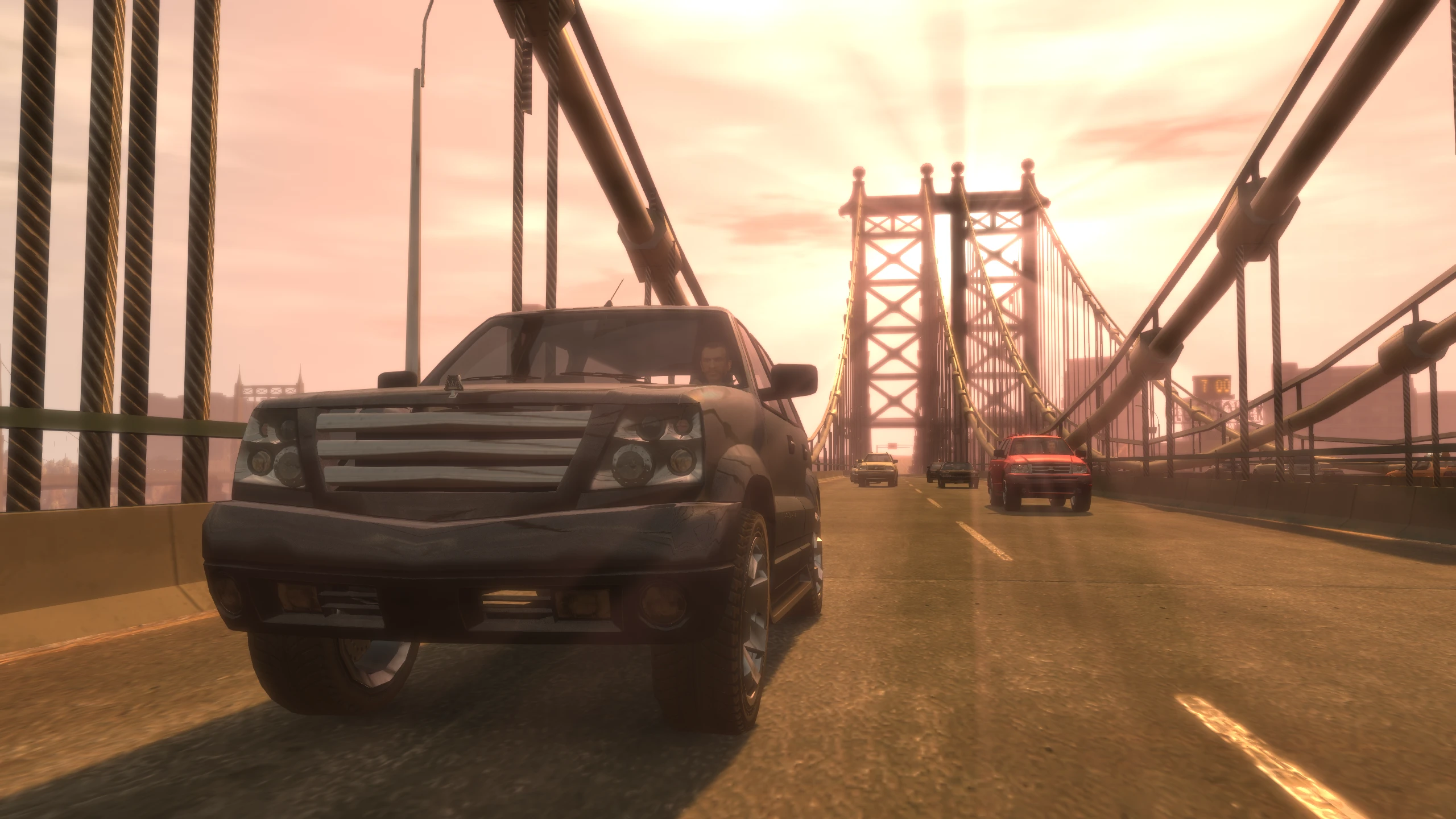
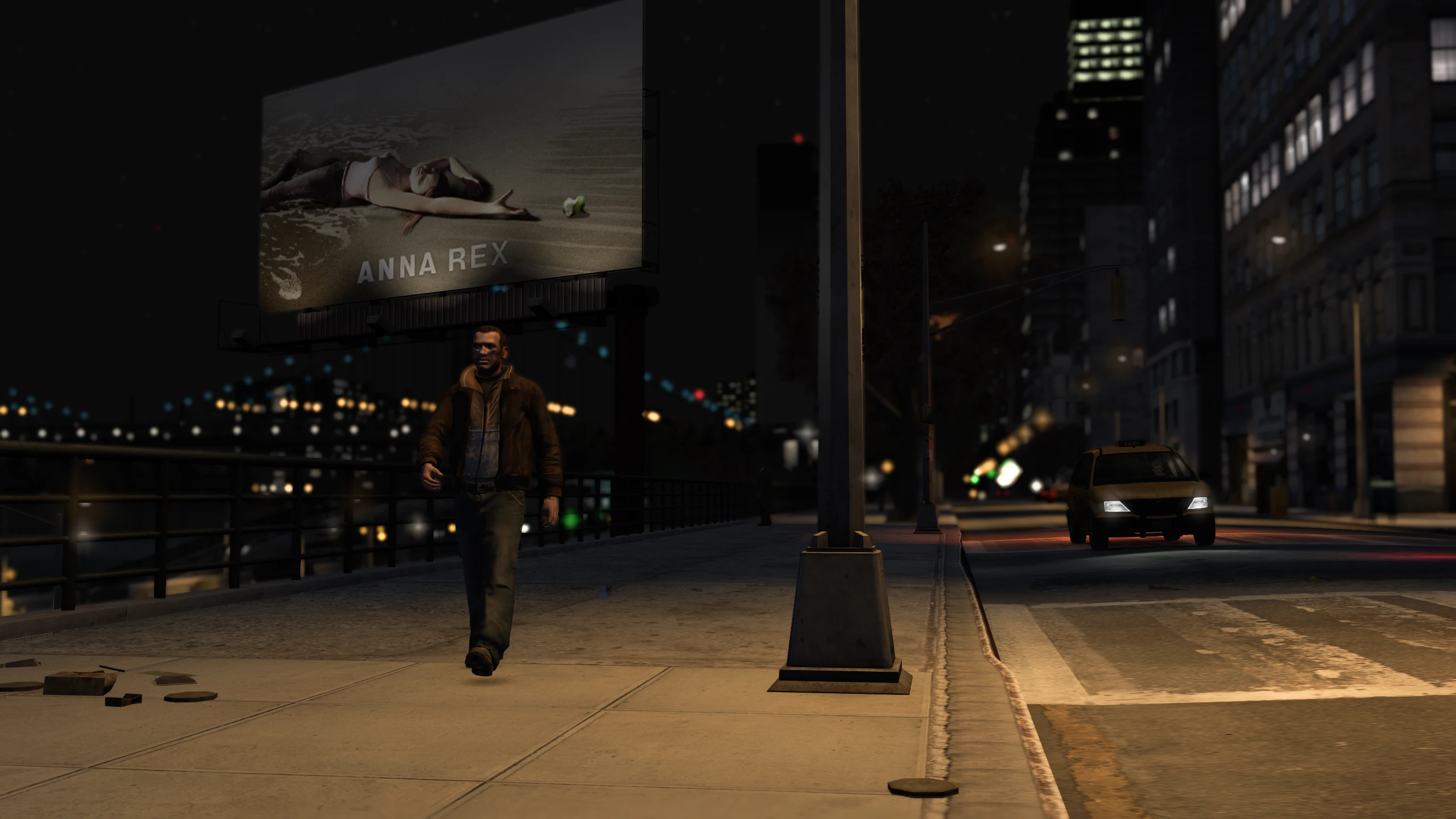
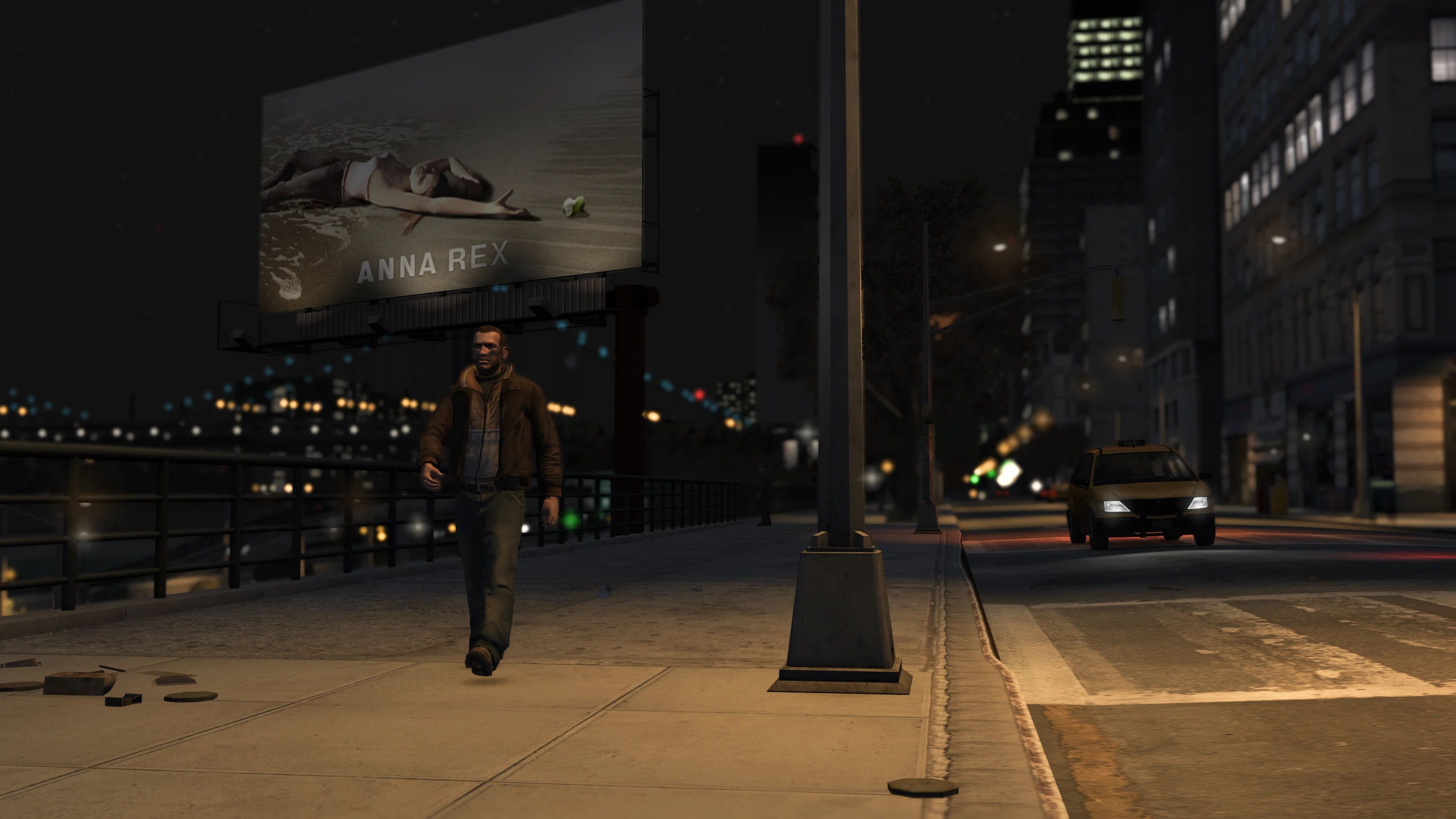
Console Gamma#
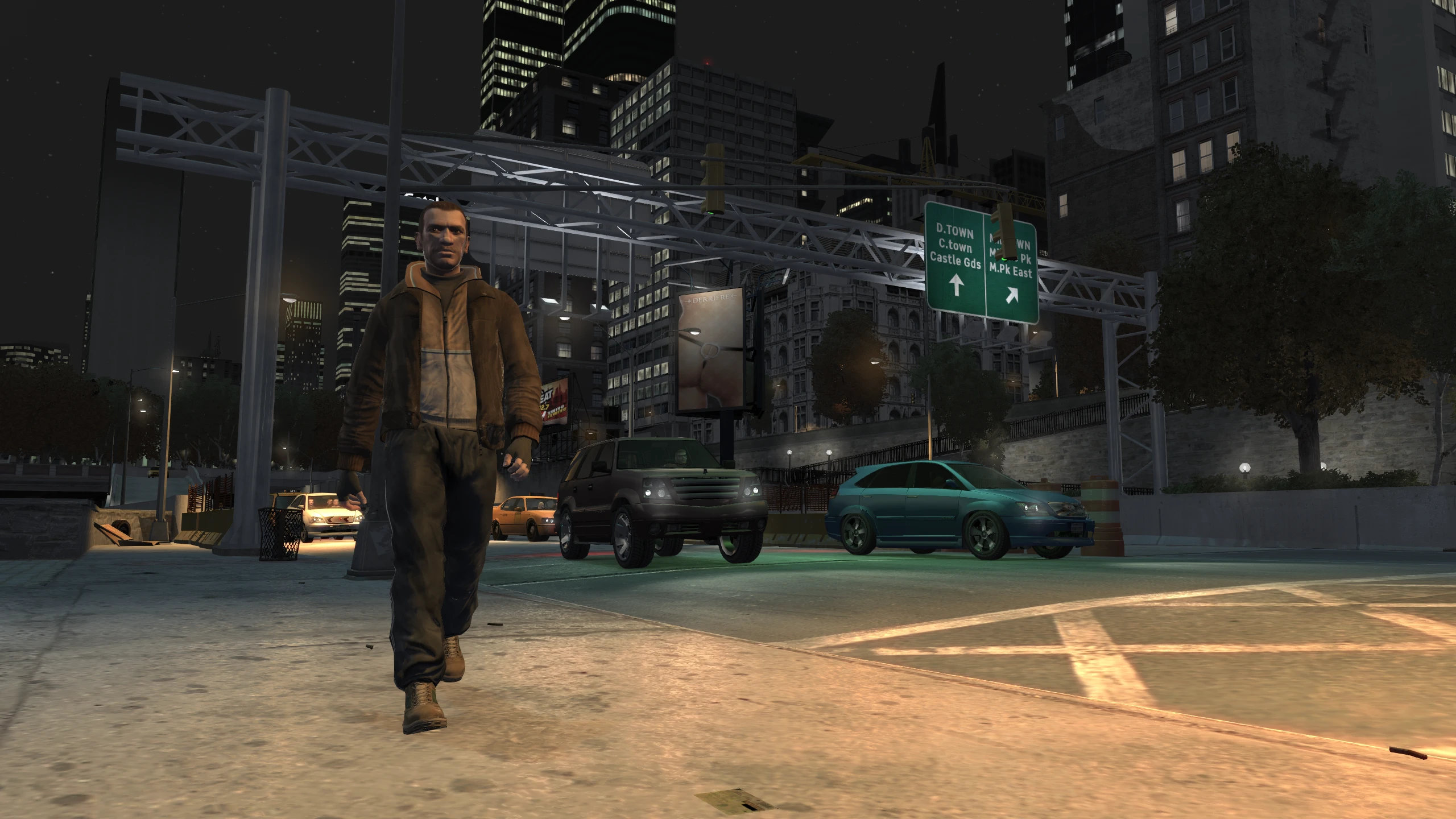
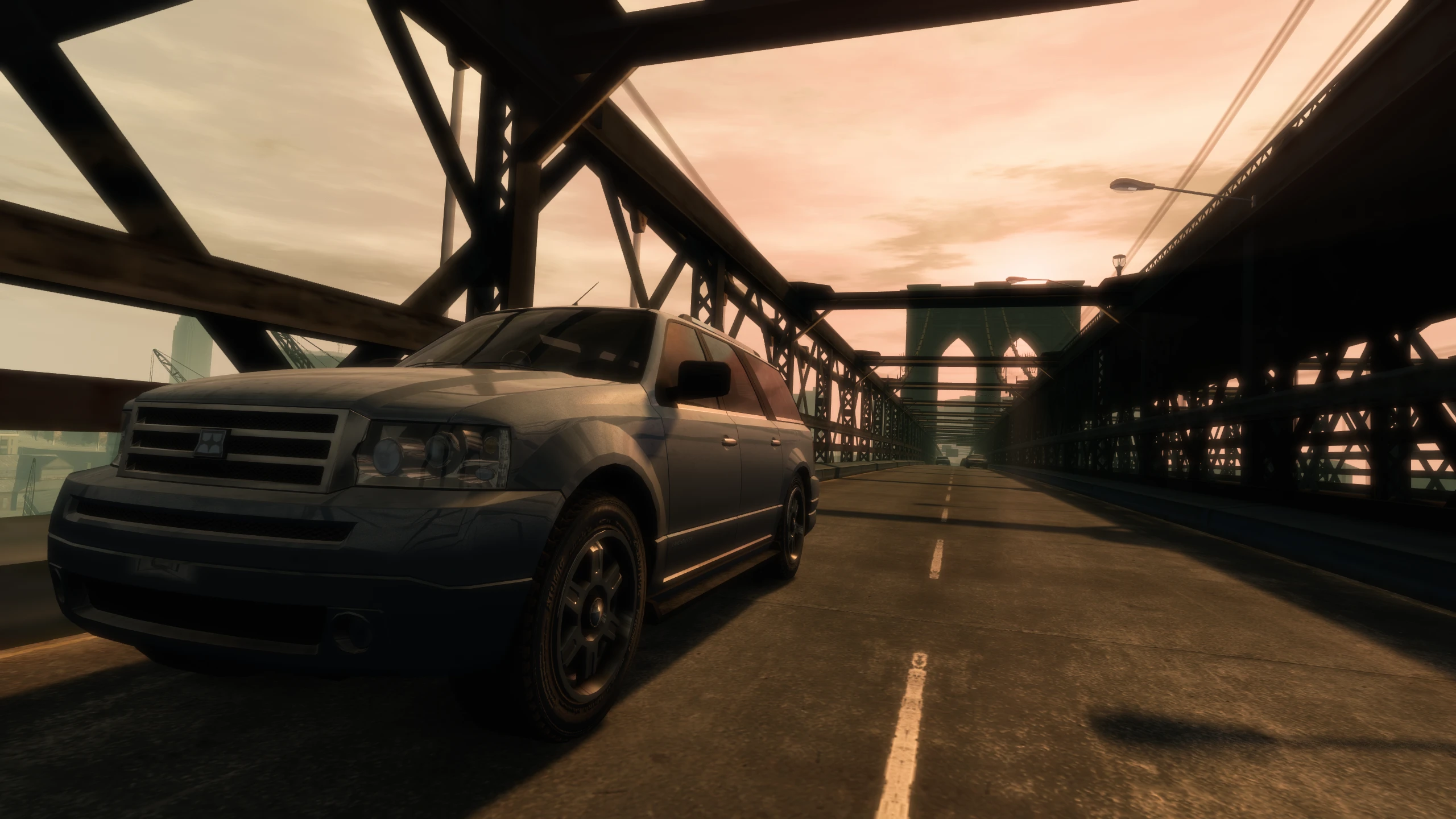
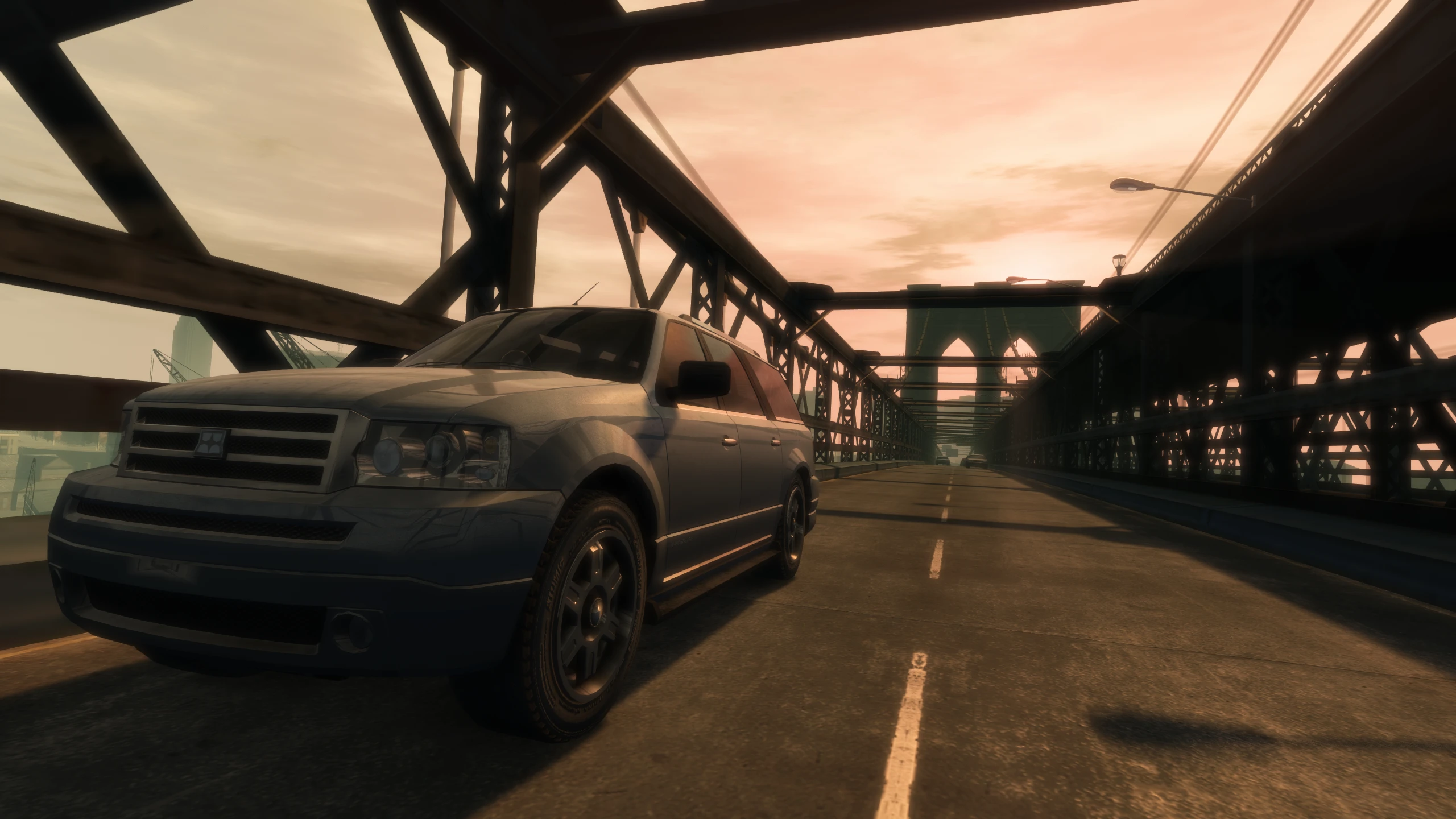
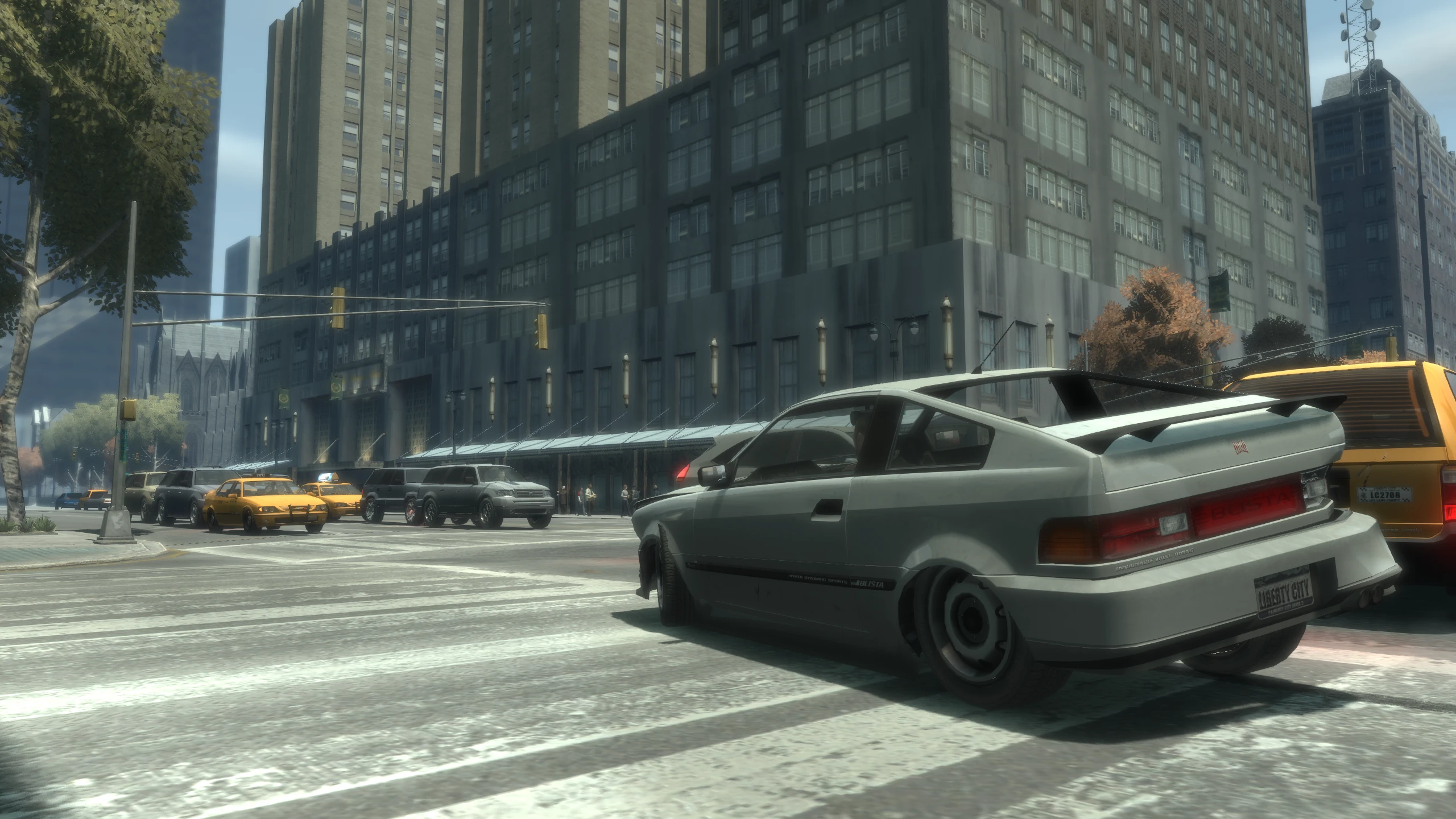
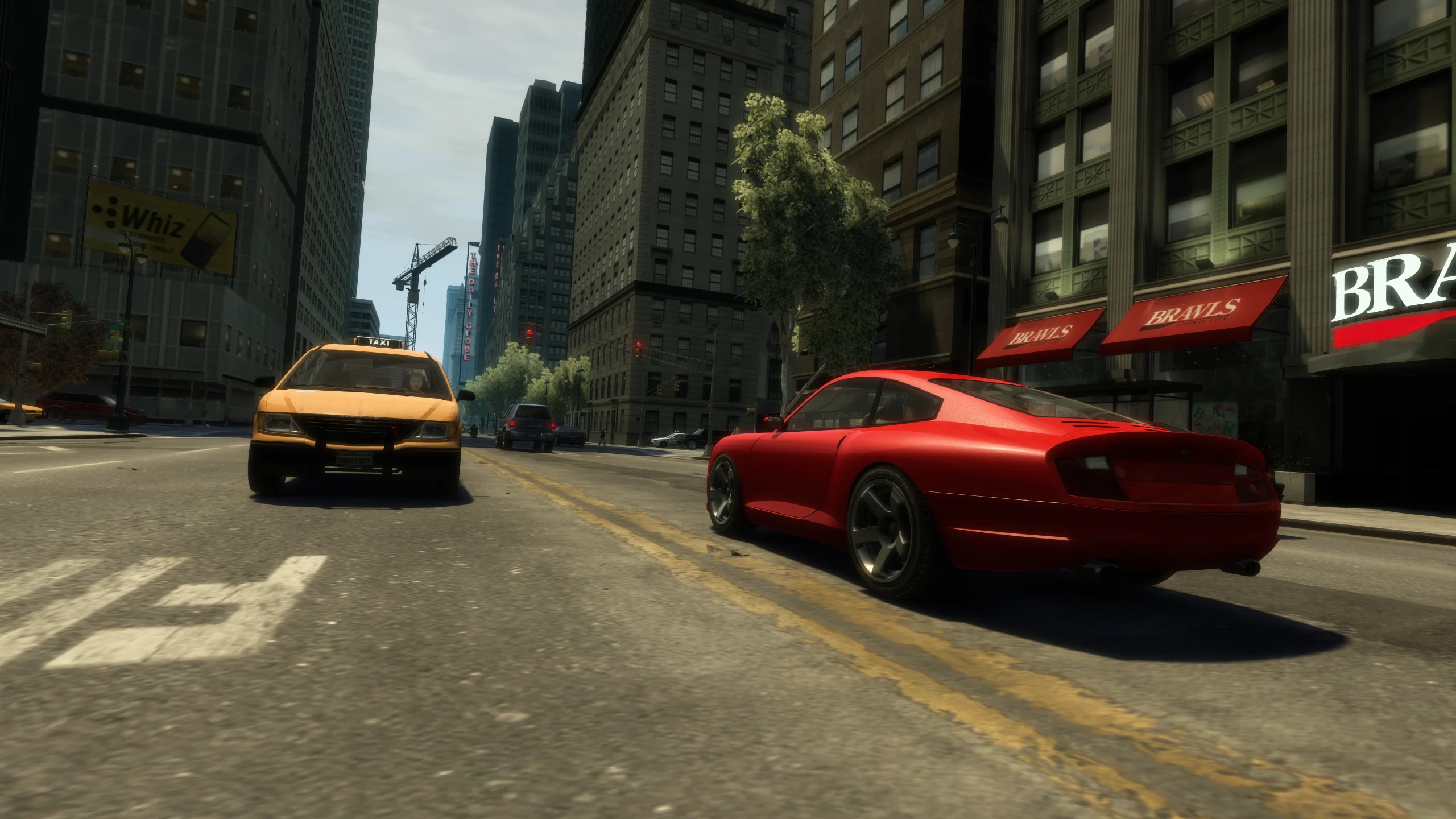
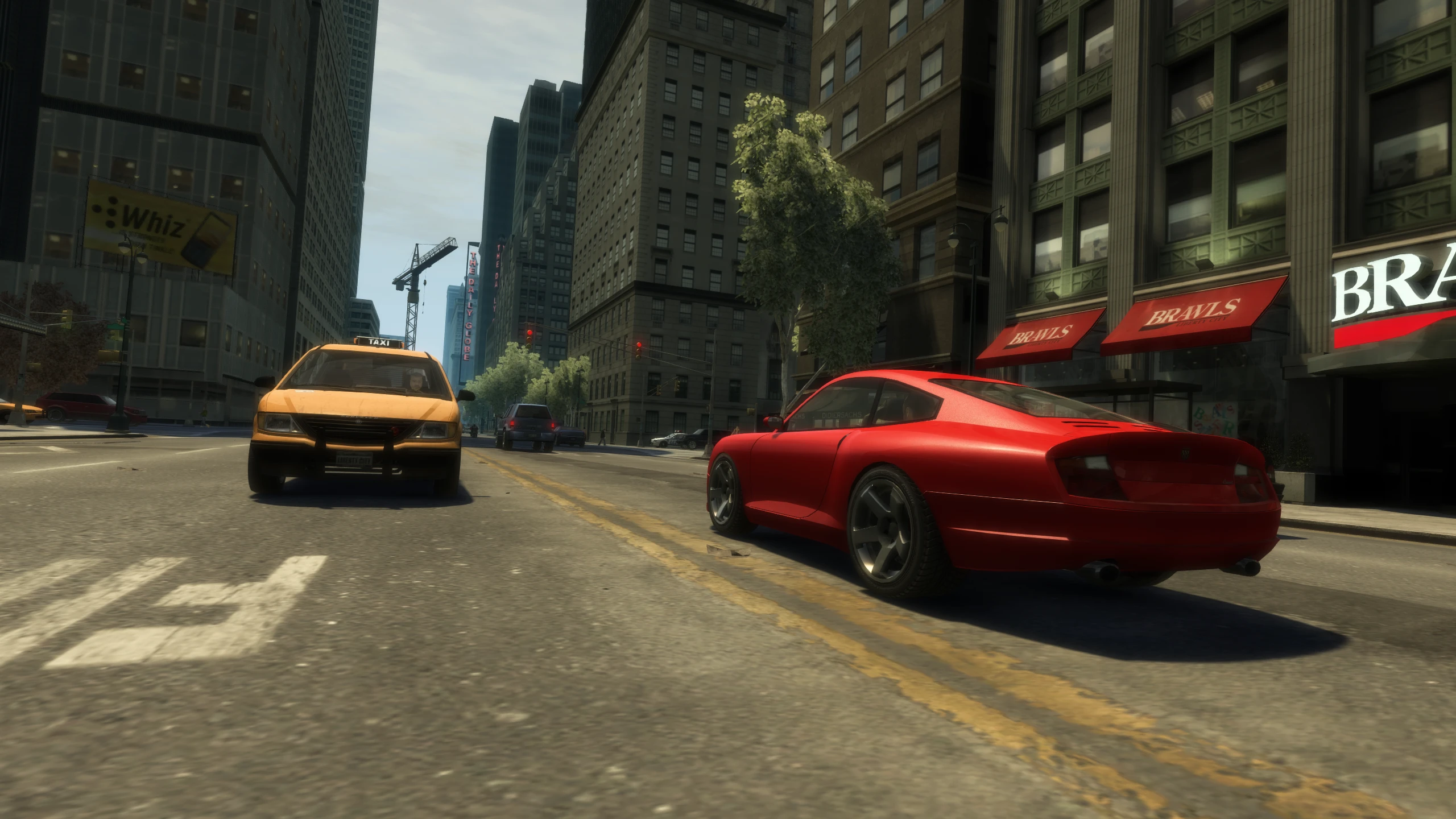
Fusion Fix adds a console gamma option which restores the gamma curve from the Xbox 360 and PS3 versions of the game. This makes the game look less washed out and generally more contrasty.
Console Auto Exposure#
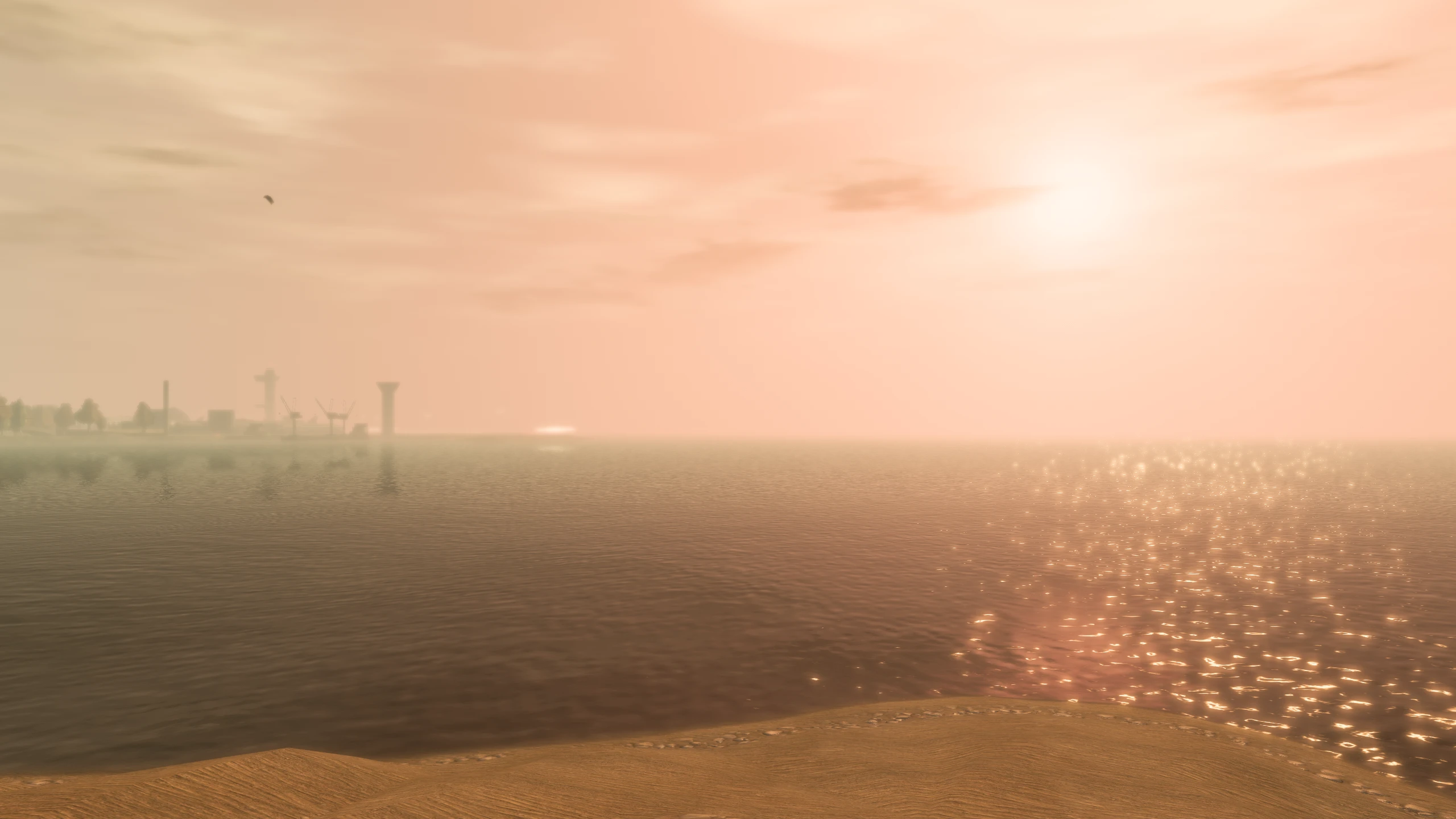
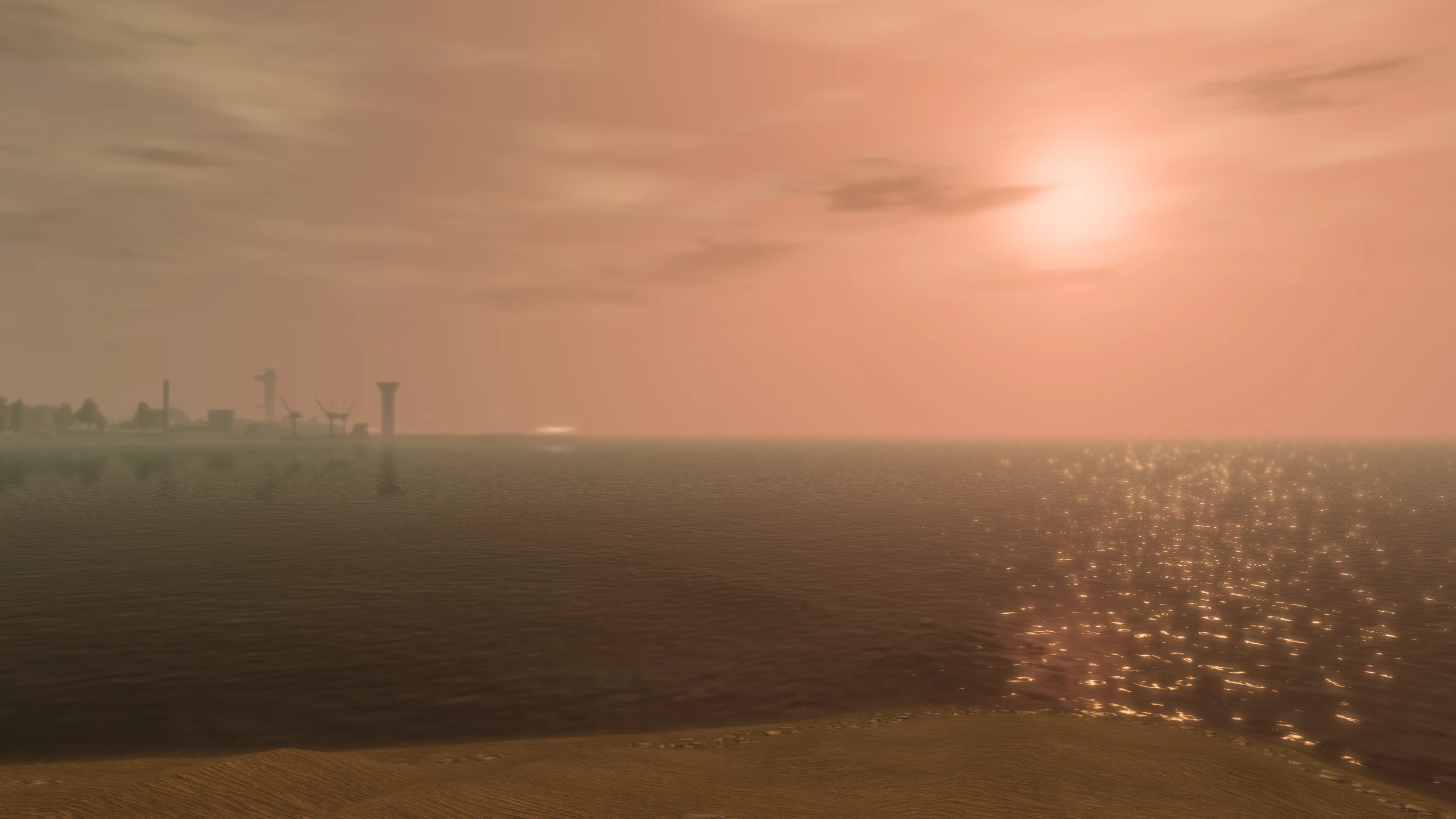
Fusion Fix adds a console auto exposure option which restores the auto exposure effect seen on the console versions of GTA IV. This is intended to simulate the camera adjusting to different light levels, e.g. looking at the sun will cause the image to dim a bit, allowing more detail to be visible.
Definition#
There's an option in GTA IV called "Definition" that does multiple things, mostly broken things.
When Definition is OFF, it enables effects, when Definition is ON, it disables effects. Here's exactly what it's doing when the option is OFF in the vanilla game...
Definition Off
- Enables a blur filter which hides a pixel pattern effect/dithering (but is also broken on PC and blurs the screen too much, warping the the image)
- Enables depth-of-field (doesn't scale to resolution, so weaker at higher resolutions)
- Enables motion blur (weaker at higher frame rates, which is arguably correct)
So, let's break down what these effects do, how they're broken on PC and what Fusion Fix does to fix them.
Blur Filter#
GTA IV on Xbox 360 and PC (with Definition off) uses a blur filter on the entire screen to hide a pixel pattern effect/dithering commonly seen on objects fading and the games low resolution shadows.
This pixel pattern is a side effect of screen-door transparency, the method Rockstar used to fade objects in GTA IV.
However on PC, this blur effect is broken, with the blur being much more intense than on Xbox 360.
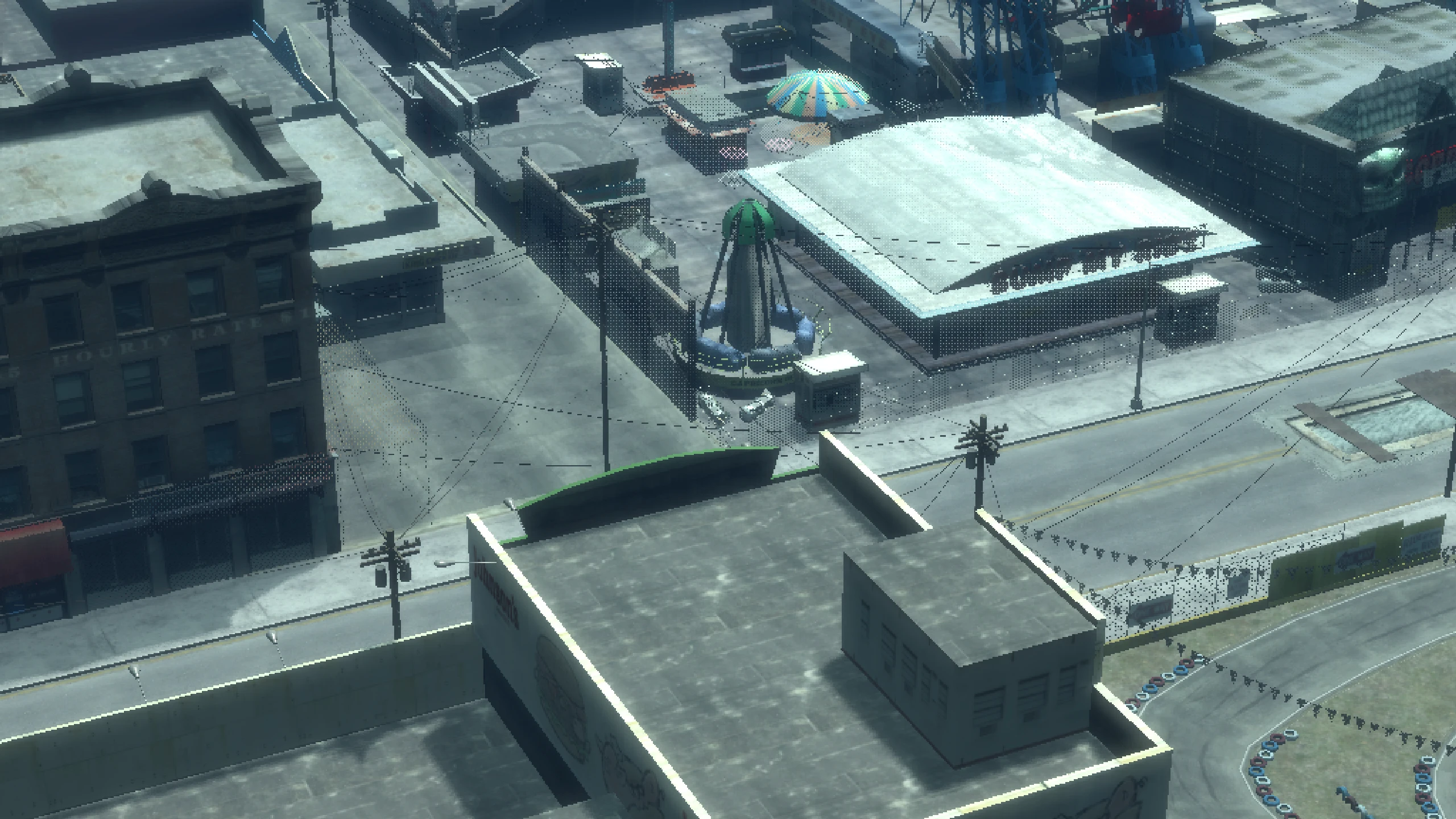
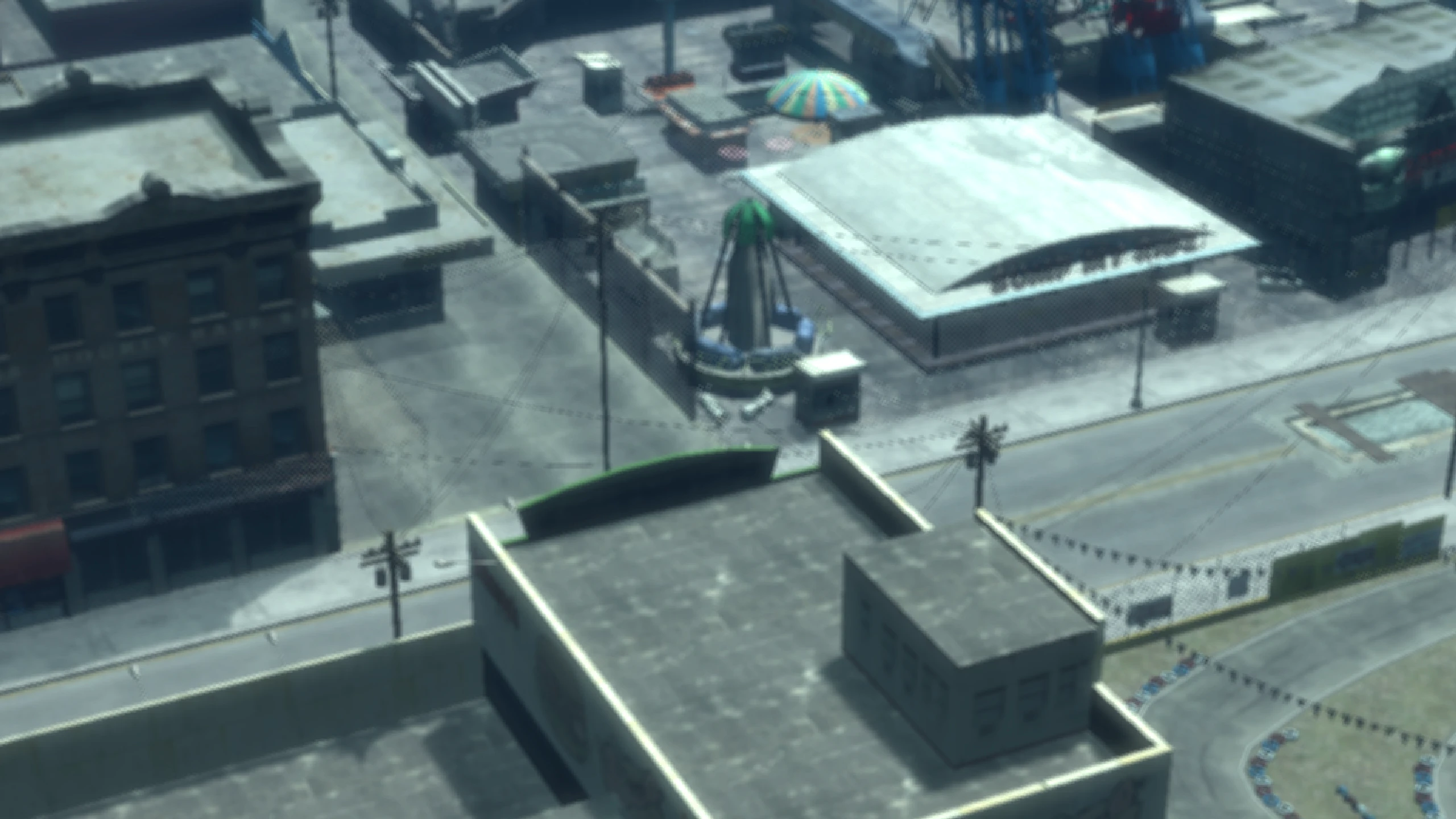
Below you can see how this blur filter is meant to look, using fixed shaders on PC. This is how the blur filter would look on Xbox 360.
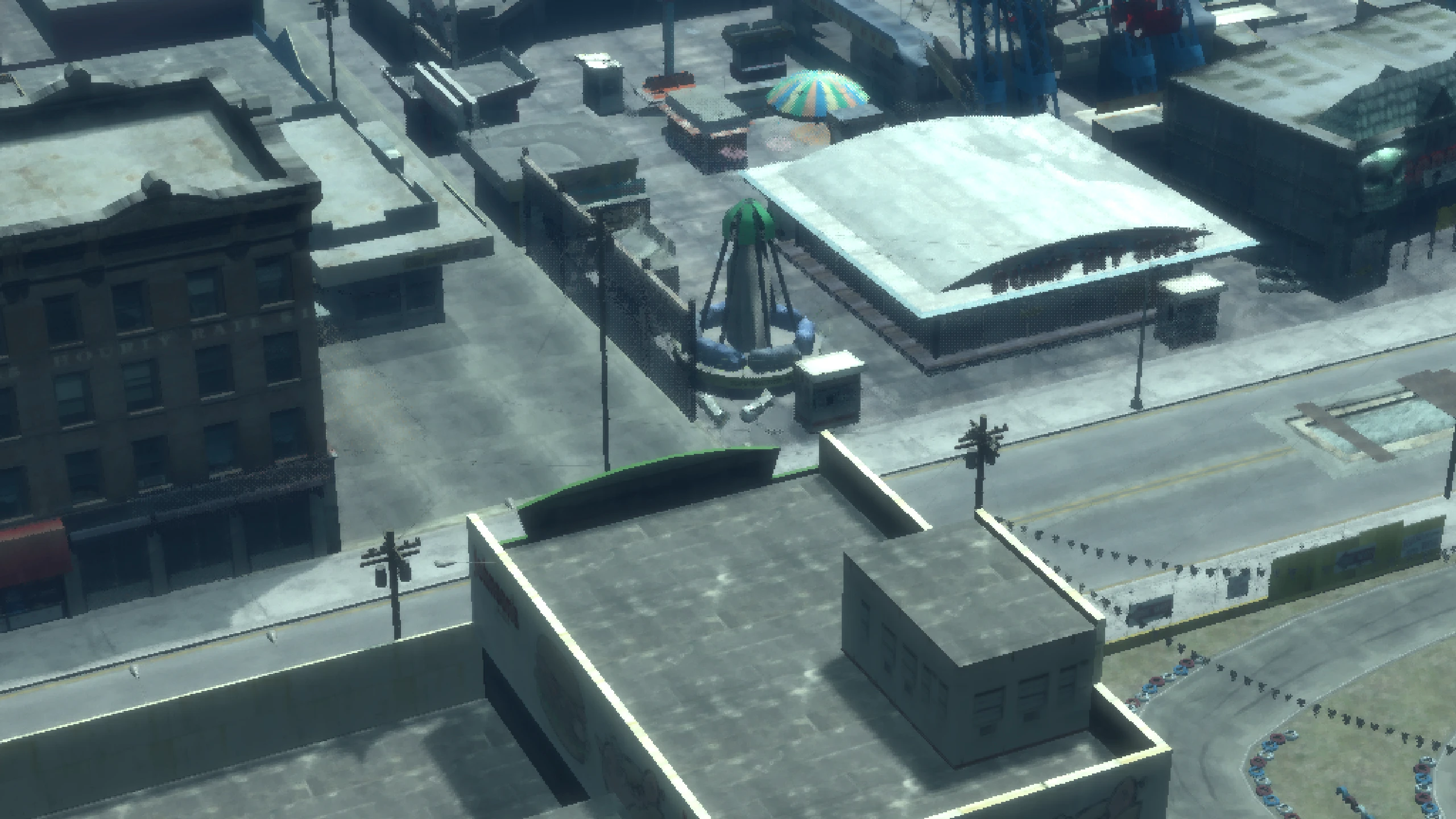
The reason for this is that GTA IV uses 2× MSAA on the Xbox 360. It generates an edge mask from the MSAA data and uses that mask in a post-processing pass to blur only object edges, rather than applying the blur across the entire image.
This is what that edge mask looks like. Notice how the white lines indicate object edges, these are the areas that are blurred to reduce aliasing.
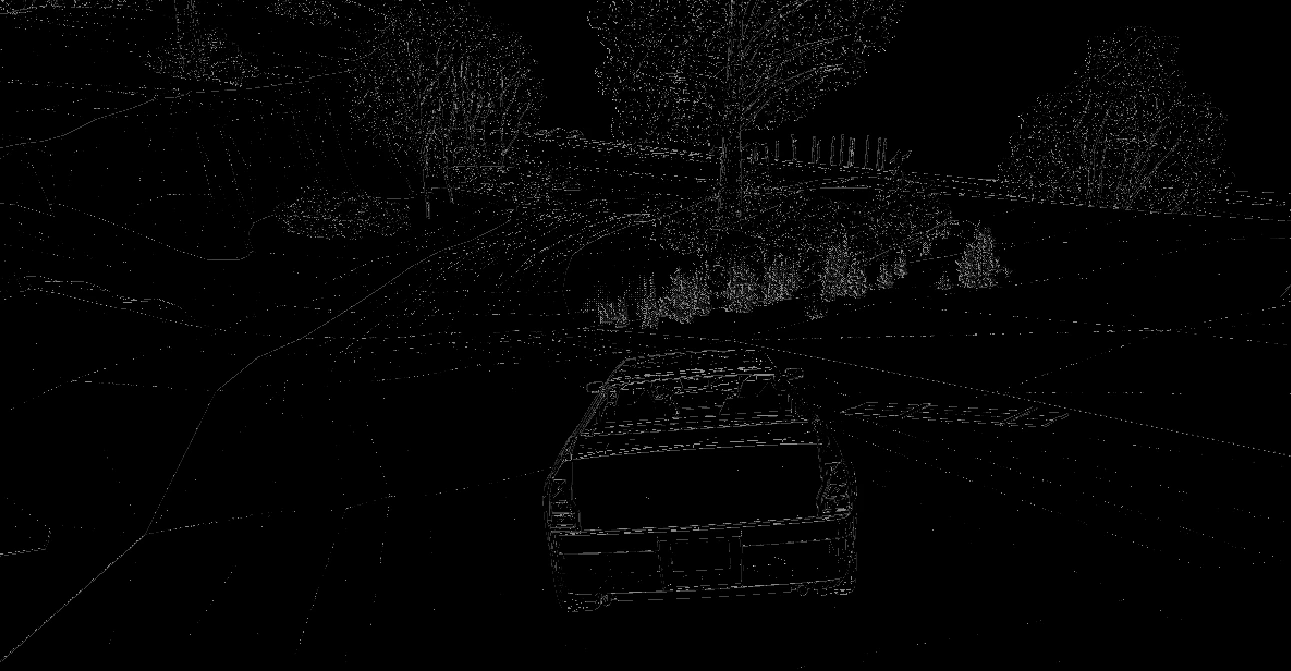
The PC version doesn't have MSAA, but the Xbox 360 code that relies on it is still present and becomes active when Definition is set to Off.
Since the MSAA data isn't on the PC version, the edge mask that is supposed to contain object edge information ends up being effectively all white. As a result, the post-processing blur treats the entire image as an edge and blurs the whole screen instead of just object edges.
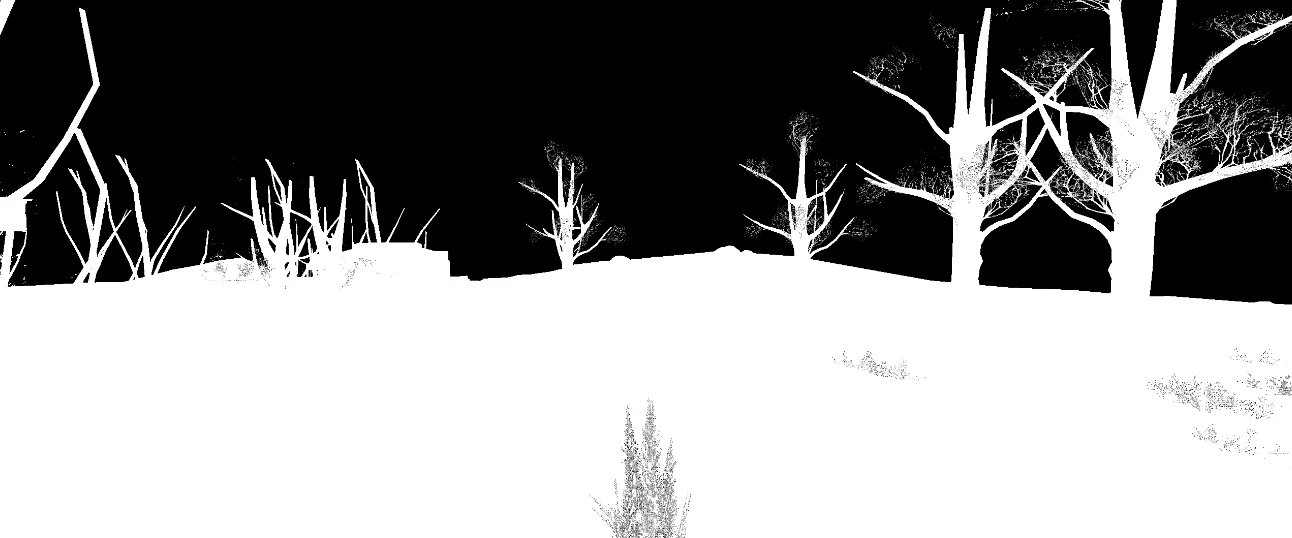
So on Xbox 360 you have this effect stack...
Slight screen blur to hide pixel pattern effects -> Working 2x MSAA which only blurs object edges.
But on PC you have this effect stack...
Slight screen blur to hide pixel pattern effects -> Broken 2x MSAA which blurs the entire screen on top of the slight screen blur.
And this is what leads to the PC version appearing much blurrier than any other version.
How does Fusion Fix fix this?
Fusion Fix completely reworks the "Definition" option when it comes to the blur filter.
Fusion Fix Definition On (recommended)
Definition On with Fusion Fix provides the cleanest and clearest image for GTA IV out of ALL platforms. This brings the game in-line with the likes of GTA V.
- Removes broken MSAA code.
- Improves the pixel pattern effect itself so it's easier to filter.
- Further improves the original slight screen blur by making it so it no longer applies to the whole screen, but instead only to objects/effects where pixel pattern effects may apply (similar to GTA V).
- Changes several objects that previously used screen-door transparency to use an alpha test for transparency instead (vegetation, fences, various other objects), further reducing the presence of the pixel pattern effect.
Notice how the pixel pattern effect is now blurred, but everything else in the image remains sharp as the blur now only affects objects where the pixel pattern effect is seen.
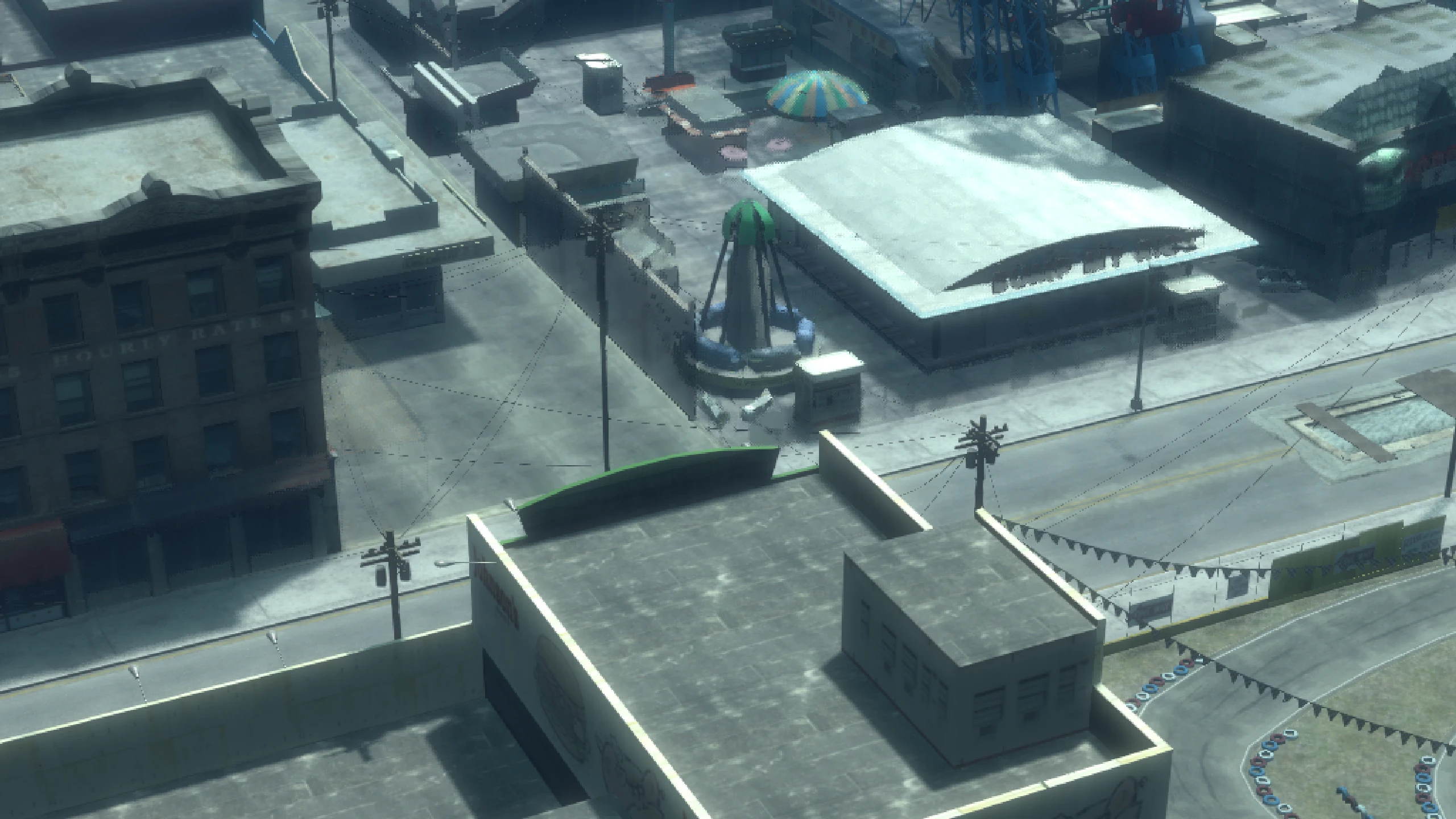
Here's how it compares to the Xbox 360 blur.
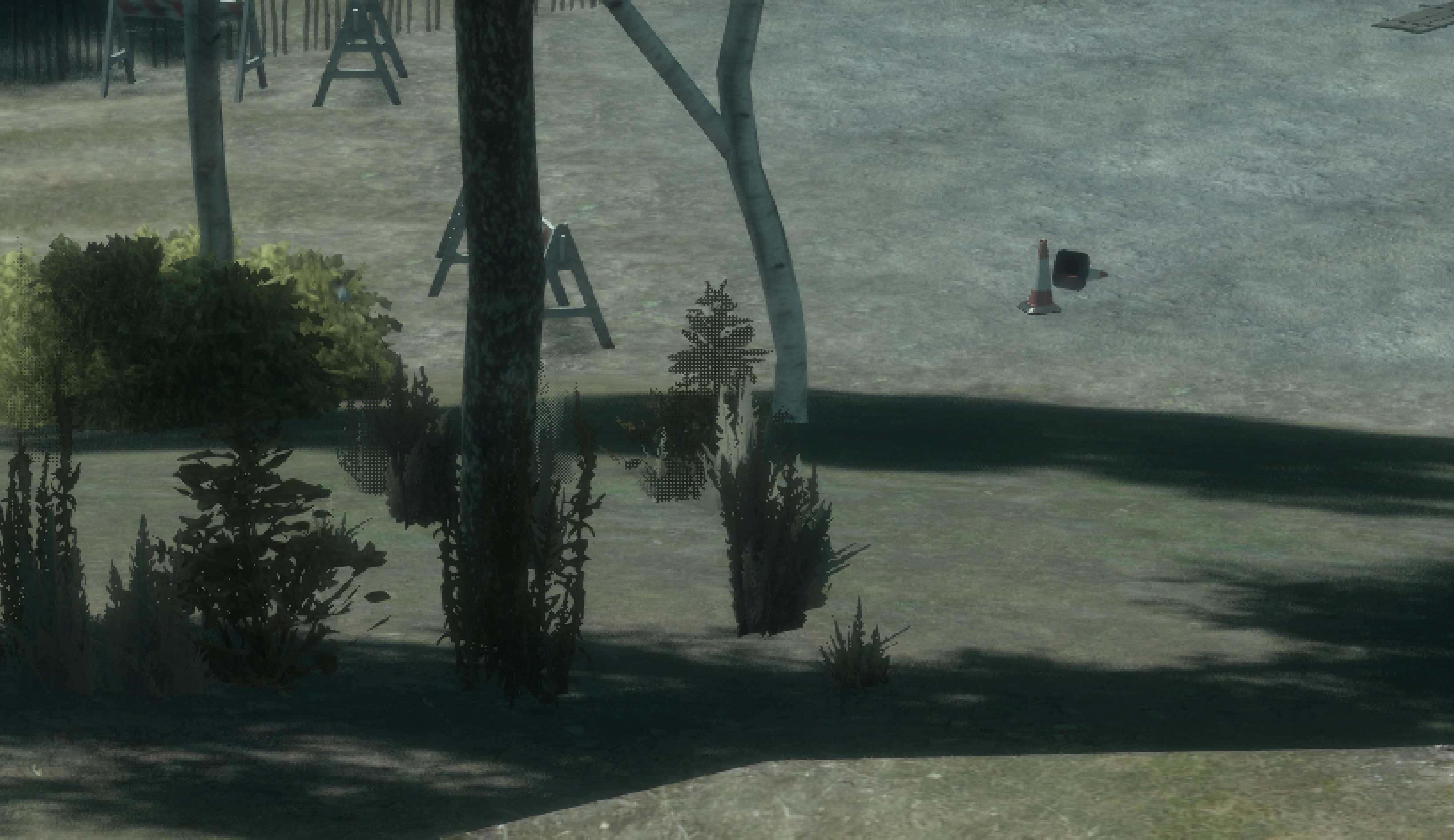
Below you can see some grass using an alpha test for transparency instead of screen door transparency, notice how the grass closer to the camera no longer has the pixel pattern effect.
The filter to hide the effect is disabled for these screenshots.
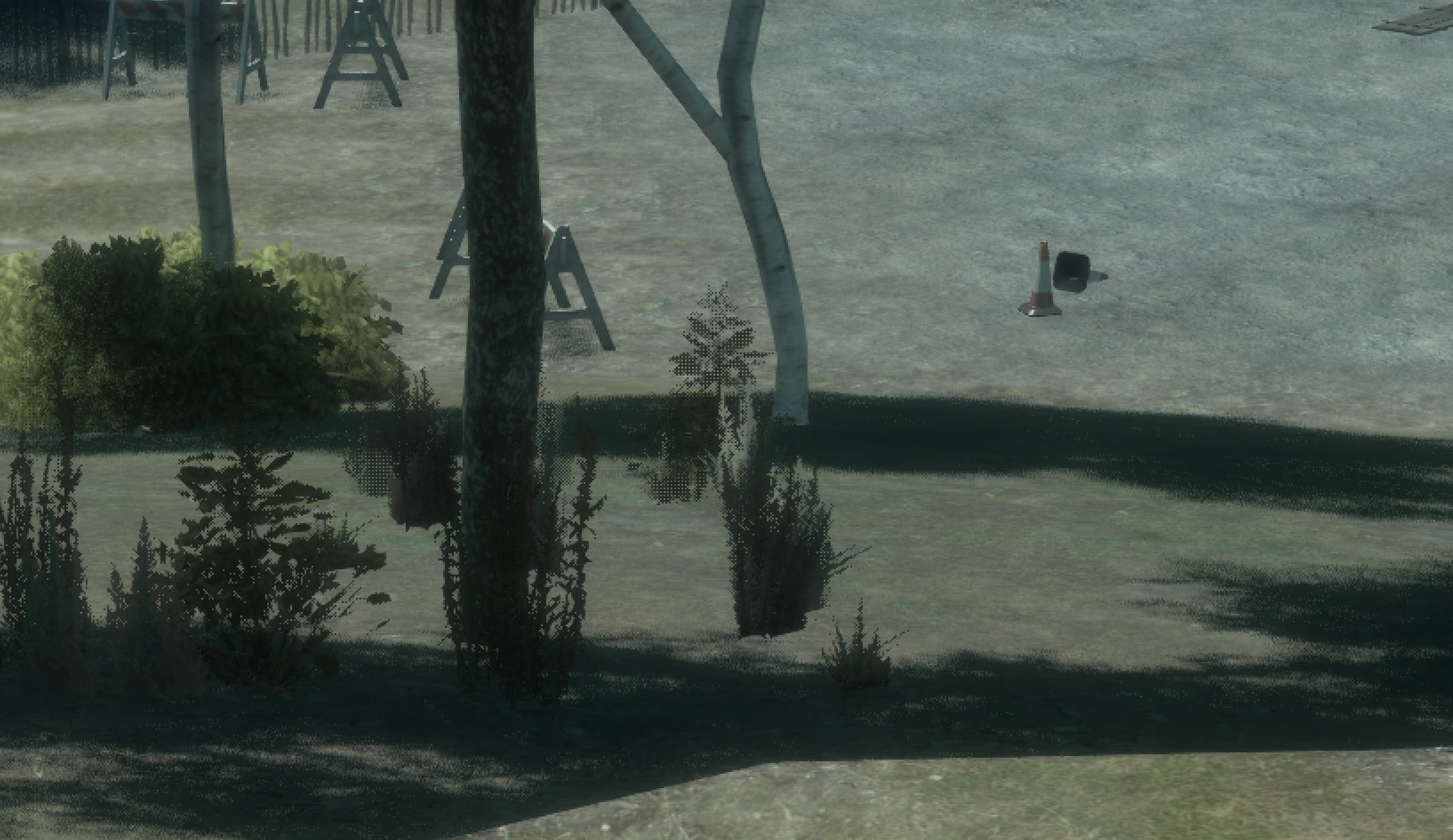
Fusion Fix Definition Off
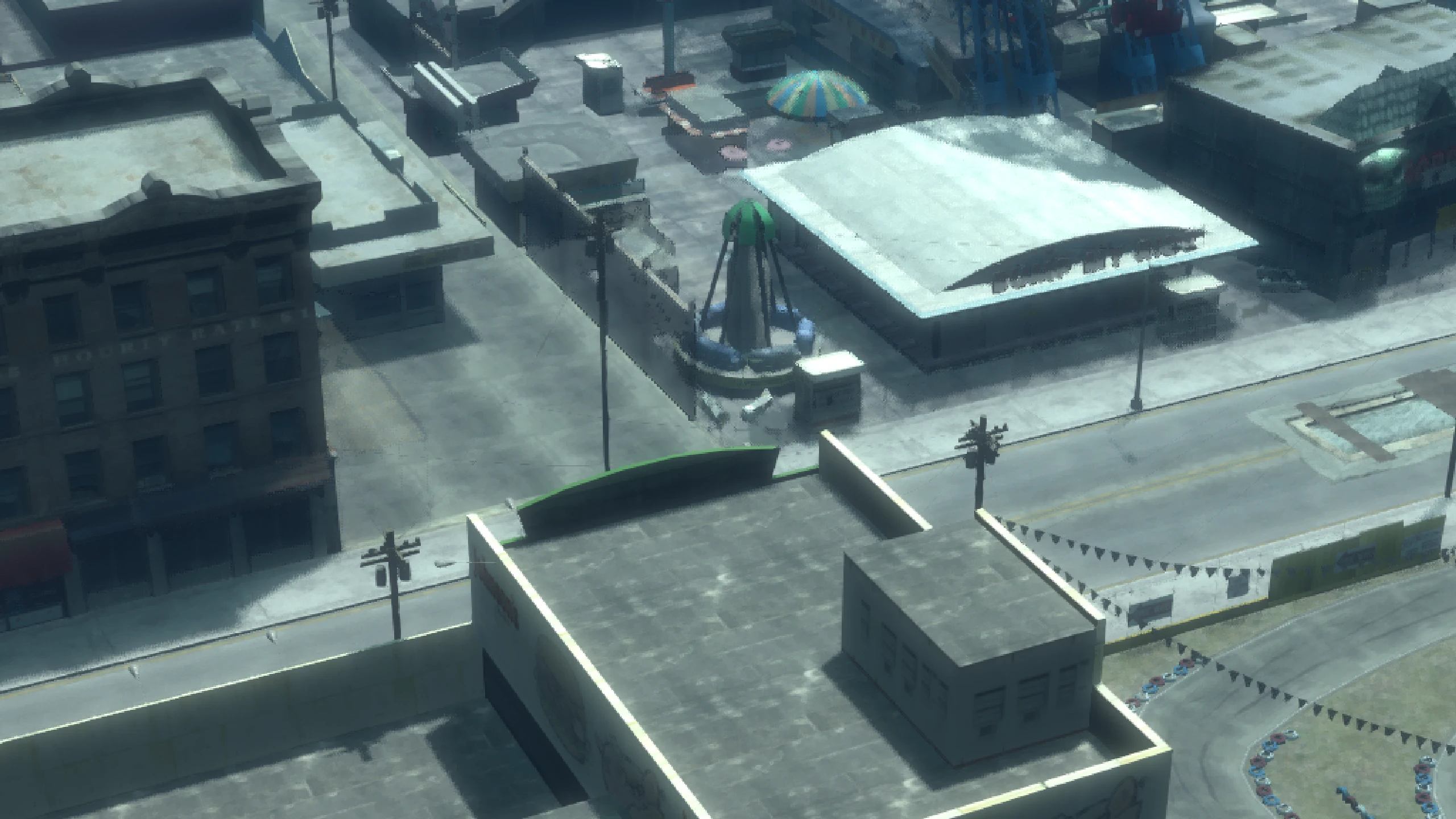
Definition Off with Fusion Fix is basically an Xbox 360 "nostalgia" option. Here's what it does.
- Removes broken MSAA code.
- Continues to use the slight screen blur from the Xbox 360 version of the game.
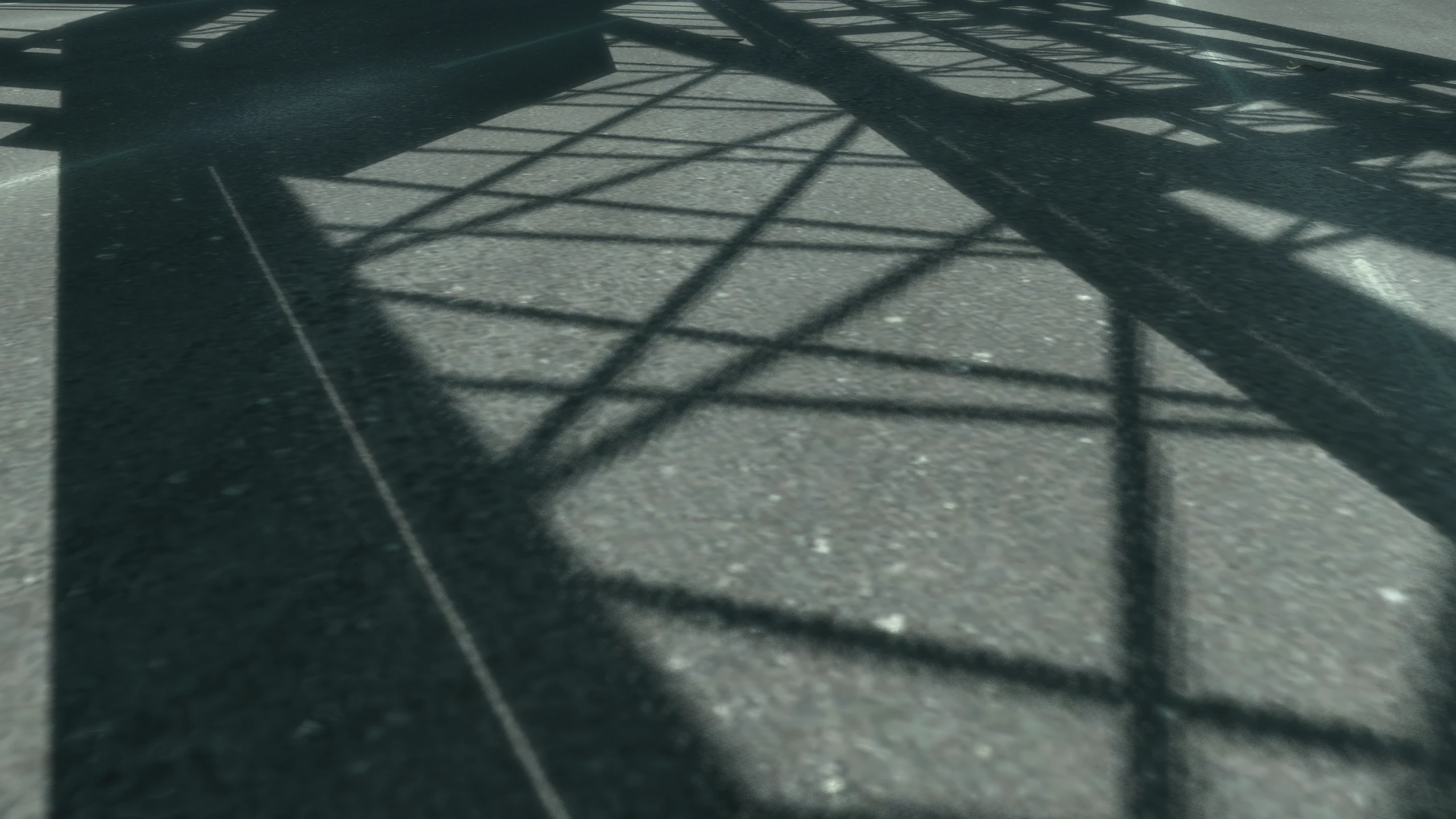
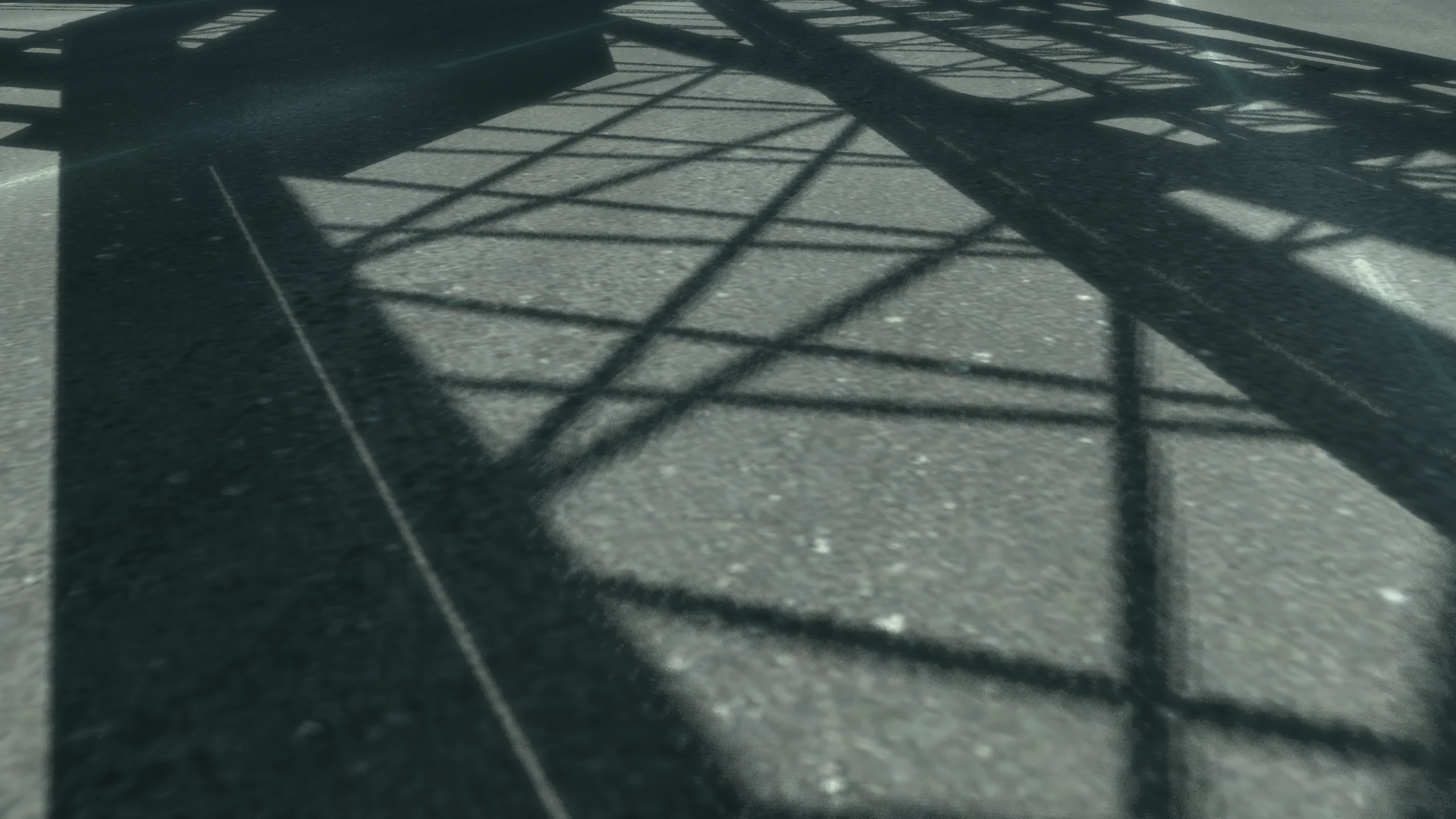
- Changes the high quality Fusion Fix shadow filter to the original low quality console/early PC (before patch 6) shadow filter. You can overwrite this shadow filter change by changing the ForceShadowFilter setting in the Fusion Fix config file.
Depth-of-Field#
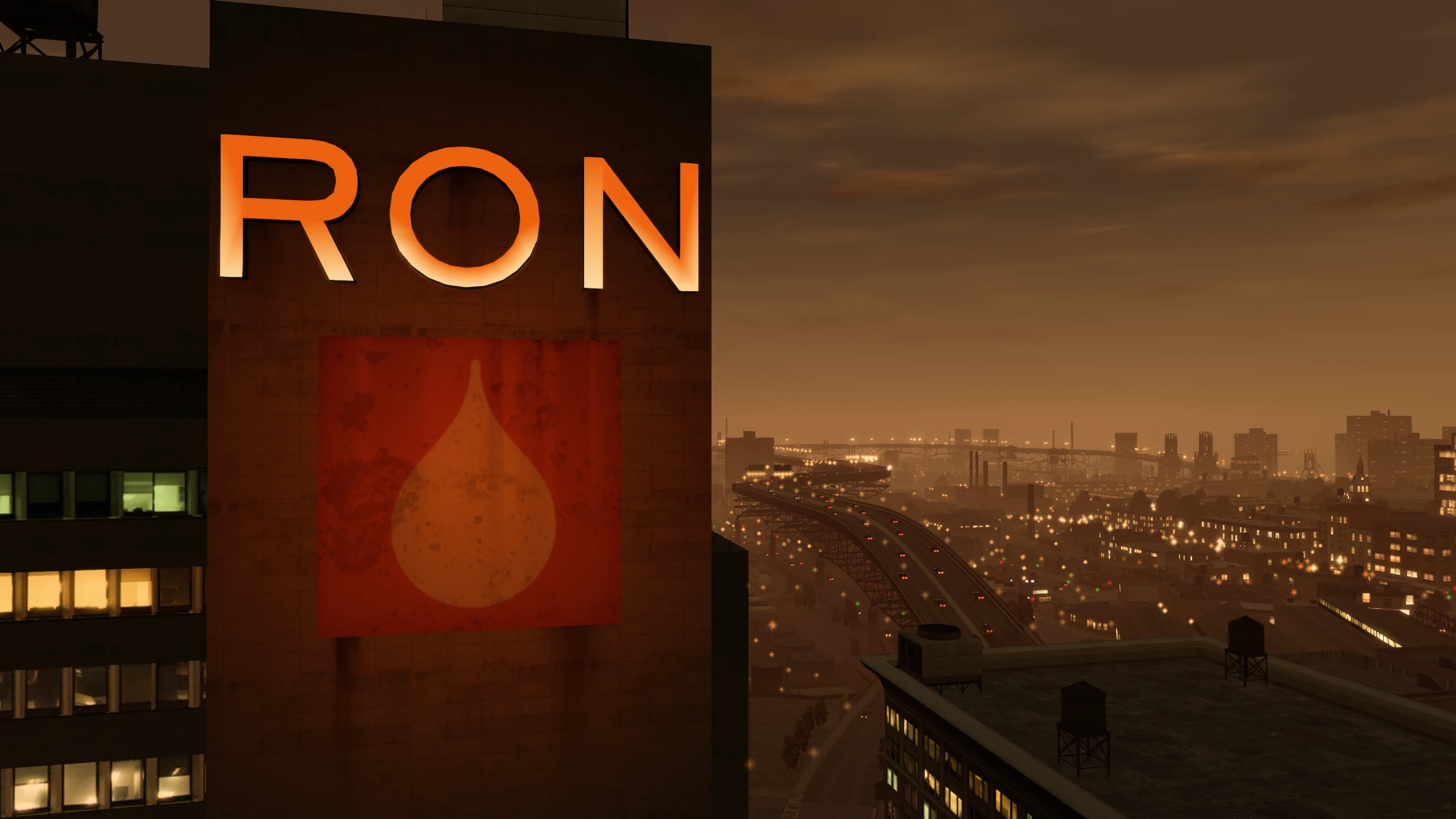
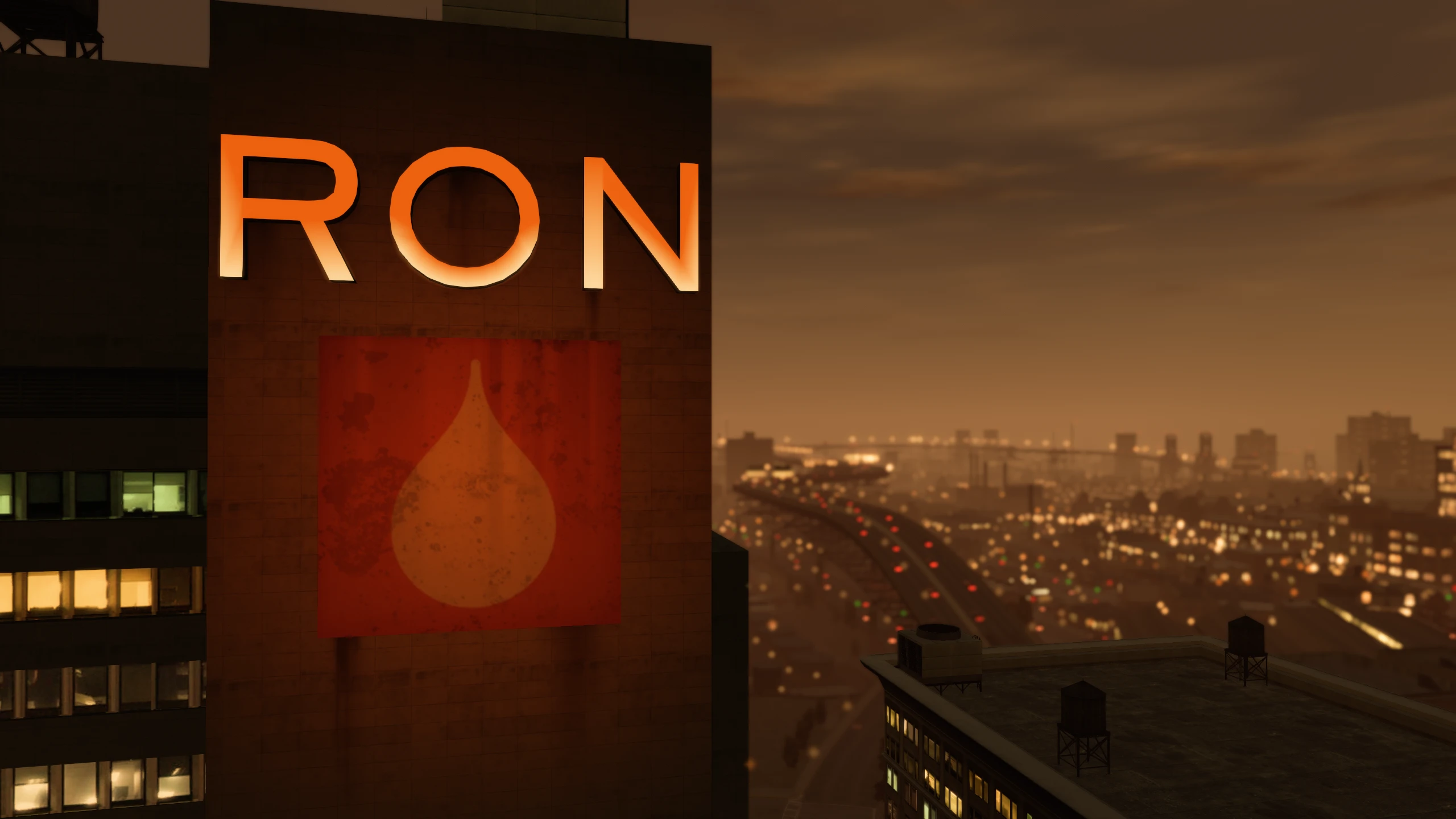
Depth-of-field in the vanilla game is tied to the Definition option. It also doesn't scale with resolution, this results in the effect becoming weaker at resolutions higher than 720p.
Fusion Fix seperates depth-of-field from Definition, giving it its own option and allowing users to select its strenght or disable it completely.
The effect has also been rewritten so it looks better with bokeh blur and it now scales correctly up to 4K.
Motion Blur#
Motion blur in the vanilla game is tied to the Definition option. The effect gets weaker at higher frame rates, which leads to it being displayed inconsistently.
Fusion Fix seperates motion blur from Definition, giving it its own option and allowing users to select its strenght or disable it completely.
Improved Loading Times#
GTA IV on PC has an unskippable intro and it takes you to a main menu first instead of just loading your last save immediately like console. Loading times are also longer than necessary even with extremely fast SSDs.
Fusion Fix adds a skip intro and skip menu option in the GAME menu, as well as improving overall load times. This significantly reduces how long it takes to get in-game.
Improved Sun Lighting#
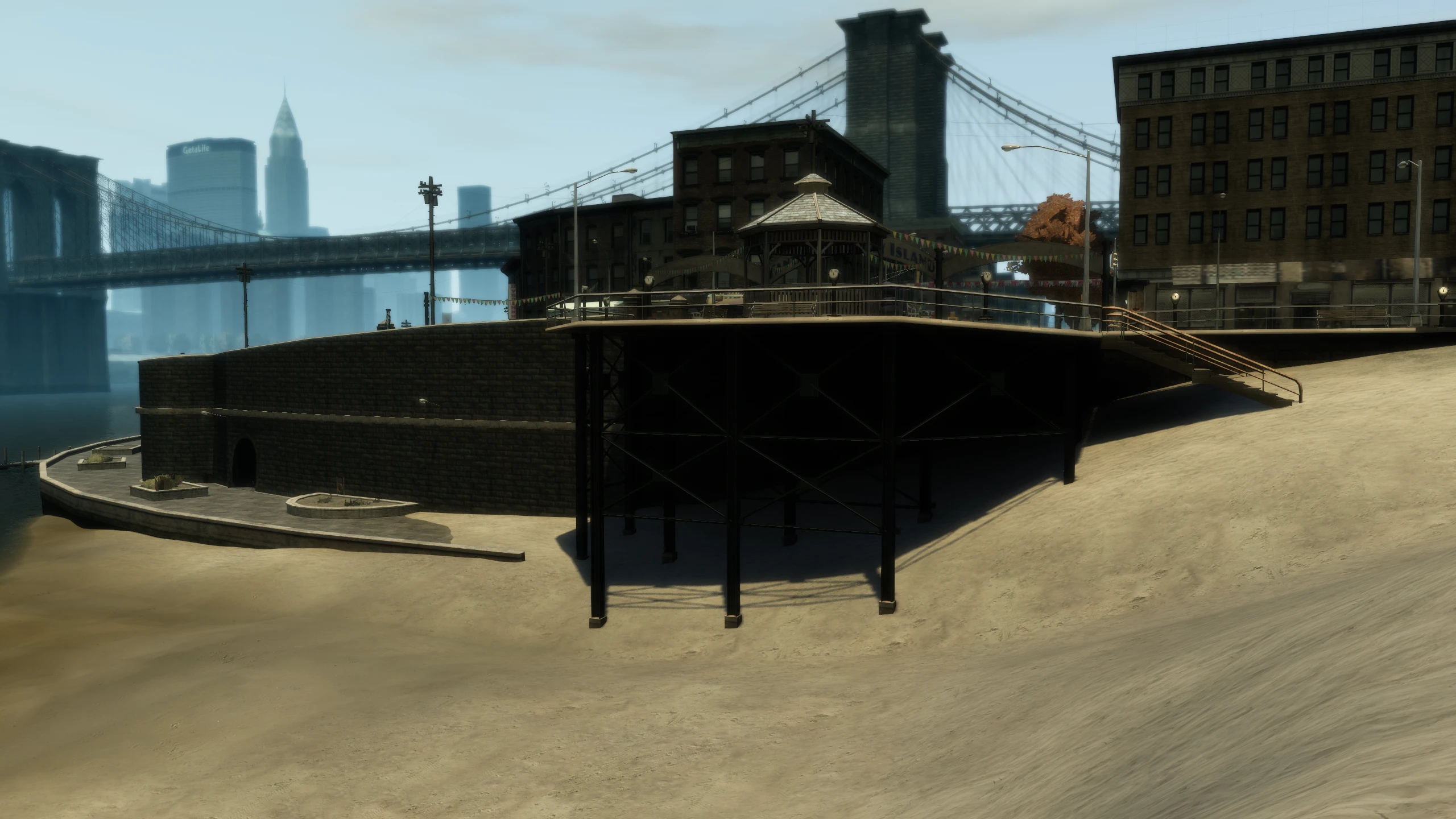
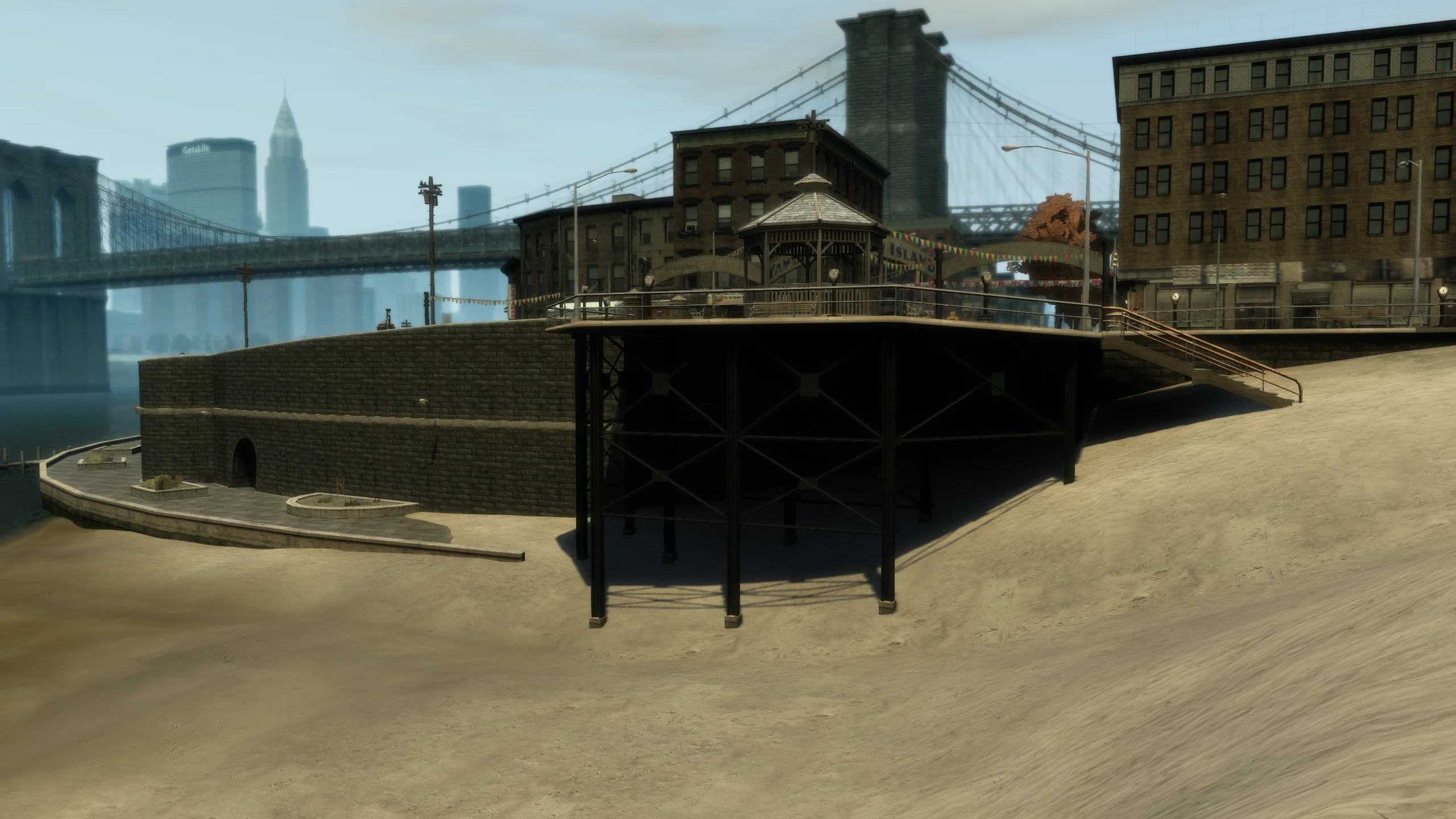
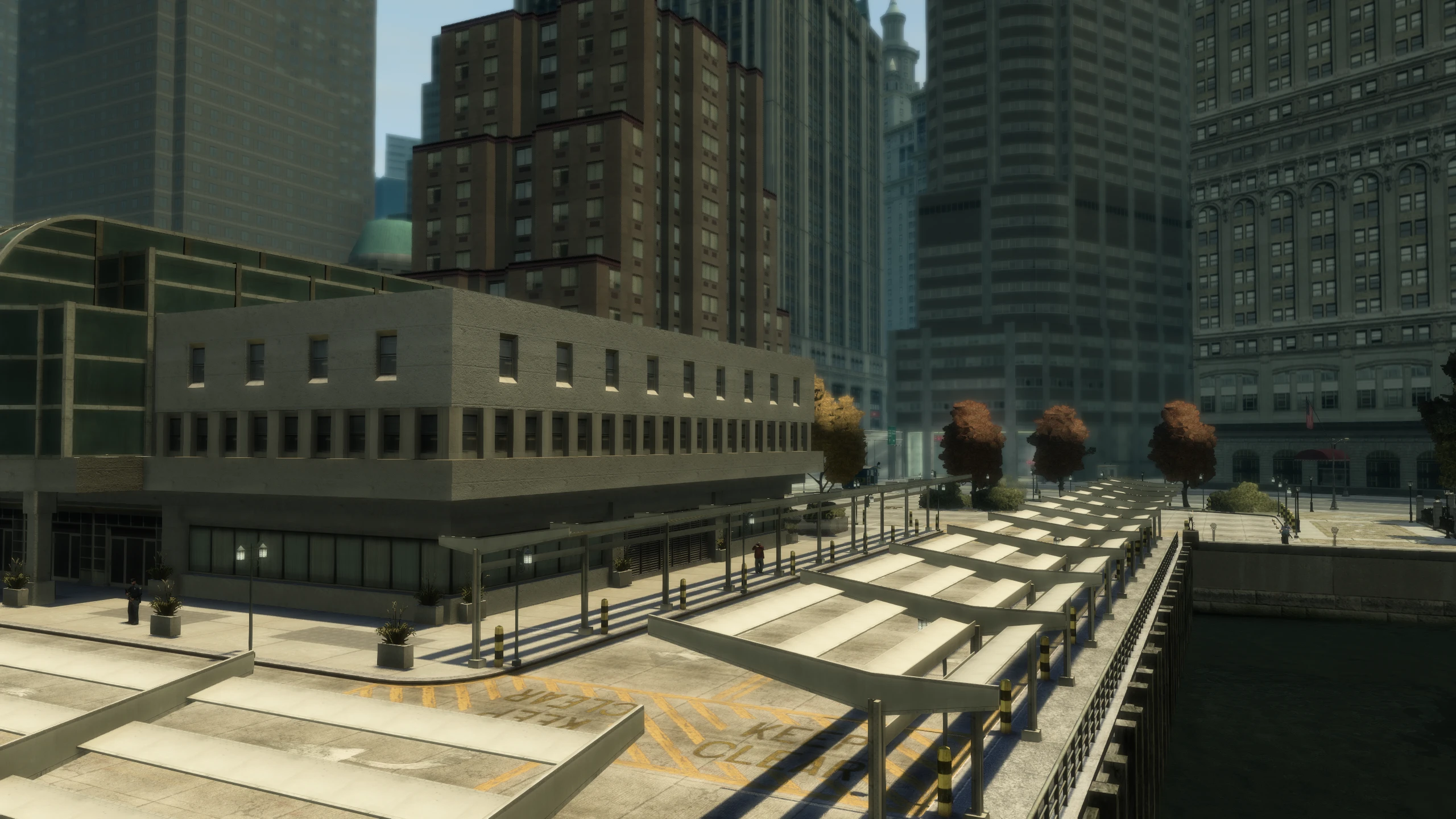
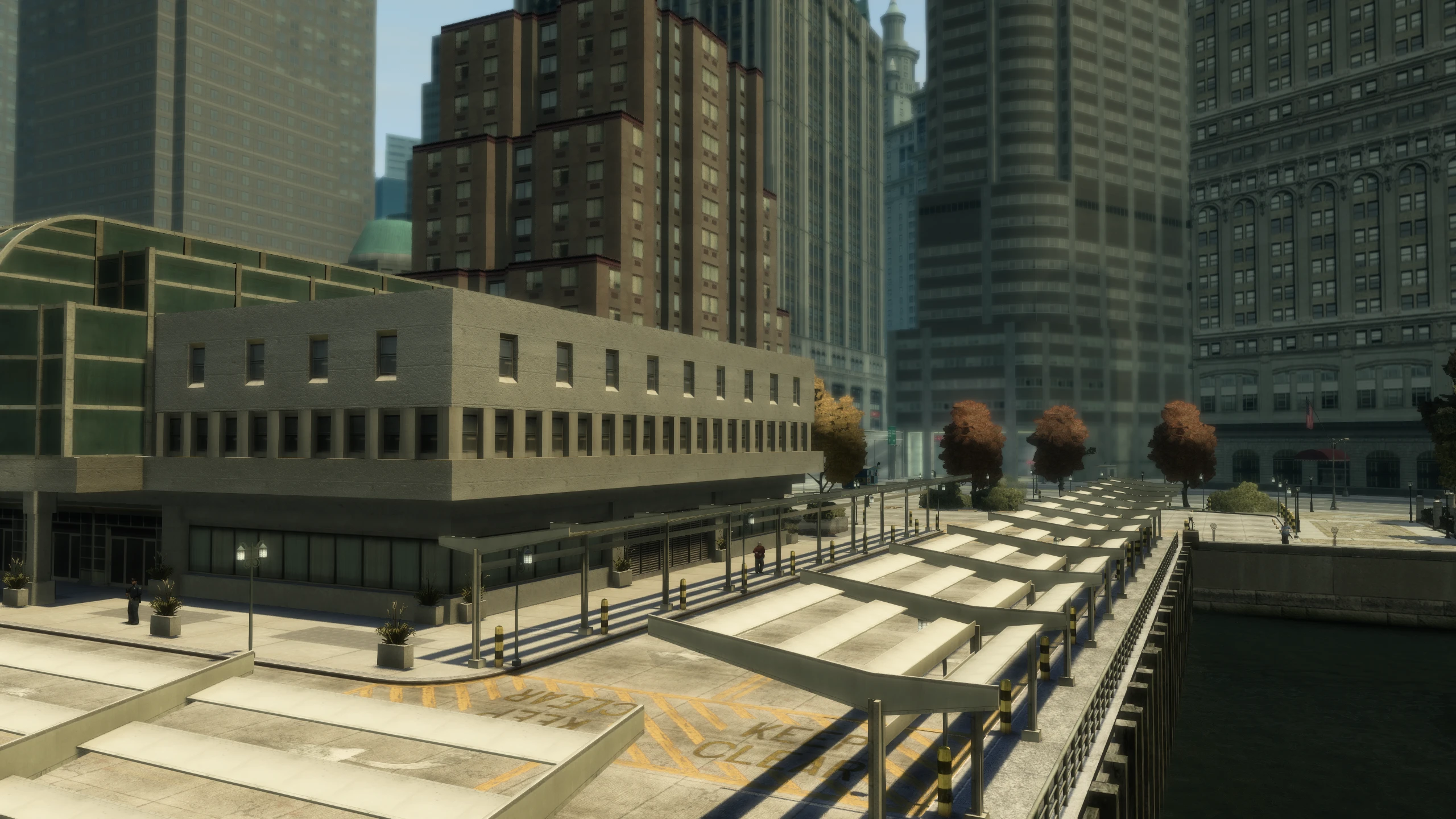
Fusion Fix adds a new extended sunlight reach option to improve the sun lighting.
In GTA IV, how much a surface is lit is determined by the angle between the direction it is facing and the direction of the sun. It can be up to 90 degrees, but vanilla GTA IV clamps it at 75 degrees. Enabling this option allows it to reach 90 degrees.
Object Fading#
The PC version of GTA IV has several issues with objects fading.
Scren-Door-Transparency Fading#
GTA IV uses screen-door transparency to fade many objects. This fade occurs as objects load in when the player gets near and it's also used to transition things like roads and buildings from their LOD models (the model you'd see far away) to their high quality models (the model you'd see up close).
Unfortunately Rockstar broke this completely after patch 1.0.6.0 on PC, so objects no longer fade but rather just pop into existence. Fusion Fix fixes this.
Terrain Fading#
Certain terrain throughout GTA IV used a different method to fade between LOD models and high quality models. However, this fade was completely missing on ALL PC versions of GTA IV, resulting in a sudden pop between the LOD models and high quality models.
Fusion Fix restores terrain fading so it now works like it did on console.
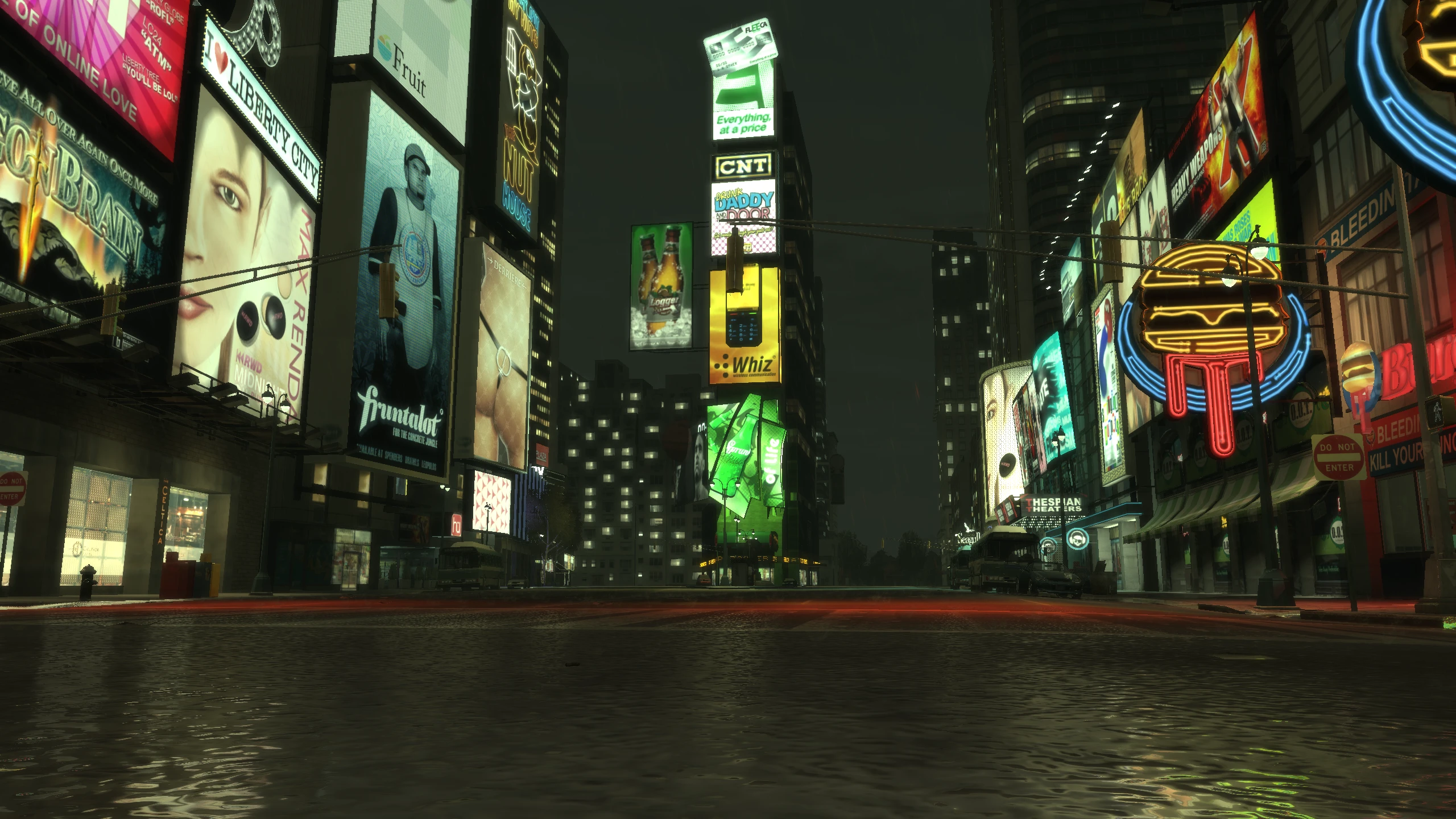
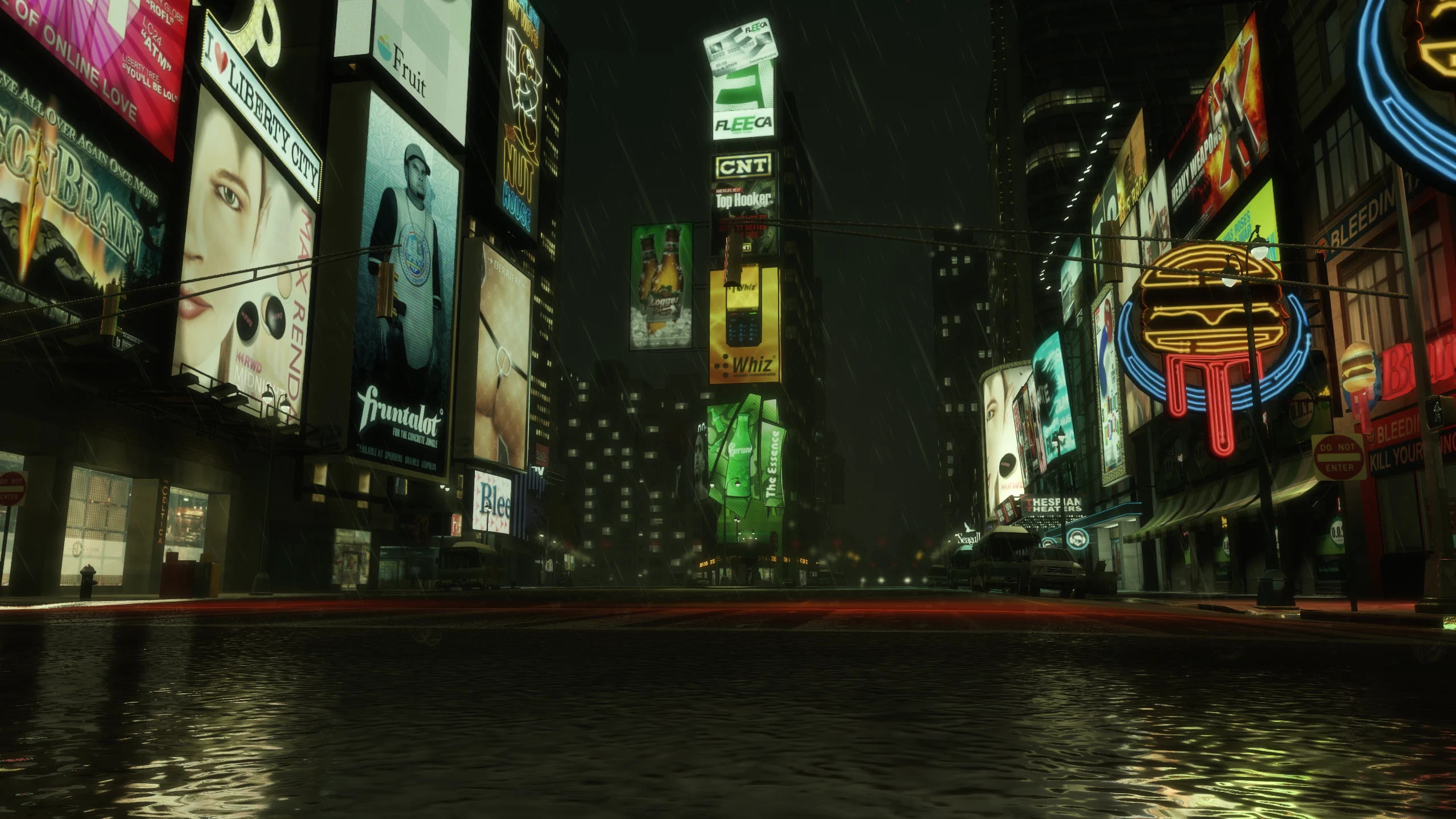
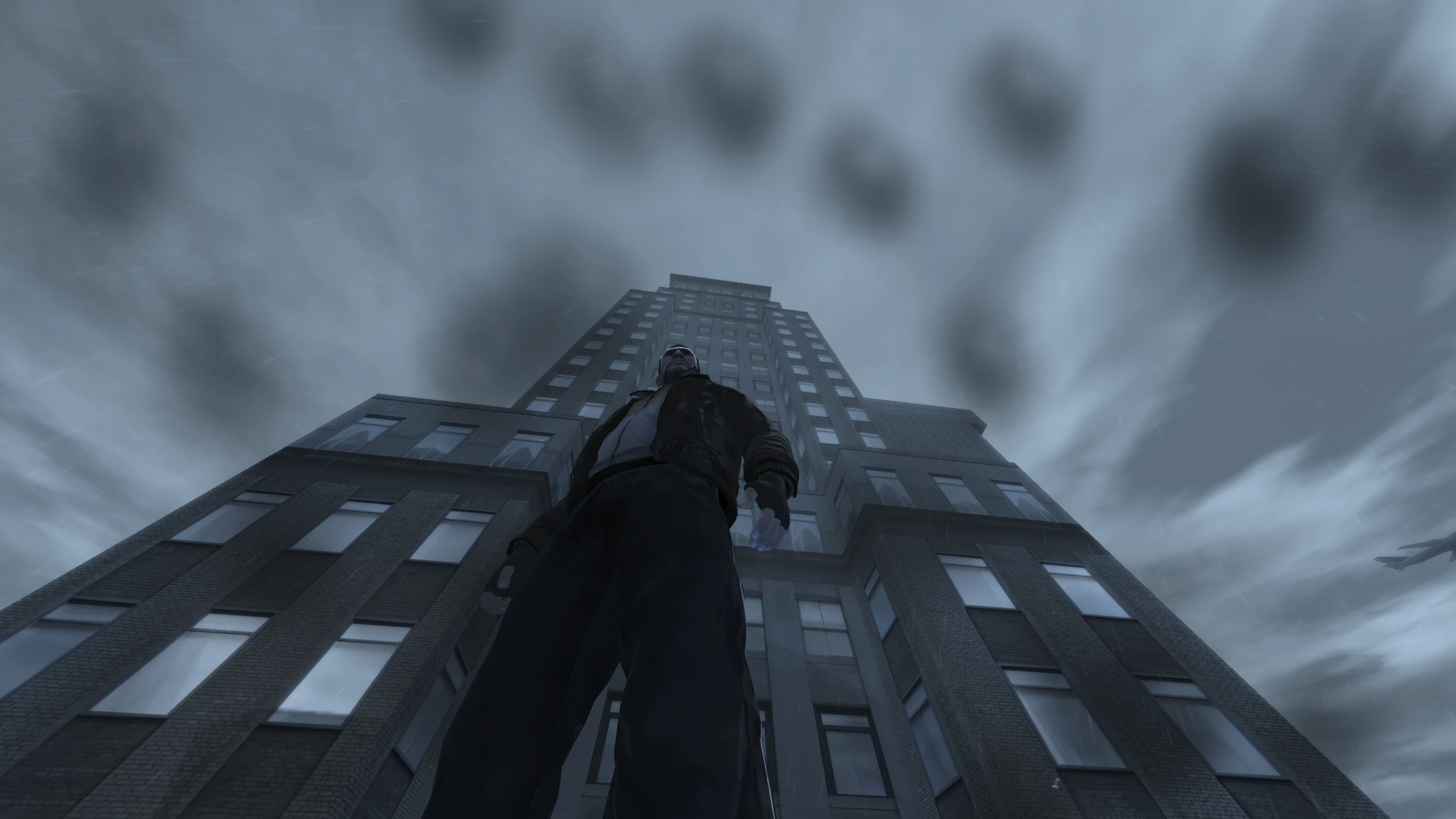
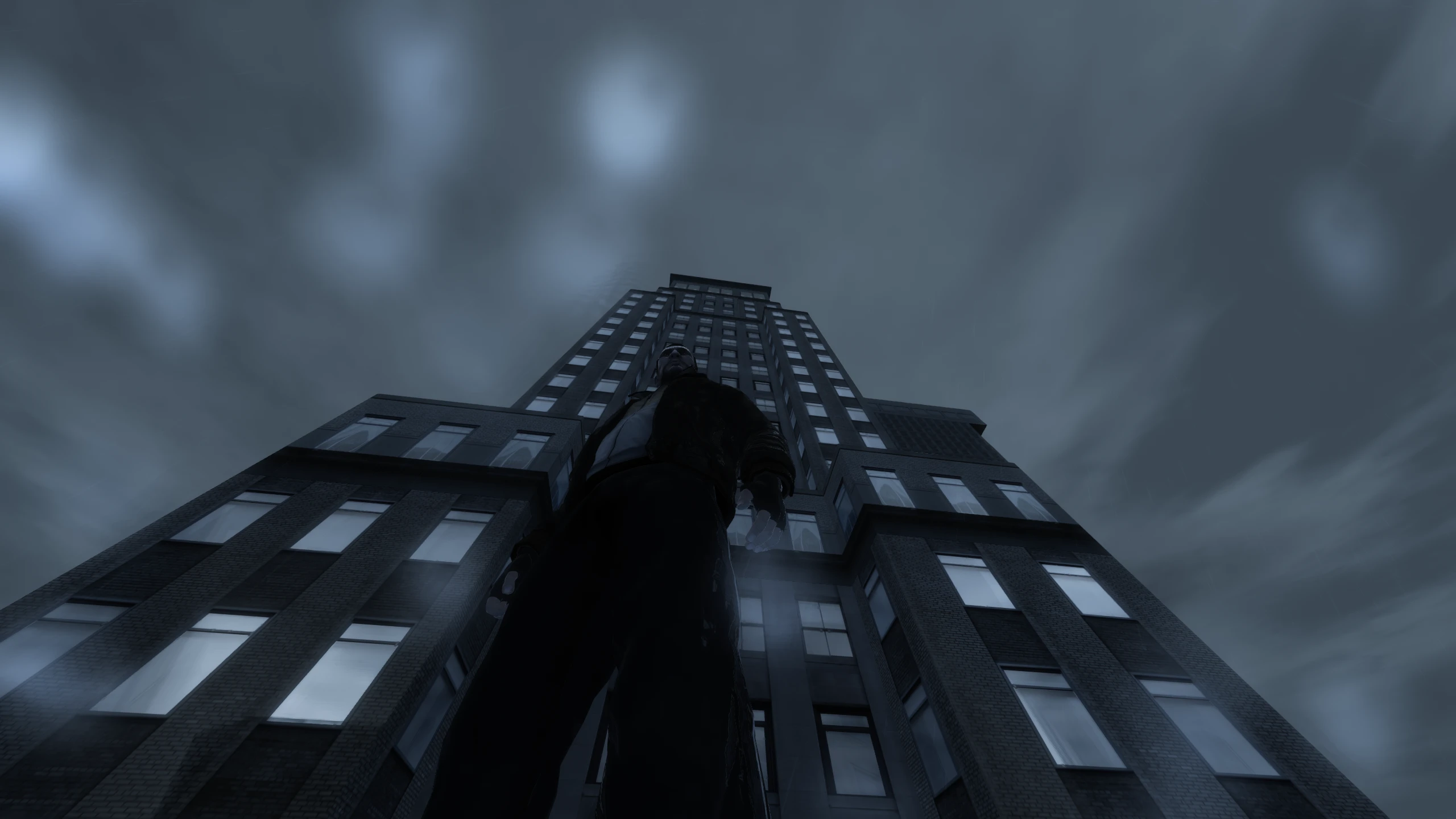
Rain#
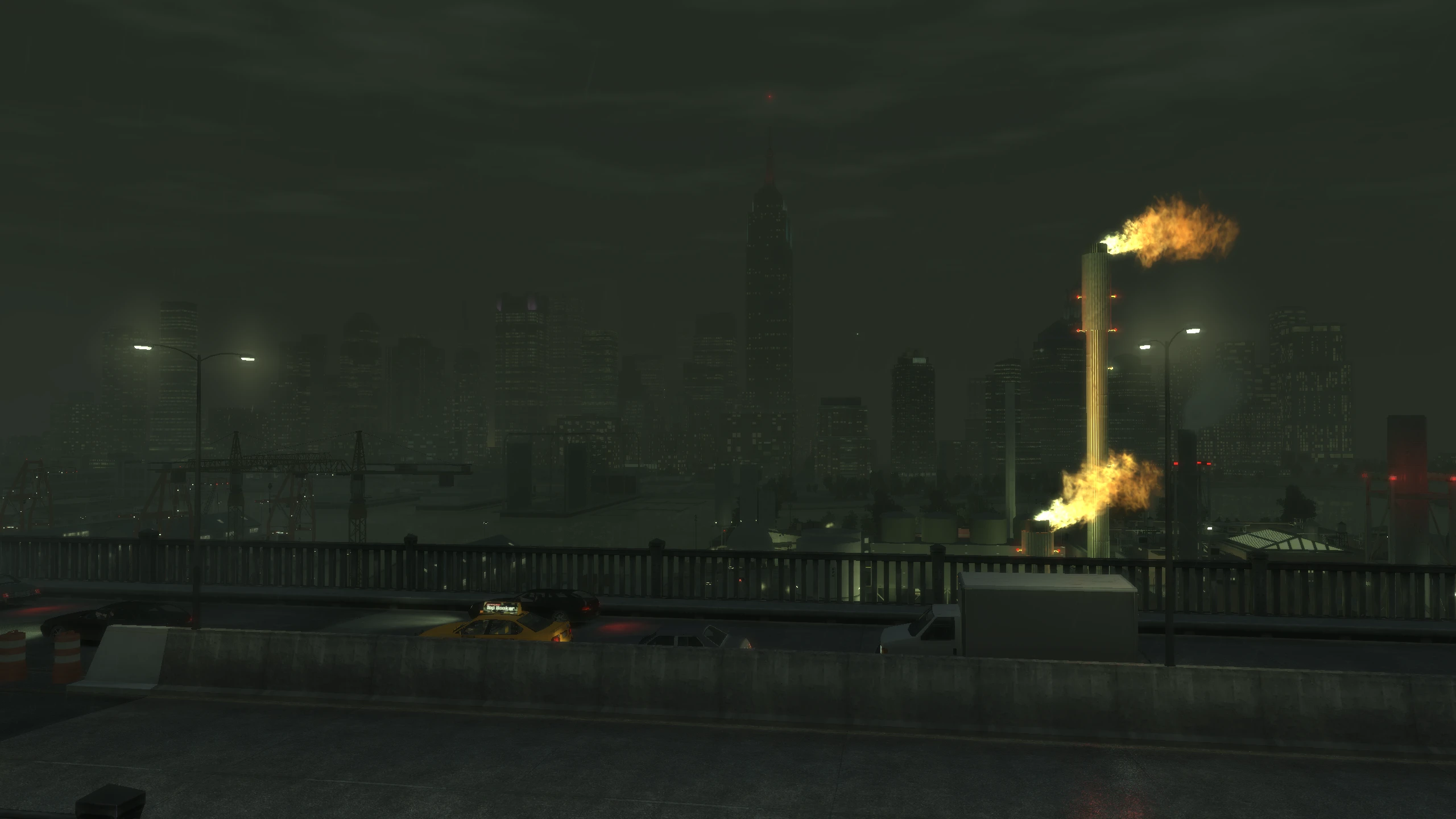
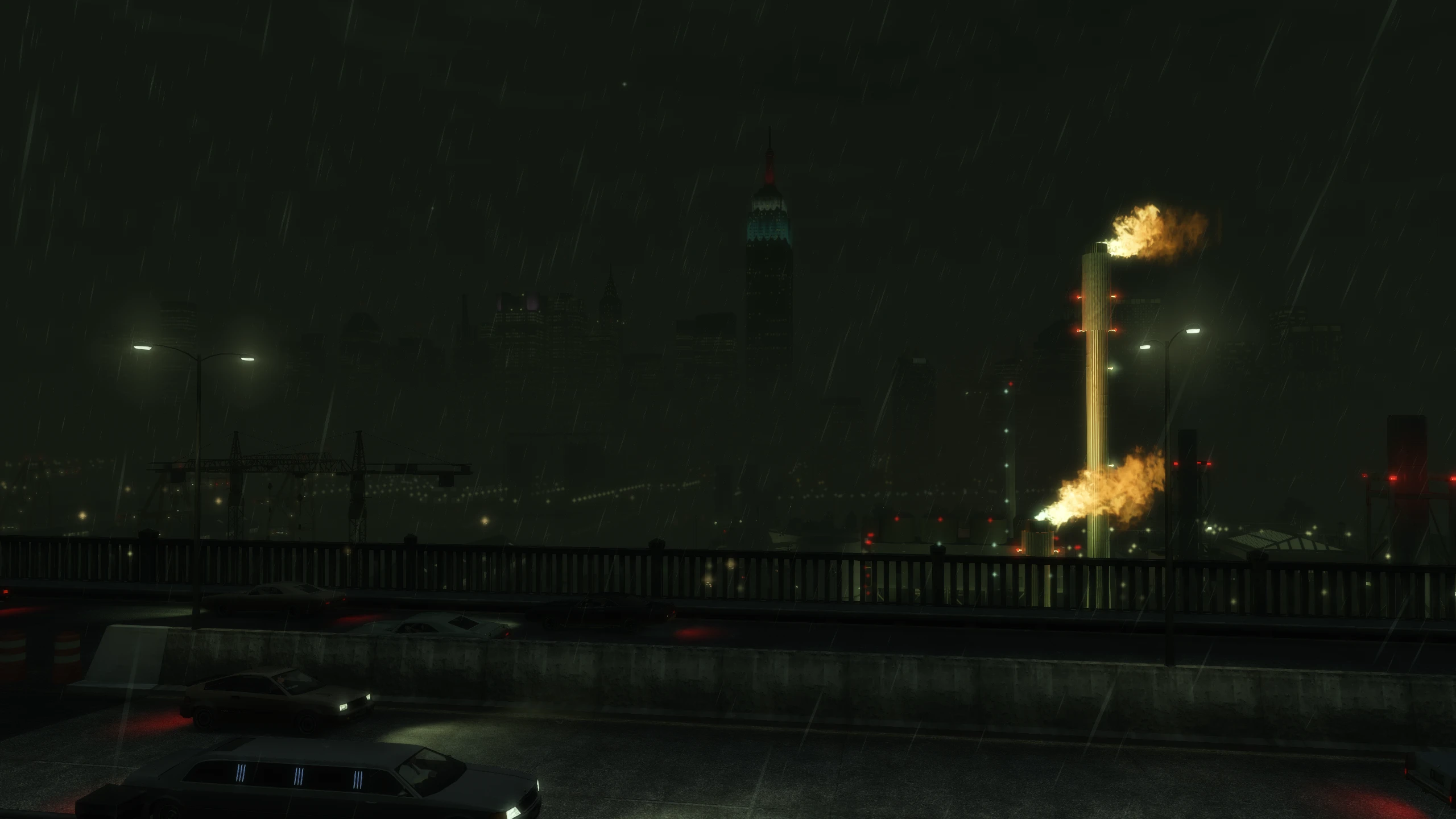
Rain on PC was made almost invisible, rain streaks became shorter at higher frame rates and rain droplets on screen became pitch black and lost their refraction effect from console.
Fusion Fix makes rain much more visible, fixes rain streaks so they stay the same size regardless of frame rate and it makes rain droplets coloured again, as well as restoring the refraction effect.
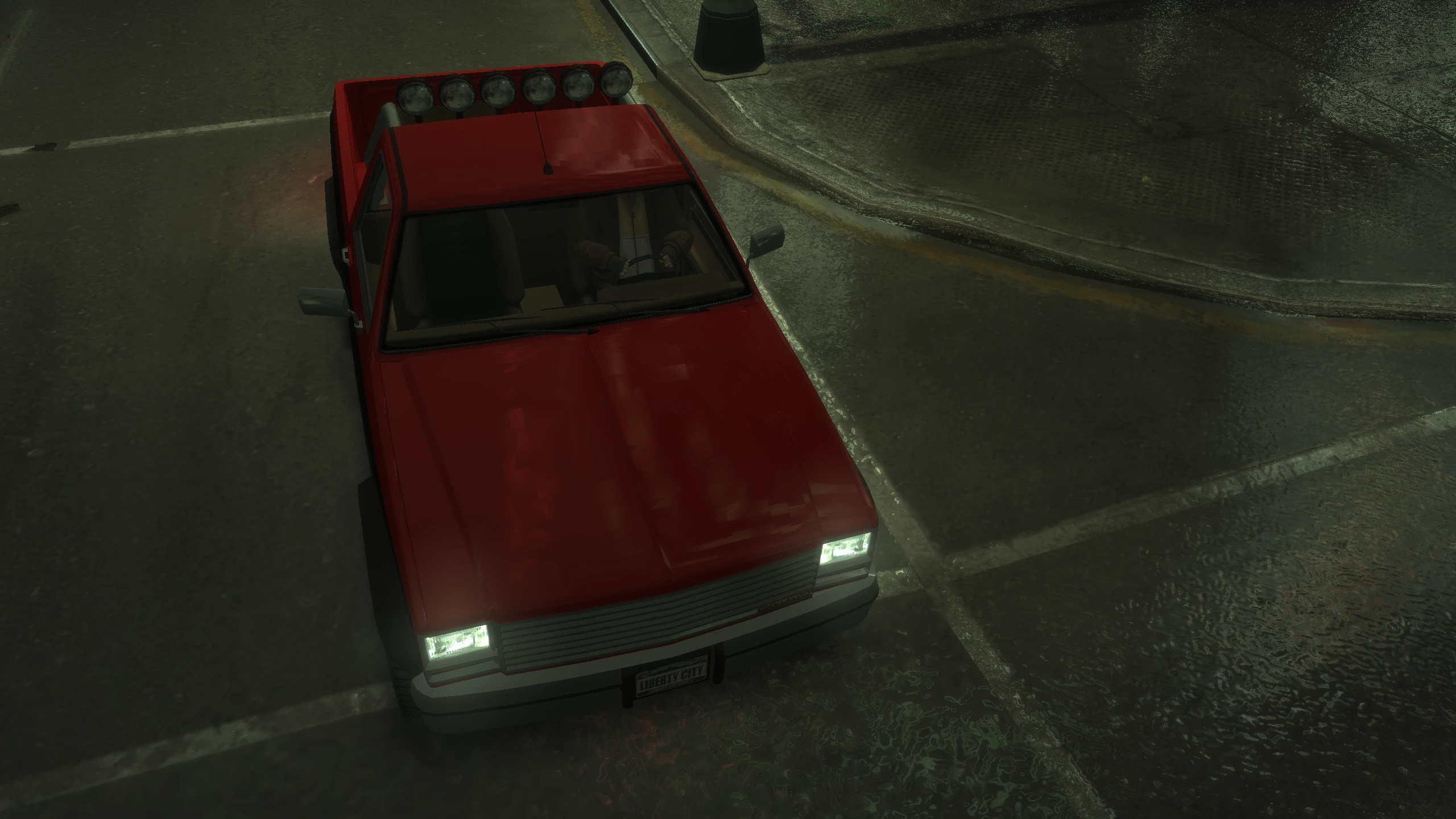
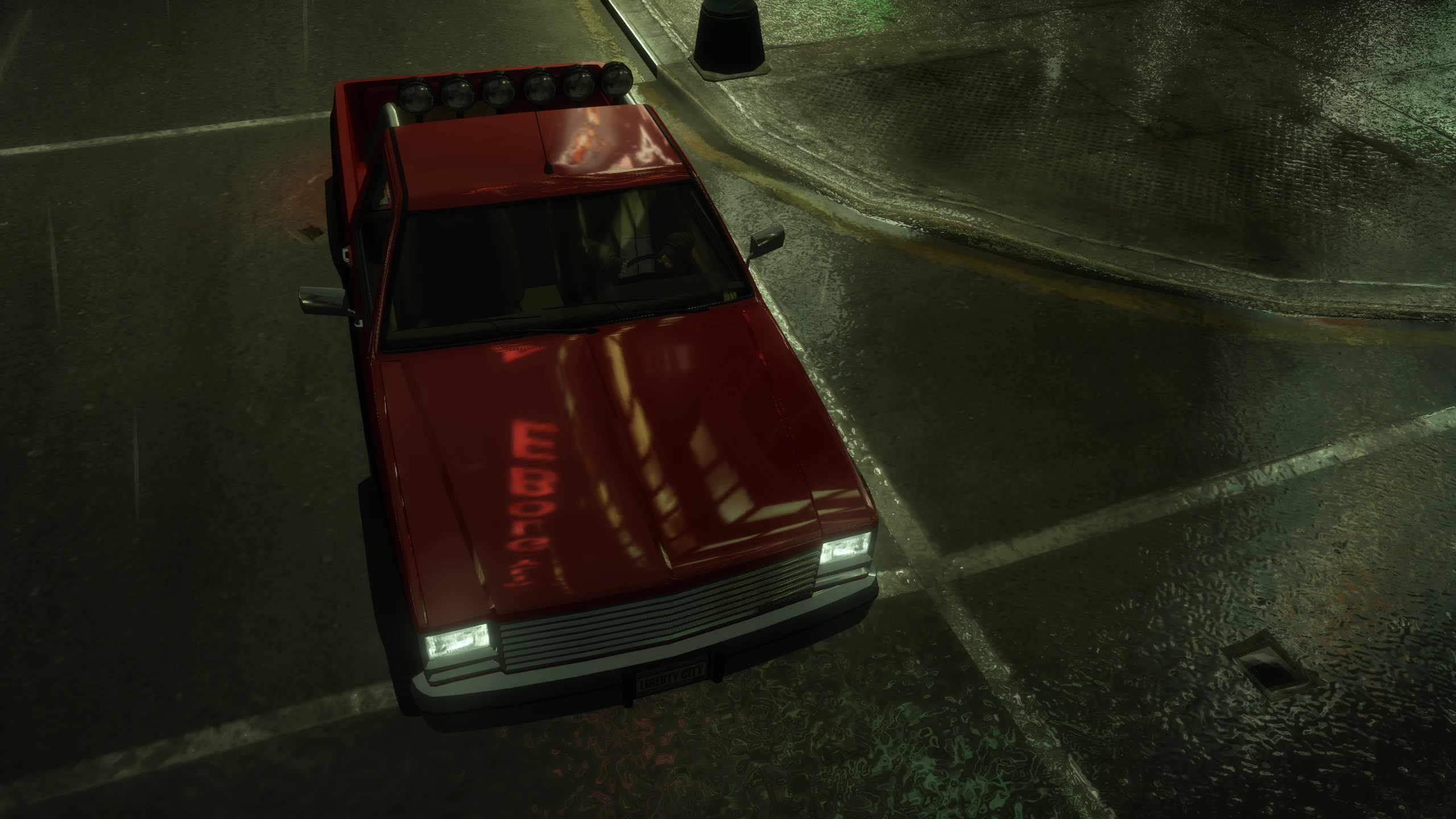
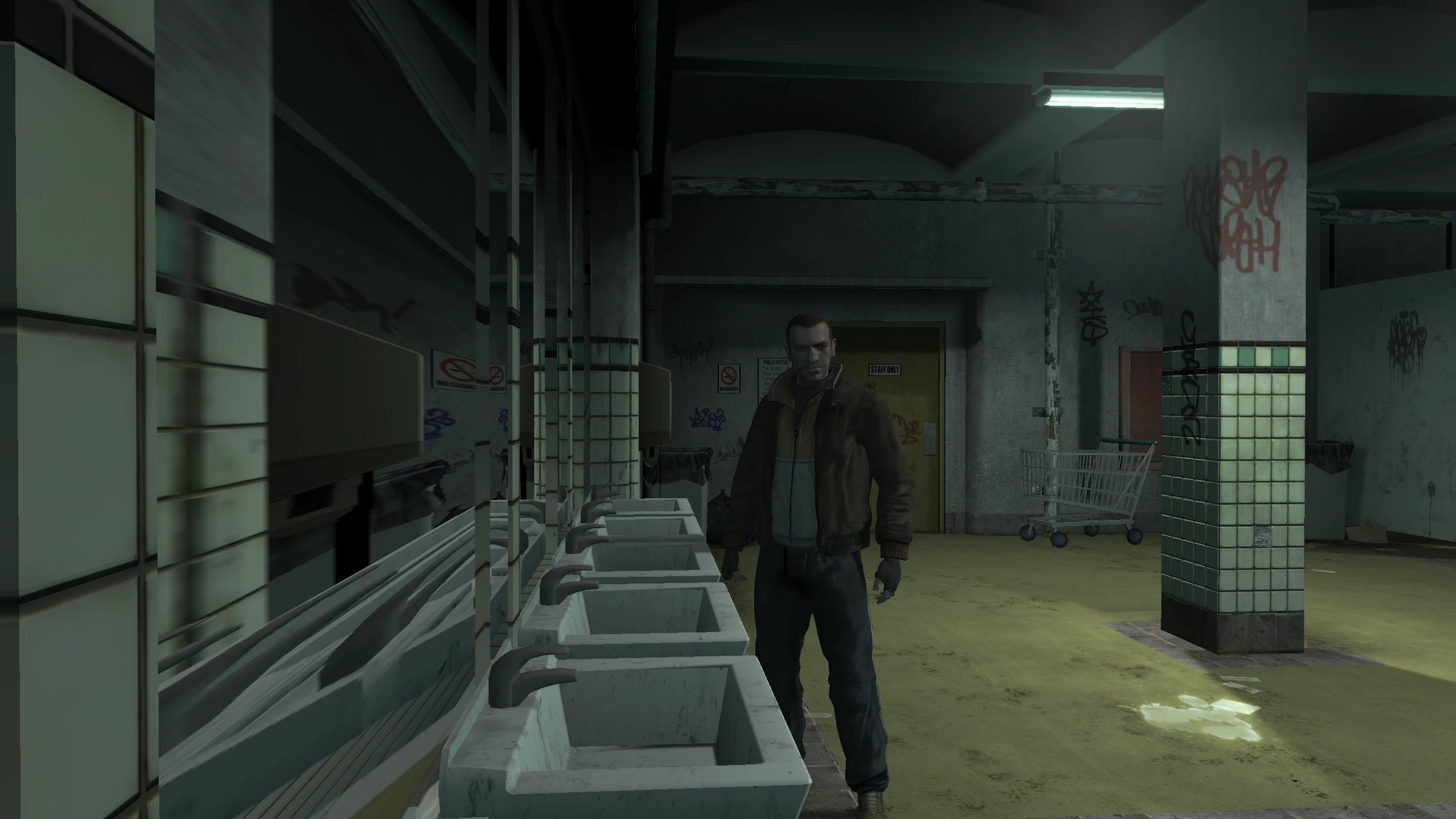
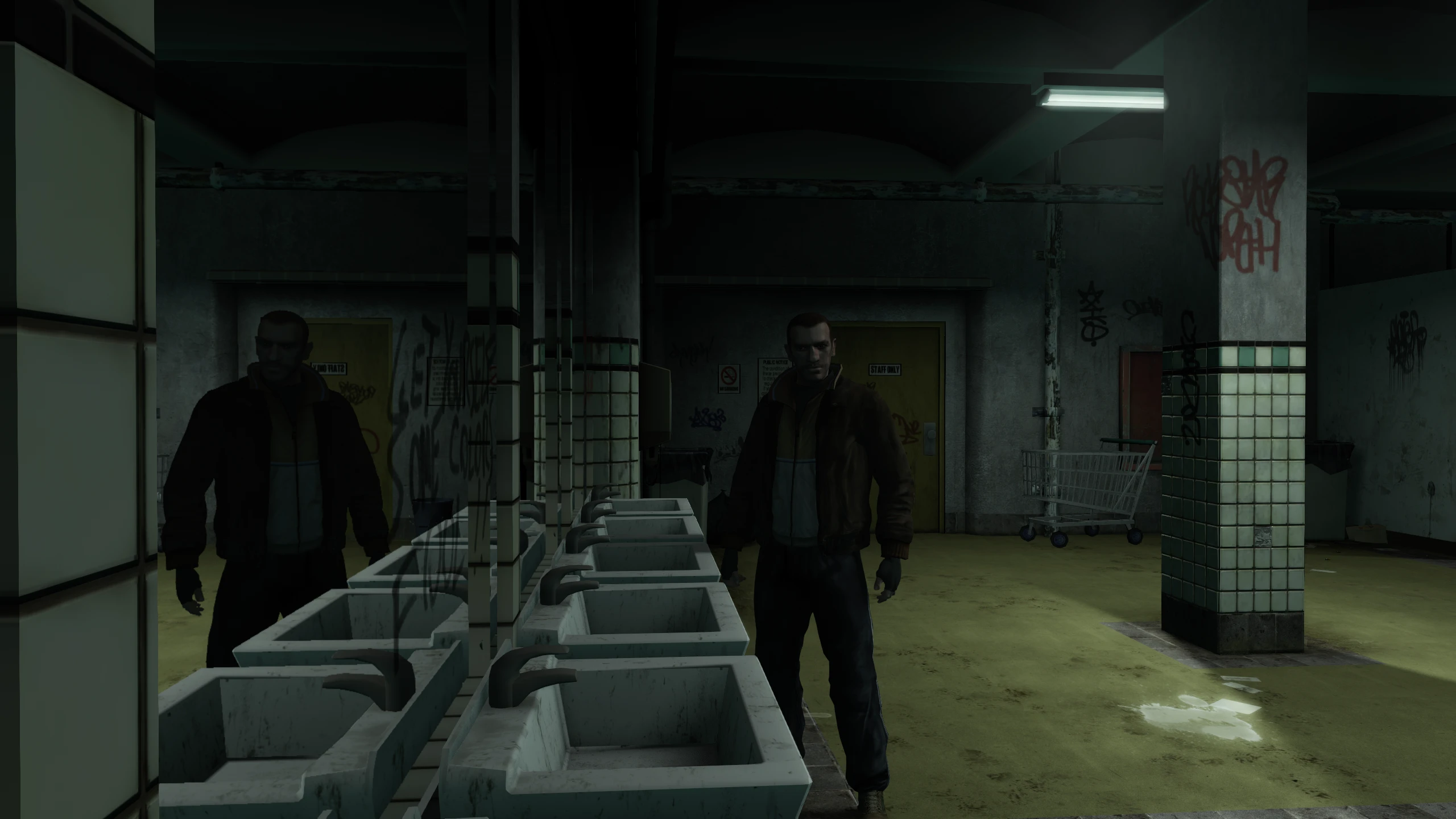
Reflections#
Reflections were toned down significantly on PC, vehicle reflections became jagged due to a bug and mirror reflections became distorted at certain camera angles.
Fusion Fix restores the stronger console reflections, fixes the bug which made vehicle reflections jagged, and it fixes mirrors so they no longer become distorted at certain camera angles.
Seasonal Events#
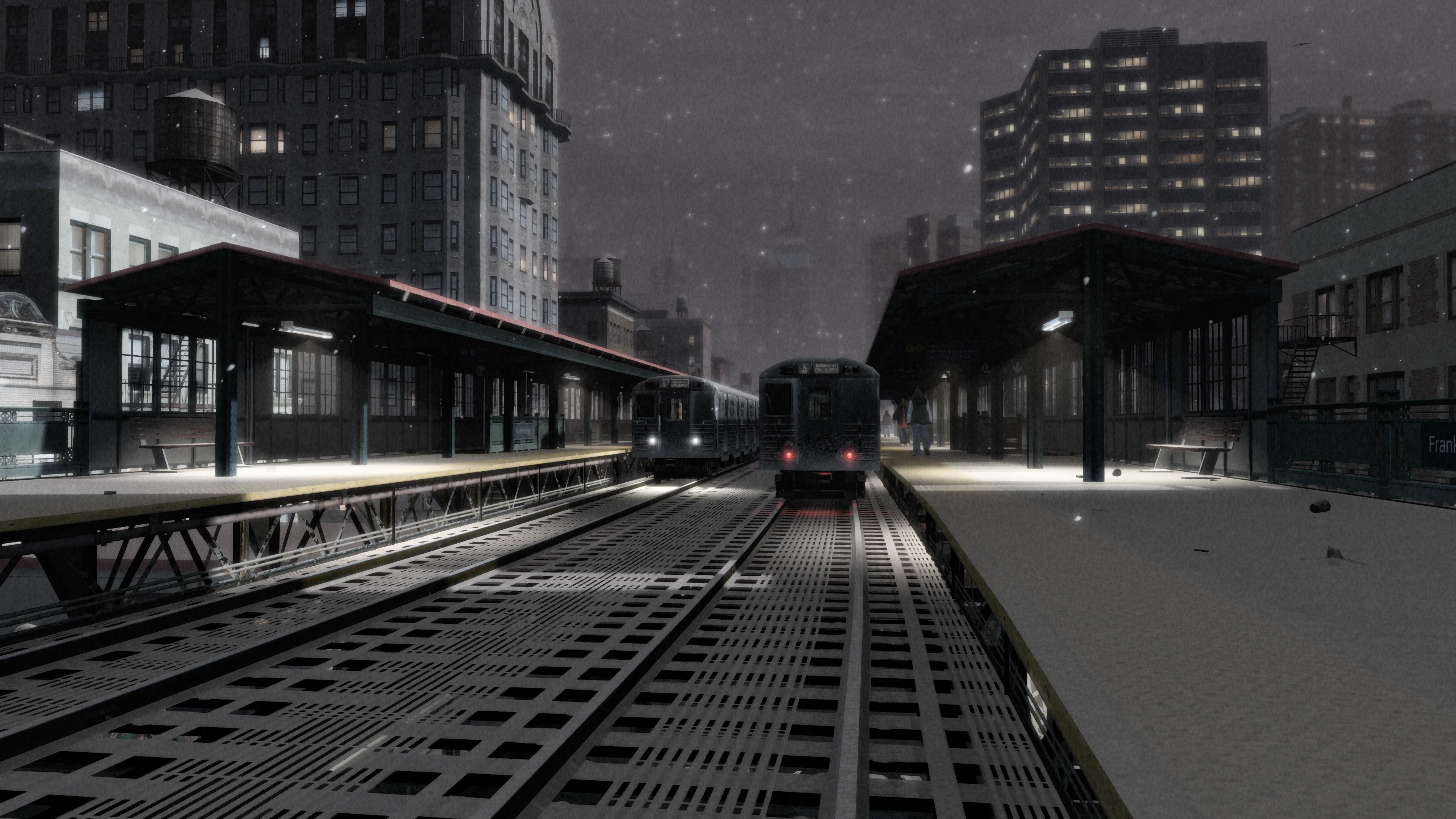
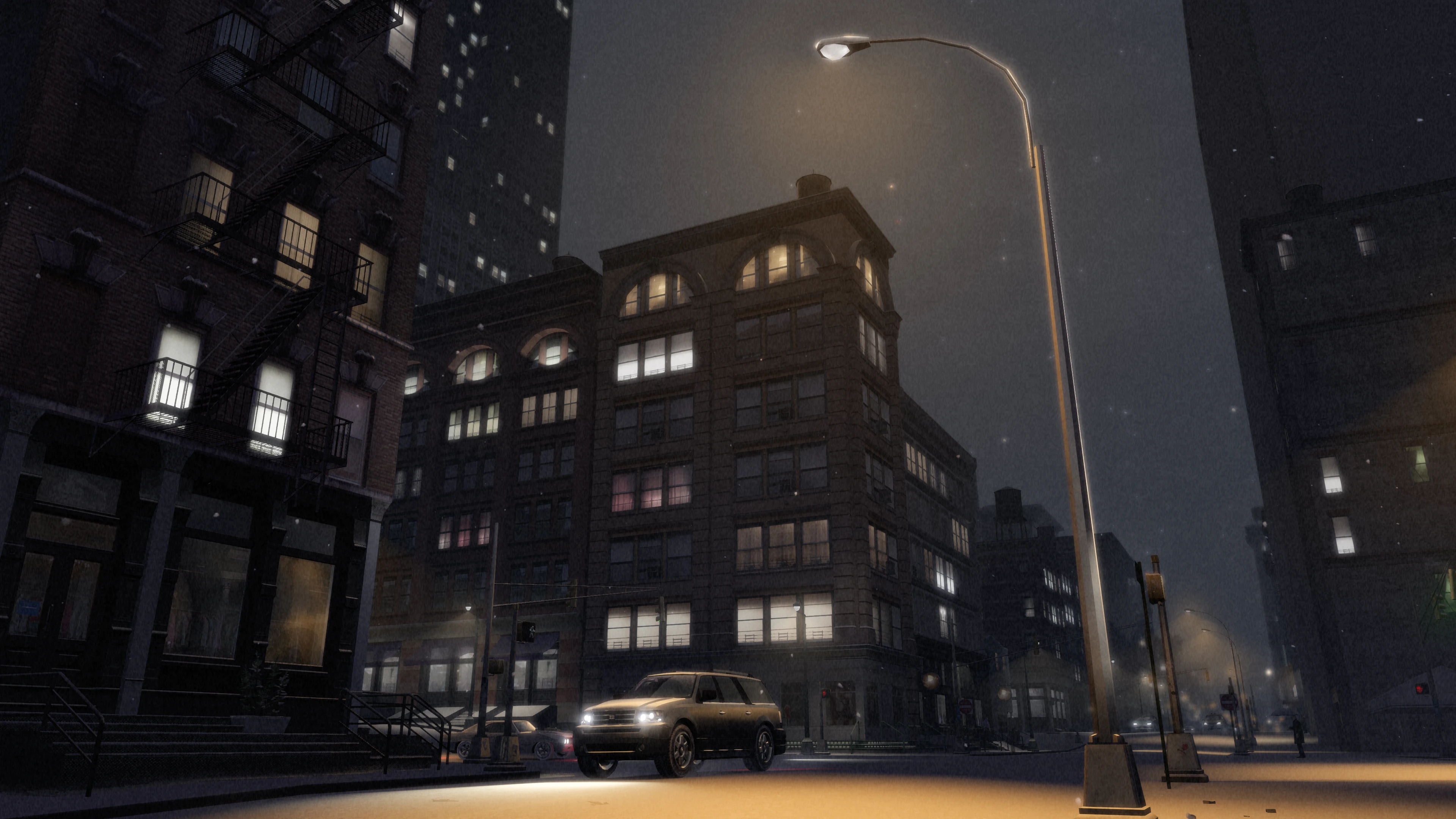
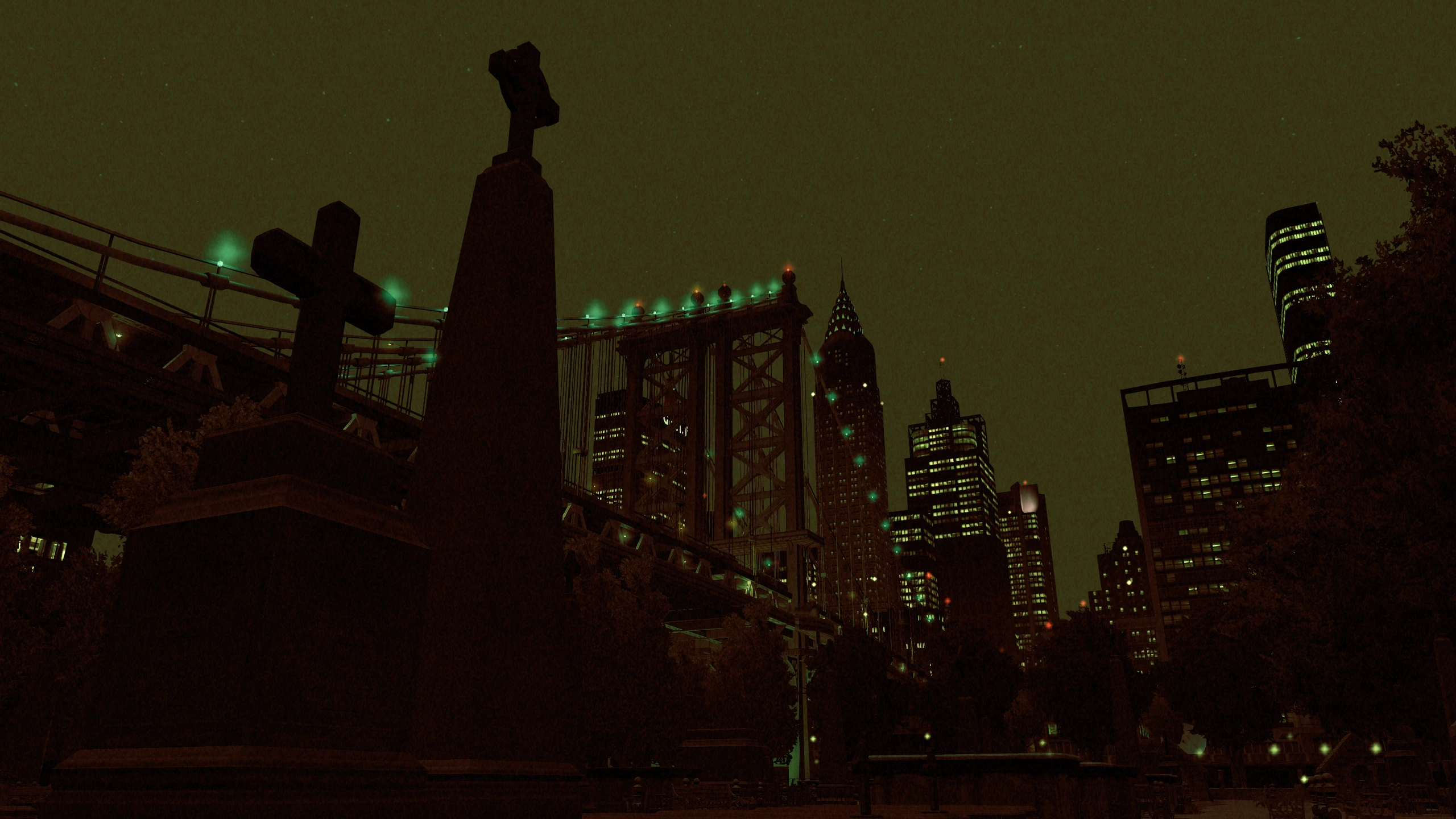
Fusion Fix adds seasonal events to the game which includes snow at winter and a scarier atmosphere at Halloween. The snow effect is done almost entirely using shaders instead of replacing map textures, similar to GTA Online's yearly snow event.
The winter event starts on the 30th of December and ends on the 3rd of January.
The Halloweeen event starts on the 31st of October and ends on the 1st of November.
There's a seasonal event option to enable and disable these events. You can also manually activate them at any time with cheats.
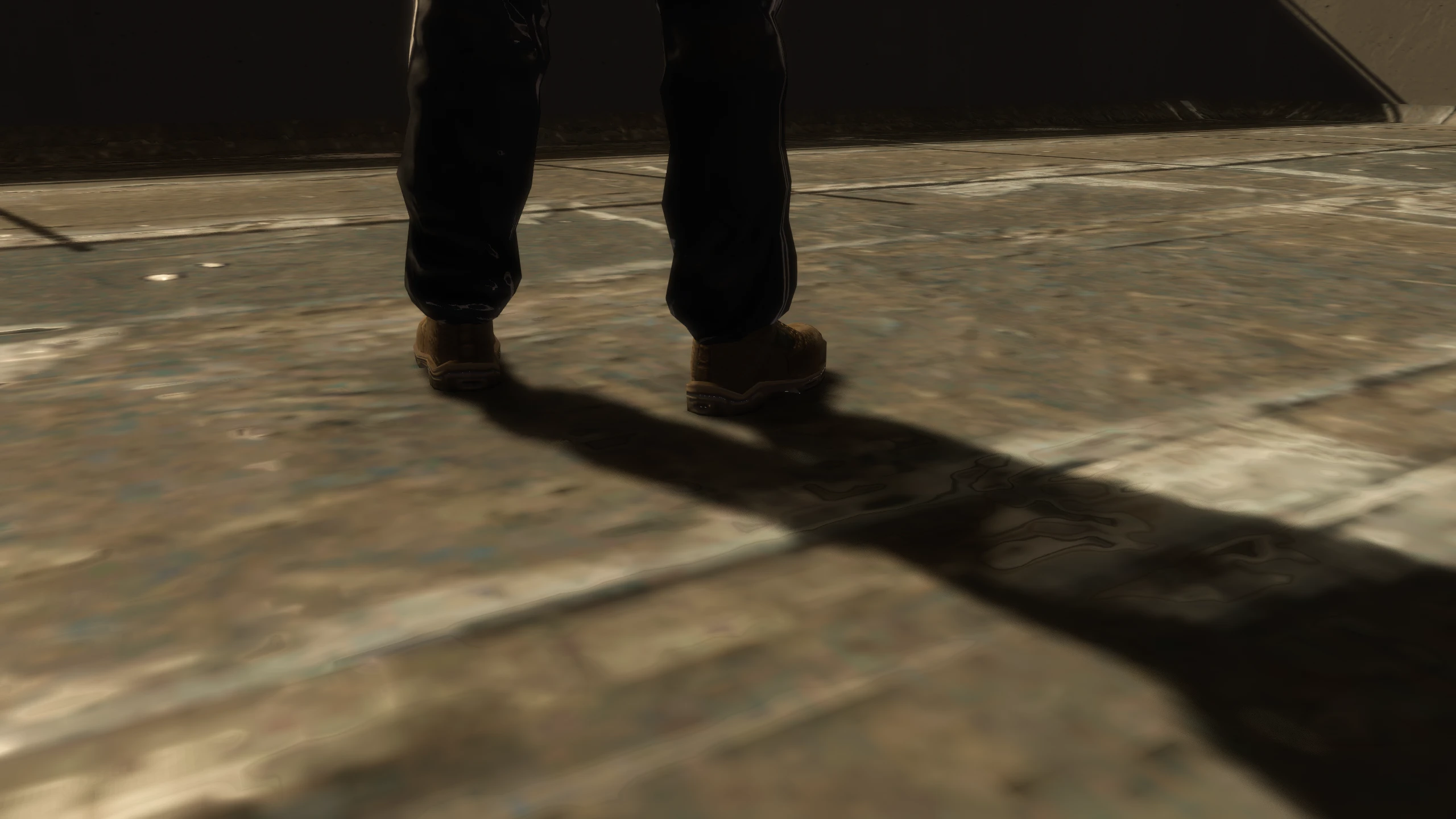
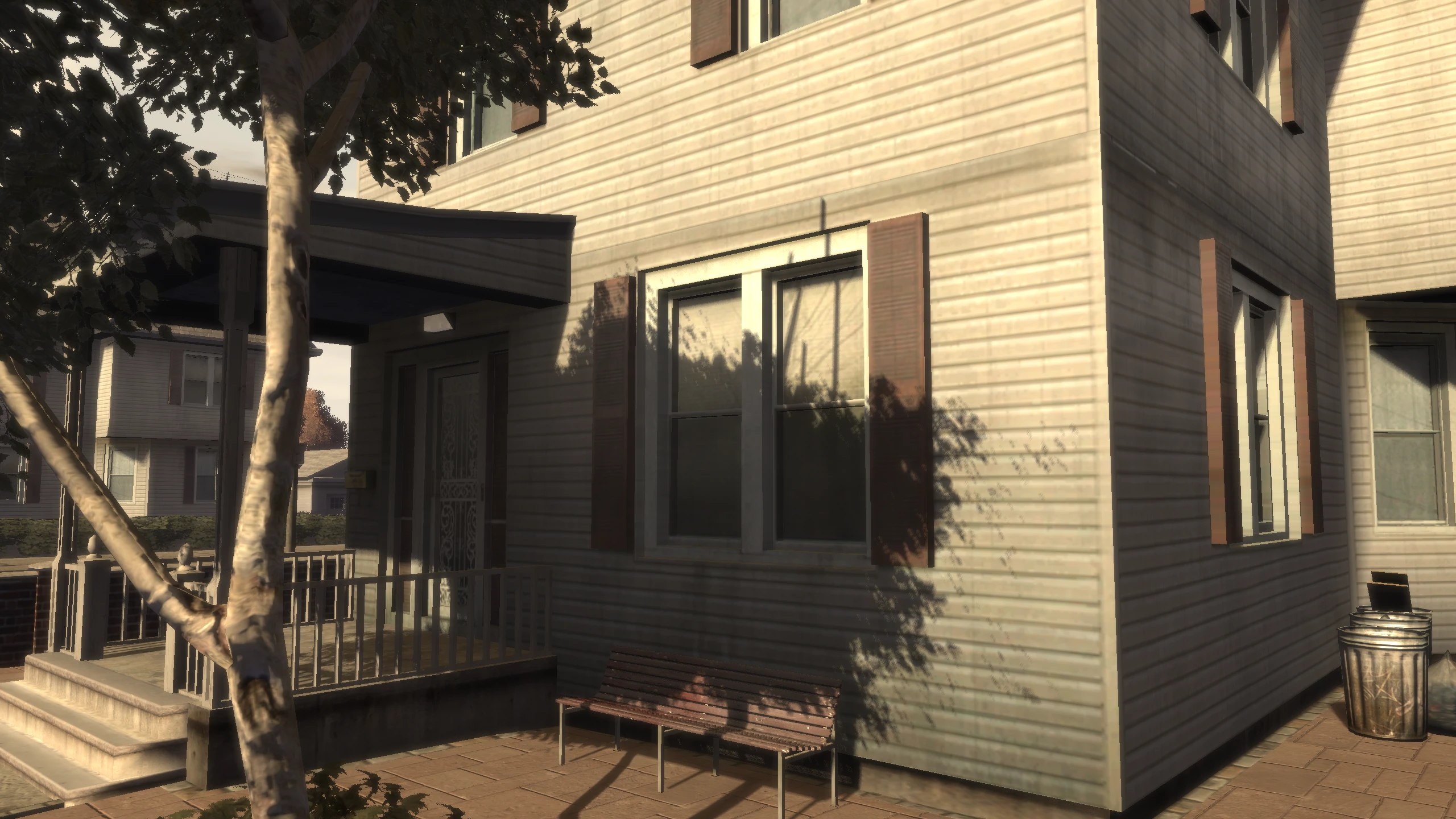
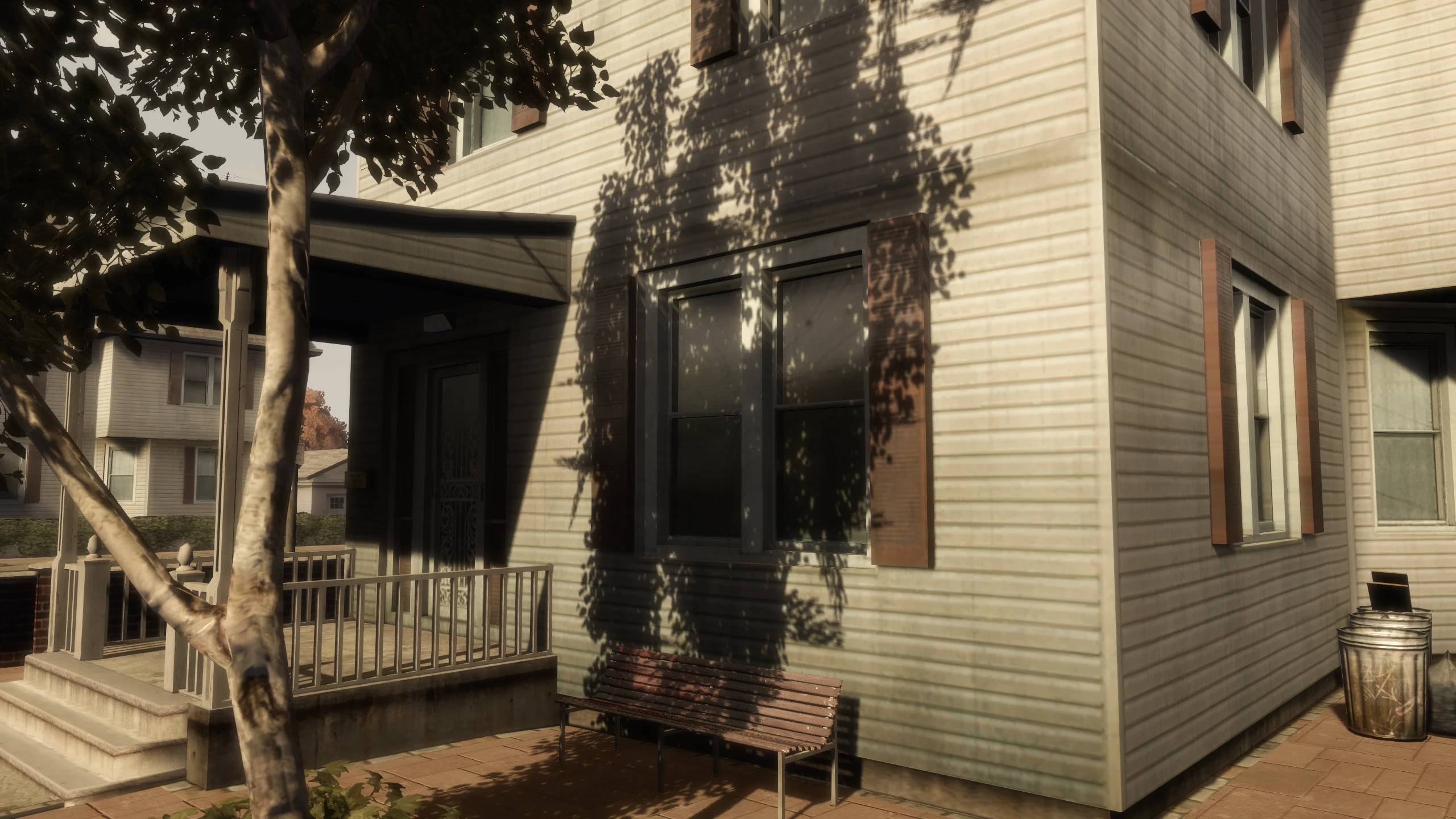
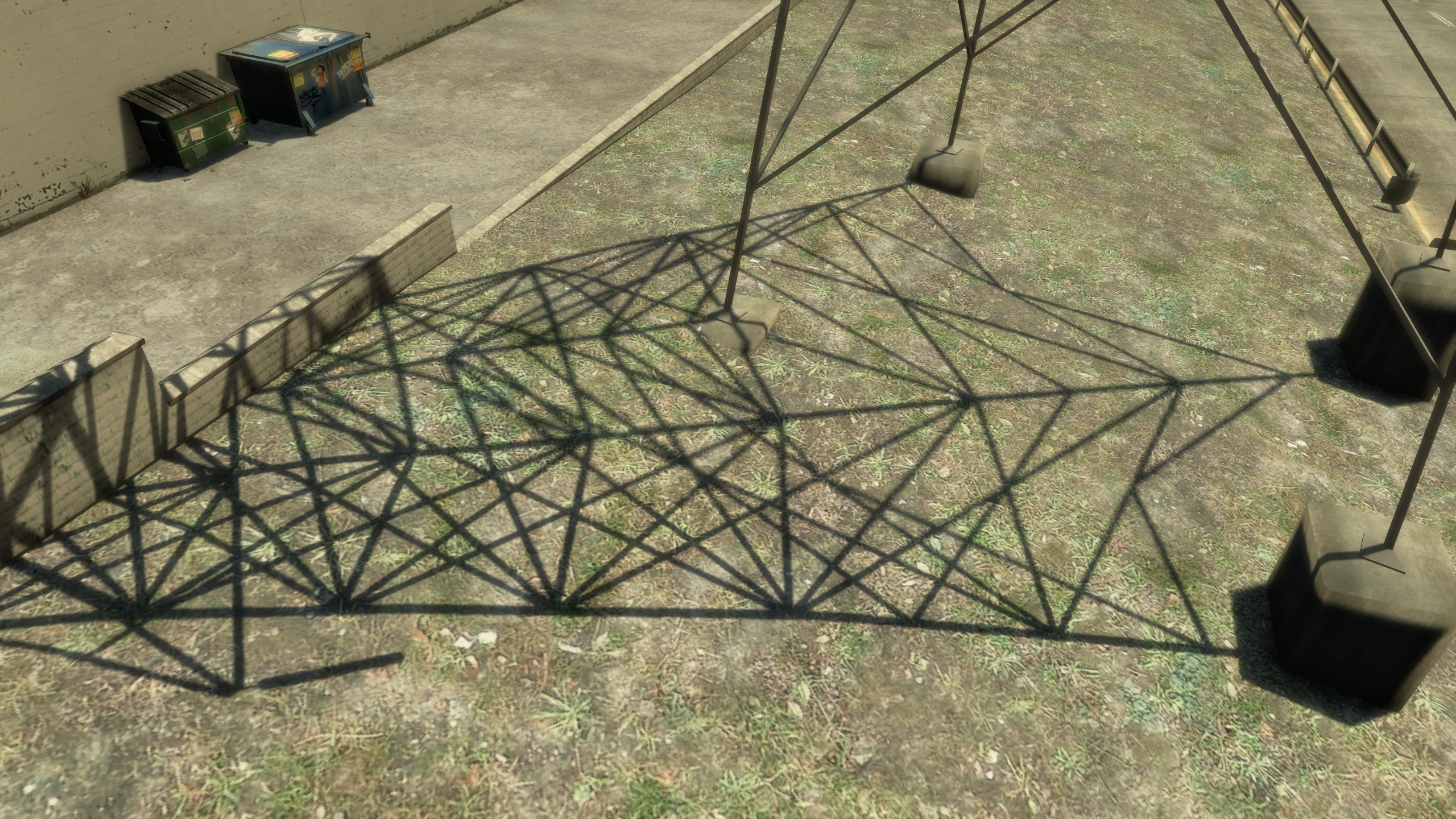
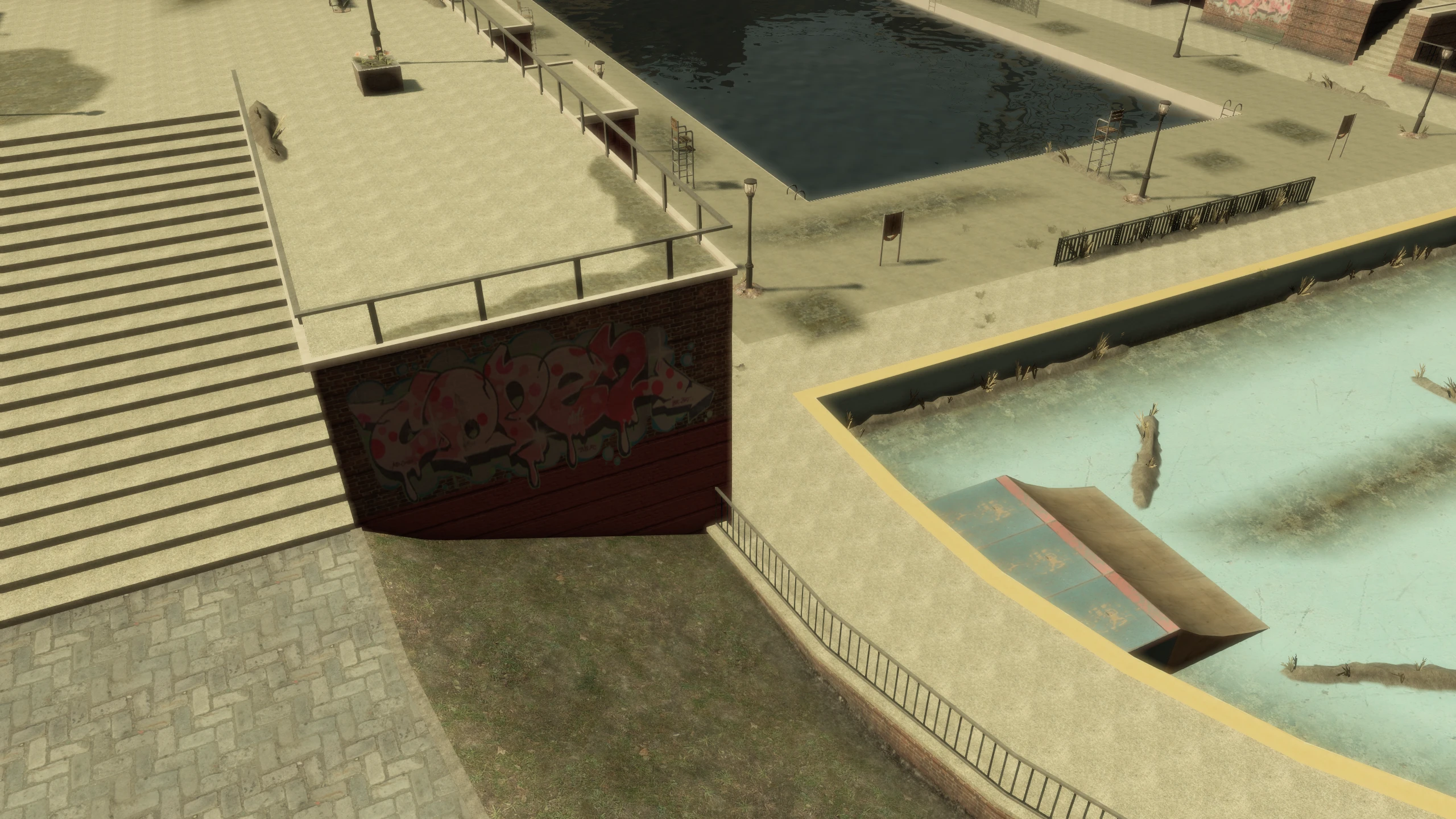
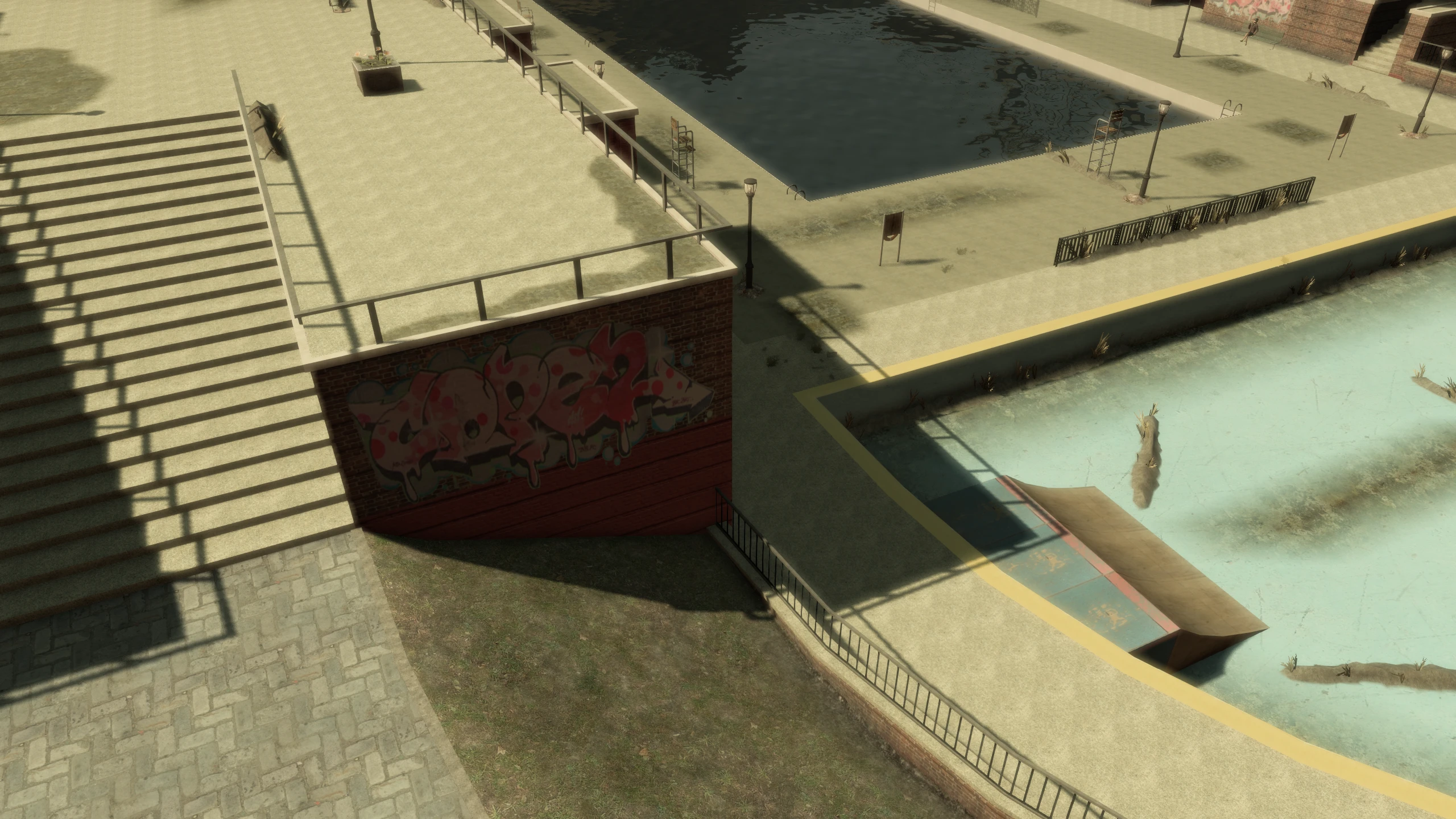
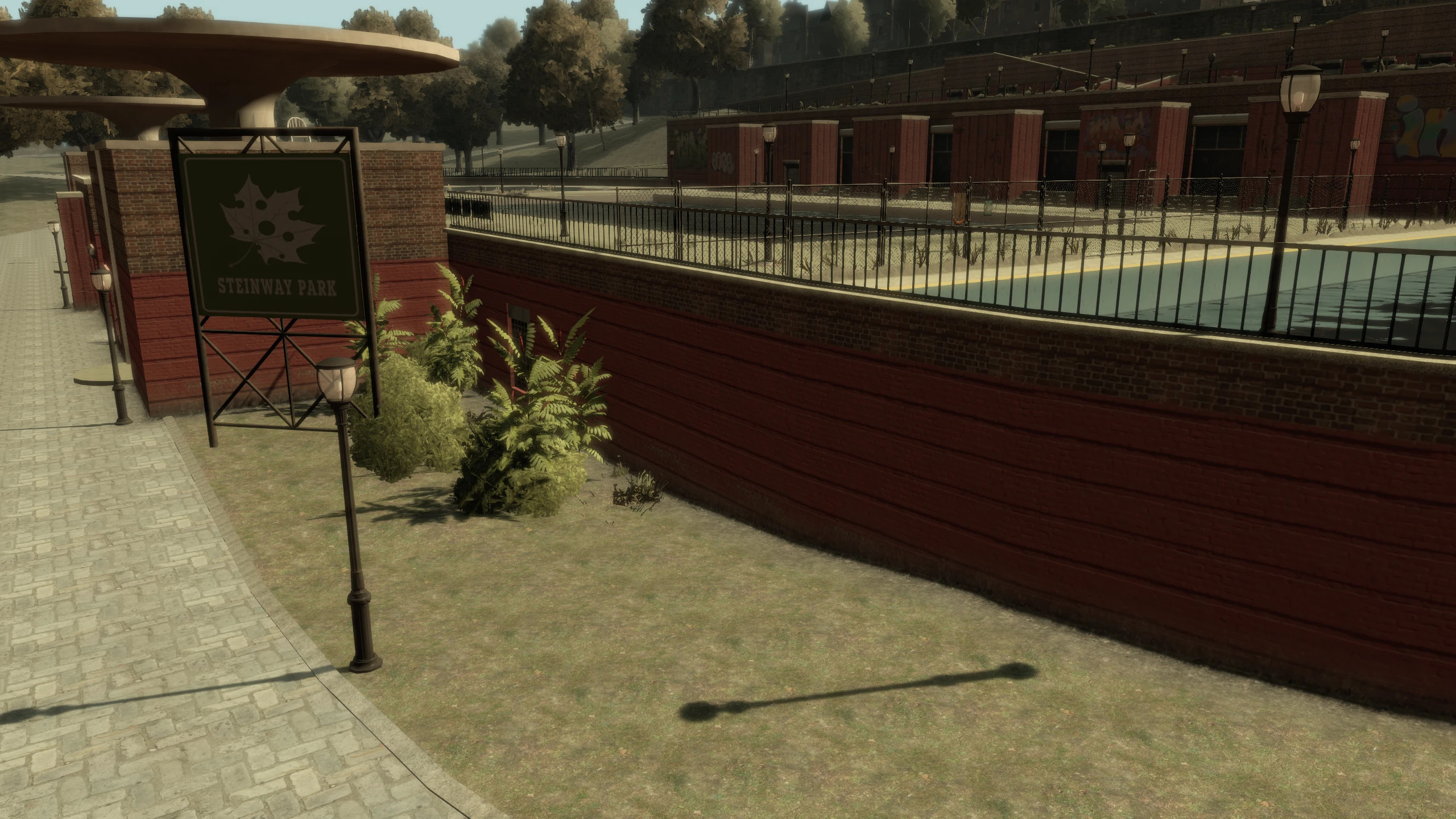
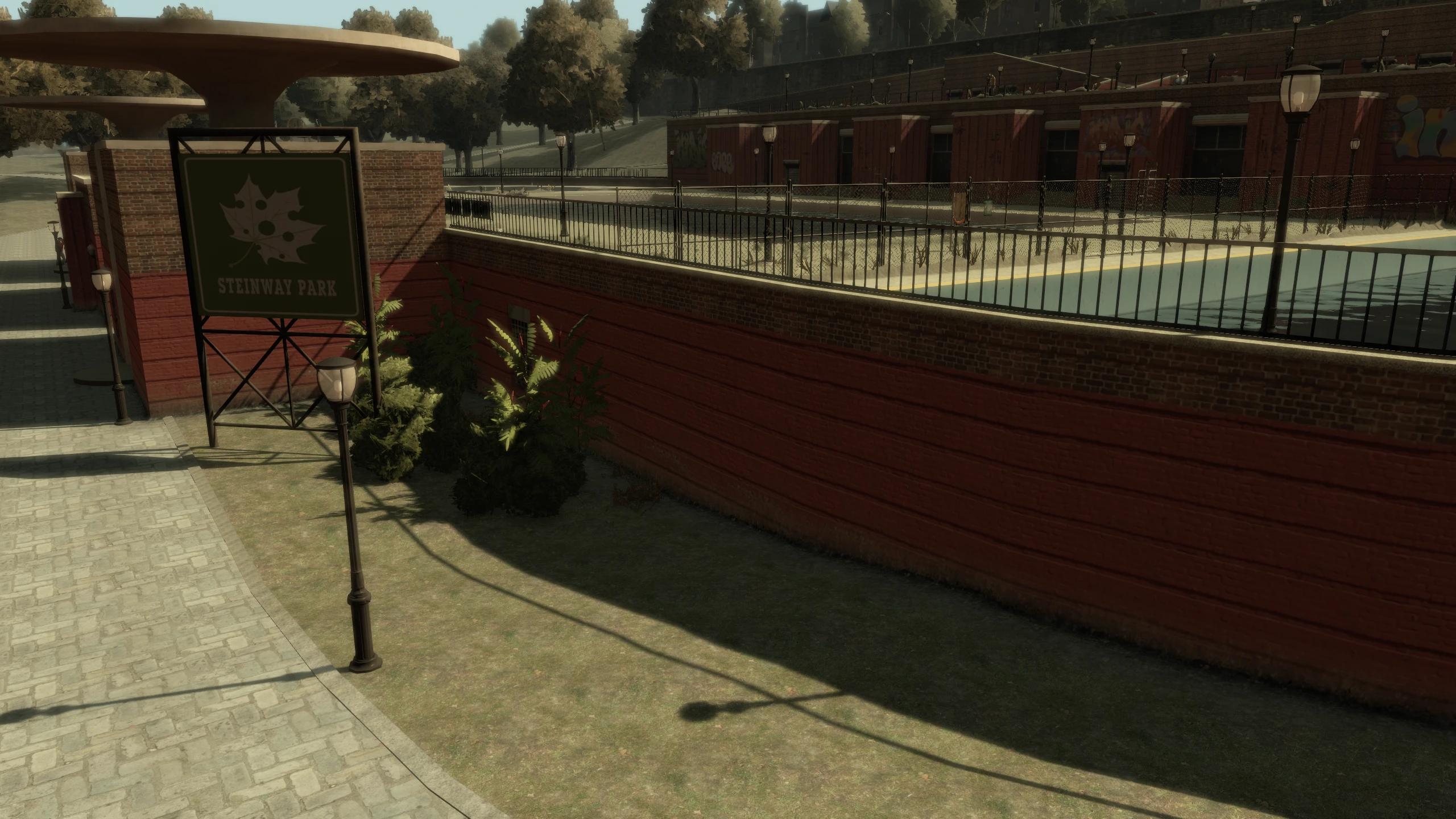
Shadows#
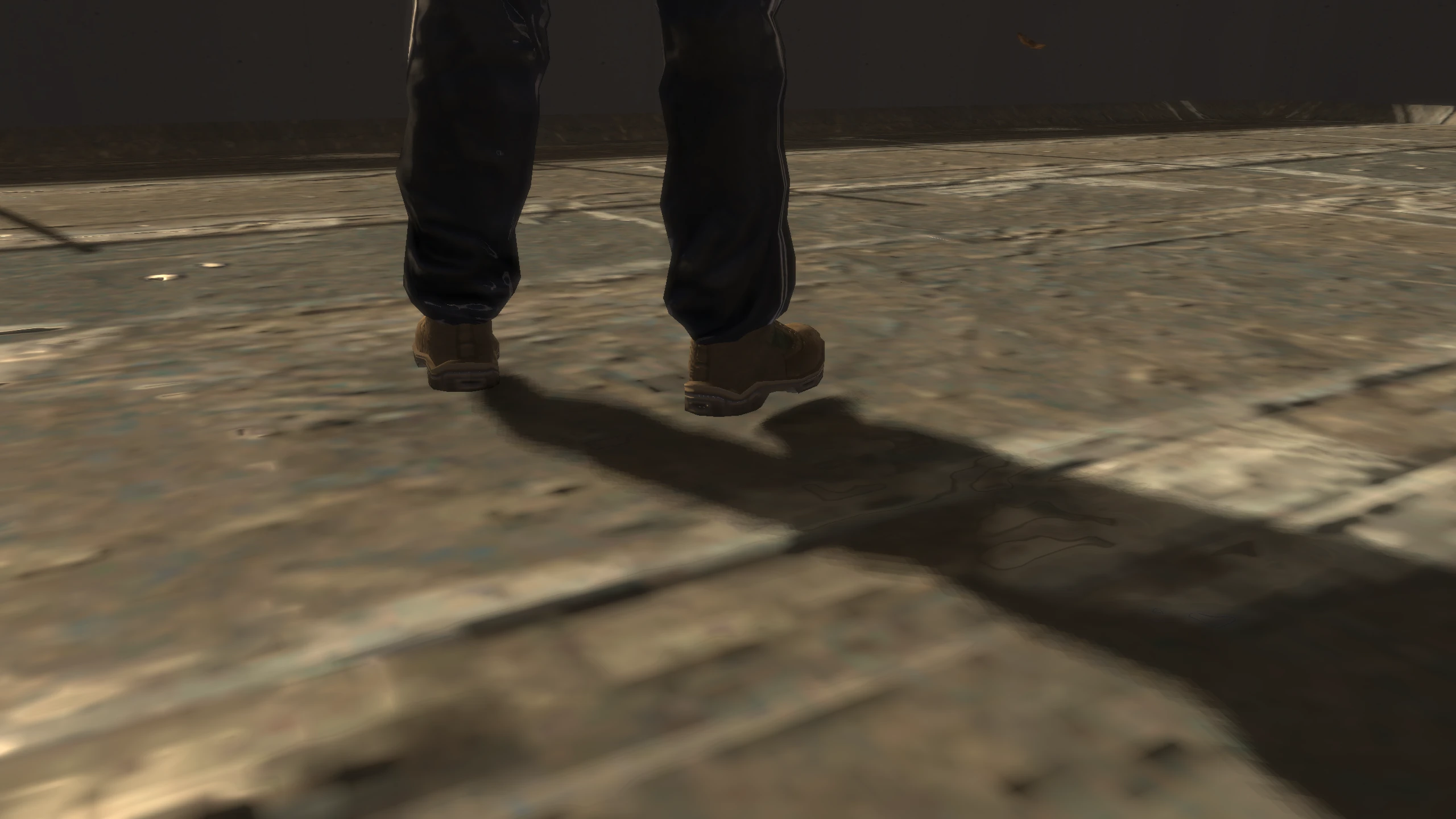
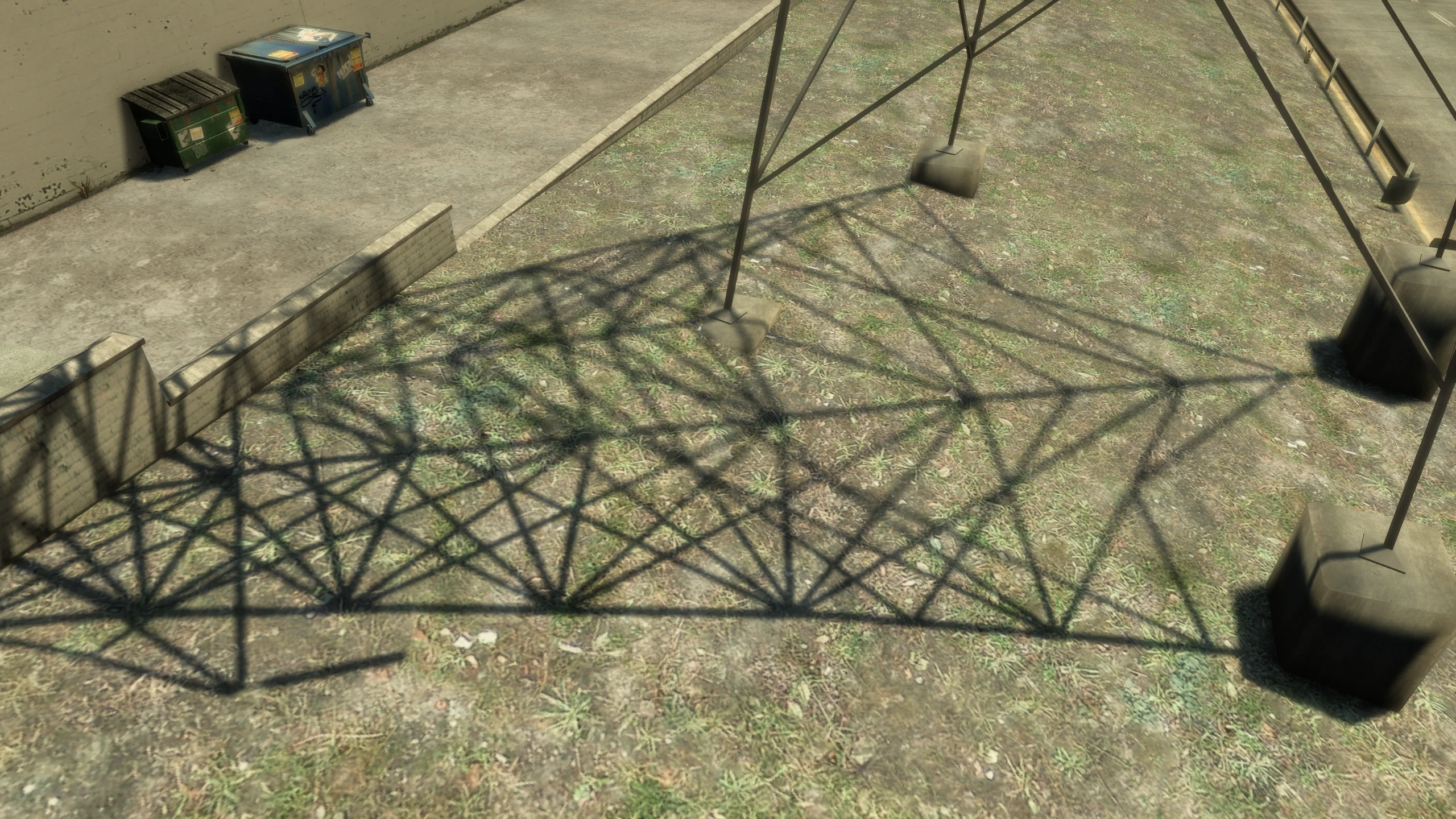
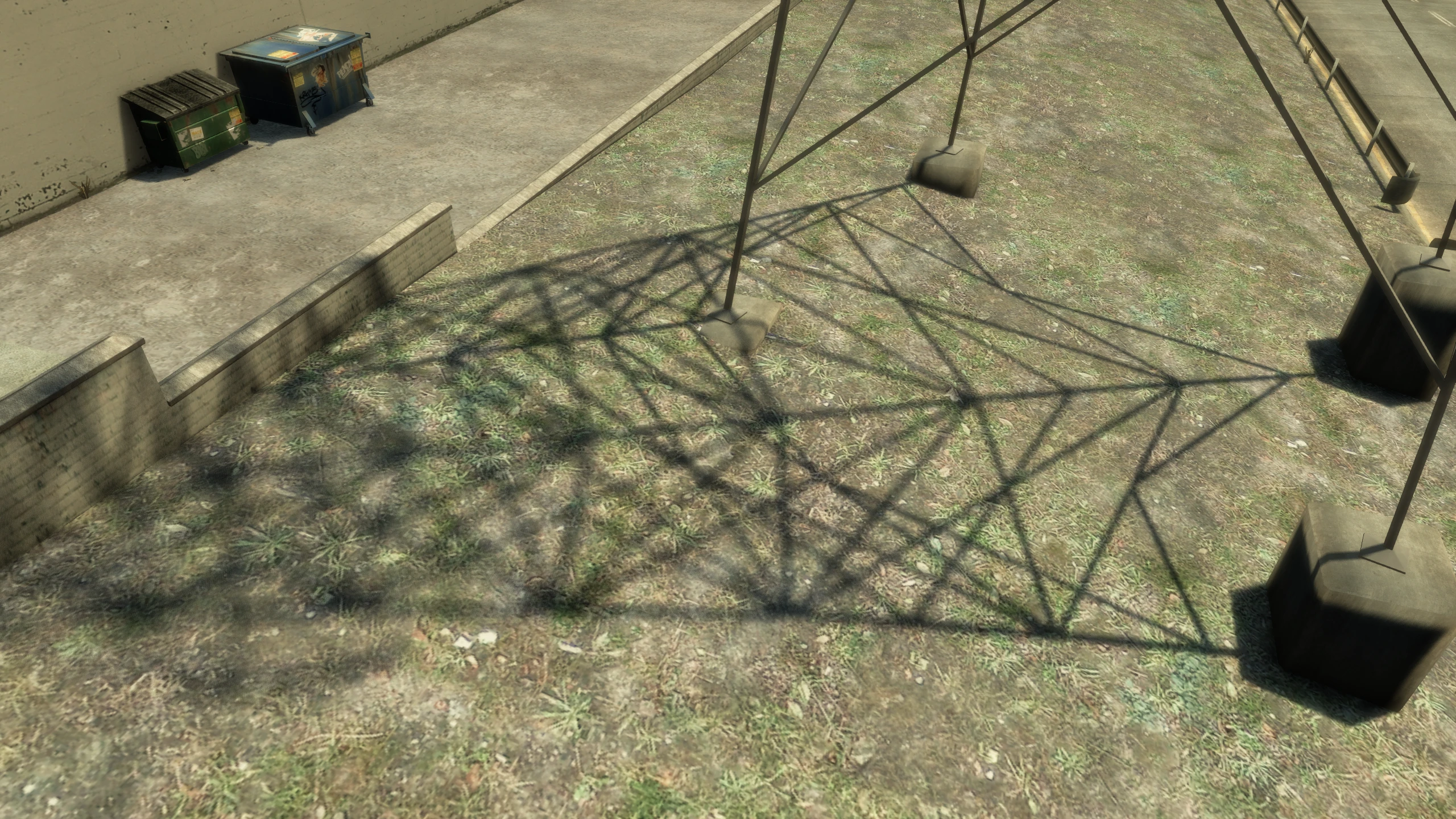
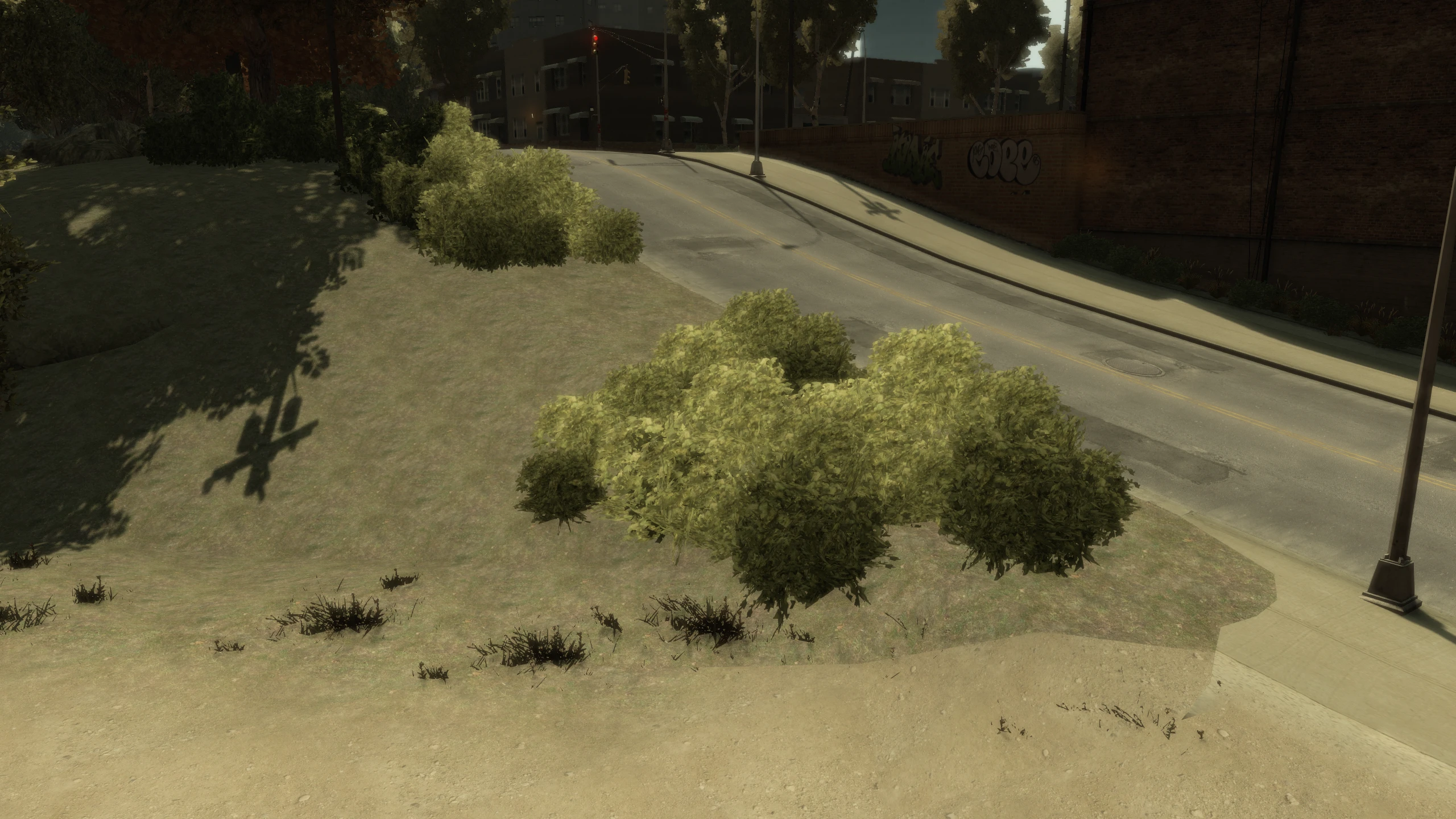
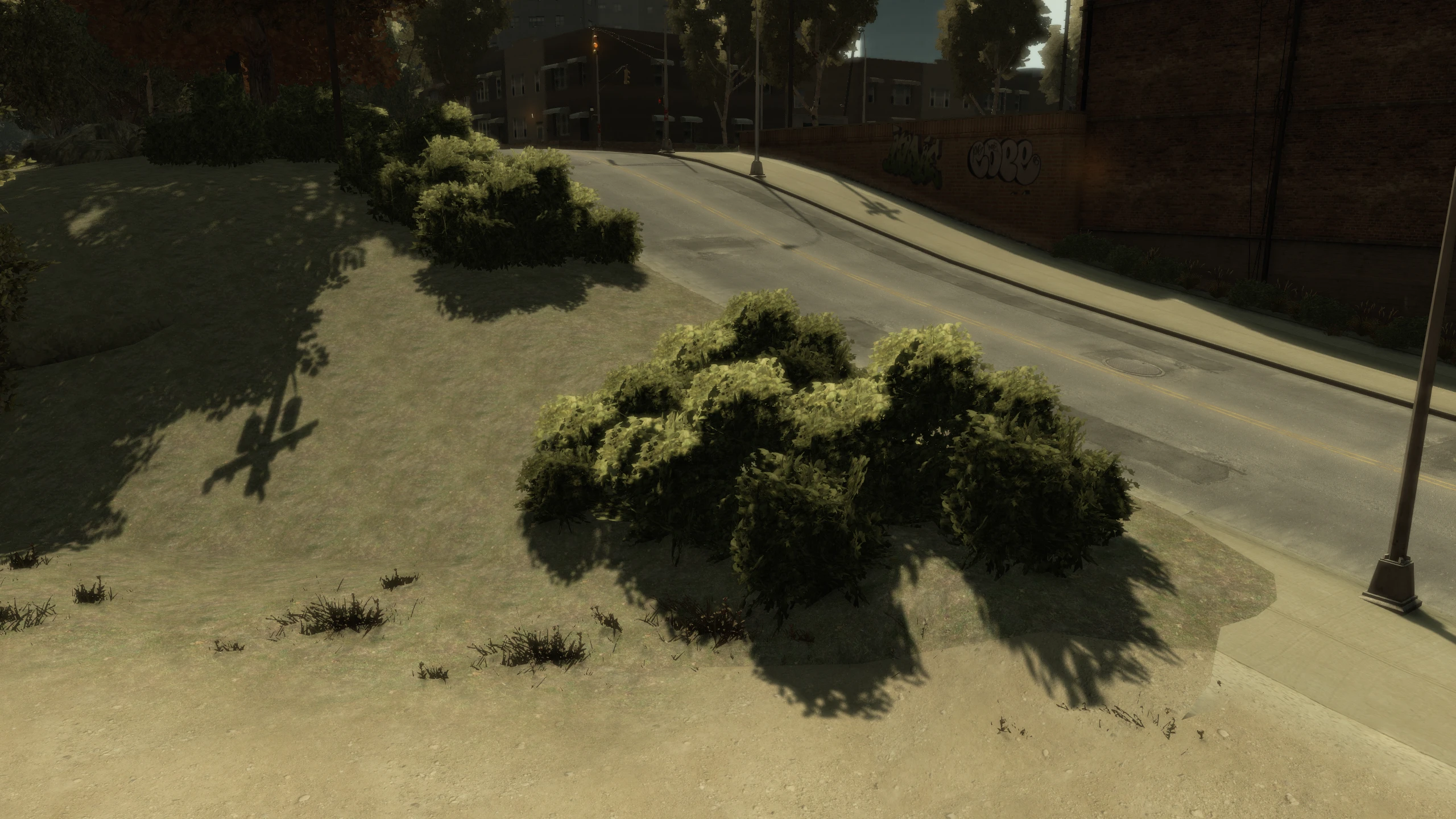
Shadows were by far one of the most broken aspects of the game.
After patch 1.0.6.0, they had horrible filtering, suffered from peter panning, had their draw distance reduced, performed significantly worse than the original shadows implementation and had many other issues.
Fusion Fix completely replaces the filtering and bias code, adds support for animated tree shadows, adds contact hardening shadows, fixes dozens bugs related to shadows in general and it also enables shadows on many objects that were missing them before.
Soft Particles#
GTA IV had soft particles on the console version, but they were missing on PC.
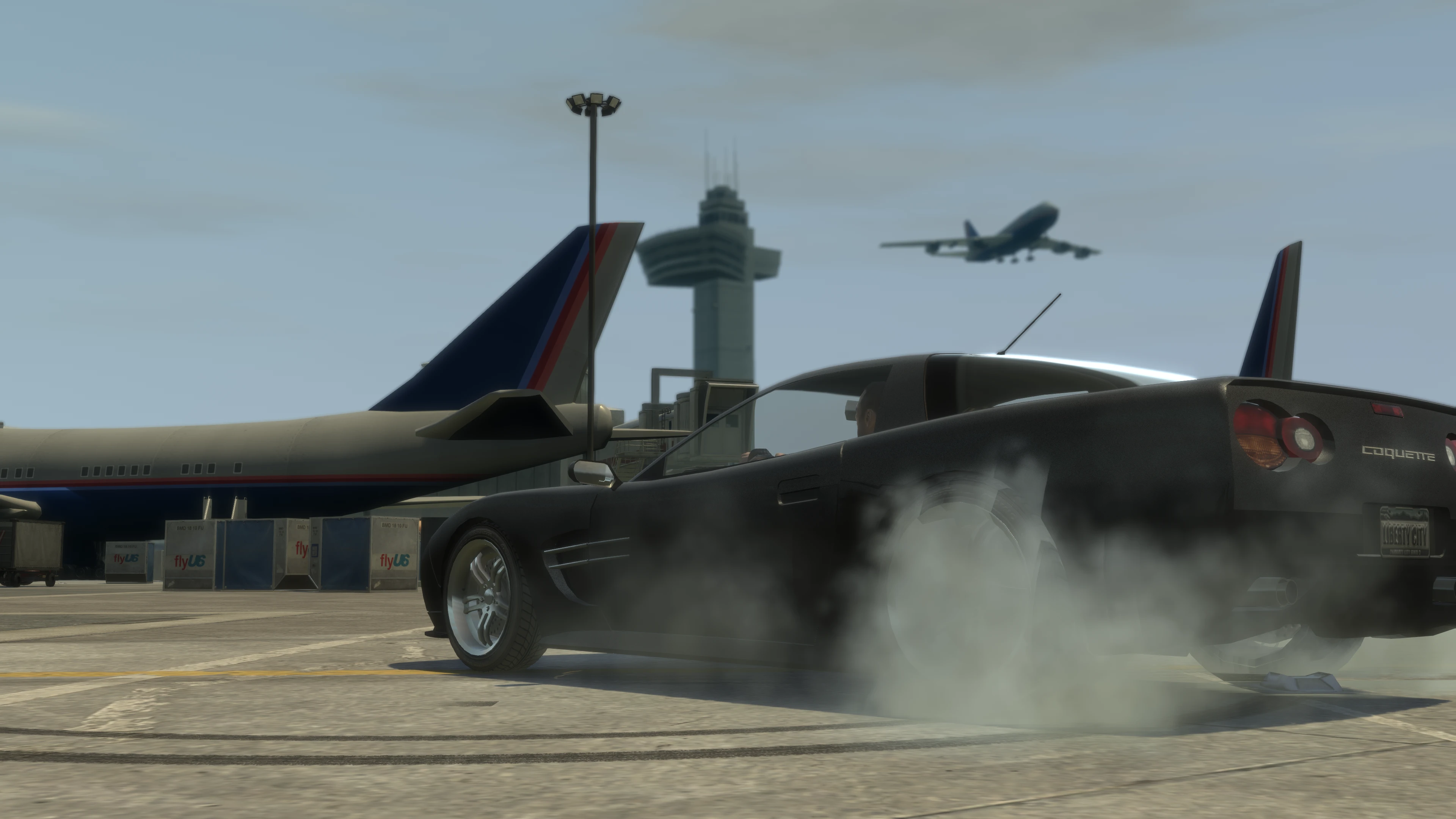
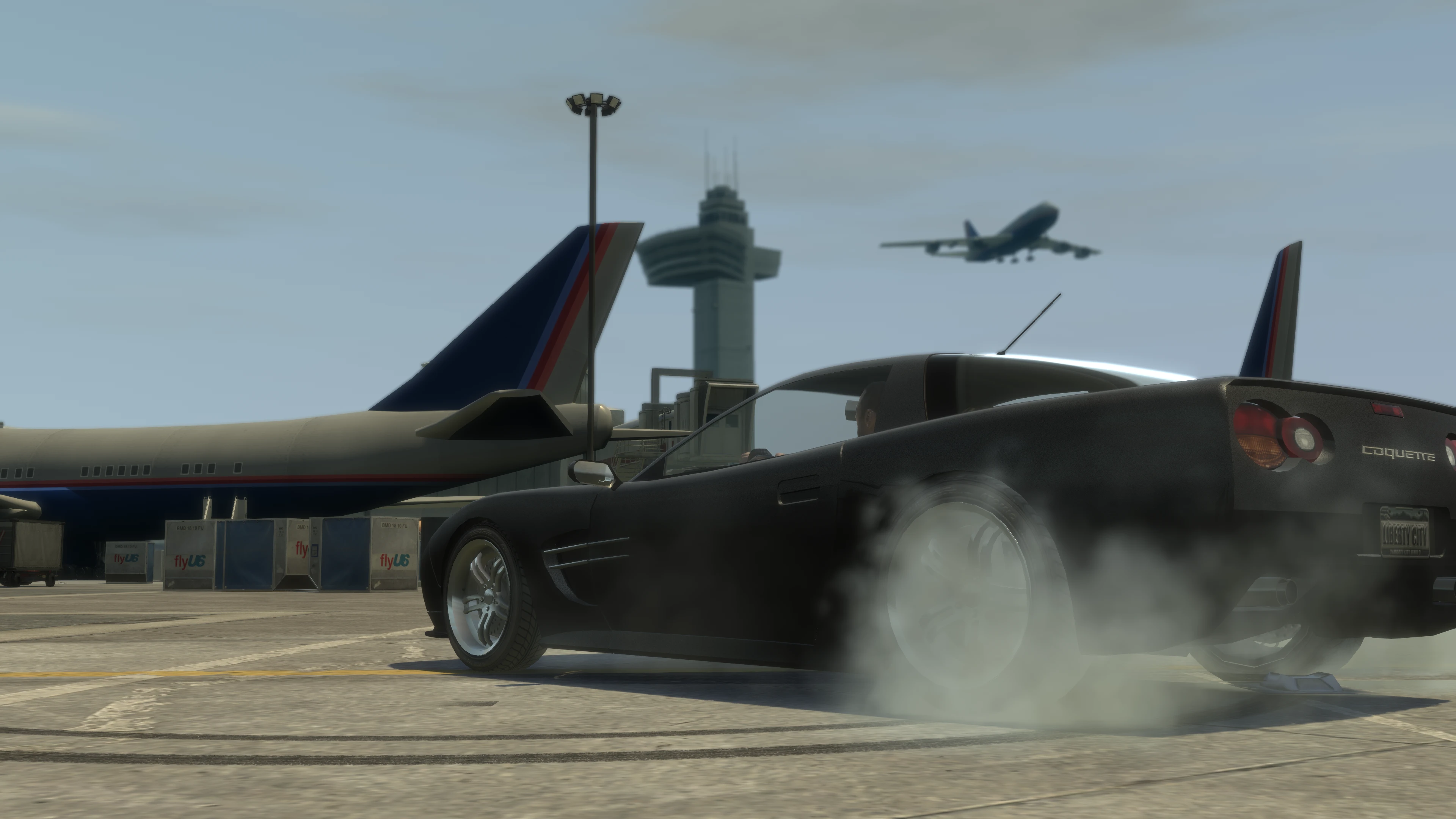
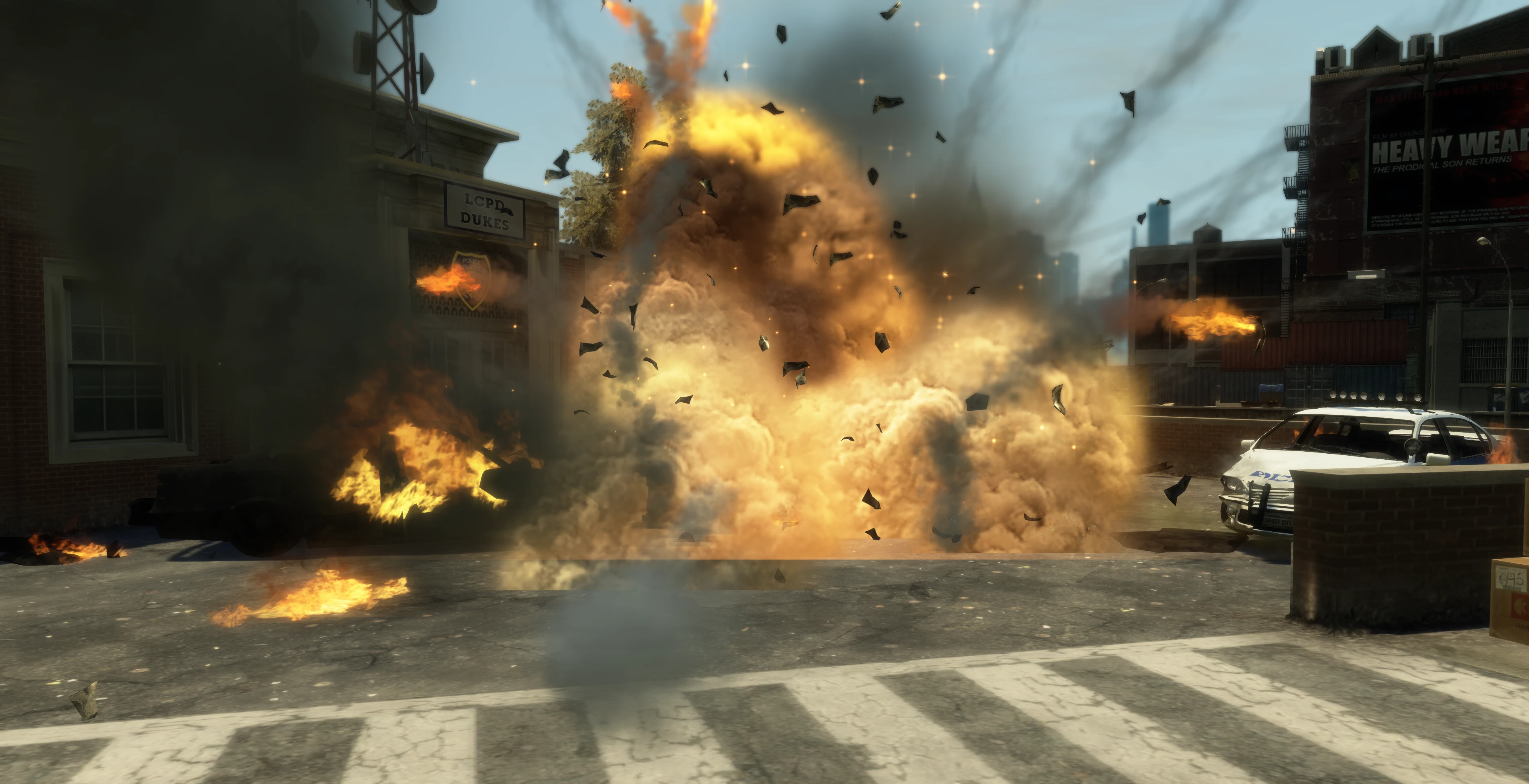
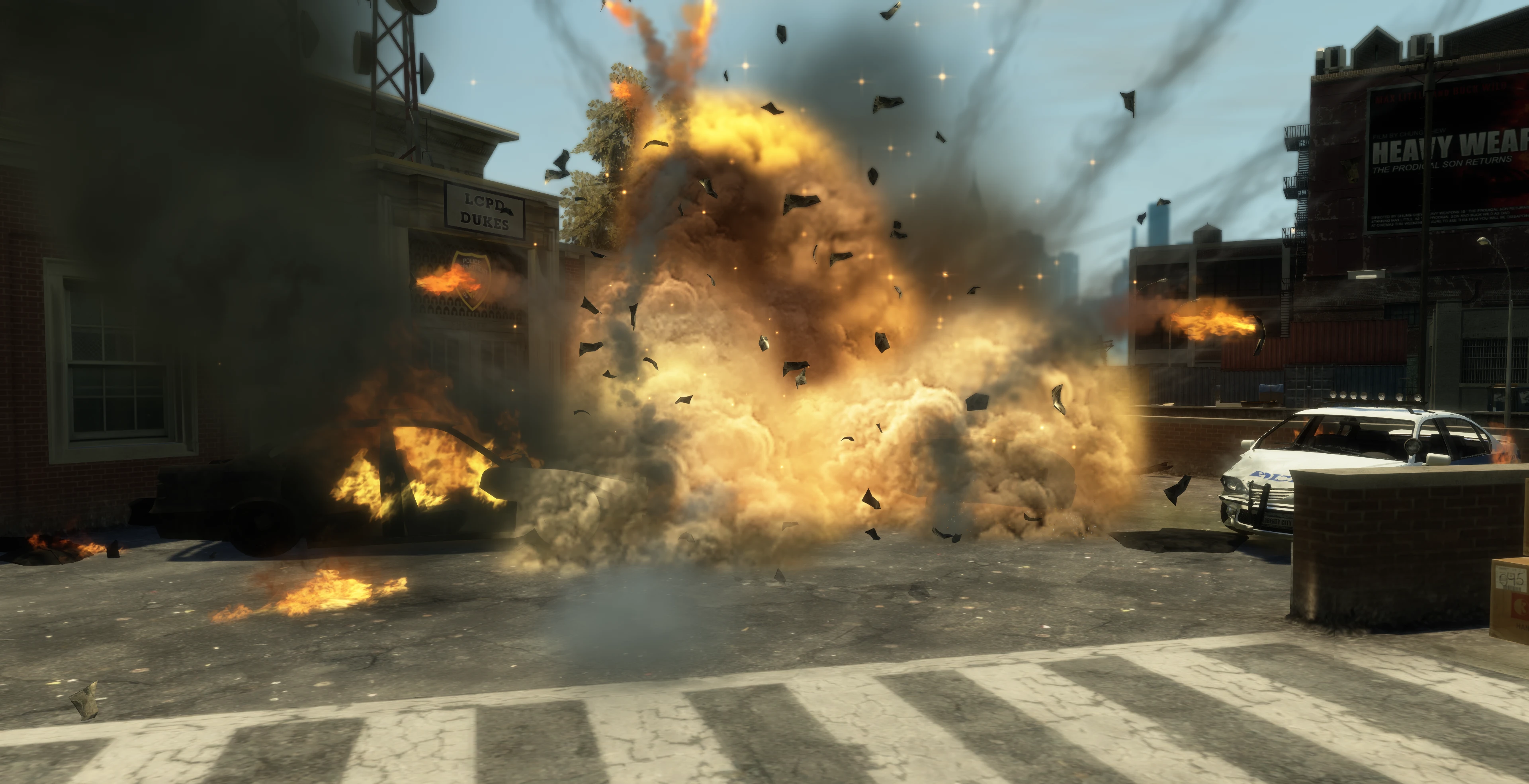
FusionFix adds soft particles back to the game on PC, making particle effects look much nicer. Soft particles basically make the edges of particle effects smoother so they don’t harshly clip into models.
Sun Shafts#
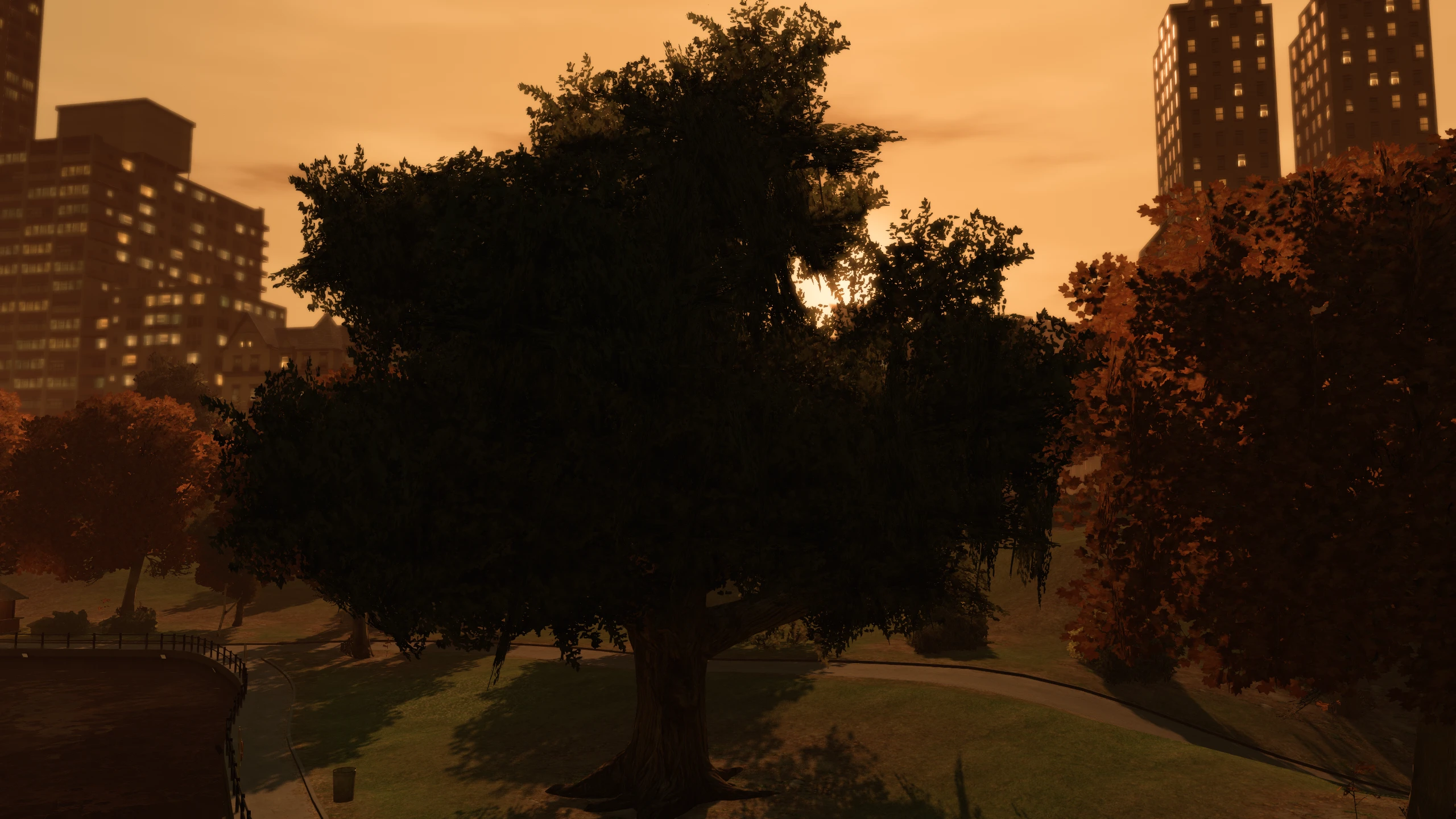
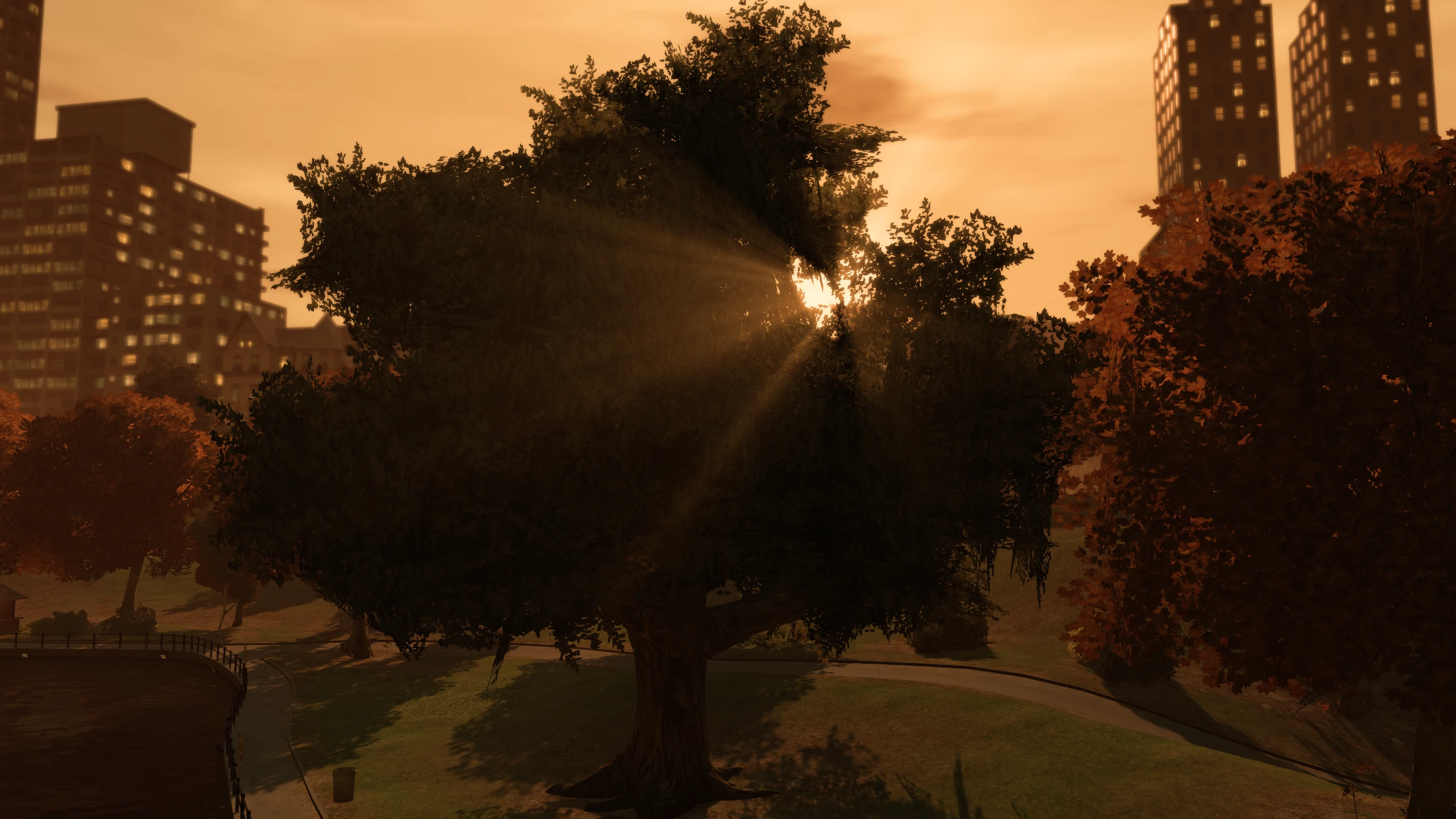
The original game's sun is pretty effectless when compared to every other GTA title.
Fusion Fix adds a new sun shafts option which adds god rays coming from the sun.
Tone Mapping#
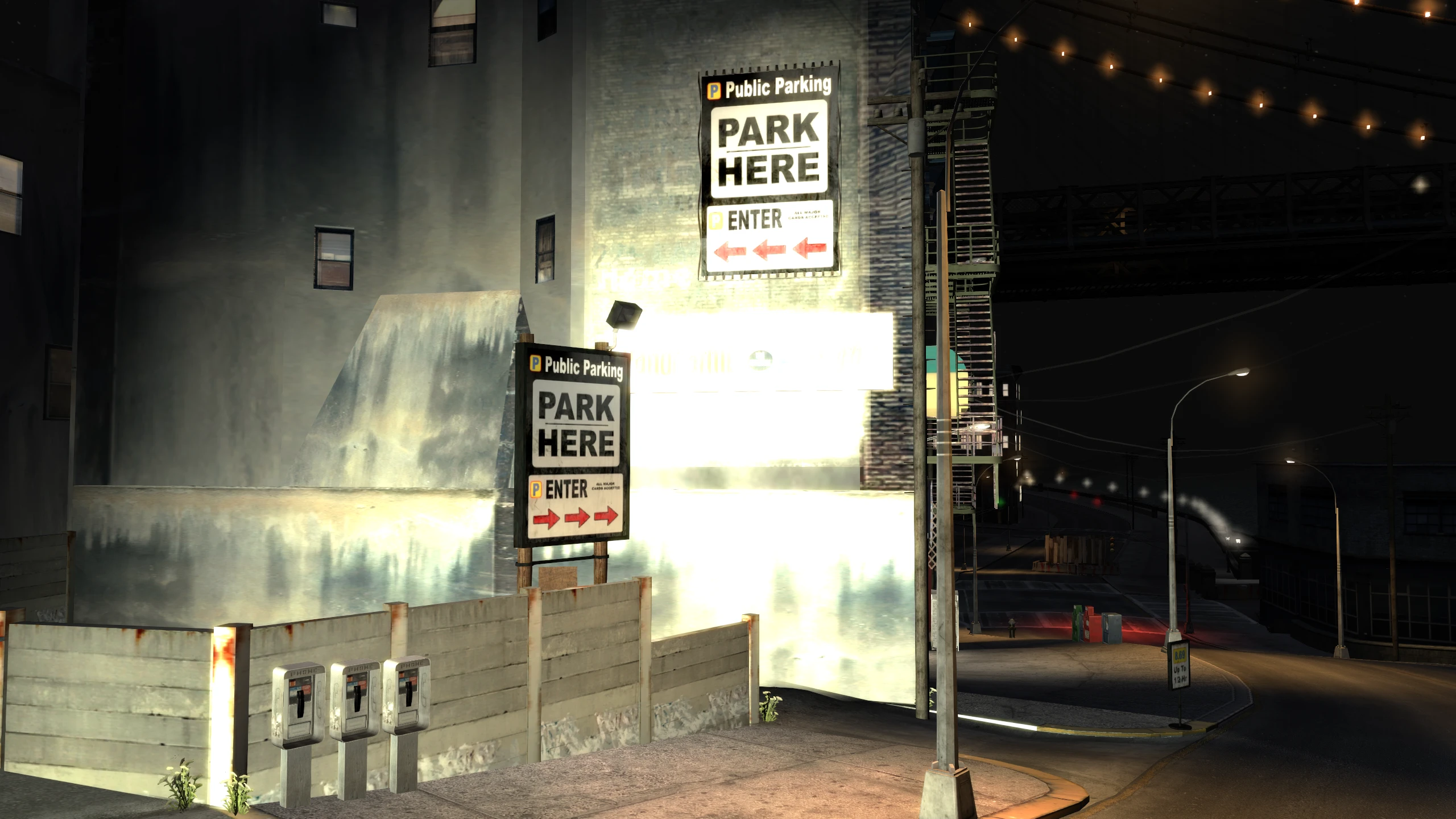
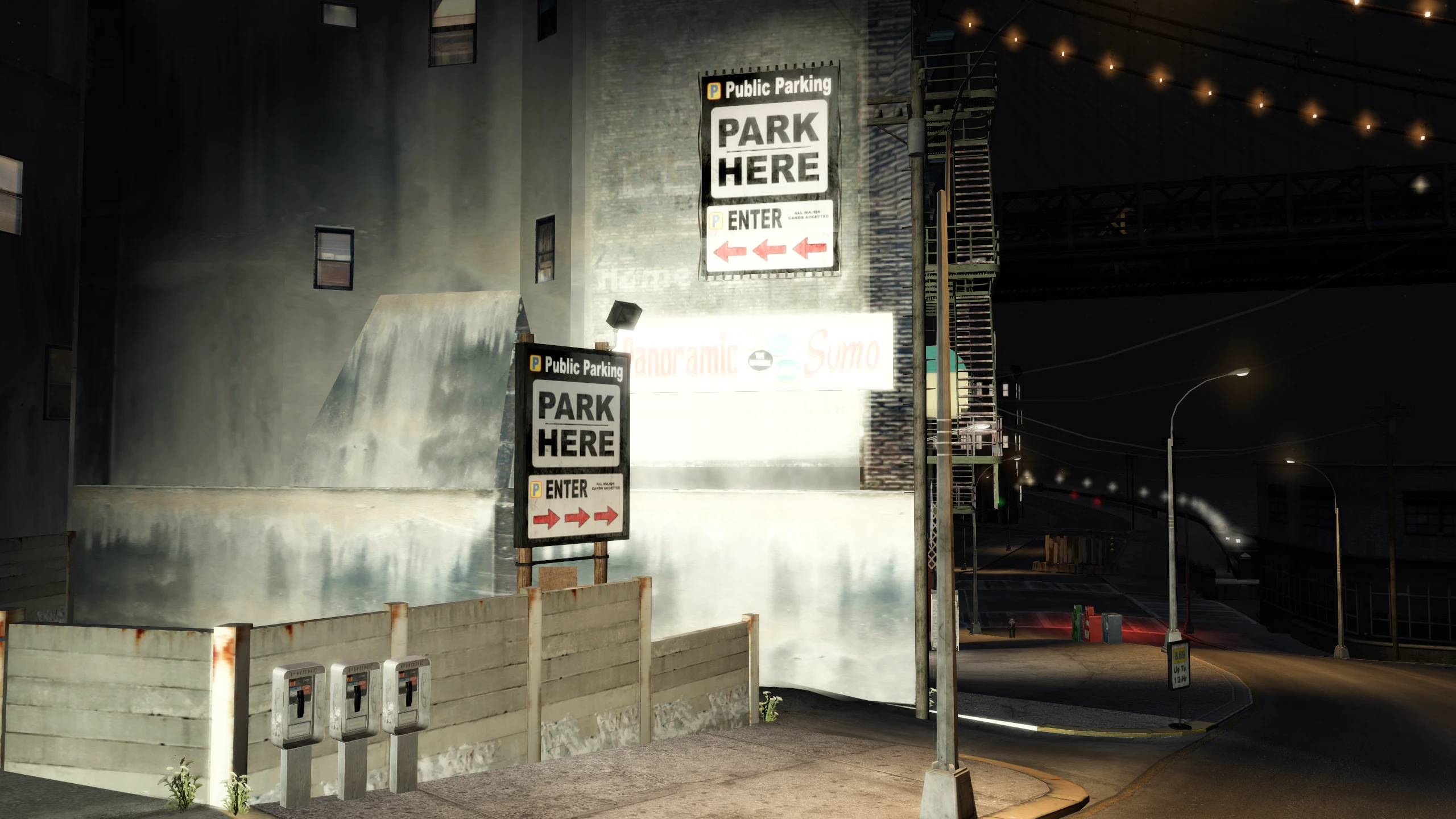
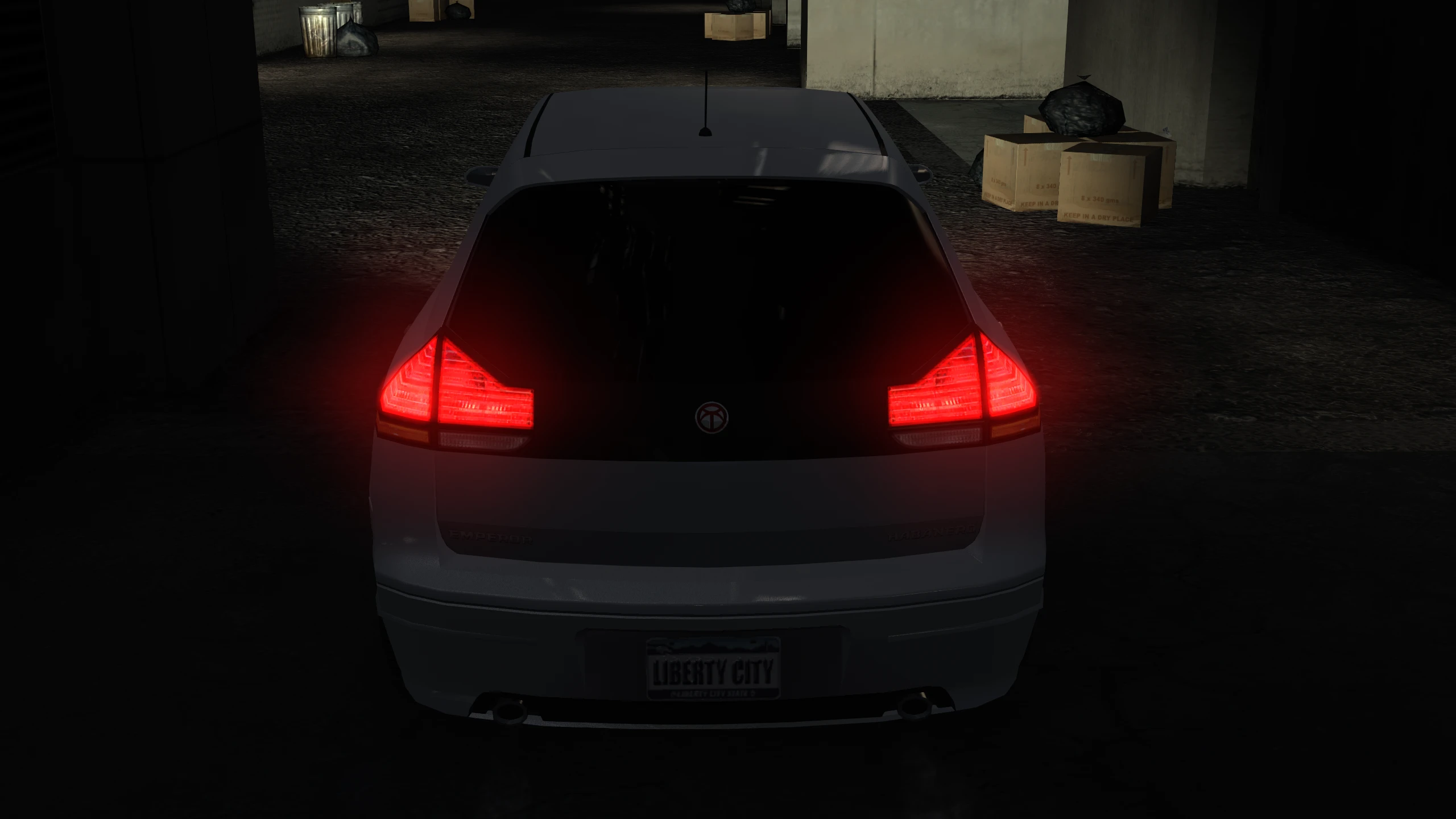
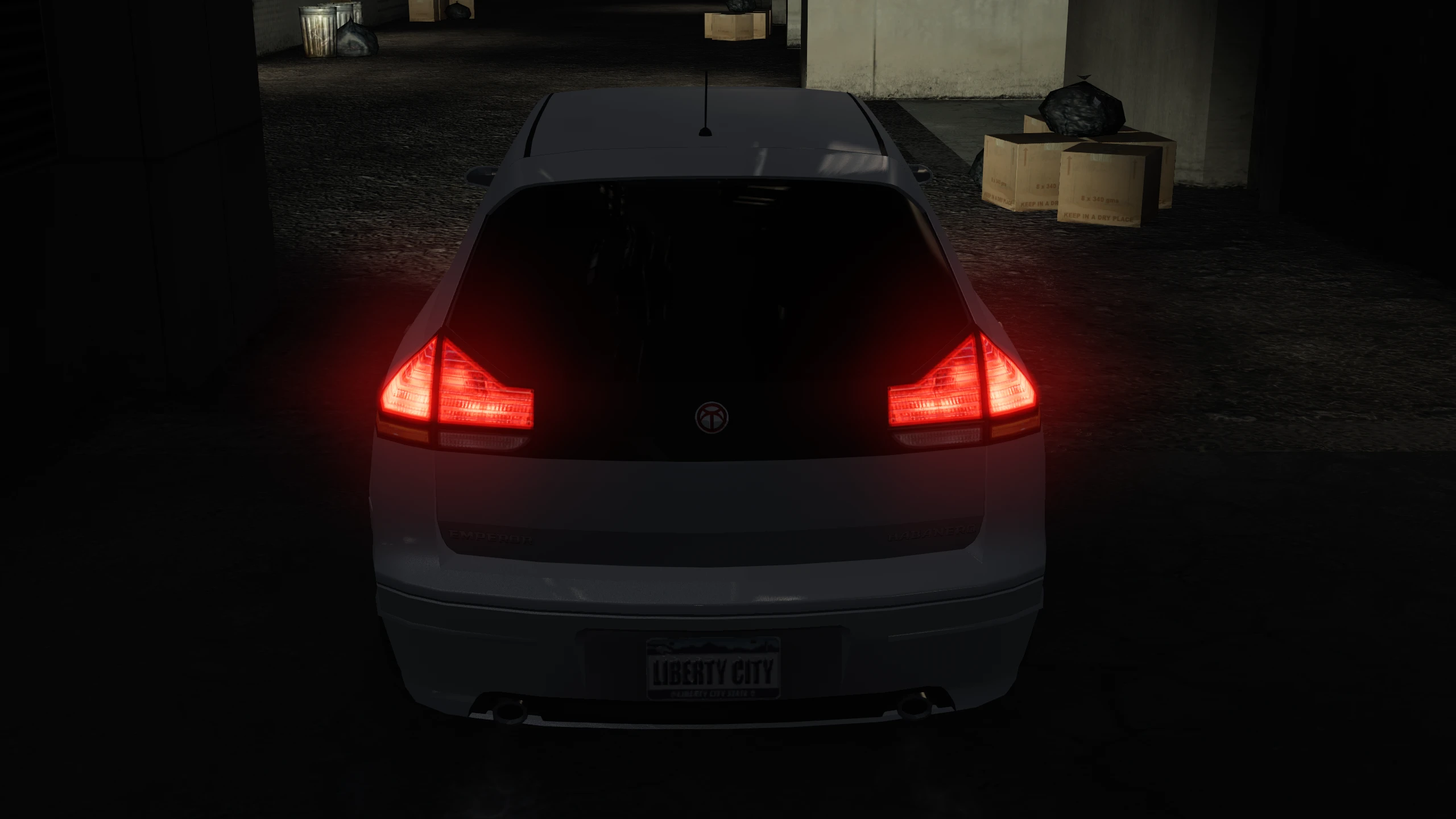
Fusion Fix adds a new tone mapping option which stops highlights from blowing out and clipping.
You can change the tone map operator by replacing all_stips in GTAIV\update\pc\textures\stipple.wtd. More operators can be found here.
Volumetric Fog#
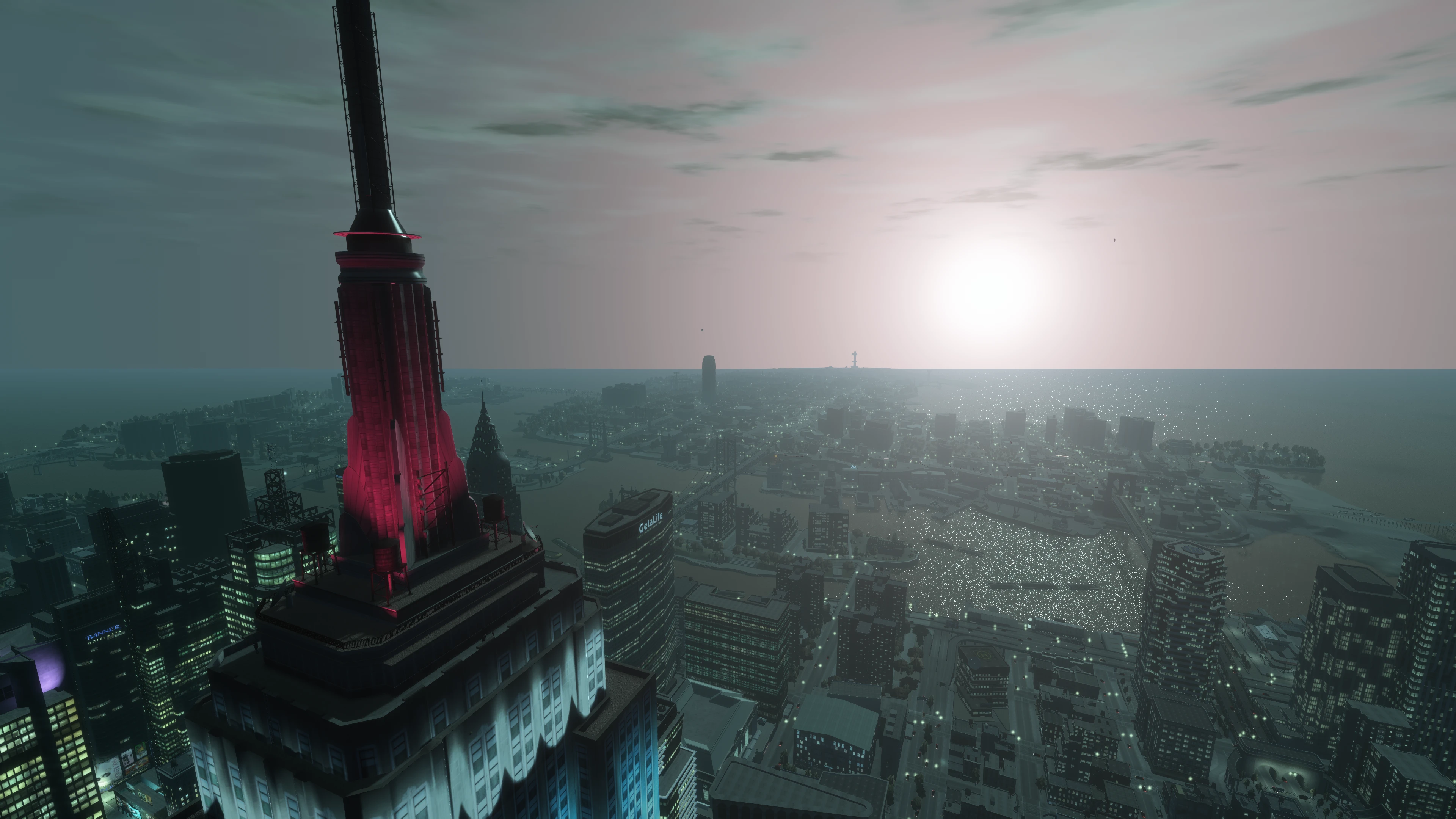
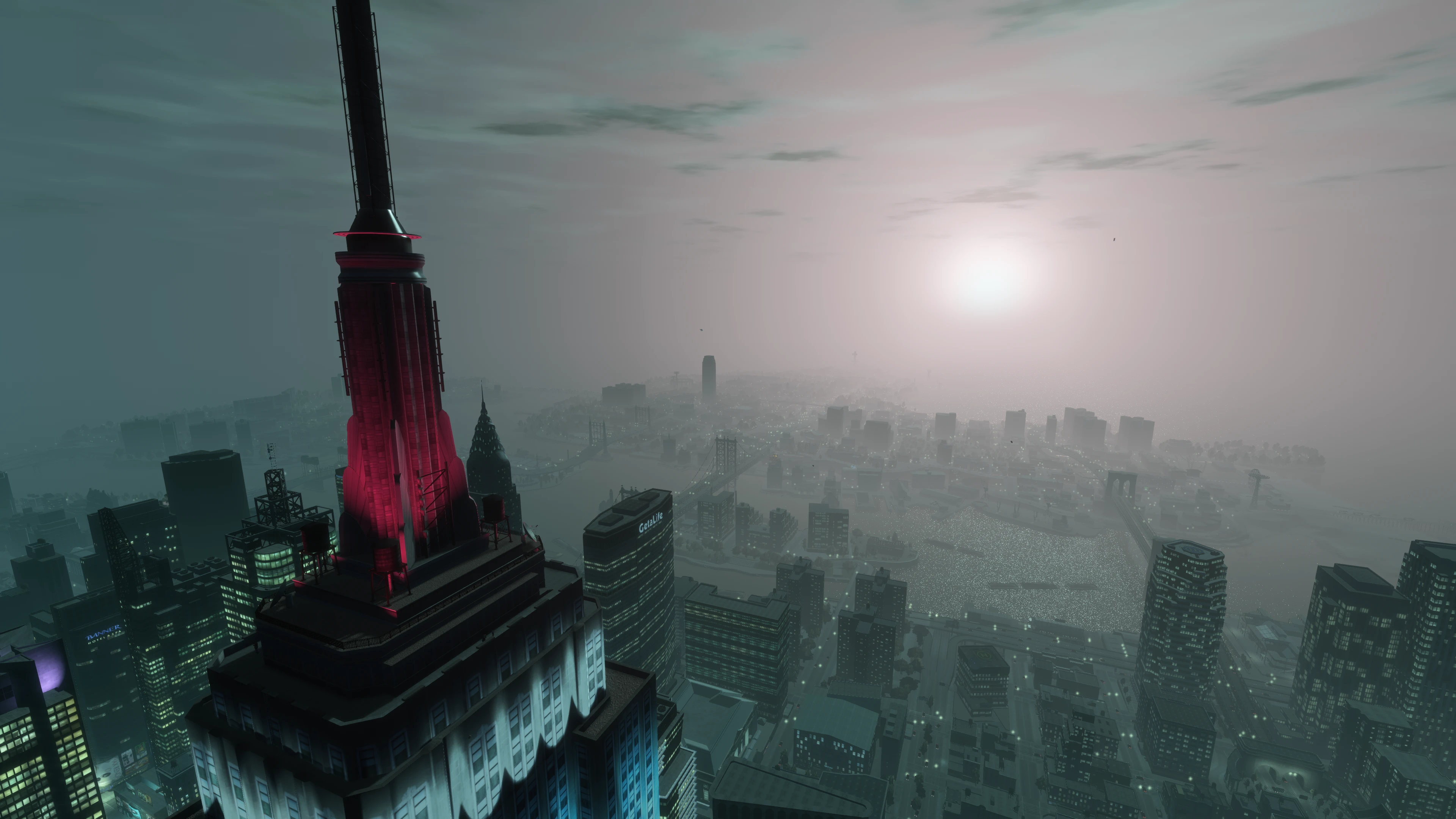
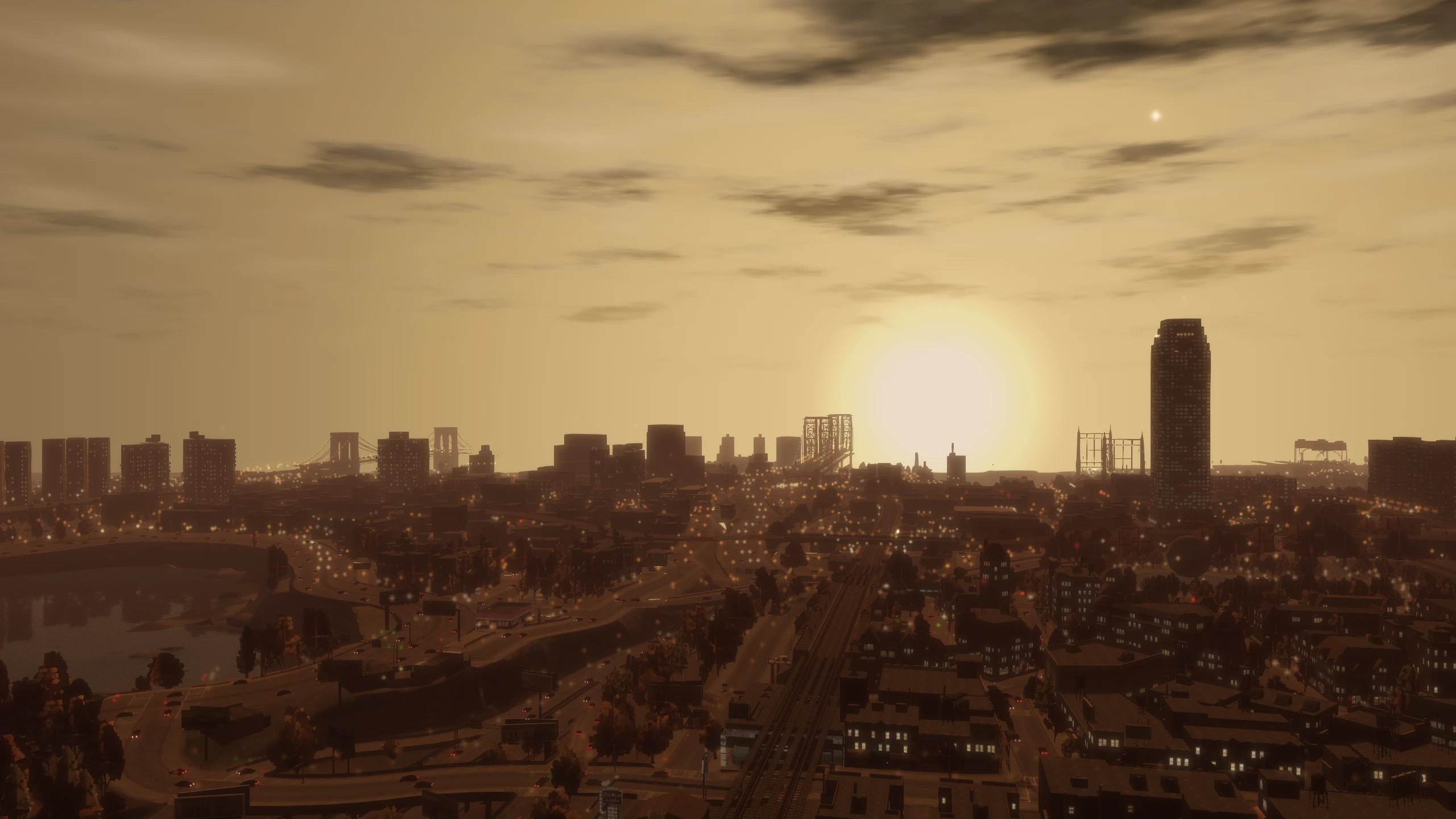
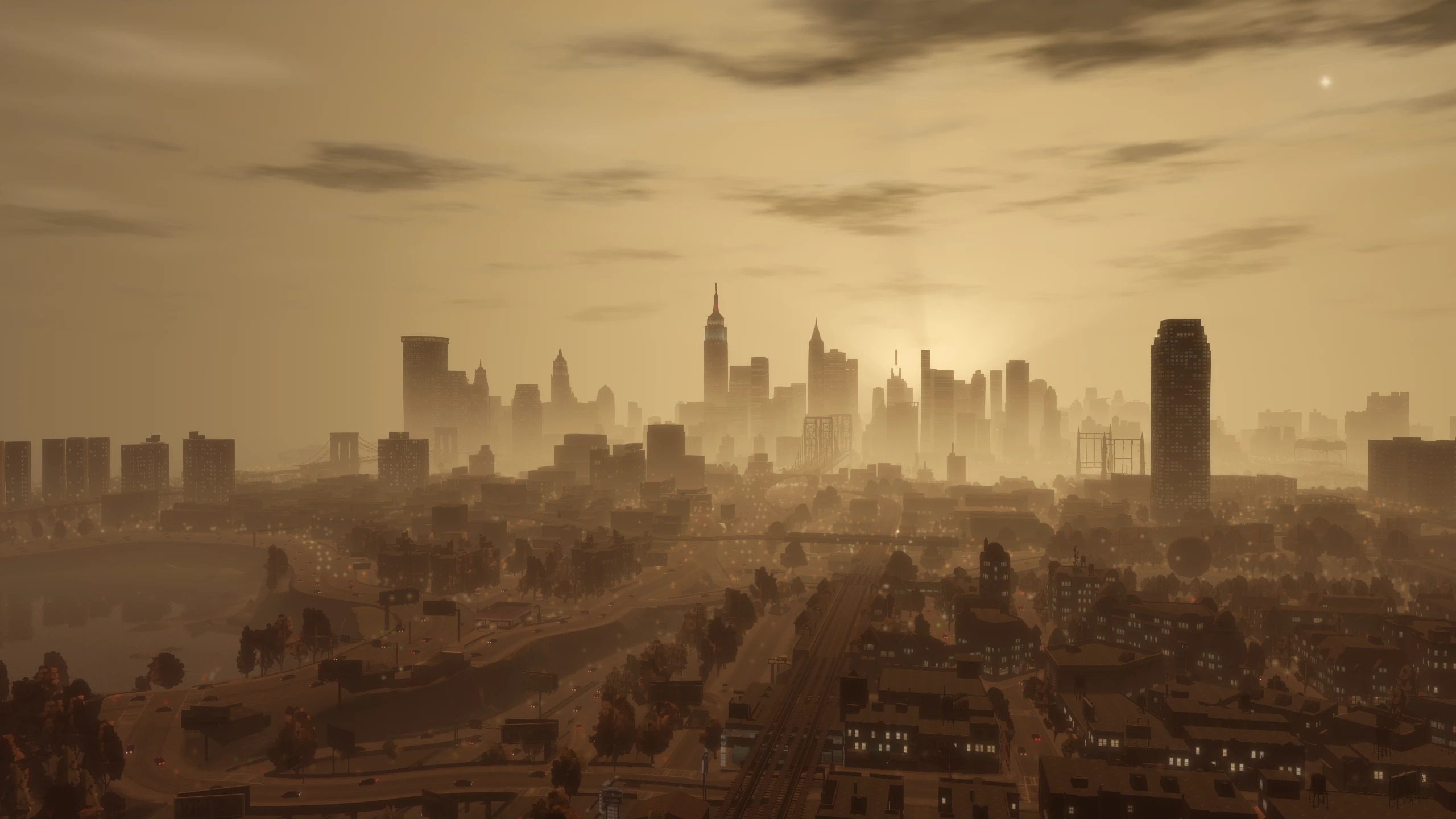
The original game fog moves with the camera position and when the player is up high, you can see the water cut off at the horizon.
Fusion Fix adds a new volumetric fog option which enables volumetric fog. This fog no longer moves with the camera position, it increases the farclip (draw distance) to 4500 meters, the fog itself blends in with the bottom sky colour seamlessly and the horizon cutting off is no longer visible.
Z-Fighting#
Z-fighting was a major problem on the PC version of GTA IV, with constant flickering all around the map as soon as you gained any height.
The PlayStation 3 version partially dealt with it by using a very high near clip value, while the Xbox 360 solved it by using a reversed floating point depth buffer. Fusion Fix provides a solution that yields results similar to the better approach from the Xbox 360, and effectively eliminates all z-fighting.
Enjoy my work?
Gain benefits such as shout-outs at the end of videos, early access to TJGM videos, early access to TJGM mods, VIP Discord access and much more by supporting me and my work on Patreon, it's very much appreciated! ❤️
⭐ Support on Patreon