TJGM's Drag n' Drop Archive for GTA IV
WARNING (READ, DO NOT SKIP!)#
- This modpack is ONLY for a CLEAN copy of Grand Theft Auto IV: The Complete Edition. This is the version you buy on Steam or the Rockstar Games Launcher and it should have NO MODS installed. This modpack doesn't work with downgraded versions.
- This modpack works on Windows, Steam Deck, Steam Machine and other Linux devices using Proton or Wine.
- DO NOT report bugs to any of the authors of the mods included in this pack. This modpack is not their responsibility. If you want to report a bug regarding a single mod, install the mod on a clean game, reproduce the issue and then report it to the author.
- This modpack should only be used on its own, no other mods should be installed before or after. If you don't want to learn how to mod GTA IV yourself, you're just going to cause problems for yourself installing mods on top of a modpack. If you want to mod yourself, follow my Fixing GTA IV with 4 Mods guide instead.
- Don't update any mods in this pack yourself. If an update comes out for any of the mods included, wait until I update the pack myself.
- Thousands of hours have been spent by the people listed below developing these mods. These mods help make GTA IV playable on modern systems, so if you have anything to spare, please consider donating to the authors of these mods for their fantastic work and for keeping GTA IV playable for the rest of us.
Credits#
Please consider donating to the authors (if applicable) of the mods in this packs.
- Ash_735 (DONATE) - Lead developer of Higher Resolution Miscellaneous Pack, Higher Resolution Vehicle Pack, contributor to Fusion Fix, Radio Restoration and Various Fixes.
- ThirteenAG (DONATE) - Lead developer of Fusion Fix and several other mods which brings many PC games up to a modern standard.
- Tomasak - Lead developer of Radio Restoration, contributor to Fusion Fix.
- Attramet & Valentyn - Lead developers of Various Fixes.
- All of the other contributors to these mods. The mods included are a community effort and a lot of work has been put in by several other people. You can find contributors on their respective mod pages below.
What is it?#
Modding isn't for everyone. Some people just want to play the best version of thier favourite games without learning how to install every type of mod possible, even if it is easy.
TJGM's Drag n' Drop Archive is a modpack for Grand Theft Auto IV: The Complete Edition that is aimed at giving new players the best experience possible quickly, so they can jump right in and play.
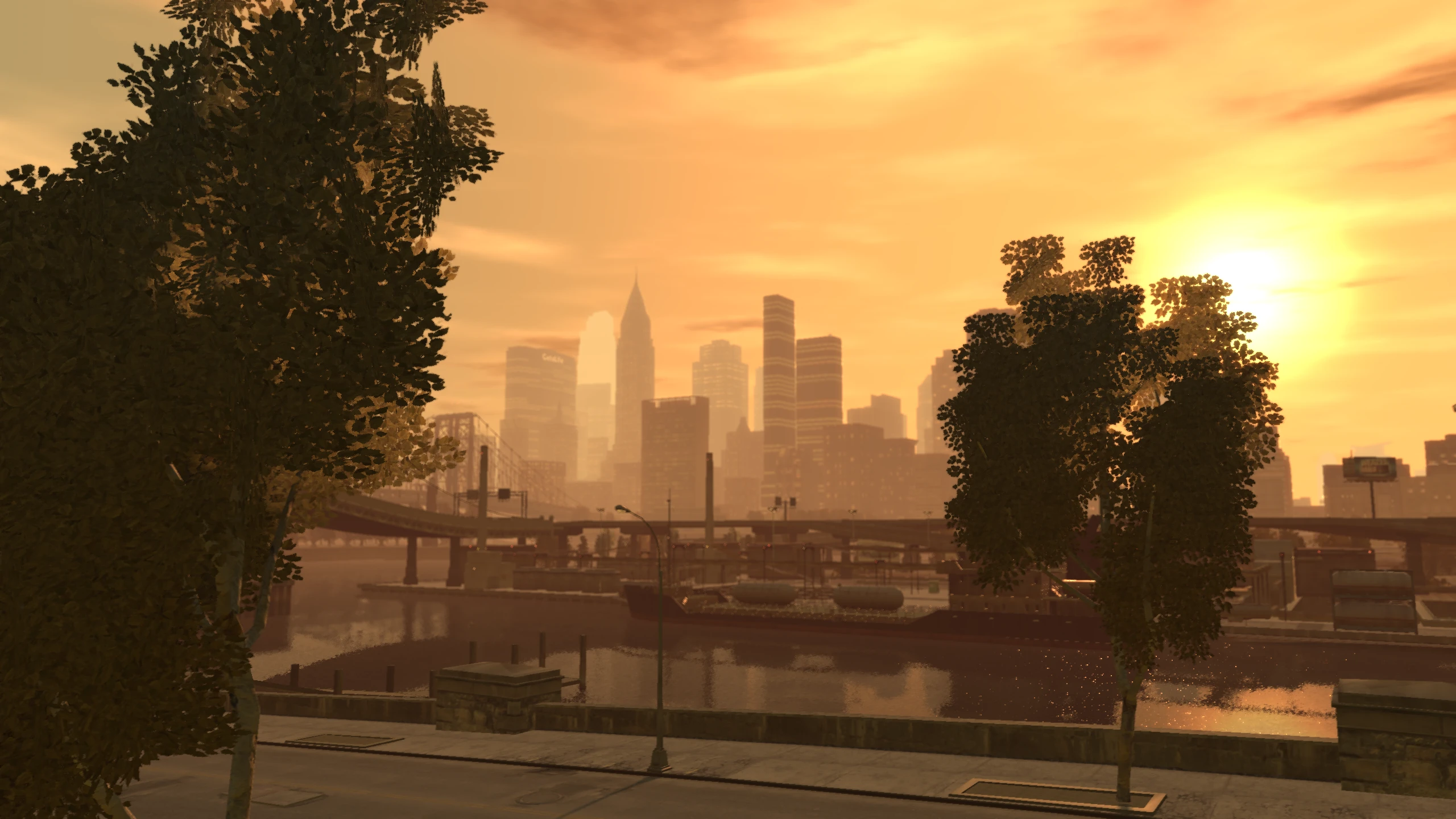
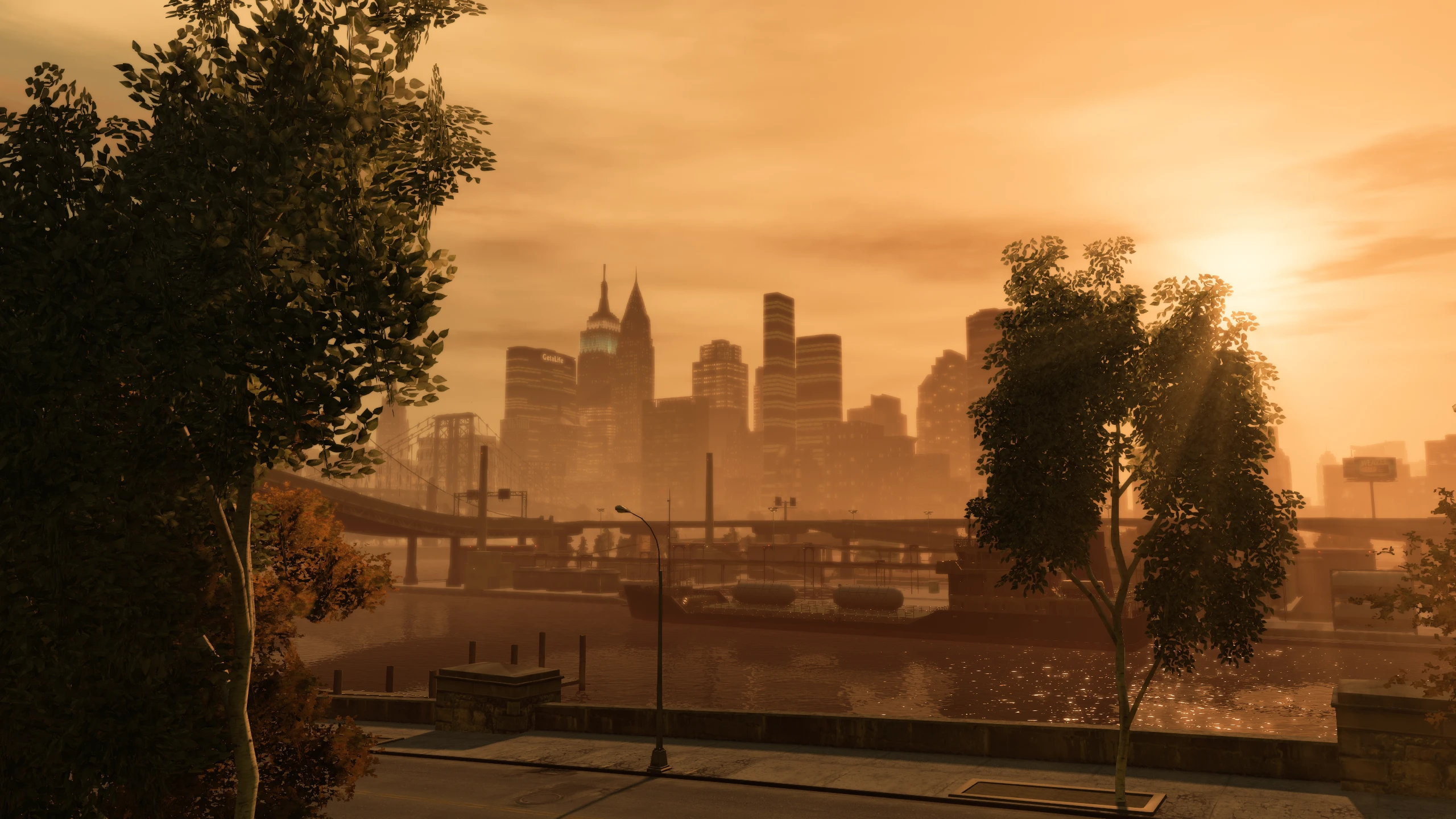
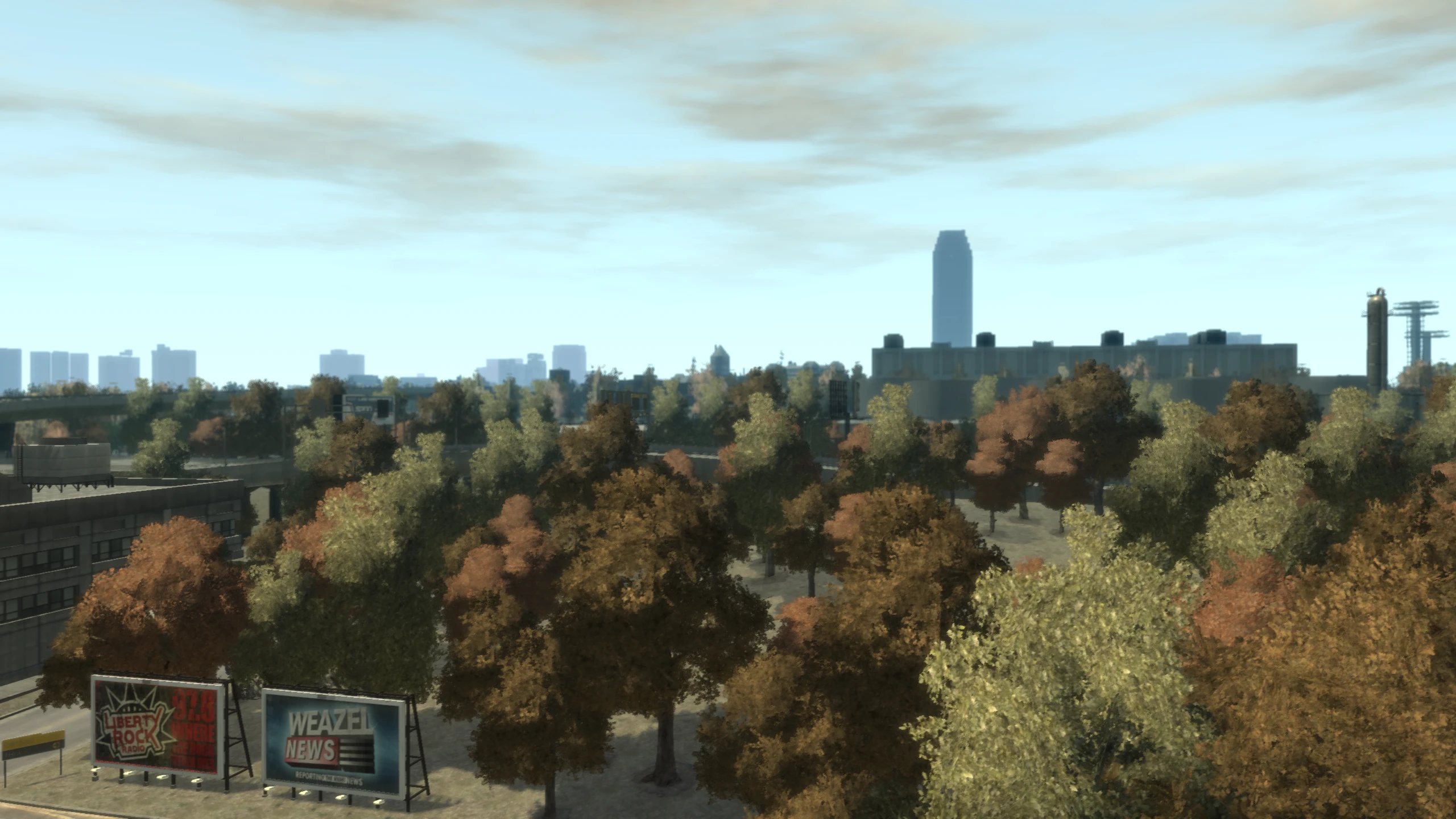
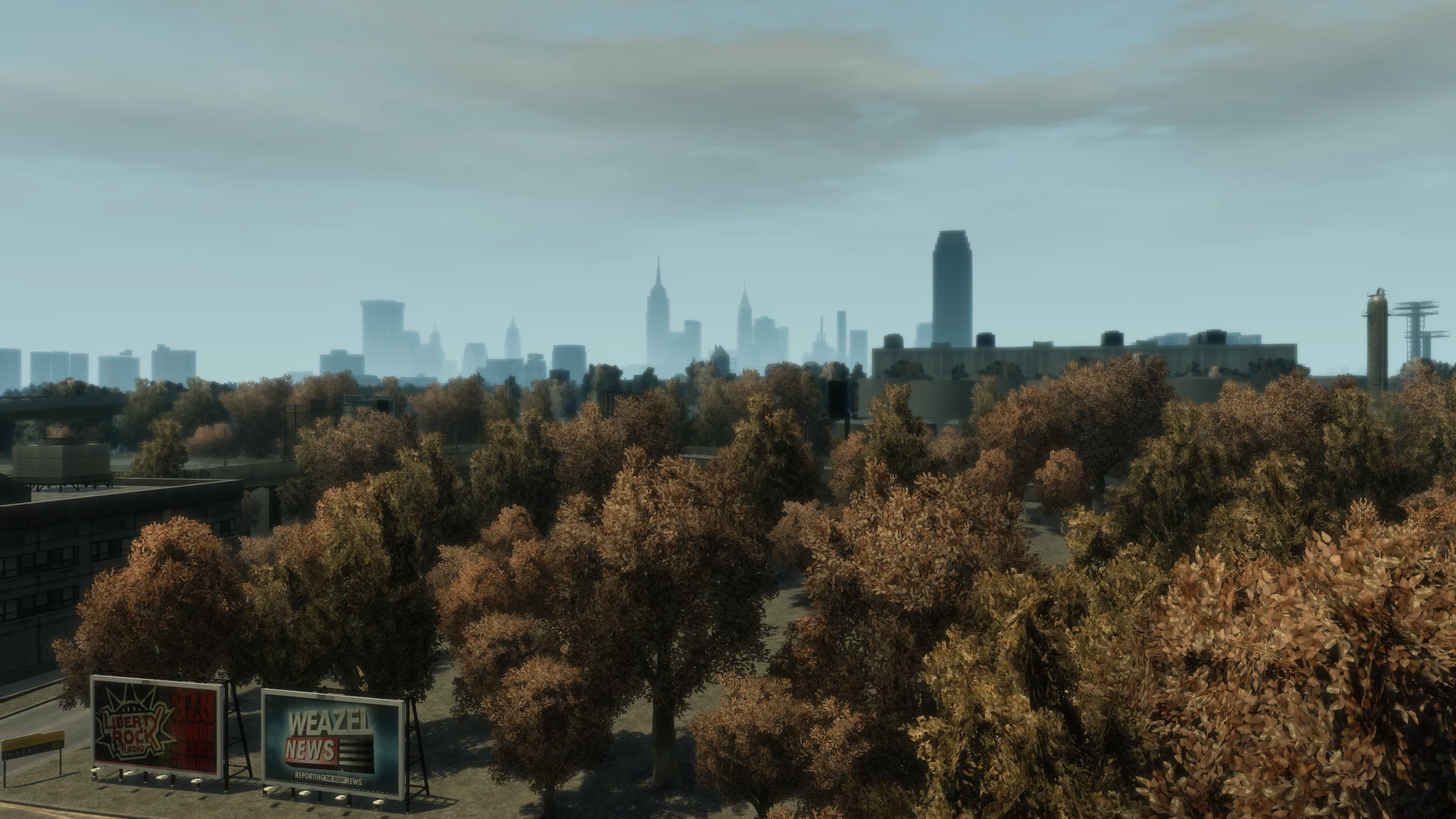
This modpack contains six essential mods that give you the best GTA IV experience on ANY platform. Hundreds of bug fixes, improved controls, new quality-of-life features, improved graphics, restored cut music and much more.
Before you download and install the modpack, PLEASE make sure you read everything on this page, it's not that long and you'll save yourself some time later on if you run into issues.
What this modpack contains#
Down below you'll find each mod in the modpack, the mod versions in the current pack and a quick description of what each mod does.
- Console Visuals (v2.1.1) - Brings console assets to PC, as they're typically higher quality. Modpack includes all components of Console Visuals except for
Console.HUDwhich only makes the helpboxes smaller andConsole.Peds, which is handled by Various Fixes instead as that combines the best of both the console and PC peds. - Fusion Fix (v5.1.1) - Adds many new faithful graphical effects, a TON of quality-of-life features which brings the game up to a more modern standard, fixes hundreds of bugs including high-FPS bugs, adds many new options and overall just massively improves the experience.
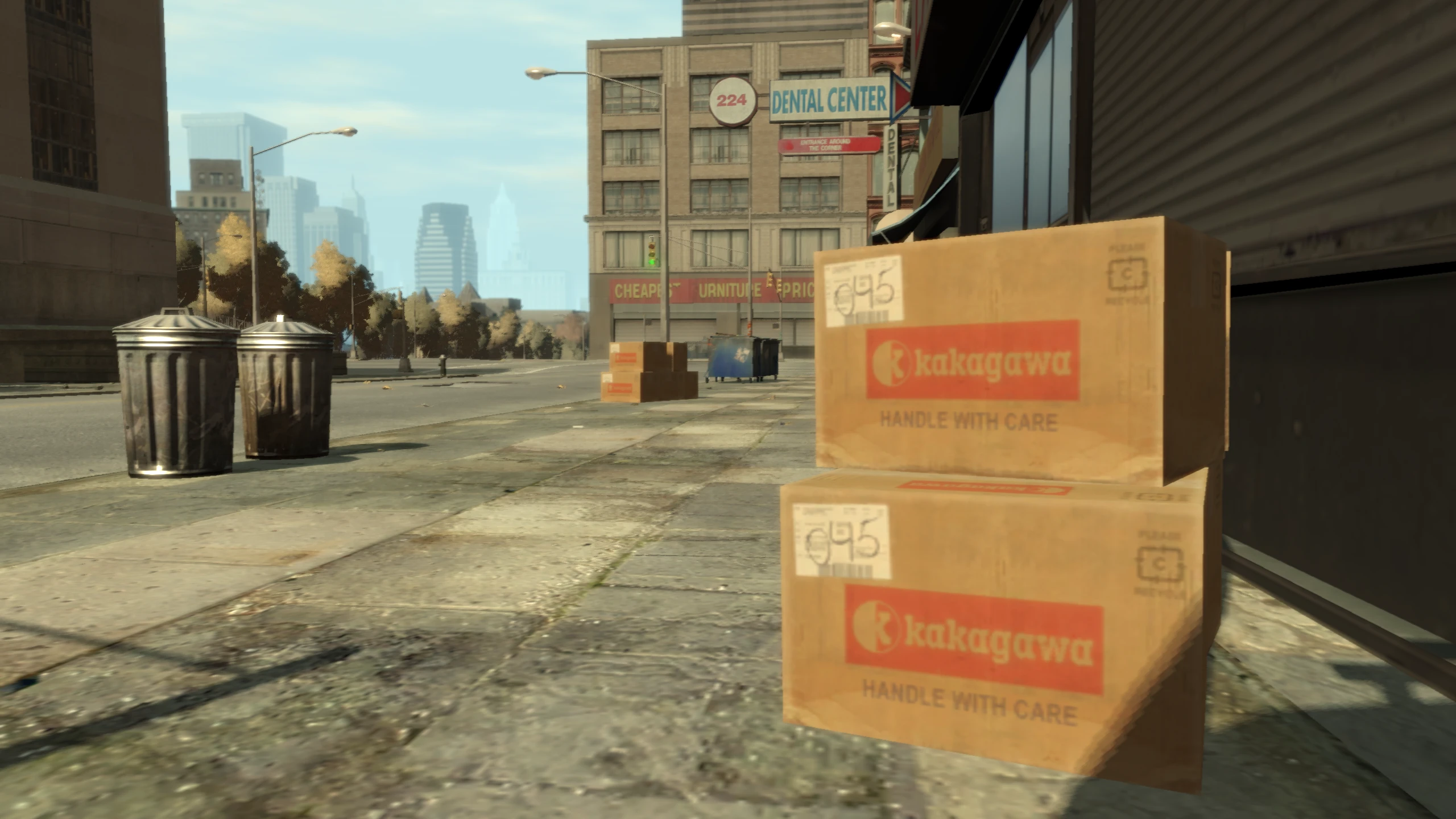
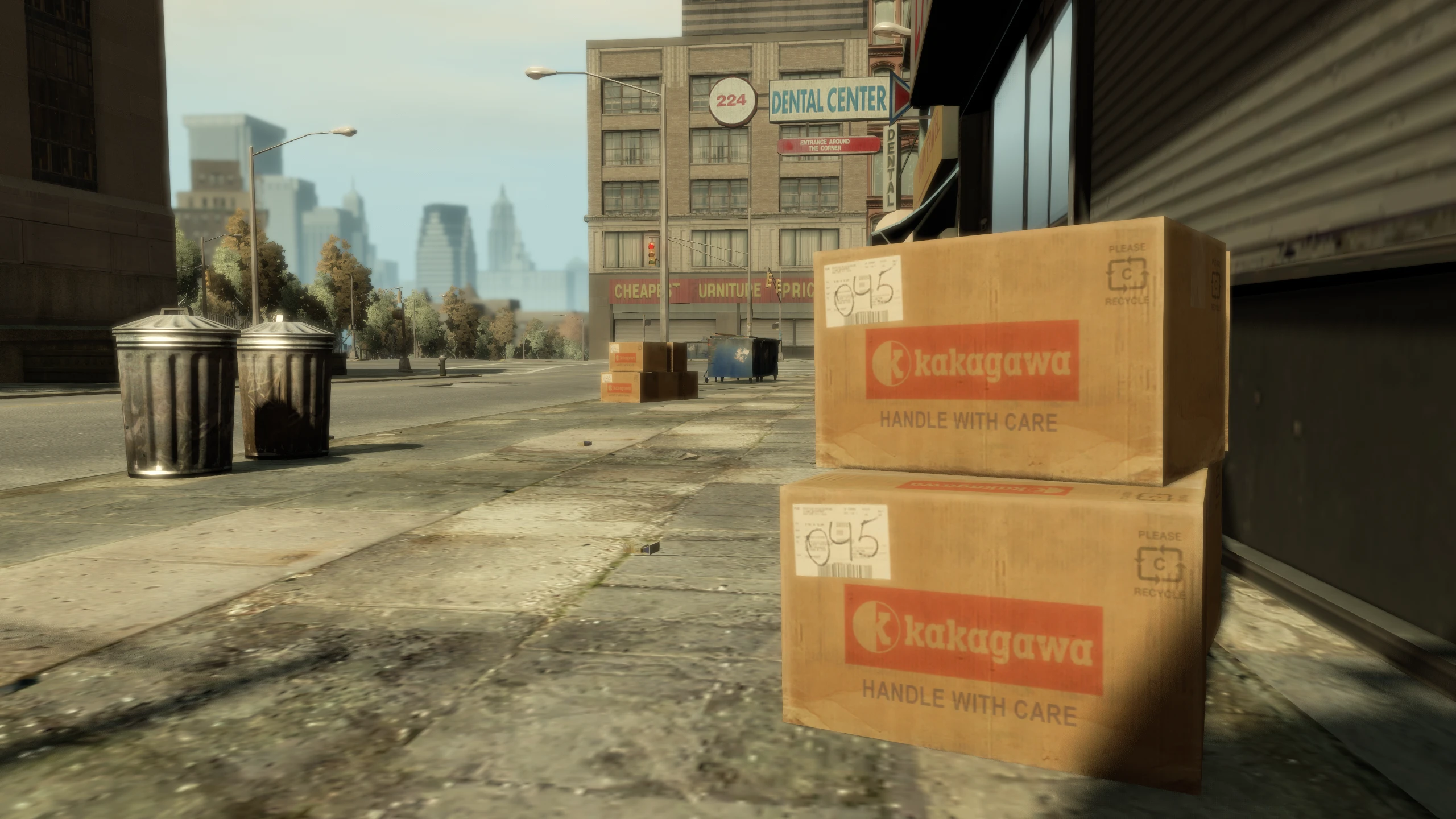
- Higher Resolution Miscellaneous Pack (v3.1) - Faithfully sources or recreates high definition textures for several areas on the map, including ground rubbish, props, interiors, minigame textures and more.
- Higher Resolution Vehicle Pack (v2.4) - Faithfully sources, recreates and improves all vehicle textures across the game, including interiors, tyres, vinyls, dirt textures, etc... This mod also includes unique license plates for every individual vehicle, as well as special plates for police vehicles, taxis and motorbikes.
- Higher Resolution Radio Logos (v1.1b) - Recreates the original low quality radio logos into much higher quality.
- Radio Restoration (23-05-2025) - Restores cut music. Modpack only includes basic configuration.
- Various Fixes (v2.3) - Fixes a huge number of texture issues, prop placement mistakes and other problems and inconsistencies throughout GTA IV's map.
Changelog#
Click to view the full changelog
Info
Exact files edited for each change will be in brackets () at the end of the change when needed/possible.
v1.0.0
- Initial release.
Download and Installation#
Once you've installed the modpack, make sure you read the important notes below.
-
Download TJGM's Drag n' Drop Archive for GTA IV from your preferred source.
-
Open the archive you just downloaded and then drag everything from the archive into your game folder where
GTAIV.exeis located.Tip
If you're not sure how to find your game folder...
-
Steam: You can find it by right clicking on
Grand Theft Auto IV: The Complete Editionin your Steam library, going toManageand then clickingBrowse Local Files. TheGTAIVfolder is whereGTAIV.exeis located. -
Rockstar Games Launcher: You can find it by clicking on
Settingsin the Rockstar Games Launcher, clickGrand Theft Auto IV: The Complete Editionin your installed games list, findView installation folderand then clickOpennext to it. TheGTAIVfolder is whereGTAIV.exeis located. -
Steam Deck/Machine: Launch the Steam application while on your desktop, locate
Grand Theft Auto IV: The Complete Editionin your Steam Library, right click (Left Triggeron controller) on the game to open the context menu, go toManageand then click (Right Triggeron controller)Browse Local Files. TheGTAIVfolder is whereGTAIV.exeis located.
-
Important Notes#
-
Achievements WILL still work when using this modpack.
-
Fusion Fix adds many new faithful graphical effects that are disabled by default. These effects retain the artistic vision of the game while bringing it up to a more modern standard equivalent to GTA V.
The new effects are listed as options that are seamlessly integrated into the games display and graphics menus, I'd recommend turning everything on. You can find all of the new and improved options with direct image comparisons in my Fusion Fix Wiki so you can see what each option does.
-
Fusion Fix also adds many quality of life options that are also seamlessly integrated into the games menus. This includes centered camera options, changing controller buttons to different platforms, extended sniper controls, turn indicators, faster wardrobe transitions and much more. I'd recommend taking a look at all new options before you start your playthrough so you can customise your experience to your liking.
-
Fusion Fix will automatically skip the intro splash screens (copyright screen, Rockstar logos, etc...) and the main menu by default. This means when you launch the game, it will automatically load your latest save if one is available and if no save exists, it will start a new base GTA IV game.
This speeds up loading signifcantly and it's also how the game worked on consoles. If you want to swap to one of the episodes, you can just pause the game, go to the
Gametab and then either load a save from The Lost and Damned or The Ballad of Gay Tony, or if you haven't got a save, you can go toNew Gameand then select which episode you want to start a new game for. -
If your game doesn't start or crashes when you first launch, just try to launch it again a few times. There's an issue with Rockstar Games Launcher which can randomly cause the game to crash on startup when mods are installed (even though the mods in this pack don't actually modify any game files directly). It can take a few attempts, but eventually the game should launch. This won't always happen, just occasionally.
-
Updates to GTA IV WILL NOT break the mods included in this modpack as this modpack doesn't actually modify any game original game files. The only reason GTA IV ever gets an update is when Rockstar are updating the Rockstar Games Launcher, this happens quite frequently, but it will not break your game.
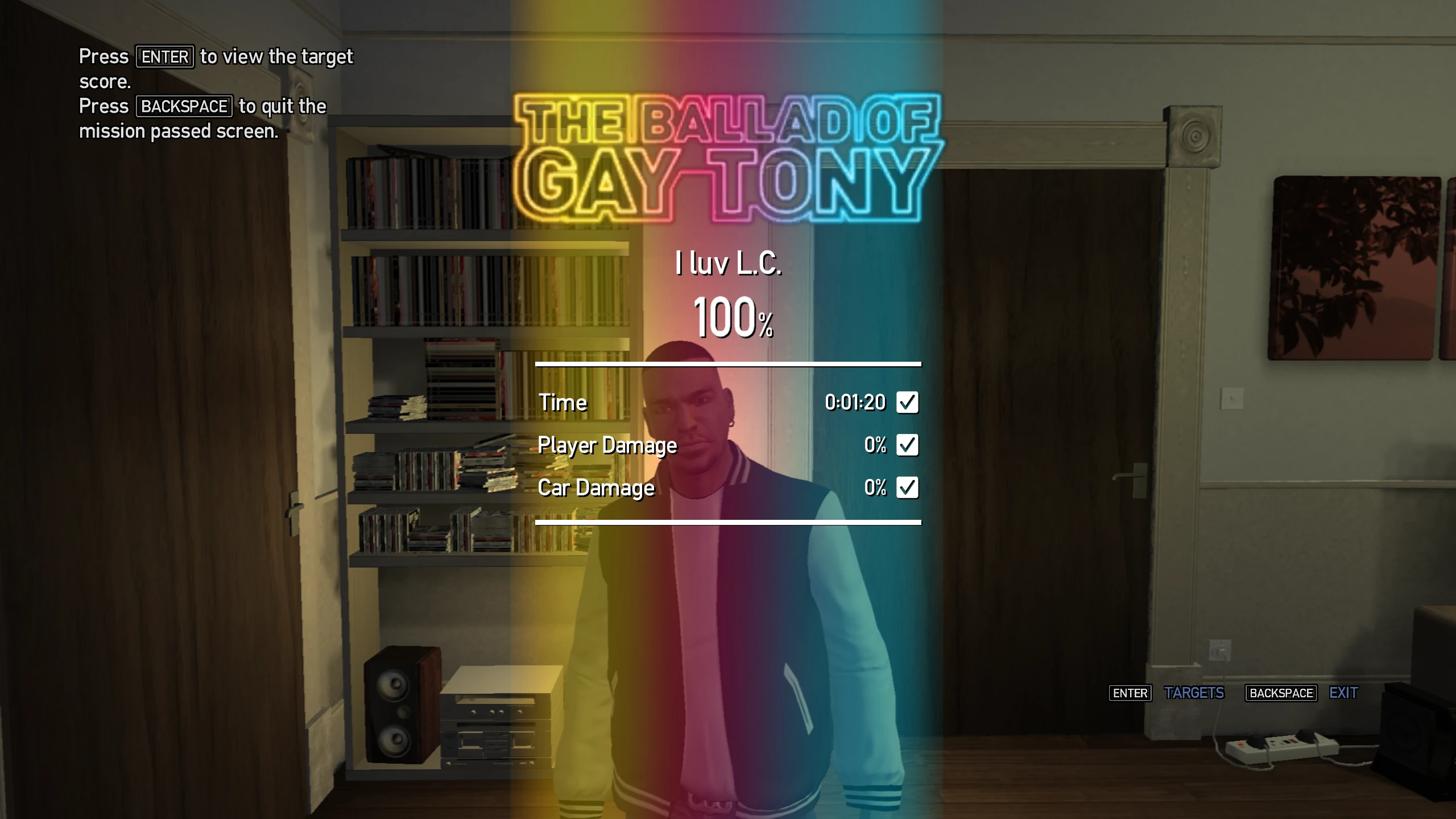
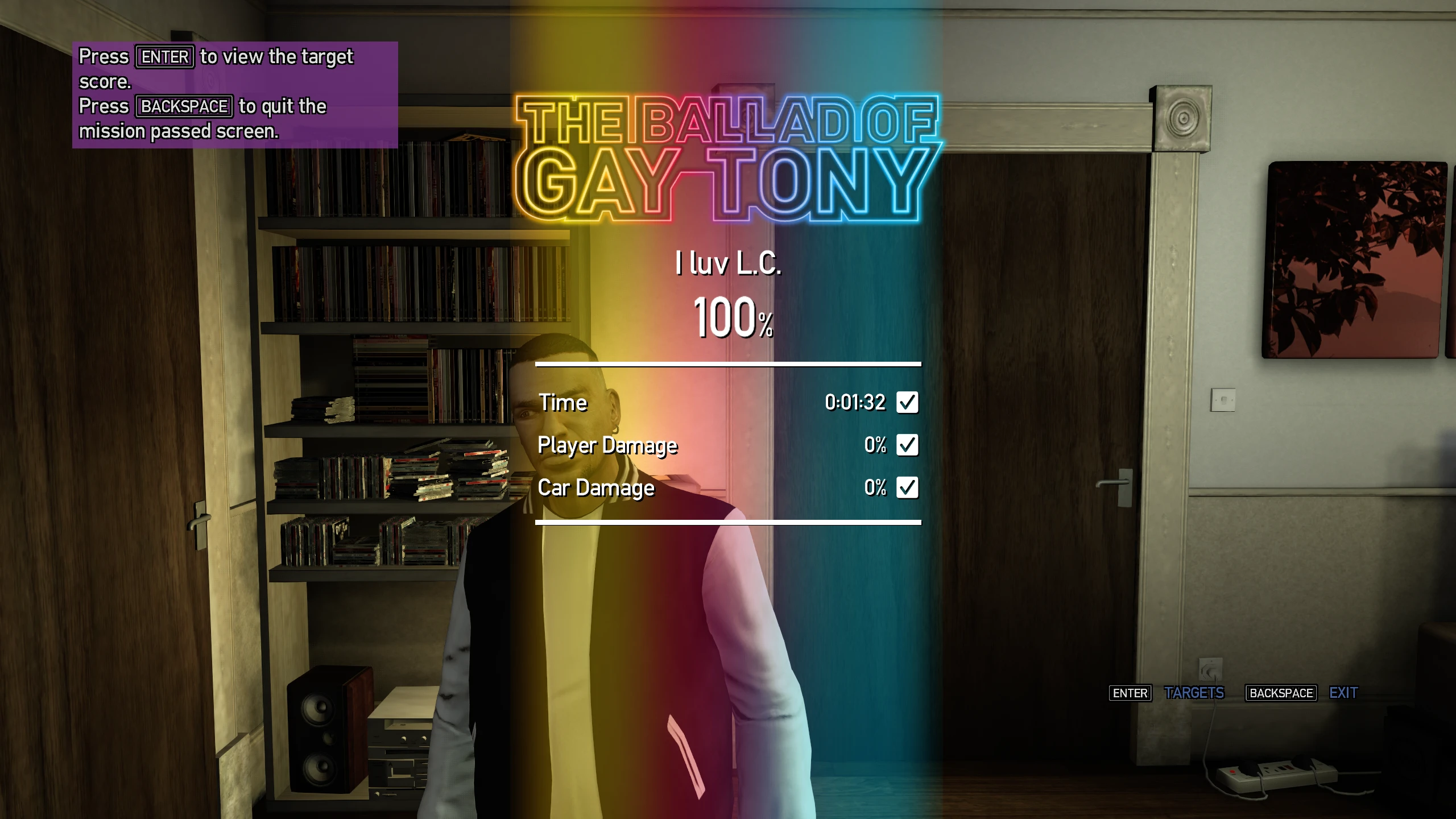
Screenshots#
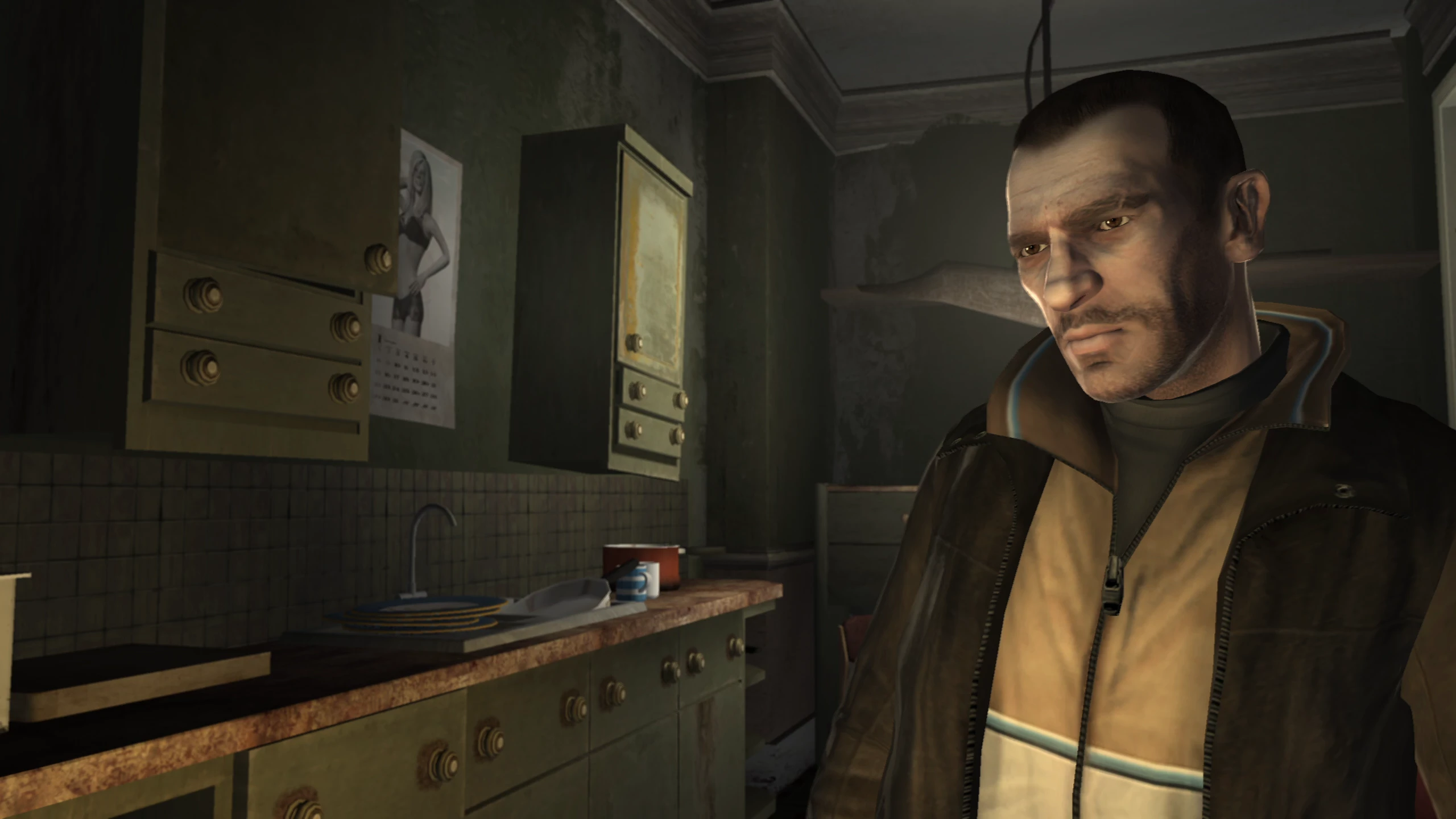
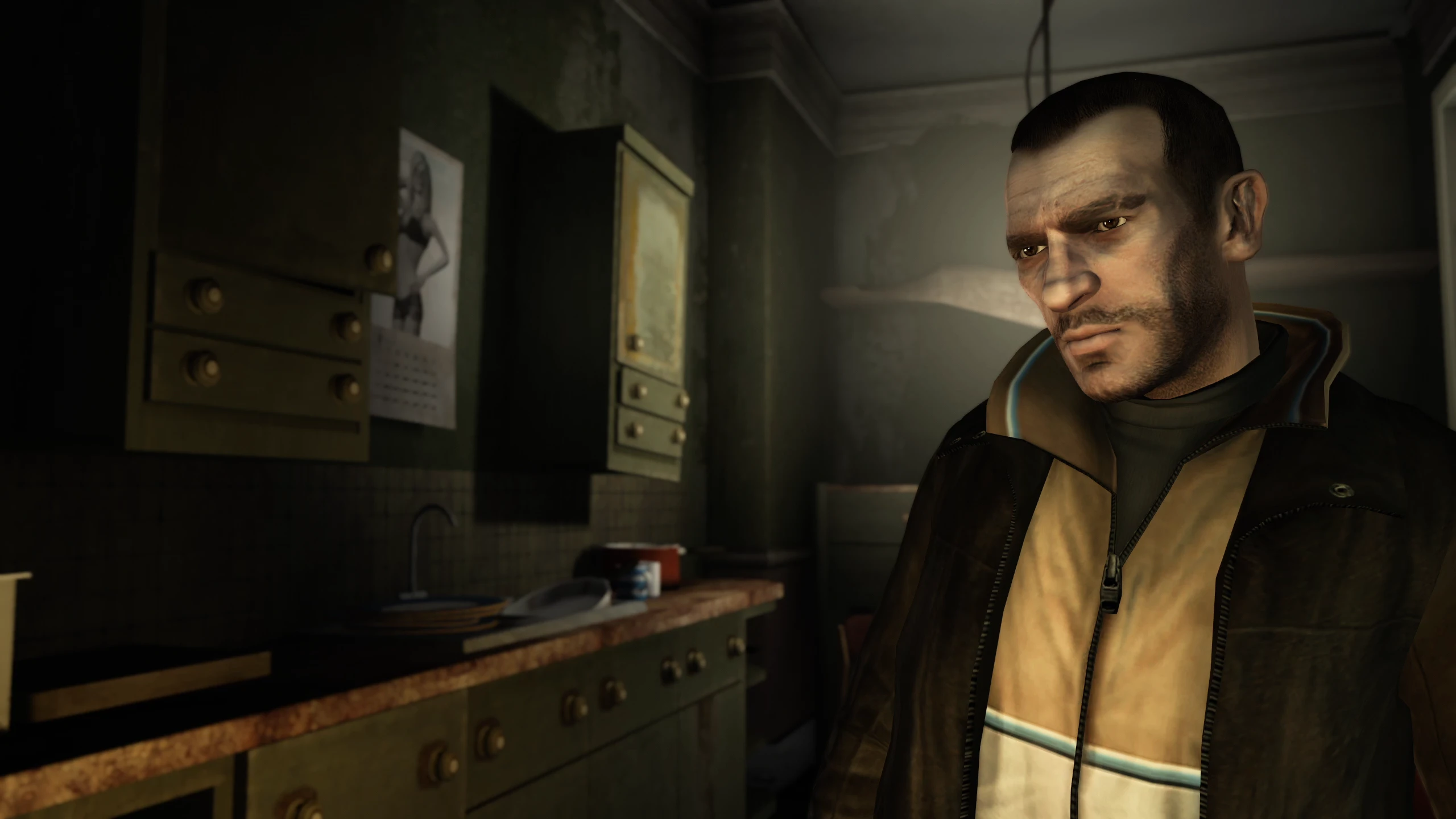
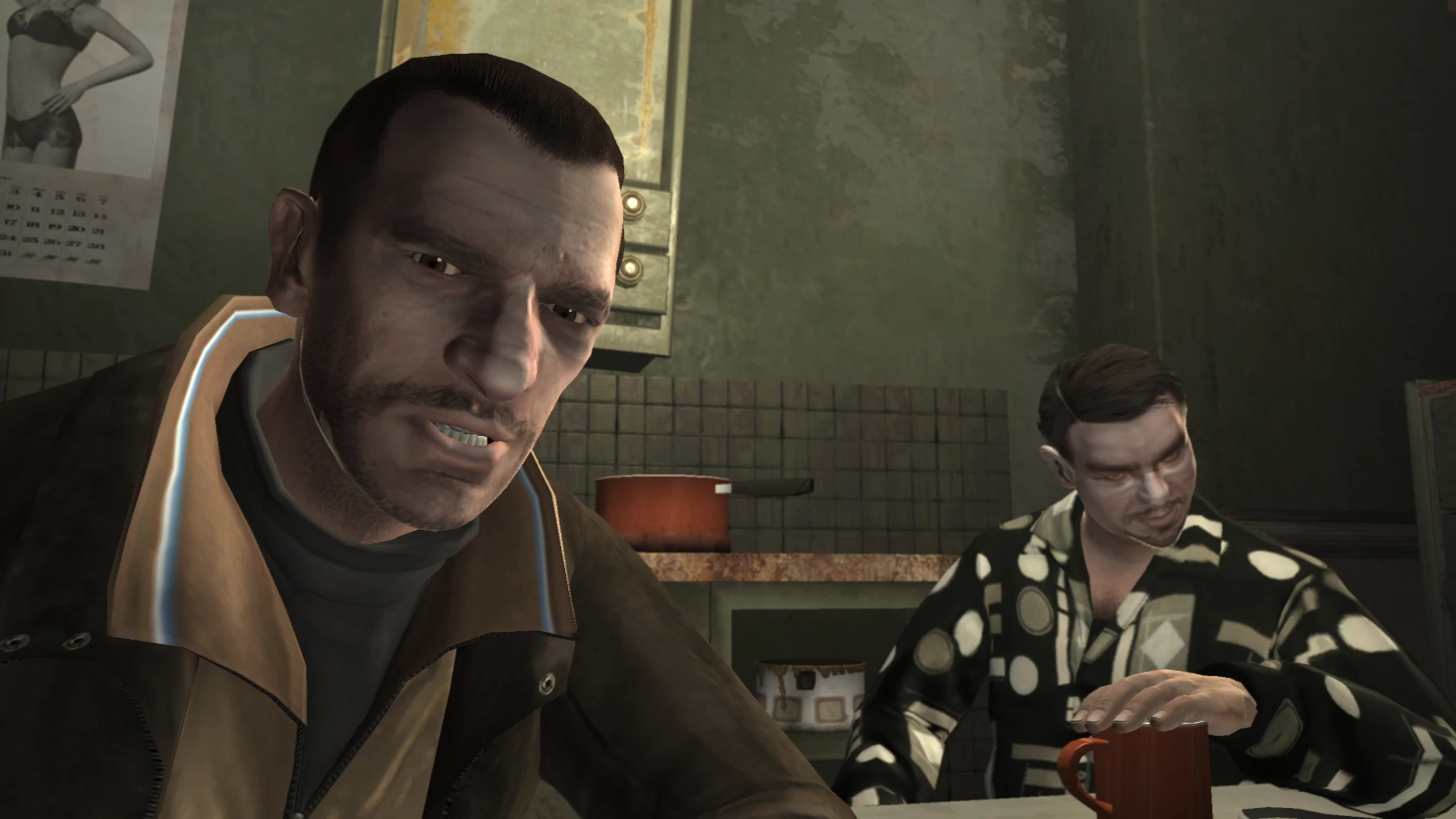
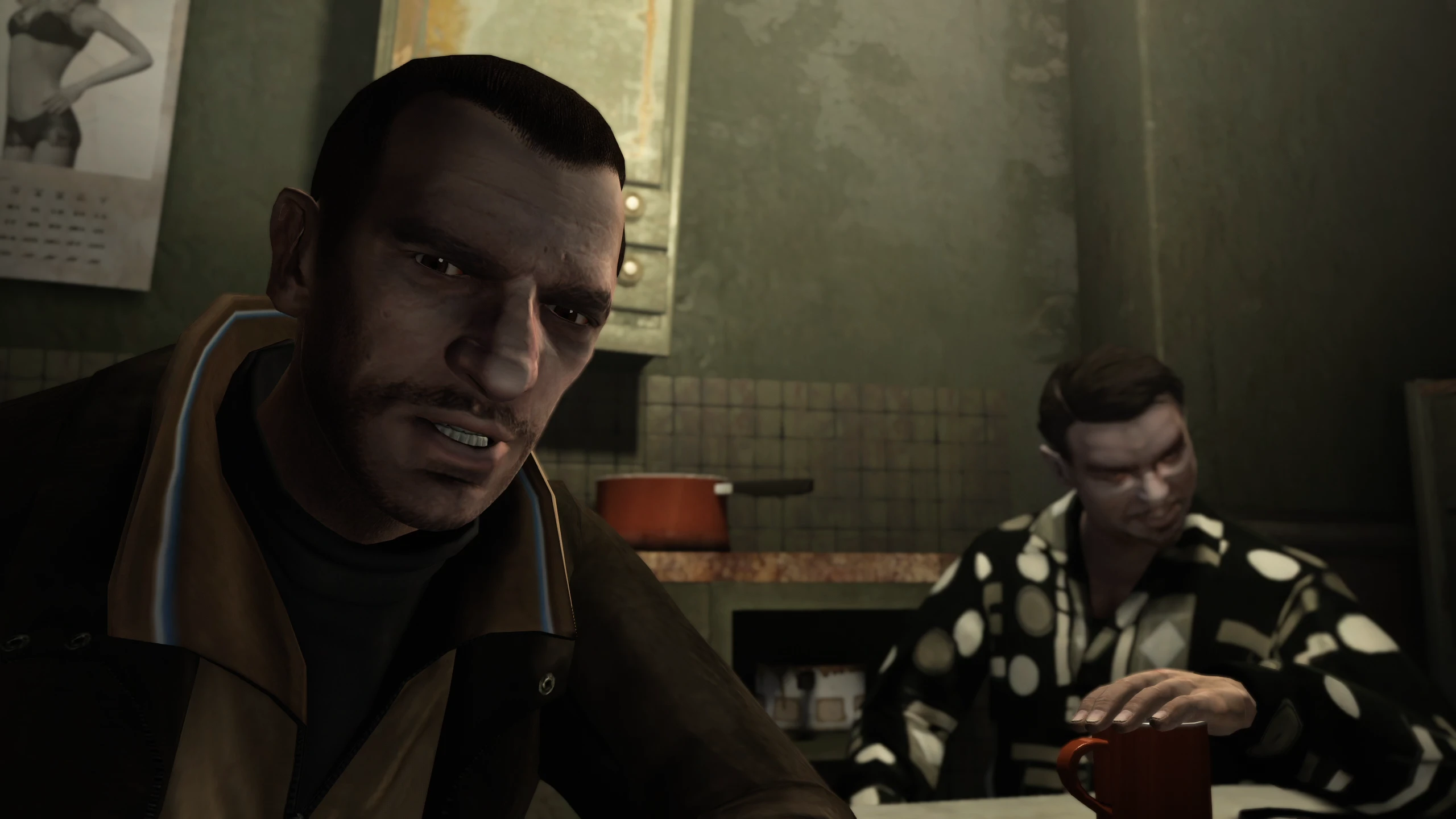
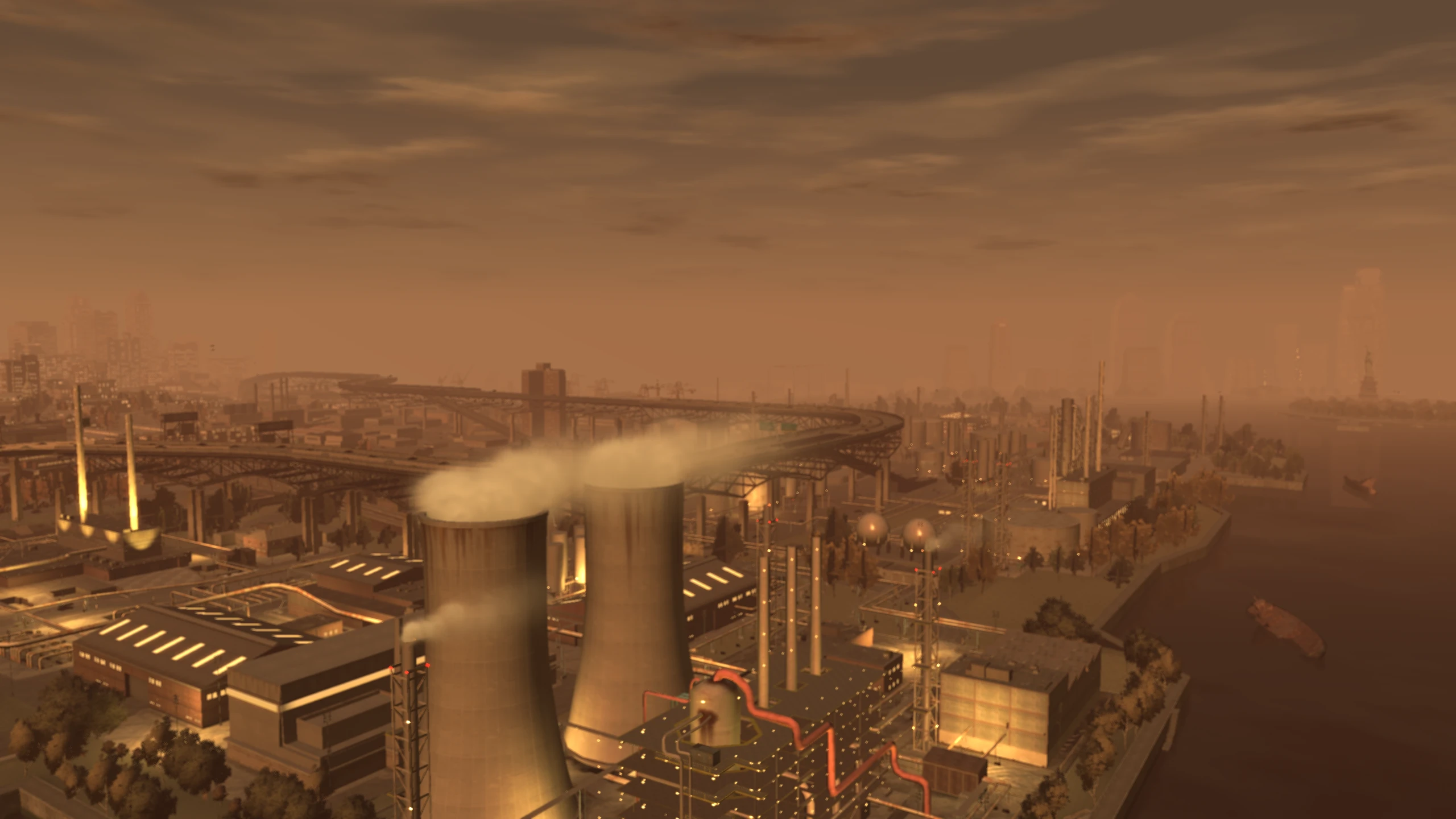
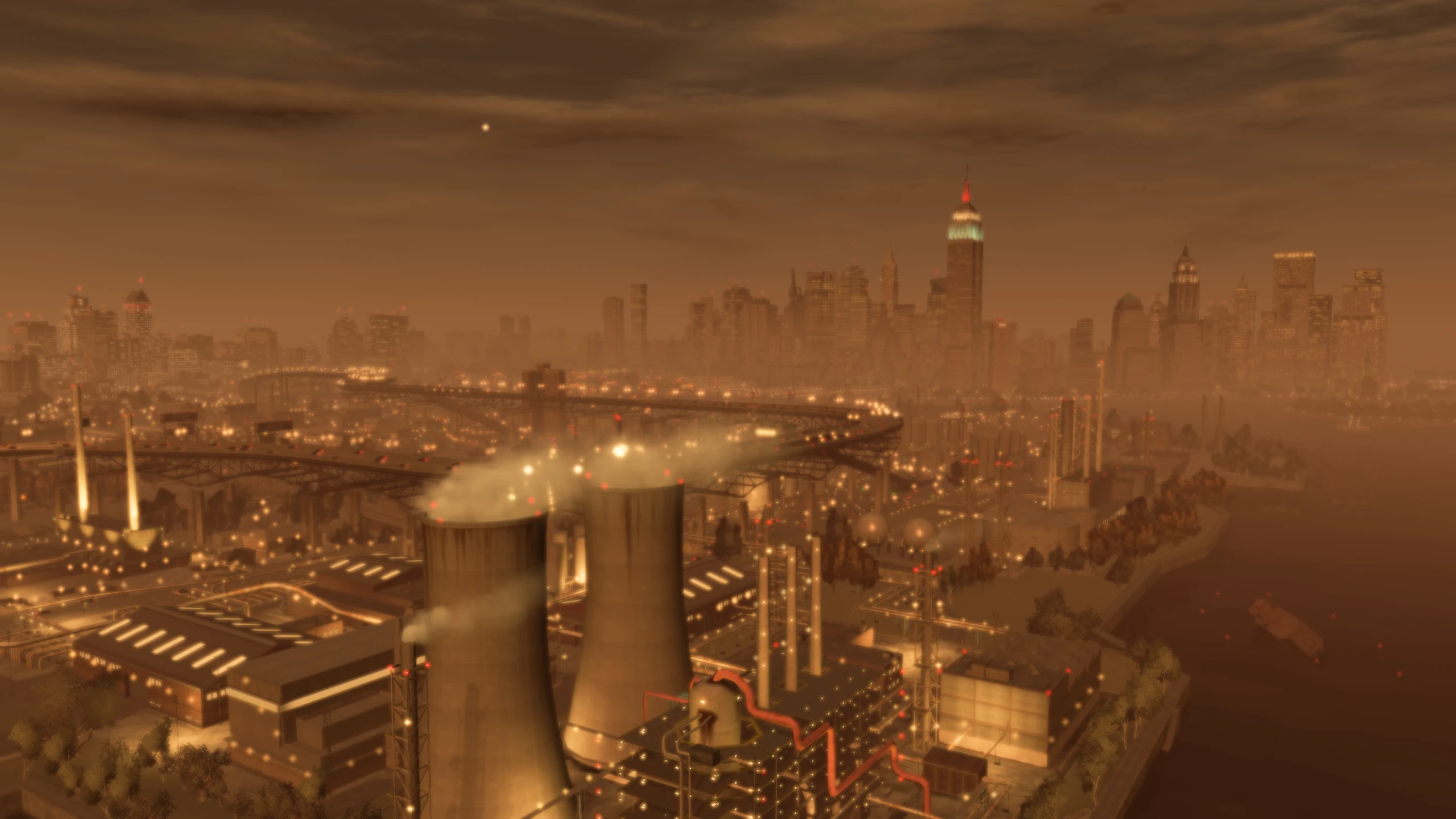
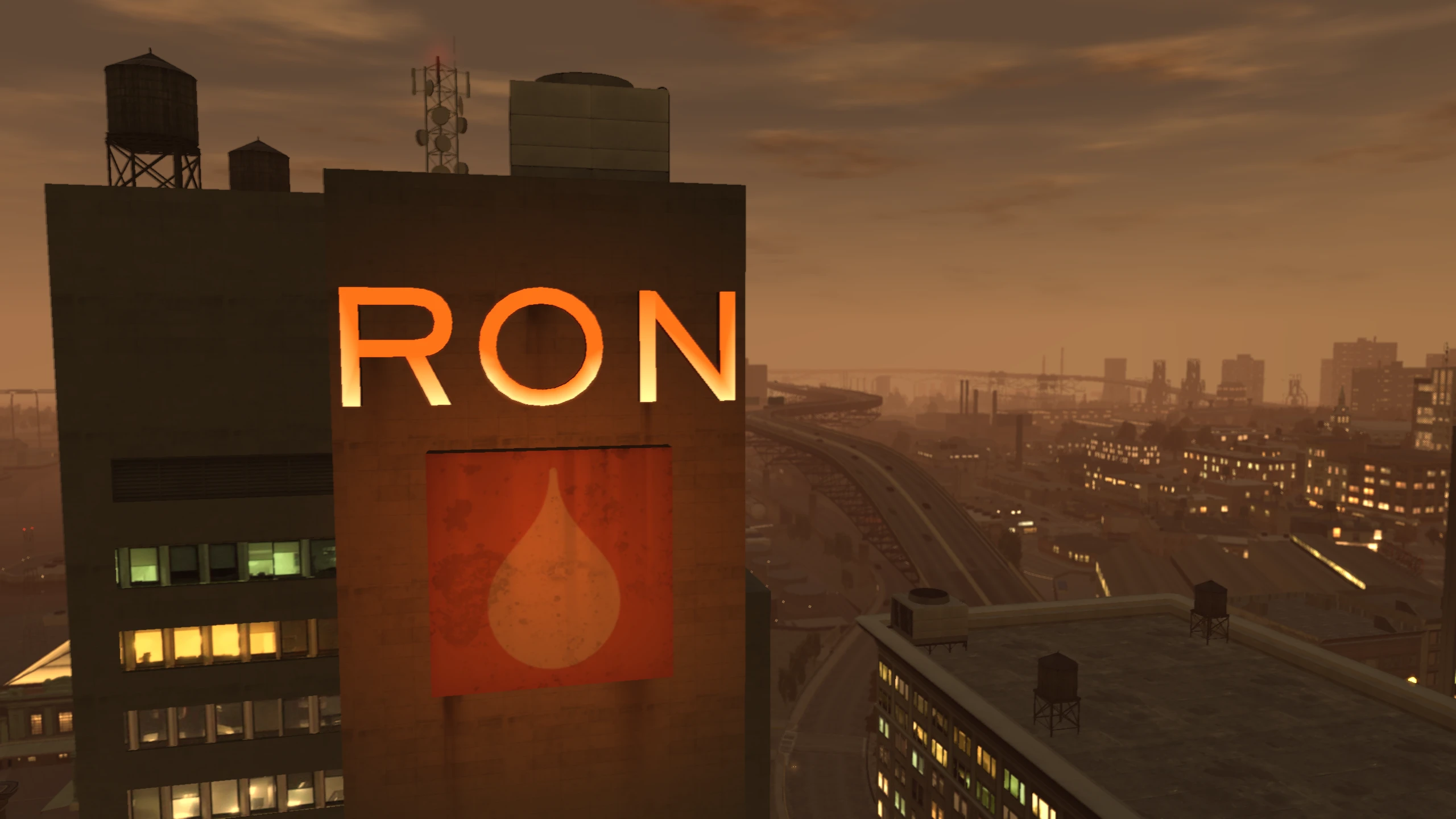
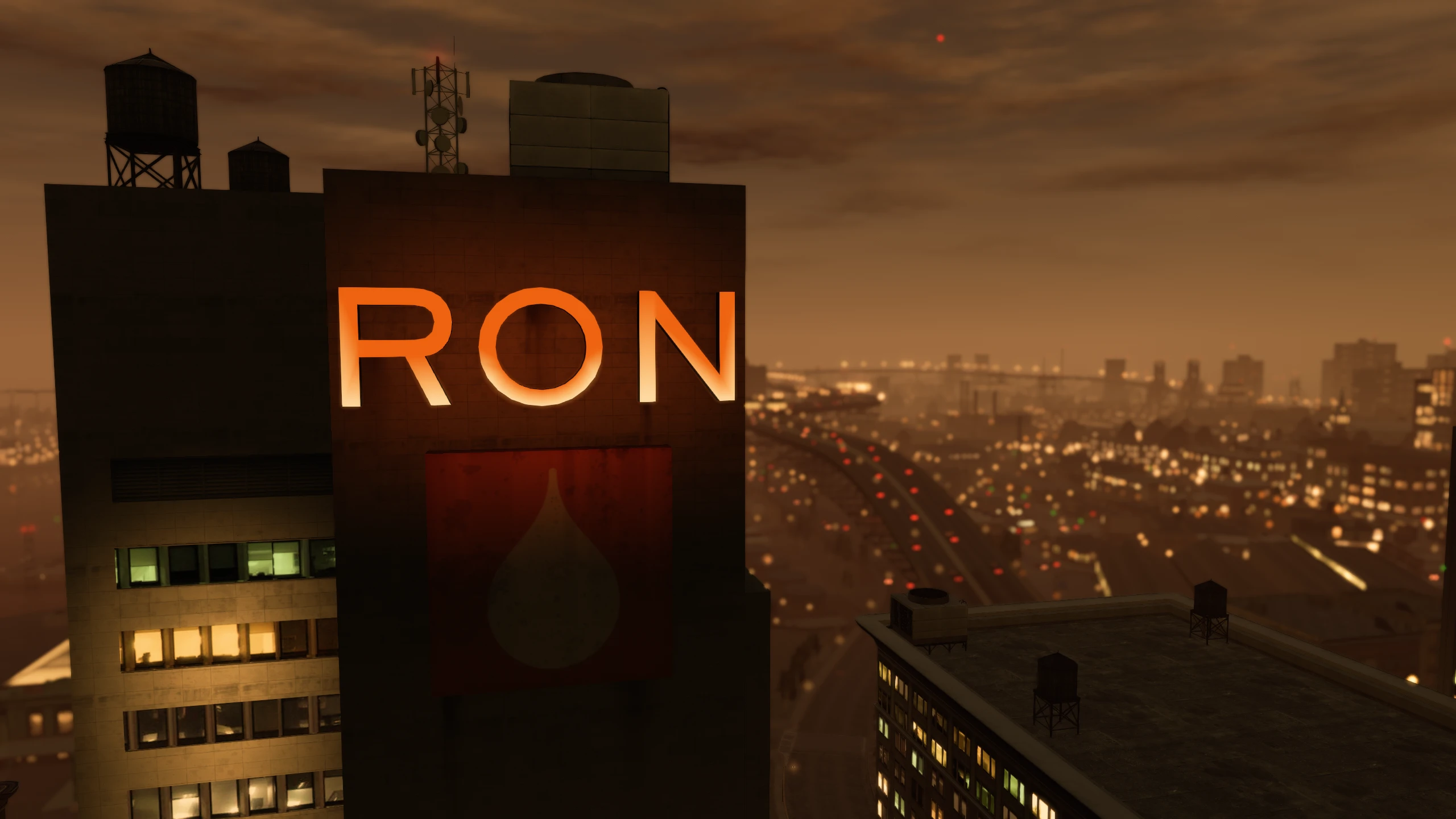
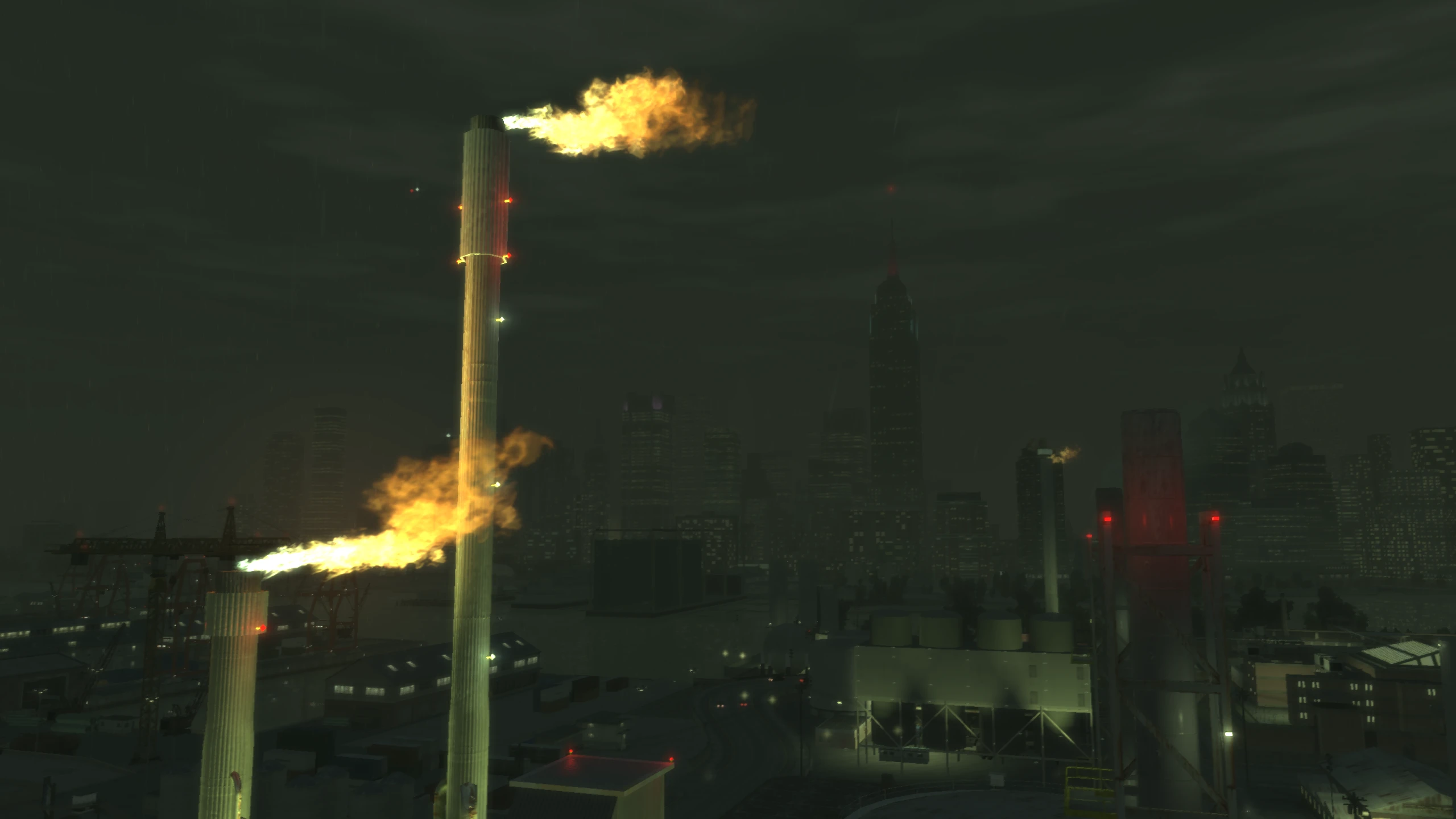
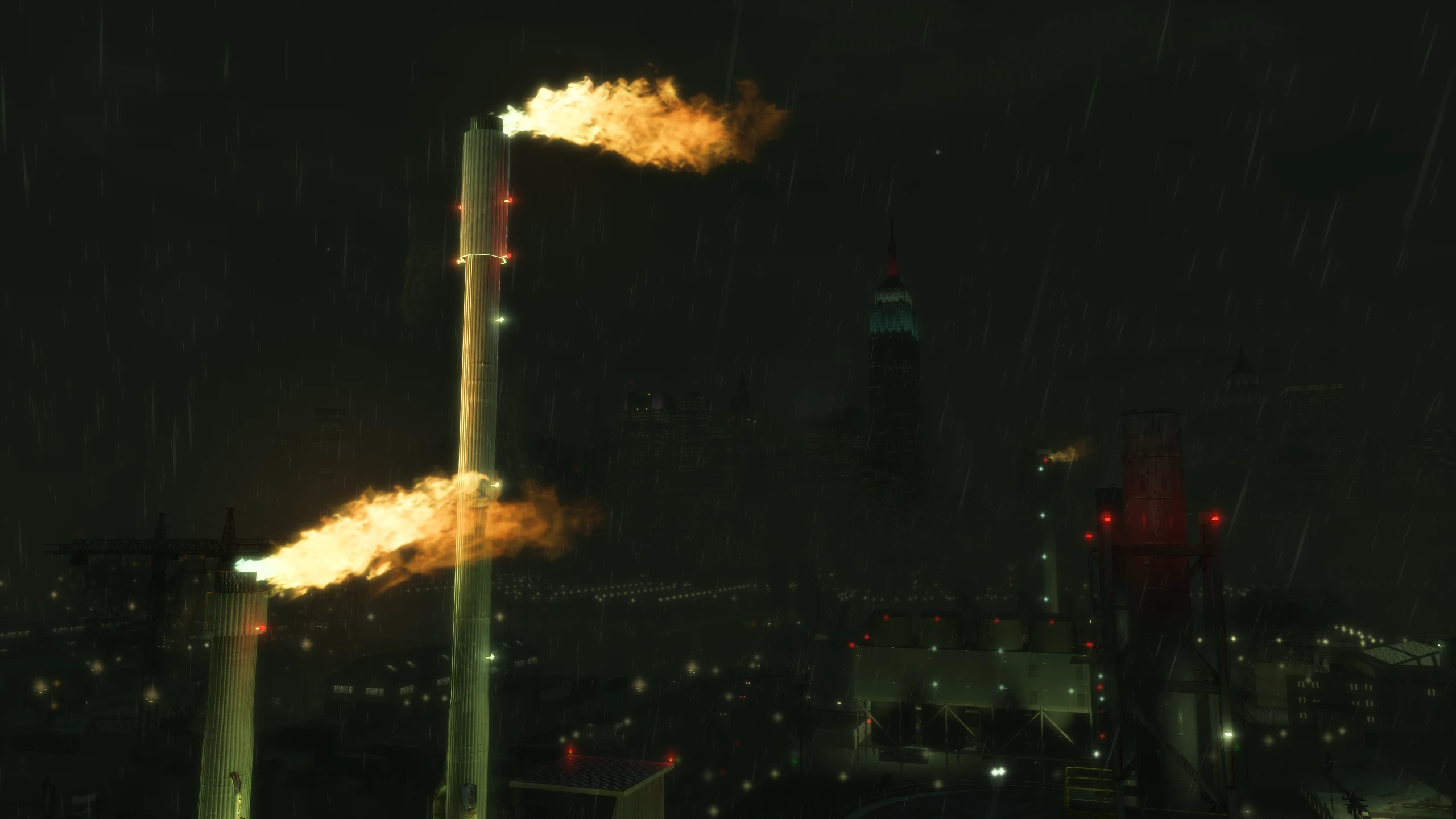
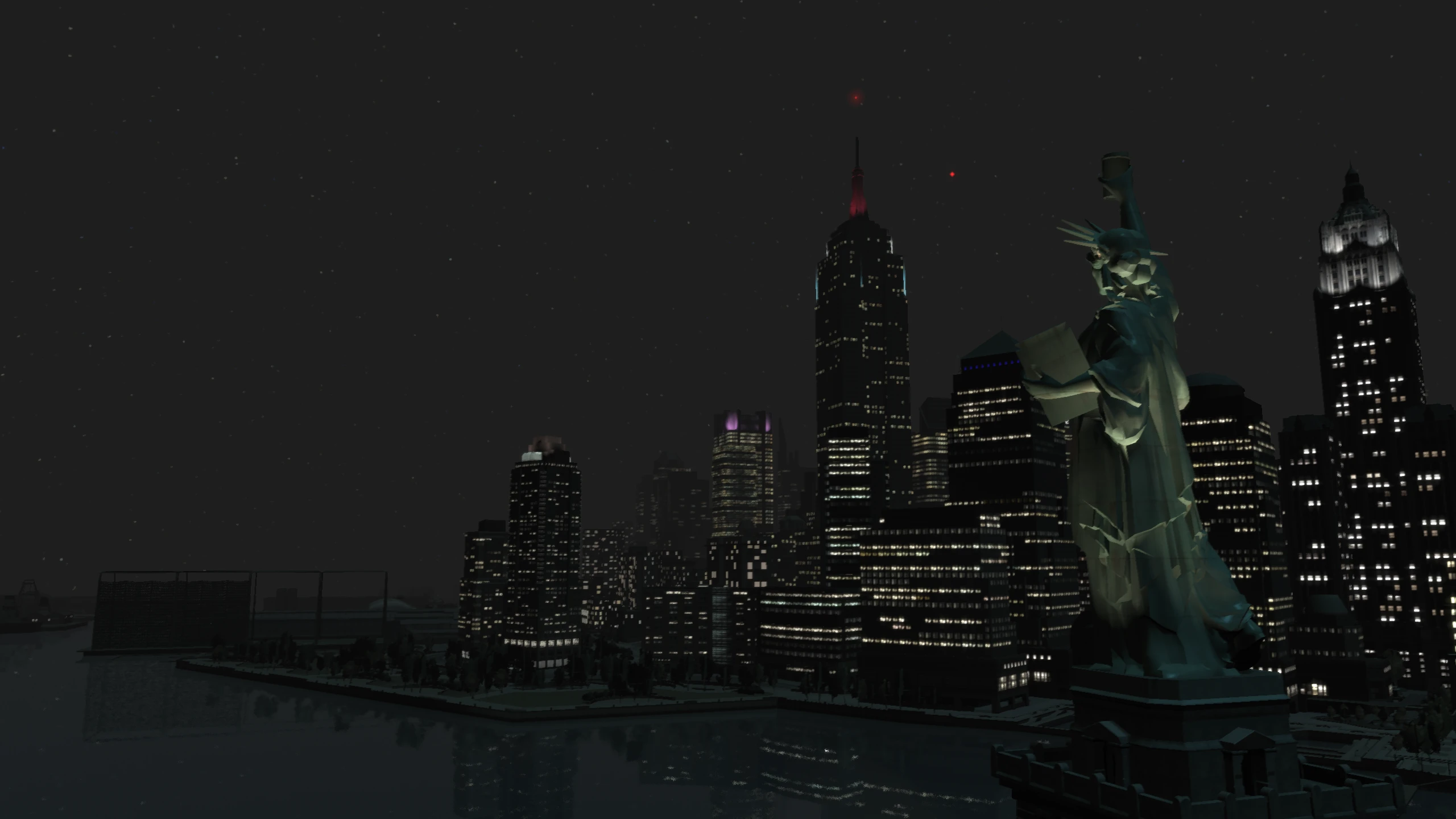
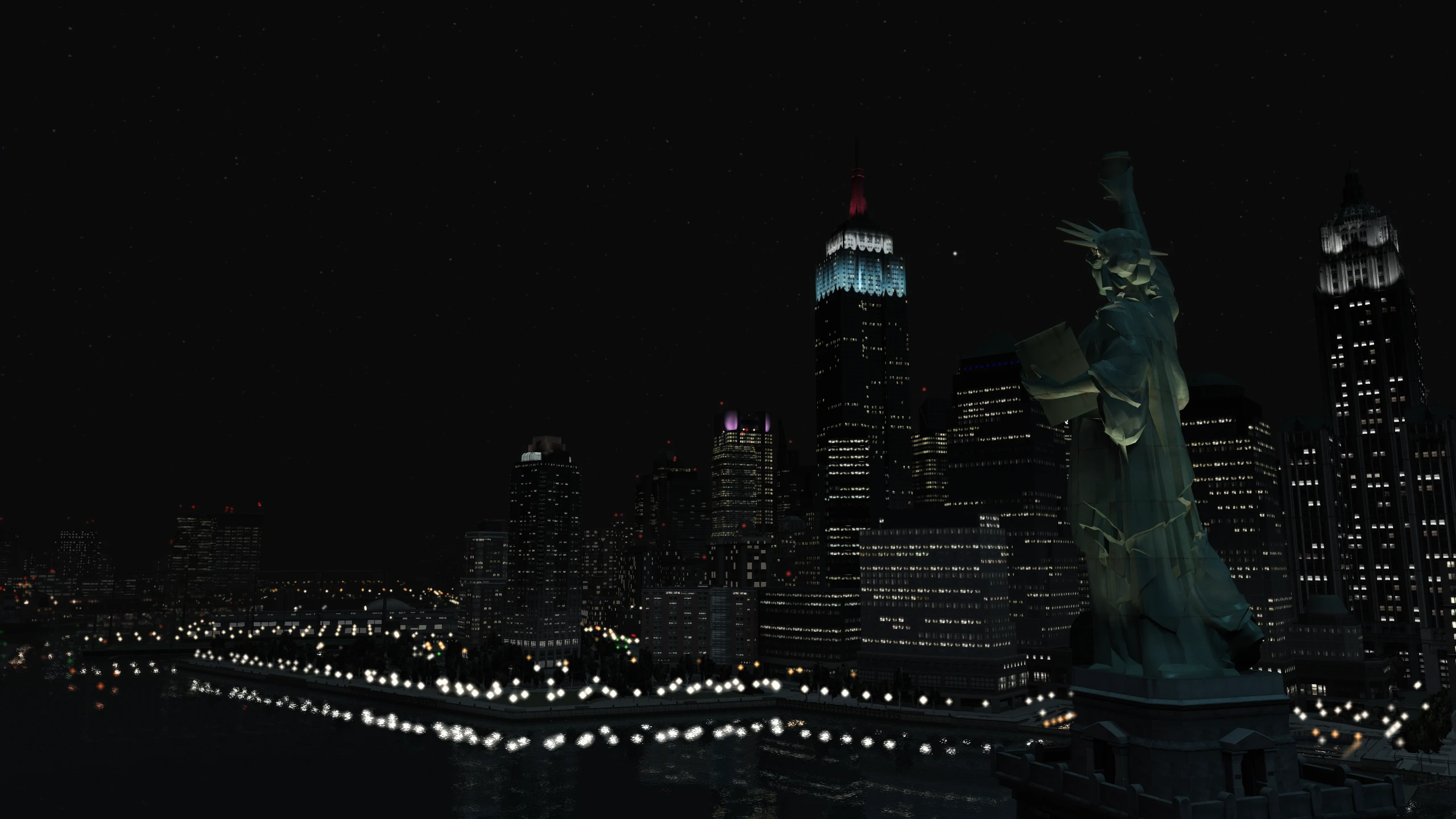
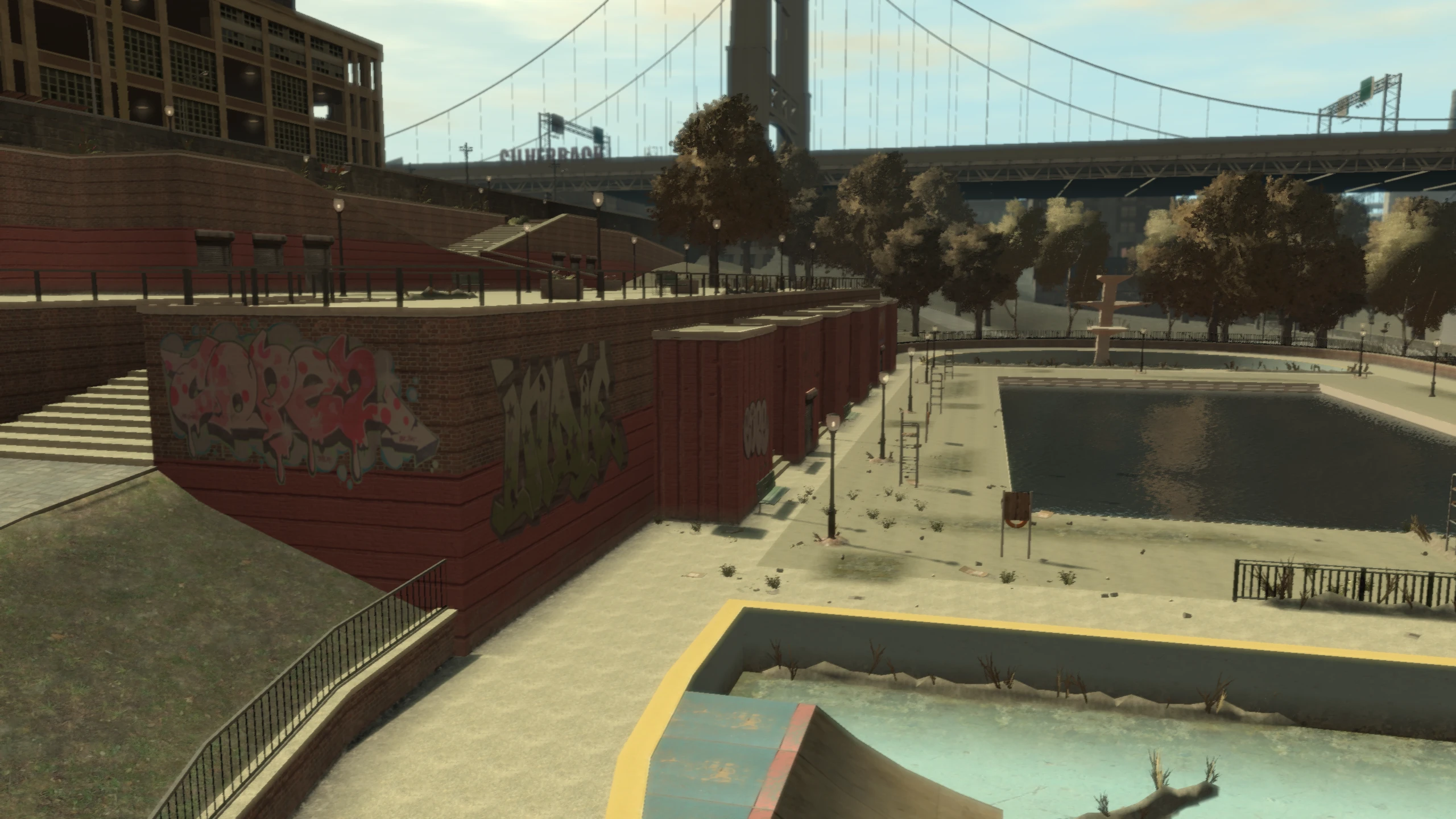
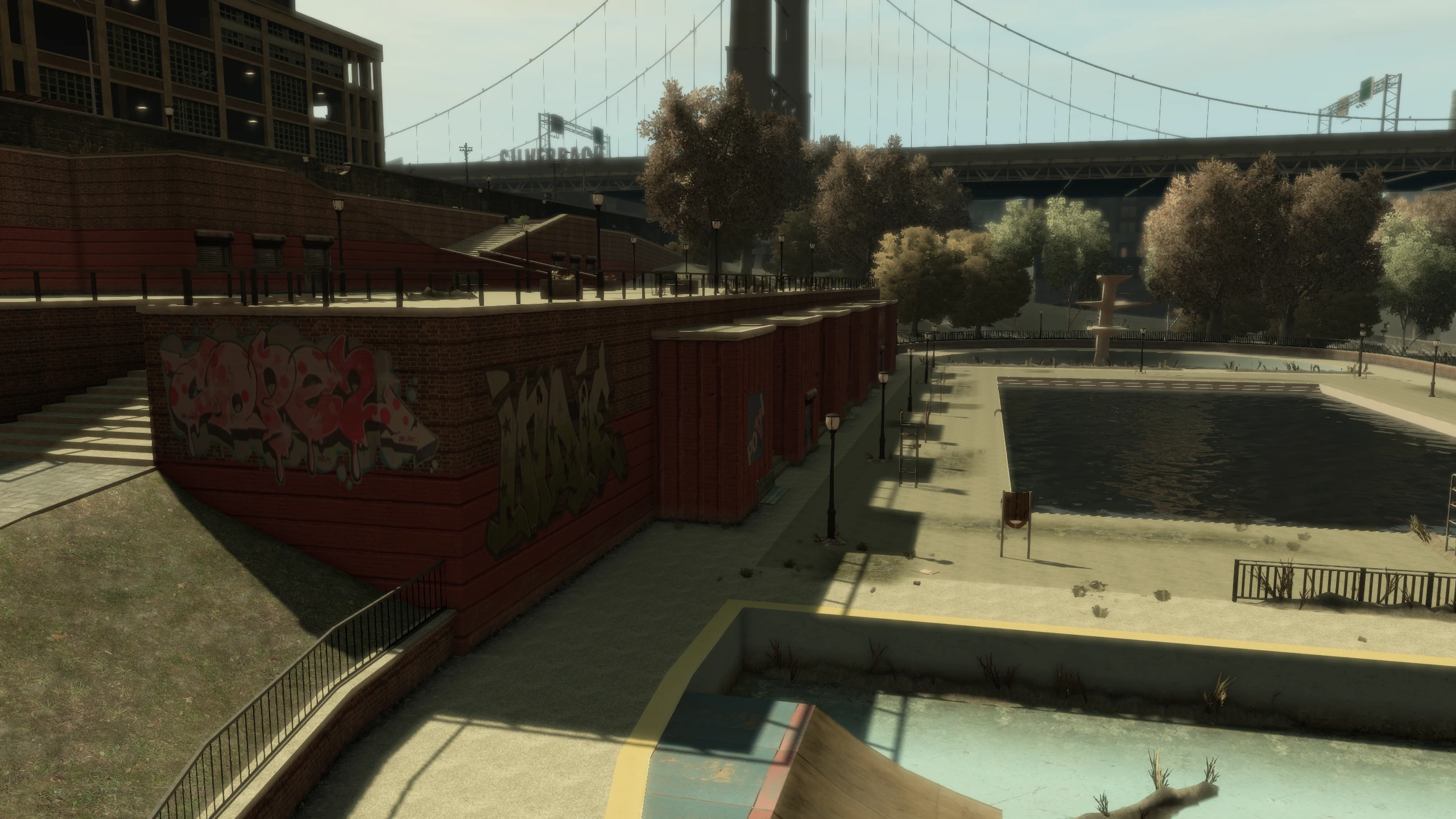
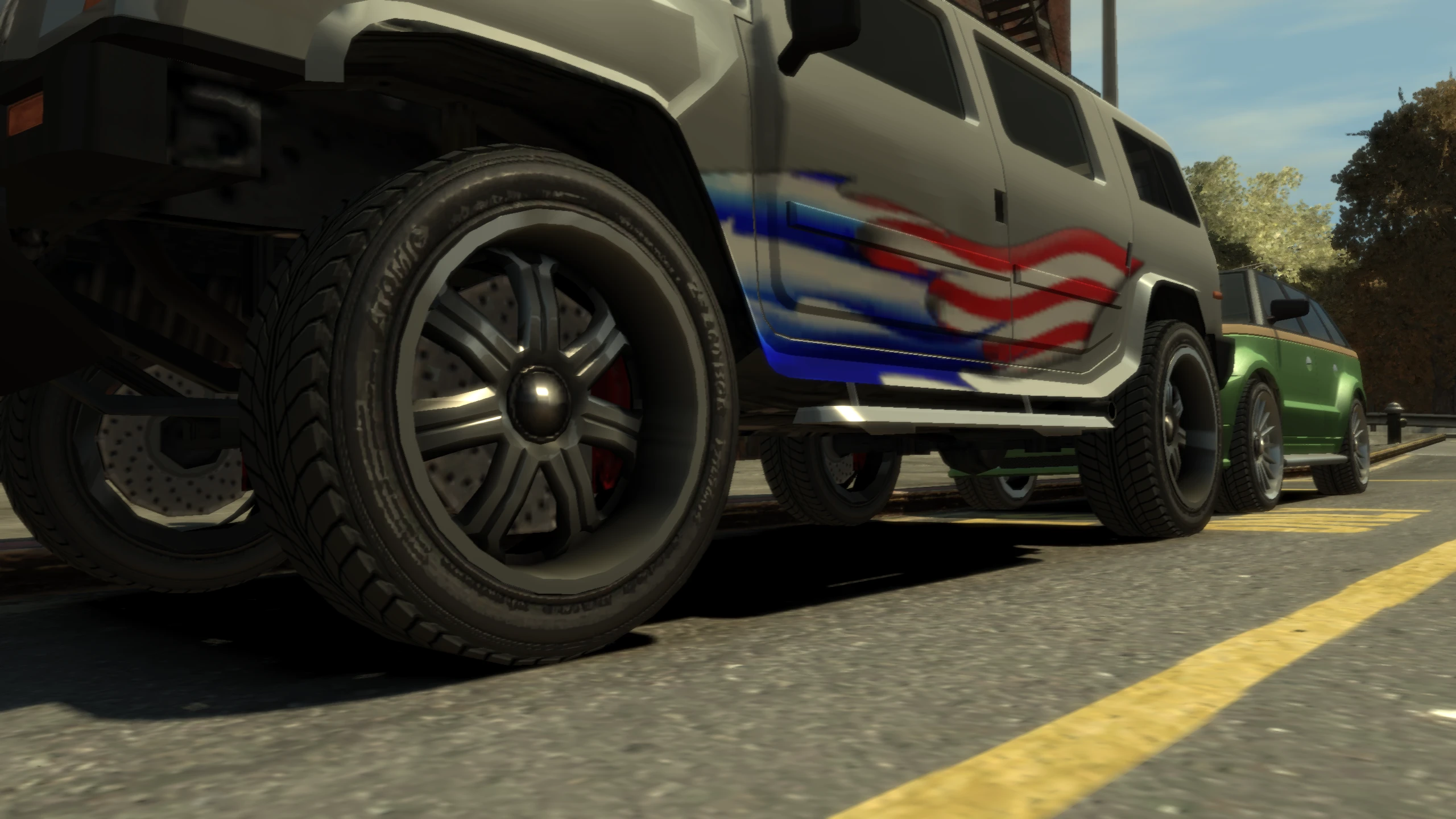
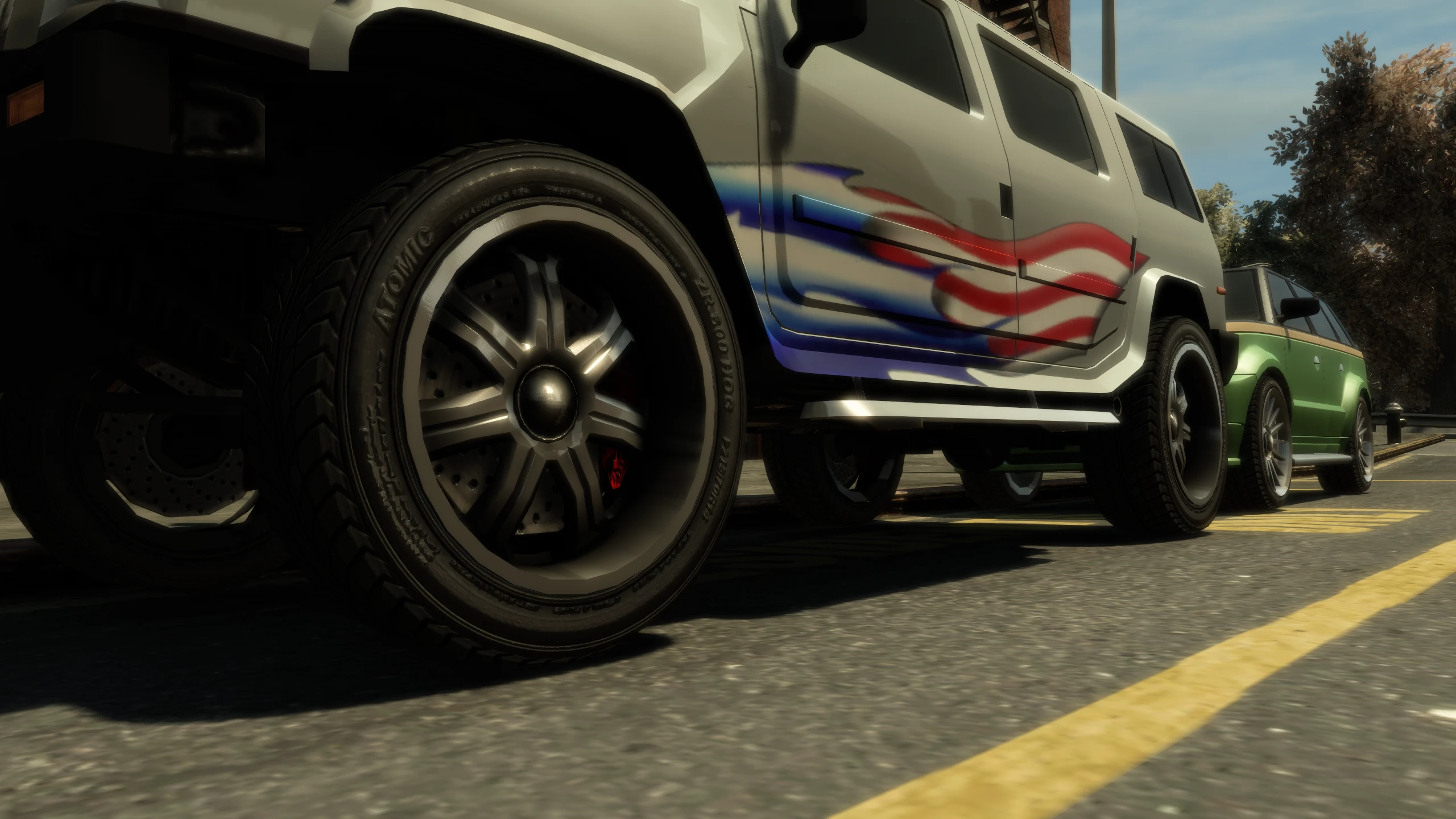
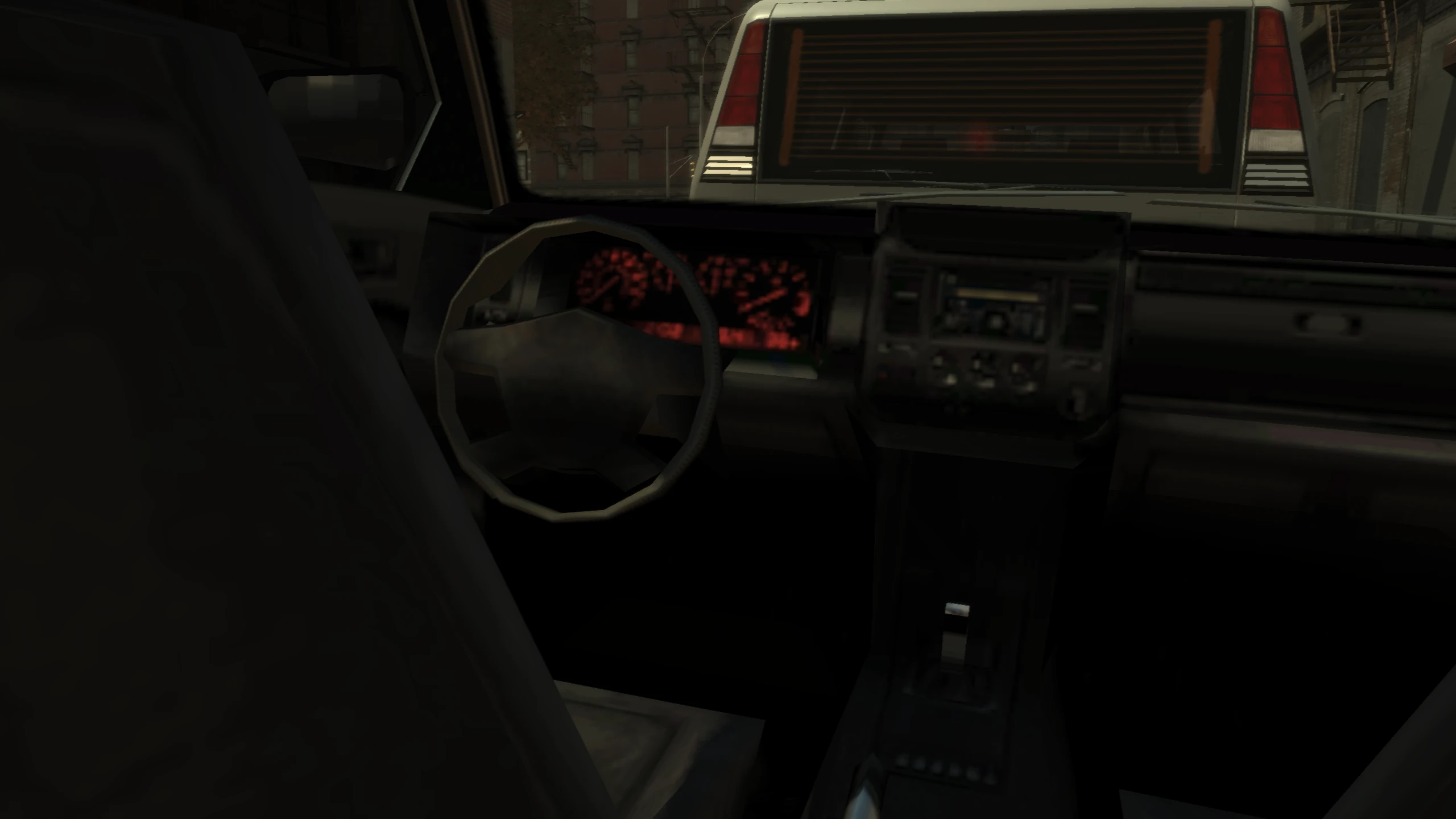
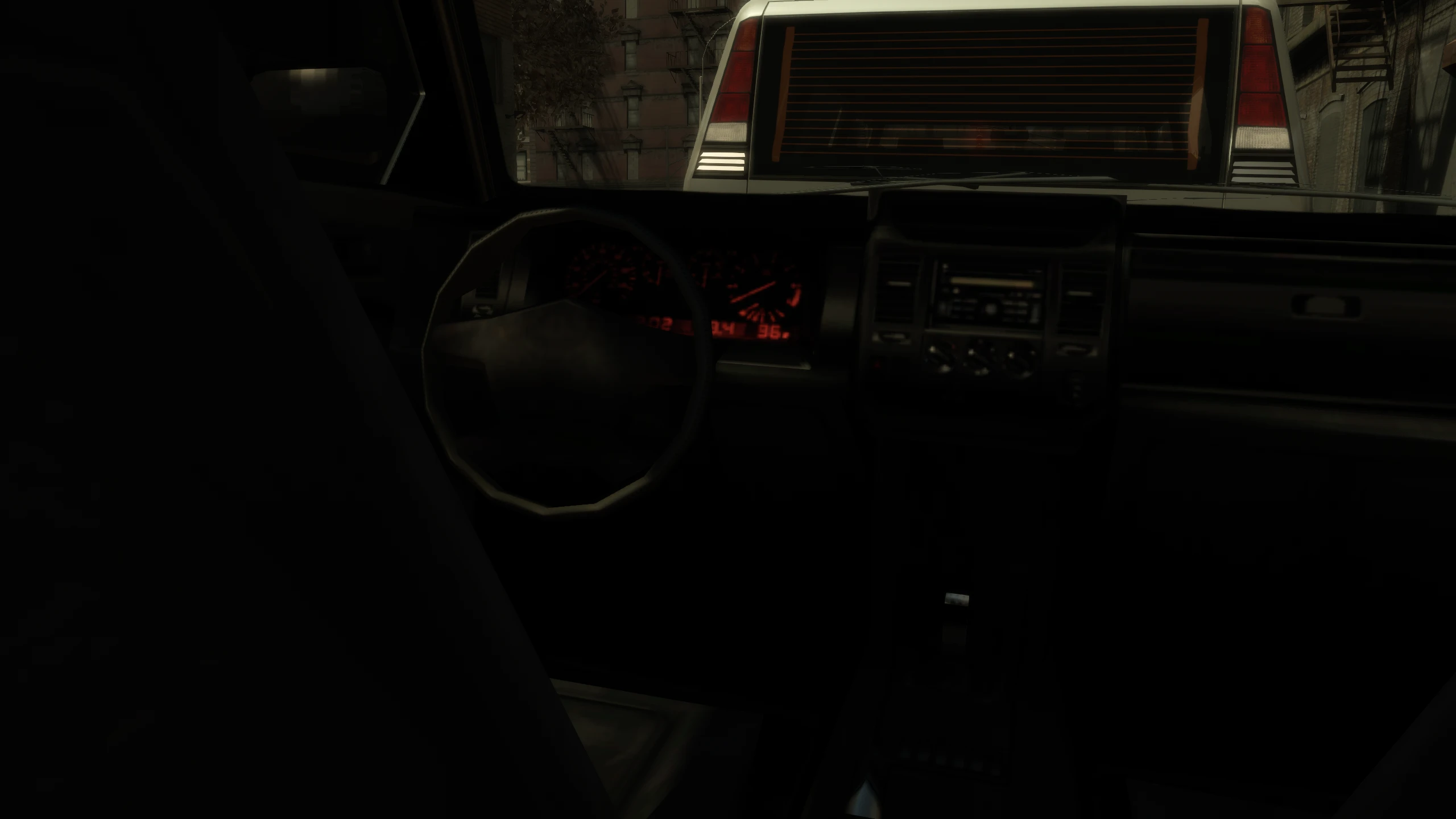
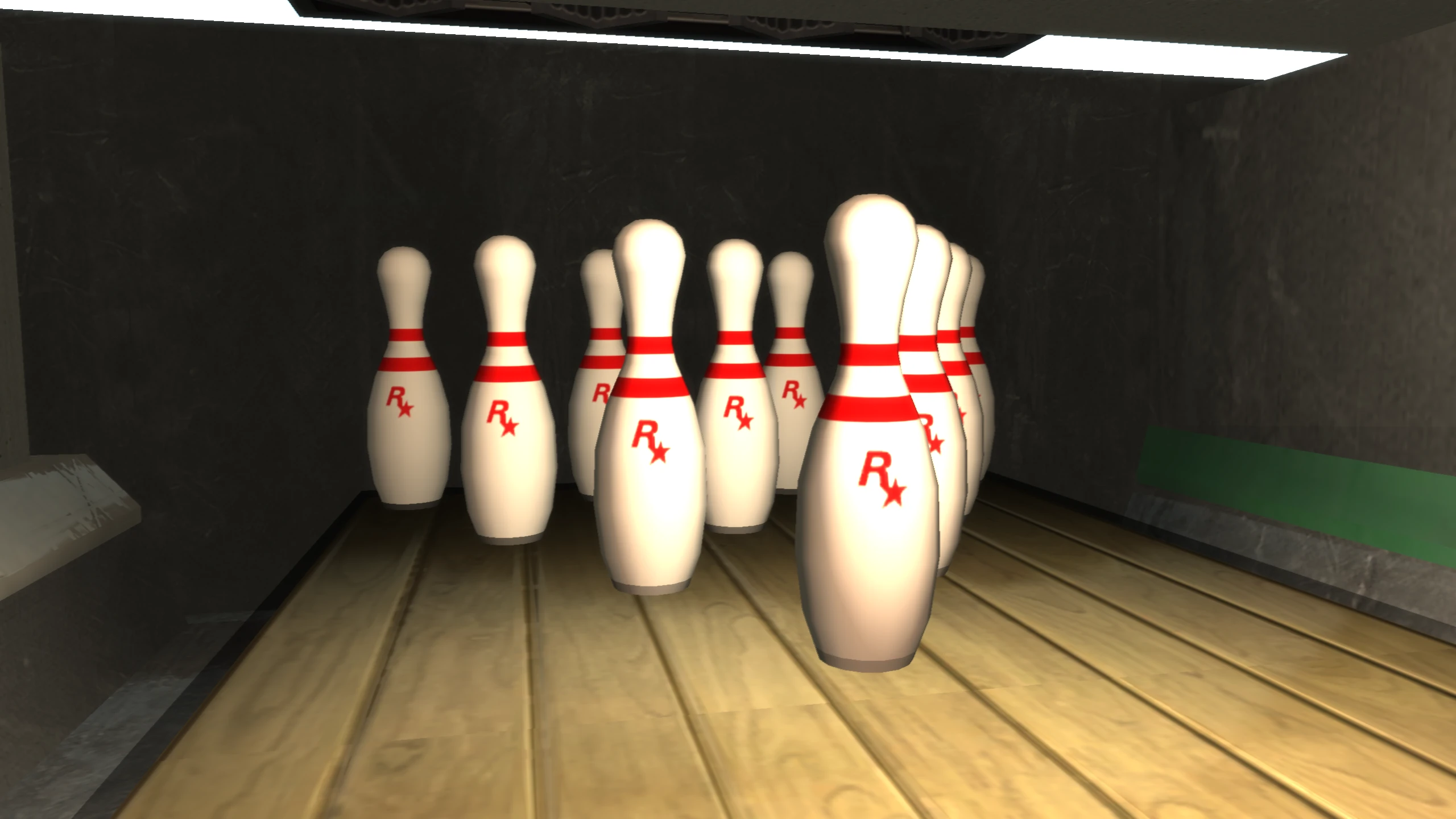
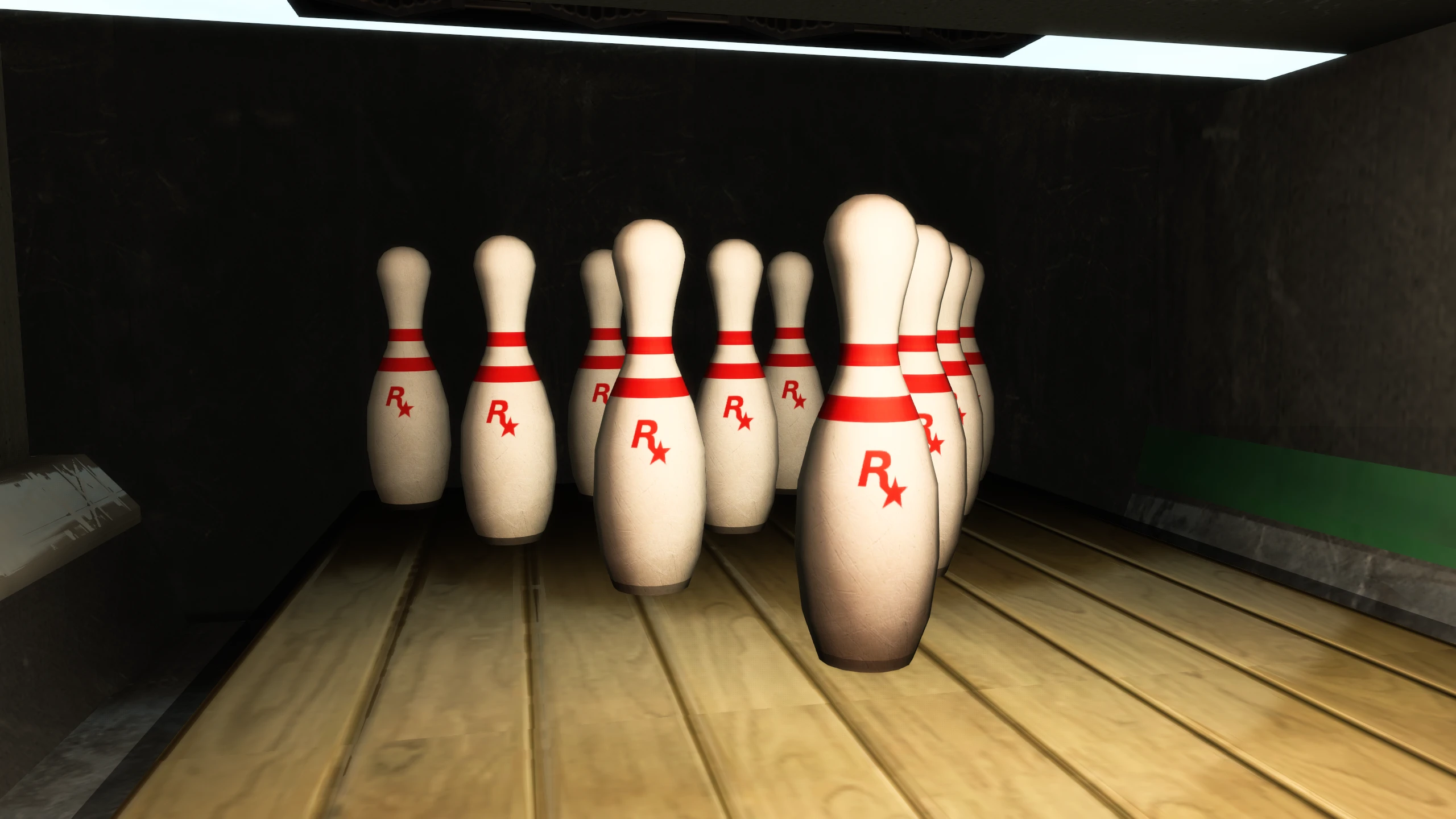
Uninstall#
If you want to uninstall the modpack, simply delete the updateand plugins folders as well as dinput8.dll, d3d9.dll and vulkan.dll.
Enjoy my work?
Gain benefits such as shout-outs at the end of videos, early access to TJGM videos, early access to TJGM mods, VIP Discord access and much more by supporting me and my work on Patreon, it's very much appreciated! ❤️
⭐ Support on Patreon